Search models, users, collections, and posts

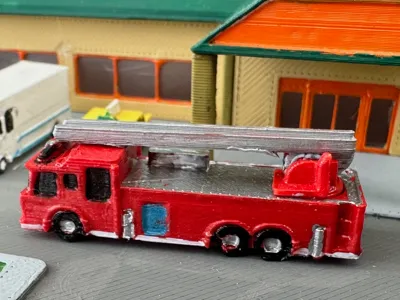
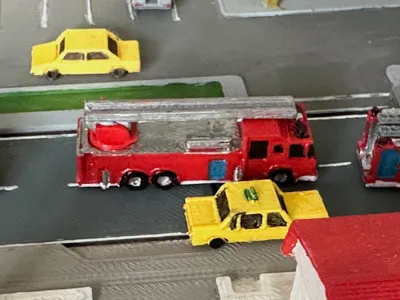
Fire engine US 6
IP Report
Print Profile(1)

0.2mm layer, 2 walls, 15% infill
Designer
4.2 h
1 plate
Open in Bambu Studio
Boost
12
29
2
5
84
14
Released
Description
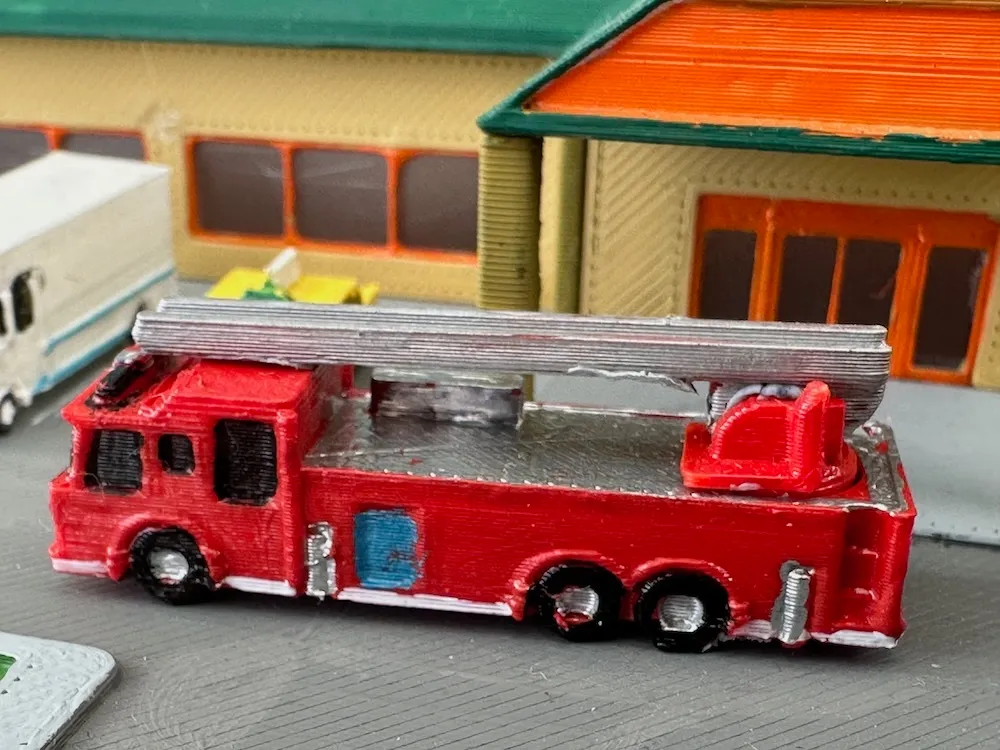
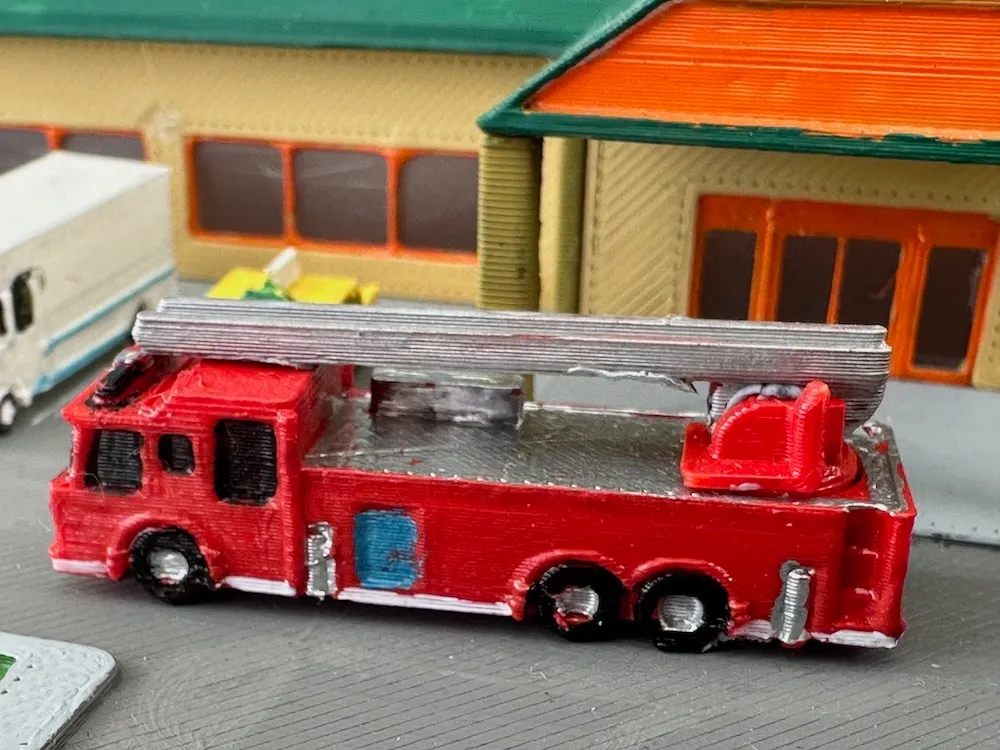
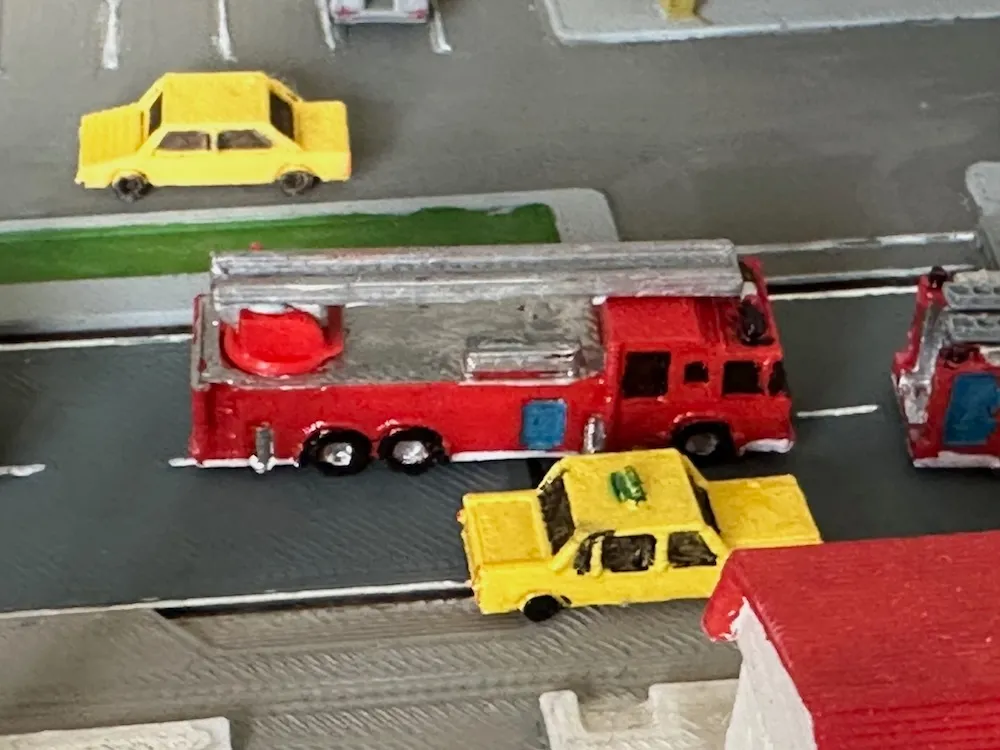
Fire engine US 6 - ladder (z-scale)
Paint to your taste and assemble as seen in the picture.
I use 3 different methods how to print and paint vehicles:
- use white (or whatever colored filament) for print - apply the basic color of choice- paint the windows with black color (I typically use acrylic markers for this, e.g. Posca or Edding)
- add the details (here I use also acrylic markers, e.g. silver (Edding is perfect) for the front
lights) - to finalize apply (glossy) clear coat
(This is my favorite method)
- add the details (here I use also acrylic markers, e.g. silver (Edding is perfect) for the front
b) - use filament of the intended color of the model
- apply (matte) clear coat (to avoid bleeding of the colors applied later)
- paint the windows with black color (I typically use acrylic markers for this, e.g. Posca or Edding)
- add the details (here I use also acrylic markers, e.g. silver (Edding is perfect) for the front
lights) - to finalize apply (glossy) clear coat
(This method is quicker, but the color options are not so numerous)
c) - use transparent filament
- apply (matte) clear coat (to avoid bleeding of the colors applied later)
- protect window areas with liquid mask, e.g. from Vallejo, before applying the further paint
- scratch off the liquid mask after the paint has dried
- add the details (here I use also acrylic markers, e.g. silver (Edding is perfect) for the front
lights) - to finalize apply (glossy) clear coat
(This method gives the „most realistic“ result, but the after scratching quite a lot of detailed
License

This user content is licensed under a
Creative Commons Public Domain


Comment & Rating (2)