
FlexStar

Print Profile(1)

Description
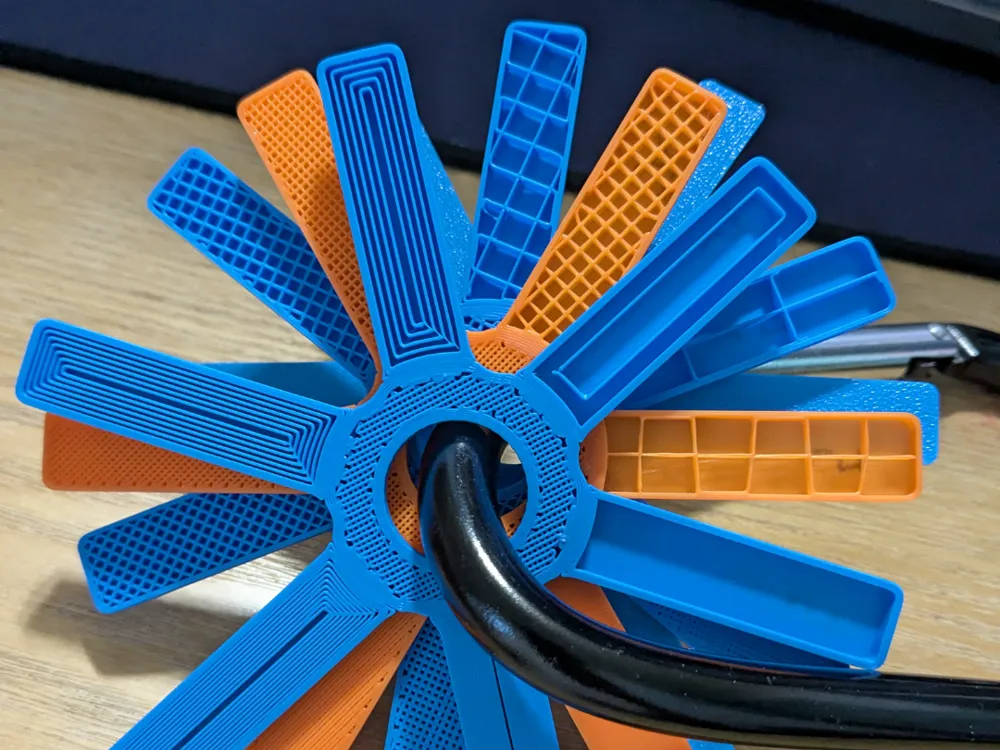
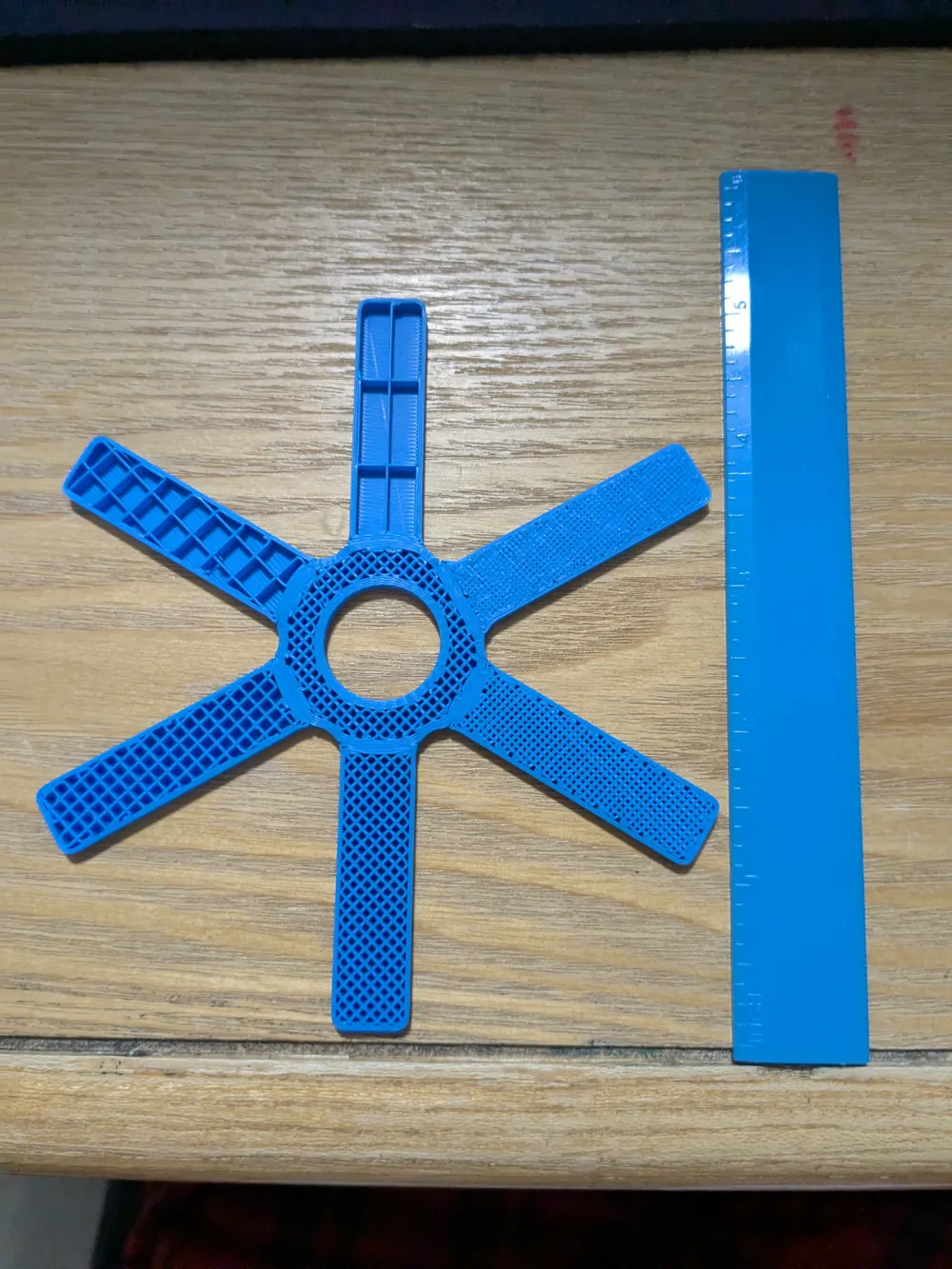
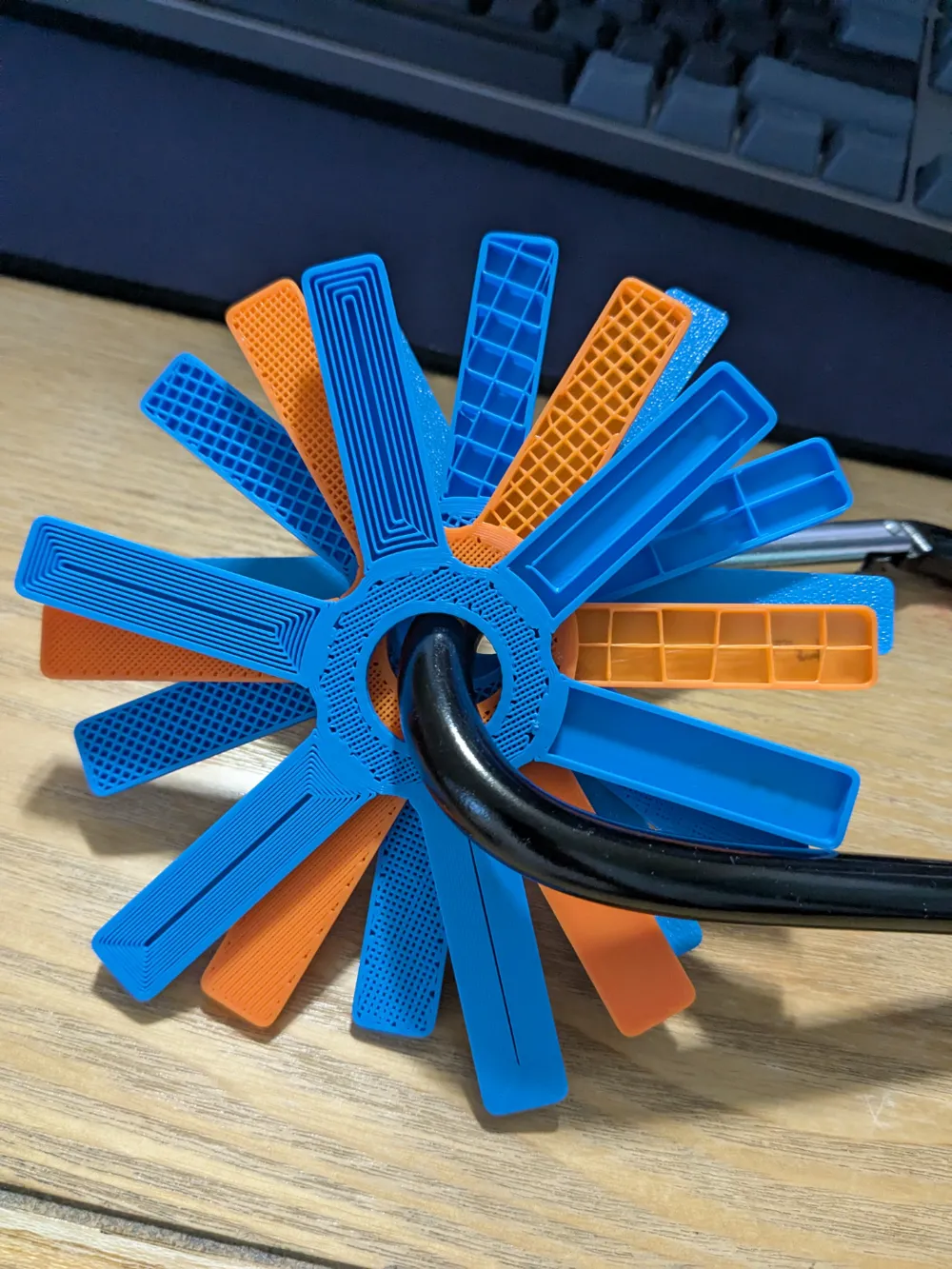
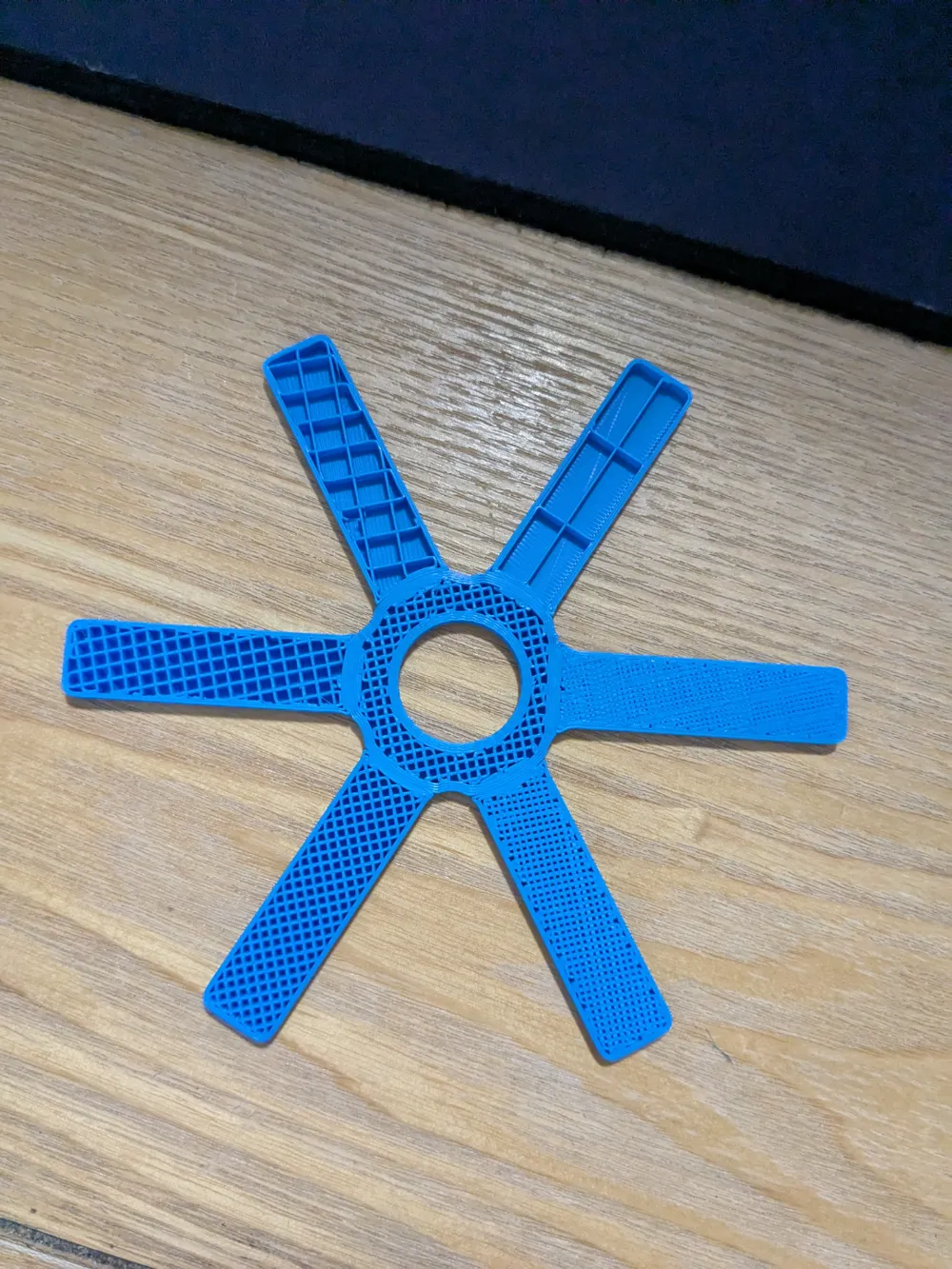
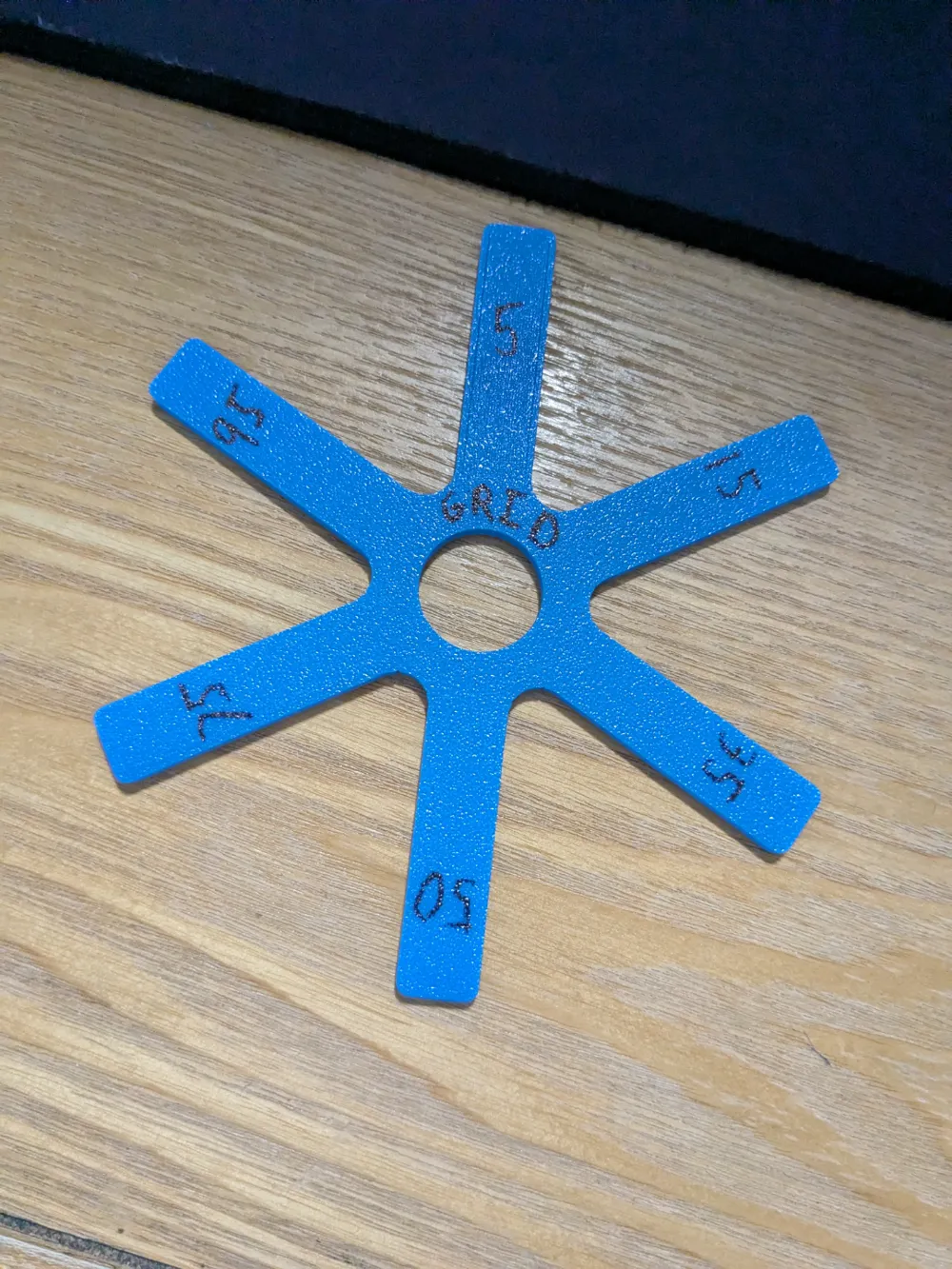
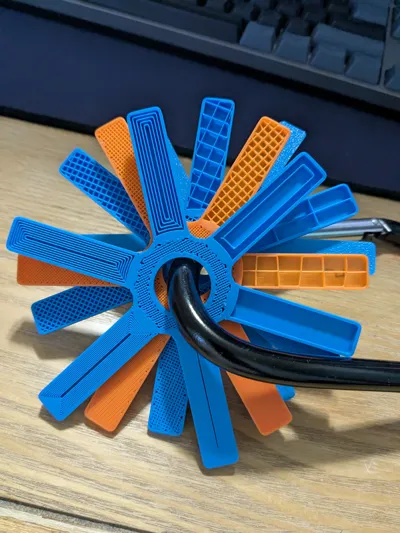
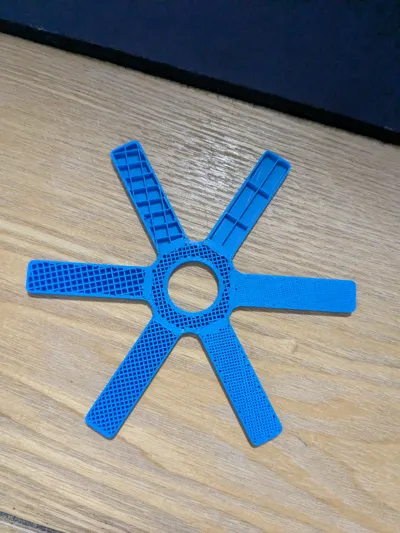
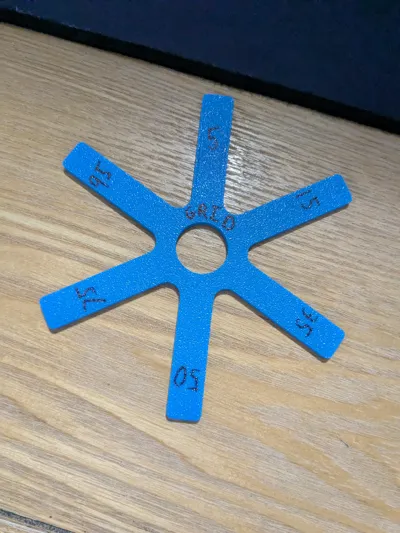
Star shaped infill visualizer and flexibility tester.
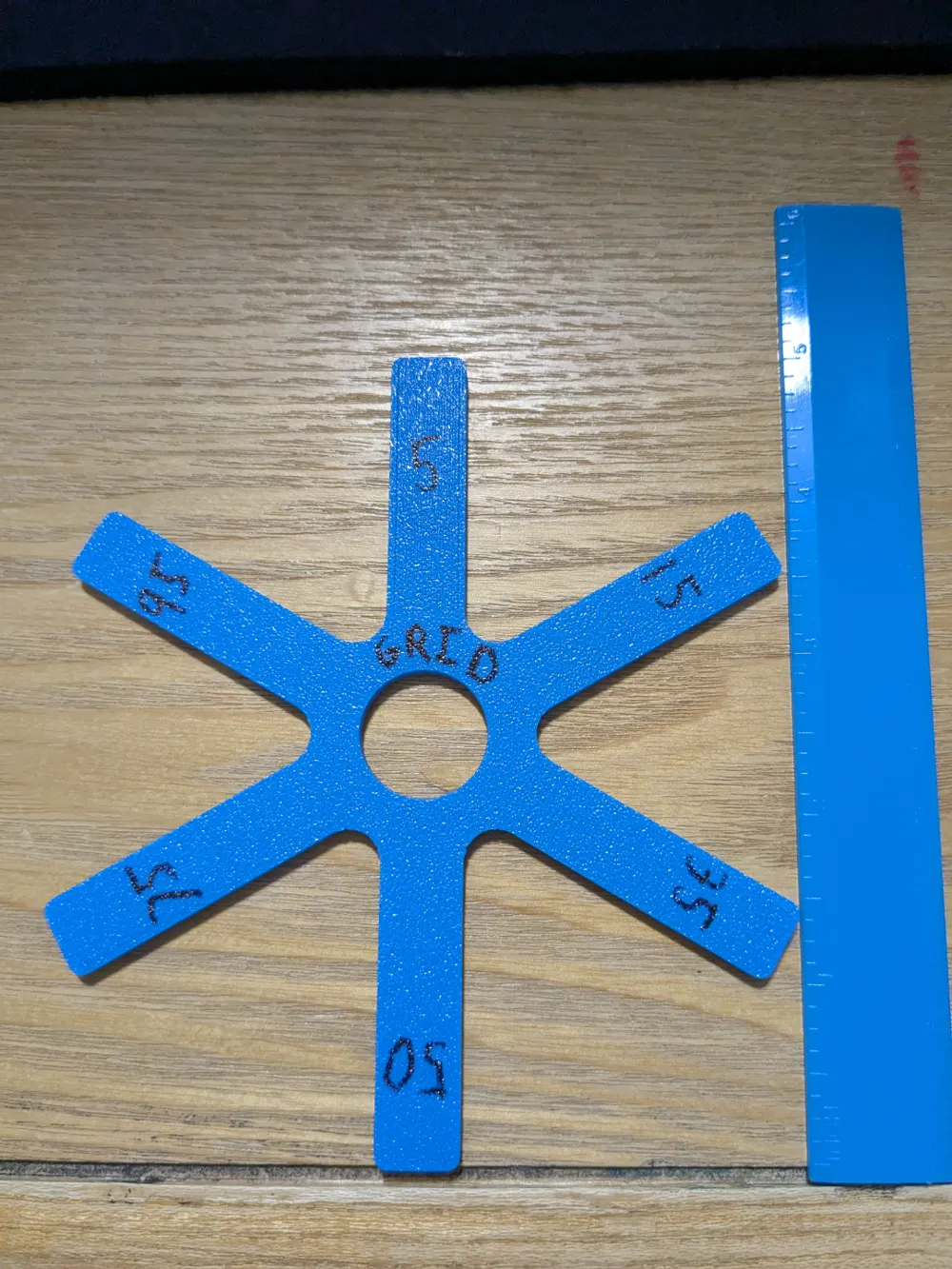
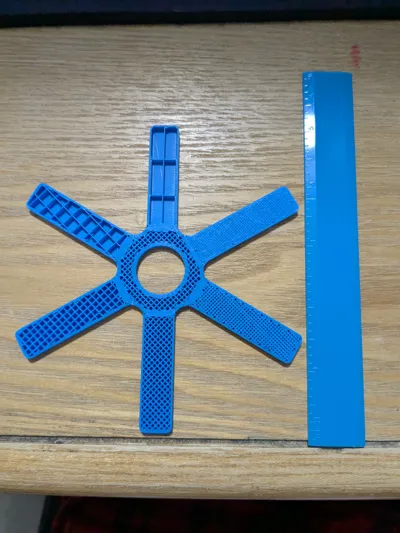
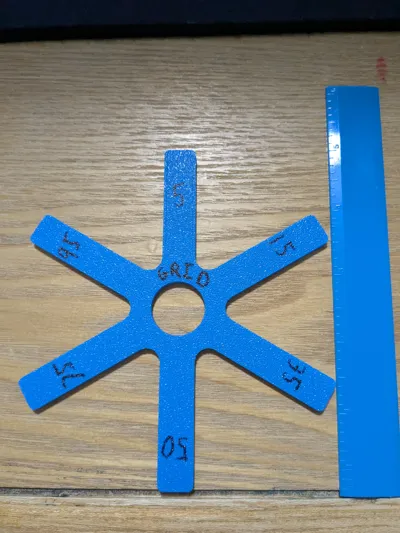
Approximately -- 5in diameter total, 1.8in spokes, .8in through hole.
Infills % – 5%, 15%, 35%, 50%, 75%, 95%
Careful when bending 5% and 15% they are the most likely to break.
Be advised all infill are not made the same. Many different setting can effect what it all turns out to be.
This is just changing 4 basic settings everything else is untouched
-Bottom shell Layer to 2
-Spares infill Density
-Spares infill Pattern
-infill direction to 90 degrees for 5% spoke just because the pattern would not take well at 45 degree.
To change the infill types go to the objects and manually change the cubes infill setting. The cylinder i would recommend keeping grid to hold it all together.
I wanted to make a ruler with gradient infill percentages going sideways but that would require a lot of work in the slicer and it starts to run very slow with 100 different objects. This was the next best thing.
License


Comment & Rating (0)