
NFC-Tags

Print Profile(7)


Bill of Materials




Description
NFC-Tags
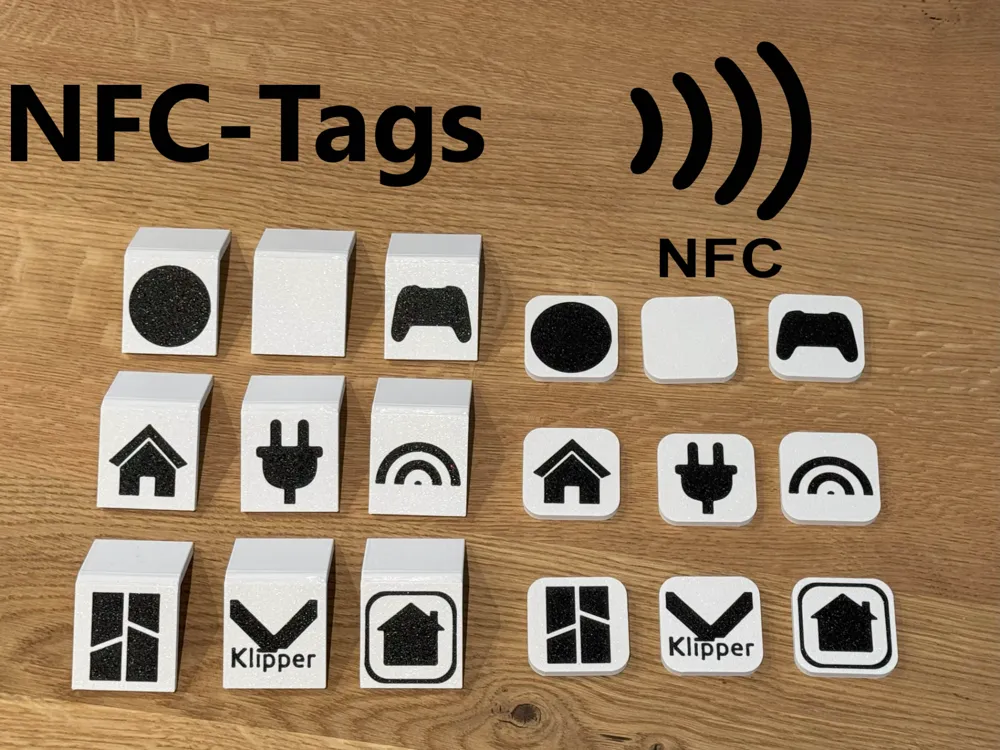
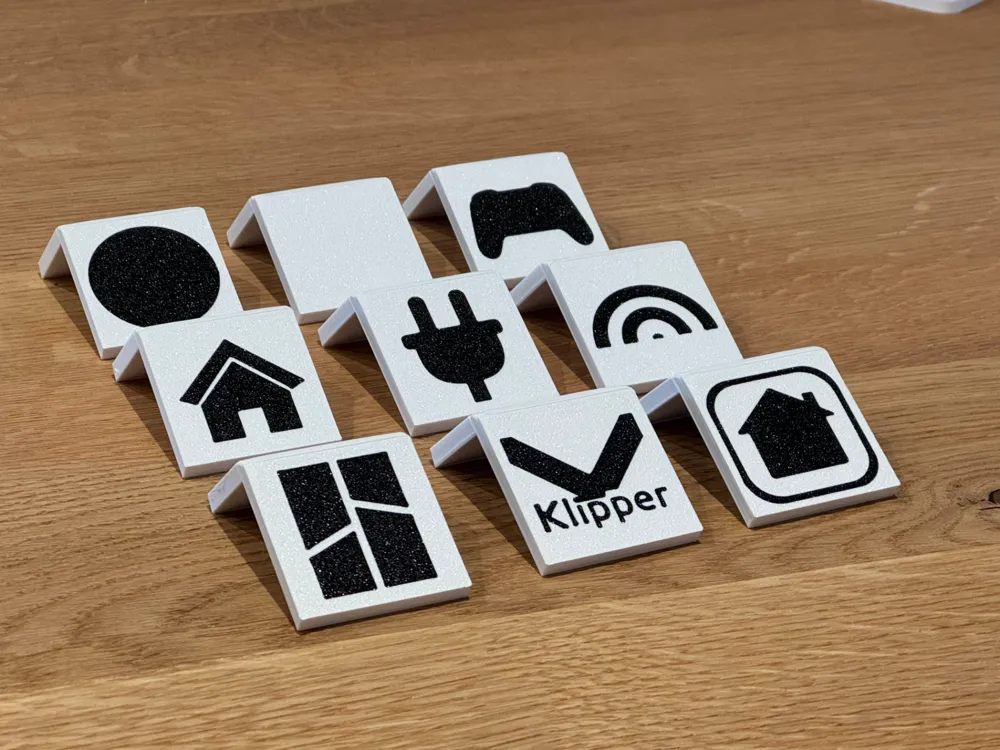
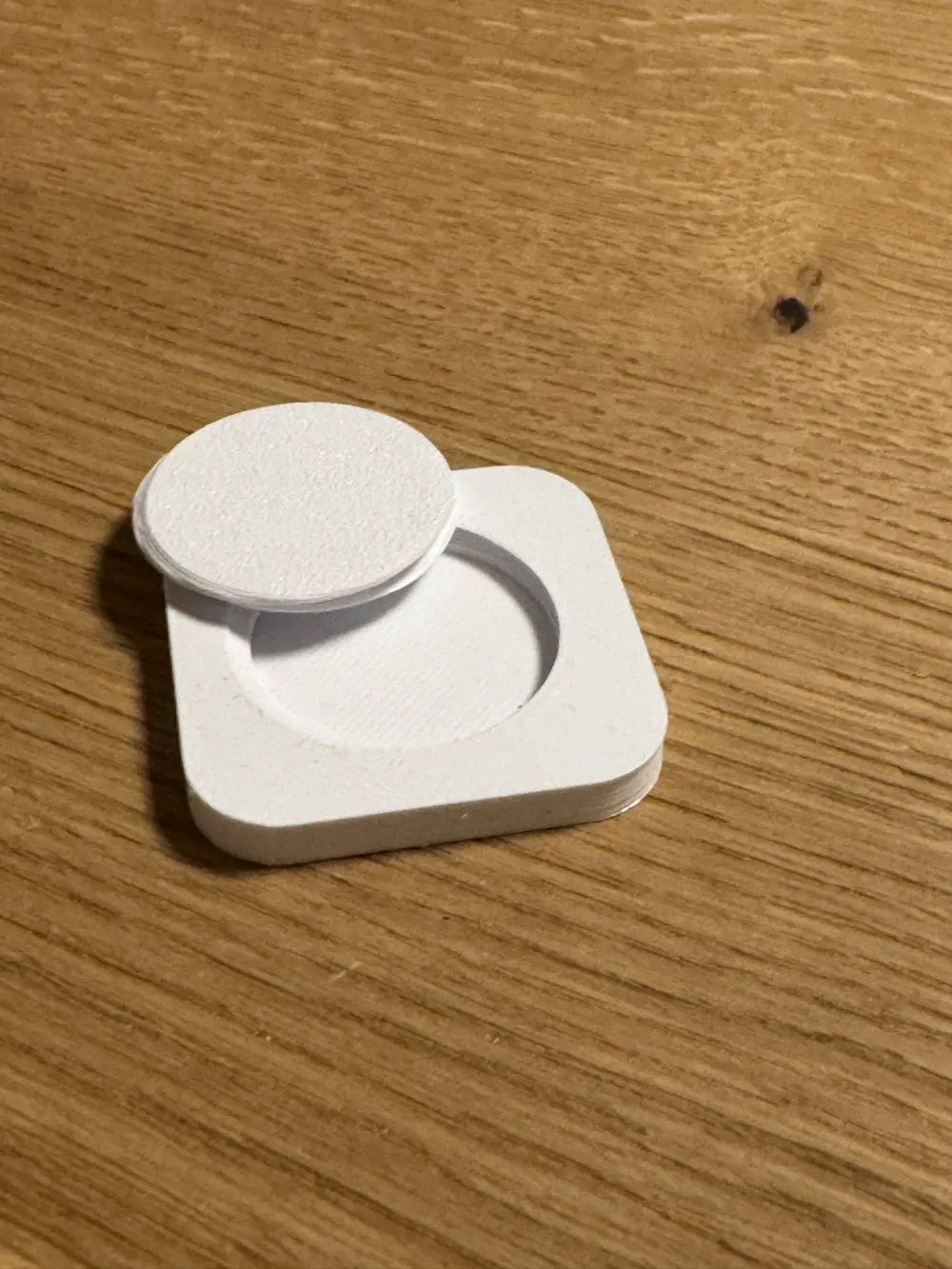
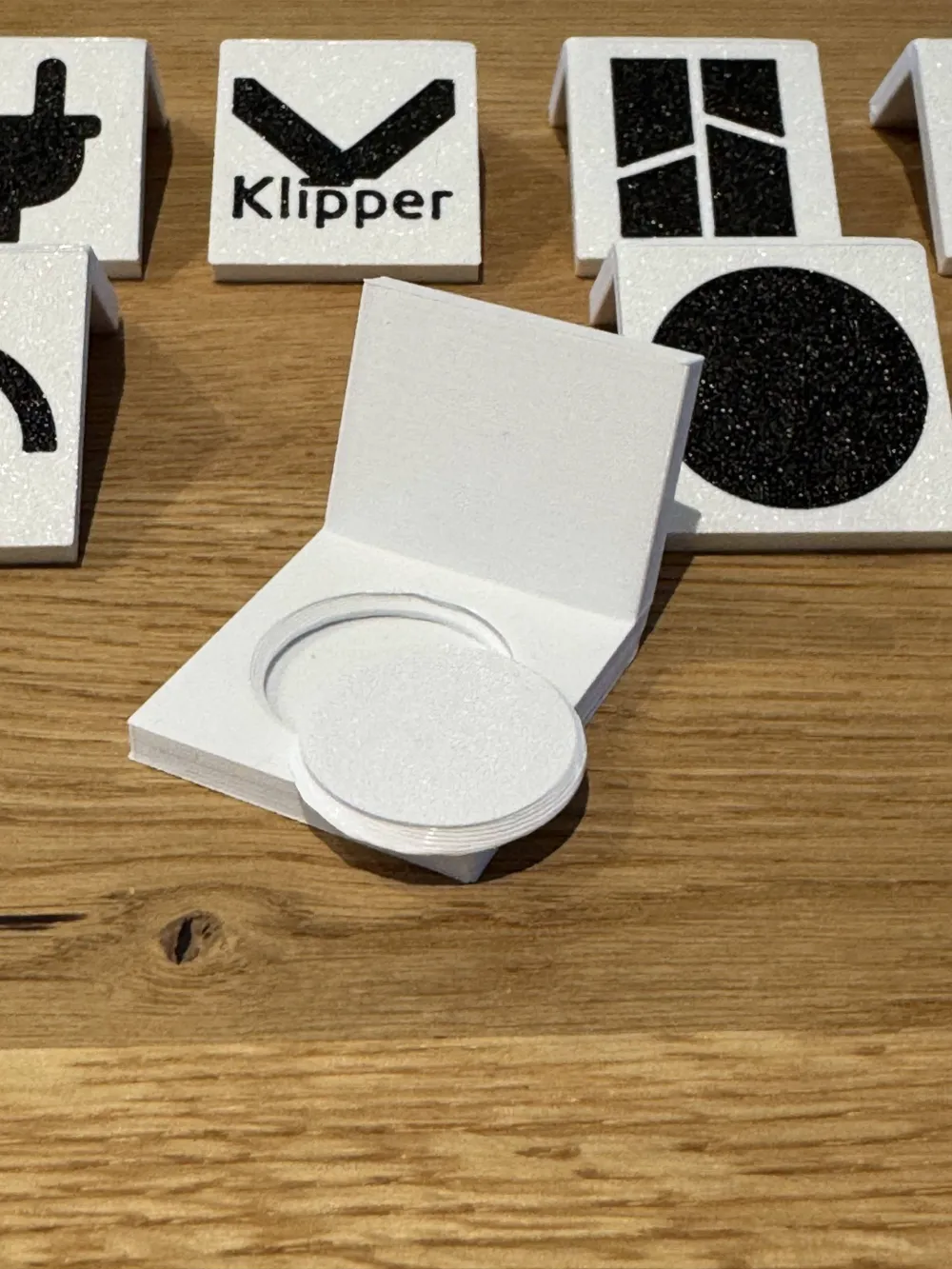
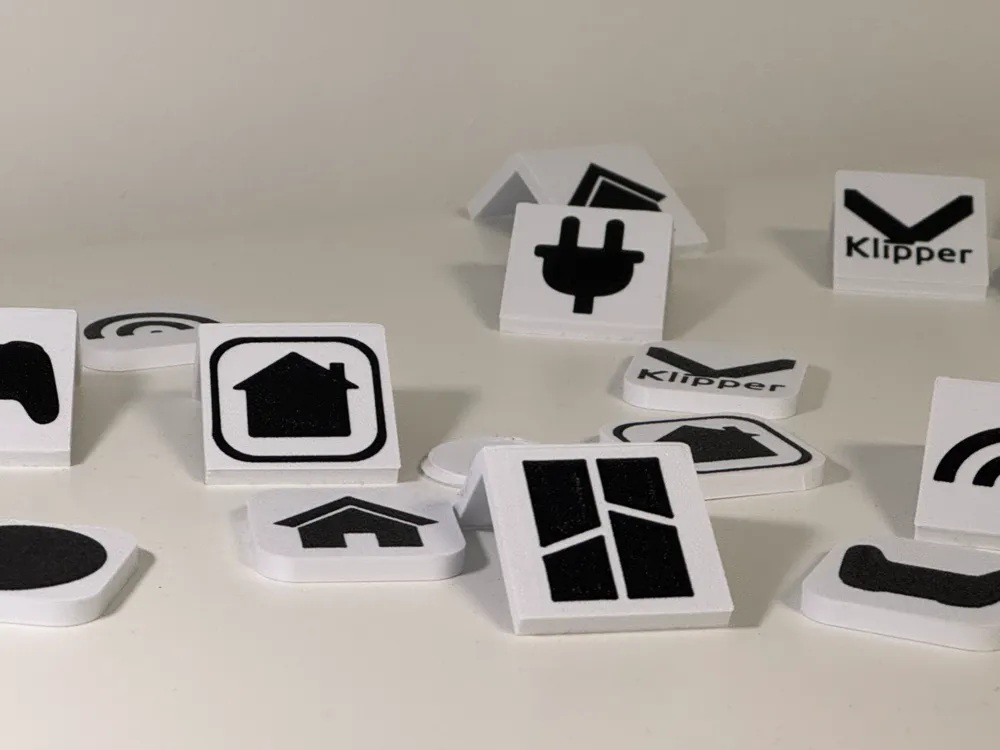
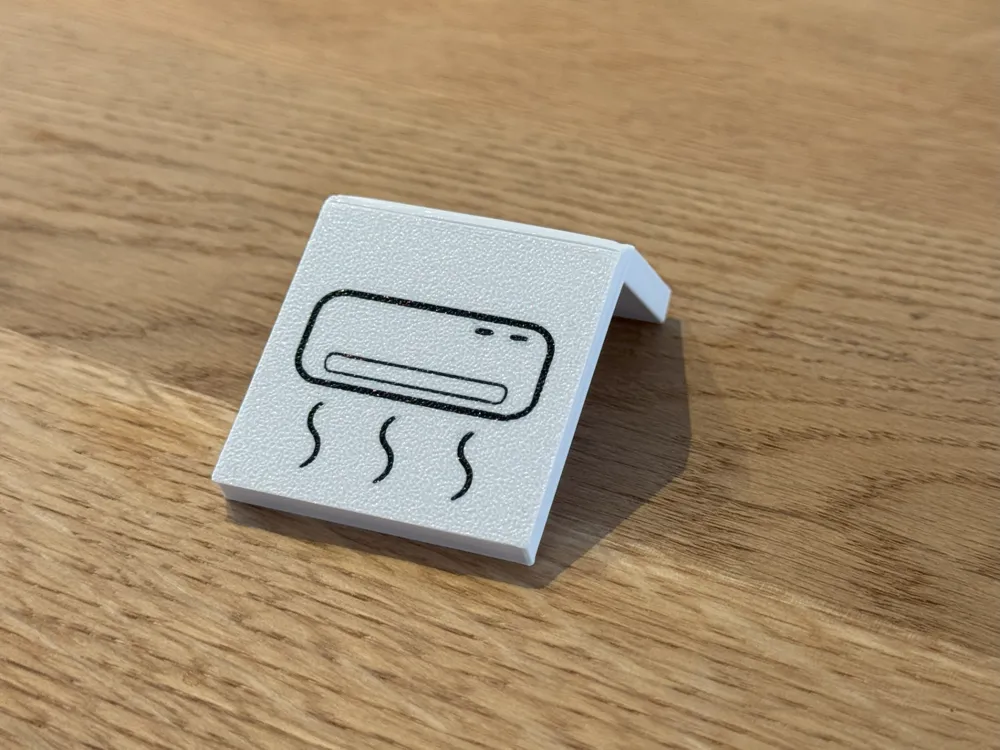
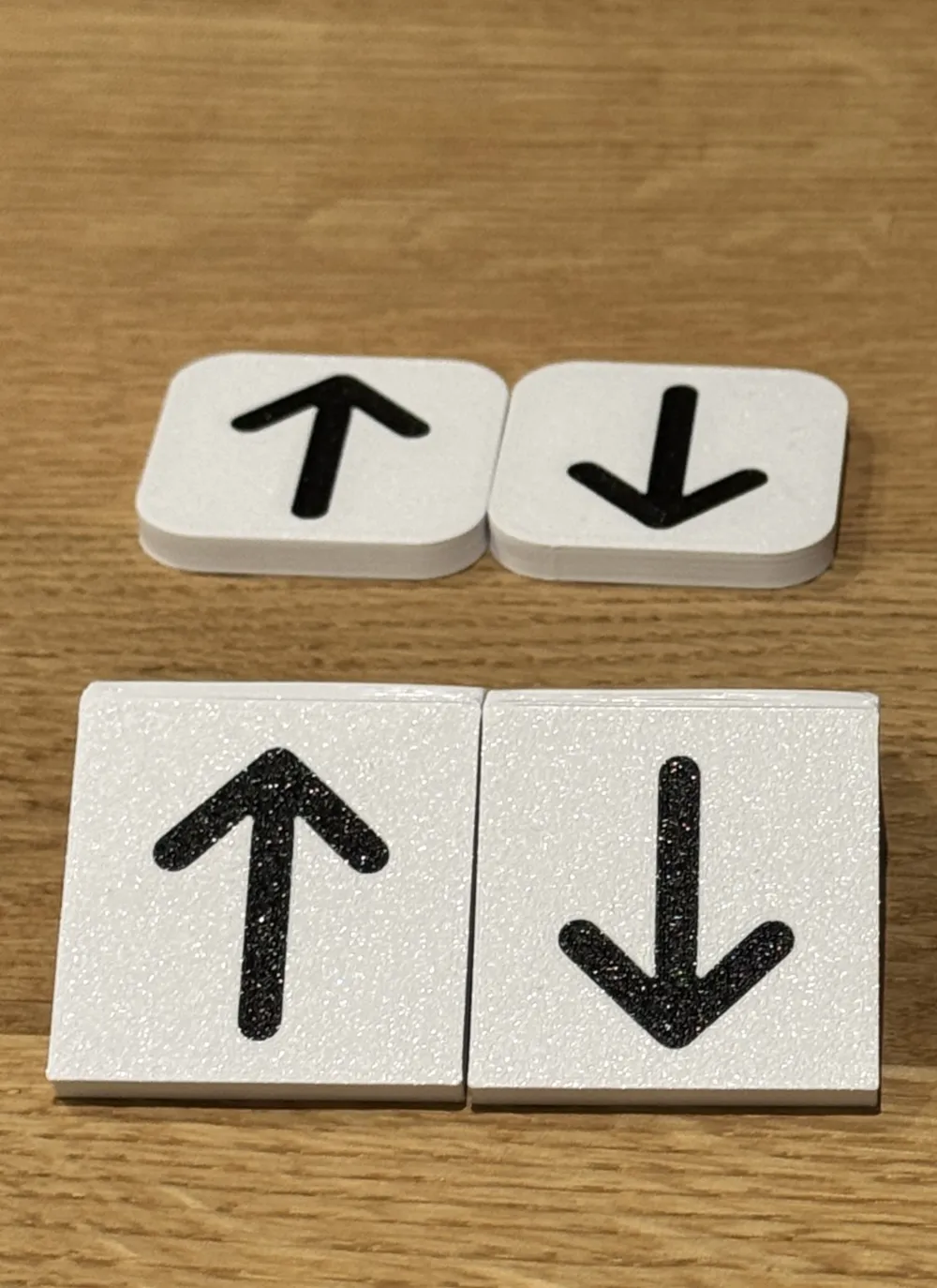
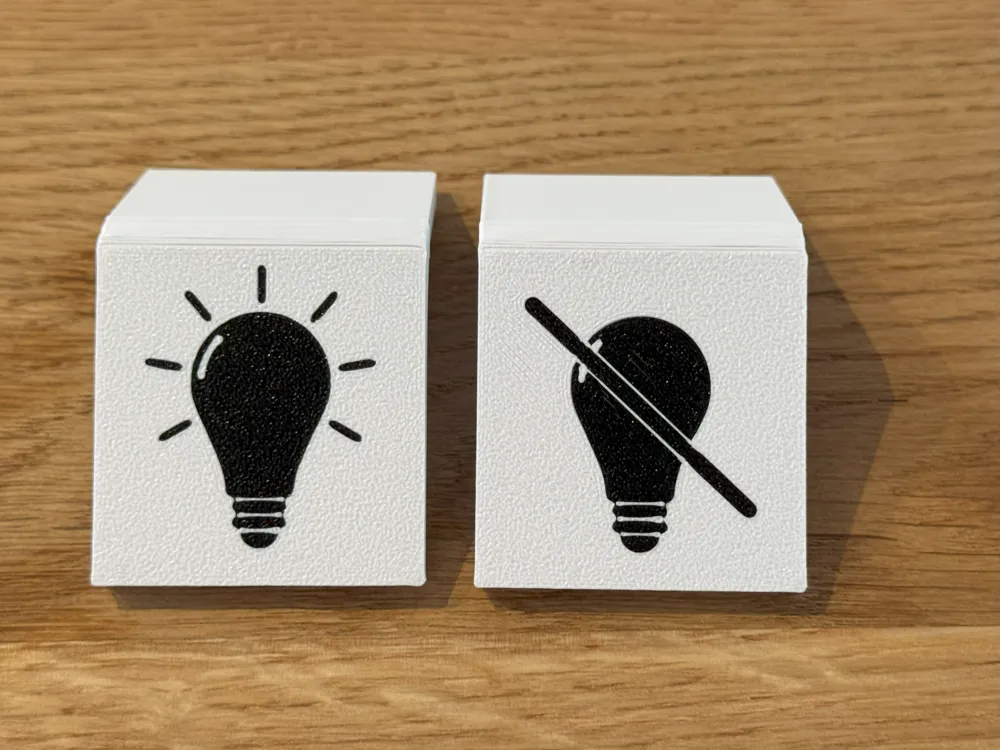
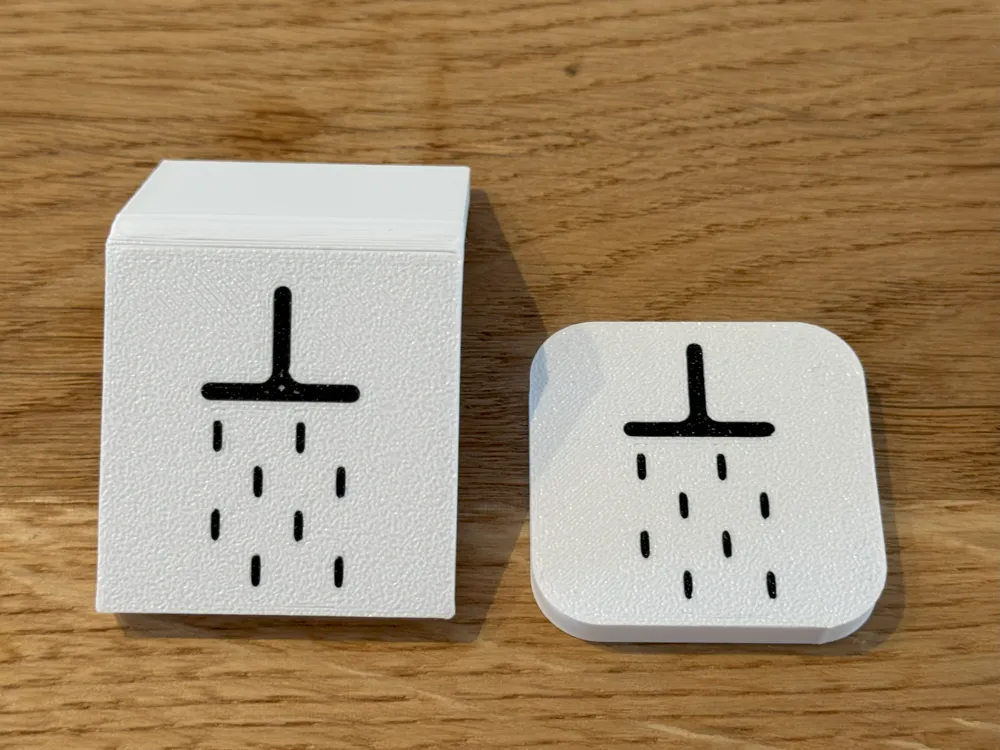
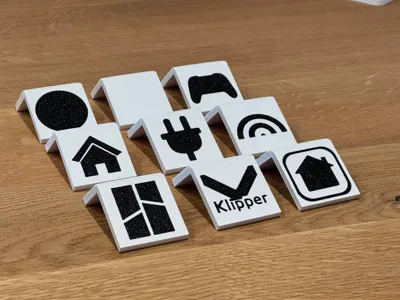
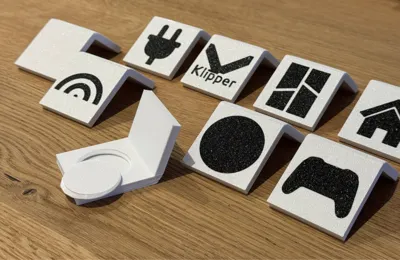
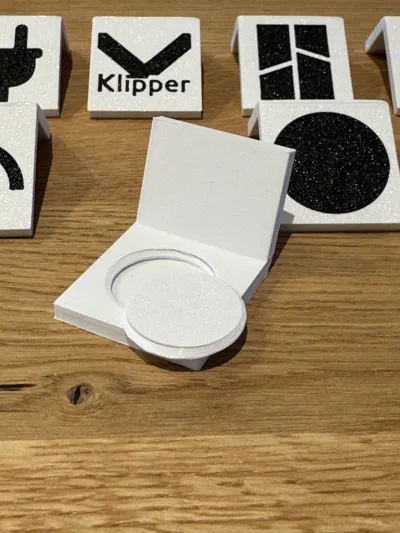
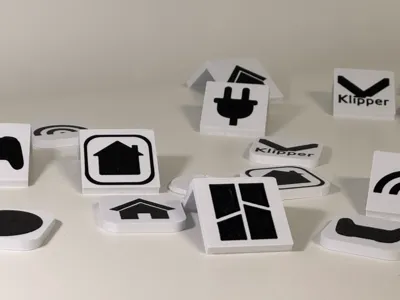
I designed covers for NFC-Tags featuring various logos and variants.
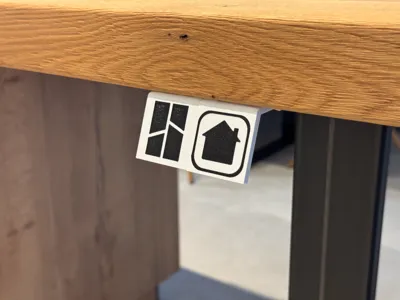
Variants:
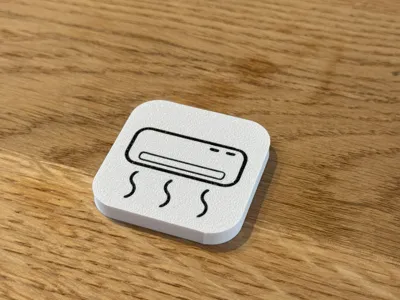
- Coaster
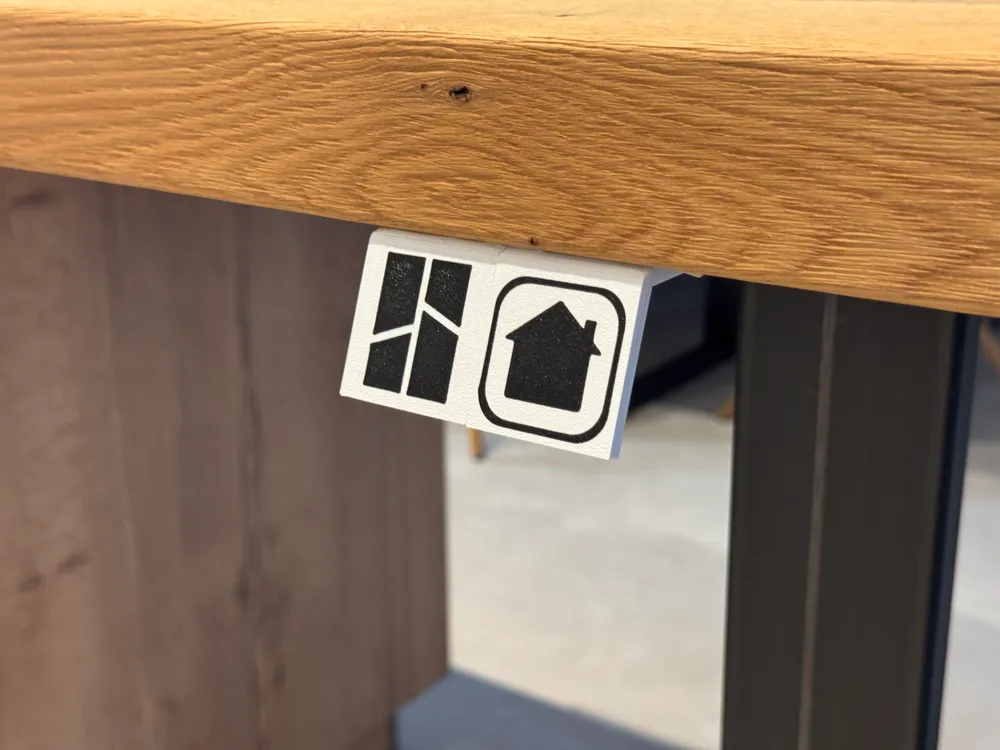
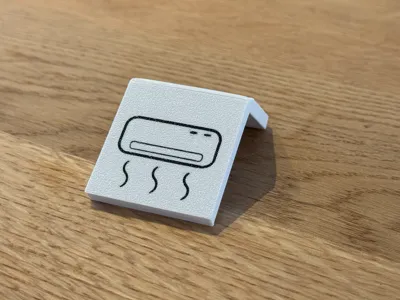
- Under-desk (requires double-sided tape)
Logos:
- No logo
- BambuLab logo
- Klipper logo
- Socket
- Apple HomeKit logo
- House
- Black disc
- Controller
- Wi-Fi
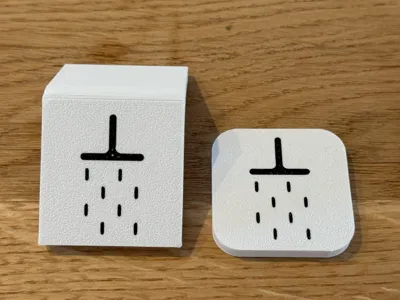
- Showerhead
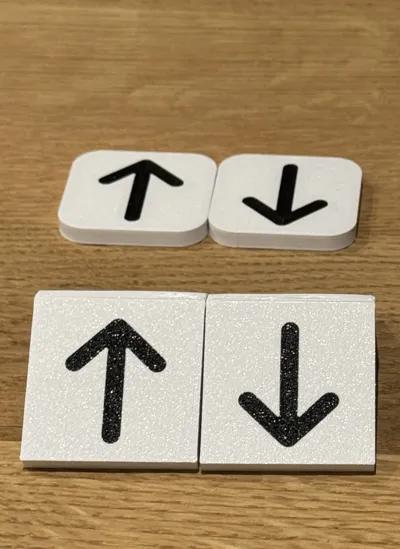
- Arrows
- Apple Music logo
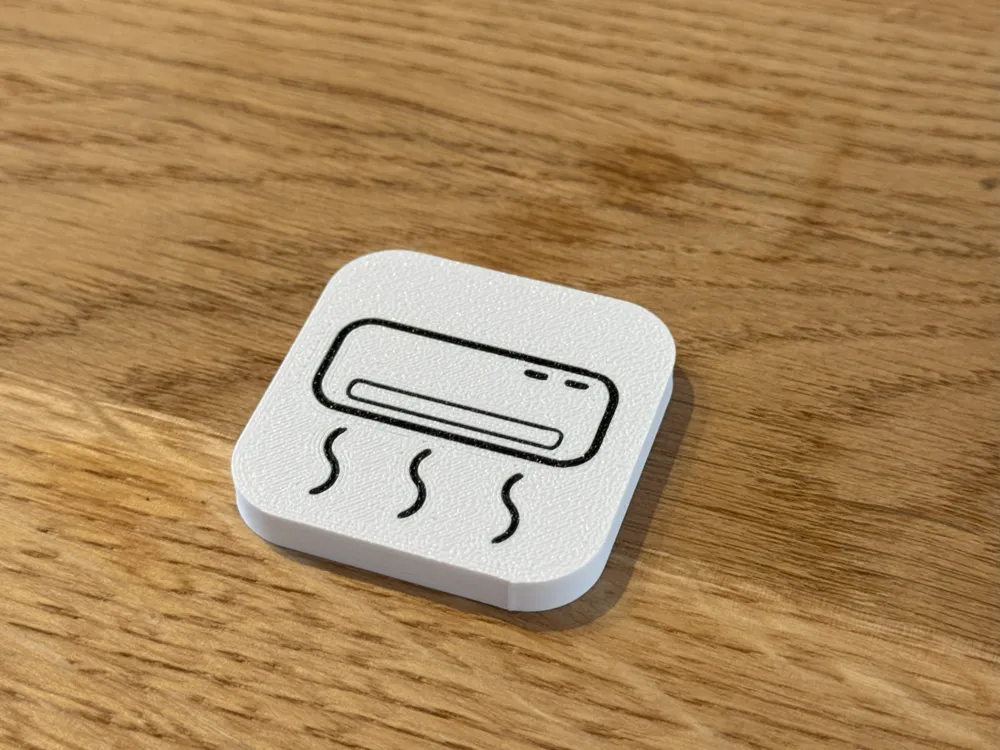
- A/C
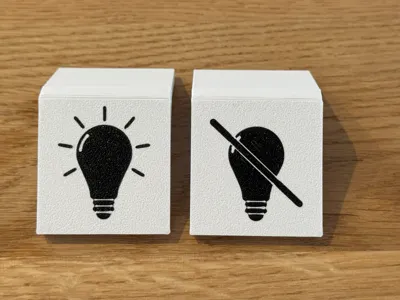
- Lightbulb
If you can't find the perfect logo for your needs, feel free to reach out to me and I will see what I can do!
Assembly Instructions
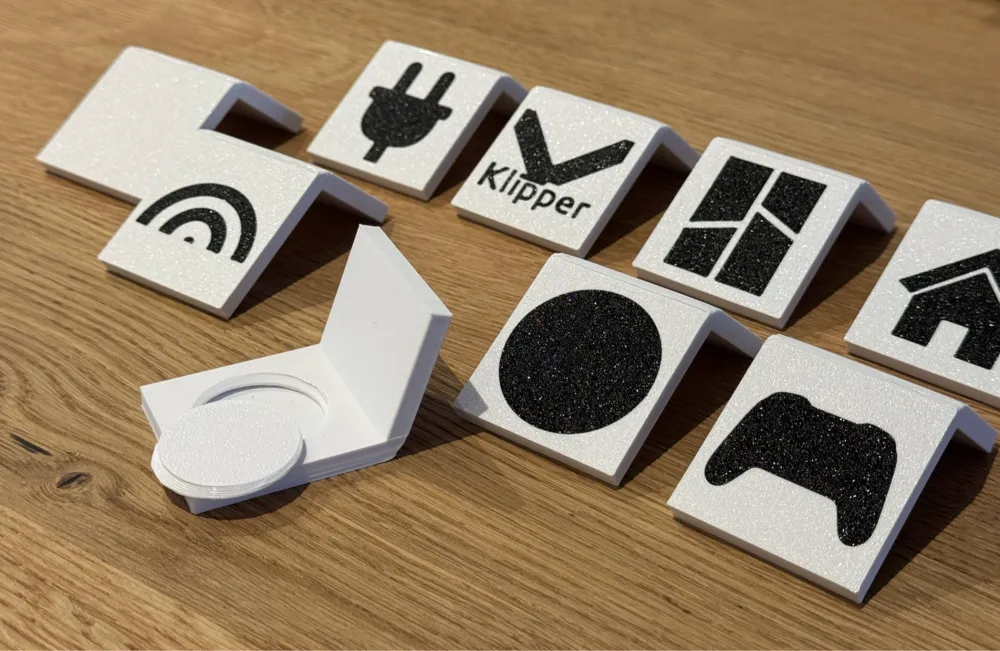
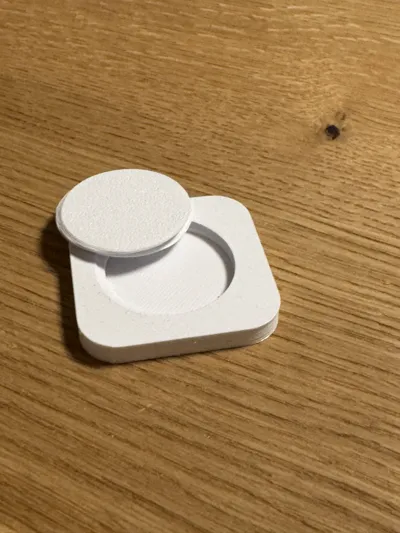
For non-sticky NFC-Tags:
- Print the NFC cover.
- Place the tag inside the cover.
- Screw in the screw.
For sticky NFC-Tags:
- Print the NFC cover.
- Stick the tag onto the screw.
- Screw in the screw.
Sticking the NFC-Tag to the screw ensures that you can easily swap out the logo whenever you want!
How do I program an NFC-Tag?
Programming an NFC-Tag is easy! There are many great websites that explain the capabilities of NFC-Tags and how to program them on your device.
For example:
https://blockard.com/nfc/
Boost Me (for free)
I would appreciate a boost if you like my work!
License

You shall not share, sub-license, sell, rent, host, transfer, or distribute in any way the digital or 3D printed versions of this object, nor any other derivative work of this object in its digital or physical format (including - but not limited to - remixes of this object, and hosting on other digital platforms). The objects may not be used without permission in any way whatsoever in which you charge money, or collect fees.


Comment & Rating (80)