
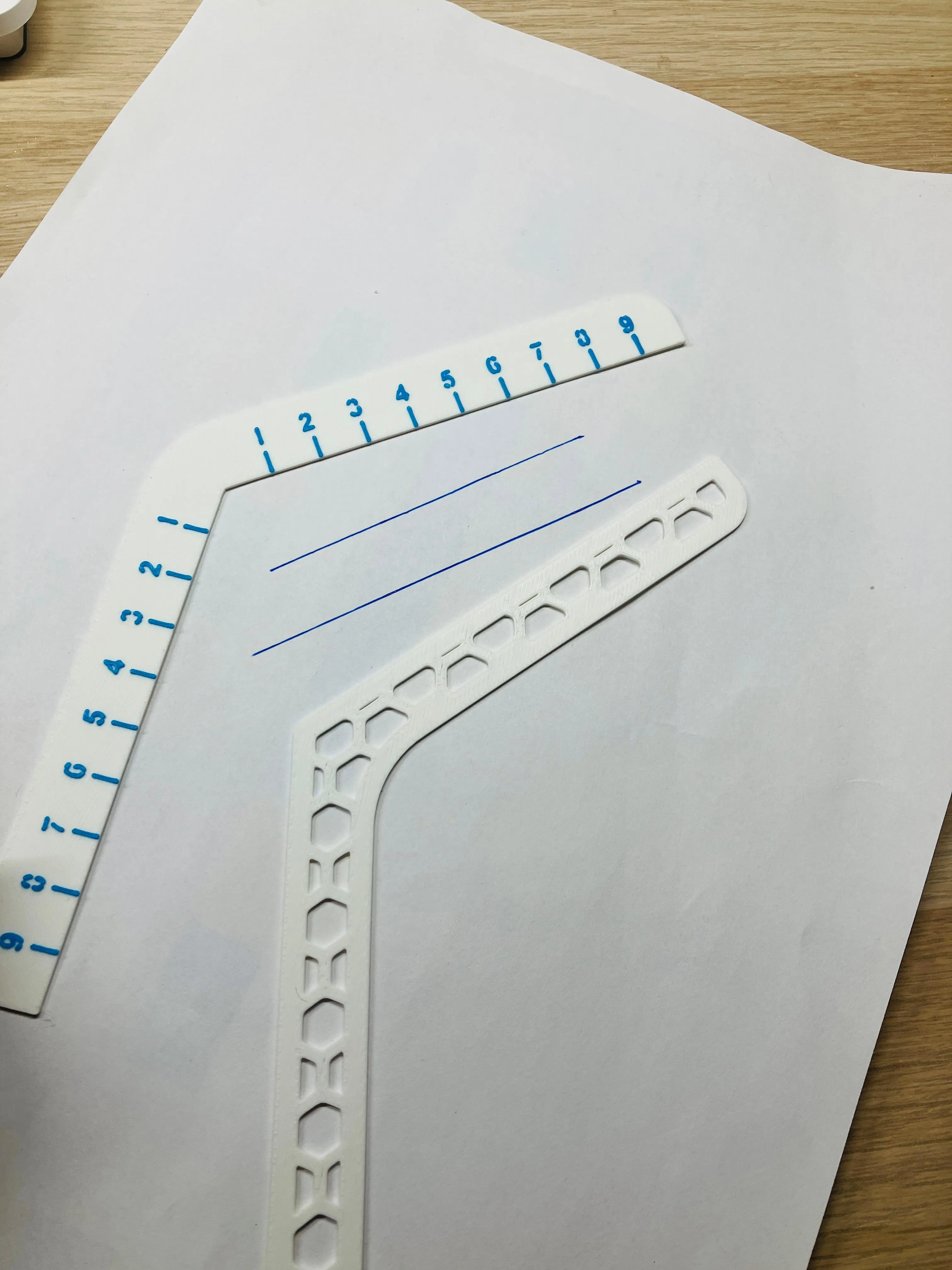
School tool for drawing parallel lines
Print Profile(1)

Description
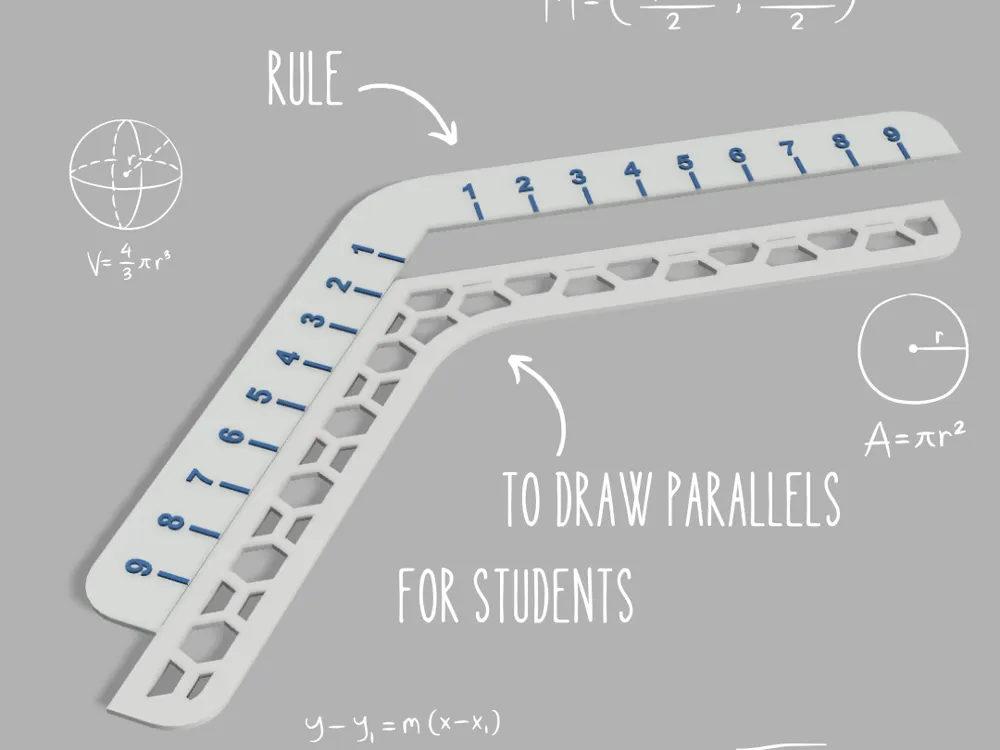
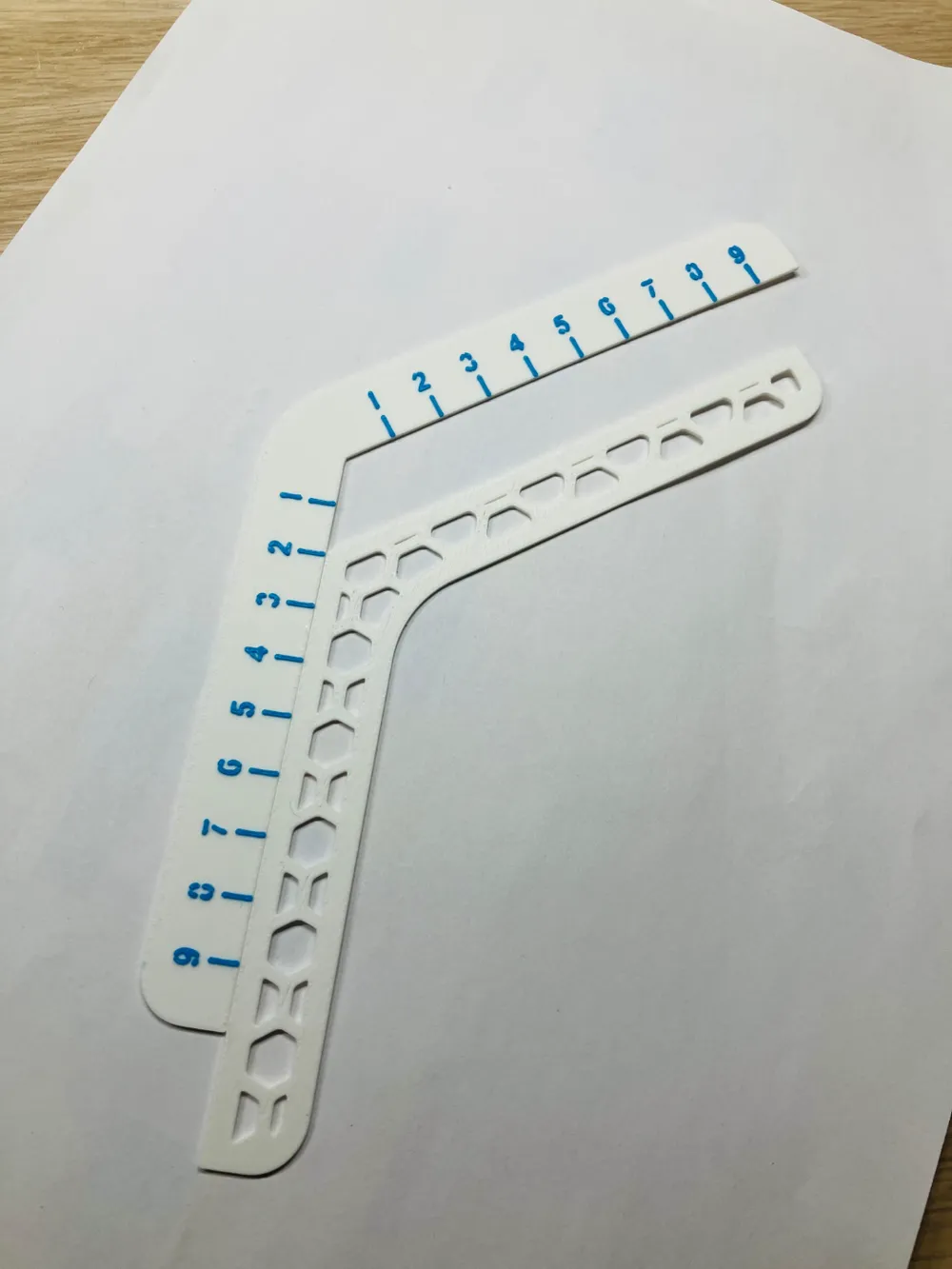
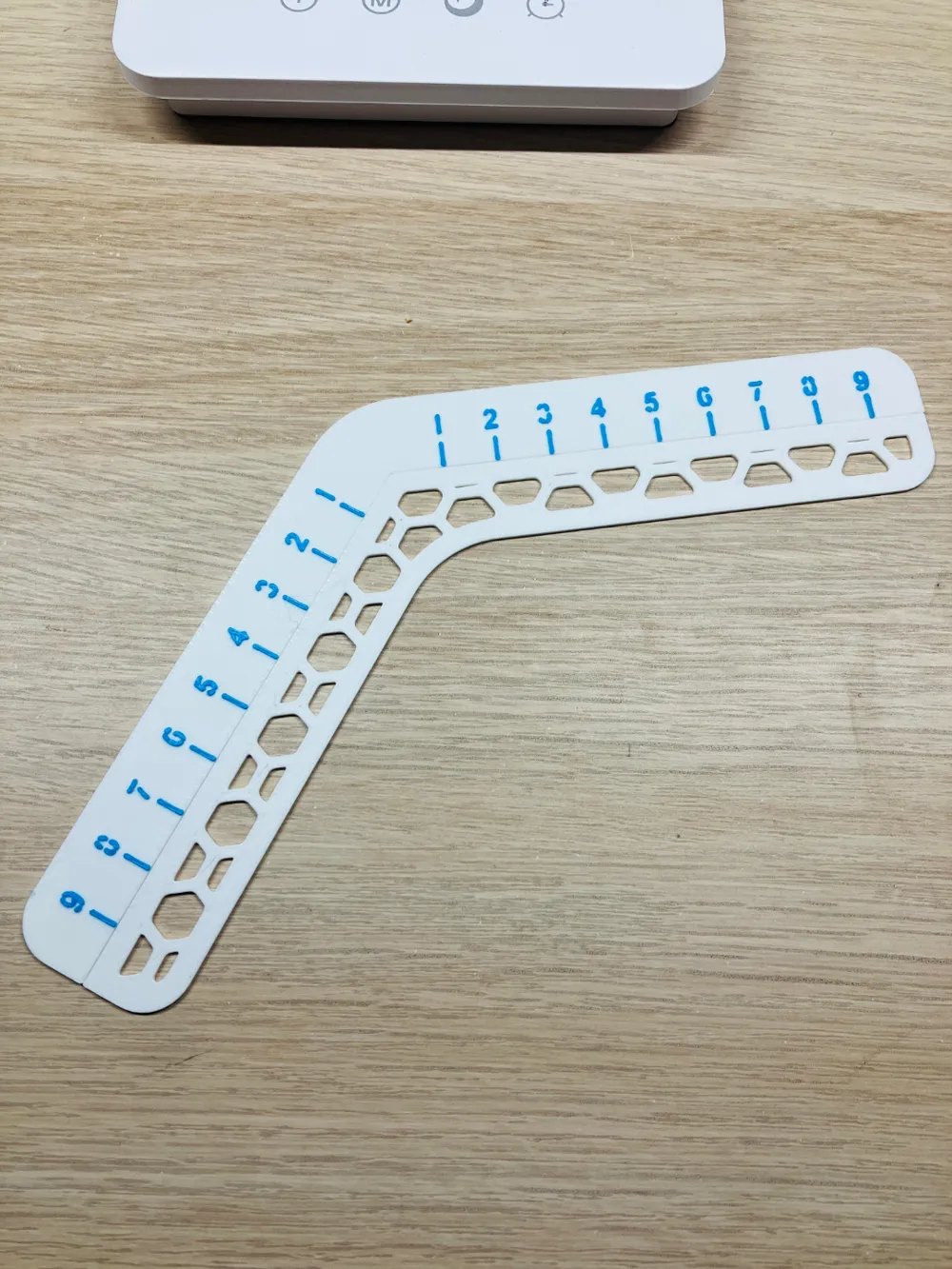
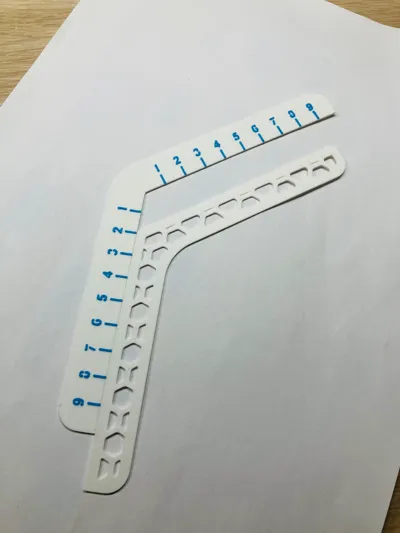
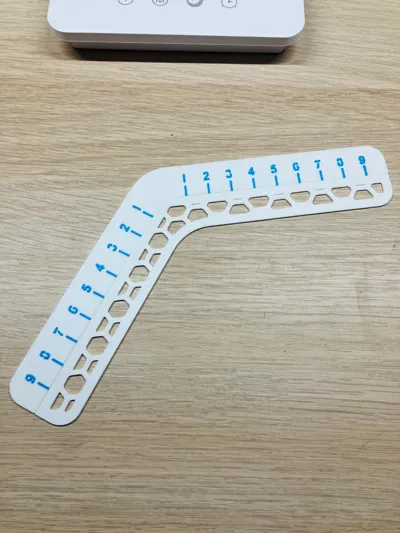
This compact tool allows you to draw parallel lines very quickly. Farewell to the old ruler/set square/ruler method, where you have to start all over again if you move a little.
This precise tool also allows you to measure distances with its 10cm graduation.
Print without AMS.
Here's how to use it:
1. Slide the left-hand parts so that you have the desired distance between the two parallels.
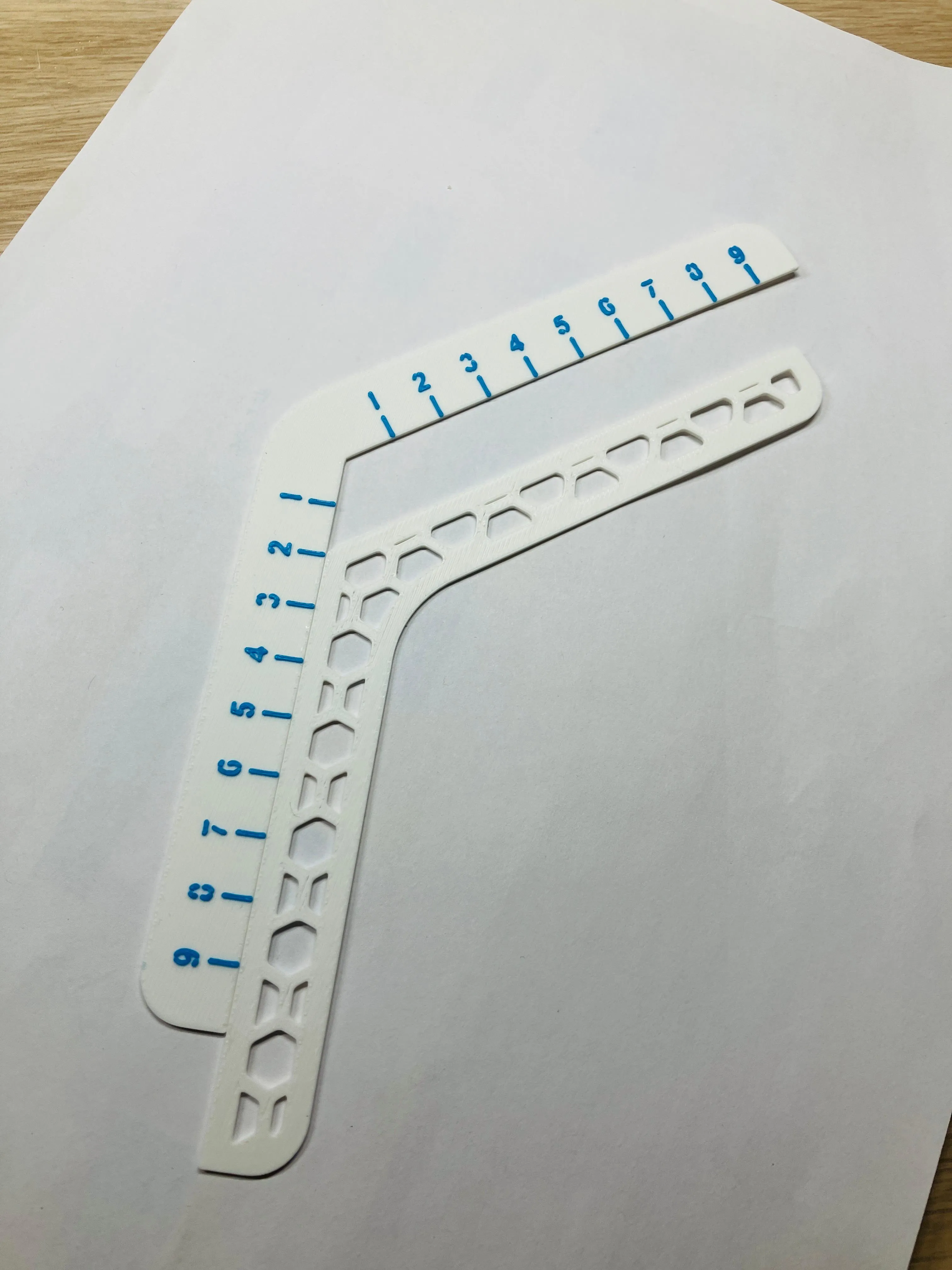
2. Draw the parallel lines.
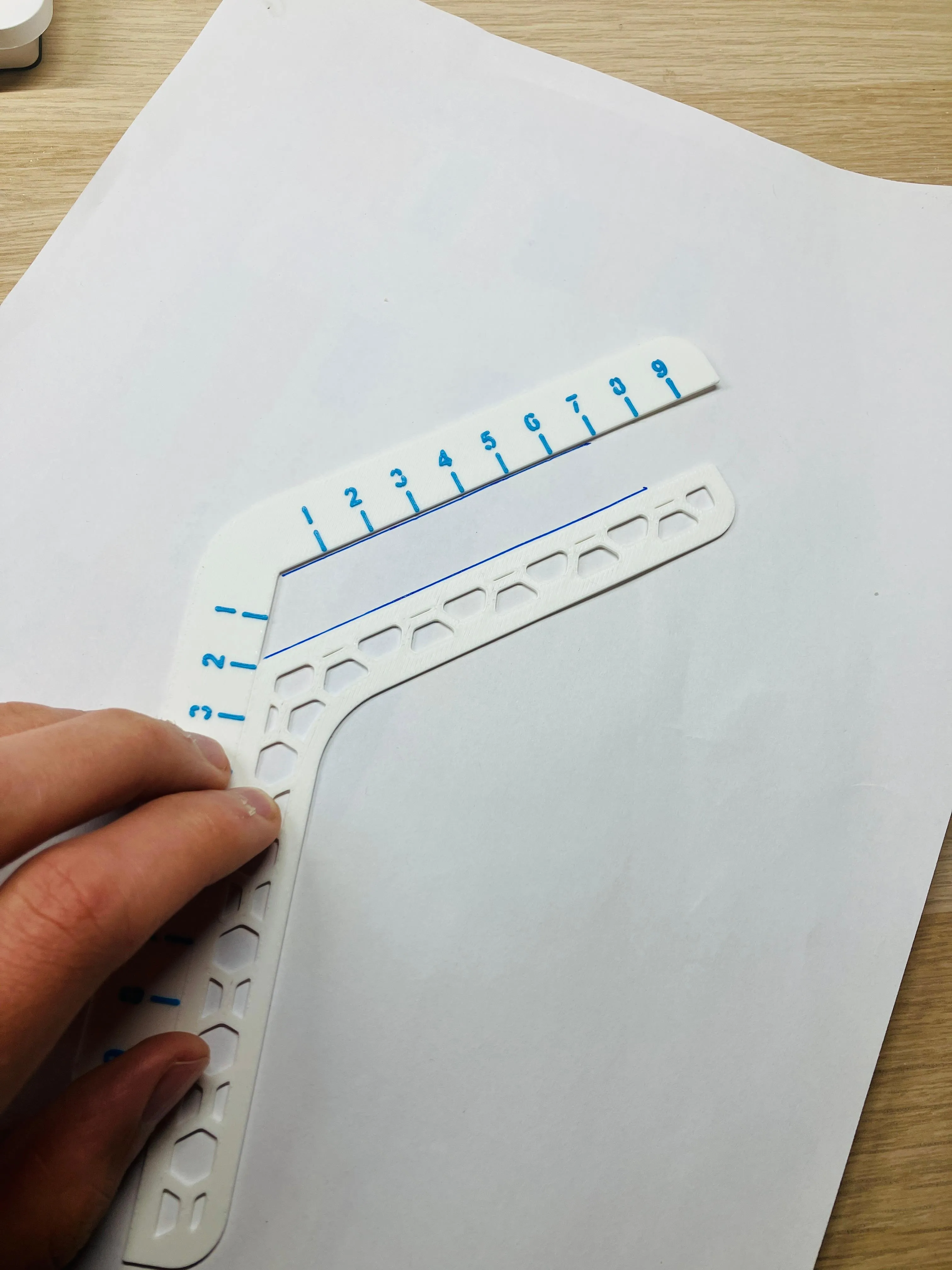
3. And there you have it! You have drawn your parallel lines!
I hope you like this model. Feel free to share it, download it, and give it a boost. See you later :)
License

You shall not share, sub-license, sell, rent, host, transfer, or distribute in any way the digital or 3D printed versions of this object, nor any other derivative work of this object in its digital or physical format (including - but not limited to - remixes of this object, and hosting on other digital platforms). The objects may not be used without permission in any way whatsoever in which you charge money, or collect fees.


Comment & Rating (0)