Search models, users, collections, and posts

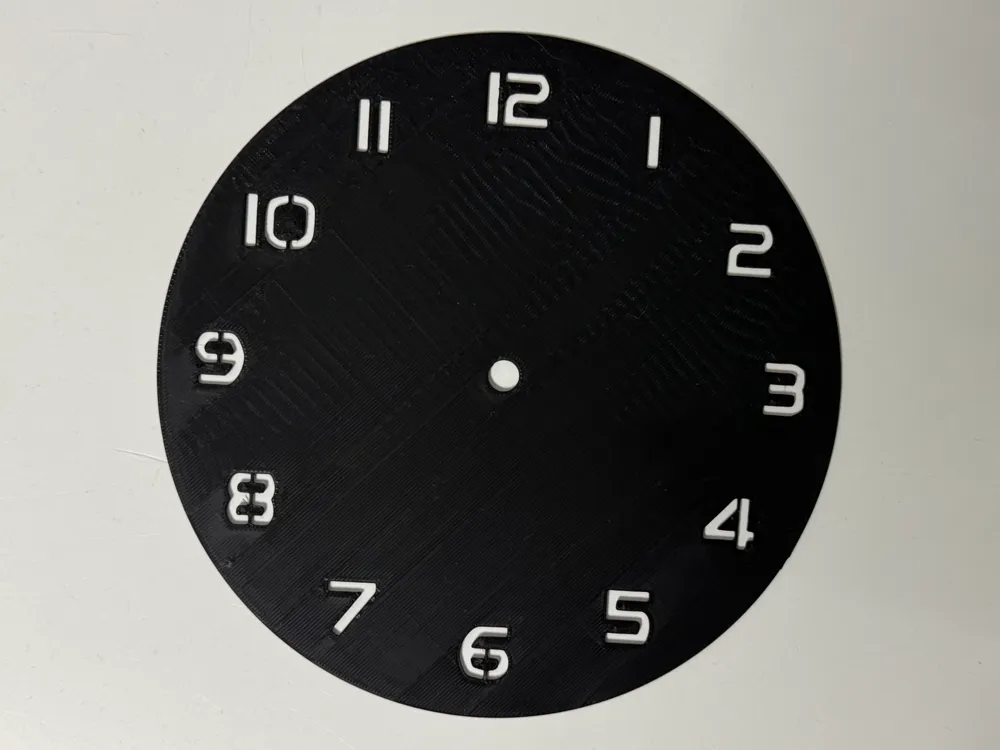
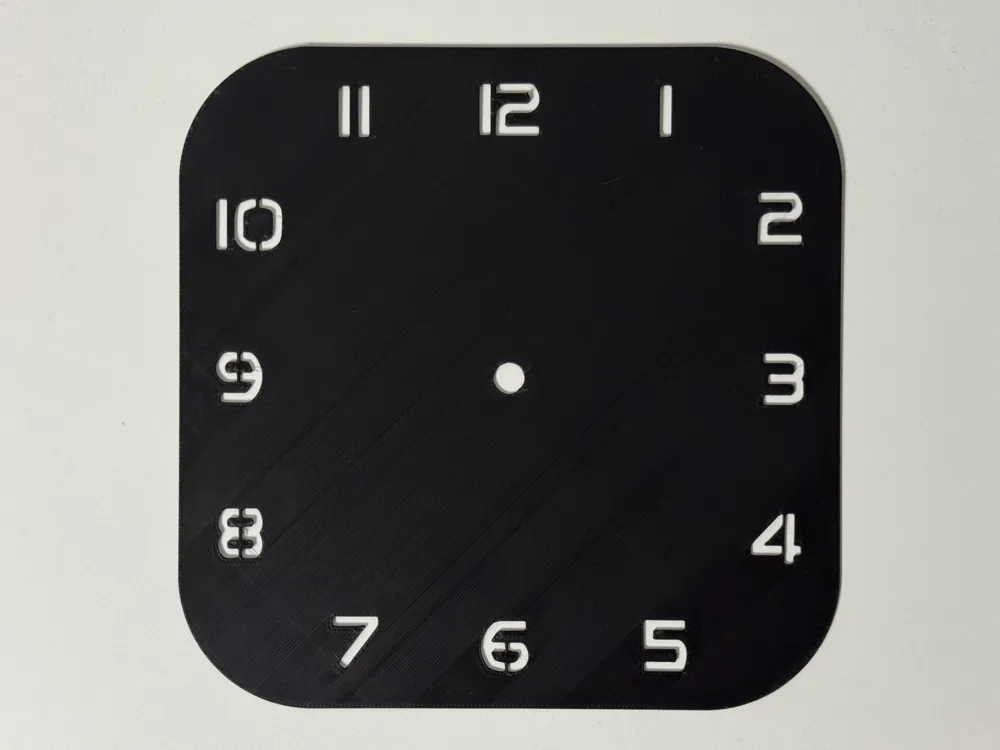
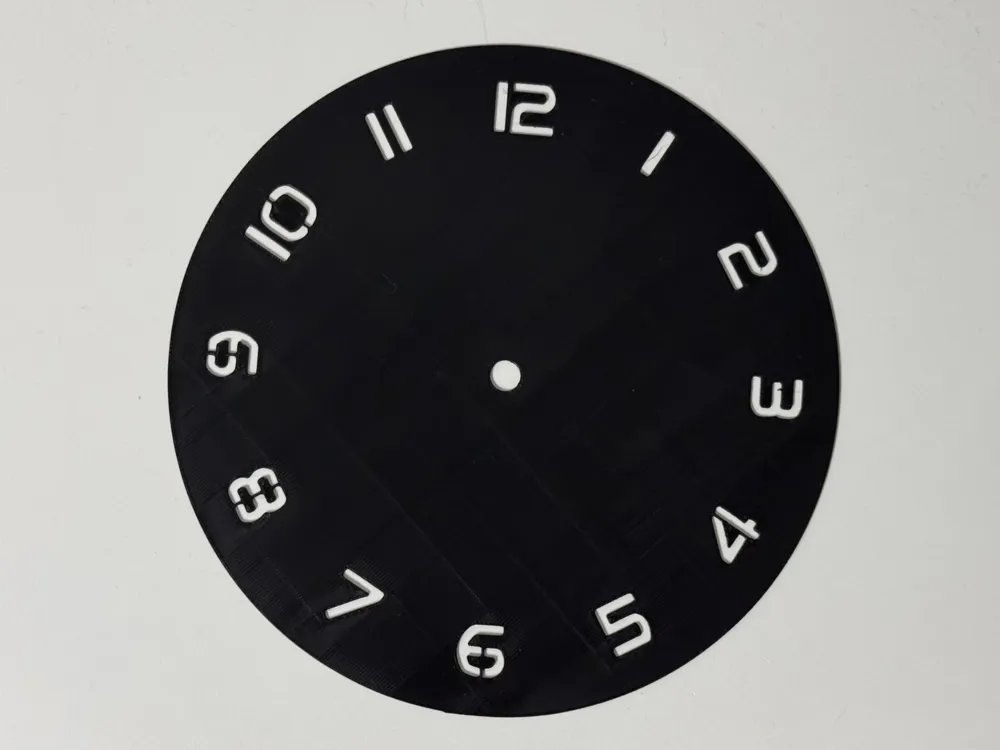
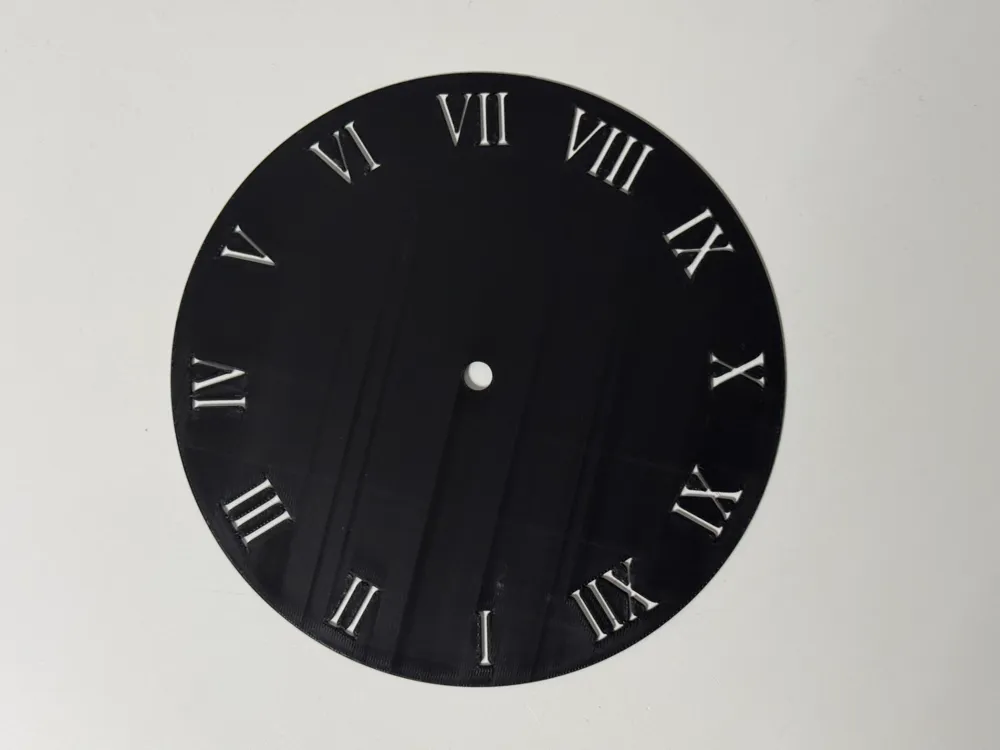
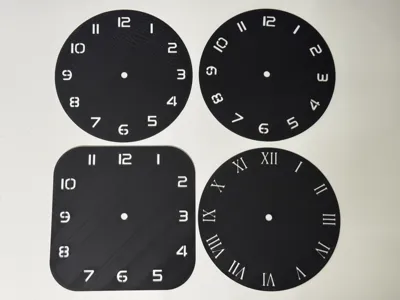
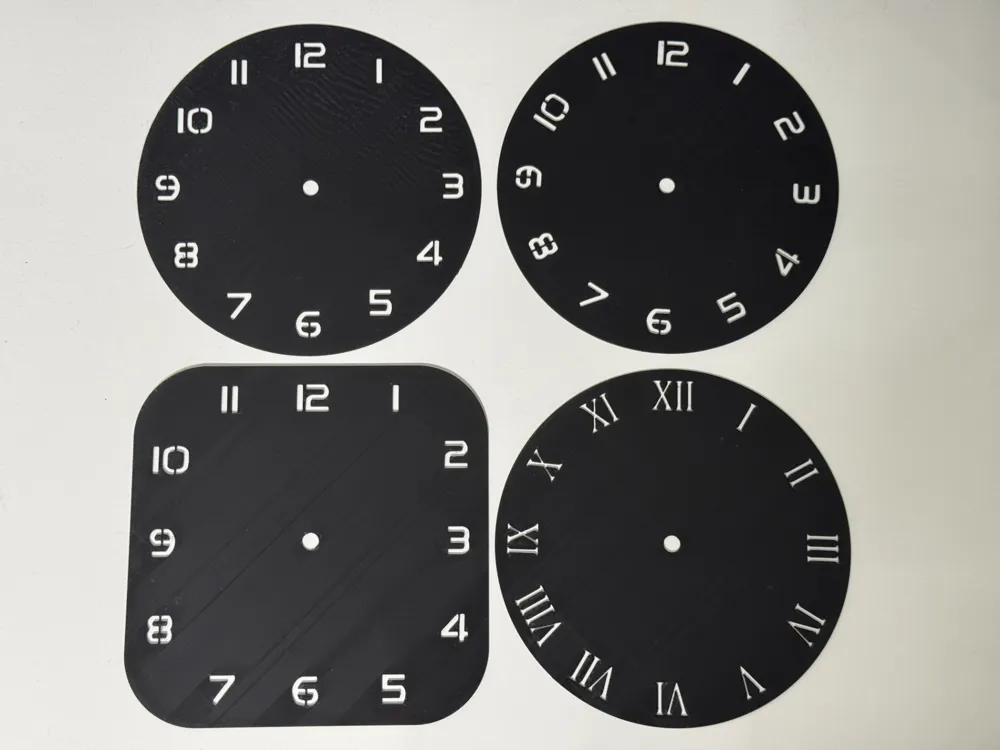
Templates for square and round watch faces
Print Profile(9)

All
A1 mini
H2D
X1E
P1P
A1
X1
X1 Carbon
H2D Pro
P1S
H2S
P2S
H2C
X2D
A2L

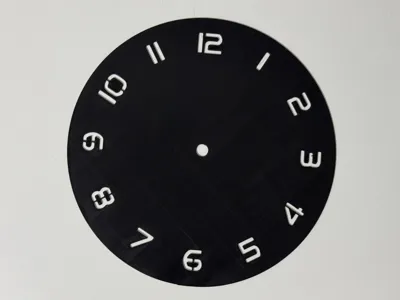
Template 103 mm round
Designer
18 min
1 plate
4.3(3)

Template 170 mm round
Designer
42 min
1 plate
5.0(15)

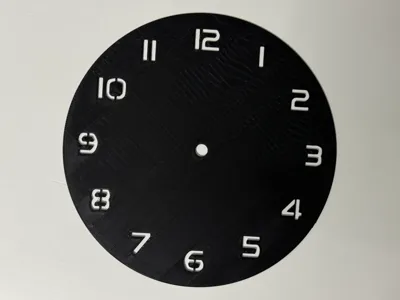
Template 245mm round
Designer
1.2 h
1 plate
5.0(36)

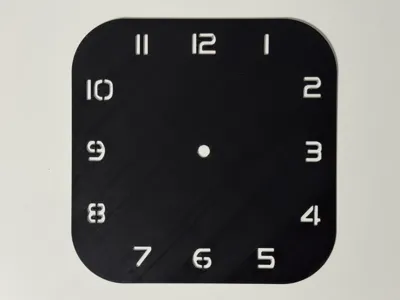
Template 245 mm square
Designer
1.4 h
1 plate
5.0(22)
Click to see more

Open in Bambu Studio
Boost
647
1258
199
159
1.7 k
423
Released 

Bill of Materials

Maker's Supply Kits and Parts
Select all
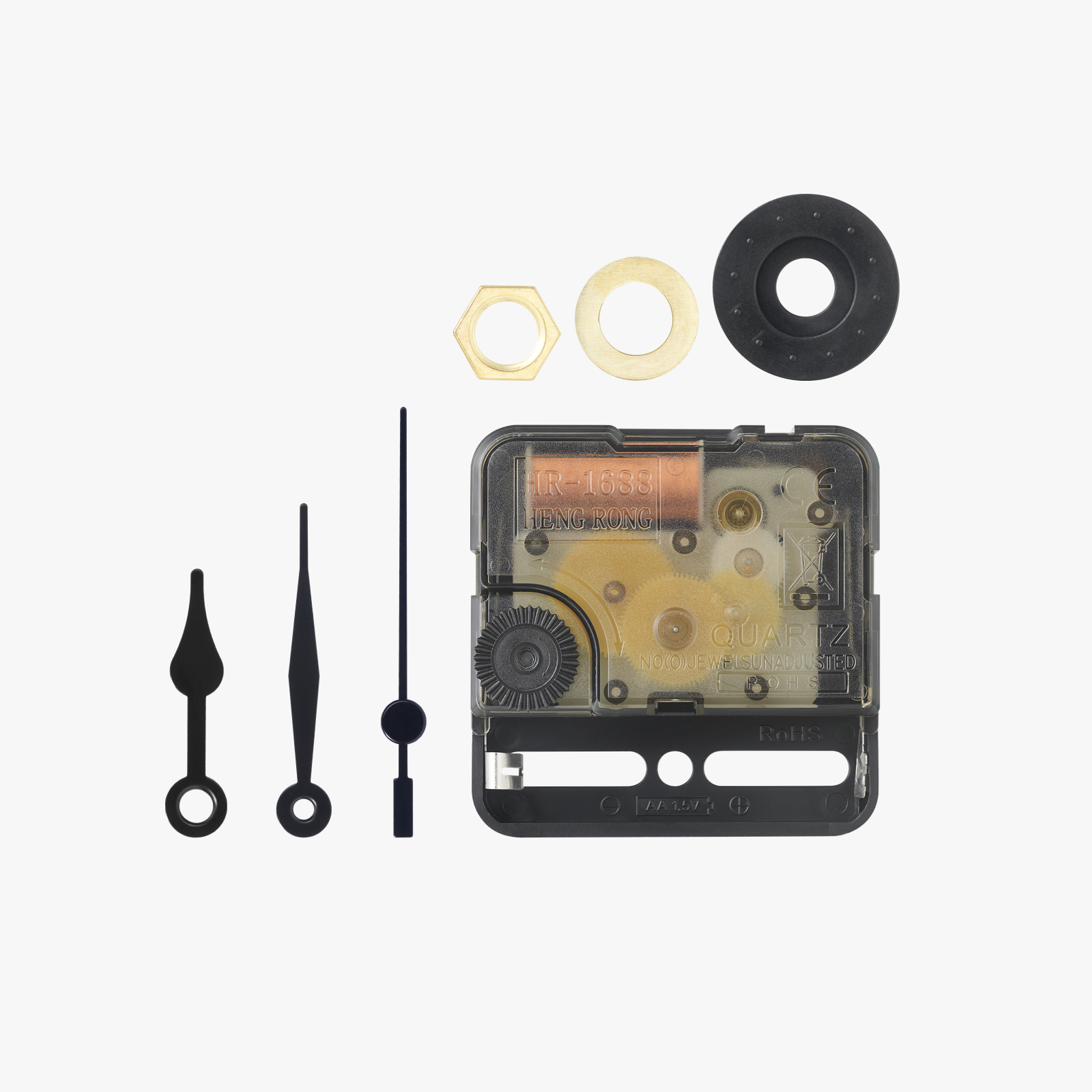
Clock Components Kit (1pcs) - MH011

Description

Content has been automatically translated.
Show original

https://makerworld.com/en/collections/4639439-licensed-models

You may sell this model, and all models in the above link,
with a Patreon membership.
www.patreon.com/cP_3D


Greetings everyone,


I have endeavored to empower you to craft a personalized timepiece. I believe I have achieved a satisfactory result.


To clarify, these templates are intended for creating your own Hueforge designs for friends and family. These templates must not be remixed, as I do not wish for watches using my design to be disseminated on online platforms. You may create your own watches and, with my Patreon license, sell them. Please respect this limitation.


Here you will find the necessary accessories to complete your watches.

https://makerworld.com/en/collections/4894074


Regarding the instructions:


Note: you must commence with my print profile in Bambu Studio!!!! Loading the .stl file and adjusting all settings independently is overly complex; hence my chosen approach.


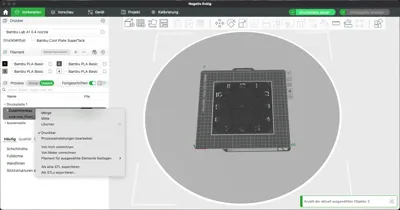
  1. Open the print profile using Bambu Studio
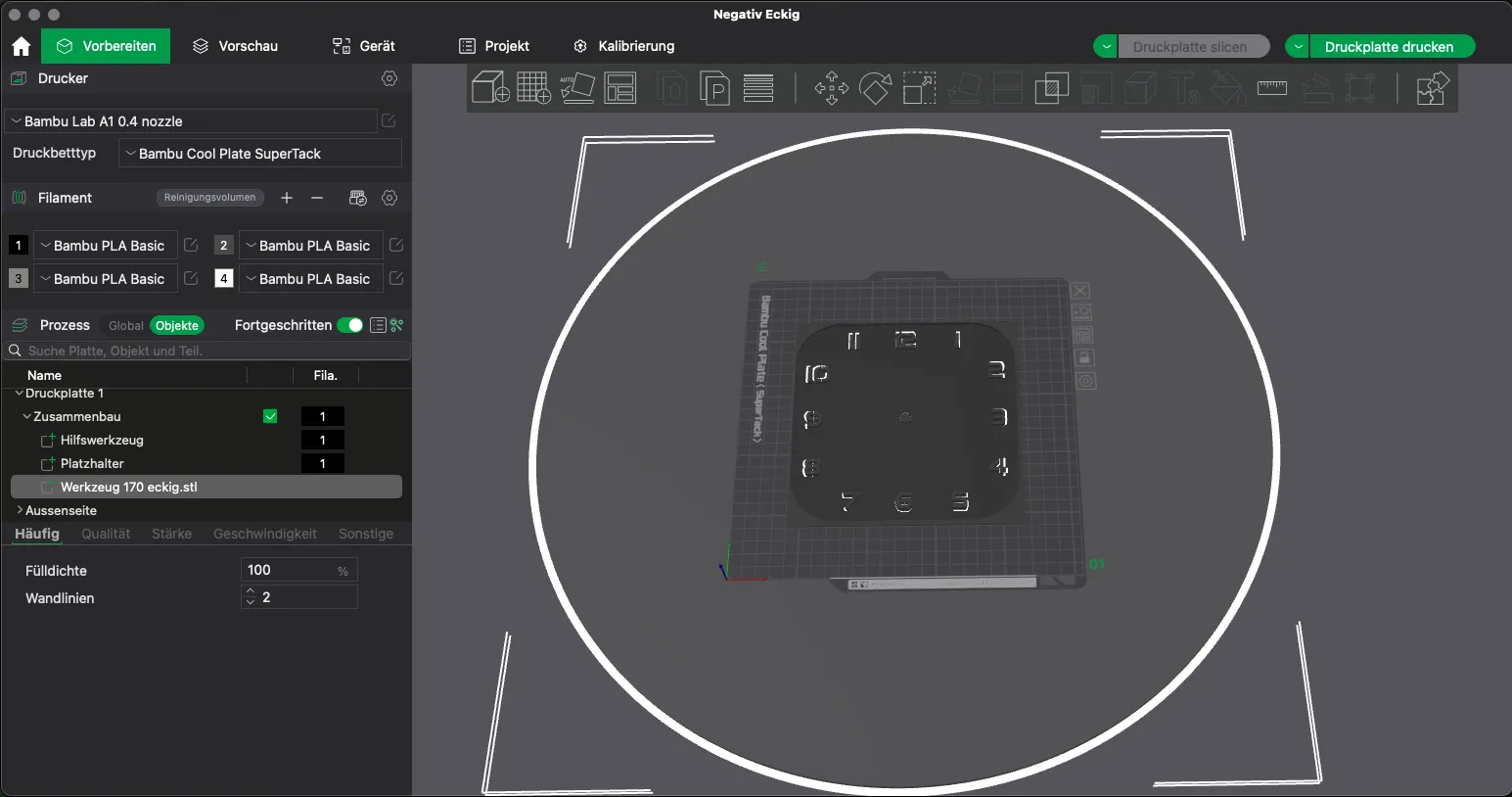
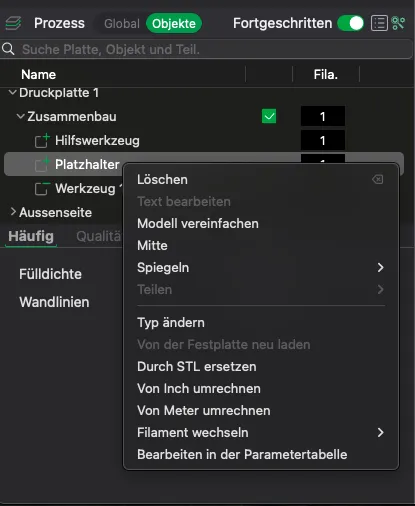
  2. Delete the placeholder object

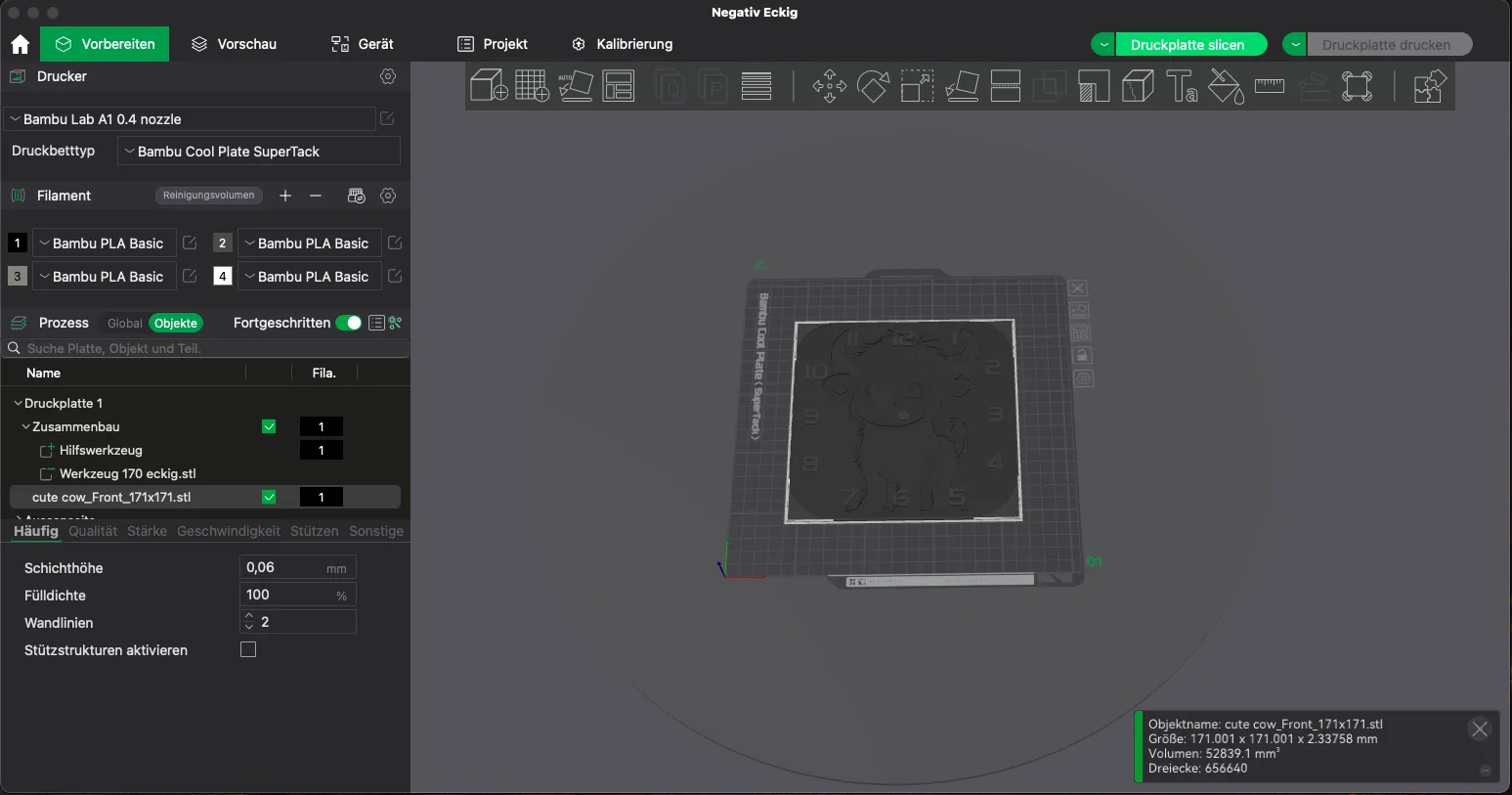
  3. Insert your Hueforge or another suitable model. (Currently, I have only tested it with Hueforge)
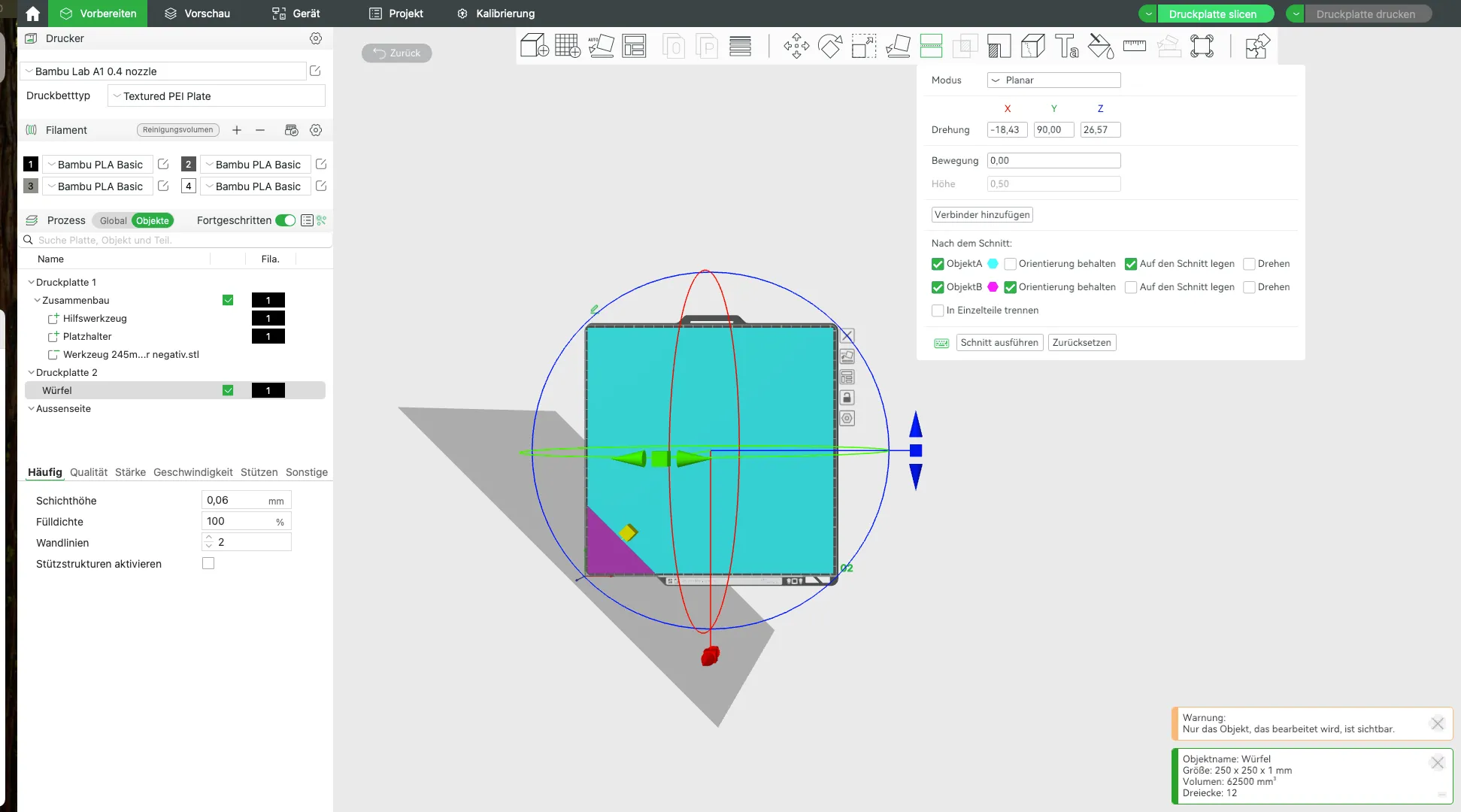
  4. (Optional) If using an X1 or P1 printer and creating a 245 mm watch, you must truncate and delete the bottom left corner of your Hueforge; otherwise, an error will prevent slicing.
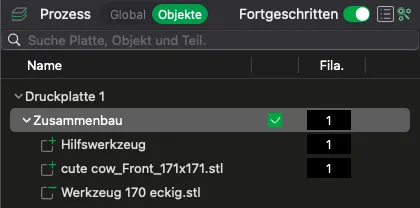
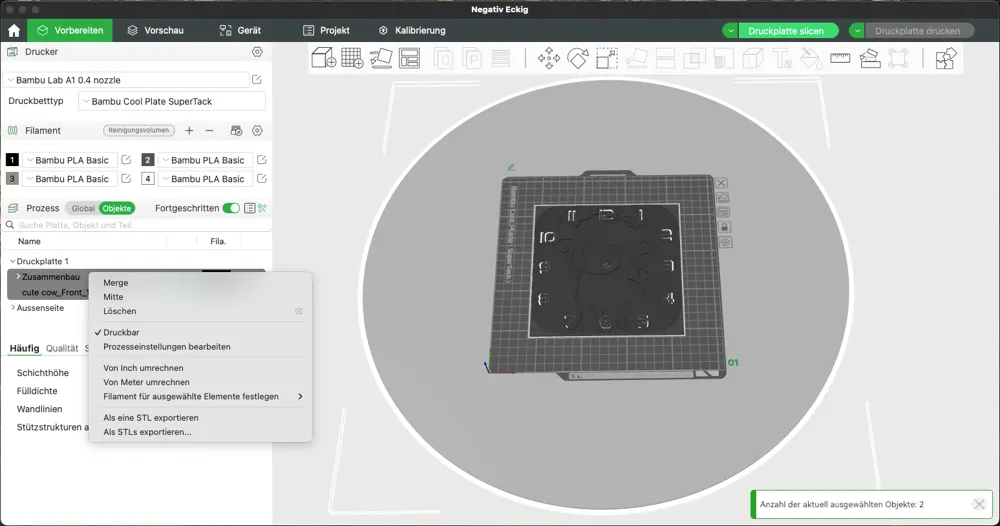
  5. Merge the Assembly object and your model (here, cute cow…) using the Merge function
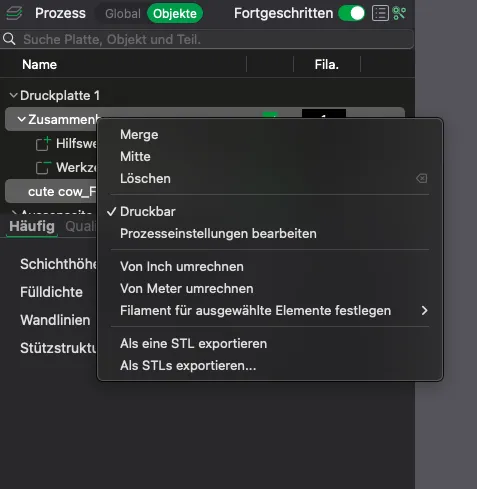
     

  6. The result should look like this:

  7. Now adjust your settings for your image/Hueforge… color changes… layer height, etc.
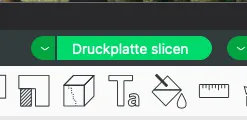
  8. Now slice and you're done.

    Finally, a small request. If you intend to use this profile repeatedly, it would be appreciated if you did not save the profile separately, but instead opened and used it from the Makerworld/Bambu Studio downloads each time. Otherwise, Makerworld will not continue to count the downloads, and I will only receive credit for one download, even if you create 10 watches with it.

Should you have any questions or requests, please post them in the comments for this model.

Boost Me (for free)

Creating for 3D printing brings me joy. I also aspire to bring delight to others or offer exceptional gifts.

If this object has brought you or your recipient happiness, a boost would bring me joy as well 😉

Happy printing

Comment & Rating (199)

(0/1000)

Some digits are missing for me. What am I doing wrong
Show original
3
Reply
Error found, my Hueforge was too small. Great work you are doing here. Thank you for it
Show original
0
Reply
round pattern 103 has no connection at numbers 6,8,9,10
The designer has replied
0
Reply
activate Arrachne
0
Reply
Replying to @cP3D :
Can you give me details please?
0
Reply
Replying to @user_3732746385 :
I did it. Thank you.
0
Reply
Good Morning friend, i have been trying for many days to get my hueforge as a watch. I am following your instructions, but it seems after I slice the assembly, the watch face disappears and all I have left (that I can see), is my hueforge. Am I doing something wrong? I loaded your 245mm watch face first, open in bambu studio, then I added my hueforge, but the odd thing is it doesnt ask for geometry only? Anyways, after that I adjust my hueforge as I am using a P1S, merge, and then it all looks good until I slice it, then it seems I have a mix of both, and not just the watch
(Edited)
The designer has replied
4
Reply
This is what I am seeing after slicing?
0
Reply
Please post a screenshot of what it looks like before you slice and after you have sliced.
0
Reply
Replying to @cP3D :
before and after is here (i forgot to delete the placeholder in the before but I did remove it before I sliced
0
Reply
Hello friend, I like your work very much, I want to make paintings for myself as a hobby, but the bottom layer is always thin, I make the background black, when I design in hueforge, the bottom layer remains thin, can you help me, am I doing something wrong with hueforge, please help me, I would be glad :)
The designer has replied
0
Reply
I recommend that you set the min depth to at least 1mm, then the black layer should be thick enough. I always use 1.08-1.14 mm
0
Reply
Replying to @cP3D :
Adjusting the colors of 1.08-1.14 is really complicated and really hard :( I wish I could reach out privately, I really needed help.
0
Reply
super tutorial I don't speak a word of German very easy to understand I missed this one but it's my first otherwise great job
Show original
3
Reply
Now I understand how it's done. It turned out so beautiful, thank you very much for your great templates
Show original
2
Reply
Boosted
Print Profile
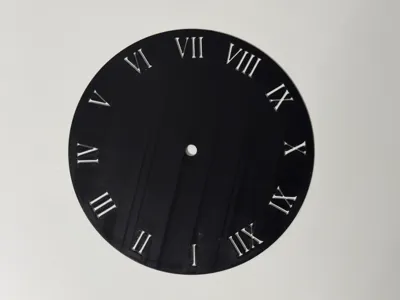
Template 245 mm round roman numerals
I used the bamboo tool to create the hueforge... Flawless. With your templates and the instructions, creating it is child's play. Thanks
The profile uploader has replied
Show original
0
Reply
Looks really chic 😁
Show original
0
Reply
Great job 😃 I've been trying for hours and just can't get it right. Also created in Bambu Studio
Show original
0
Reply
Boosted
Print Profile
Template 245mm round
The stencil works great! this way you can easily make your own watches. Thank you very much for that! 🤩
The profile uploader has replied
Show original
1
Reply
🤩🫶
0
Reply
No matter what I download, I only get square images without numbers
The designer has replied
Show original
0
Reply
Do not download it… you must open it directly from MakerWorld in Bambu Studio
Show original
0
Reply
This is not a finished STL file, but a collection of settings; downloading only provides a placeholder without the configuration
Show original
0
Reply
Print Profile
Template 245 mm square
Templates are very helpful even without hueforge Thank you for your work and for your support 😎
Show original
1
Reply

License

This user content is licensed under a Standard Digital File License.

You shall not share, sub-license, sell, rent, host, transfer, or distribute in any way the digital or 3D printed versions of this object, nor any other derivative work of this object in its digital or physical format (including - but not limited to - remixes of this object, and hosting on other digital platforms). The objects may not be used without permission in any way whatsoever in which you charge money, or collect fees.