
Bookmark Potion

Print Profile(1)

Description
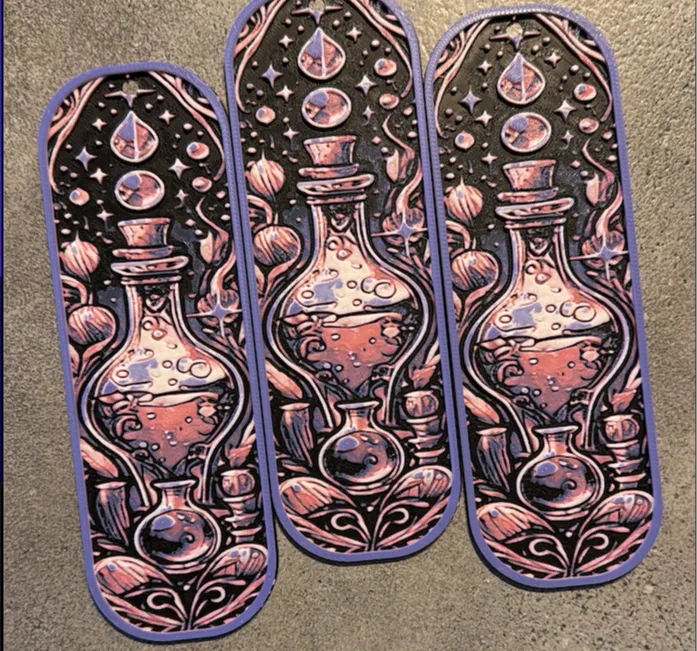
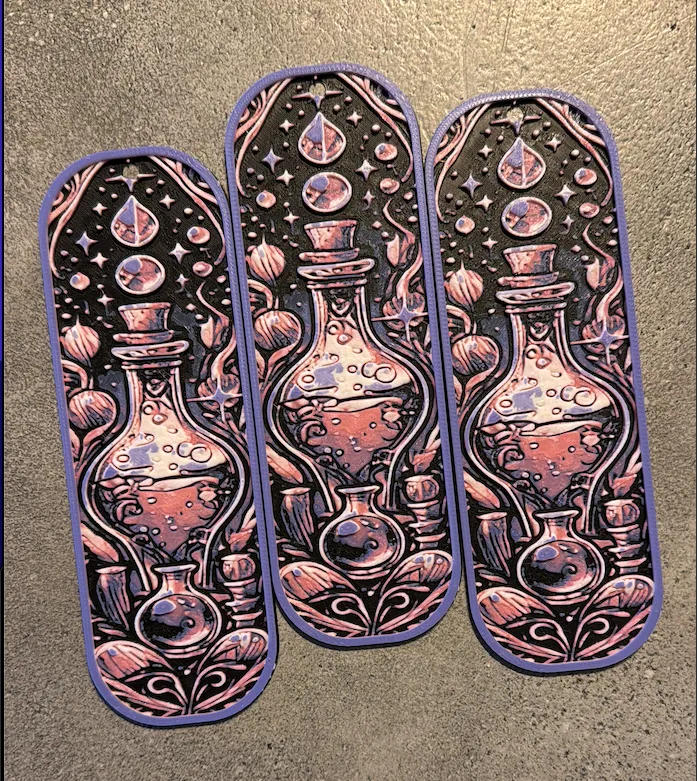
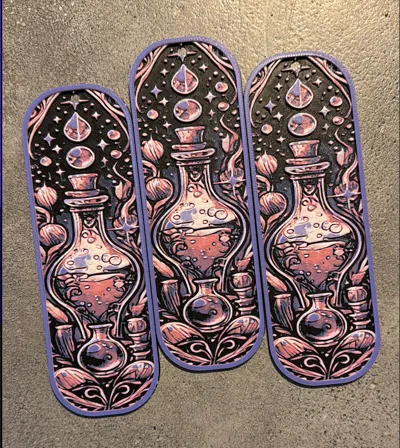
This week, I worked on a new bookmark with a Potion theme! It’s a fairly easy print. Just make sure to select the correct layer height and place the colors in the right spots. I made mine using pink, purple, white, and black. What colors would you choose?
Swap Instructions:
DO NOT CHANGE ANYTHING. Especially not the height
Colors used:
Pink
Purple
Black
White
Swap layers at:
Start with Black
At Layer 8 switch to Purple
At Layer 11 switch to Pink
At Layer 16 switch to White
At Layer 25 Switch to Purple again and finish it.
You can sell our designs we made and are available on our makerworld page. Wit a small sub on our Patreon you get a commercial license to sell and back our non profit founding for Children with special needs: https://www.patreon.com/wickieprints/posts
License



Comment & Rating (45)