I designed a new"walking core bool tool" model, which can help to make your own Wind-up models. It can achieve no support printing, and a lock structure stabilizing the model and Bambu Wind-Up Walking Mechanisms fixture; It can also form a border at the bottom, and you can add the inside brim to make the model more stable when printing. Both STL and STEP files are available. You can use it to make your own wind-up models.
How to use it:
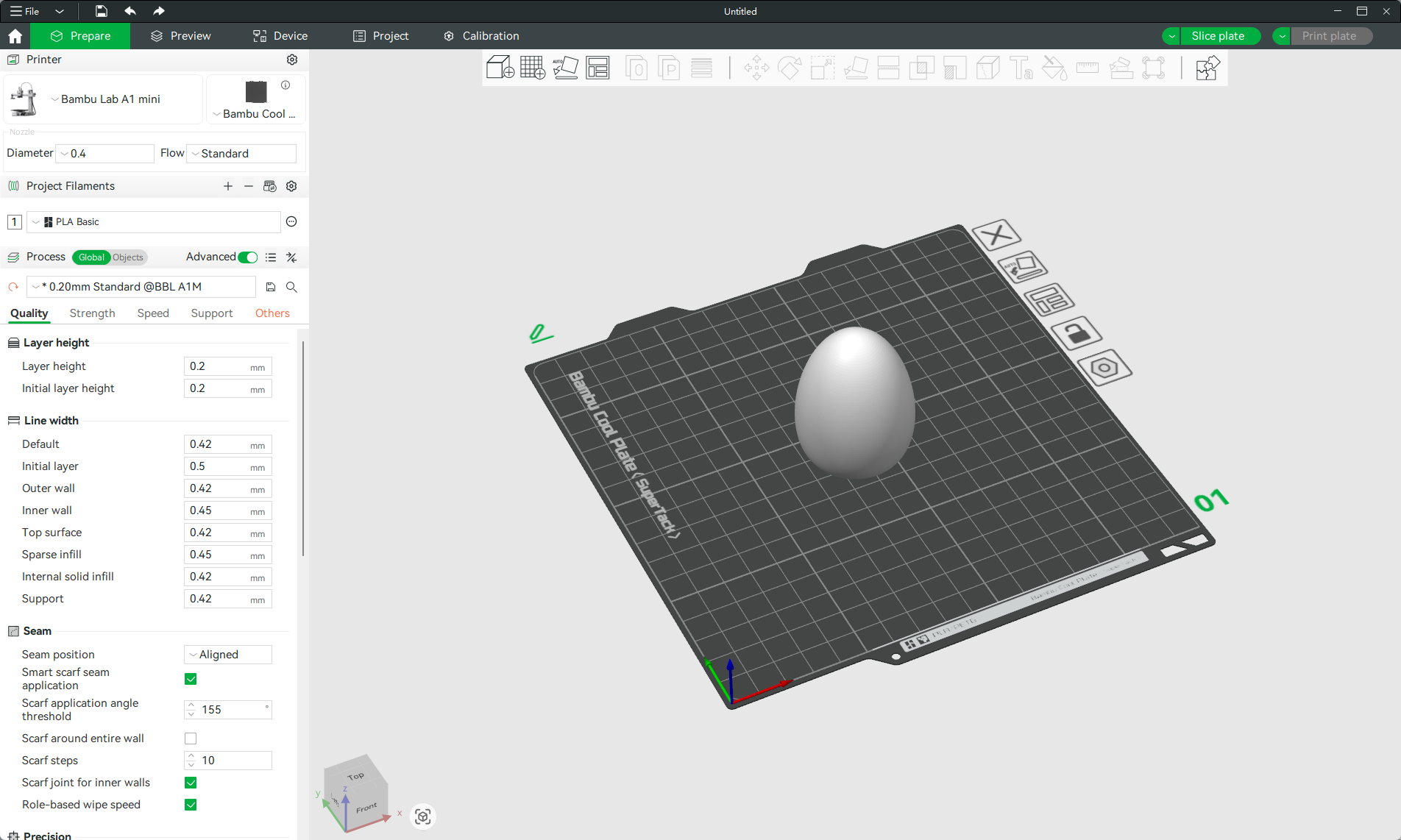
1. Add your own wind-up model(like an egg in the image) into the Bambu Studio; it should be a solid model with no internal hollowing out.
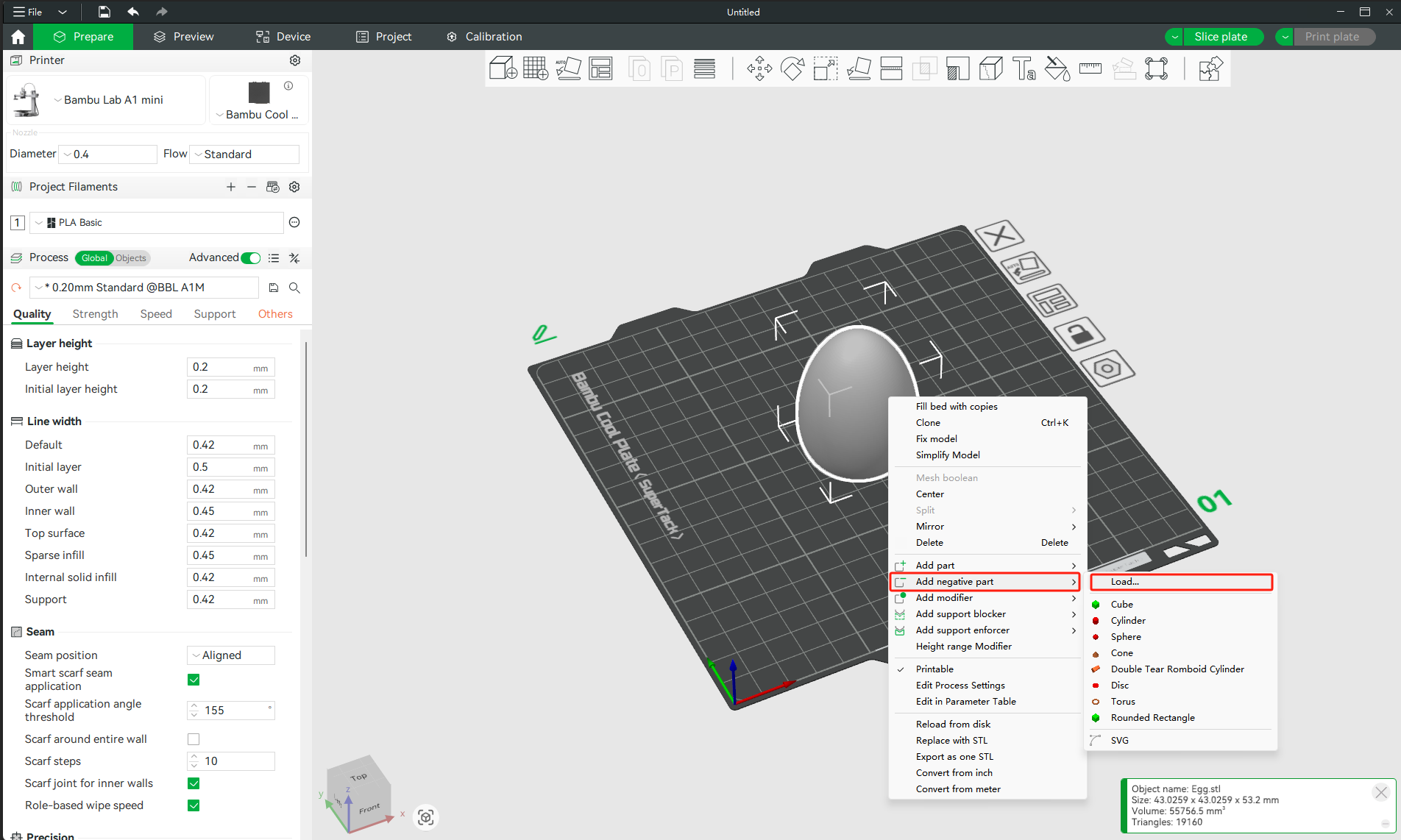
2. Choose the model and select "Add negative part"--"Load" in the right click menu, load the "walking core bool tool" STL file you downloaded.
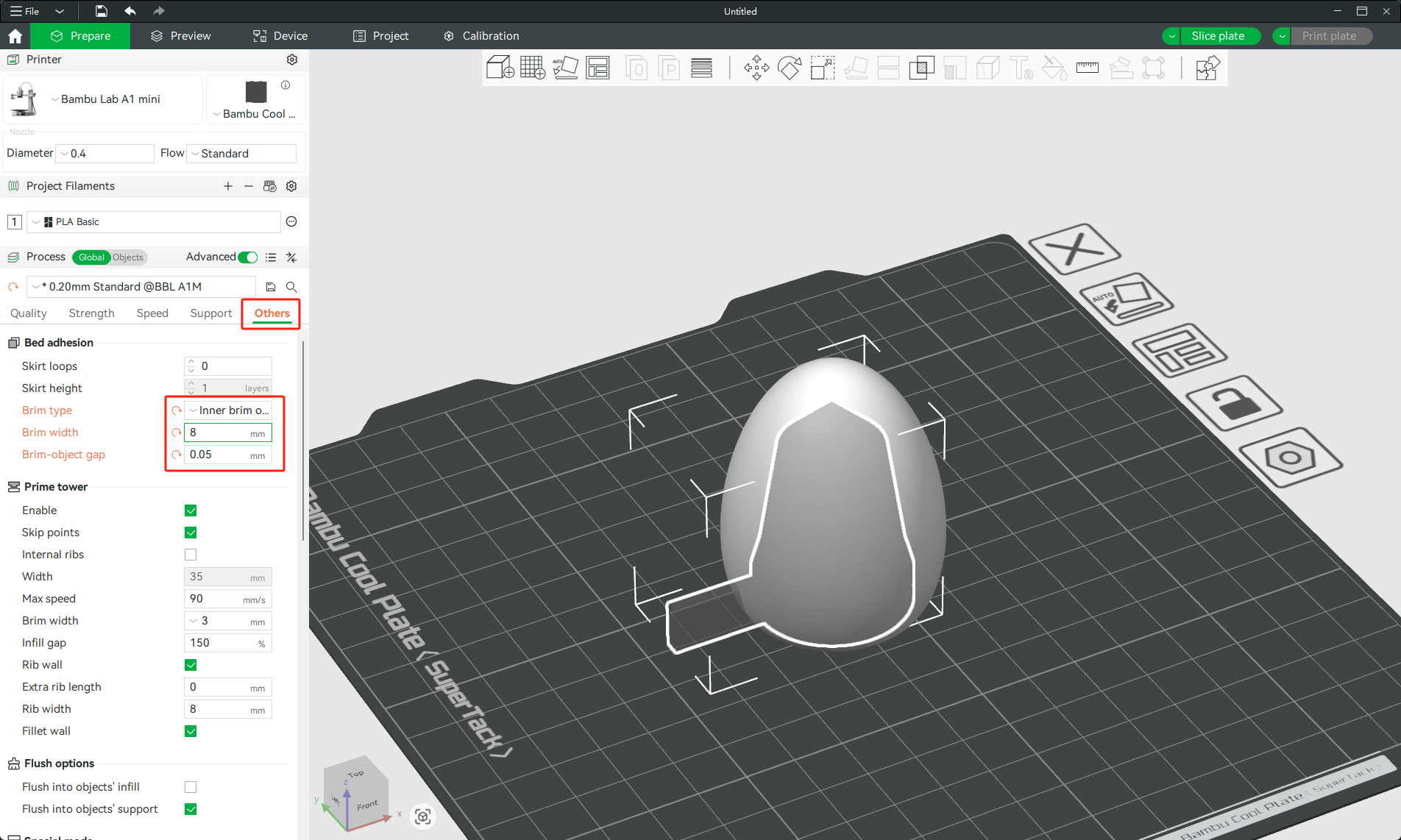
3. Move it to the centre of the egg model, and change the "Brim type" to "Inner brim only", modify the setting as shown in the image.
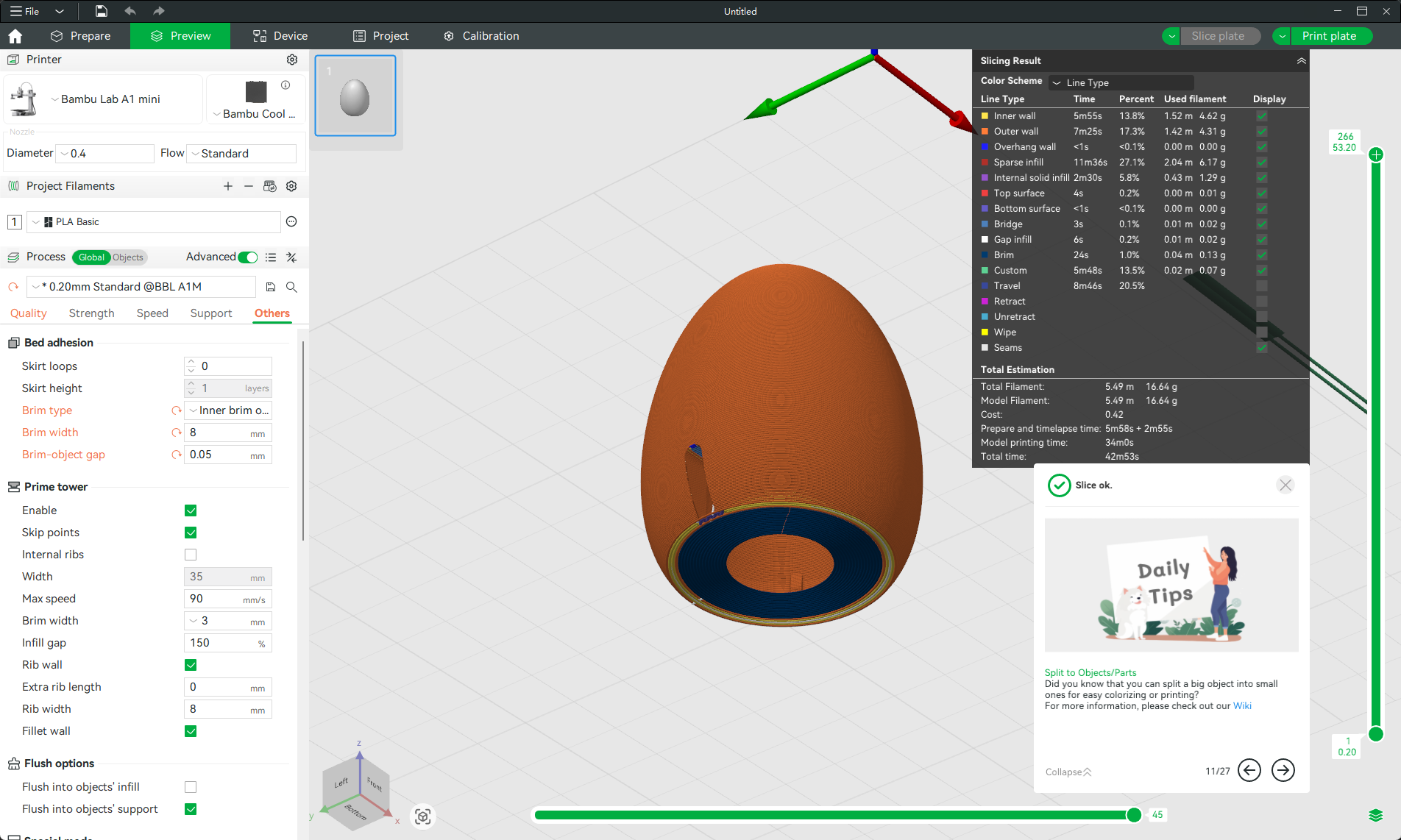
4. "Slice plate", all done! The only thing you need to do after printing is to cut off the additional border.
Download it from the link below.