How to Generate a Figure
This can be done in three steps. We'll explain each one individually.
Output a multi-plane projection from a single image using Google AI Studio (Nano Banana).
Generate 3D data from the multi-plane projection using Hitem3D.
3D print the 3D data.
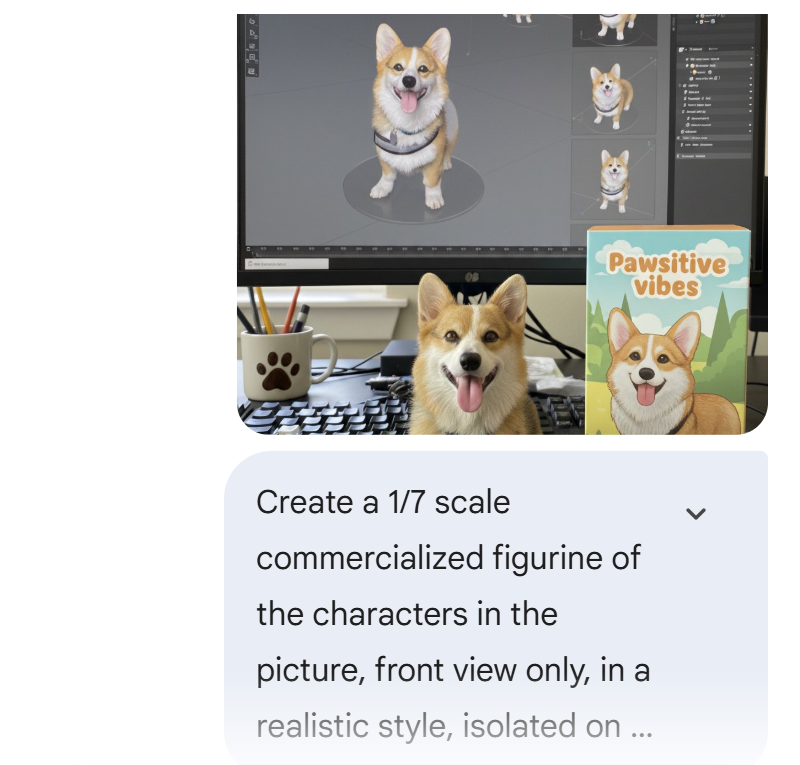
Output a multi-plane projection from a single image using Google AI Studio (Nano Banana).
Output a multi-plane projection using Google AI Studio.
Pronto is here
Create a 1/7 scale commercialized figurine of the characters in the picture, front view only, in a realistic style, isolated on a plain background. The figurine has a round transparent acrylic base, with no text on the base. Show only the figurine, with no other objects or environment visible.
Generate 3D data from multi-view projections with Hitem3D
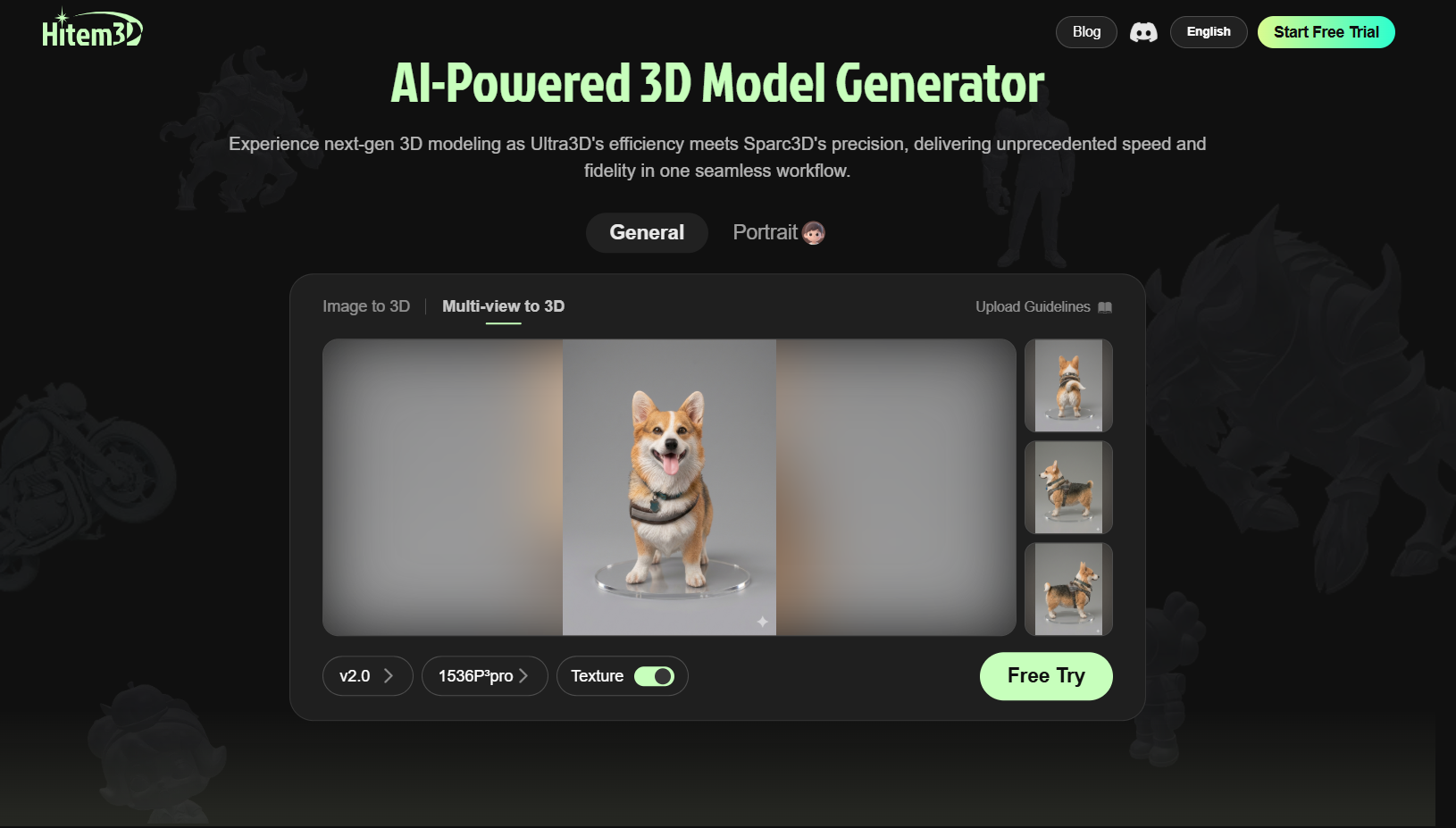
Using the Hitem3Dhttps://hitem3d.ai/ service,
you can upload images and generate them using Multi-view to 3D. Multiple output is currently free.
Select the stl format and export.
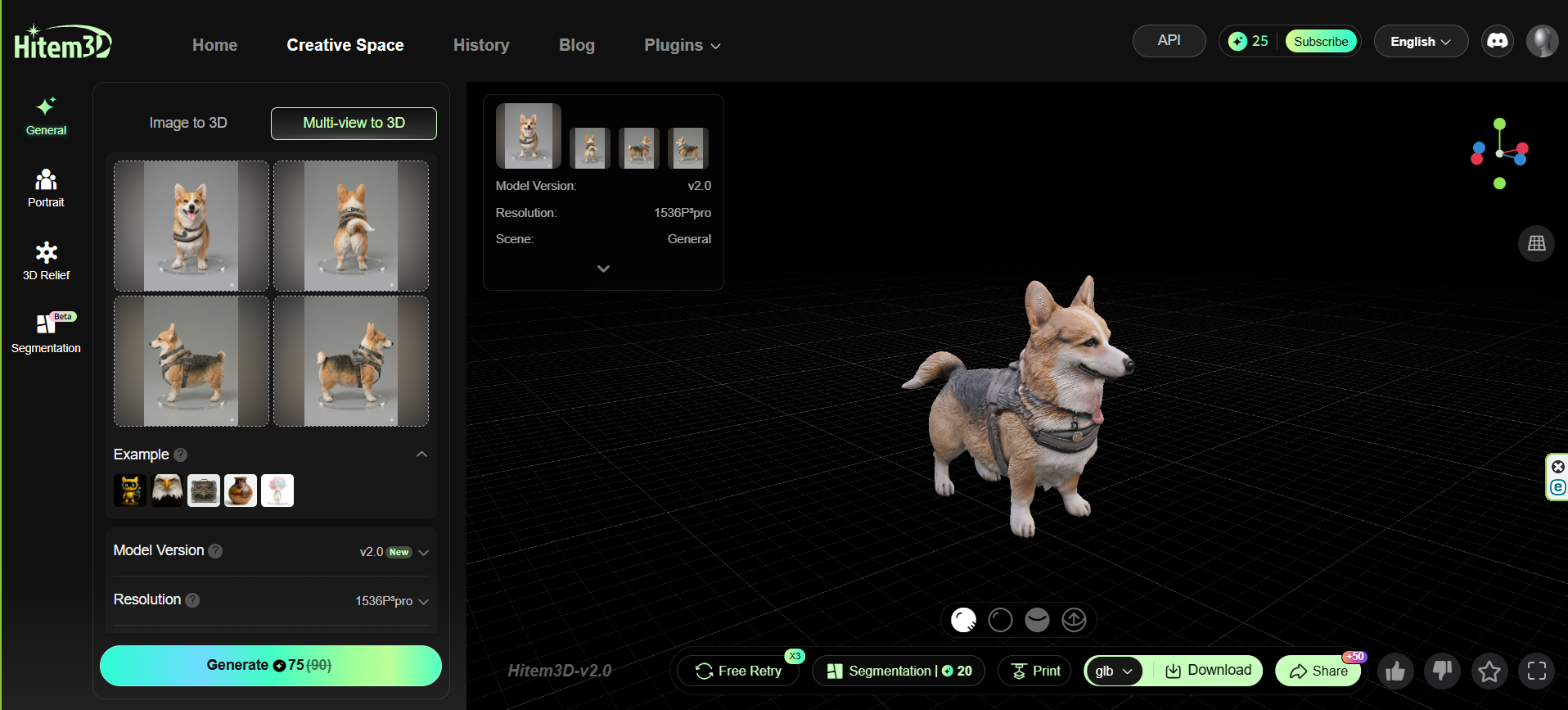
Select the stl format and export.
3D Printing 3D Data
Once you get this far, the rest is easy: 3D print using a standard 3D printer at home.
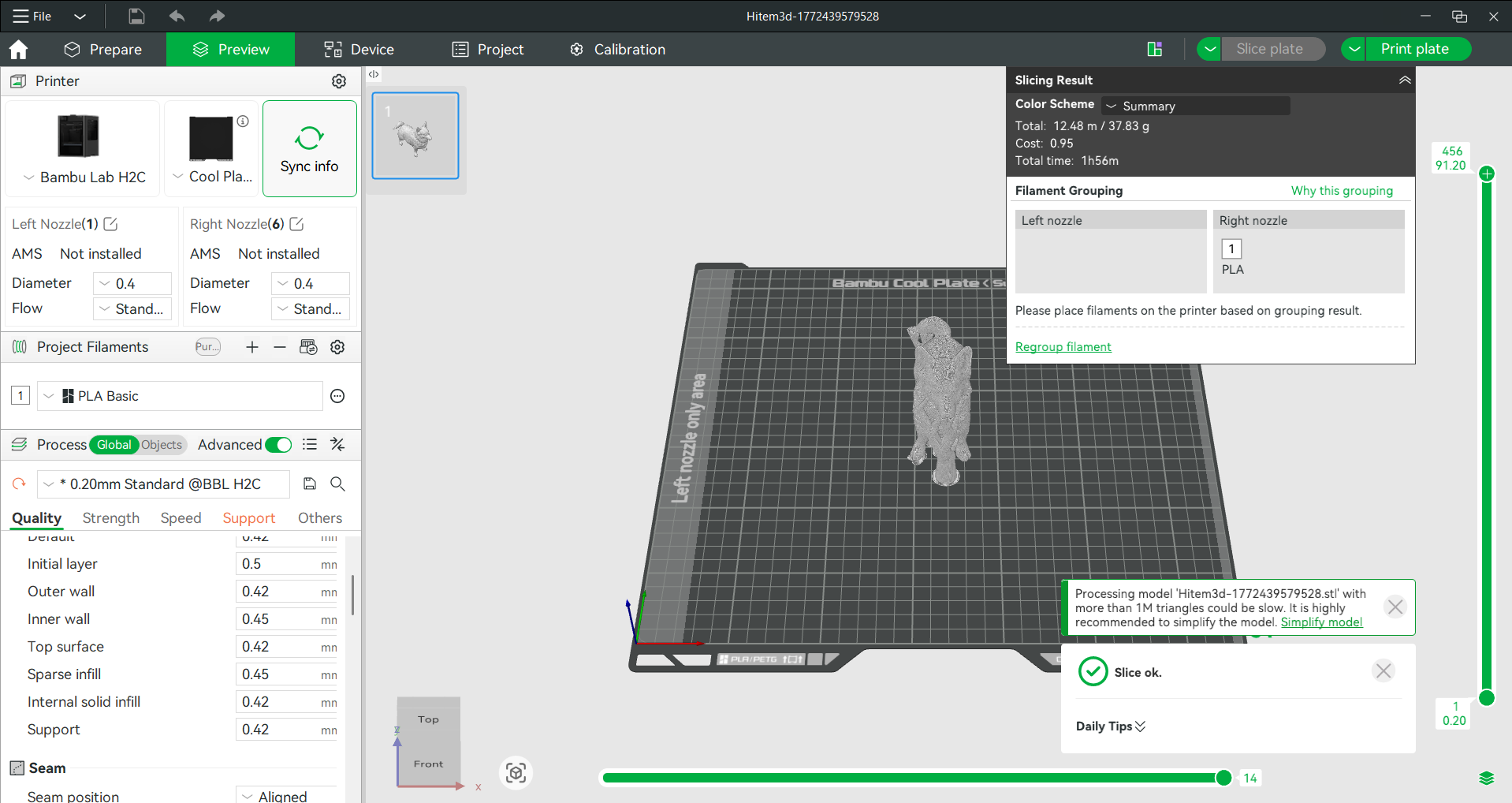
That's it.