Search models, users, collections, and posts
Recommendation
Creator’s Club
Creators & Fans
Show Your Make
Off Topic
Post Details

How to Reduce STL Size Without Ruining Your Model
High-poly STL files often cause slow slicing, lag, or crashes in slicers like Bambu Studio.
Here’s a simple way to reduce file size using Nomad Sculpt without losing shape or detail.
Why Large STL Files Are a Problem
Dense meshes include unnecessary geometry that:
- Slows down slicing
- Makes previews laggy
- Hurts user experience after download
Optimizing your STL before uploading helps a lot.
What NOT to Use: Voxel Remesh
Voxel Remesh is great for reshaping, but not for file size reduction:
- Details get softened
- Shapes lose definition
- The model can look “melted”
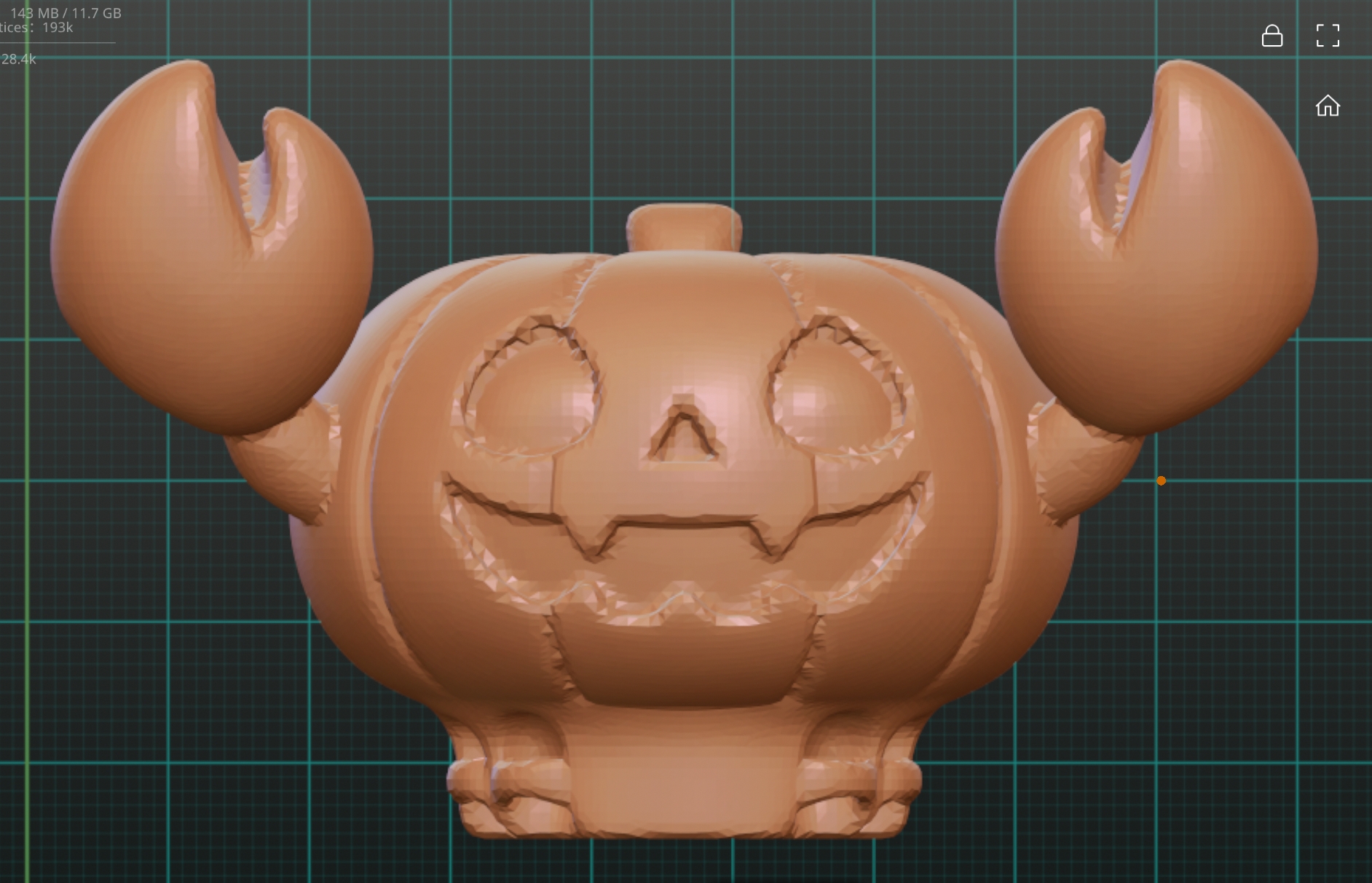
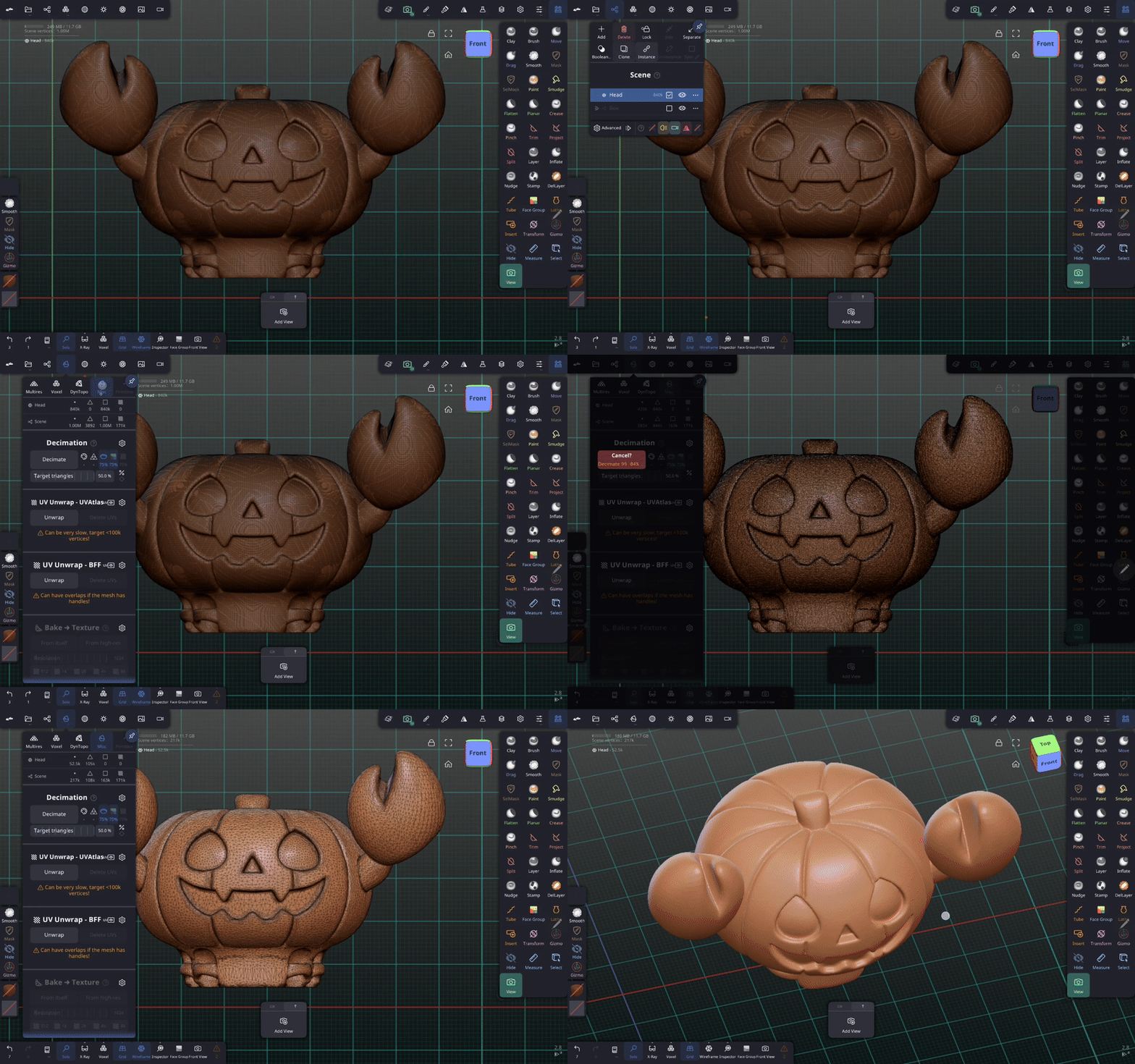
The Right Tool: Decimation
Decimation is designed to reduce geometry while preserving shape.
In this example:
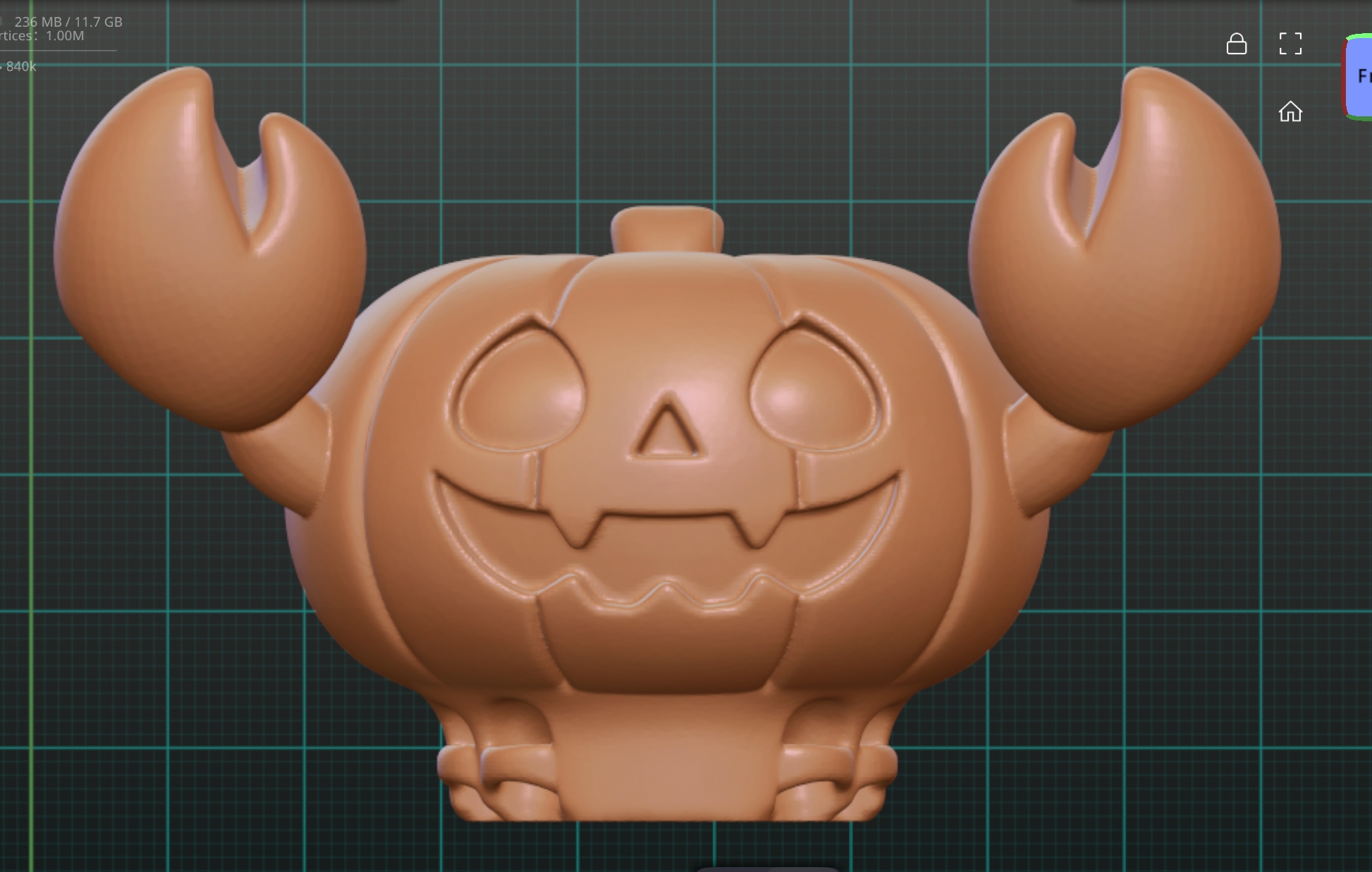
- The original model was very dense
- File size was reduced by ~60%
- Visual quality stayed almost the same
- The STL remained print-ready
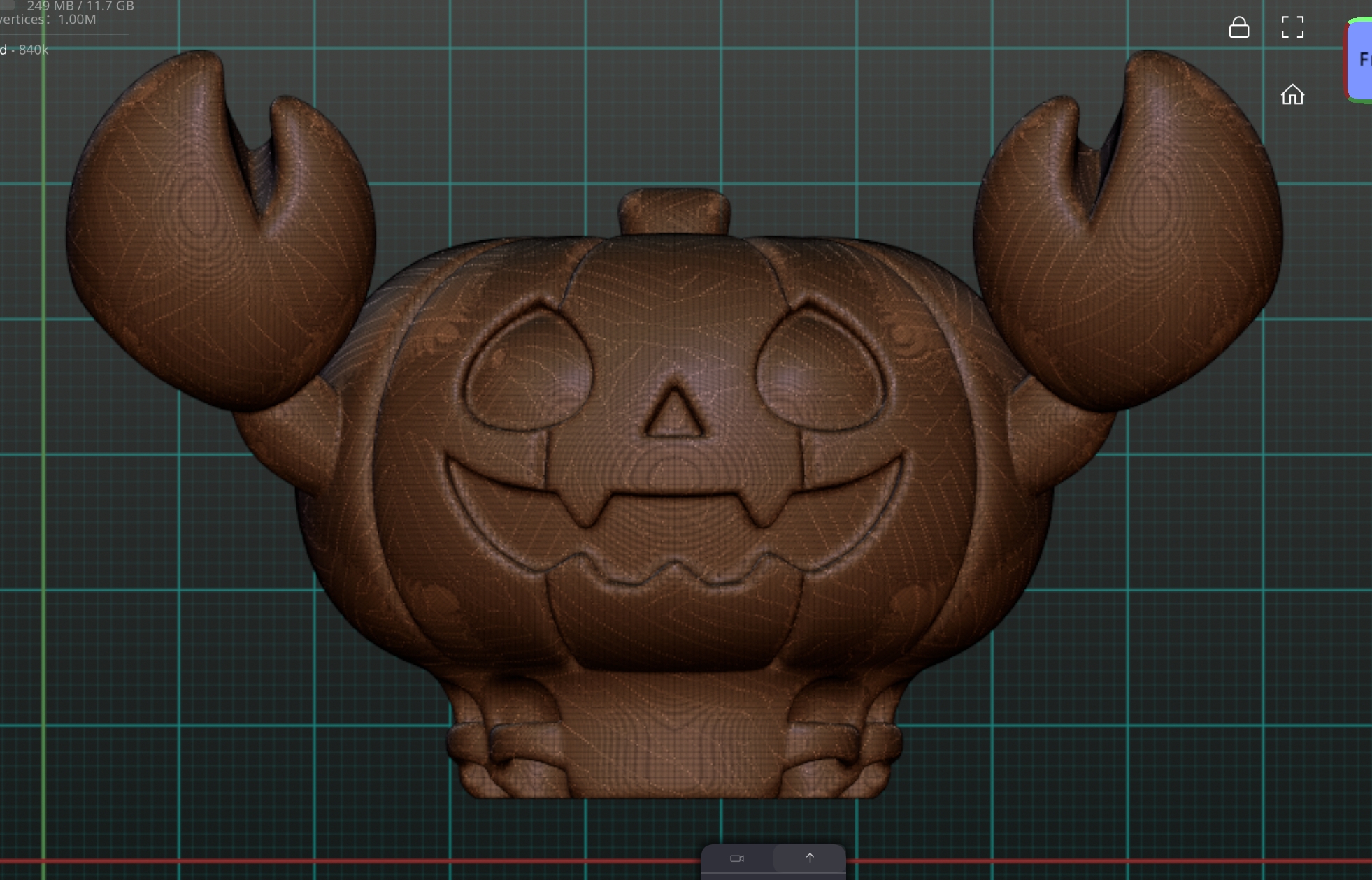
Before:
Heavy STL, dense wireframe, slow slicing
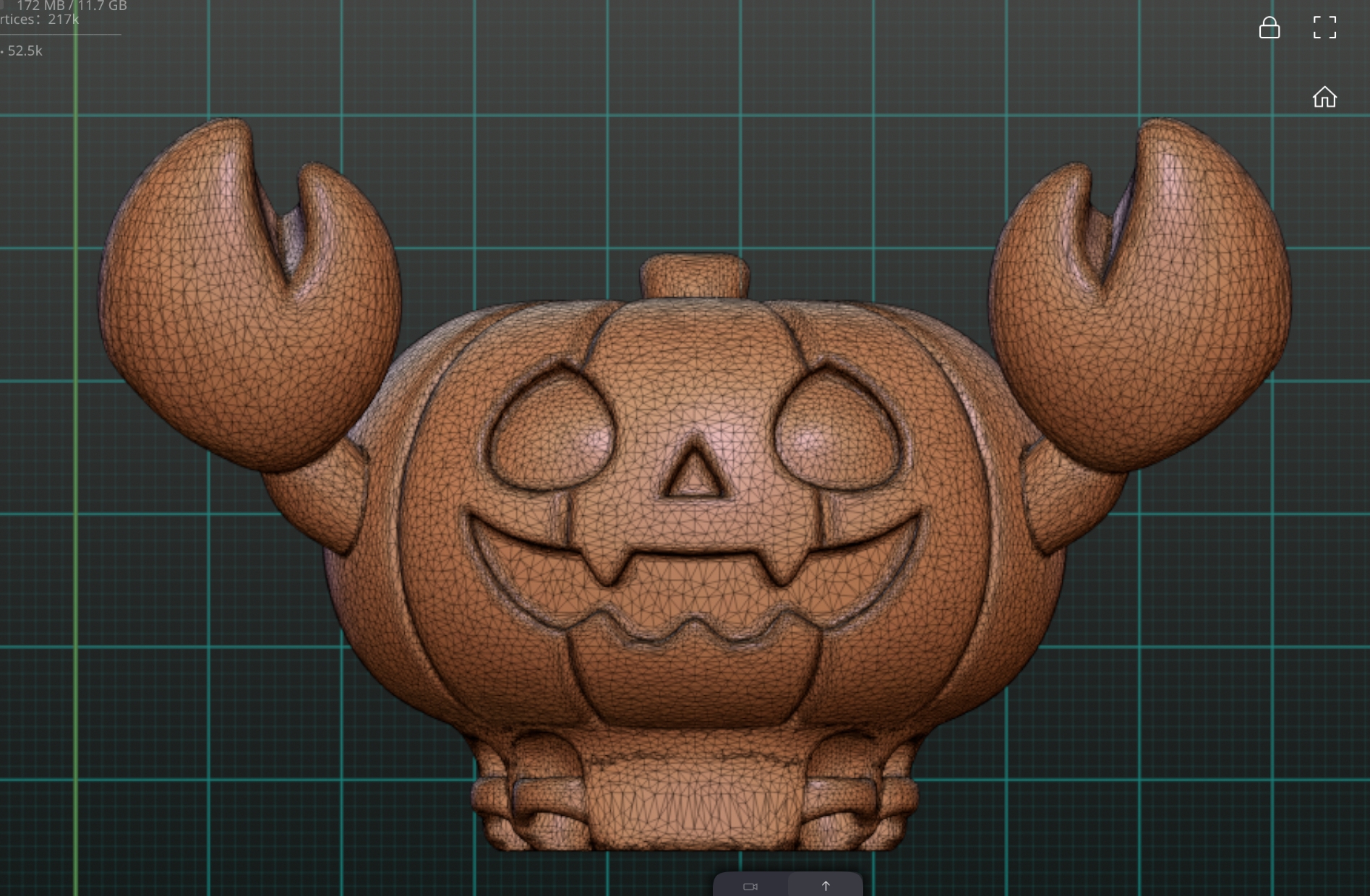
After:
Up to 60% lighter, clean topology, smooth slicing.
Why This Matters for MakerWorld
Optimized files:
- Load faster
- Slice faster
- Reduce crashes
- Improve the experience for everyone
If you sculpt in Nomad Sculpt and publish on MakerWorld, decimation should be your final step.
A small optimization can make a big difference.
Share
8
2
0
Comment (2)

@Pr1ntCraft : This is a great article, thank you! I love Nomad Sculpt and sculpt on my Huion Kamvas 16 pro on my laptop.
I would also recommend baking the model with the high res mesh on the decimated model. 👍 Keeps the file size lower and the details awesome 👍
The poster has replied

1
Reply
@MontoyaMaker : I never hear about that, im going to test it, thank you
1
Reply
No more data
Trend
PrintClinic
HideAndSeekChallenge
Weekly Roundup
1
the Great Benchy Nations
3.1 k
2
Theprintertribes
2.2 k
3
Questions
1 k
4
Newmodel
796
5
Face Reveal
615
6
Contests
451
7
Renew MakerWorld
440