
Customizable NFC Tag

Print Profile(3)


Bill of Materials


Description
Update 19.5.2025 - Added square version
Update 4.3.2025 - 2.1 Fixed variable name, move the hole for chip a little bit lower, tested with RFID chip https://www.aliexpress.com/item/1005006080603397.html (you can definitely get a better deal, this is just for reference)
Update 20.2.2025 - Beta 2.0 Added option to print logo on both sides
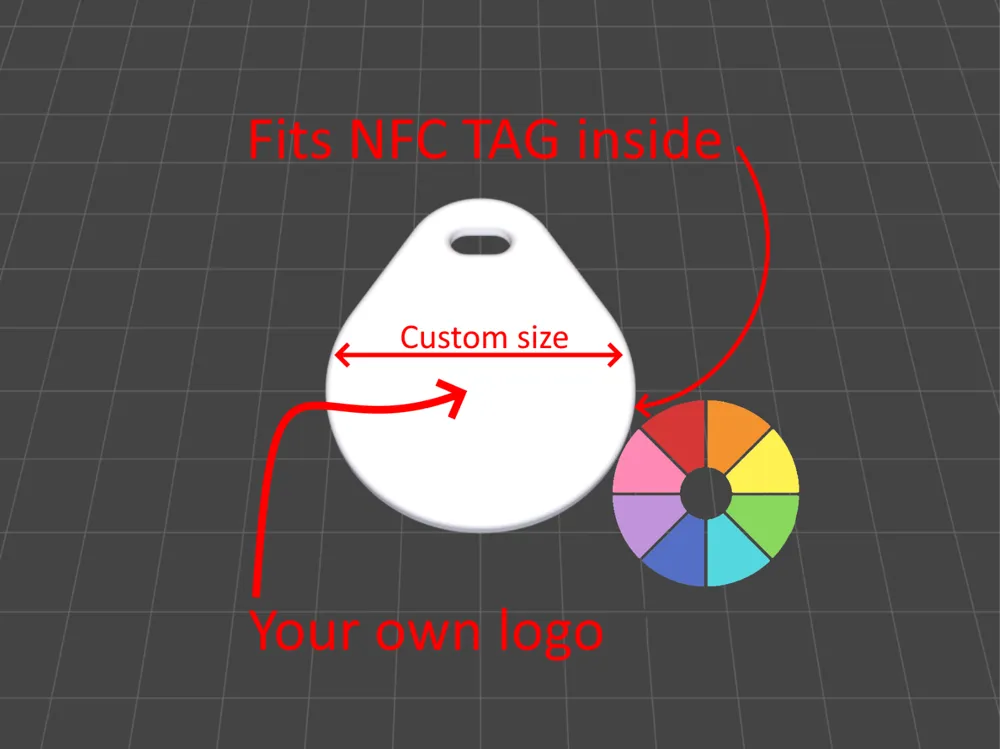
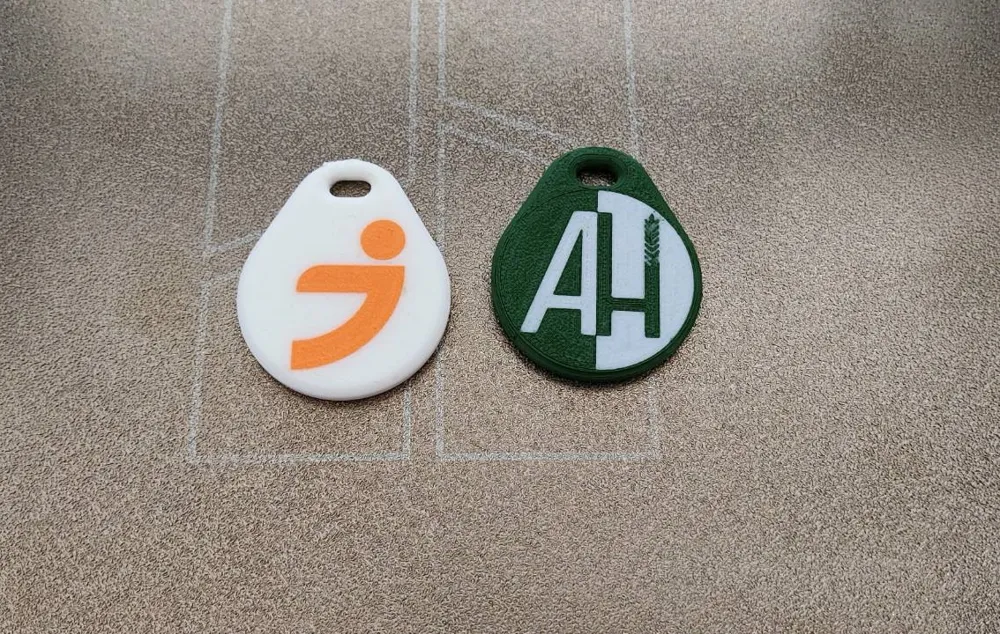
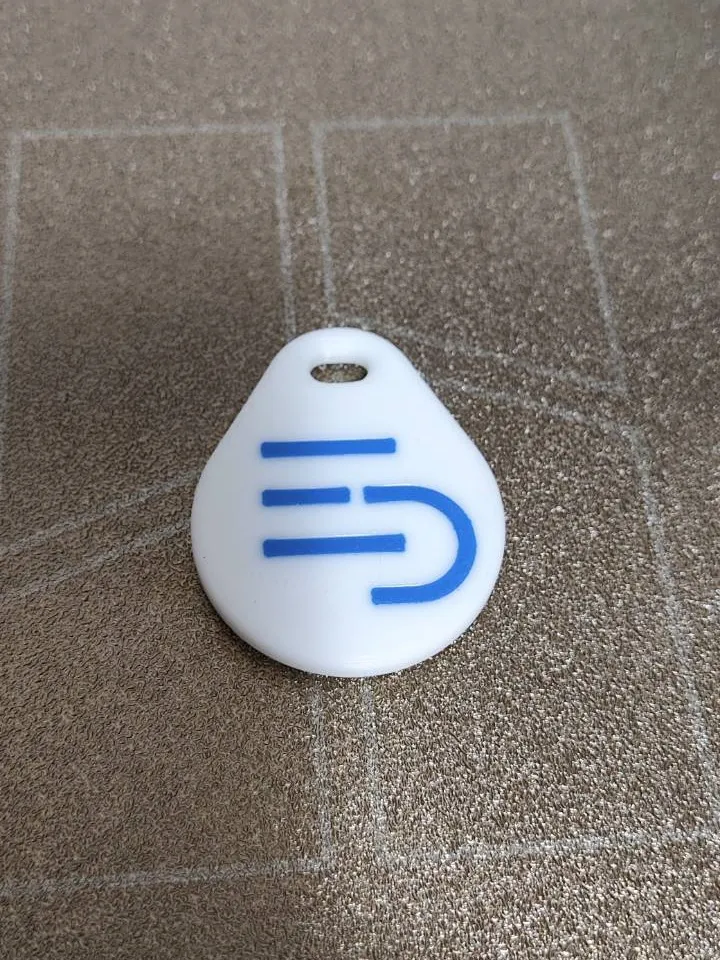
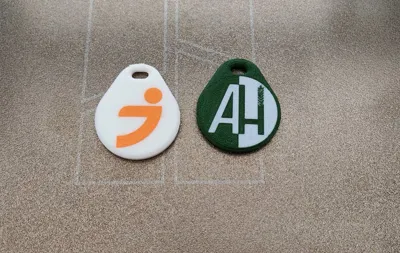
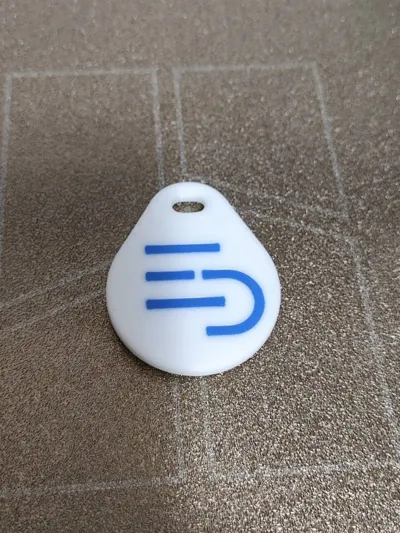
Add your own logo, change colors and print your own NFC keychain with your contact information, URL link or anything you can think of that is supported by NFC tag.
Use customizer to upload your SVG, PNG or STL change colors and sizes.
Download STL or 3MF.
Print with 0.4 or 0.2 nozzle. Use one of the provided print profiles for your own design made in customizer.
Print with 0.20 or with 0.16mm layer height on 0.4 nozzle. If you have finer detail print with 0.2 nozzle with 0.10 layer height or experiment yourself.
Add a pause when slicing. Right click on the slider when the layer height is just before the hole gets printed over and click add pause.
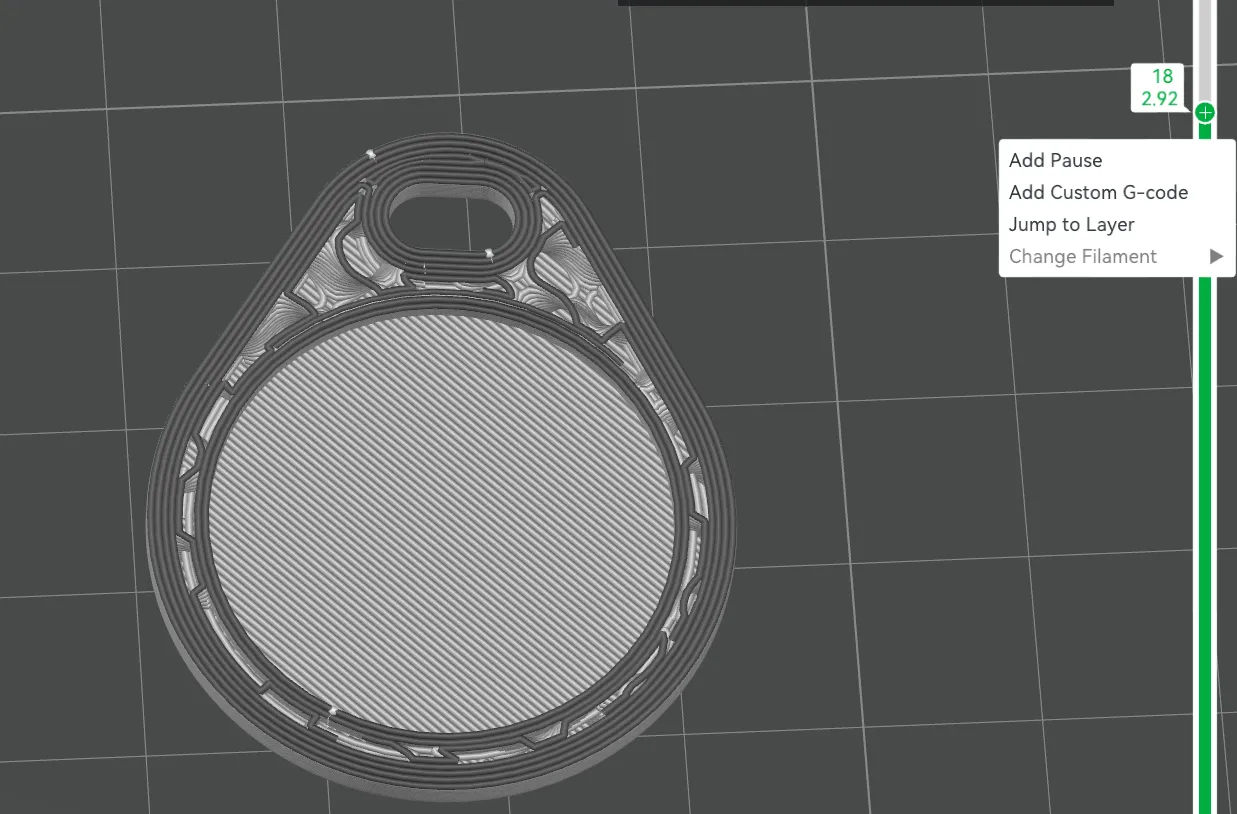
When printing add the NFC tag when the printer pauses and resume printing.
Tips:
- Rotate the keychain in slicer when printing on textured build plate to add texture to your logo and/or turn on ironing for smoother surface.
- I recommend using adhesive so it doesn't move during printing.
- Be extra careful when placing the NFC tag inside.
- Use advanced settings in the customizer for more advanced looks and controls
- Use smaller nozzle for finer details on the logo. 0.4 nozzle is good for basic shapes
- Ironing makes better surface, but edges might be more susceptible to dirt so you might want to sand it slightly on the edges
- You can buy NFC tags from aliexpress for cheap I used Ntag 215 works great
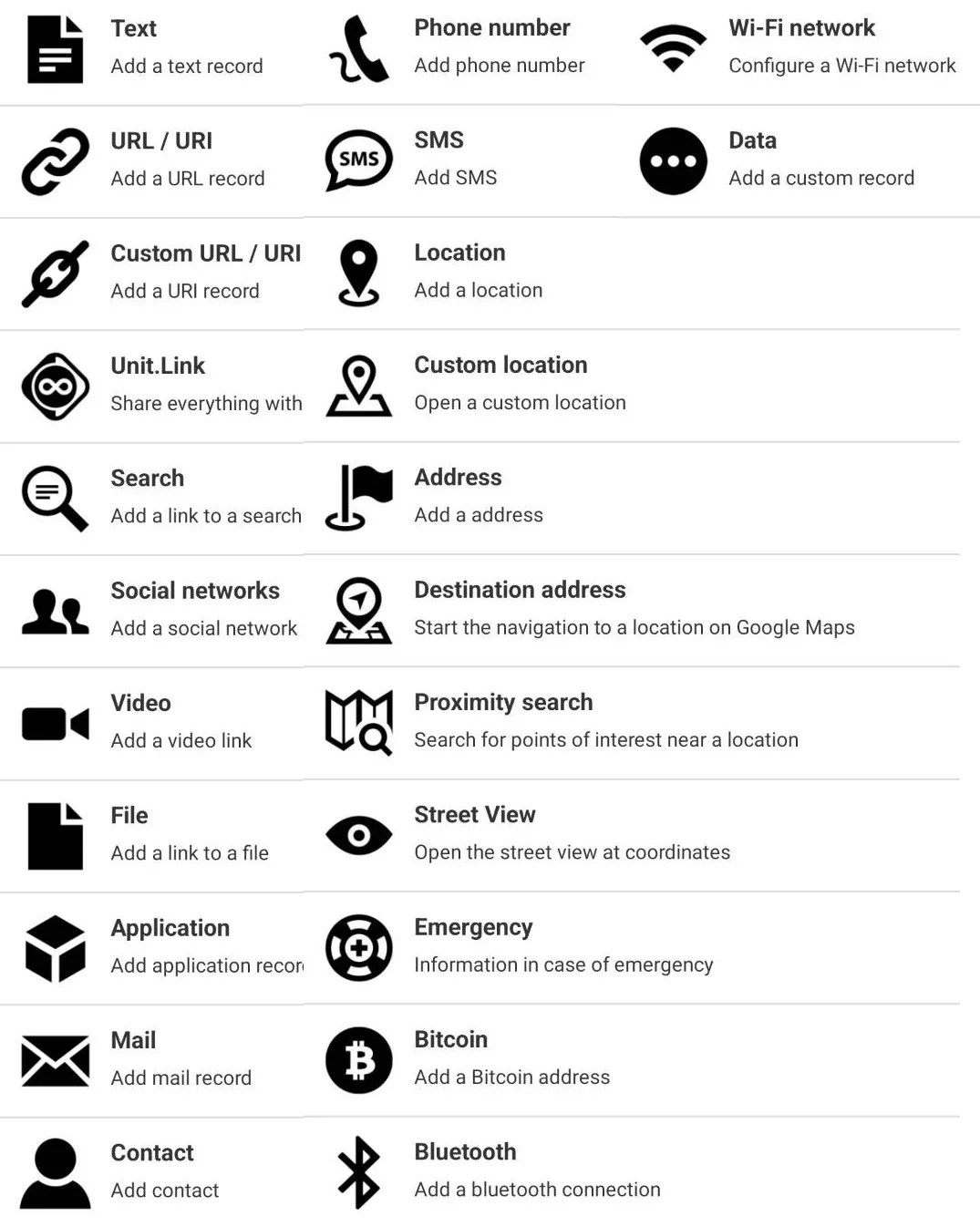
- To add data to the NFC tag install app on Google play store called “NFC Tools”
- For some reason the model may be rotated when exporting 3MF from customizer, if you want the seam on top, you would need to either paint the seam or rotate the keychain before printing.
- You will need NFC on your device to be turned on and place the keychain close near the back on the top of your device for it to work
- When designing the tag with PNG logo. Use black and white where black is the background and white is the foreground. You can then change the color of the logo in the MakerLab or when slicing.
- You can use RFID chip from aliexpress, works great
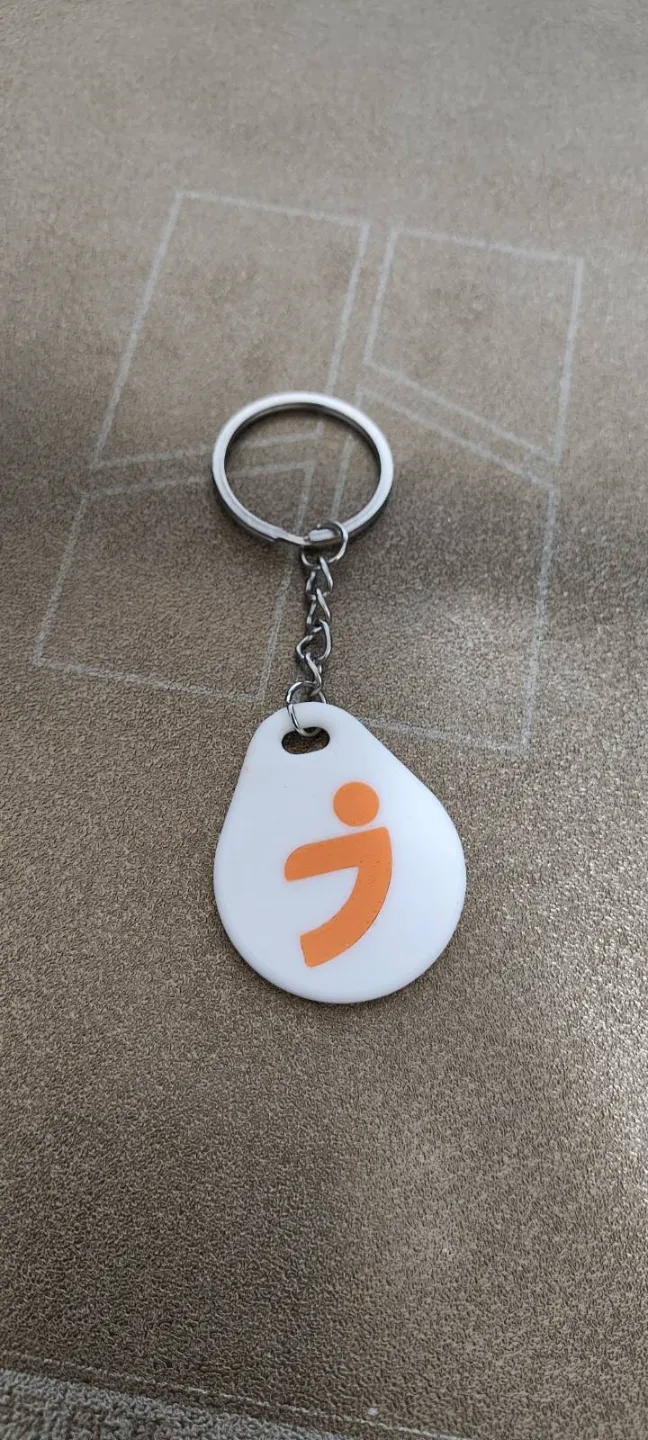
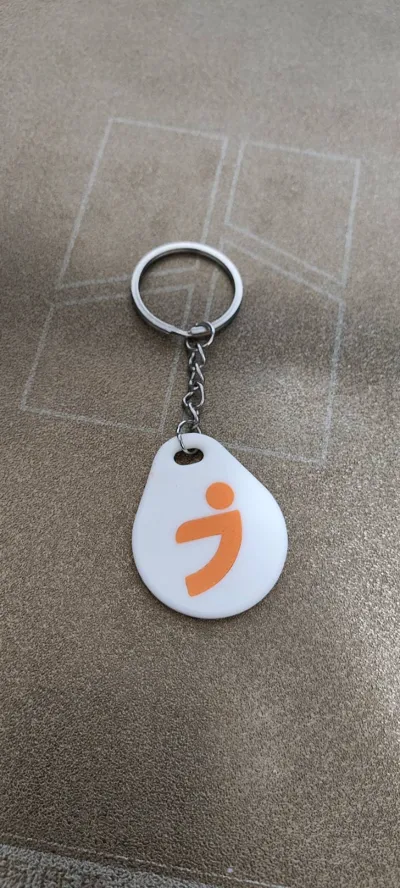
- You can use a Keychain ring to make it cooler
- If you have a flipper zero, you can copy your existing 125 khz RFID chip and make it your own instead of card or ugly keyfob
 This PNG logo will not work, because blue and beige is ignored when importing to MakerLab
 This PNG logo will work because the thing you want to be considered as logo is white
TODO:
- tune the 0.2 nozzle print profile
- test devices
License



Comment & Rating (144)