
Brick Sorting Tray - stackable compact organizer
Print Profile(4)


Description
| 😄 Welcome to GlennovitS3D. Join the Club on Printables.com to support creation of new models, get access to exclusive models, and get commercial rights, to sell prints of my models. Join today - GlennovitS3D - or check out my model collection 🗂️ |
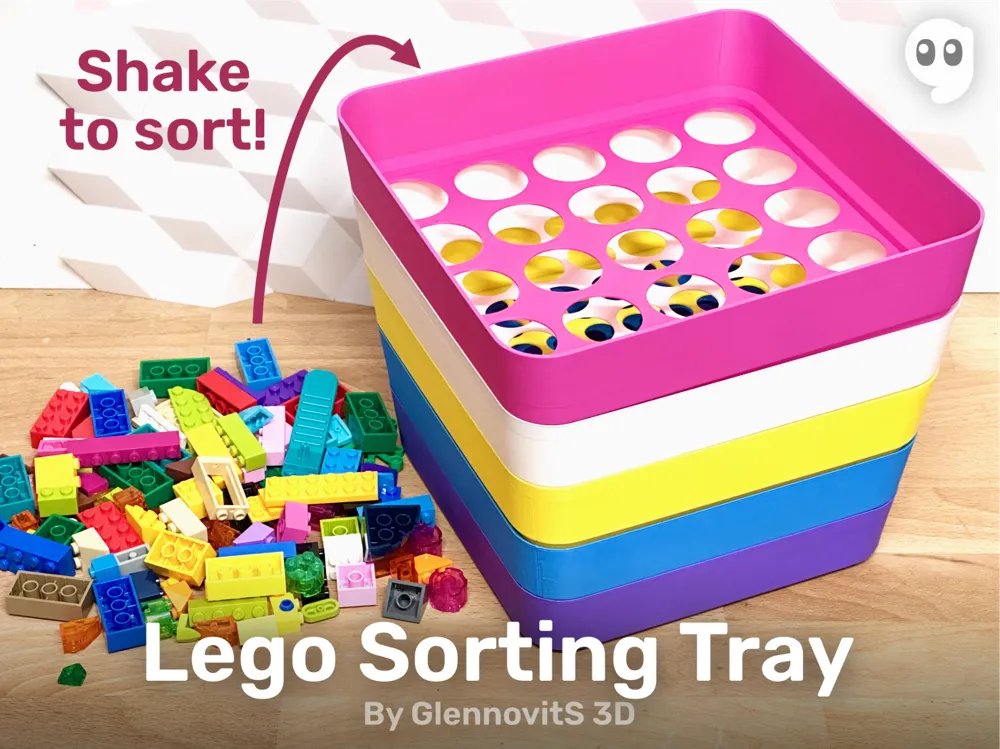
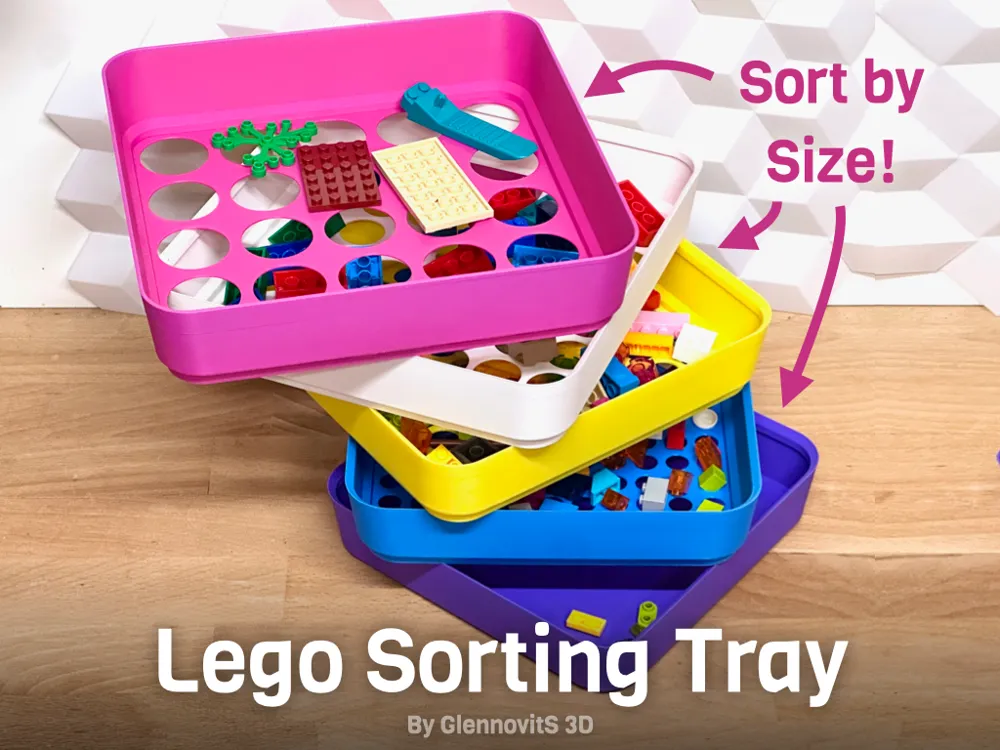
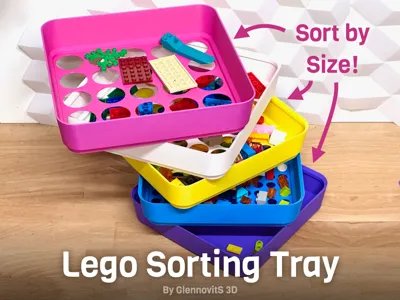
Building with bricks - awesome activity. BUT finding that small brick you need - sooo slow.. Enter: Brick Sorting Trays!
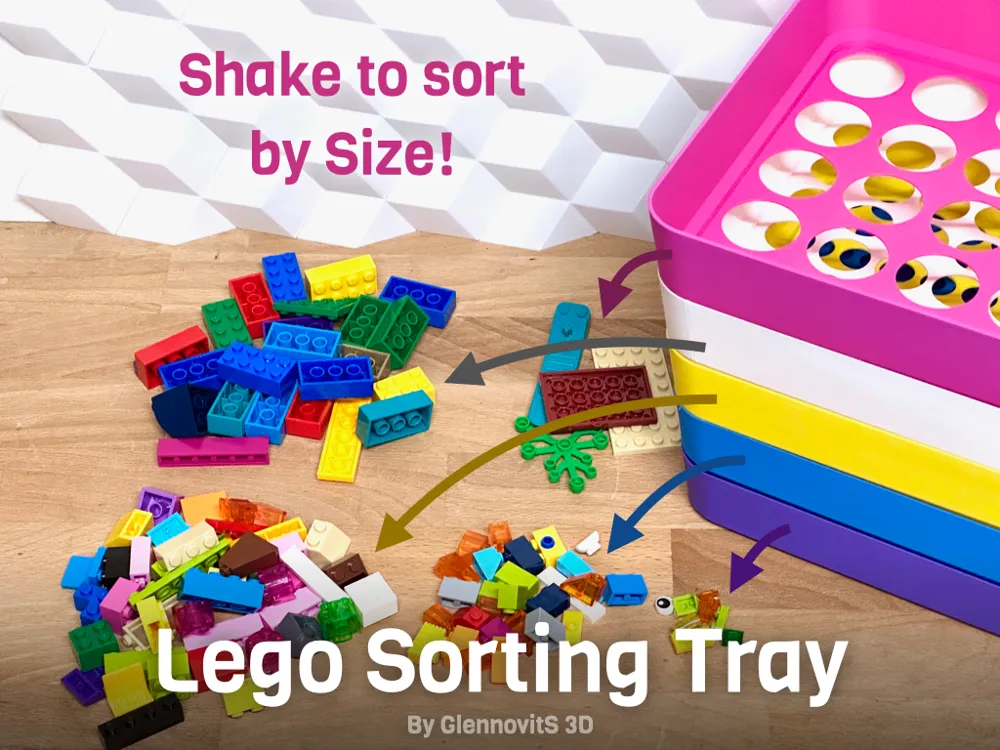
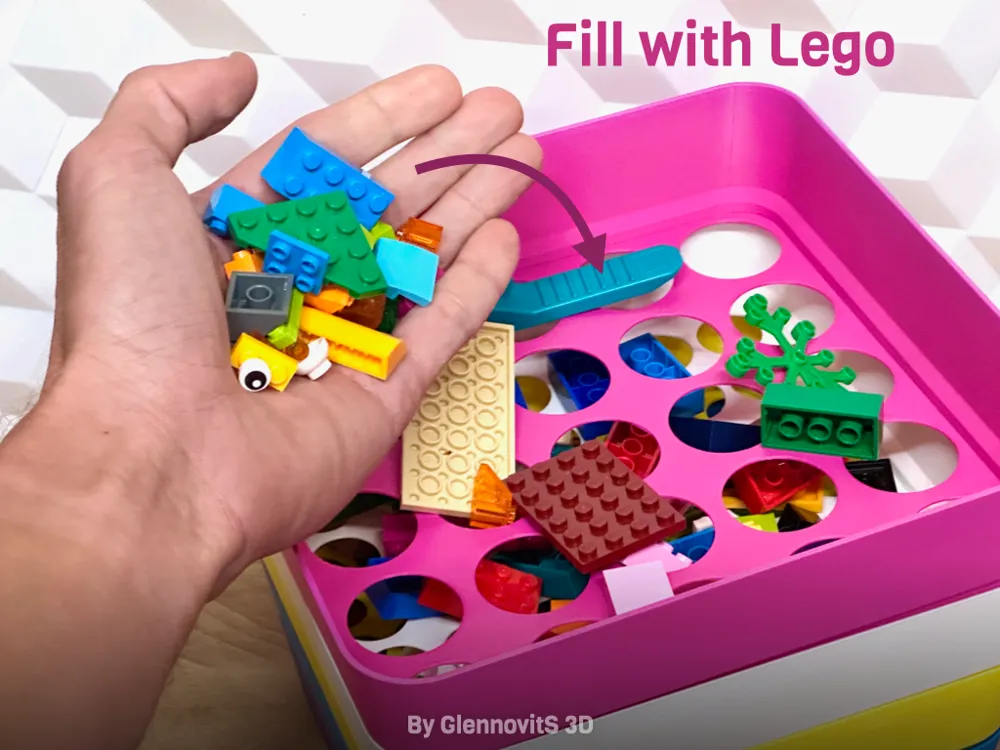
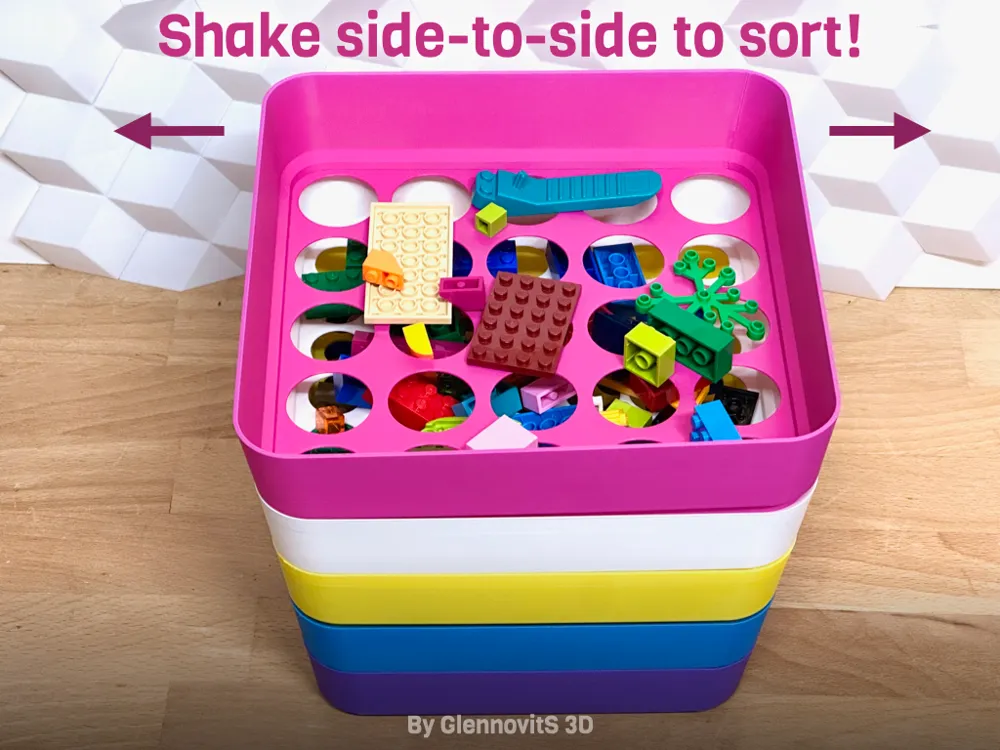
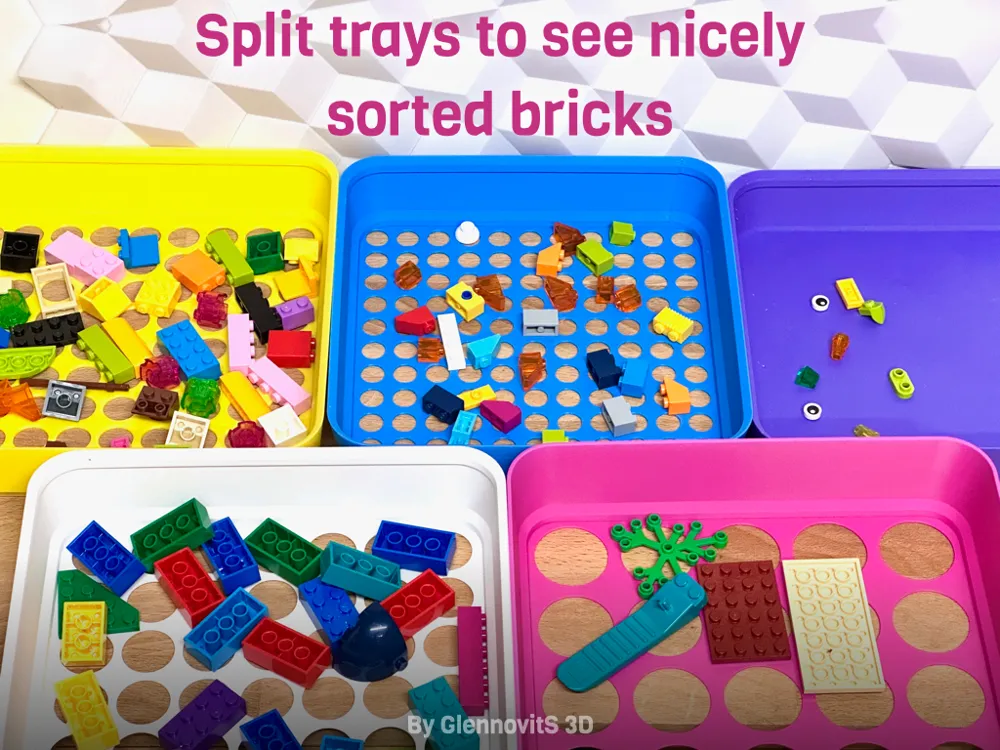
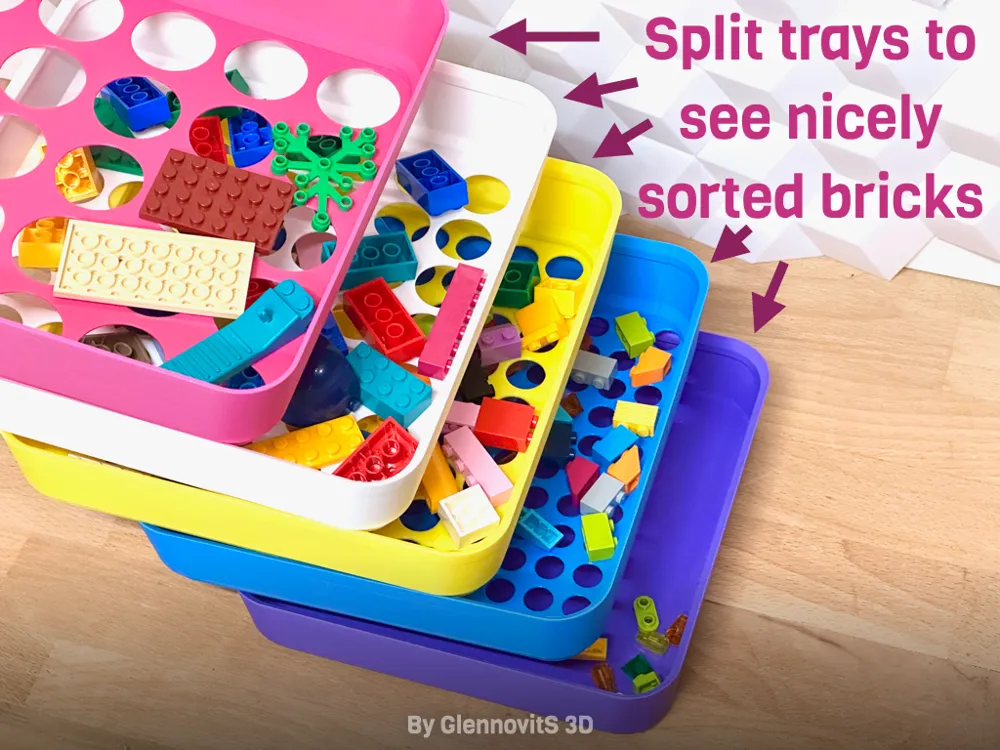
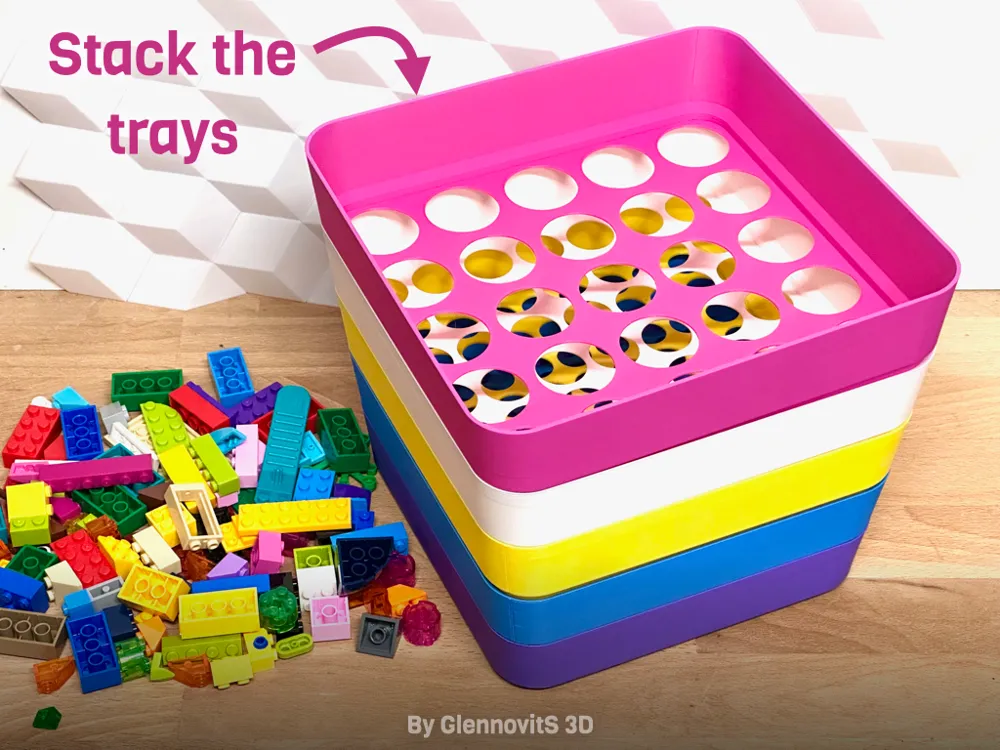
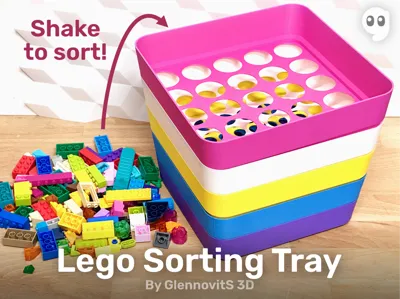
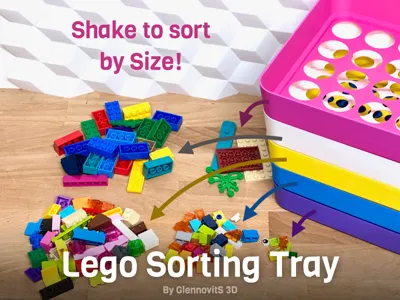
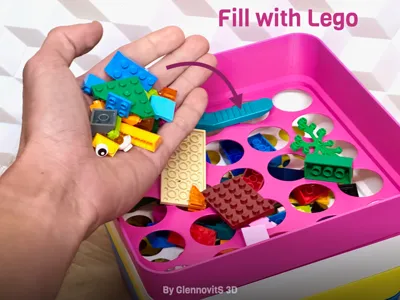
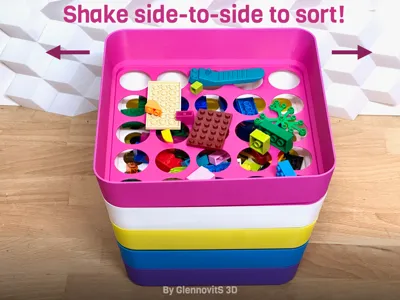
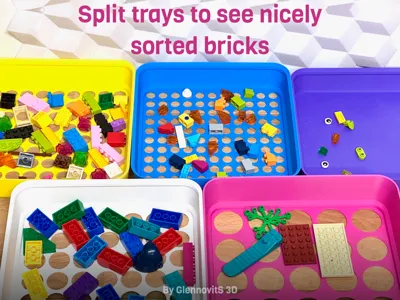
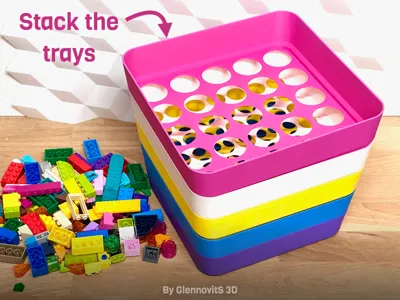
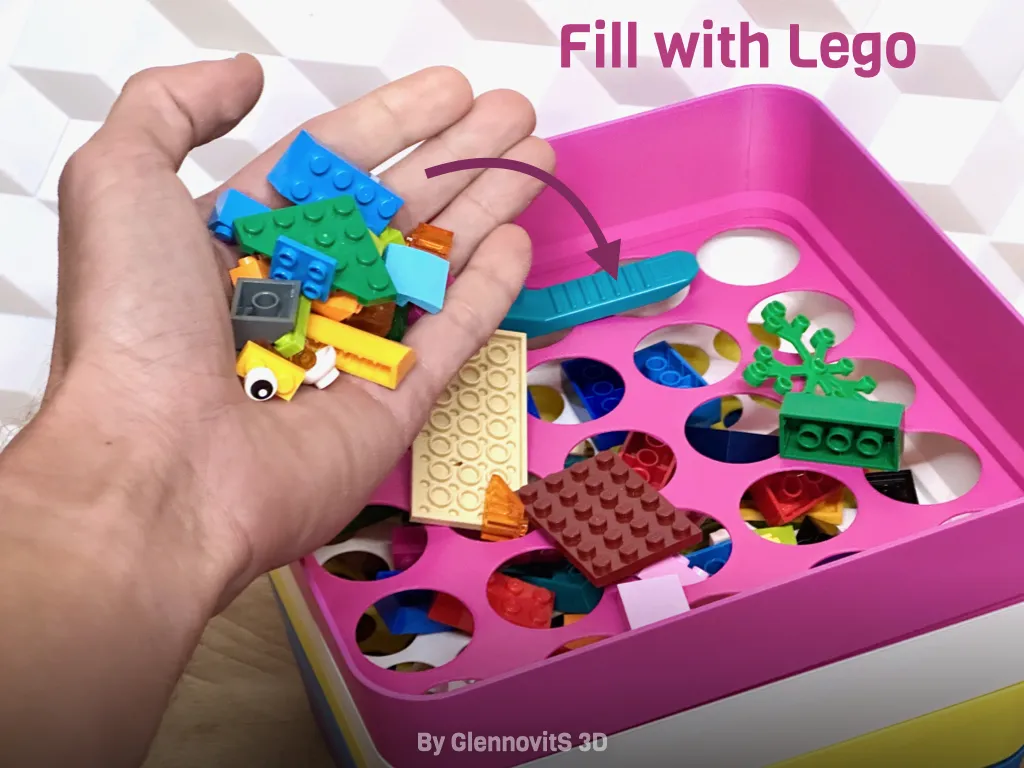
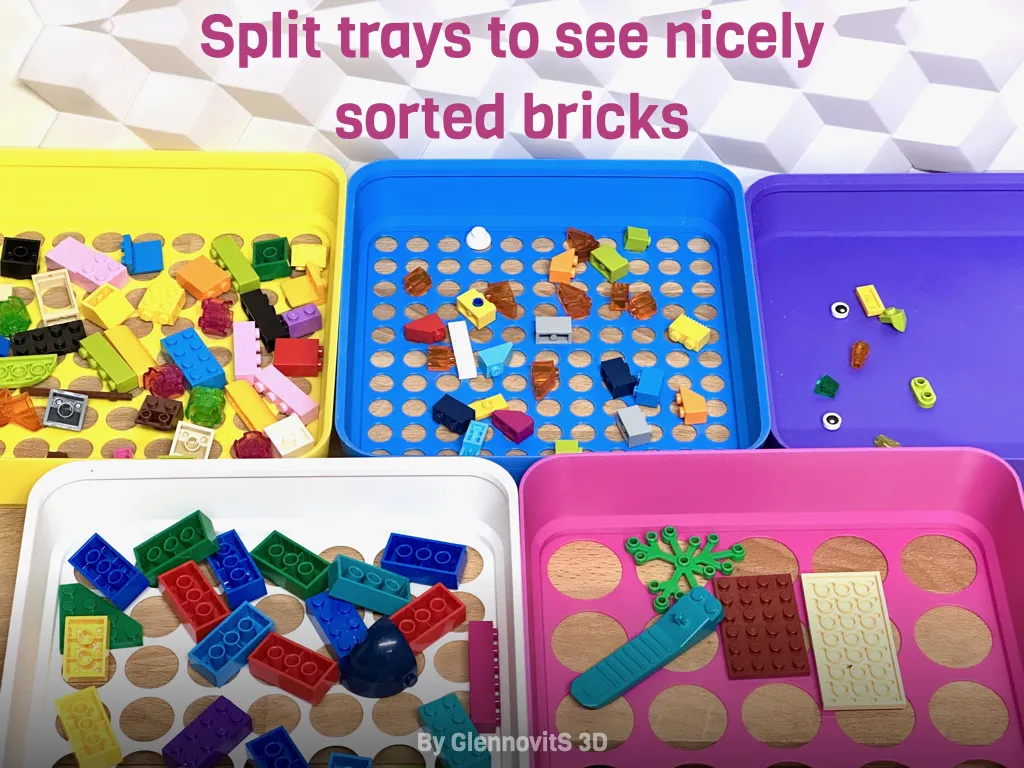
How does it work? Just stack the trays, fill in bricks from the top and shake the sorting-tower from side to side for a few moments. Now your bricks are sorted by size and it’s way easier to find what you need!
Warning: it is loud! :-) Shaking plastic trays with plastic bricks in them.. Trust me when I say that it makes quite the noise ;-)
Overview
For now it comes in 3 sizes to fit different printer sizes:
- 175 mm - Fits Prusa Mini and Bambu A1 Mini
- 200 mm
- 240 mm
All sizes comes with the following layers.
Layers
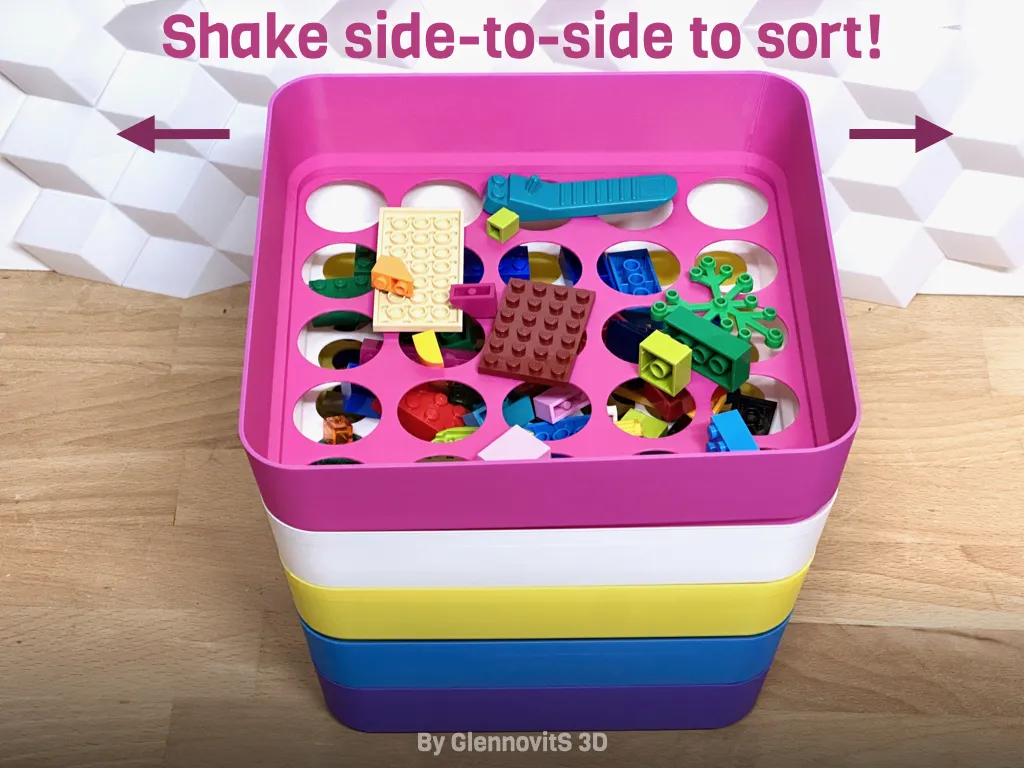
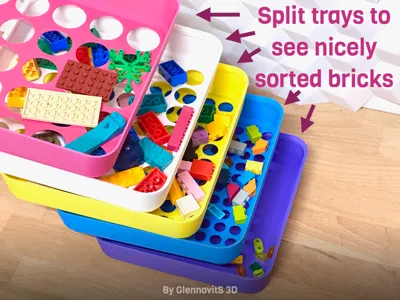
Every layer has different hole sizes for bricks to pass through:
- XS - Purple layer (the bottom - no holes - tiny bricks ends here)
- S - Blue layer
- M - Yellow layer
- L - White layer
- XL - Pink layer (the top - only very big bricks stay here)
Every layer is just below 100 grams.
Assembly / Storage
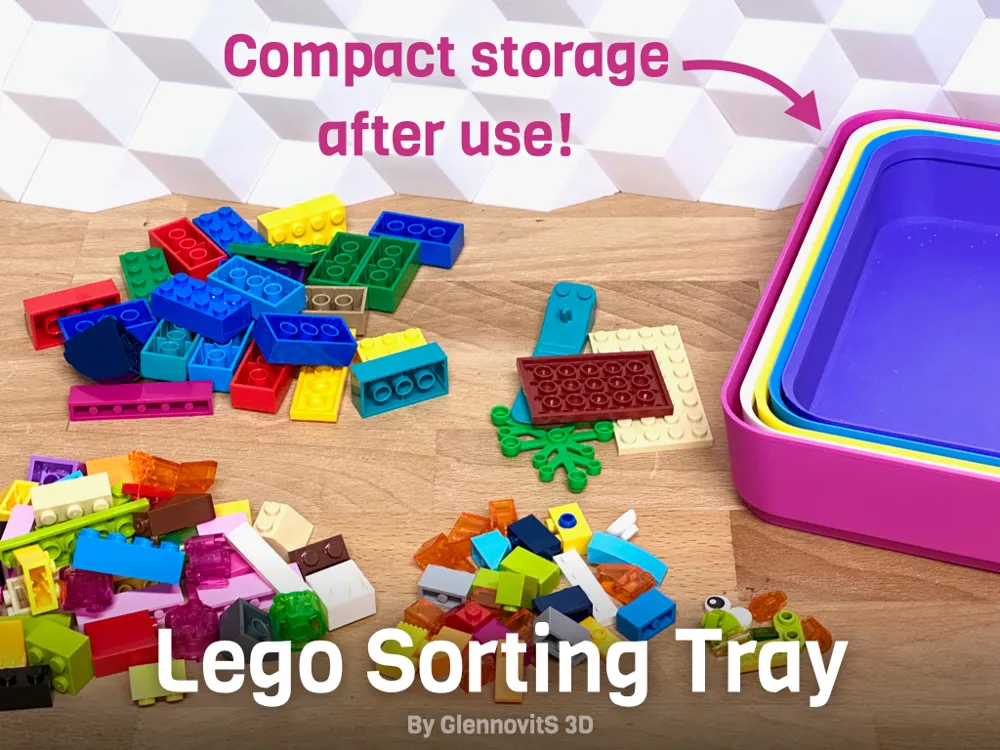
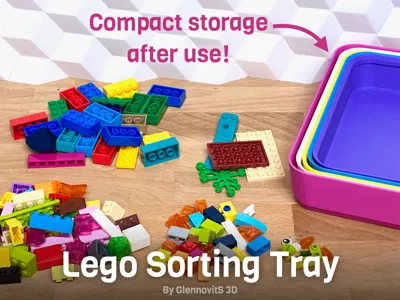
The trays can be stacked to form a sorting ‘tower’ (XS in the bottom, and then bigger and bigger on top..) - and when not in use, you can arrange them the other way - smaller ones in bigger ones - for compact storage. Enjoy!
Print instructions
This is pretty simple, but here is a few tips:
- Supports: Not needed
- No: No
- Orientation: The models are oriented in the correct print position
Happy printing!
License

You shall not share, sub-license, sell, rent, host, transfer, or distribute in any way the digital or 3D printed versions of this object, nor any other derivative work of this object in its digital or physical format (including - but not limited to - remixes of this object, and hosting on other digital platforms). The objects may not be used without permission in any way whatsoever in which you charge money, or collect fees.


Comment & Rating (817)