Search models, users, collections, and posts

Gridfinity Boxes for Gridfinity with Pin

Print Profile(11)
All
X1 Carbon
A1
X1
H2C
P2S
H2S
P1P
H2D
P1S
H2D Pro
X1E
X2D
A2L
A1 mini

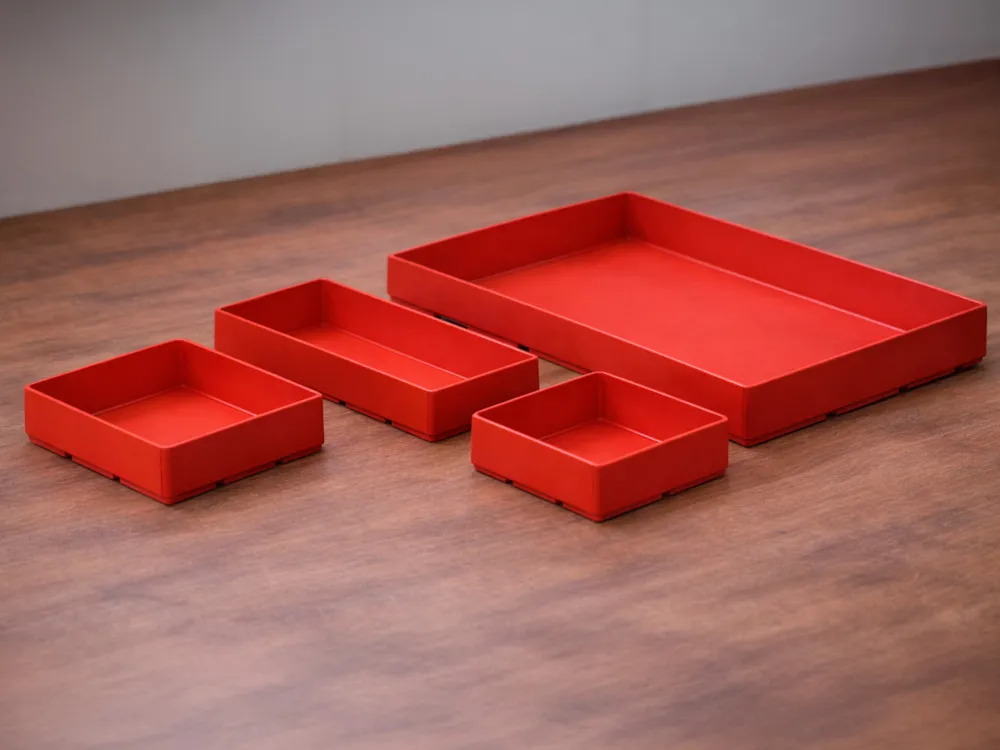
Boxes H1 (21mm) - 0.2mm layer, 2 walls, 15% infill
Designer
26.6 h
15 plates
4.9(689)

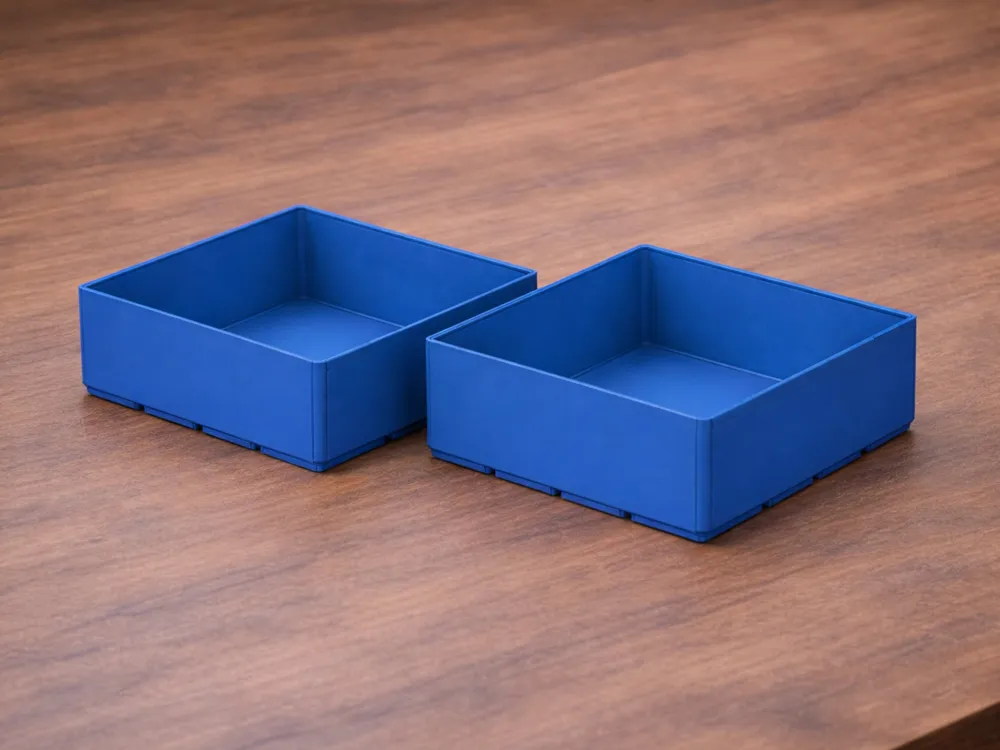
Boxes H3 (63 mm) - 0.2mm layer, 2 walls, 15% infill
Designer
35.2 h
15 plates
4.9(617)

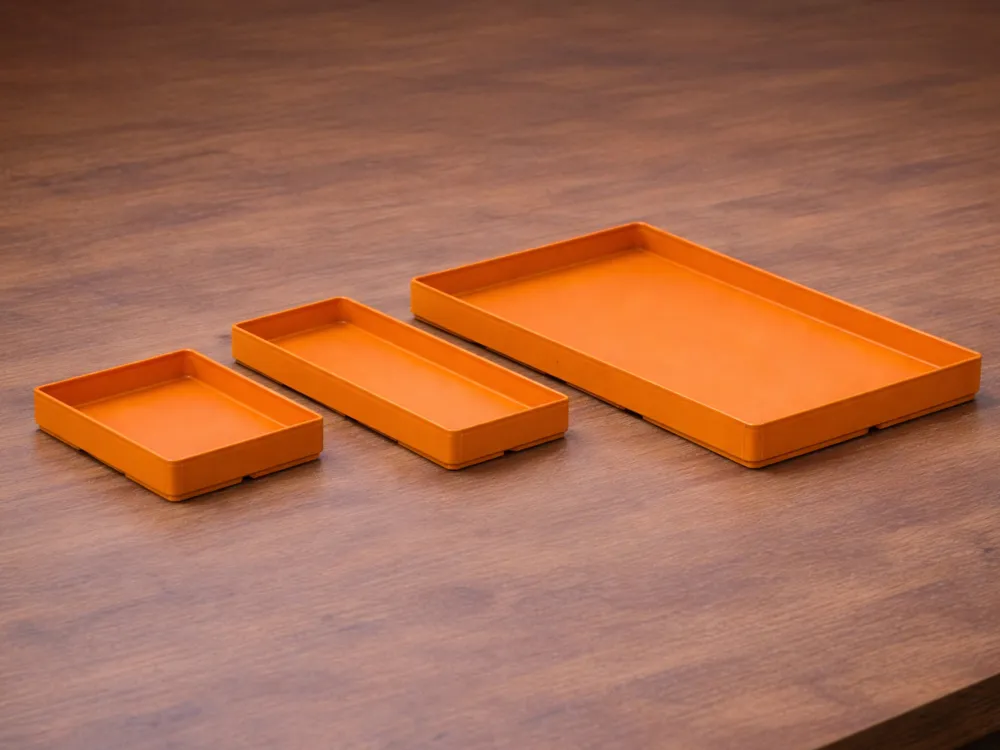
Boxes H2 (42mm) - 0.2mm layer, 2 walls, 15% infill
Designer
31 h
15 plates
4.9(1.6 k)

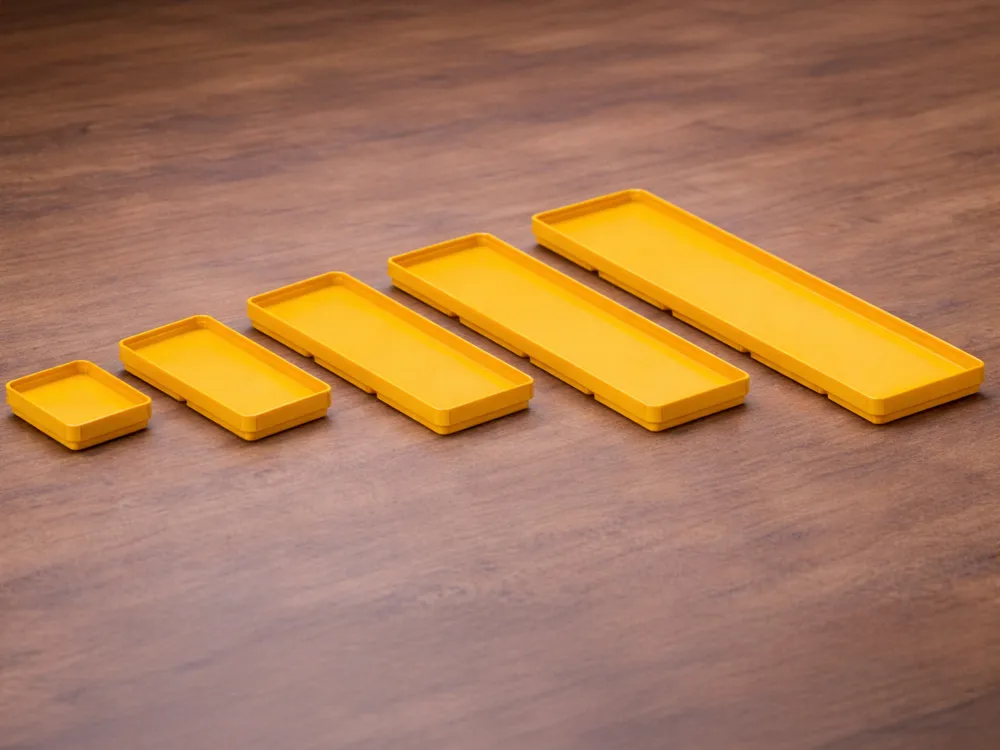
Boxes H0 (10.5mm) - 0.2mm layer, 2 walls, 15% infill
Designer
24.4 h
15 plates
4.9(159)
Click to see more

Open in Bambu Studio
Boost
7700
28162
3703
2.3 k
38.9 k
26.1 k
Released 

Description

Oh Yeah, Another Gridfinity System 📦

No Movement for Box, No Money for Magnets

This variant was born from a straightforward need, a Gridfinity system that doesn't make the boxes move without spending money on magnets.

The system is developed with respect to Standard Gridfinity rules.


PLA, PETG, ABS what you prefer, no difference.


You can Also Use these Boxes with Standard Gridfinity Grid.


HEIGHT

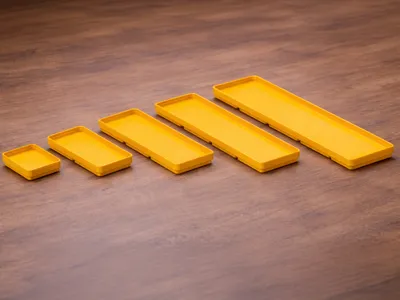
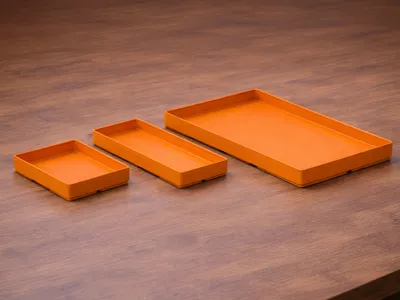
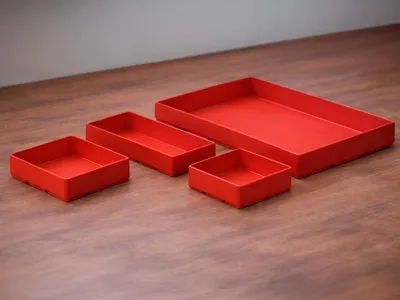
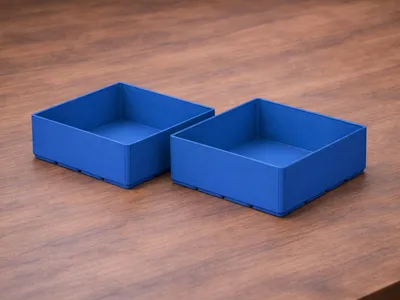
There are 4 heights available:

H0*H1H2H3
10.5 mm21 mm42 mm63 mm

*H0 Is intended to be used like a tray, not a box.

Label

I don't like that labels are joined to the box because life sometimes needs changes, so I made a Label that fits the top of the Boxes. Customize Labels Text it's easy like Sunday morning.
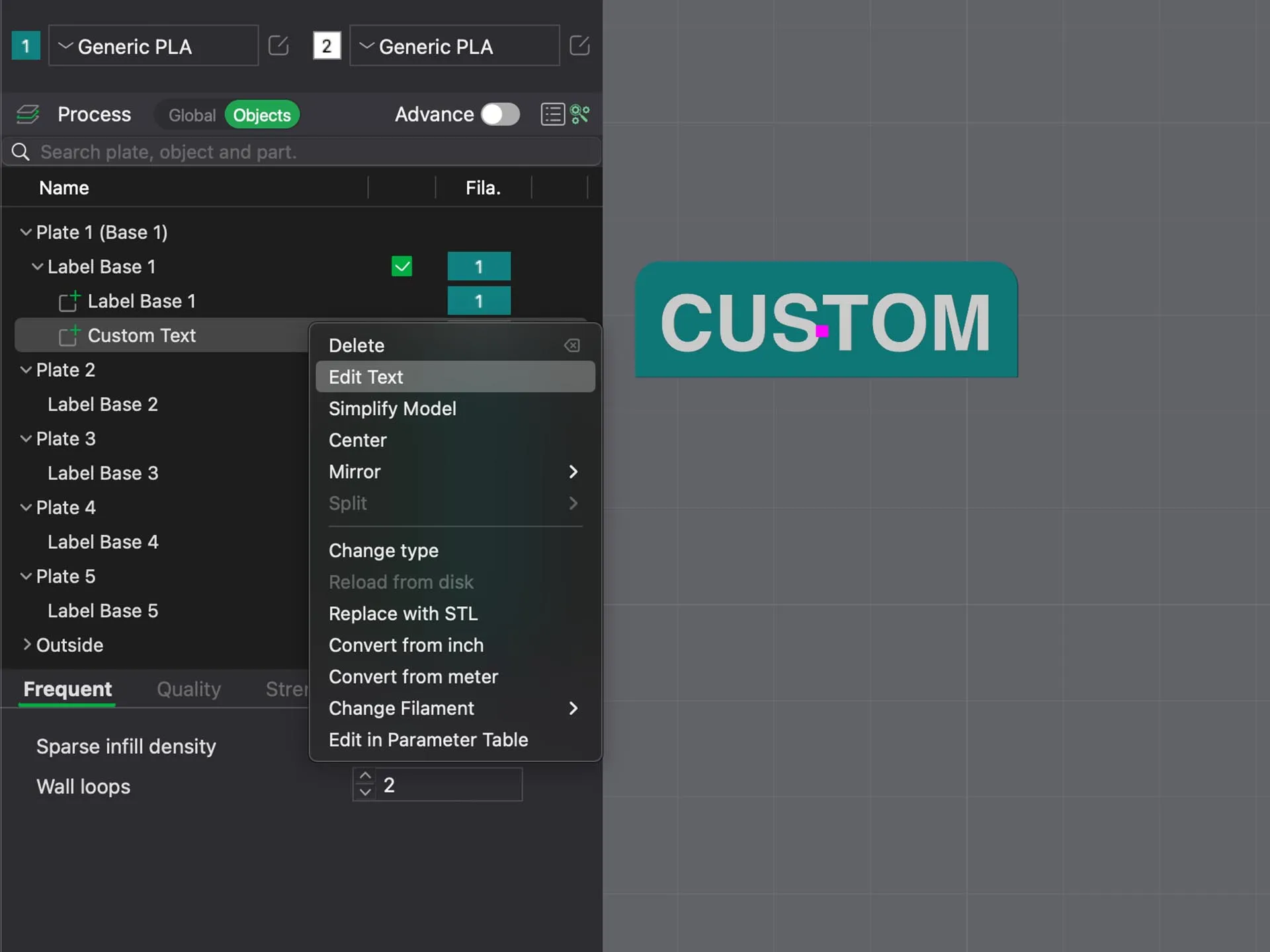
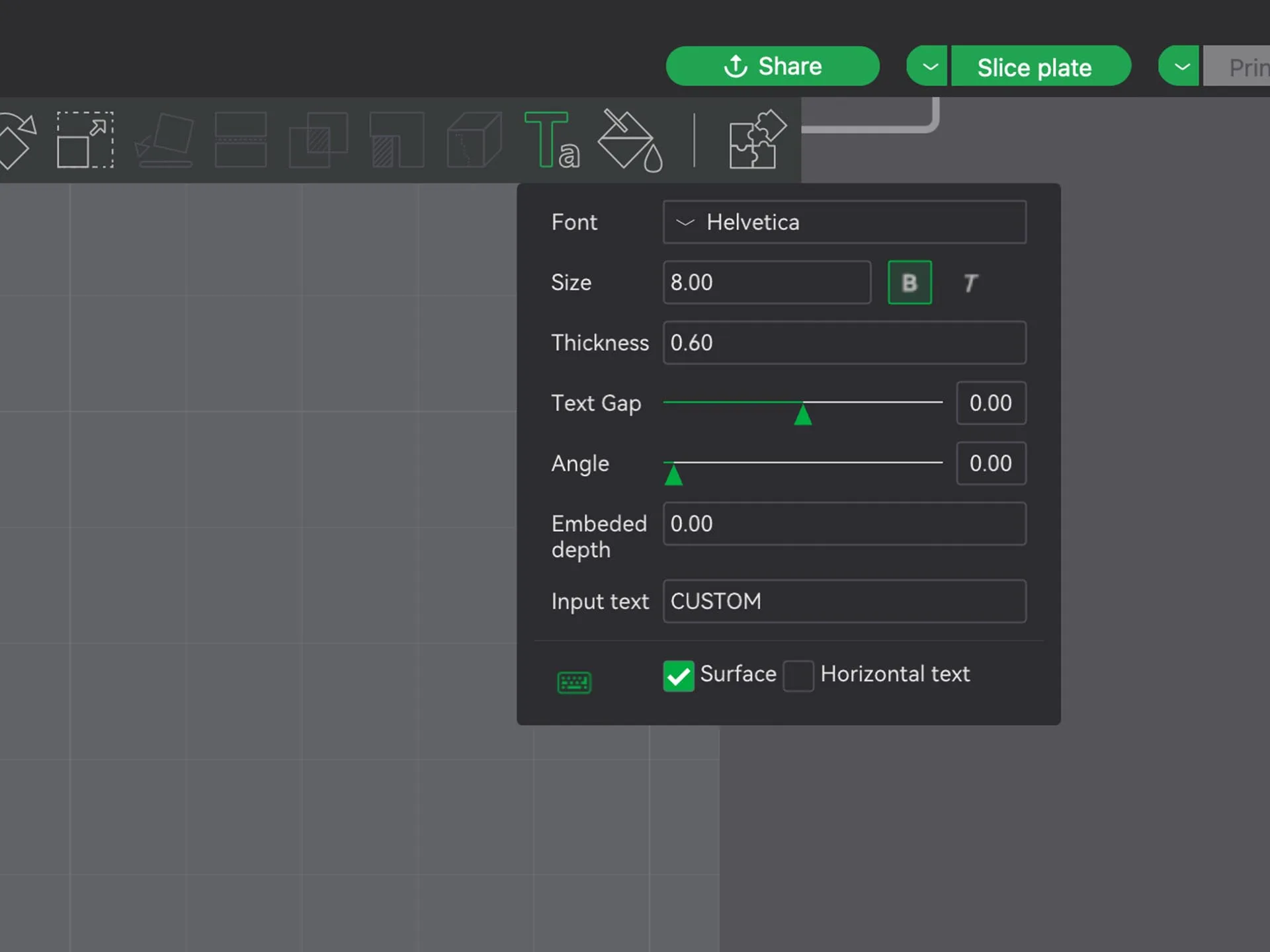
 

MAKE YOUR BOXES AND REMIX

07/30/24

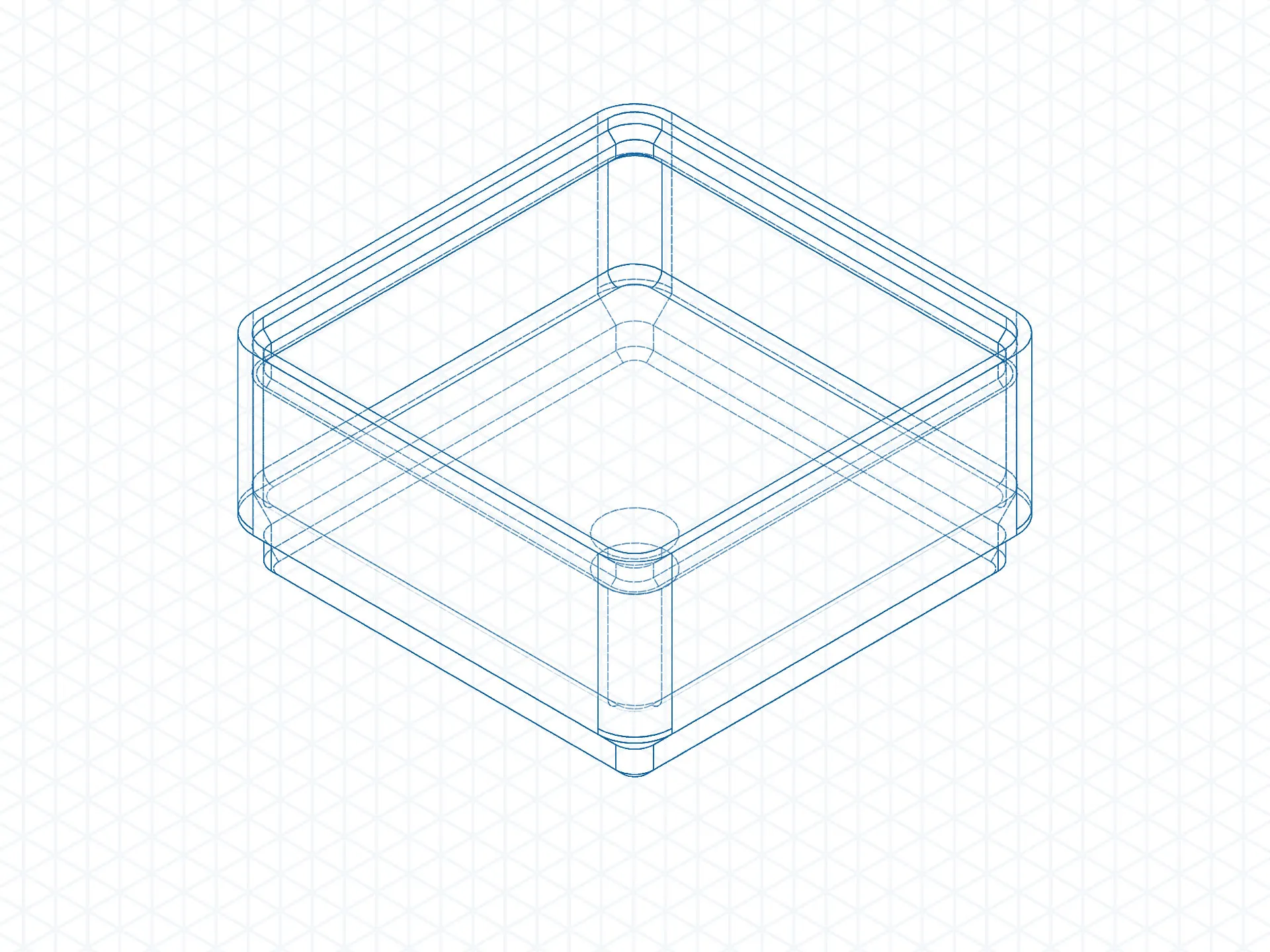
1x1H1 Box Step File is available. 
Use this base to make your boxes.

Send me a DM with a link to your Gridfinity with Pin Box and I will add the model to the Gridfinity with Pin Collection.
 

CHECK OUT the Gridfinity With Pin Collection

A video is worth a thousand words

__________________________________________________________________________

Boost Me (for free)

Boost is FREE for You but AWSOME for ME.
What a strange society today, You can pay me for my work without spending a single dollar.

Hey, If you like my Stuff Maybe You also like my SHOW


Comment & Rating (3703)

(0/1000)

I printed these boxes to use in the middle console of my Subaru Outback. They fit great and definitely helped me organize that space! It fit 3 levels of boxes which is great!
21
Reply
Any chance you could send them the file so it could be added to the Print Profiles? I would LOVE to have this!
2
Reply
Replying to @licotto :
Same, I have an Outback as well
0
Reply
what sizes did you print? trying to figure out what I want
0
Reply
Boosted
Print Profile
Boxes H3 (63 mm) - 0.2mm layer, 2 walls, 15% infill
The perimeter presents some minor issues, nothing drastic
Show original
10
Reply
I have the same problem
(Edited)
Show original
2
Reply
Same here
(Edited)
1
Reply
same
(Edited)
1
Reply
I'm printing these on Bamboo Lab PLA (tried with both regular and silk) and the 1mm walls are so thin, that they break in the print lines when I handle them. I'm printing on a brand new X1C with a 0.4 nozzle using the '0,20mm Strength @BBL X1C', and I was wondering if I'm missing some settings to make this possible?
The designer has replied
0
Reply
Considering other users result i think you have a fillament moisture problem, your layers don't sticks
5
Reply
Replying to @OneMakerShow :
Thanks for the suggestion (and getting my terminology straight). I'll try +5 on the temperature first. If that does not help I'll dry out the filament, though I do think it's okay (came sealed, and have only been open for 24 hours in the AMS with fresh silicon beads) And I'm also sure, it's on my end since everyone else seems happy... just can't figure out what's going on :)
1
Reply
Replying to @RuneHojsgaard :
Hej Rune, Filament will often arrive saturated with moisture, even if it is sealed. Did drying the filament solve your problem?
2
Reply
The print profile is no longer public
These are really great. Love the idea of separate labels and editing them within the slicer is so cool! I did however run into a snag - I printed the 'Base 2' labels to attach to the '2x3 H2' box. The label seems to be a couple millimeter short. Please let me know if I've messed something up on my end :) Thanks for your contribution to Gridfinity! Really enjoying your designs so far.
(Edited)
The profile uploader has replied
profile
9
Reply
mmmmmmm Strange... let me check the file.
0
Reply
Man I Am really really sorry, I made a terrible mistake, the dimensions for label Base 2/3/4/5 are wrong.  Sorry for the filament waste. I have uploaded the new profile.
(Edited)
39
Reply
Replying to @OneMakerShow :
No problem at all! Thanks so much for the quick fix!
(Edited)
8
Reply
So the square at the base is designed with a length of 37.7 mm and the opening for the grid is the same. There is not sufficient clearance because of this. A 1x1 or 2x1 box fit due to the fact that the grids are compliant enough, and the boxes force they way into the space. But now the squares surrounding the inserted box are now deformed. So I have problems with with fitting 4x4 boxes or larger. Because of this tight fit, the pin acts as an over-constrained feature or not contributing to the fit at all. I'm going to try a box with additional clearance added.
The designer has replied
designer
7
Reply
i don’t think slicer gives you precise dimension. there is tollerance calculated between two piece I clearly see it in fusion file
2
Reply
the slicer is giving dimensions precise down to 3 decimals places. The step file for the boxes measure at 37.70002 mm according to Fusion.
4
Reply
is there a way to adjust the tolerance of the lower part of the bins? the lower part that snaps to the grid is 37.7mm when it should be 37.2(right?) according to Gridfinity. I printed them and they only fit in the grid if I press fit them. the bins are holding very strongly in the grid base, I can lift it from the bin, was that intentional? even don't need the extra pin in the middle
(Edited)
The designer has replied
2
Reply
this system is not compatible with classic gridfinity… it’s for gridfinity with pin.
2
Reply
Replying to @OneMakerShow :
You have "You can Also Use these Boxes with Standard Gridfinity Grid." in the description - which is correct, the description or this comment? I have a plate of these printing to use with a standard, non-pin grid, because of what the description stated, and I'm wondering if I should cut my losses and cancel it before ending up with 6 bins I can't use. 😶
8
Reply
Replying to @p4R4d0x :
you can use the gridfinity pin box whit classic gridfinity grud, but you cannot use the classic gridfinity box with the gridfinity with pin grid because the pin.
0
Reply
Print Profile
Boxes H2 (42mm) - 0.2mm layer, 2 walls, 15% infill
Printed three, only to find out it is out of spec. Doesnt fit any base or gridfinity container. I printed the black one before this model and it works.
5
Reply
problem will be in your plastic measurement tool. sorry it cant be different..
(Edited)
1
Reply
Boosted
The Gridfinity Boxes project by One Maker Show is an excellent solution for organizing workspaces in a modular and customizable way. The boxes, based on a grid system, come in various sizes and versions, making them perfect for hobbyists and professionals. The simple design makes them easy to 3D print, even with mid-range printers, and the stackable, magnetic models add extra versatility. These boxes are ideal for organizing small tools and components, improving efficiency and tidiness on the workbench. It's a useful, easy-to-make, and highly functional project.
designer
9
Reply
Boosted
Print Profile
Boxes H2 (42mm) - 0.2mm layer, 2 walls, 15% infill
Highly recommend! No fussing with the magnets and the boxes fit into the base just snug enough. Note - Would be nice to have a fillet on the inside of the boxes to make it easier to slip small parts out.
(Edited)
profile
4
Reply
I have a question regarding the labels. The moment I change the text, it is not on top of the base of the label anymore. BambuStudio is then complaining about floating objects (the text). See the screenshots (1 - after, 2- before editing the text)
(Edited)
The designer has replied
1
Reply
YES! @OneMakerShow please take a look at this for us please! 🙏
0
Reply
Replying to @Cochranejohn52 :
I don’t know why you’re getting this issue — I tested it with the latest version of Bambu Studio on Mac and I can edit the text without any problems.
0
Reply

License

This user content is licensed under the MakerWorld Exclusive License.

You may create derivative works based on this object, provided that all such derivative works are published exclusively on the MakerWorld platform and include proper attribution to the original creator. You may not share, upload, host, distribute, or publish this object—or any derivative work of this object—on any other digital platform, marketplace, or distribution channel. Commercial use of this object and any derivative works is strictly prohibited. This includes, but is not limited to, selling, renting, sublicensing, or using the object in any context in which you receive monetary compensation or other financial benefits.