
Freezer Meter
Print Profile(1)
Description
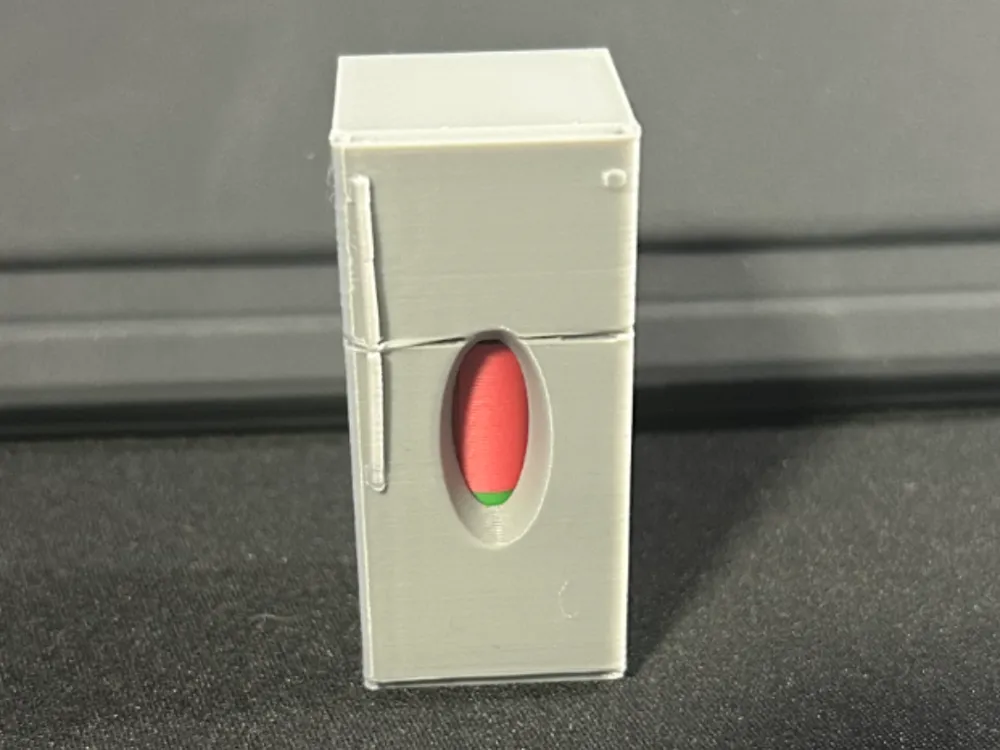
My take on the Freezer Meter.
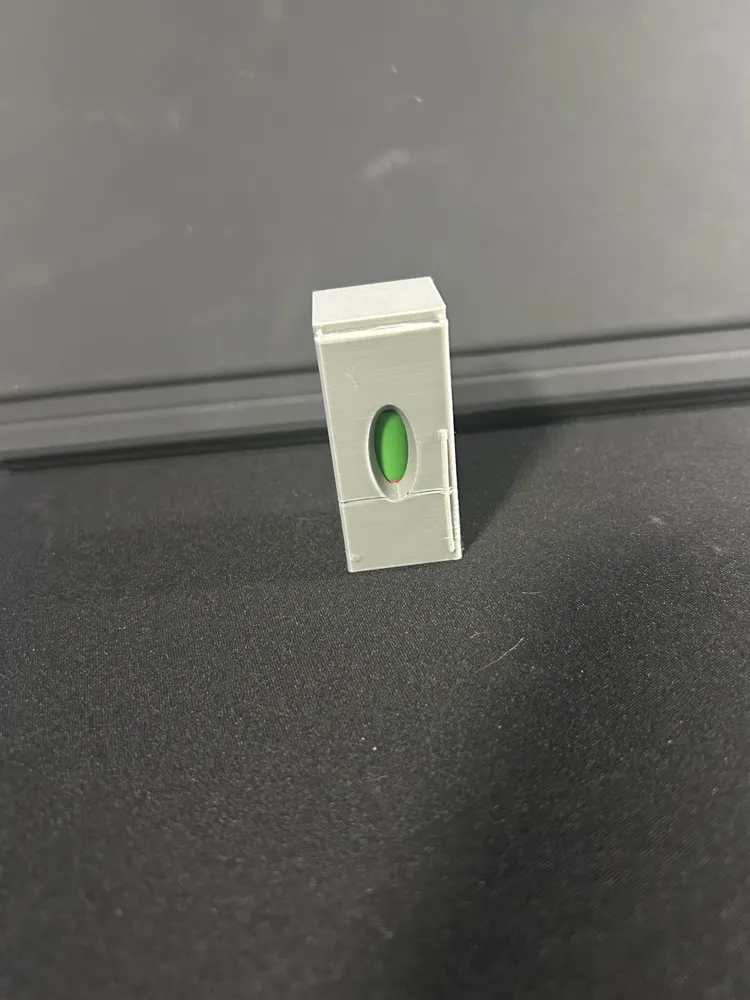
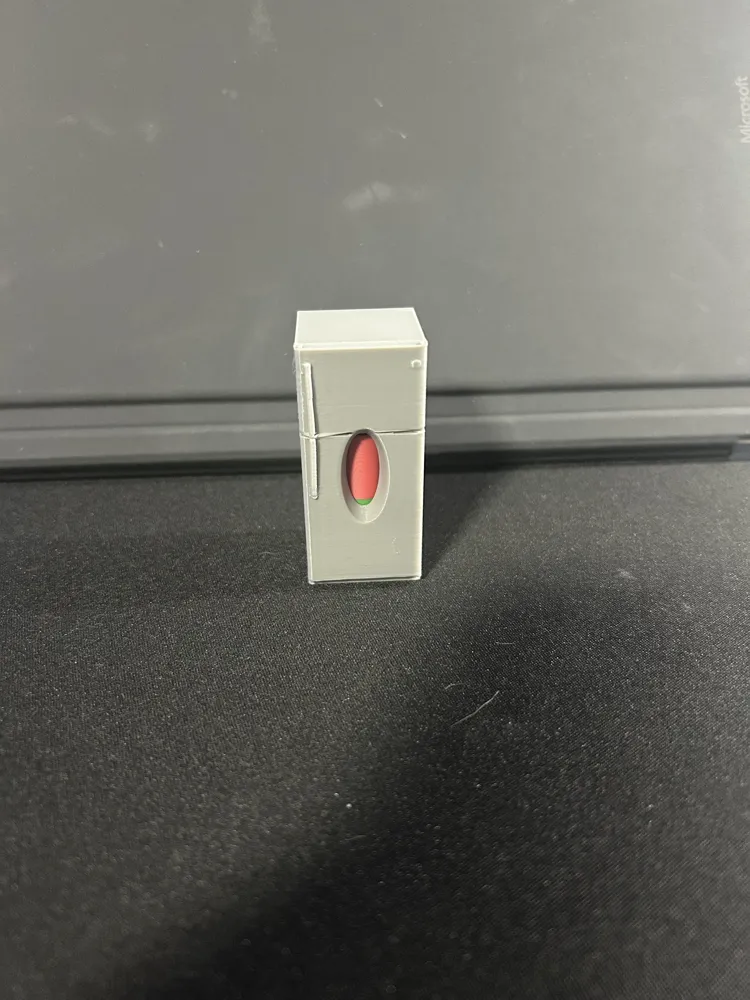
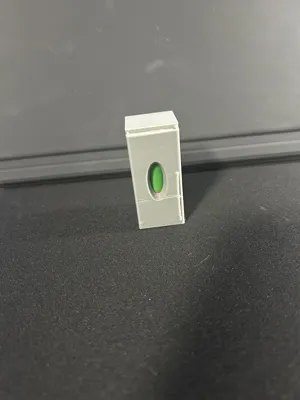
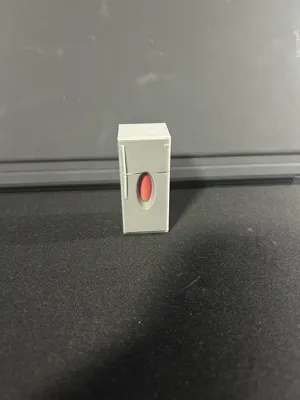
Made this to go into my freezer at the cottage cause I really don't know if the power went out while I was back at home, this way if I see RED then I know to not eat the steaks!
Modelled after the actual fridge/freezer at the cottage, all you need to do is fill with a bit of water and store in Freezer upside down so you see the green, after a few hours you can turn it over and if the freezer thaws and you see RED then you know that you know that you lost power.
I added “reservoirs” at the top and bottom to collect and store water for freezing or melting.
Printing Steps:
- WITH AMS - Print the Plate for AMS in red and green filament
WITHOUT AMS - Print the plate (pause built in at layer 83 to swap filament) - Print the Refrigerator - Pause built at Layer 275 to drop in your coloured indicator you printed in Step 1.
Be sure to drop it in with the green side down
Hope you like it.
License

You shall not share, sub-license, sell, rent, host, transfer, or distribute in any way the digital or 3D printed versions of this object, nor any other derivative work of this object in its digital or physical format (including - but not limited to - remixes of this object, and hosting on other digital platforms). The objects may not be used without permission in any way whatsoever in which you charge money, or collect fees.


Comment & Rating (0)