
claude code session status light
Print Profile(1)
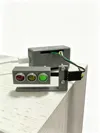
Description
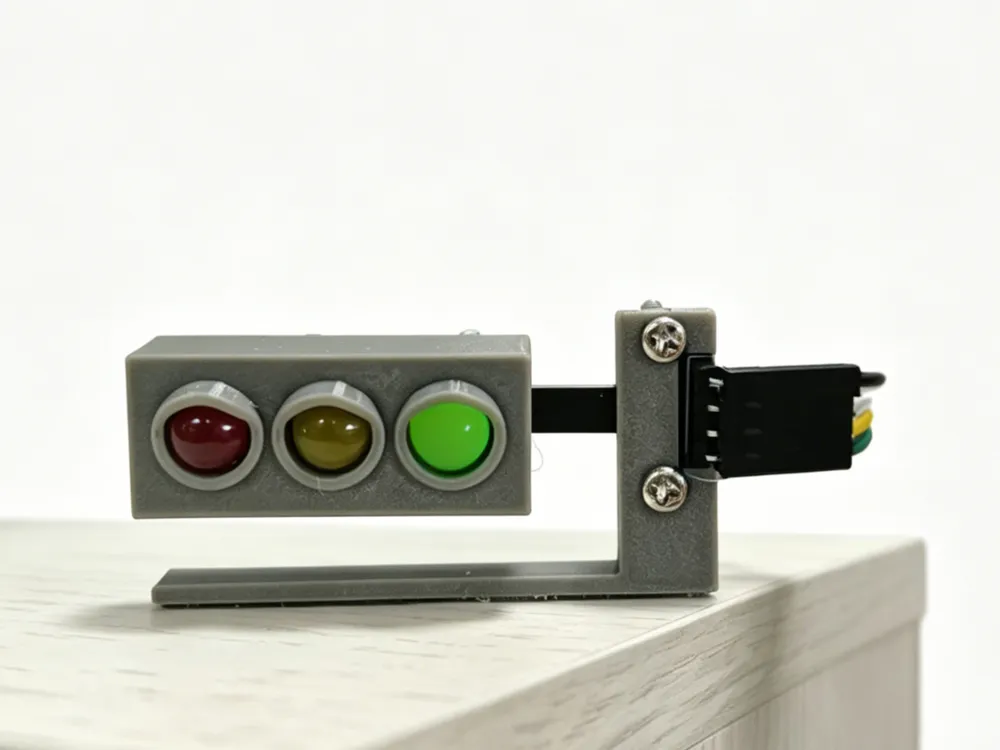
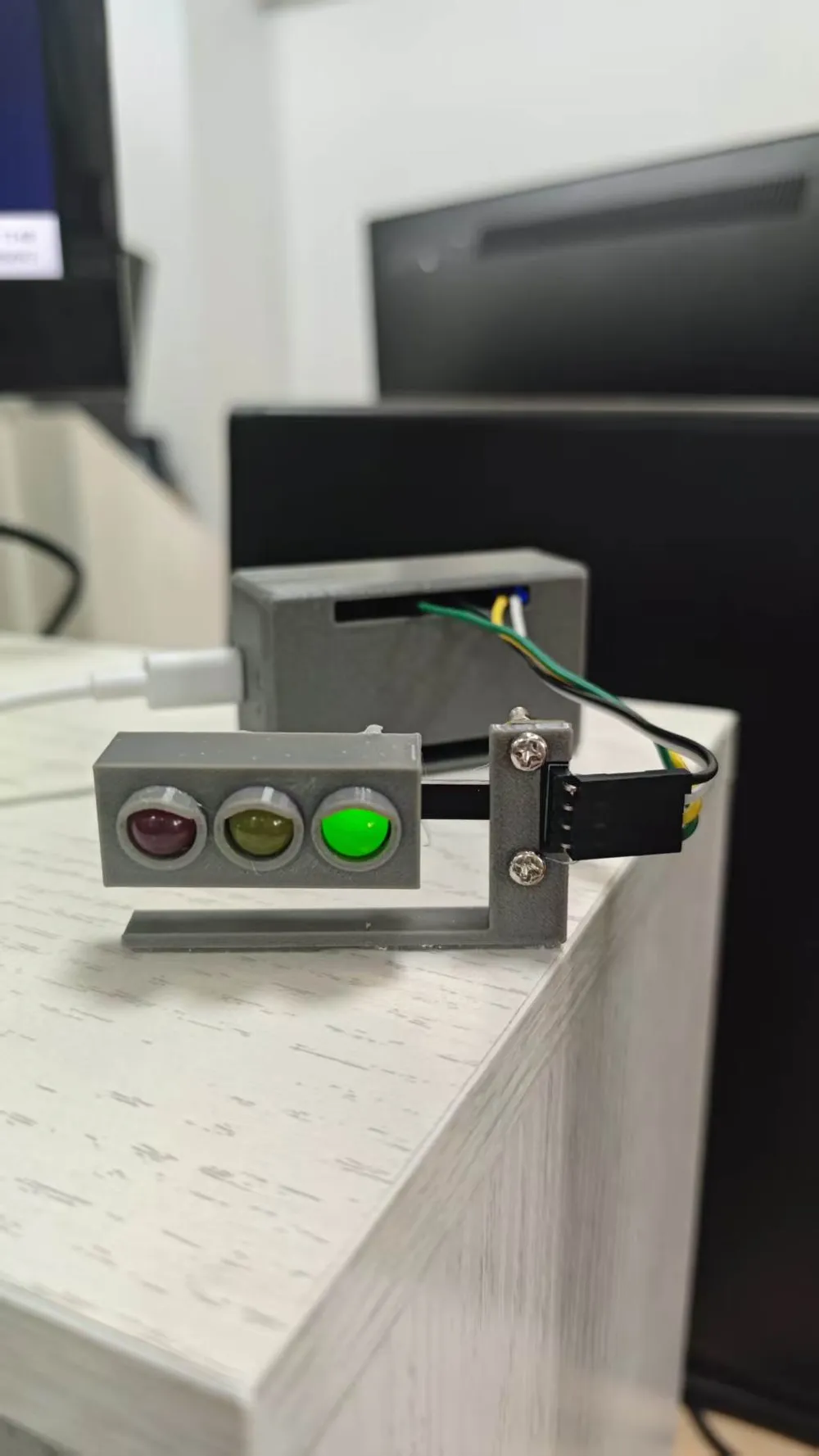
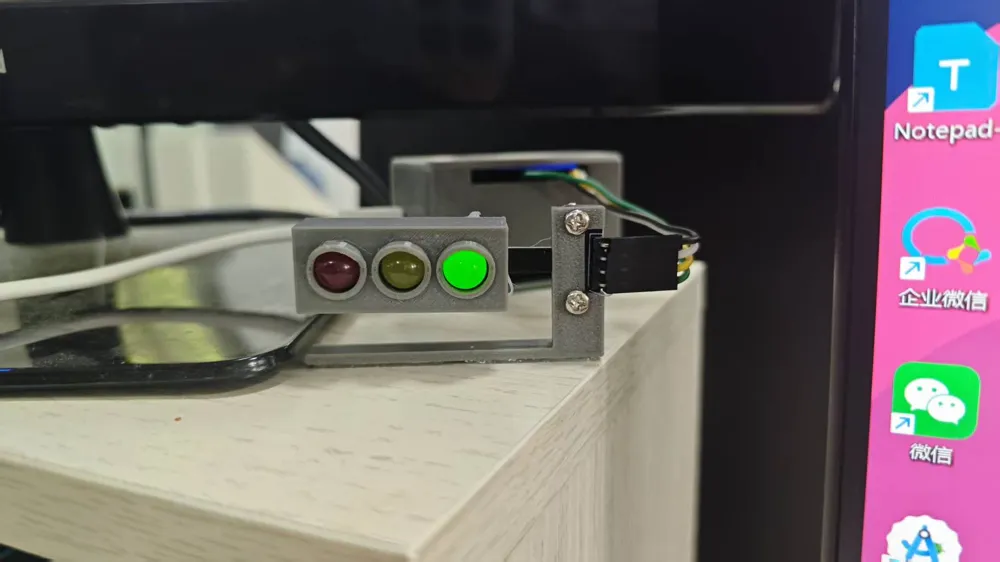

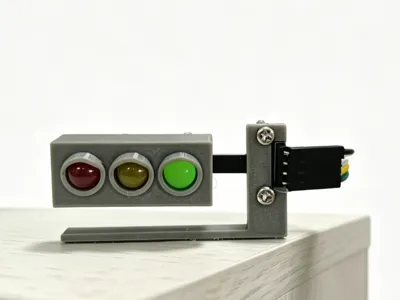
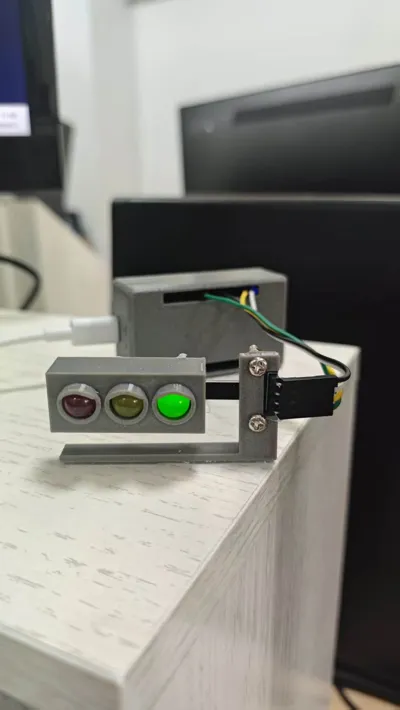
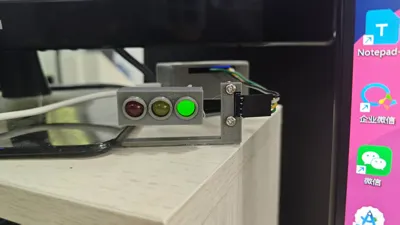
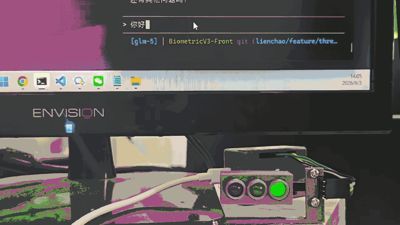
Claude Traffic Light 🚦
Claude Code 会话状态映射到实体红绿灯。
灯效
| 灯 | 状态 | 触发事件 | 备注 |
|---|---|---|---|
| 🟡 黄灯闪烁 | THINKING | PreToolUse UserPromptSubmit | AI 思考 / 工具调用中 |
| 🔴 红灯常亮 | WAITING_USER | PermissionRequest Notification | 弹确认框等你决定。Notification 仅会话活跃时响应 |
| 🔴 红灯闪烁 | TOOL_ERROR | PostToolUseFailure | 工具执行失败 |
| 🟢 绿灯常亮 | TASK_COMPLETE | Stop | 任务完成,60s 后自动 → 空闲 |
| 🟢 绿灯闪烁 | IDLE | 上电 / 超时 | 空闲等待 |
超时策略
| 状态 | 超时 | 行为 |
|---|---|---|
| TASK_COMPLETE | 60s | → IDLE |
| WAITING_USER | 5min | → IDLE(兜底) |
| THINKING / TOOL_ERROR | 永不 | 保持到下一事件 |
项目结构
.
├── claude_hooks/
│ ├── send_signal.py # 钩子脚本
│ ├── hook_mapping.json # 事件 → 灯效
│ └── hook_config.json.example
├── debug_tools/
│ └── test_serial_command.py # 手动测试
├── hardware/
│ └── traffic_light_controller/
│ ├── pins_config.h
│ └── traffic_light_controller.ino
└── README.md
硬件
| 材料 | 数量 |
|---|---|
| ESP8266 (NodeMCU) | 1 |
| 红/黄/绿 LED 模组 | 1 |
| 杜邦线 | 4 |
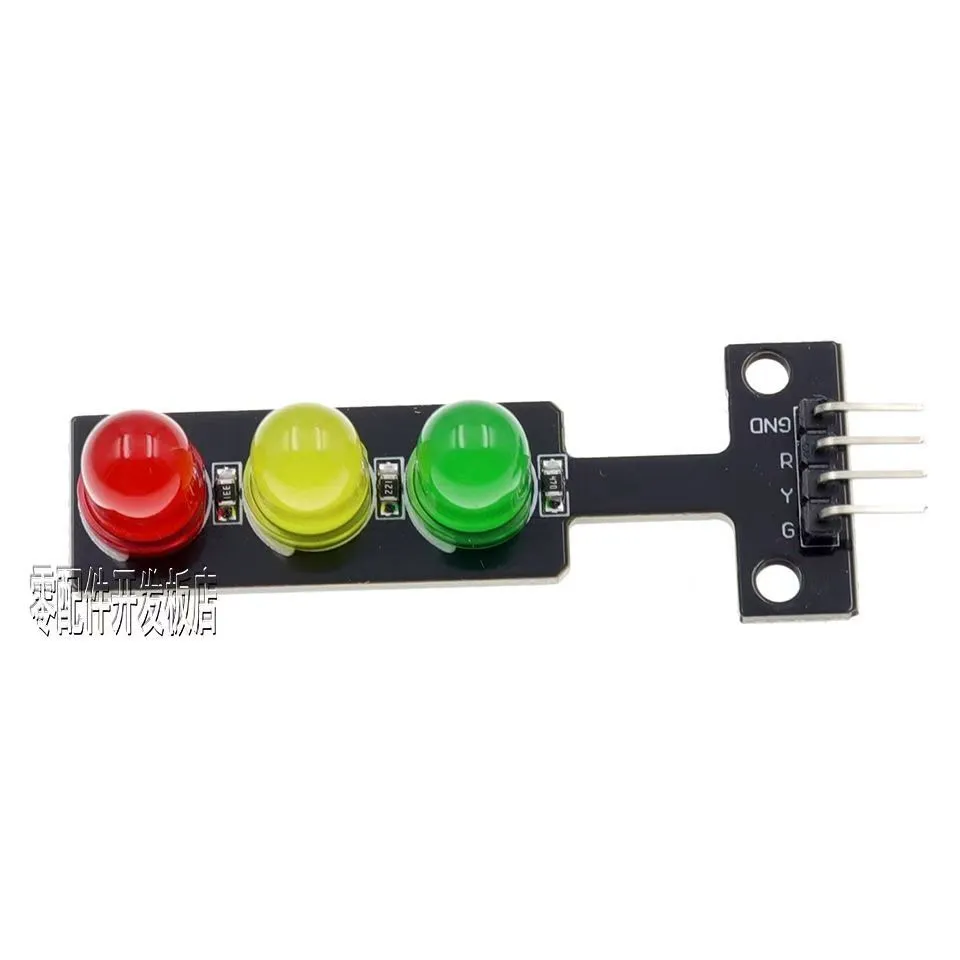
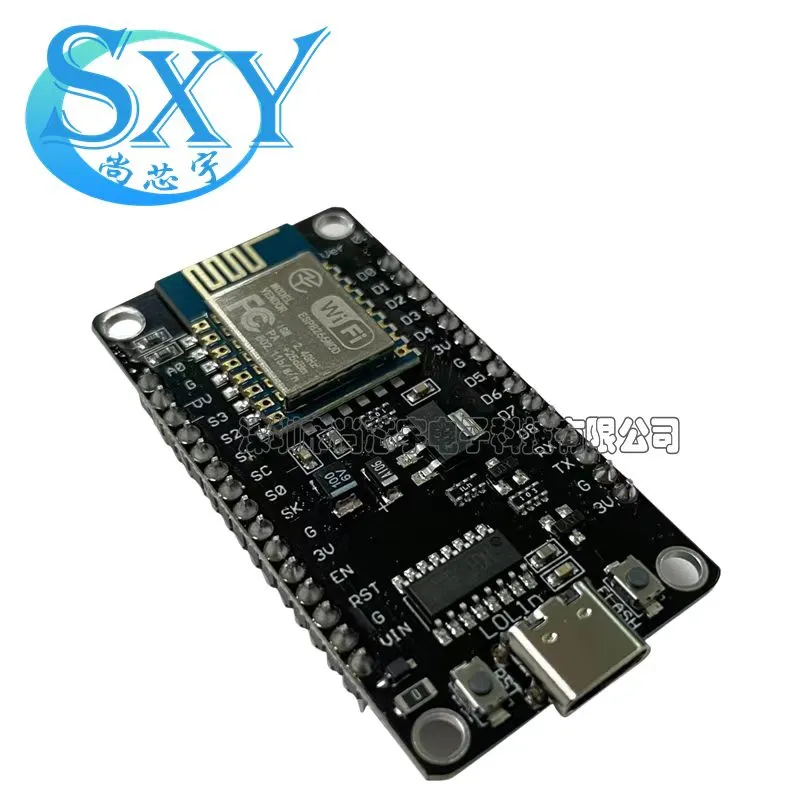
接线
| 灯 | GPIO | NodeMCU |
|---|---|---|
| 🔴 | GPIO5 | D1 |
| 🟡 | GPIO4 | D2 |
| 🟢 | GPIO13 | D7 |
绿灯避开 GPIO0 (D3),该脚是 ESP8266 启动模式脚。
安装
1. Arduino
Arduino IDE → traffic_light_controller.ino → 安装 ArduinoJson → NodeMCU 1.0 → 烧录。
2. Python
pip install pyserial
3. Claude Code 配置
settings.json 的 hooks 中添加 6 个事件:
"PreToolUse": [{
"hooks": [{"command": "python D:\\claude-traffic-light-control\\claude_hooks\\send_signal.py", "type": "command"}],
"matcher": "Write|Edit|Bash"
}],
"UserPromptSubmit": [{
"hooks": [{"command": "python D:\\claude-traffic-light-control\\claude_hooks\\send_signal.py", "type": "command"}]
}],
"PermissionRequest": [{
"hooks": [{"command": "python D:\\claude-traffic-light-control\\claude_hooks\\send_signal.py", "type": "command"}]
}],
"Notification": [{
"hooks": [{"command": "python D:\\claude-traffic-light-control\\claude_hooks\\send_signal.py", "type": "command"}]
}],
"PostToolUseFailure": [{
"hooks": [{"command": "python D:\\claude-traffic-light-control\\claude_hooks\\send_signal.py", "type": "command"}],
"matcher": "*"
}],
"Stop": [{
"hooks": [{"command": "python D:\\claude-traffic-light-control\\claude_hooks\\send_signal.py", "type": "command"}]
}]
4. 自定义映射
hook_mapping.json:
{
"PreToolUse": "THINKING",
"UserPromptSubmit": "THINKING",
"PermissionRequest": "WAITING_USER",
"Notification": "WAITING_USER",
"PostToolUseFailure": "TOOL_ERROR",
"Stop": "TASK_COMPLETE"
}
可选值:THINKING WAITING_USER TASK_COMPLETE IDLE TASK_FAILED TOOL_ERROR
测试
python debug_tools/test_serial_command.py THINKING # 🟡 黄灯闪烁
python debug_tools/test_serial_command.py WAITING_USER # 🔴 红灯常亮
python debug_tools/test_serial_command.py TASK_COMPLETE # 🟢 绿灯常亮
python debug_tools/test_serial_command.py IDLE # 🟢 绿灯闪烁
python debug_tools/test_serial_command.py TOOL_ERROR # 🔴 红灯闪烁
已知限制
- Write/Edit 弹窗:Claude Code 不针对文件编辑弹窗发送 PermissionRequest,灯效回退为黄灯闪烁(PreToolUse)
- Bash 弹窗:PermissionRequest 触发 🔴 红灯,正常
- 串口复位:每次钩子打开串口会复位 ESP8266,状态通过 EEPROM 自动恢复,无感知
License



Comment & Rating (0)