
Ultimate Parametric Countersunk Washer Customizer
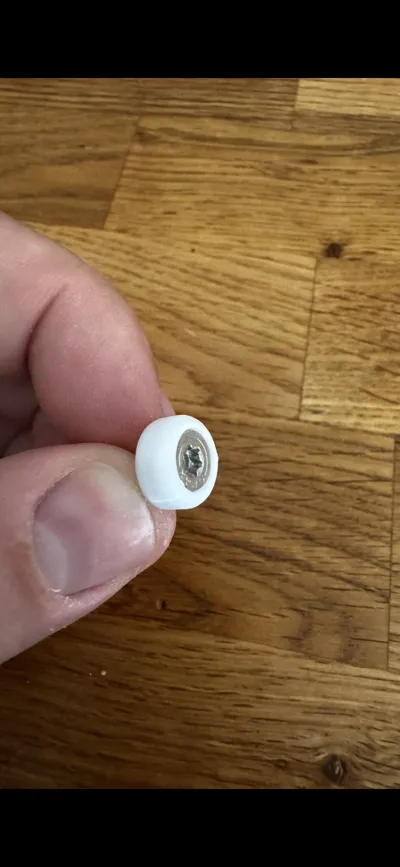
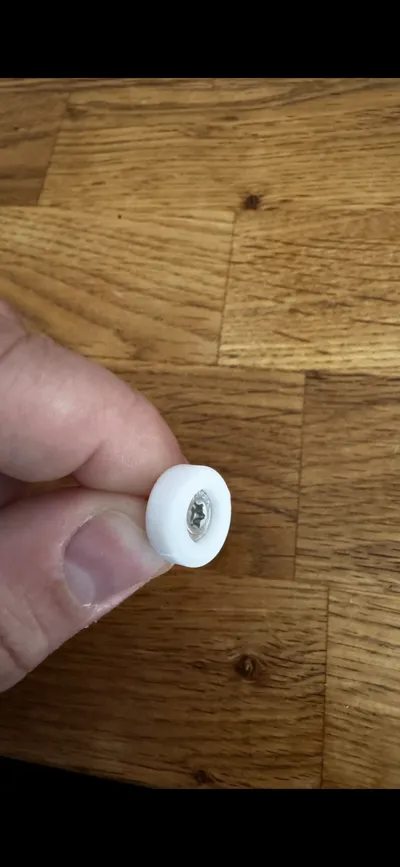
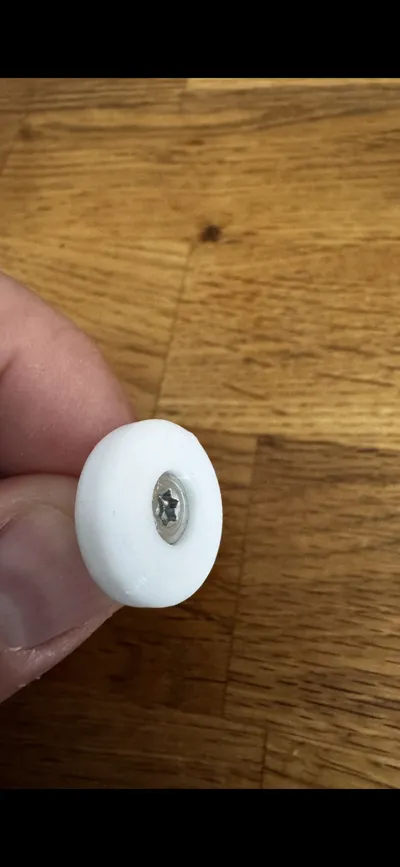
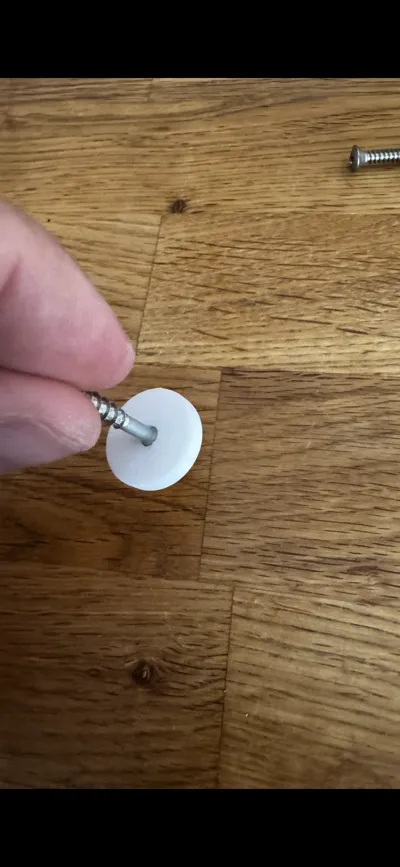
Print Profile(1)
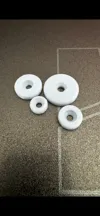
Description
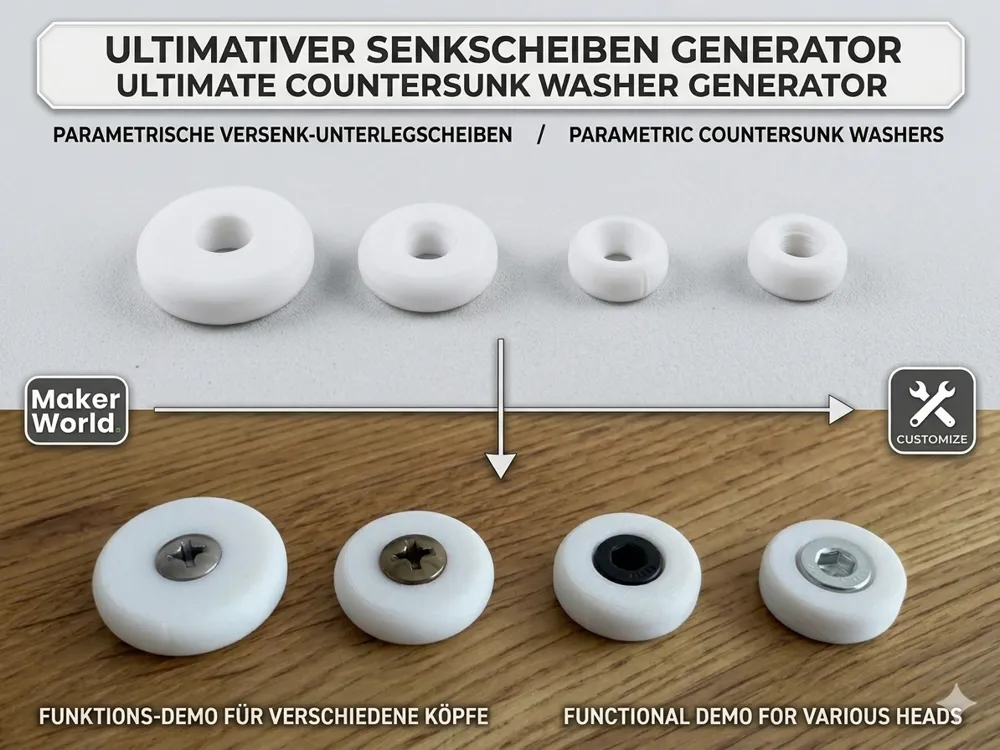
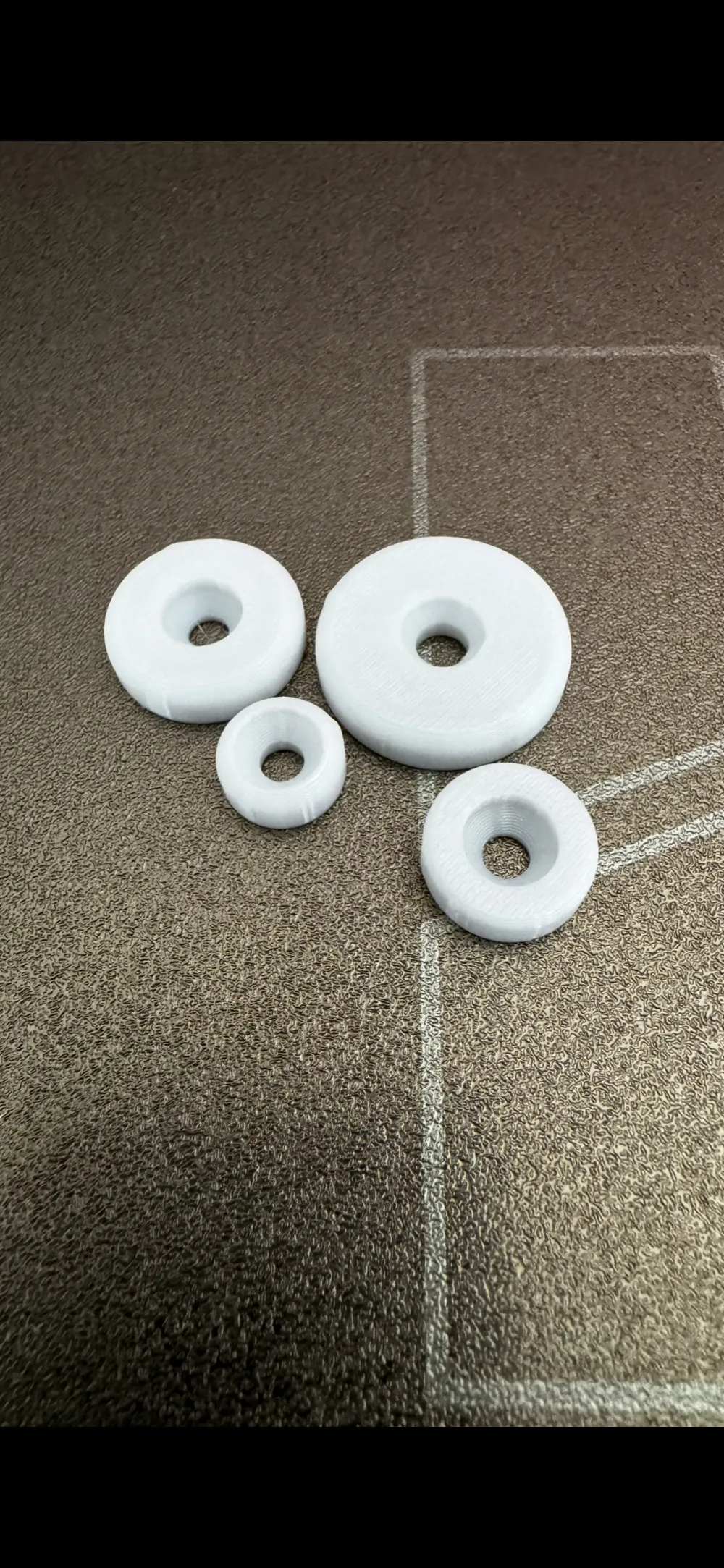
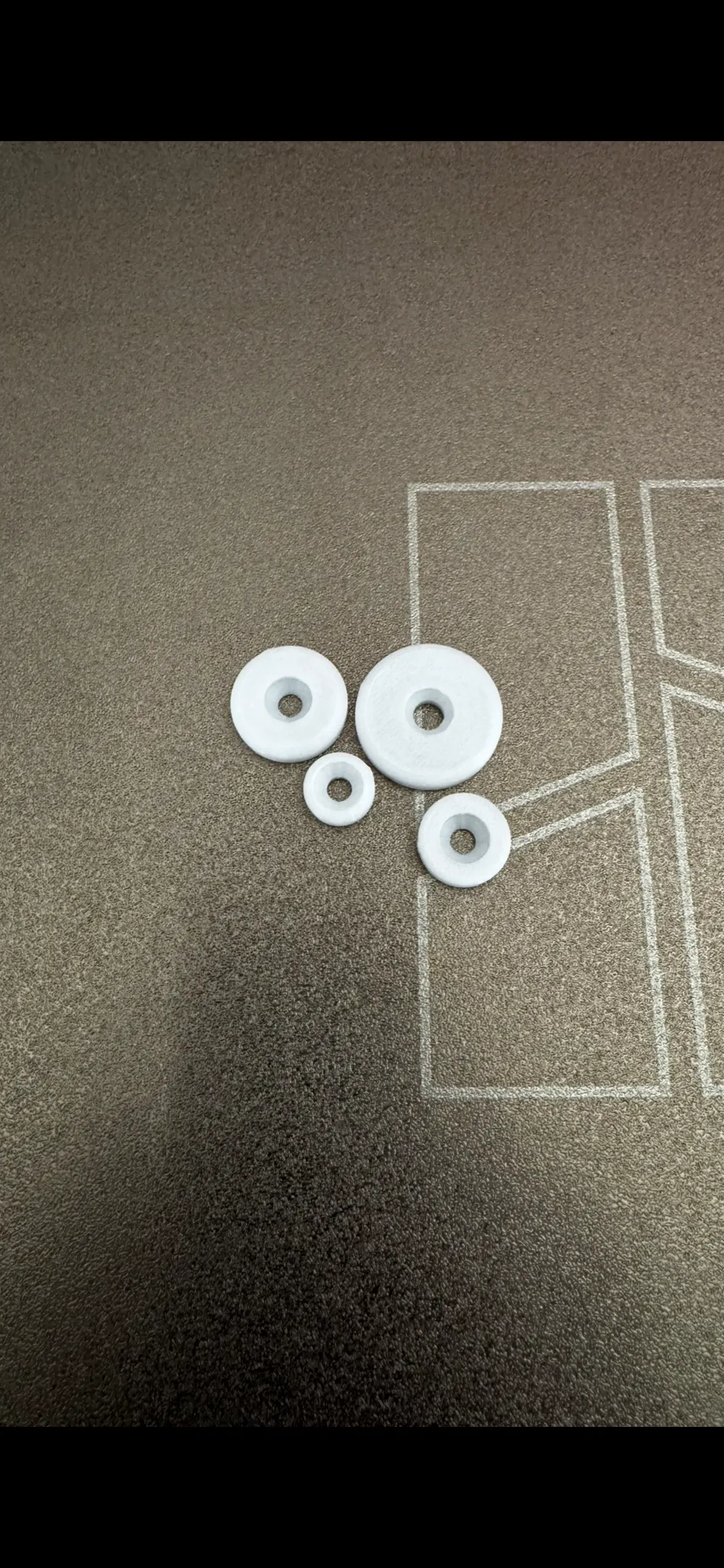
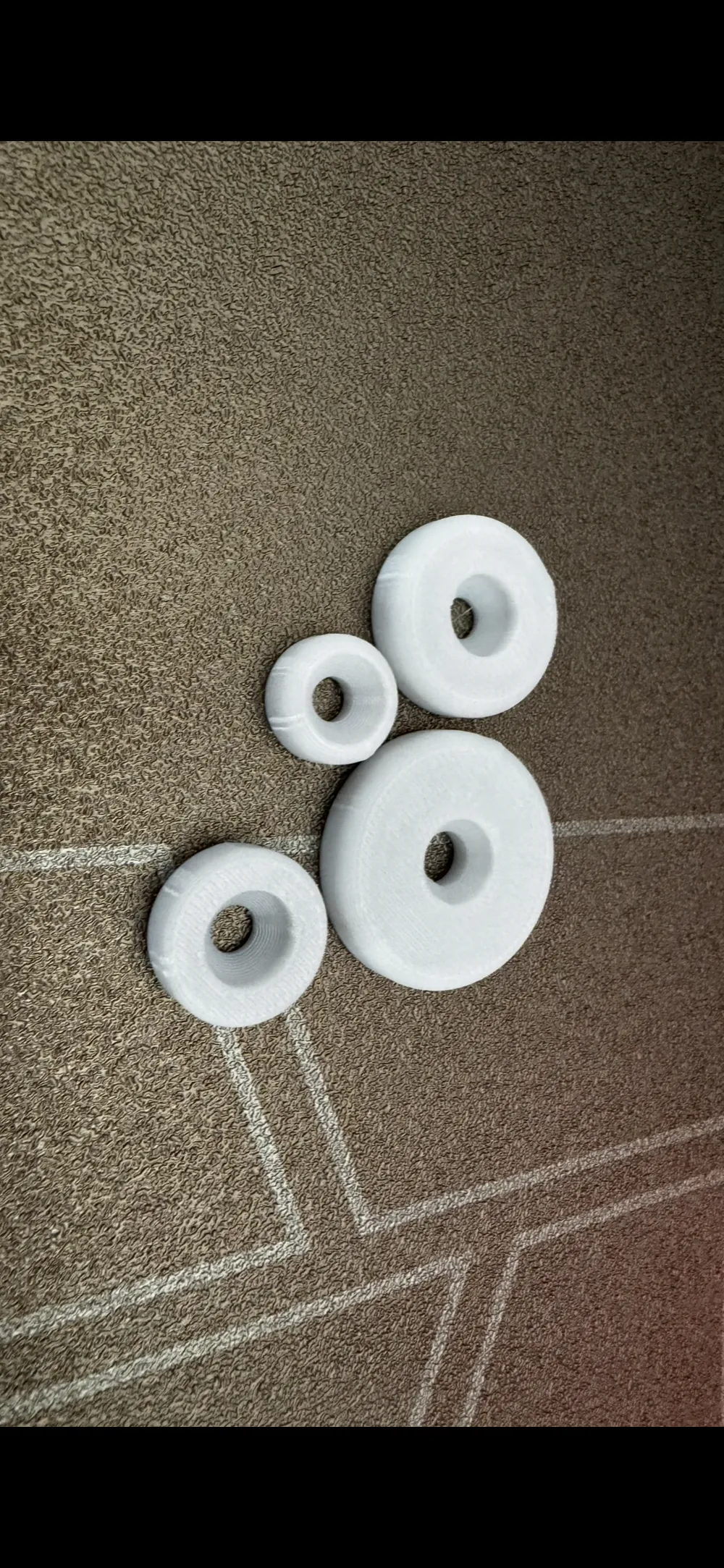
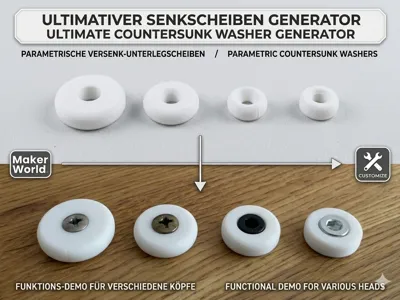
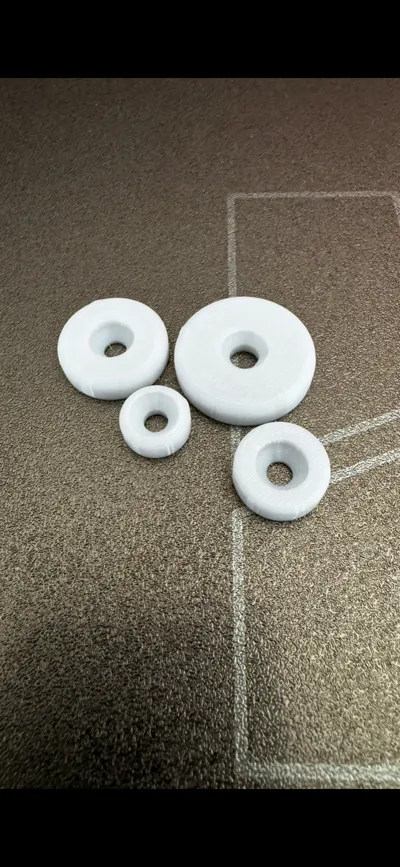
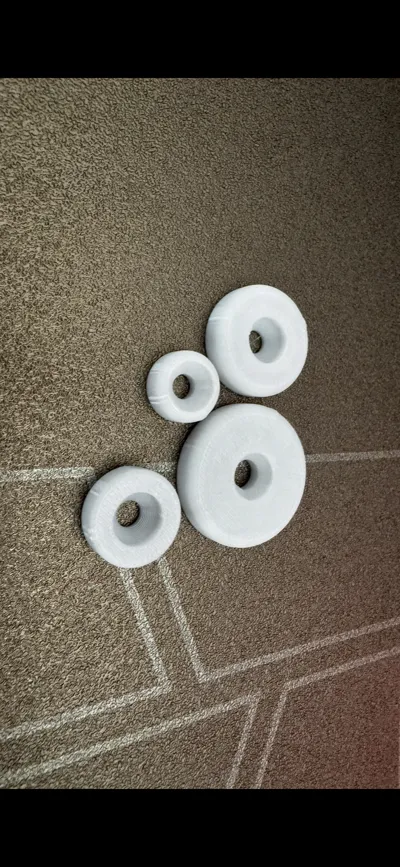
Ultimate Countersunk Washer Generator | Customize in Browser
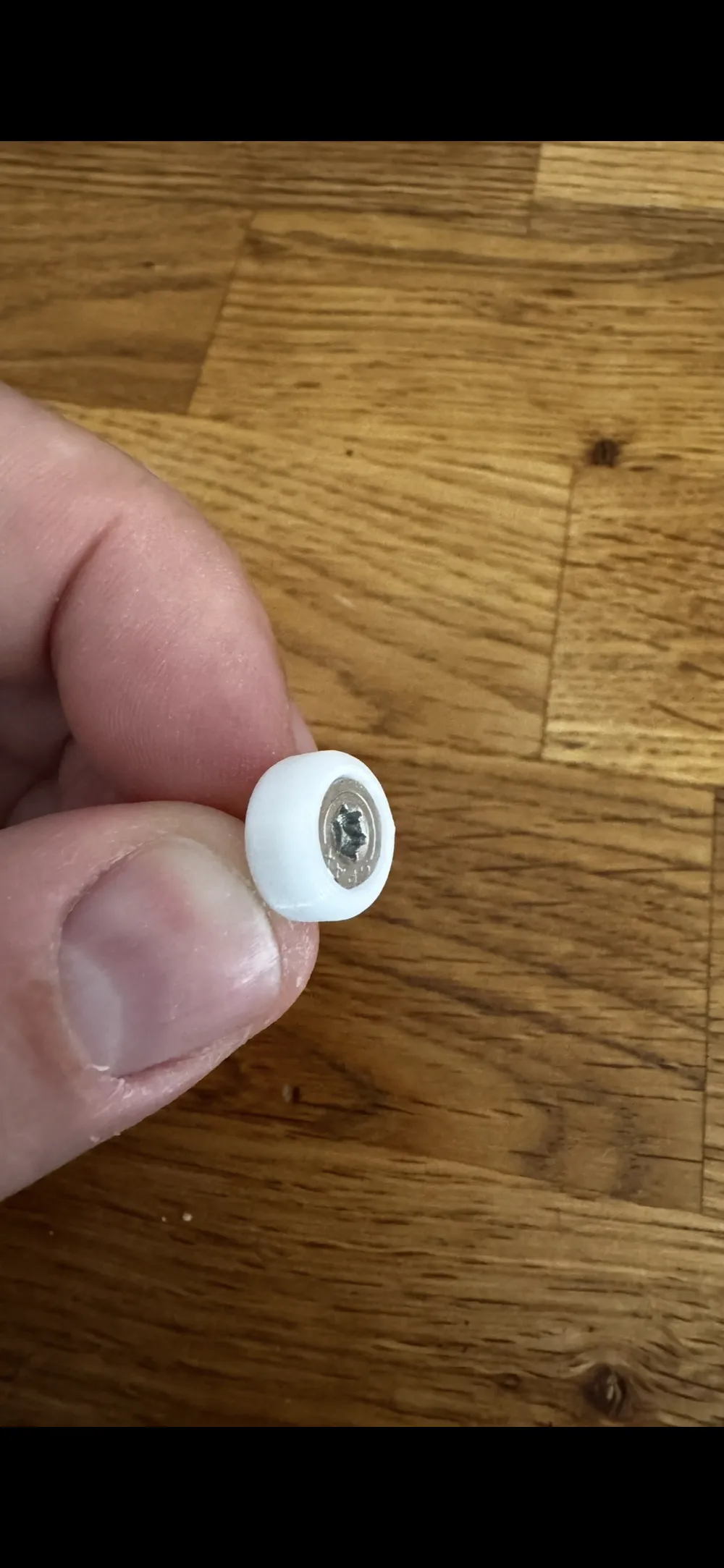
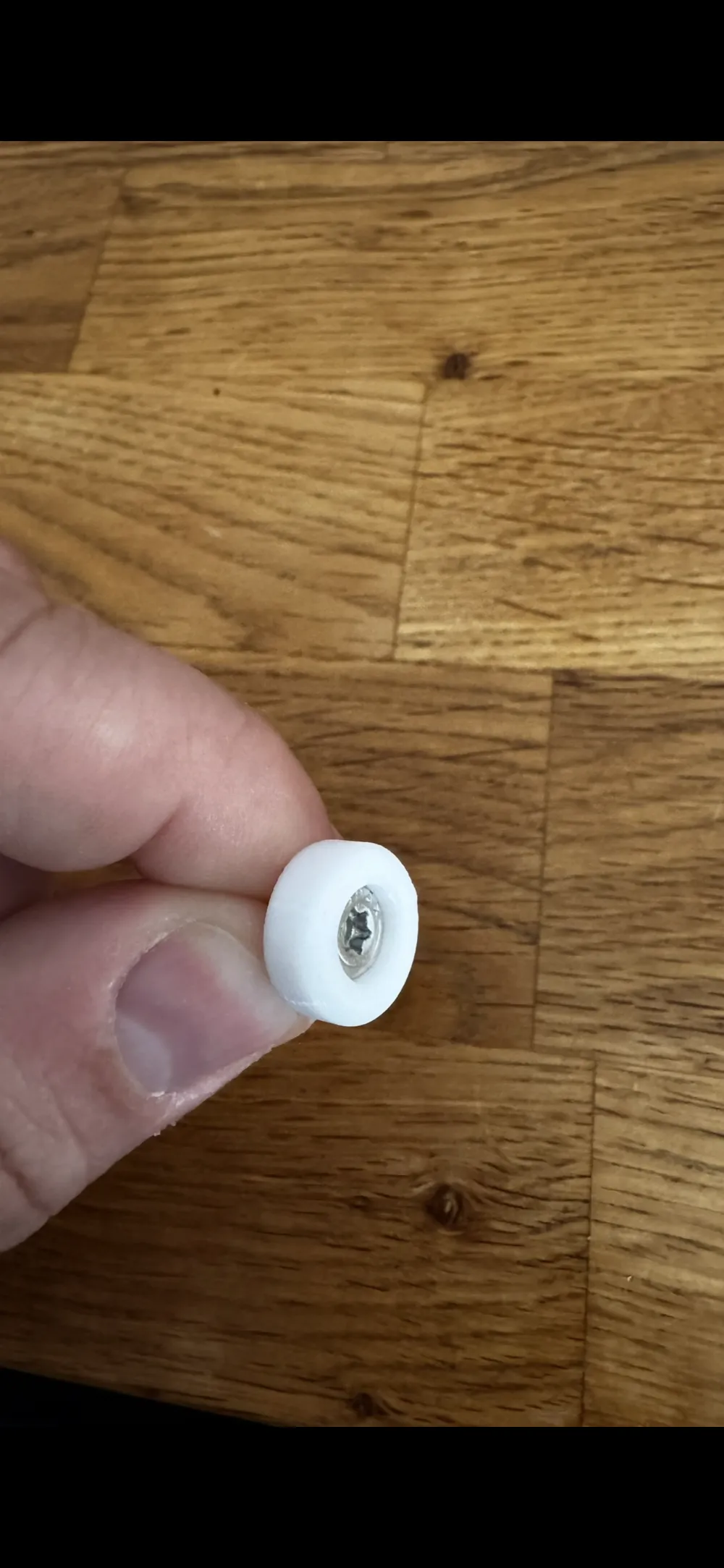
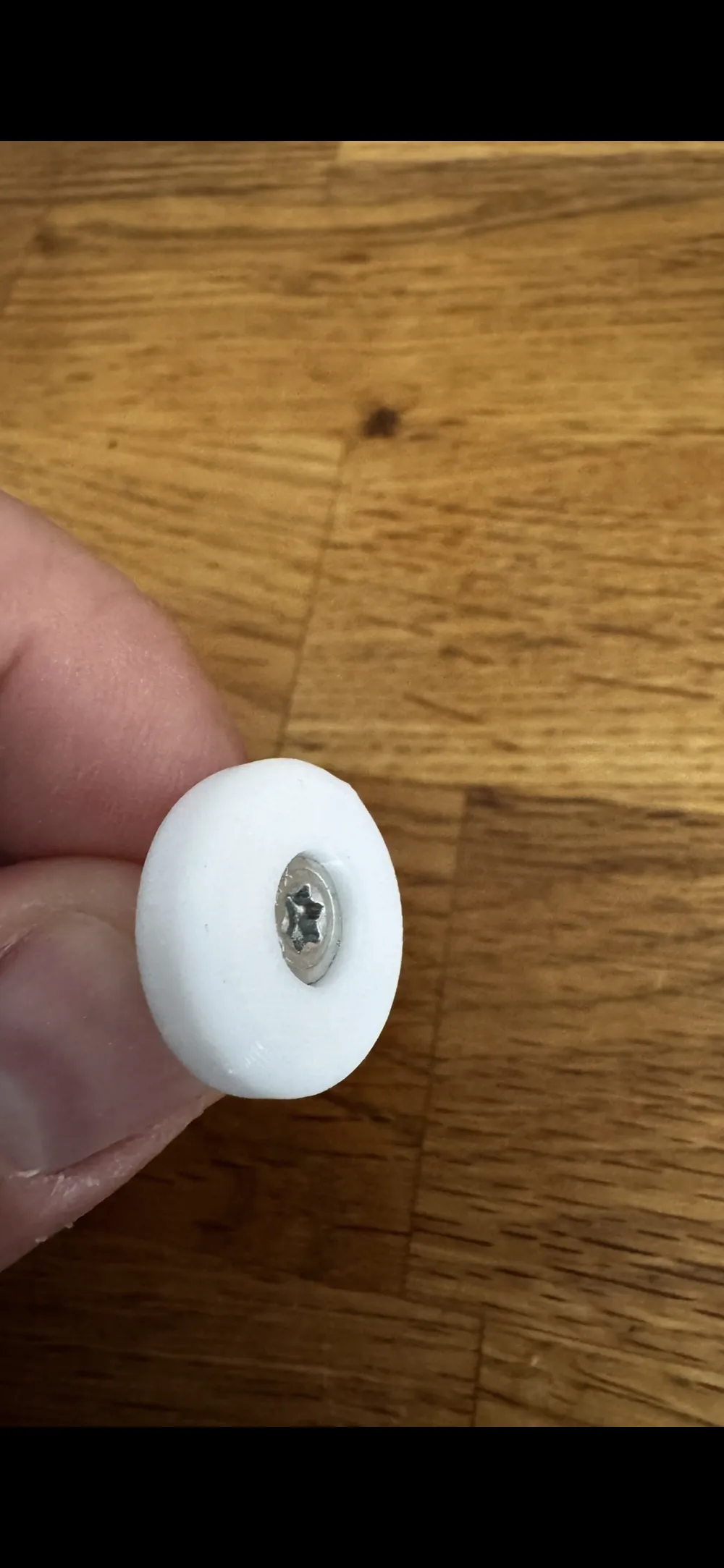
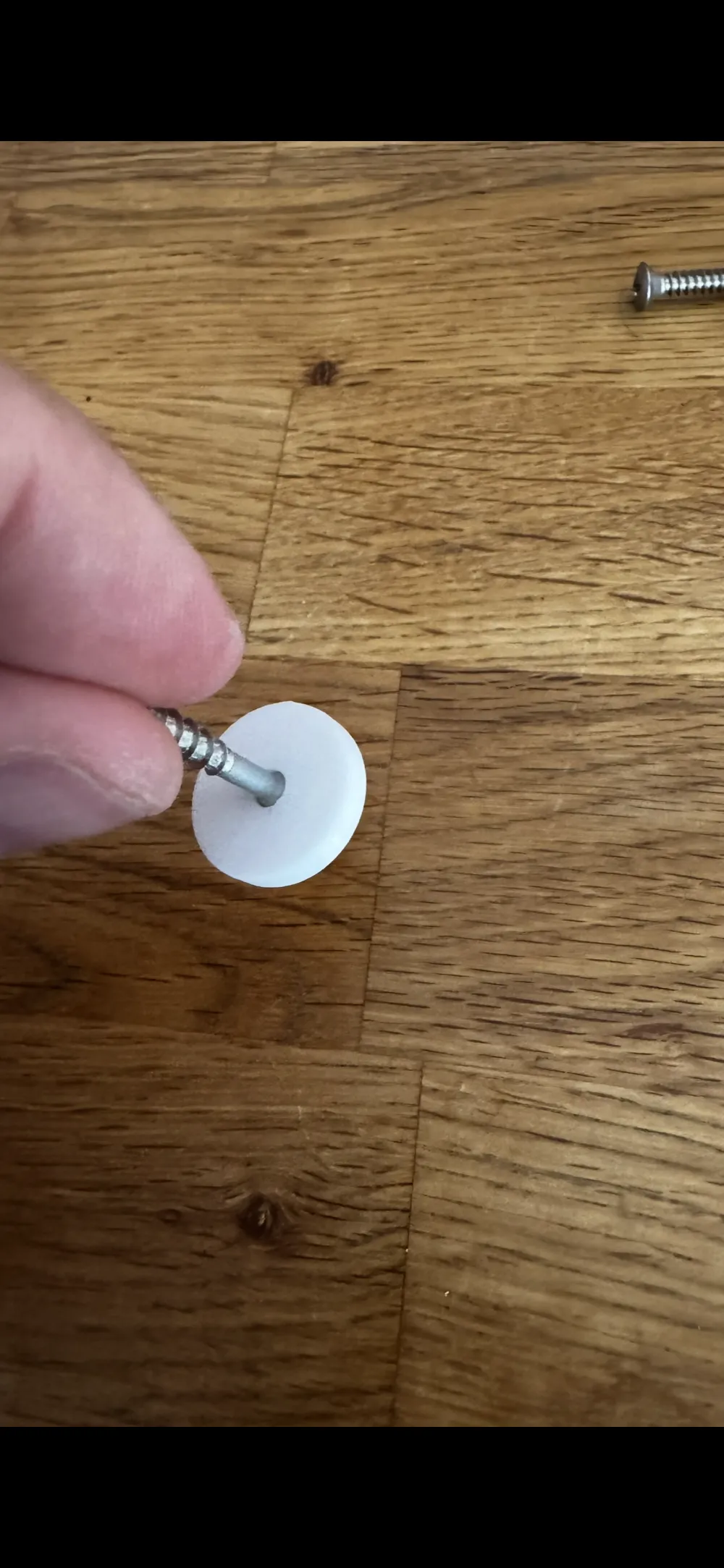
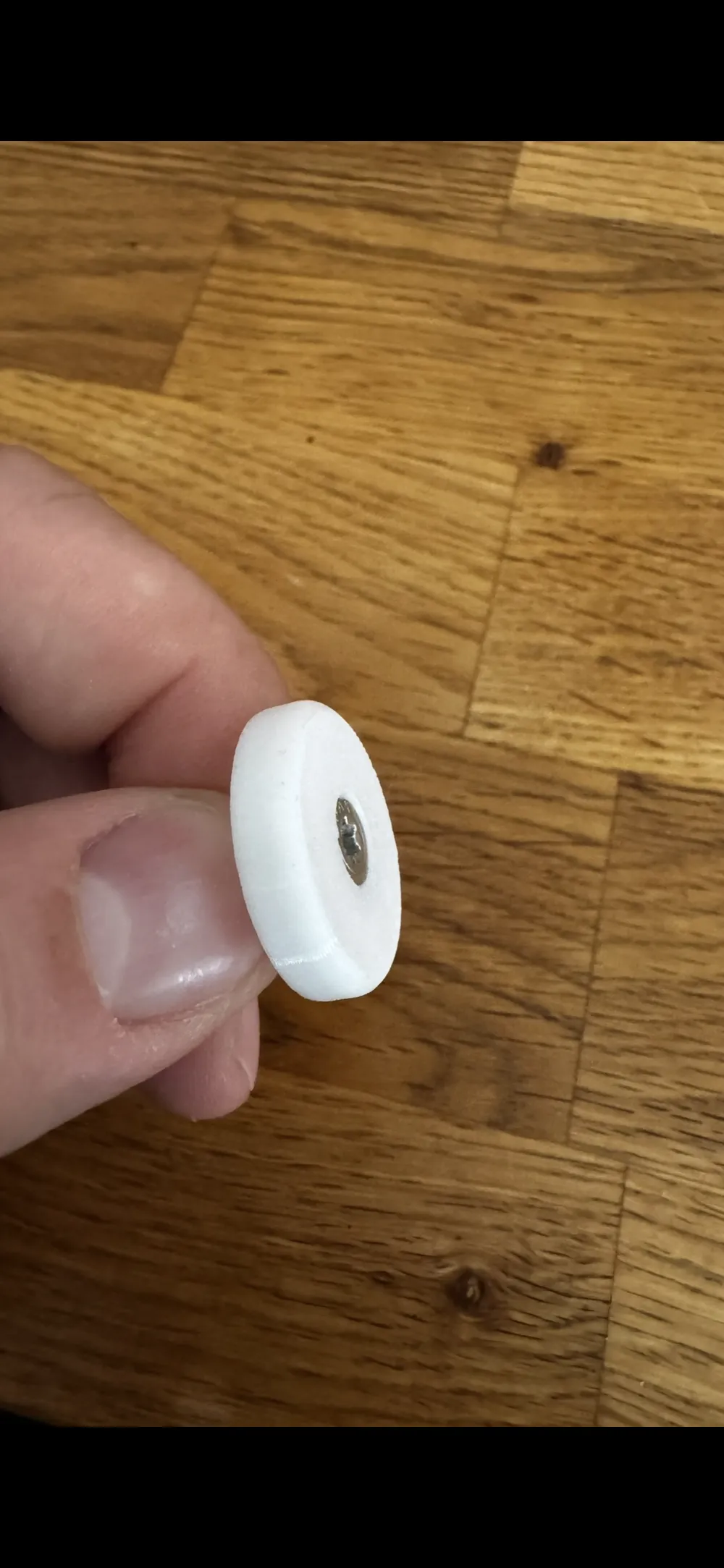
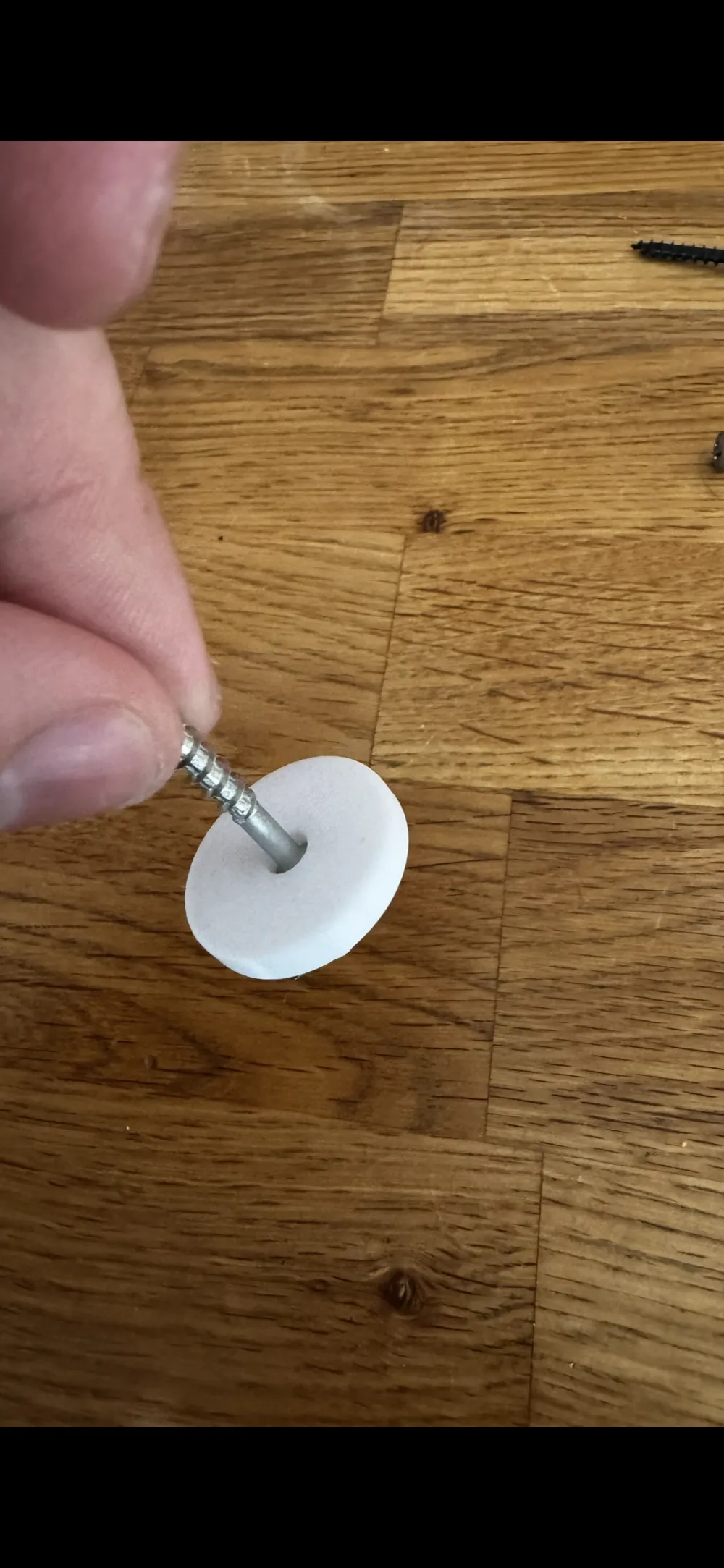
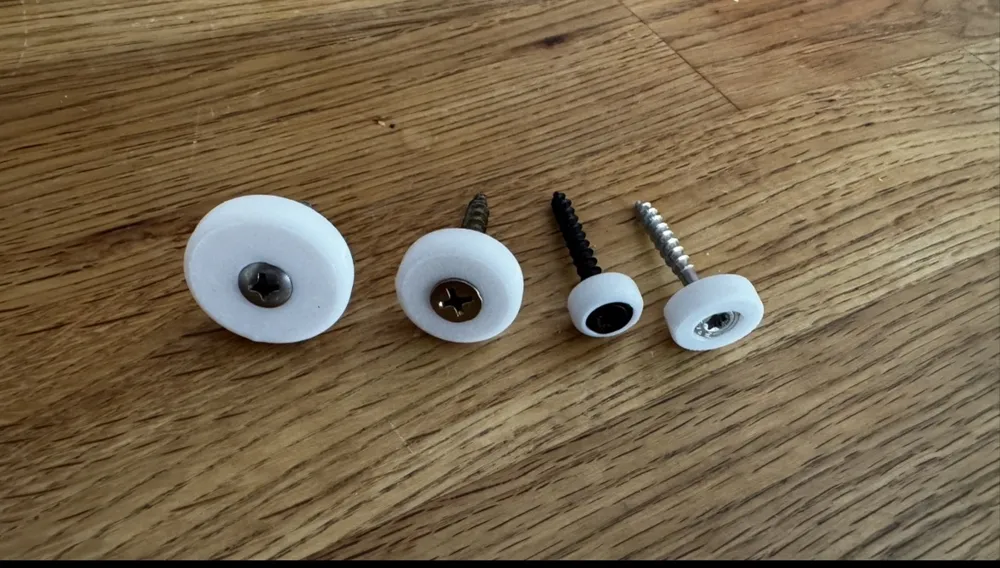
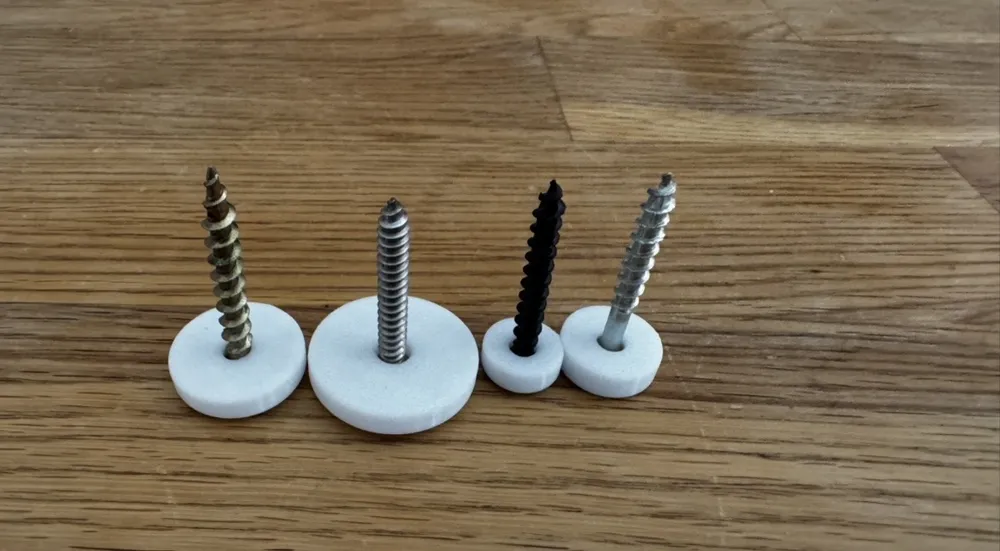
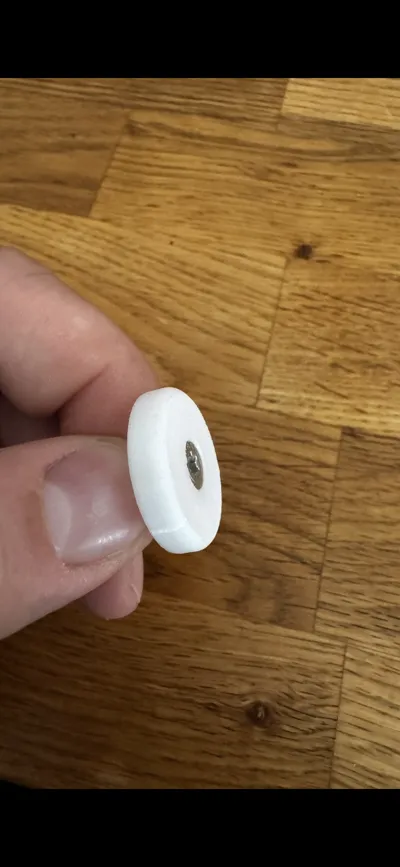
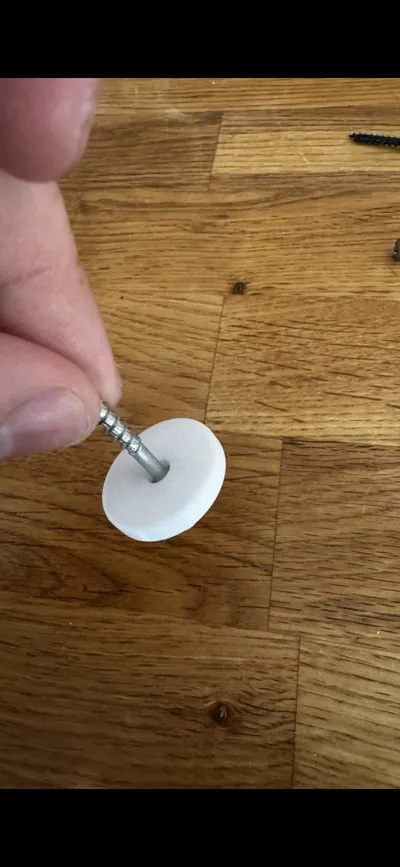
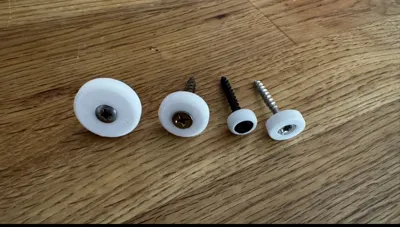
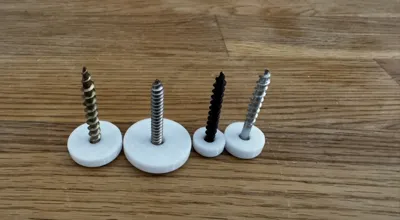
Description: Stop wasting time searching for the exact washer size! With this generator, you can create the absolute perfect, custom-tailored countersunk washer for your project in seconds.
No CAD software required! Simply click the orange "Customize" button at the top and adjust the washer for your specific screw right here in your browser.
⚙️ How to set up your perfect washer: In the Customizer menu, you will find these simple sliders:
- Screw Size: The nominal size of your thread. Enter 4 for an M4 screw, 5 for M5, etc.
- Tolerance: Extra clearance so the screw glides smoothly through the inner hole. 0.4 mm is highly recommended for 3D printing.
- Outer Diameter: How wide you want the entire washer to be.
- Total Height: The total thickness of your washer.
- Angle: Standard metric countersunk screws use exactly 90°.
- Recess Depth: Do you want the screw head to sink deep into the washer (cup style)? Enter a value like 1 mm. If you want it completely flush, enter 0.
- Top Fillet: Adds a beautiful smooth curve to the top outer edge. Enter 0 if you prefer a sharp edge.
- Toleranz head Diameter: 🔥 A crucial feature for a perfect fit! 3D printed holes can slightly shrink. Enter a value like 0.2 here so your screw head sits perfectly flush inside the cone after printing without sticking out.
Once you have set your measurements, simply click "Generate", download your ready-to-print file, and send it to your printer!
🛠️ Print & Slicer Settings (Bambu Studio / Orca):
- The +0.2 mm Rule (CRITICAL): To guarantee a perfect fit right off the build plate, always add +0.2 mm to the actual measurement of your screw head in the Head_Diameter parameter. If your screw head is 8.0 mm, enter 8.2 mm!
- Materials: Prints beautifully in PLA, but is also highly optimized for technical filaments like PETG and ABS. (Tip: Account for slight material shrinkage when using ABS).
- Printer Compatibility: Extensively tested on high-speed machines including the Bambu Lab H2C.
- Layer Height: 0.12 mm to 0.20 mm recommended for the smoothest countersink cone.
Membership
Boost Me (for free)
Ultimate Countersunk Washer Generator | Customize in Browser
Description: Stop wasting time searching for the exact washer size! With this generator, you can create the absolute perfect, custom-tailored countersunk washer for your project in seconds.
No CAD software required! Simply click the orange "Customize" button at the top and adjust the washer for your specific screw right here in your browser.
⚙️ How to set up your perfect washer: In the Customizer menu, you will find these simple sliders:
- Screw Size: The nominal size of your thread. Enter 4 for an M4 screw, 5 for M5, etc.
- Tolerance: Extra clearance so the screw glides smoothly through the inner hole. 0.4 mm is highly recommended for 3D printing.
- Outer Diameter: How wide you want the entire washer to be.
- Total Height: The total thickness of your washer.
- Angle: Standard metric countersunk screws use exactly 90°.
- Recess Depth: Do you want the screw head to sink deep into the washer (cup style)? Enter a value like 1 mm. If you want it completely flush, enter 0.
- Top Fillet: Adds a beautiful smooth curve to the top outer edge. Enter 0 if you prefer a sharp edge.
- Toleranz head Diameter: 🔥 A crucial feature for a perfect fit! 3D printed holes can slightly shrink. Enter a value like 0.2 here so your screw head sits perfectly flush inside the cone after printing without sticking out.
Once you have set your measurements, simply click "Generate", download your ready-to-print file, and send it to your printer!
🛠️ Print & Slicer Settings (Bambu Studio / Orca):
- The +0.2 mm Rule (CRITICAL): To guarantee a perfect fit right off the build plate, always add +0.2 mm to the actual measurement of your screw head in the Head_Diameter parameter. If your screw head is 8.0 mm, enter 8.2 mm!
- Materials: Prints beautifully in PLA, but is also highly optimized for technical filaments like PETG and ABS. (Tip: Account for slight material shrinkage when using ABS).
- Printer Compatibility: Extensively tested on high-speed machines including the Bambu Lab H2C.
- Layer Height: 0.12 mm to 0.20 mm recommended for the smoothest countersink cone.
License

You shall not share, sub-license, sell, rent, host, transfer, or distribute in any way the digital or 3D printed versions of this object, nor any other derivative work of this object in its digital or physical format (including - but not limited to - remixes of this object, and hosting on other digital platforms). The objects may not be used without permission in any way whatsoever in which you charge money, or collect fees.


Comment & Rating (0)