
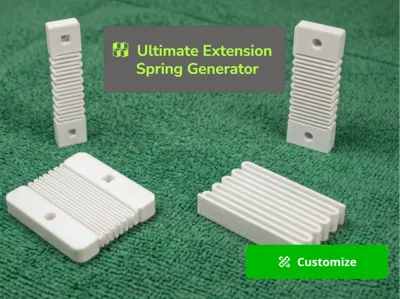
Ultimate Extension Spring Generator
Print Profile(1)

Description
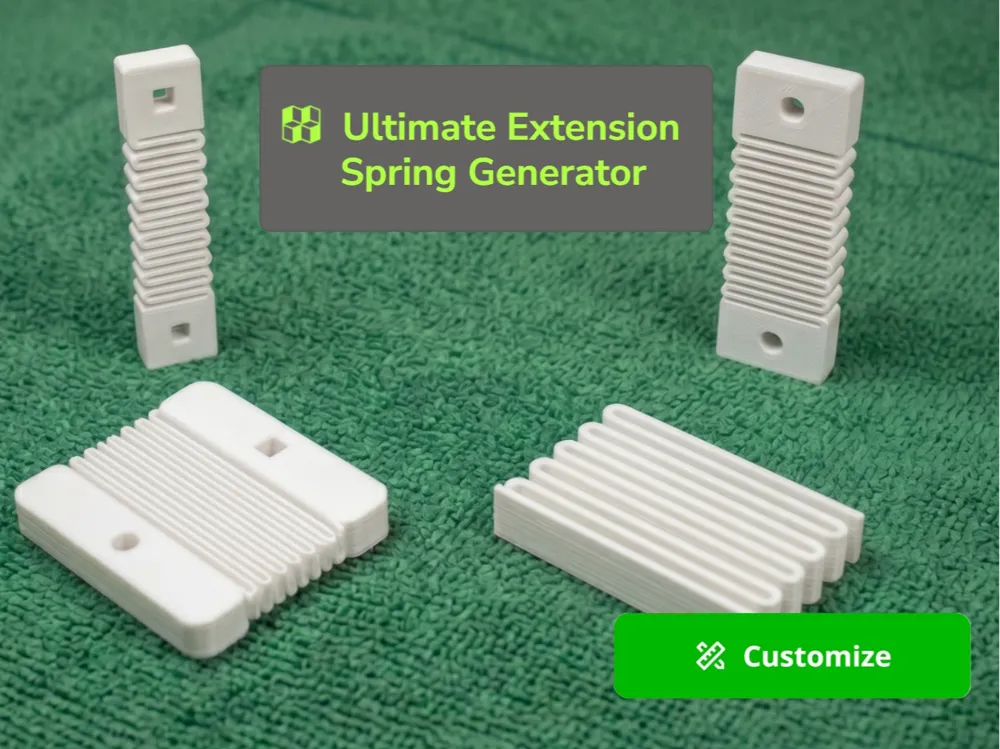
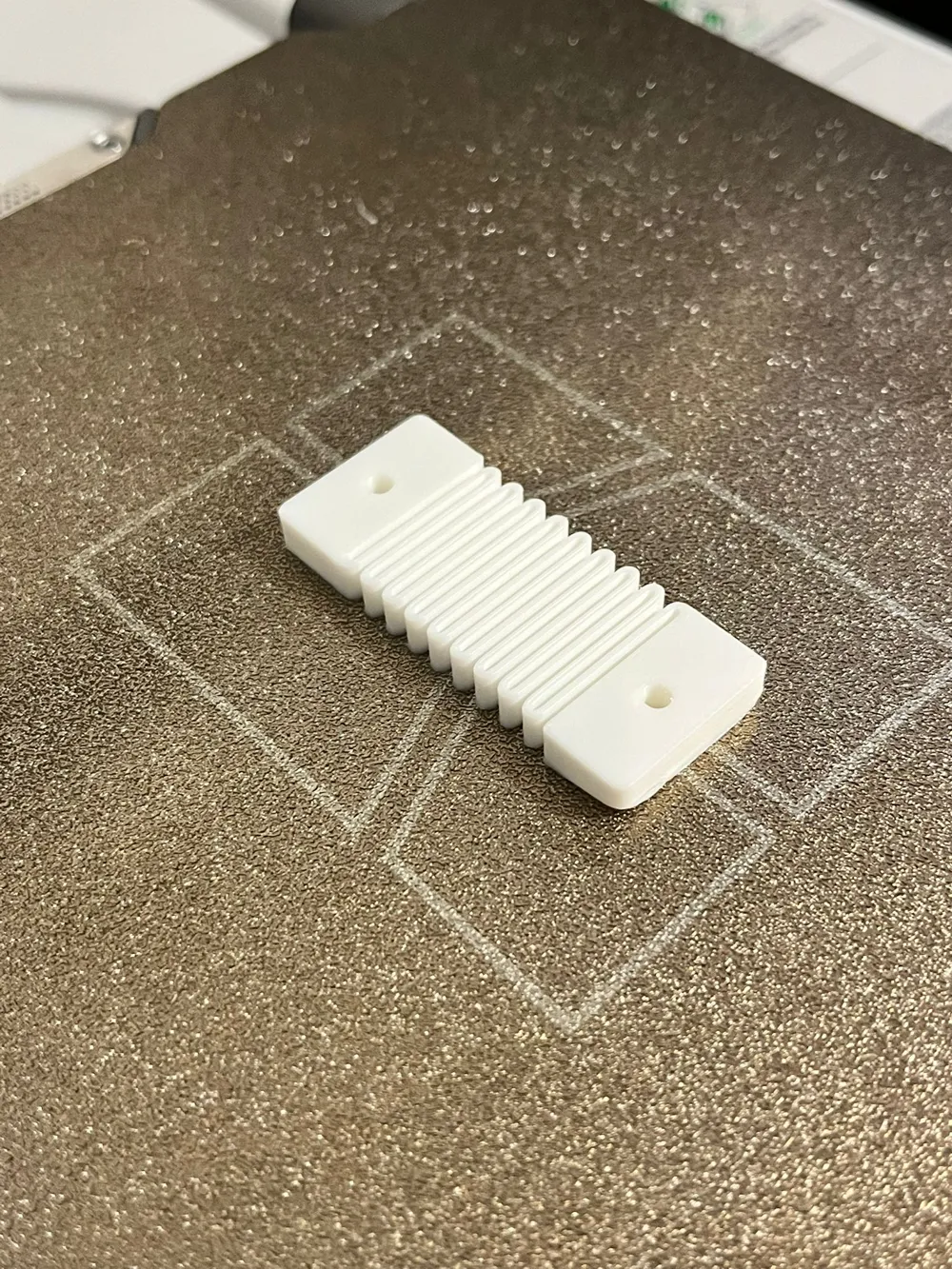
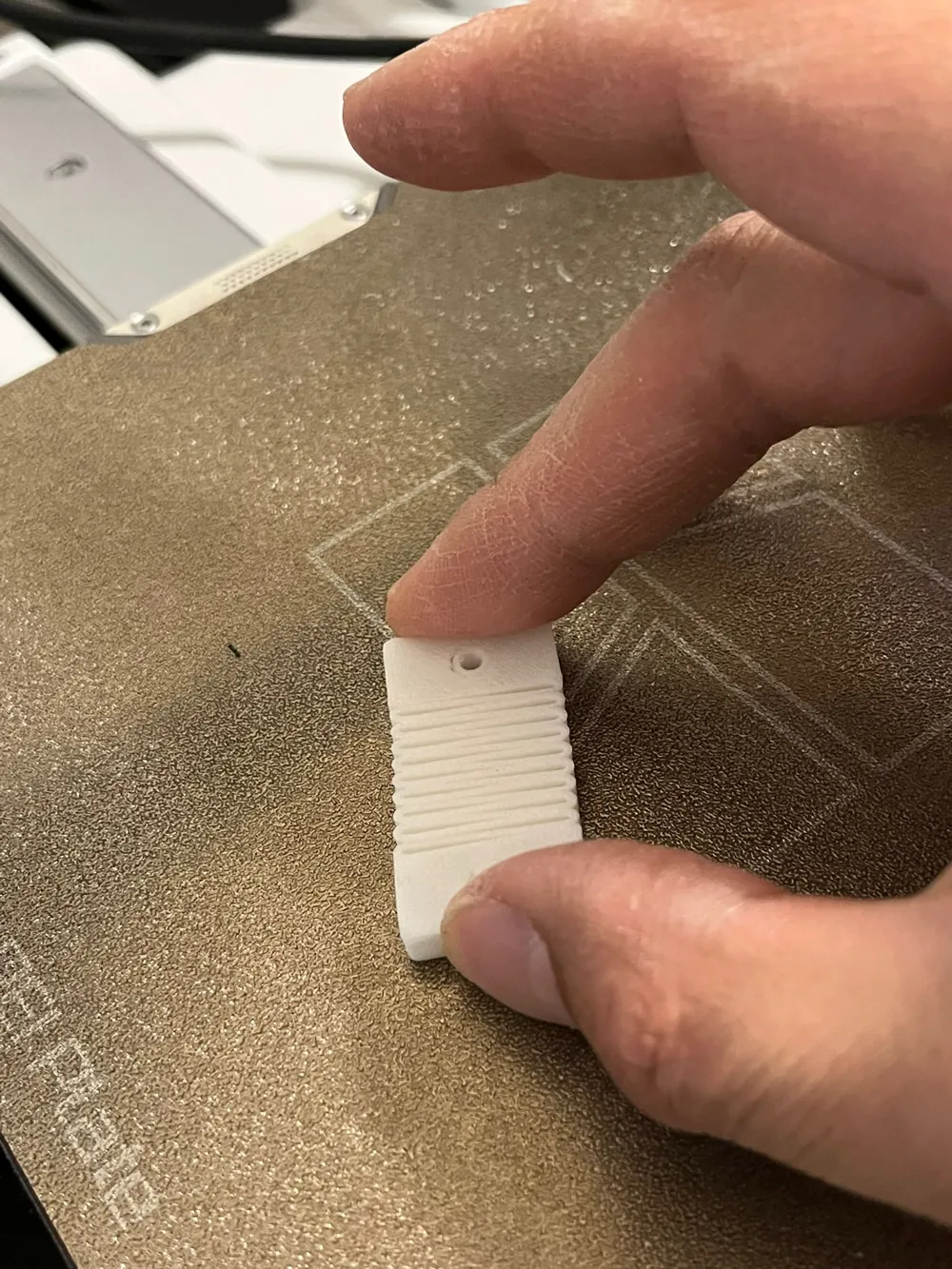
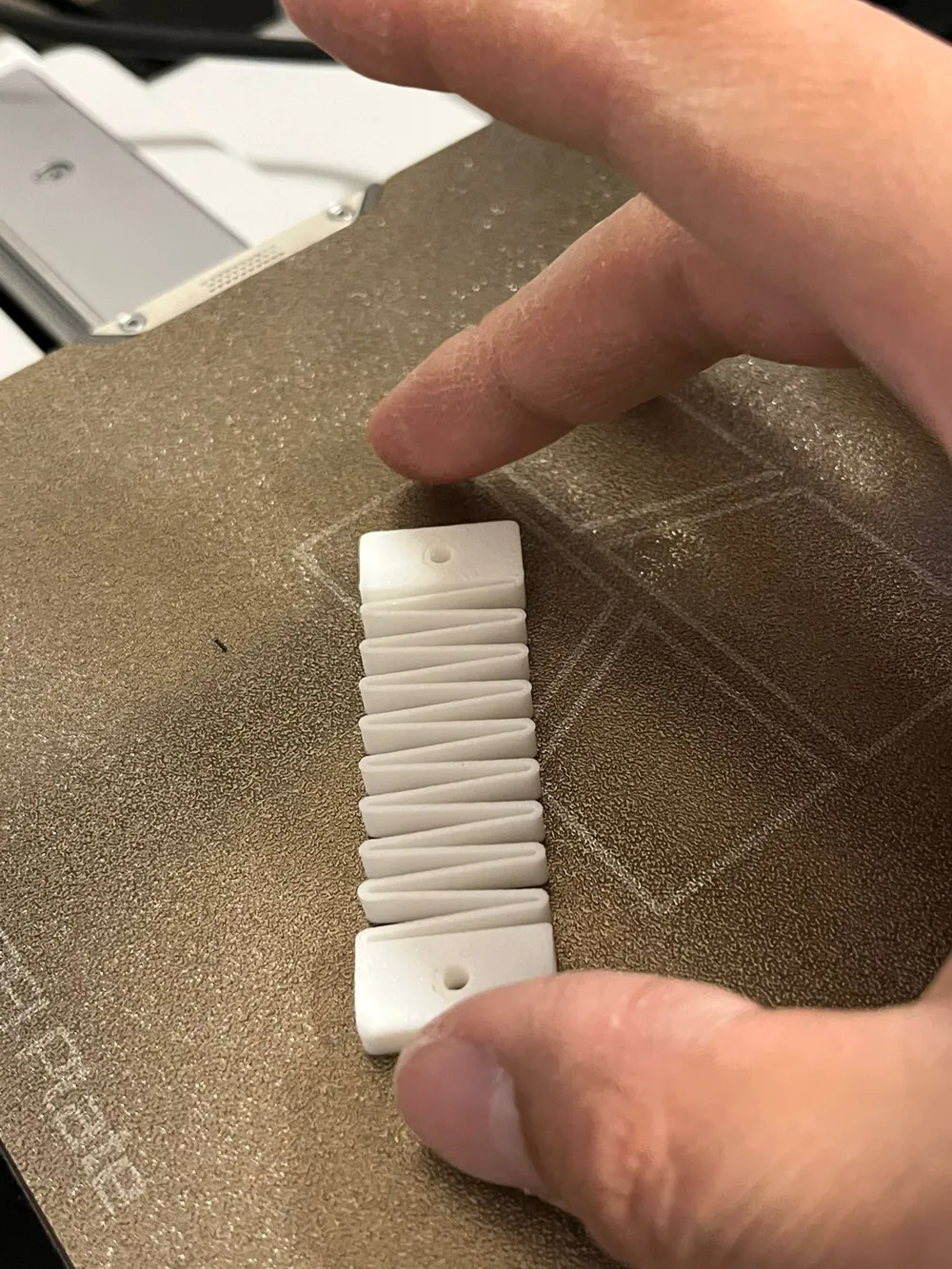

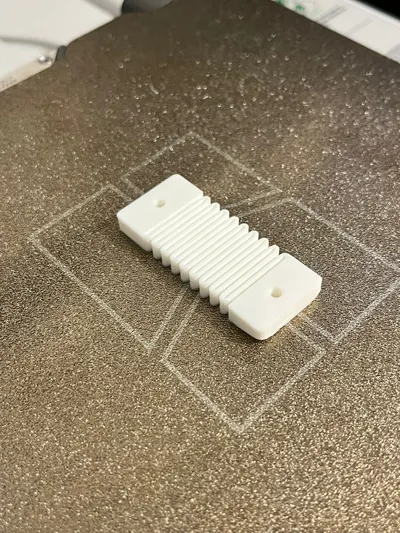
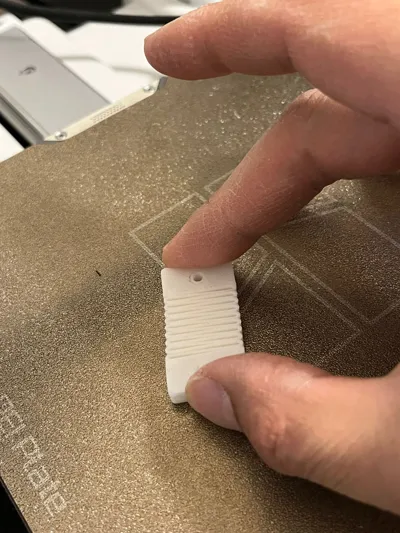
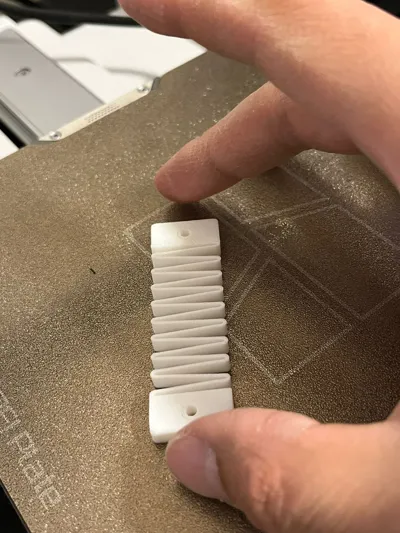
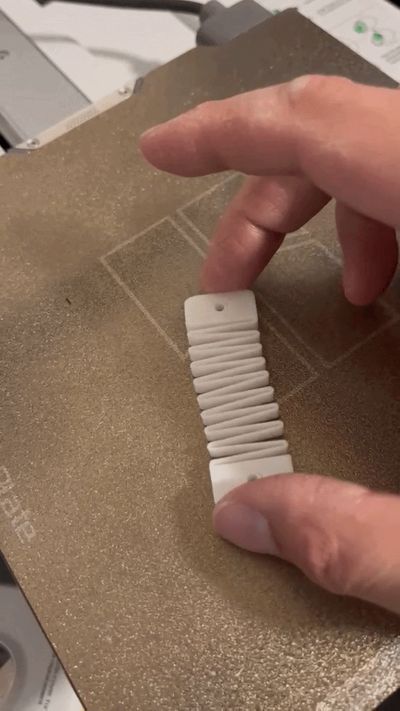
Parametric Extension Spring Generator – Custom Connectors, Hole Layouts, Fillets
This generator is useful for prototypes, clips, latches, doors, flexible retention parts, and any project where you need a printable spring with custom mounting connectors. The top and bottom connectors can be configured independently, so each end can use different dimensions, hole layouts, offsets, and orientations.
This model is a generator of what I would say is a technical part.
Feel free to use and distribute your result as you wish, no attribution needed.
However a boost is always appreciated!
Boost Me (for free)
Boost this project for free!
What can be configured
Main spring settings
- coil_count: number of zig-zag spring loops.
- wall_thickness: thickness of the spring structure.
- spring_height: model thickness on the Z axis.
- spring_body_width: overall spring body width.
Top connector
- top_connector_width: adds extra width to the top connector block.
- top_connector_length: sets the top connector block length.
- top_connector_fillet: rounds the outer corners of the top connector.
Bottom connector
- bottom_connector_width: adds extra width to the bottom connector block.
- bottom_connector_length: sets the bottom connector block length.
- bottom_connector_fillet: rounds the outer corners of the bottom connector.
Top hole options
- add_top_hole: enables or disables holes on the top connector.
- top_hole_count: number of top holes, from 1 to 4.
- top_hole_spacing: center-to-center spacing between top holes.
- top_hole_orientation: hole direction, depth, length, or width.
- top_hole_shape: hole profile, circle or square.
- top_hole_diameter: hole size, used as diameter for circles or side length for squares.
- top_hole_x_offset, top_hole_y_offset, top_hole_z_offset: move the full top hole pattern in X, Y, and Z.
Bottom hole options
- add_bottom_hole: enables or disables holes on the bottom connector.
- bottom_hole_count: number of bottom holes, from 1 to 4.
- bottom_hole_spacing: center-to-center spacing between bottom holes.
- bottom_hole_orientation: hole direction, depth, length, or width.
- bottom_hole_shape: hole profile, circle or square.
- bottom_hole_diameter: hole size, used as diameter for circles or side length for squares.
- bottom_hole_x_offset, bottom_hole_y_offset, bottom_hole_z_offset: move the full bottom hole pattern in X, Y, and Z.
Hole orientation guide
- depth: hole goes through the spring thickness direction.
- length: hole goes through the connector length direction.
- width: hole goes through the connector width direction.
Notes
Hole arrays are centered by default, and spacing controls the distance between hole centers. This makes it easier to create symmetric mounting patterns without manually placing every hole.
Connector fillets only affect the outer connector perimeter corners, not the top and bottom Z edges. Hole count, spacing, and size should be chosen carefully to avoid overlaps or holes breaking out of small connectors.
License

You may create derivative works based on this object, provided that all such derivative works are published exclusively on the MakerWorld platform and include proper attribution to the original creator. You may not share, upload, host, distribute, or publish this object—or any derivative work of this object—on any other digital platform, marketplace, or distribution channel. Commercial use of this object and any derivative works is strictly prohibited. This includes, but is not limited to, selling, renting, sublicensing, or using the object in any context in which you receive monetary compensation or other financial benefits.


Comment & Rating (0)