
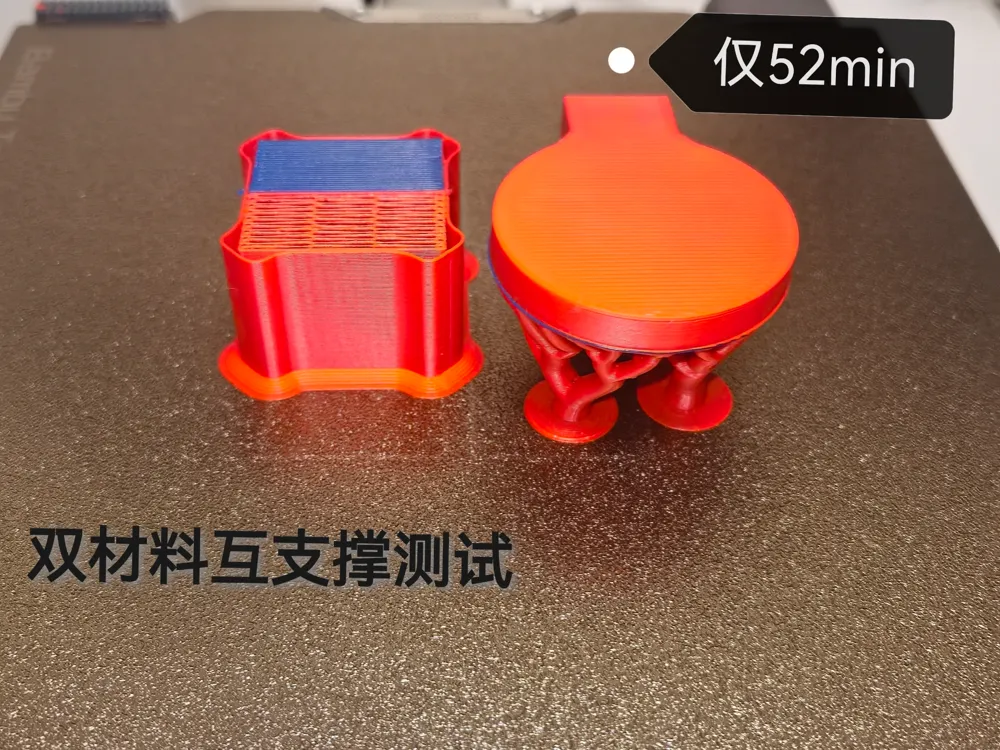
Dual Material Inter-Support Test
Print Profile(1)

Description
Please read the precautions carefully before printing!!!
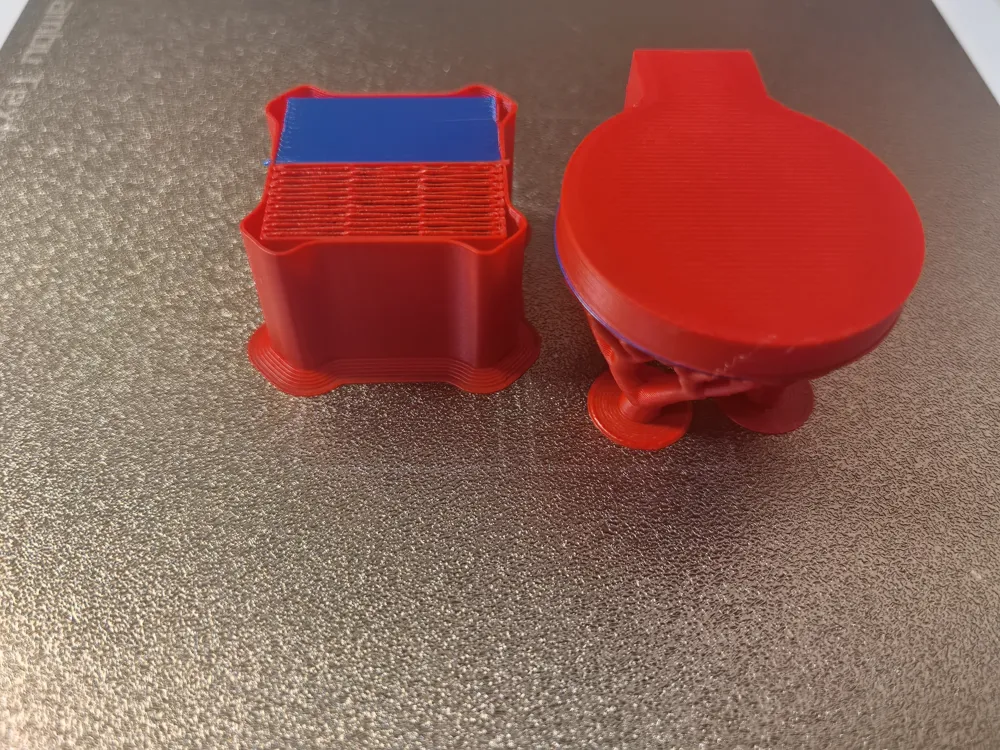
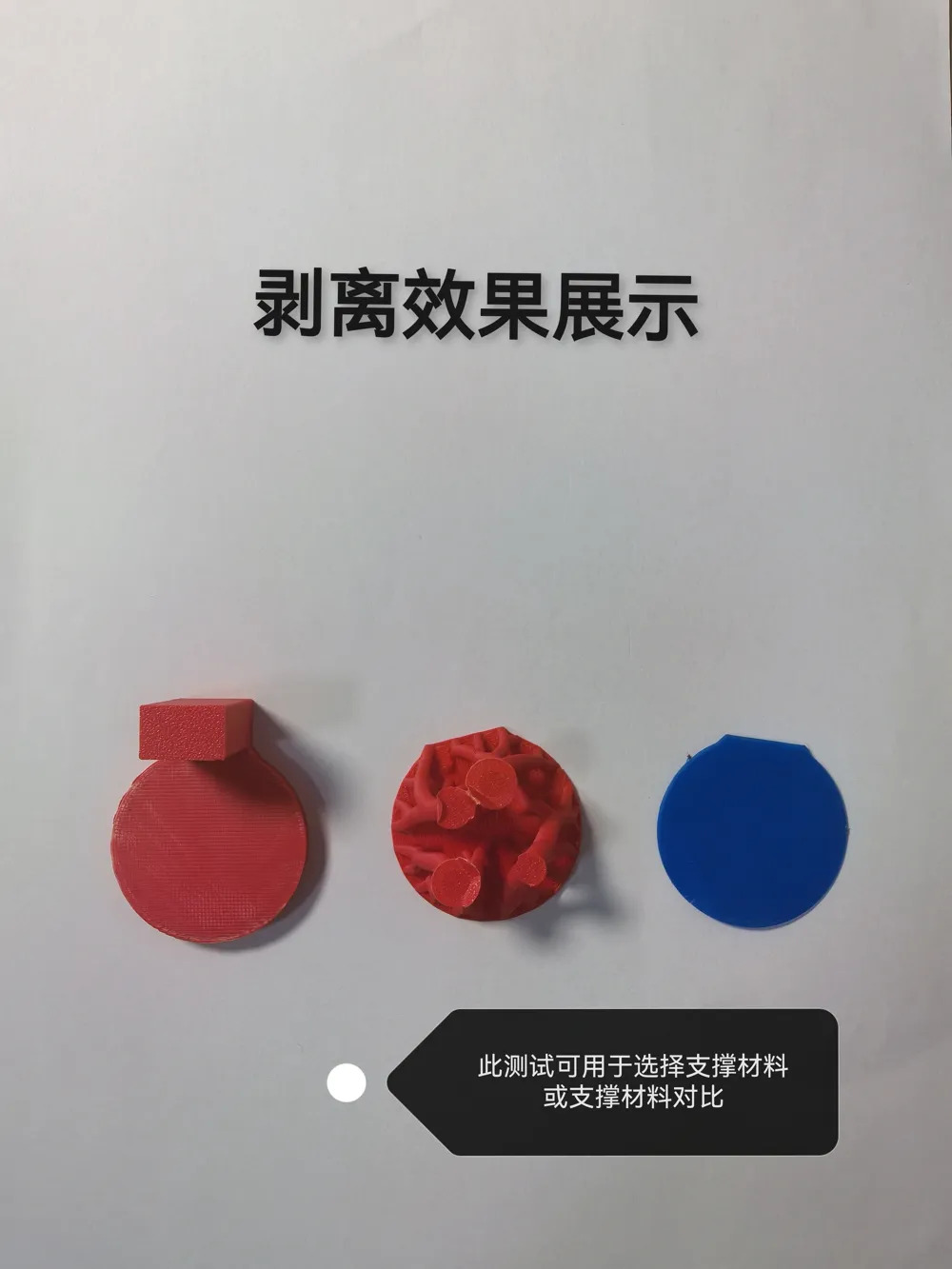
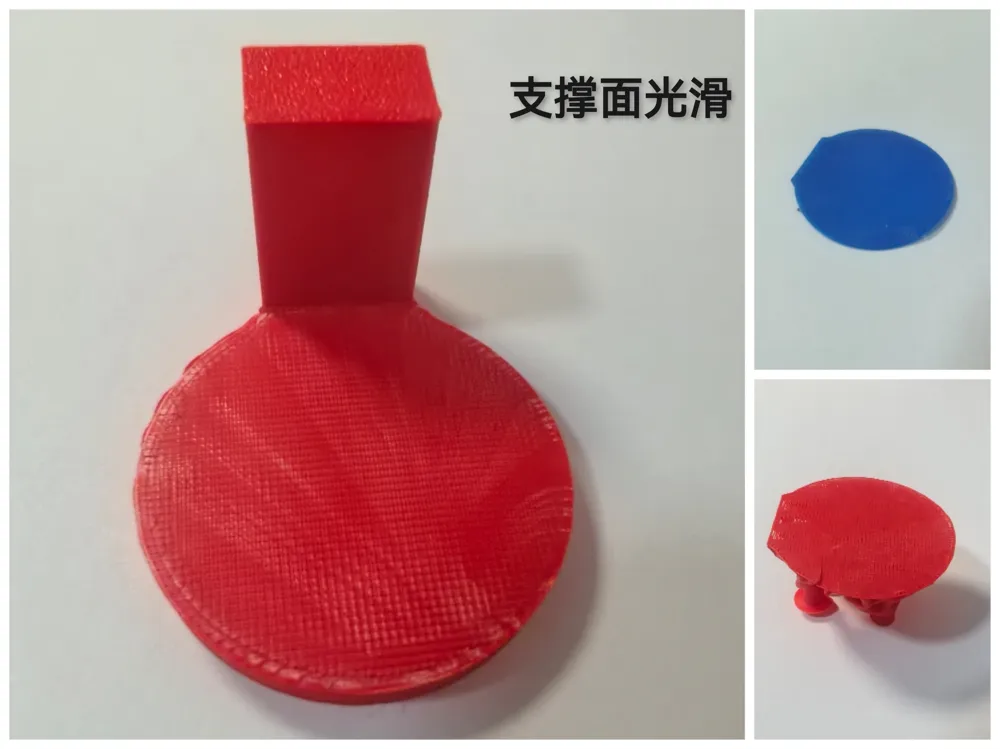
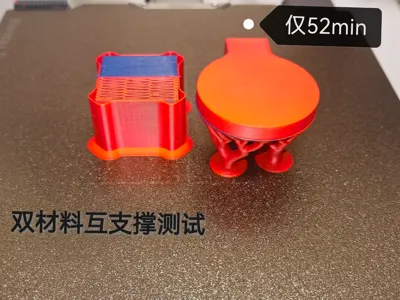
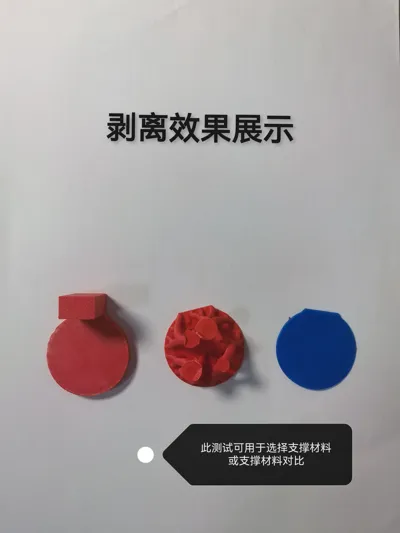
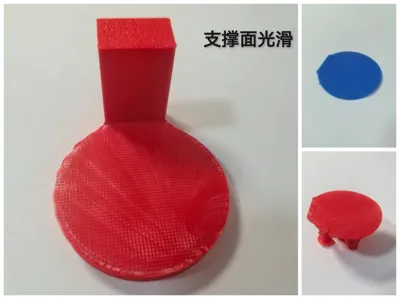
Support is a common structure in the field of FDM 3D printing, but removing supports can be difficult. This is where dual-material interactive support structures excel. They utilize the principle that two materials do not easily bond, using a material different from the model material as the support interface, making supports easy to remove
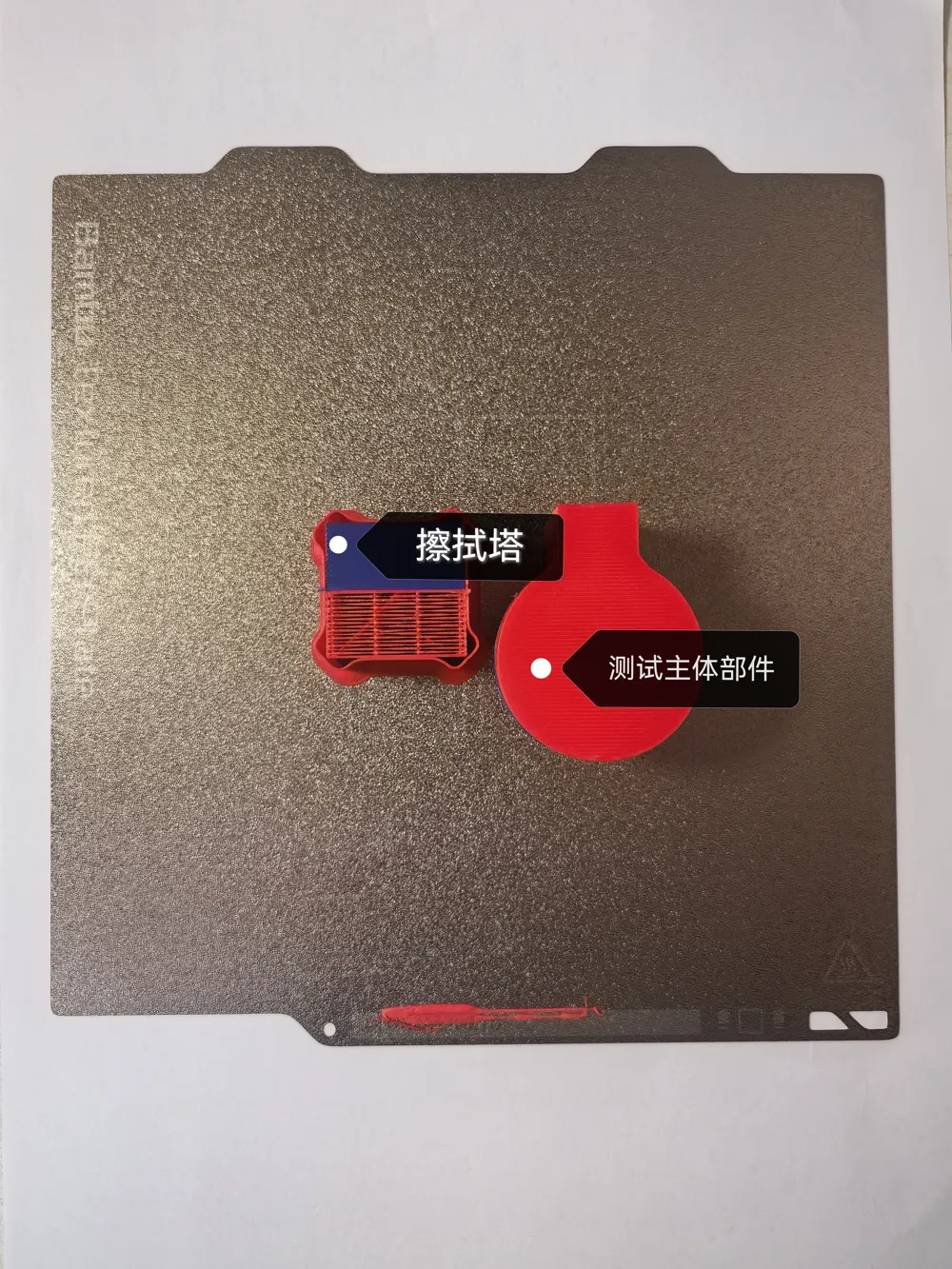
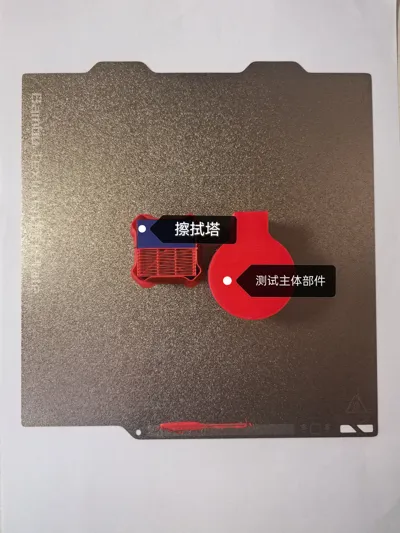
Part Introduction:
Wiping Tower:
Used to wipe off residual material from the nozzle during color changes to prevent color bleeding on the model
Test Model:
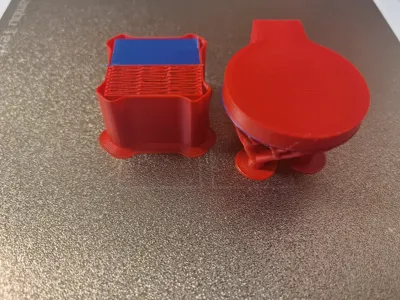
Used to more easily observe the effect of interactive supports
Precautions:
- Please clean the build plate before printing to avoid poor first layer adhesion
- After printing, please wait for the build plate to cool sufficiently (below 35 degrees Celsius) before removing the model, and remove the supports promptly
- Please select Red PLA in the profile as the model body and support body, and Blue PETG as the support interface
Boost Me (for free)
Your boost is the best encouragement for me to create quality models
License

You shall not share, sub-license, sell, rent, host, transfer, or distribute in any way the digital or 3D printed versions of this object, nor any other derivative work of this object in its digital or physical format (including - but not limited to - remixes of this object, and hosting on other digital platforms). The objects may not be used without permission in any way whatsoever in which you charge money, or collect fees.


Comment & Rating (0)