
BMCU Lite
Print Profile(4)
Bill of Materials






Description
Boost Me (for free)
Thank you for your support.
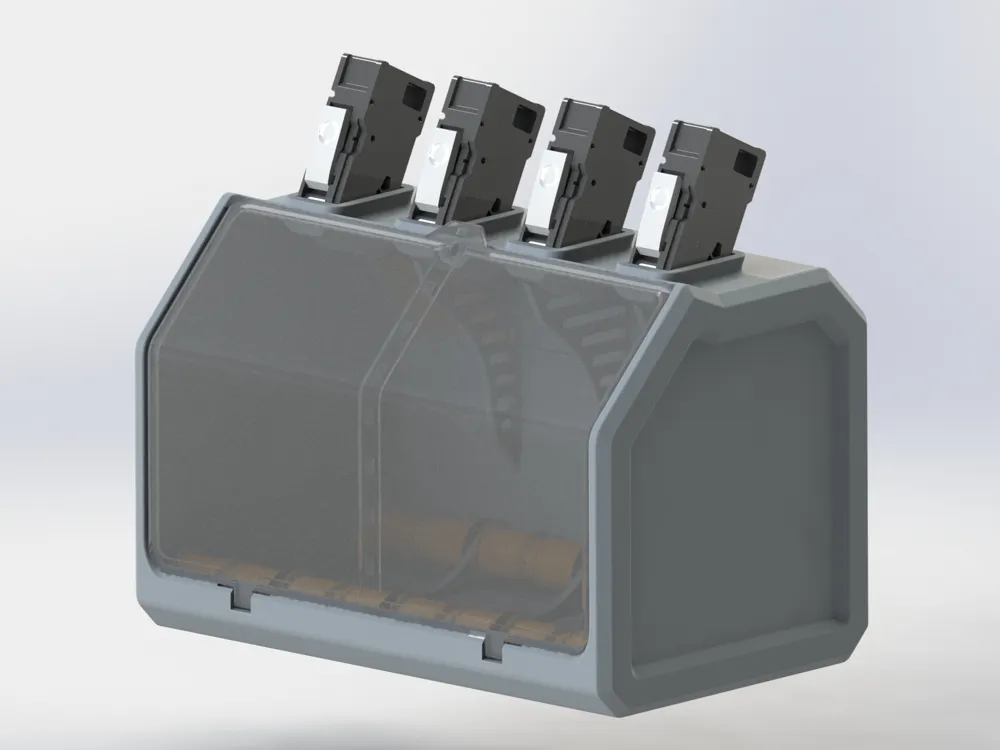
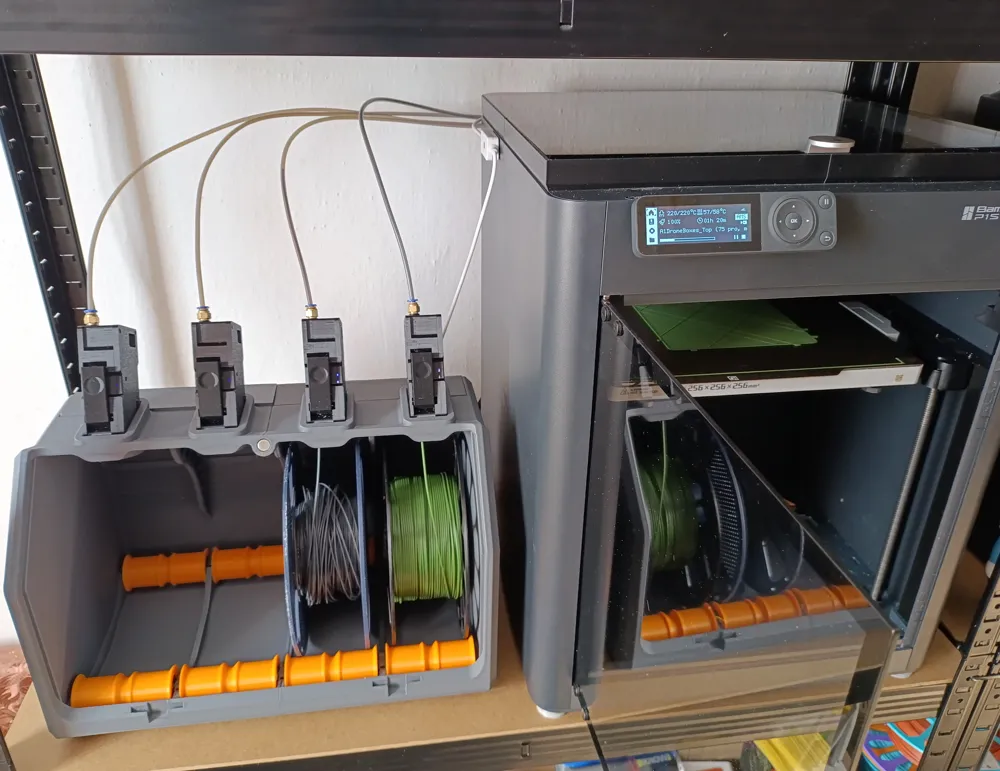
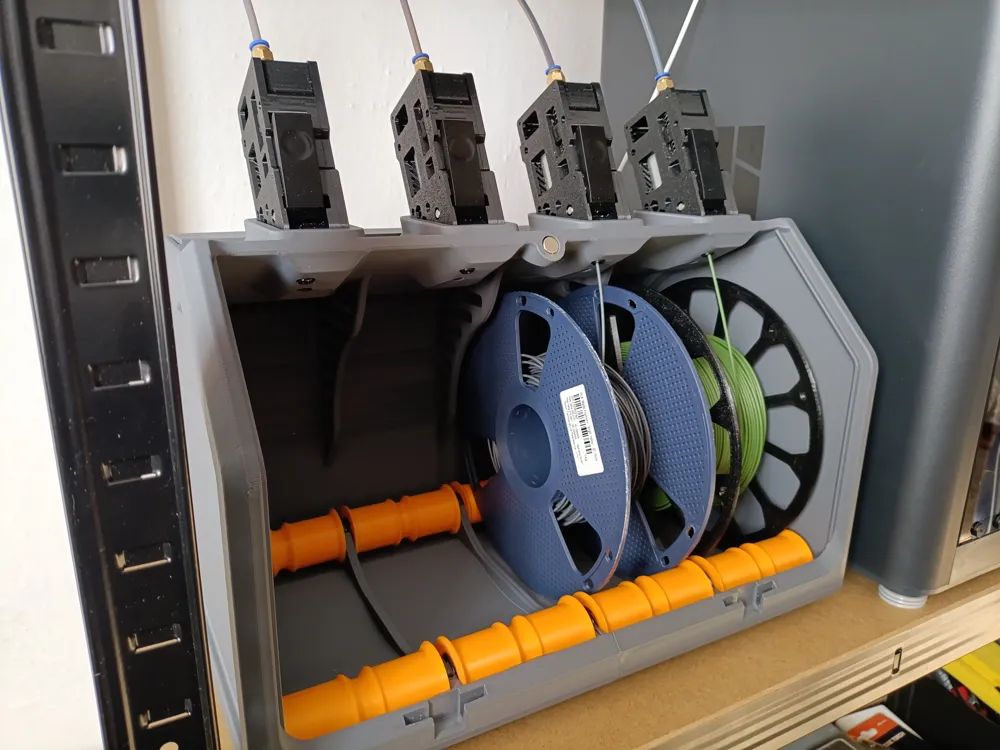
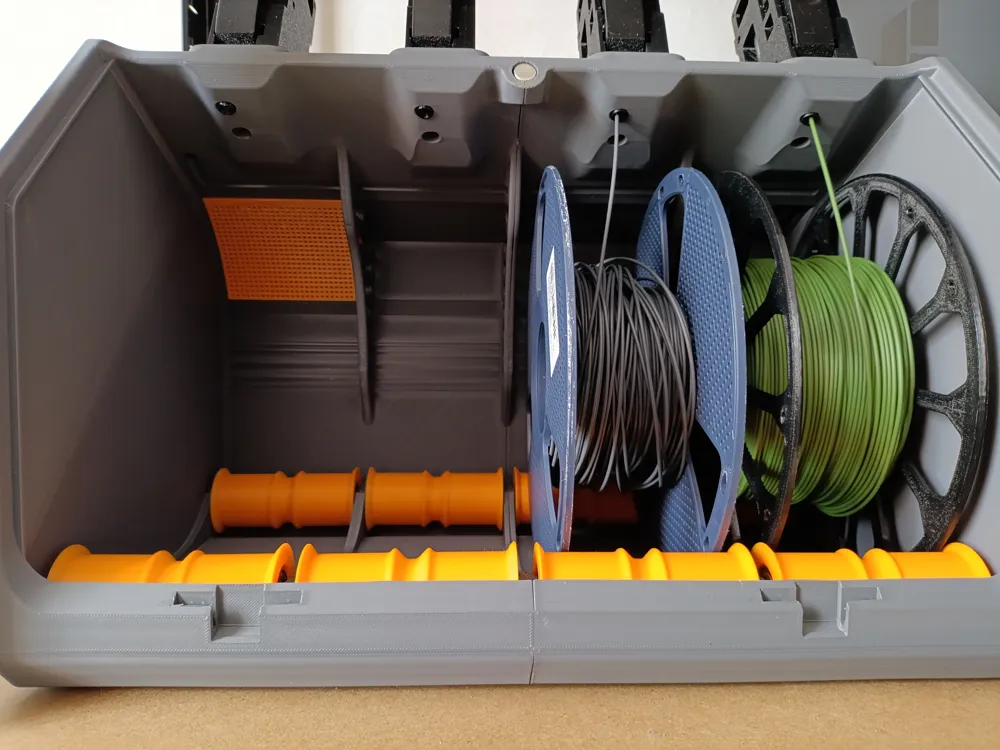
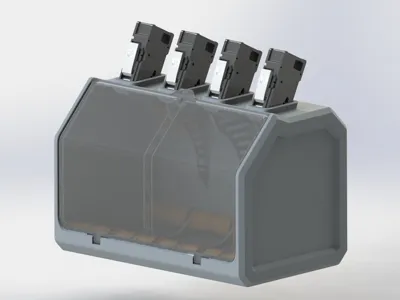
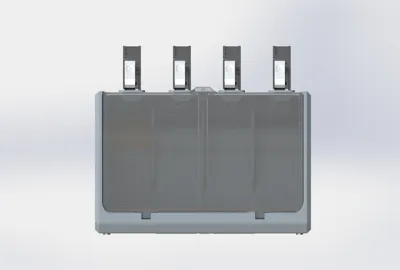
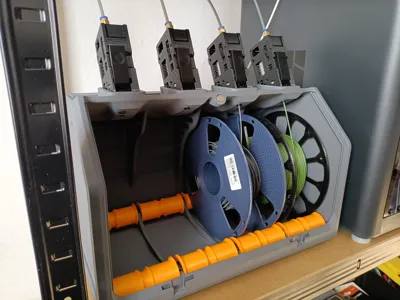
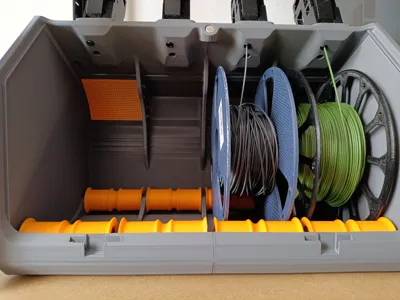
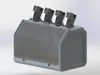
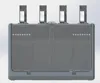
New design box for bambulab A1 and A1 mini, BMCU Lite.
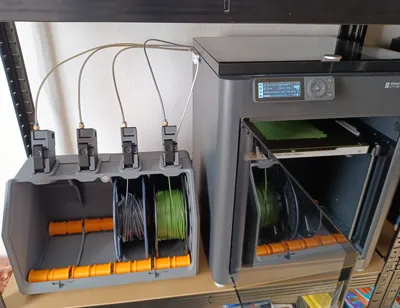
BMCU Lite can be used on A1 and P1 series.
A1 mini profile is avaliable.
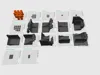
For this print profile, the box is made up of many parts that are joined together with pins and glue.
I recommend assembling the top and bottom last. It is also advisable to pre-assemble without glue to establish the correct assembly order. (Applies to A1 mini print profile only). The front panel is currently not available for printing on the A1 mini. I am looking for ways to upgrade it.
Upgrades for BMCU lite:
- BMCU lite dry conteiners (For silica)
Link: https://makerworld.com/en/models/2682695-bmcu-lite-dry-conteiners#profileId-2971322 - BMCU lite back panels
Link: https://makerworld.com/en/models/2445651-bmcu-lite-back-panels#profileId-2684345 - BMCU lite rewind system
Link: https://makerworld.com/en/models/2548651-bmcu-lite-rewind-upgrade-kit#profileId-2806673
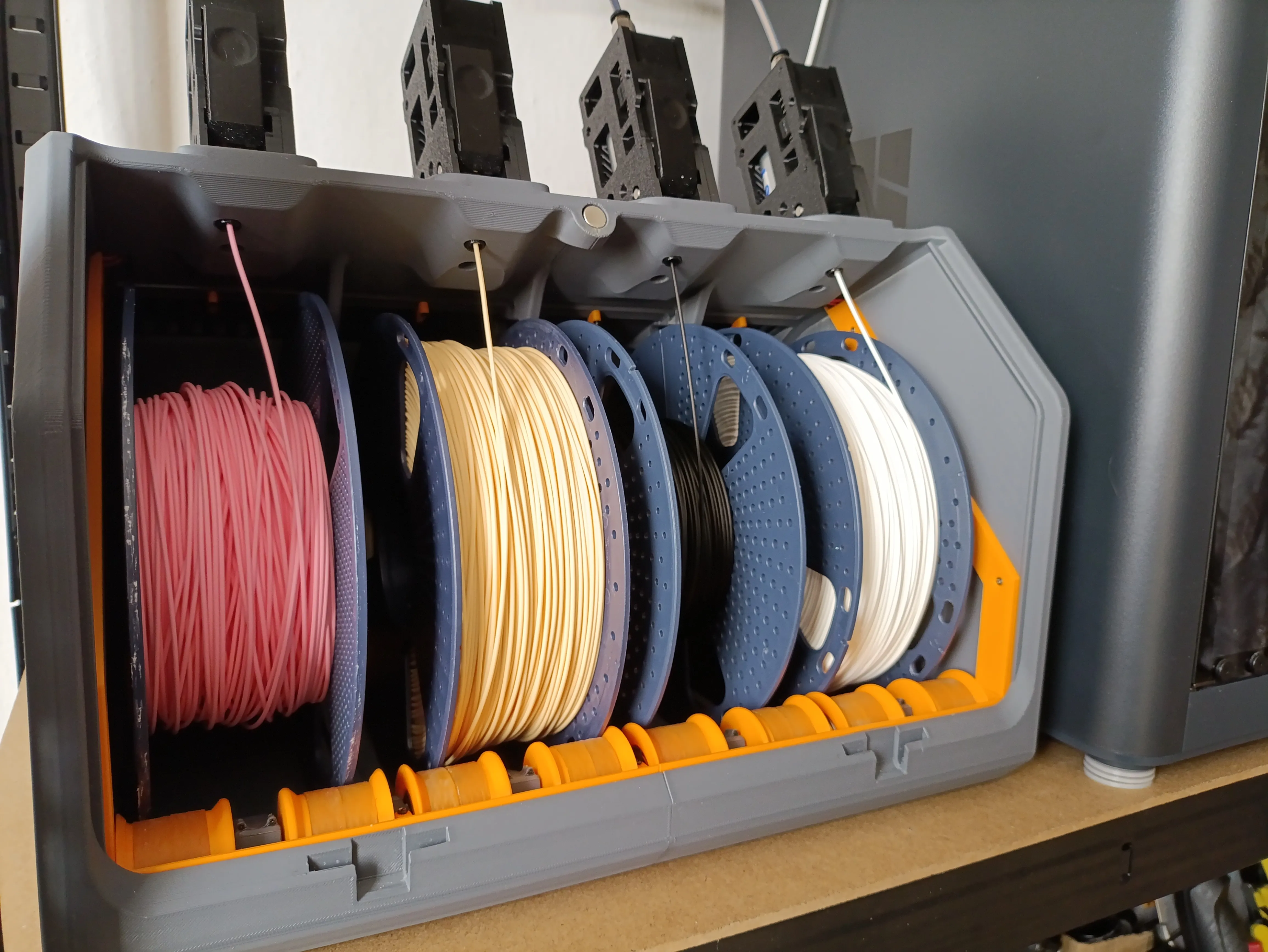
Basic parameters:
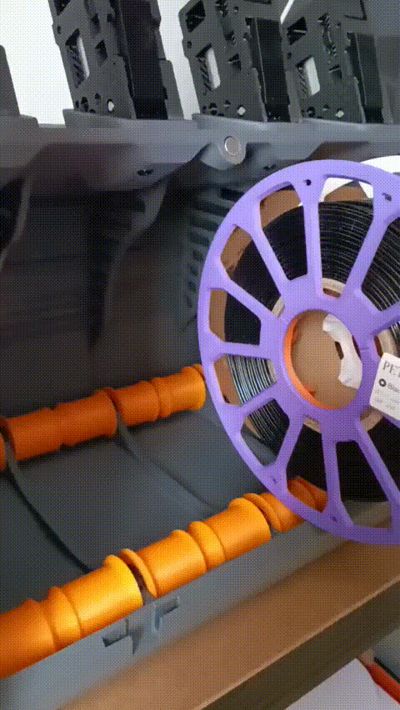
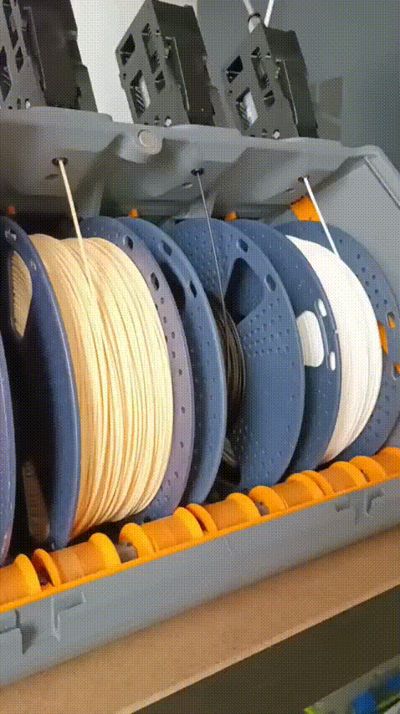
- Spool size: for 1 kg 195 mm up to 205 mm diameter
- Easy to assemble
- For BMCU 370c only (370x has mirrored feeder)
- Feeder can be changed (If old had rubbed off)
- For A1 and A1 mini, P1, X1, others that can work with BMCU
- Avaliable spool rewind system
- Dry conteiners are available

- Box has a vent holes in two sides (By changing the back cover, you can connect the hot air supply for drying. The back covers are separate parts, they will be available at another link, as their configuration can be changed)
- Magnet front panel
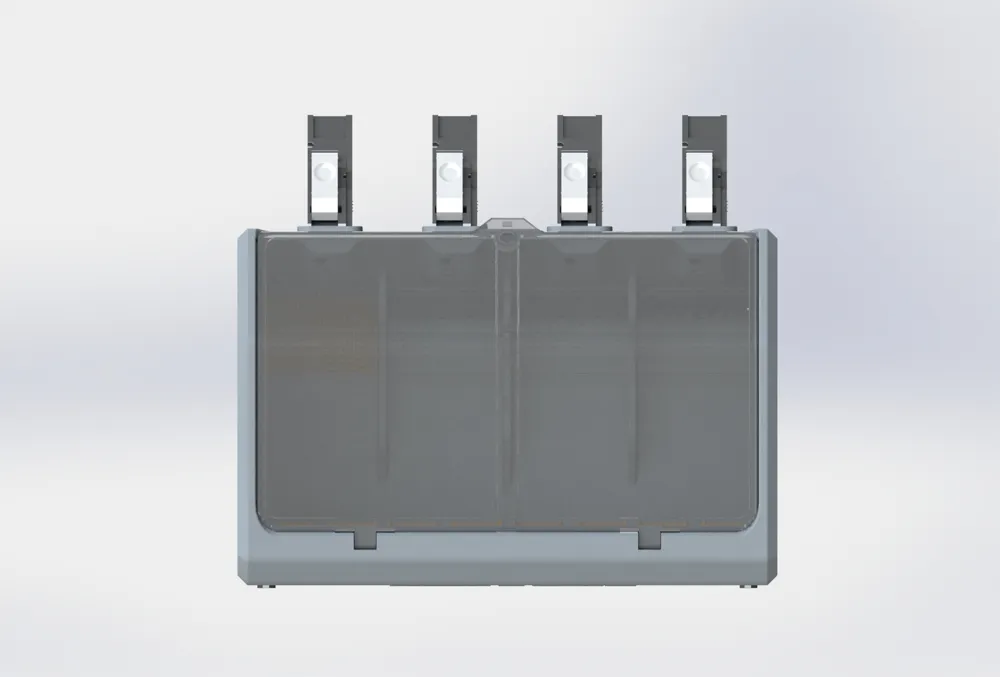
- Box width ~ 38 cm
- Front panel opens up to oneself
FRONT panel (glass) file are avaliable, but еhe print quality is not perfect. I am looking for a solution to better adapt its printing.
If a rewind spool system is developed, BMCU Lite can be used on P series printers.
Filaments:
- Feeder - only PETG
- Box - I printed with PLA. If ypu will upgrade a dry system, petg is recomended. You can place a tube from P1S exhaust fan to box, so PLA will be enough.
- Use a brim for BOX printing and recomended a cool plate. It prevent part peeling or deformation during printing.
- Calibrate your filament before printing.
- Support are easy to remove.
BOM:
- 608zz bearing 16pc (or you can print it)
- 4x screws for bmcu extruders (from bmcu kit)
- Glue
- m2x10 screw 6pc for roller mounts
- 2x40mm steel rod for front panel 2pc
- magnets 10x5 mm 2pc
- screw m2x10 for dry conteiner holder 4pc
- back side panels, total 4pc screw m2x6 or bigger (from bmcu kit can be used)
- PH2.0 10pin cable 150 - 200 mm (Reversed pins) (Or you can extend from the set) - 4pc
- m2x6 screw 3pc for bmcu PCB (from a kit)

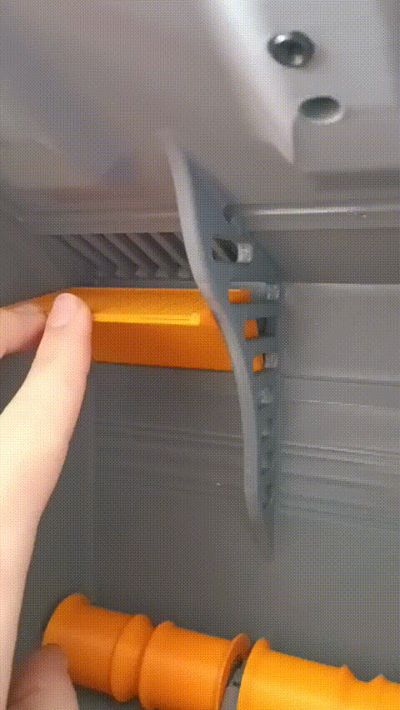

Easy filament loading:
Dry conteiner and vent holes:
Assembling:
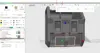
- Print all parts. Front panel 3mf for the best quality will be avaliable soon. Box bushings (Edit size to your quality of print. It shoulb be not very tight)
- Place Box bushings, use a glu to connect the parts (2pc) of the box.

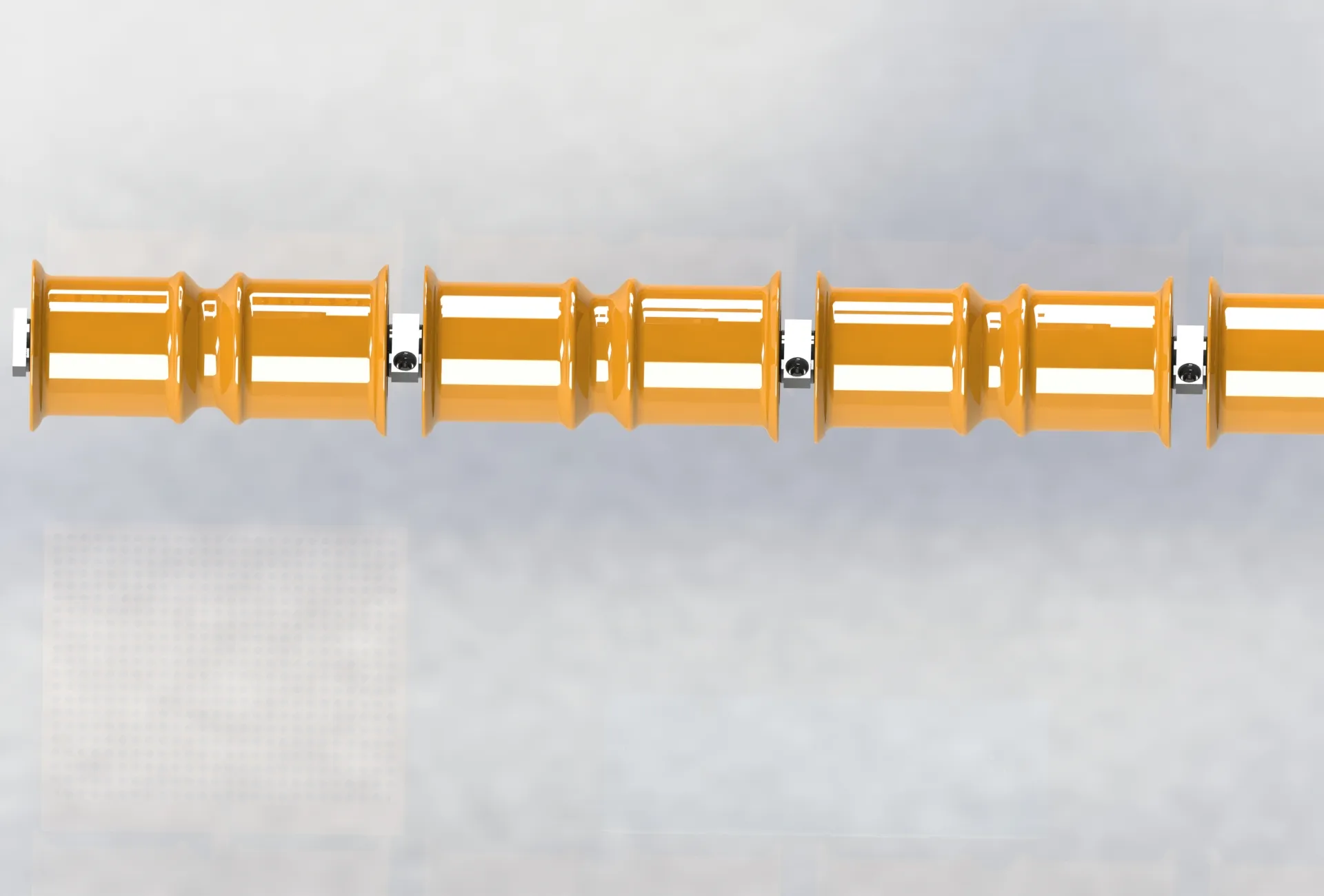
Asamble a rollers and after place it in box. Pay attention to the guides all becoming. Rollers must be installed only in asambled form (in photo). Secure with screws
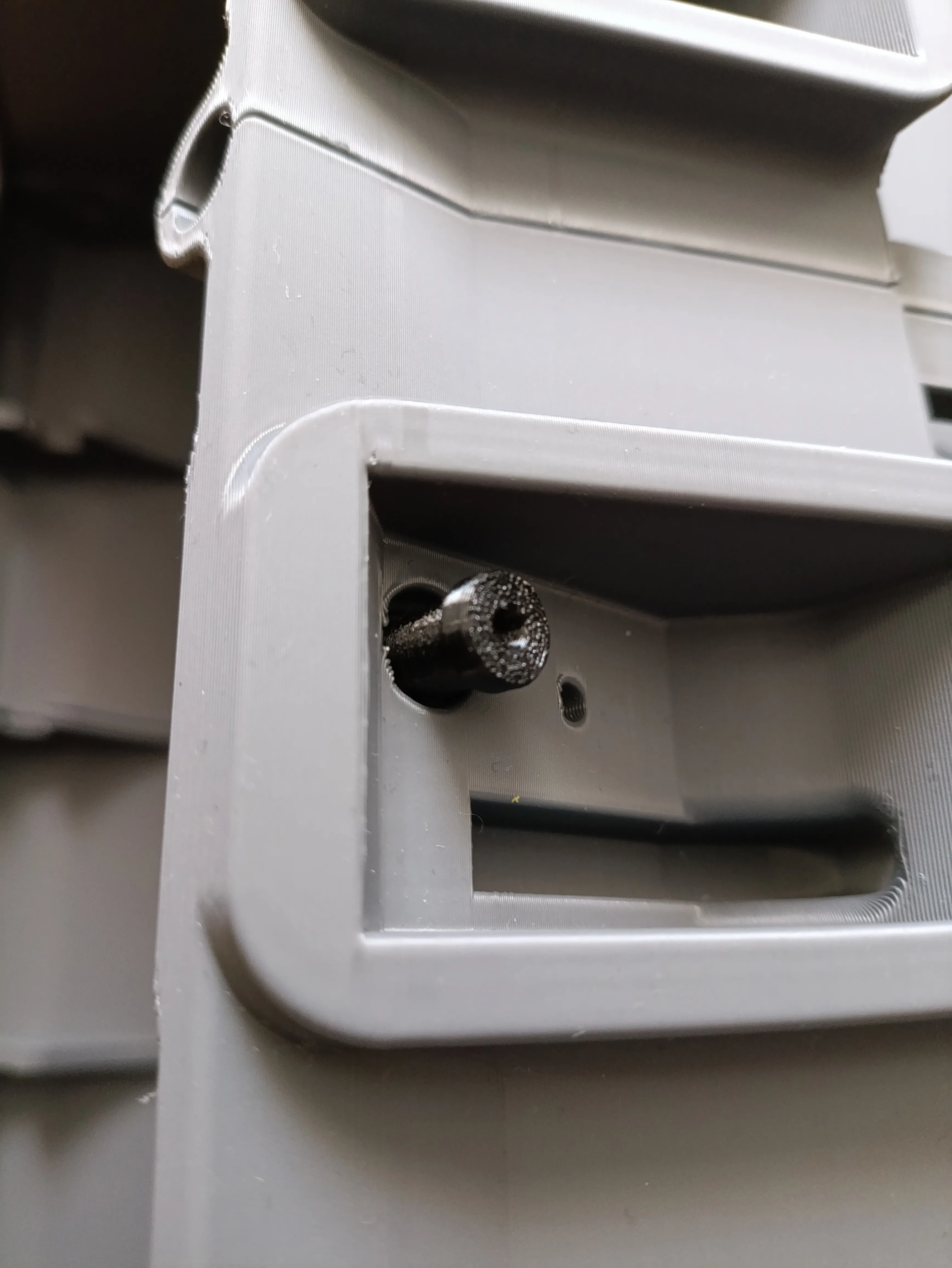
Put a feeder to a hole:
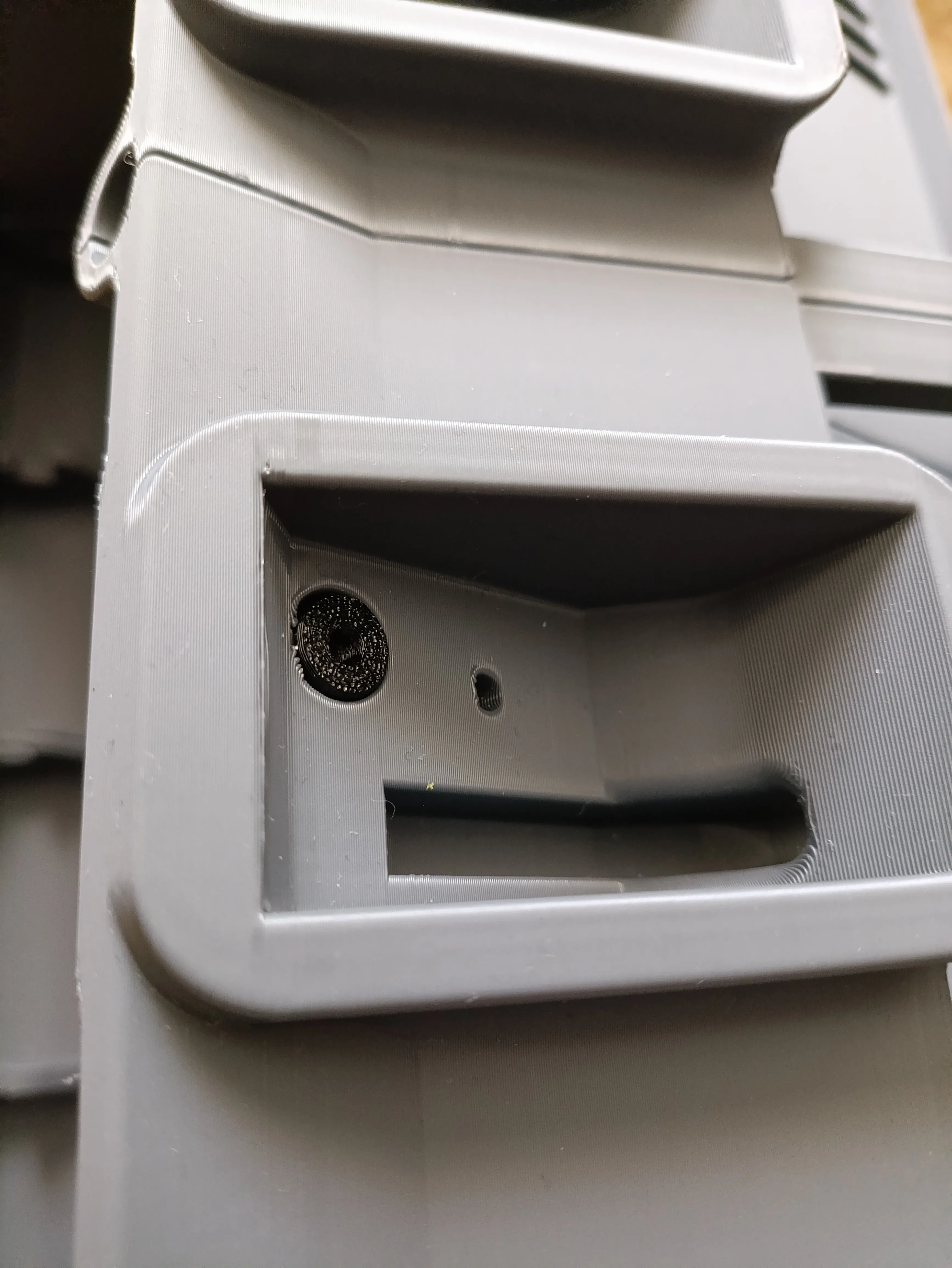
Conect a PH2 connector to BMCU extruder:
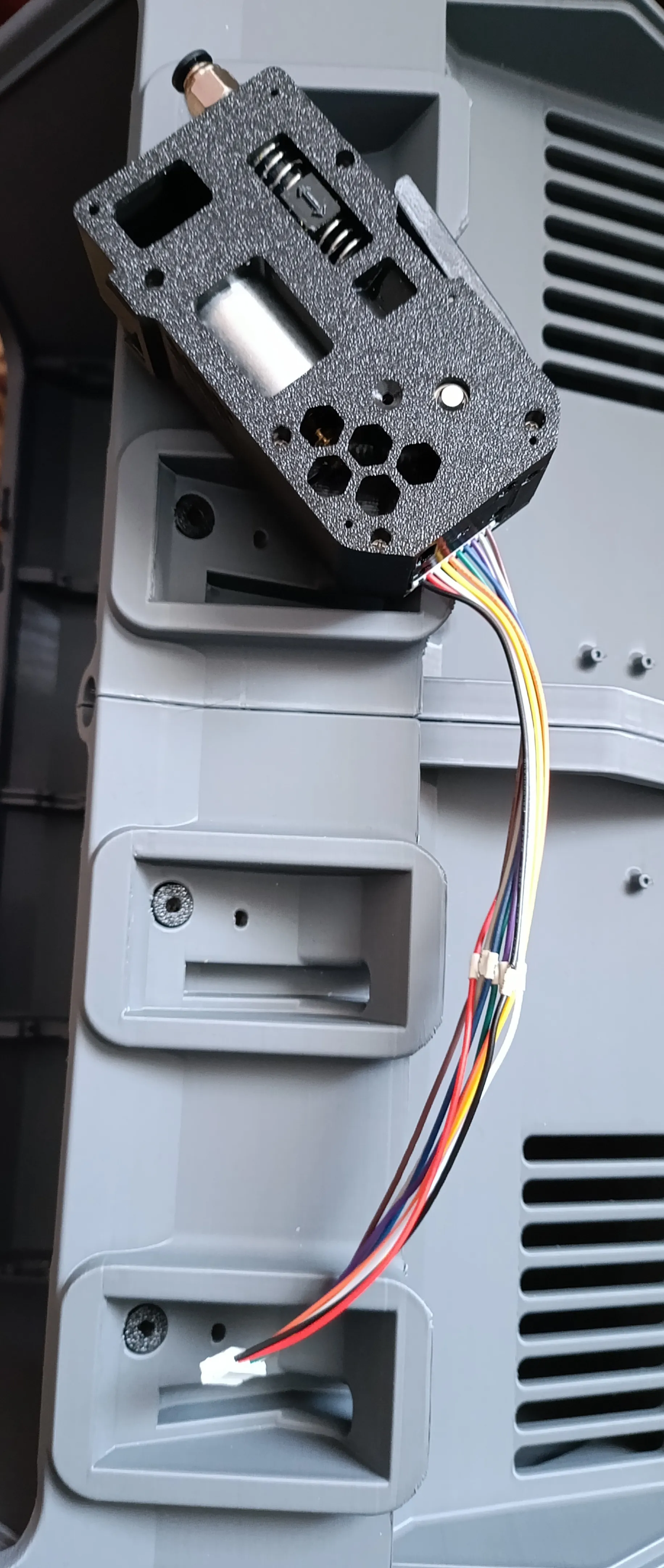
Pass the cable through the hole and place the BMCU extuder
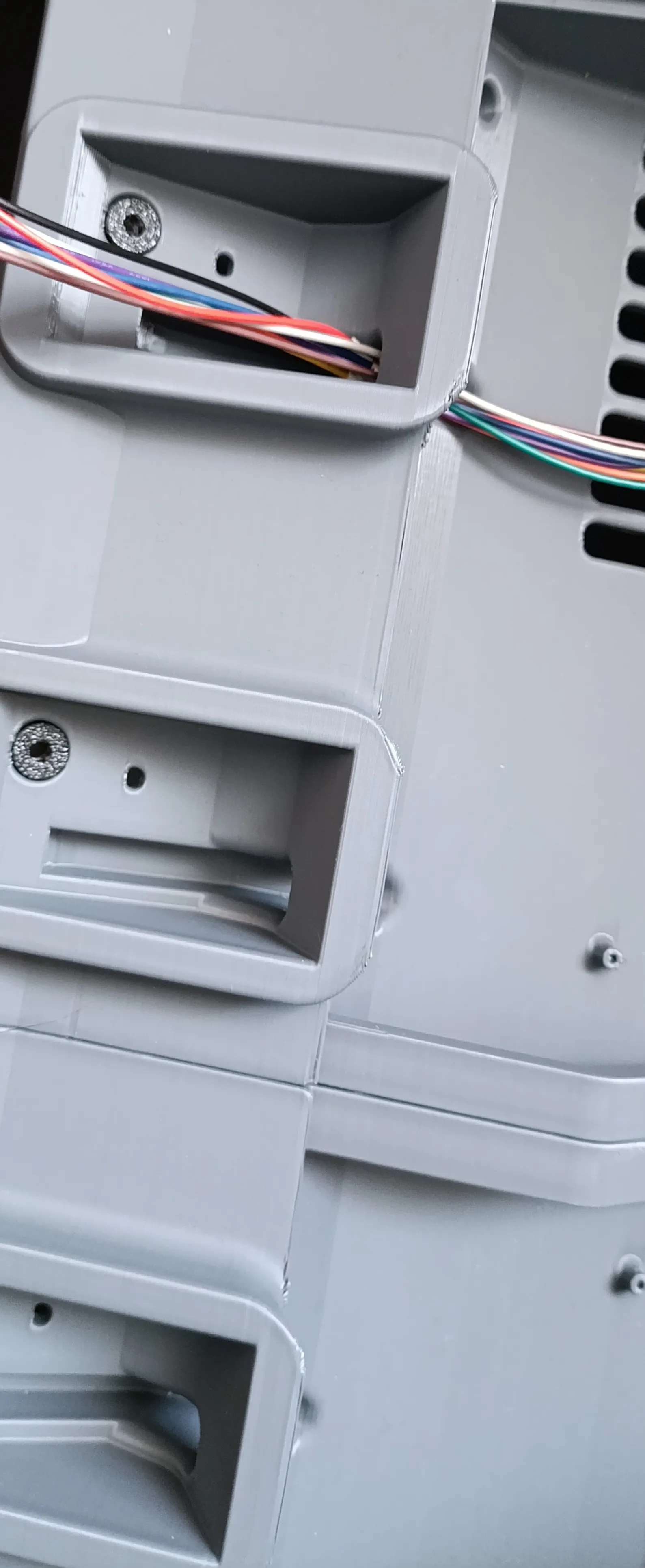
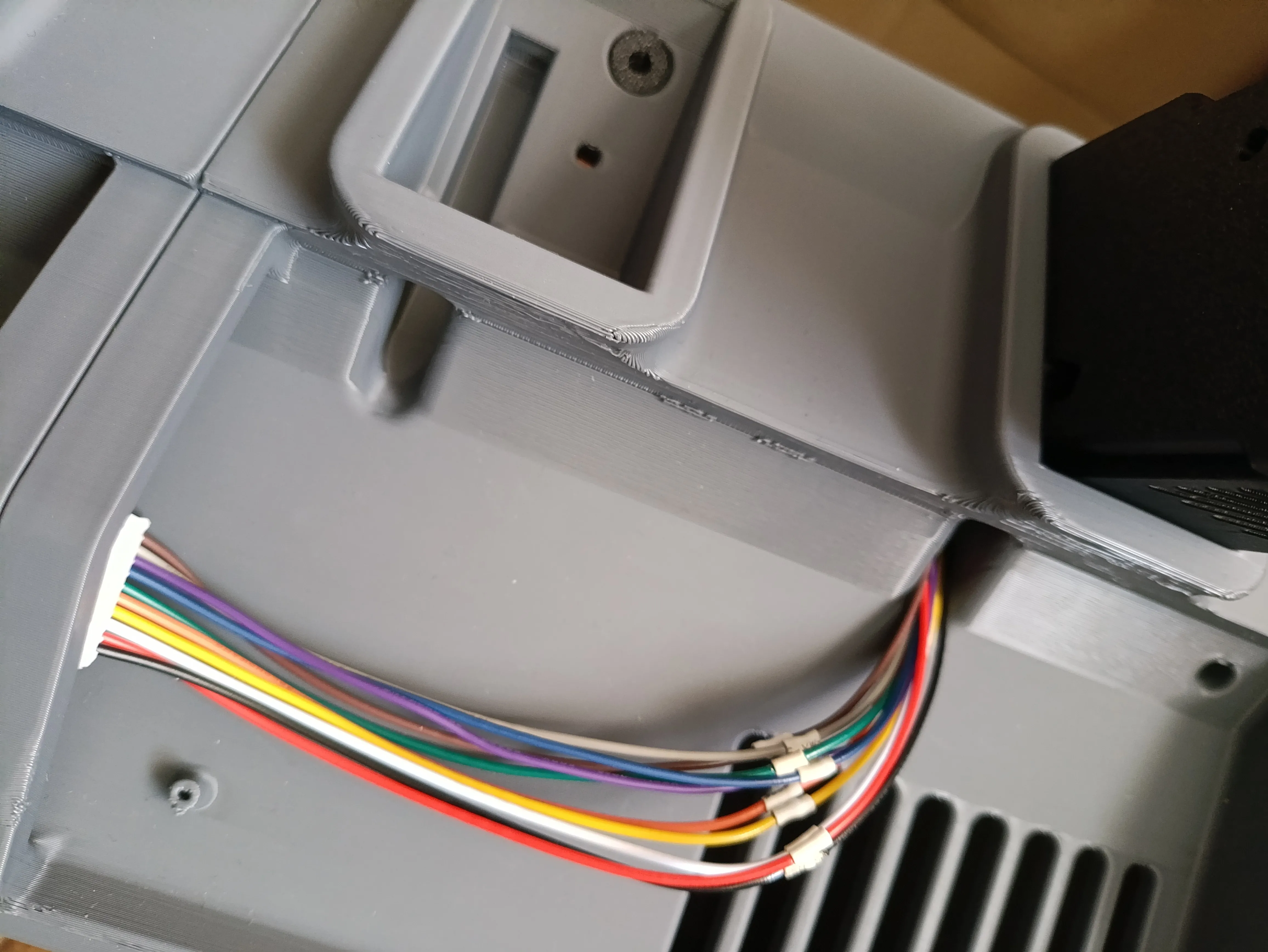
Use a screws to fasten BMCU extuder
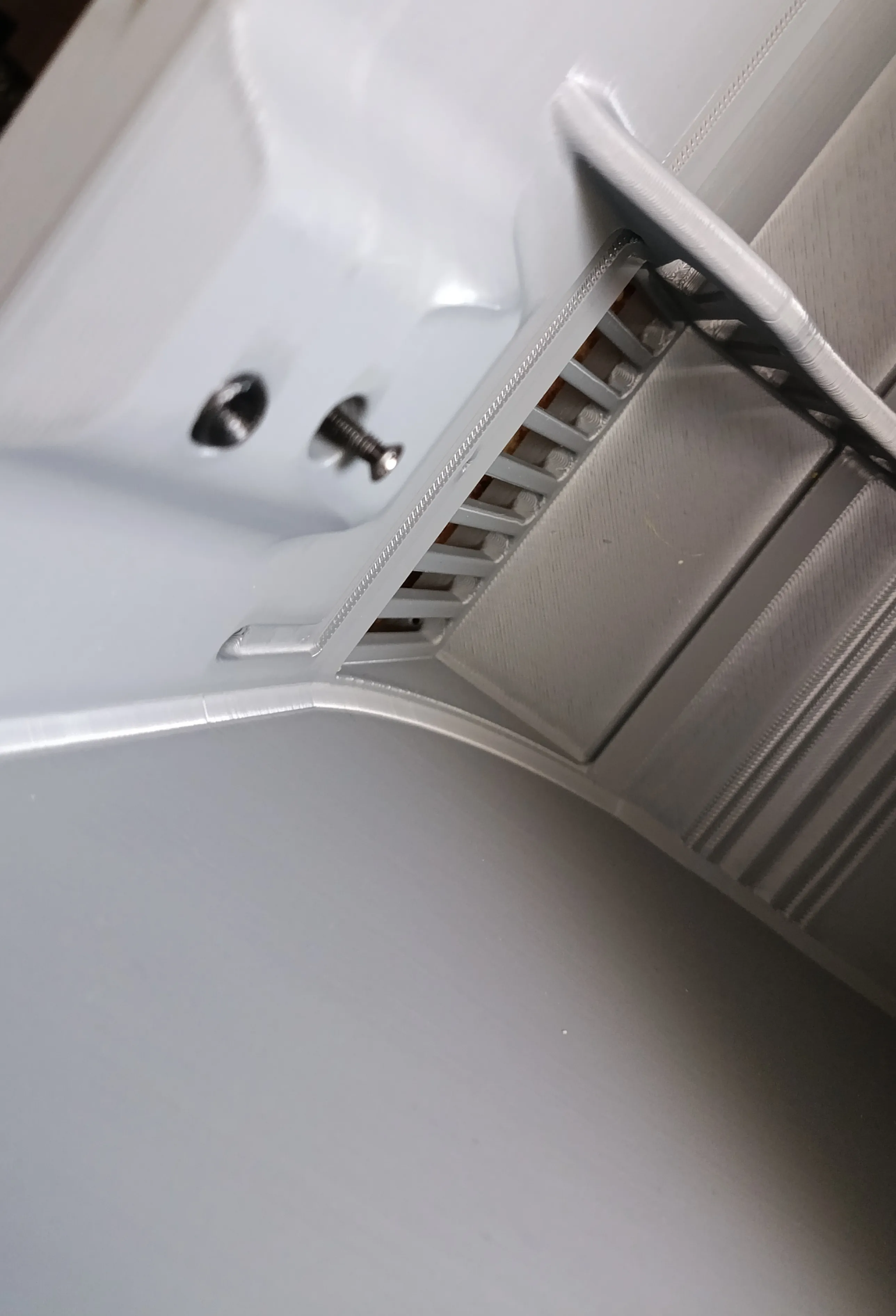
PCB mount:
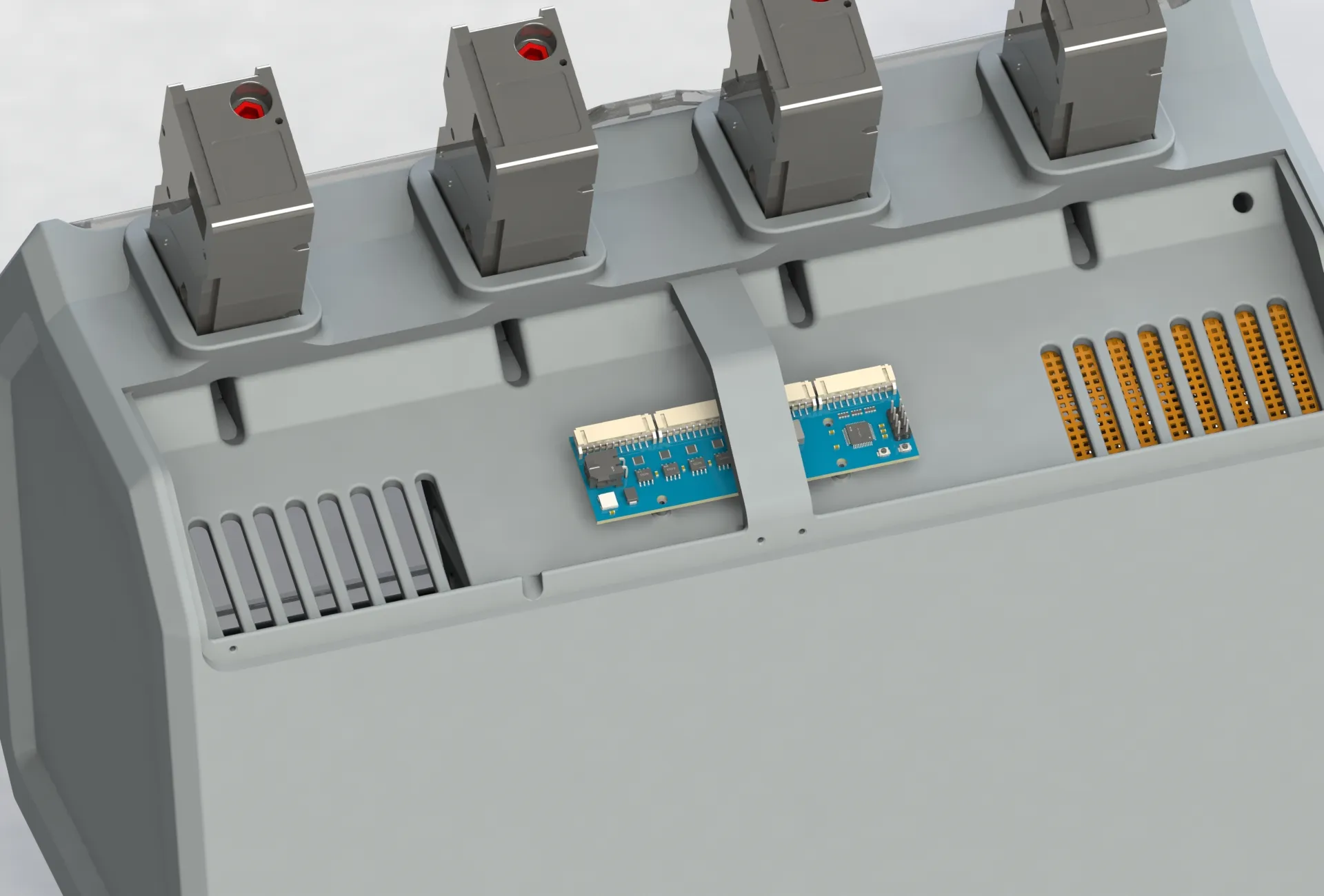
- It is ready to use. The front panel is asambling very easy. The steel rod are instaling it front holes (Special cutouts) and and are pressed by front panel mounts.
- Use a glue to place magnets.
Follow the changes. Слідкуйте за змінами. Посилання зявляться як тільки я доналаштую проекти на друк. Або ж знайдете їх у профілі. YOUR3D.
Boost Me (for free)
Thank you for your support.
License

You may create derivative works based on this object, provided that all such derivative works are published exclusively on the MakerWorld platform and include proper attribution to the original creator. You may not share, upload, host, distribute, or publish this object—or any derivative work of this object—on any other digital platform, marketplace, or distribution channel. Commercial use of this object and any derivative works is strictly prohibited. This includes, but is not limited to, selling, renting, sublicensing, or using the object in any context in which you receive monetary compensation or other financial benefits.


Comment & Rating (115)