
Swatch Sample
Print Profile(2)

Bill of Materials
Description
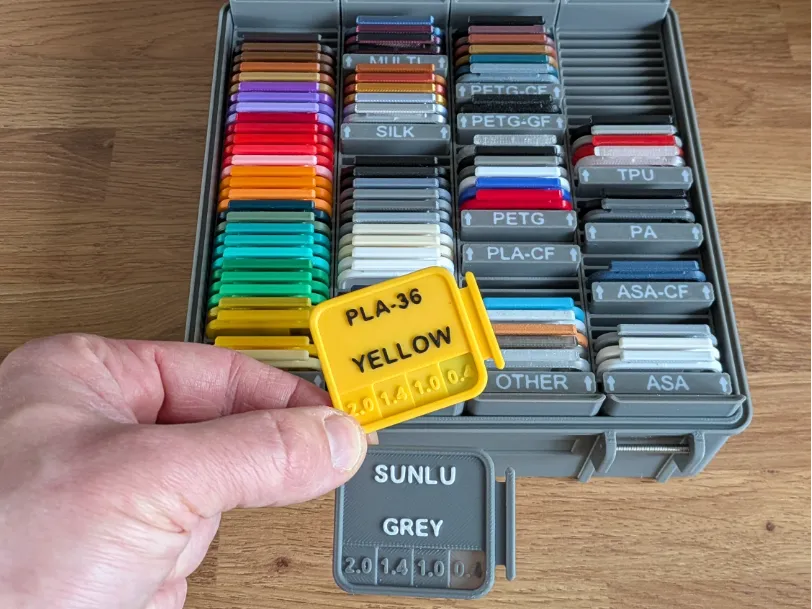
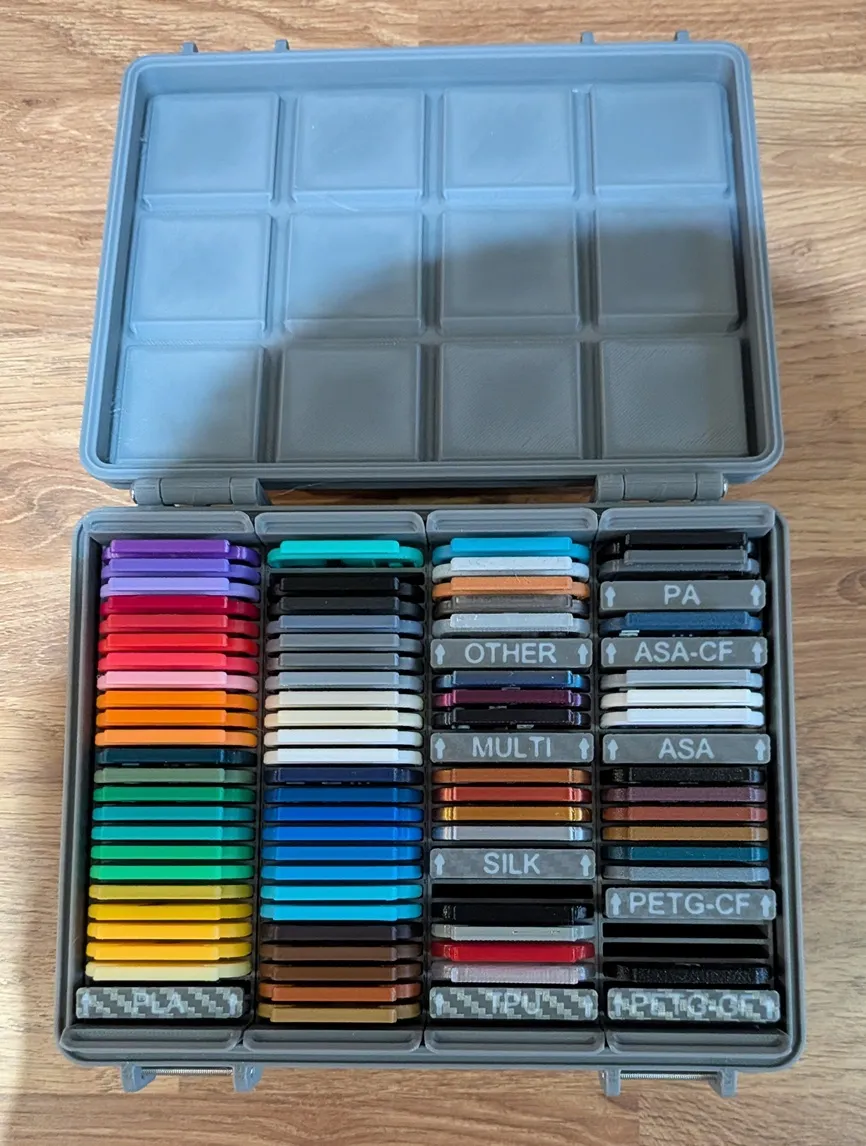
There are a lot of swatch samples out there, but they all use dedicated storage boxes. This then locks you into a set amount you can store. As soon as you get too many, you then need to print more boxes. The other big issue that I have never seen anybody approach properly is labelling. You can't easily use the same box to store your PLA, PETG, TPU, ABS or anything else, as they get mixed up and it is difficult to see which is what type, until you take it out to read what text it has on it. I have created the swatches, the Gridfinity storage bins (of different sizes) as well as labels to help you sort everything. This is a one-stop system for all of your filamanets.
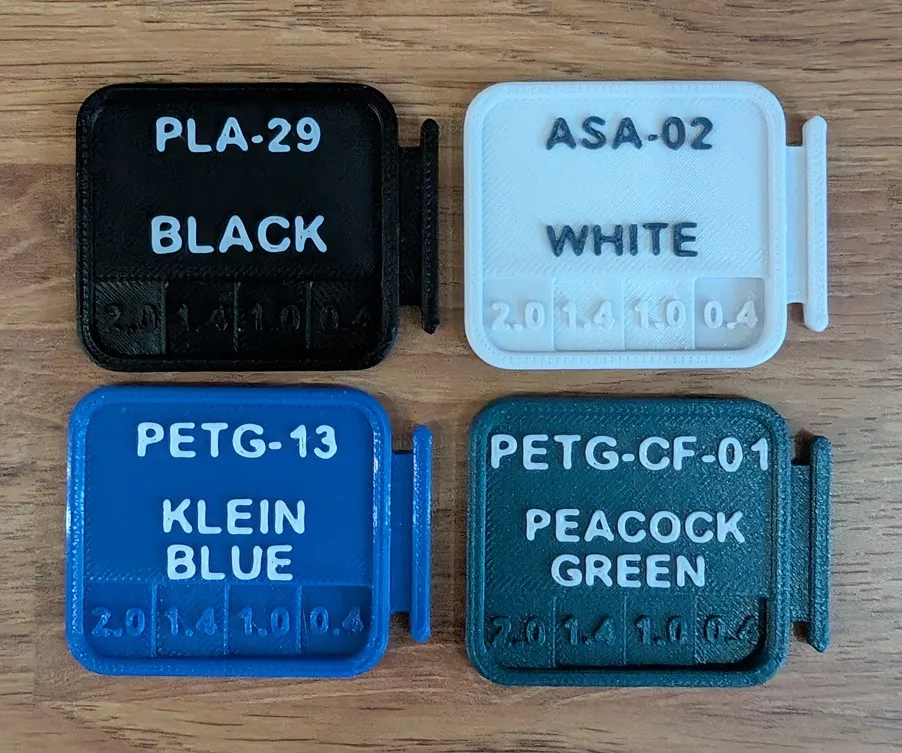
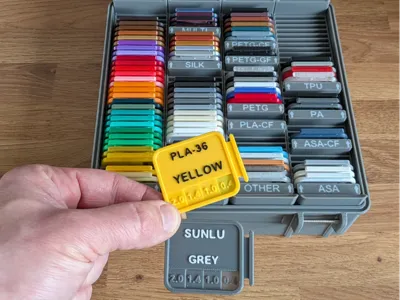
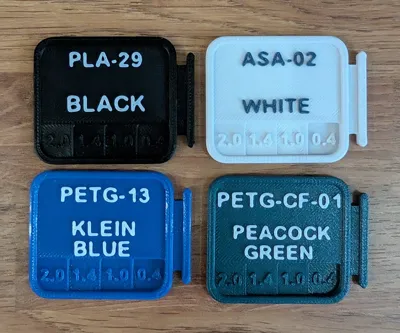
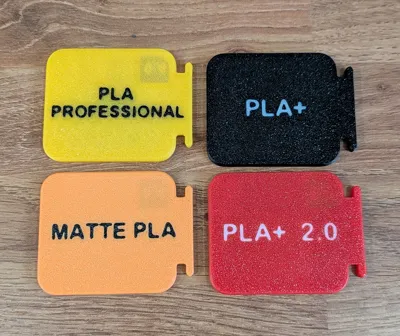
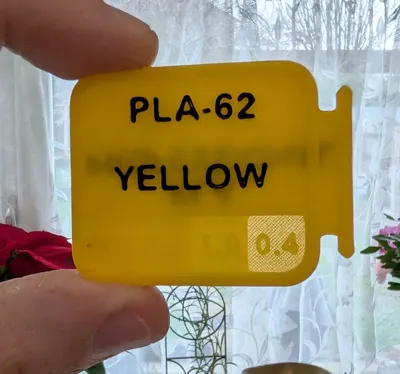
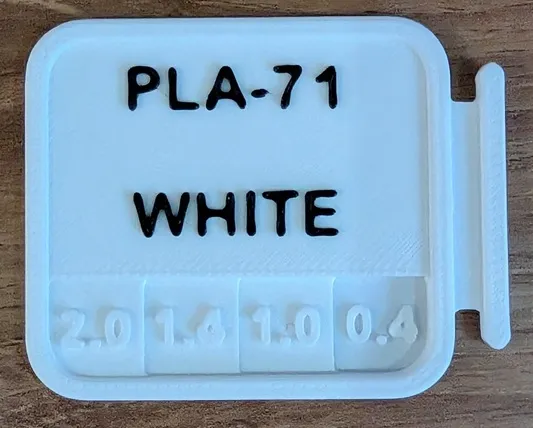
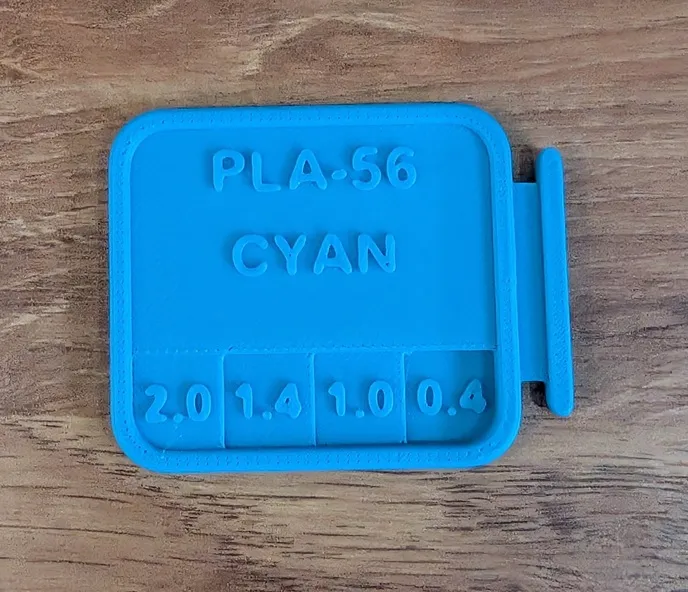
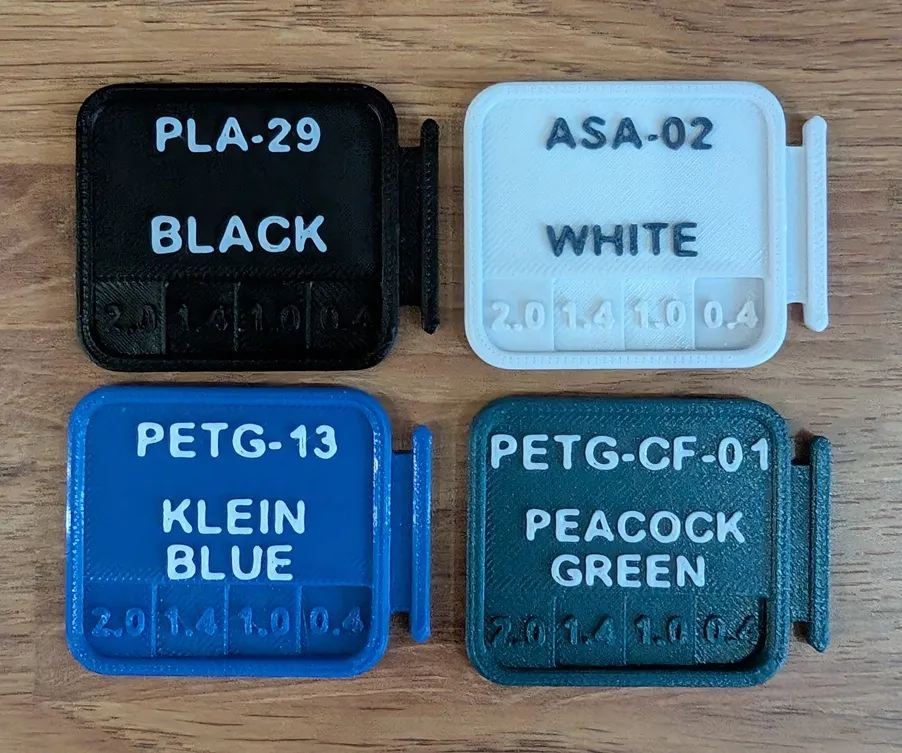
The swatch sample has text on it, so you can write down what colour it is, and the company that made it, or, if you give each of your filaments a code (like I do), you can add this instead. It is entirely your choice what text you add, and that is what makes this model so different from many others, that you choose how you want it to look. If you would rather not use the text, you can delete them and then use a label machine label on it. While the text stands out more using a separate colour, if you do not have an AMS, you can print them in 1 colour, and it still looks good.
 |
 |
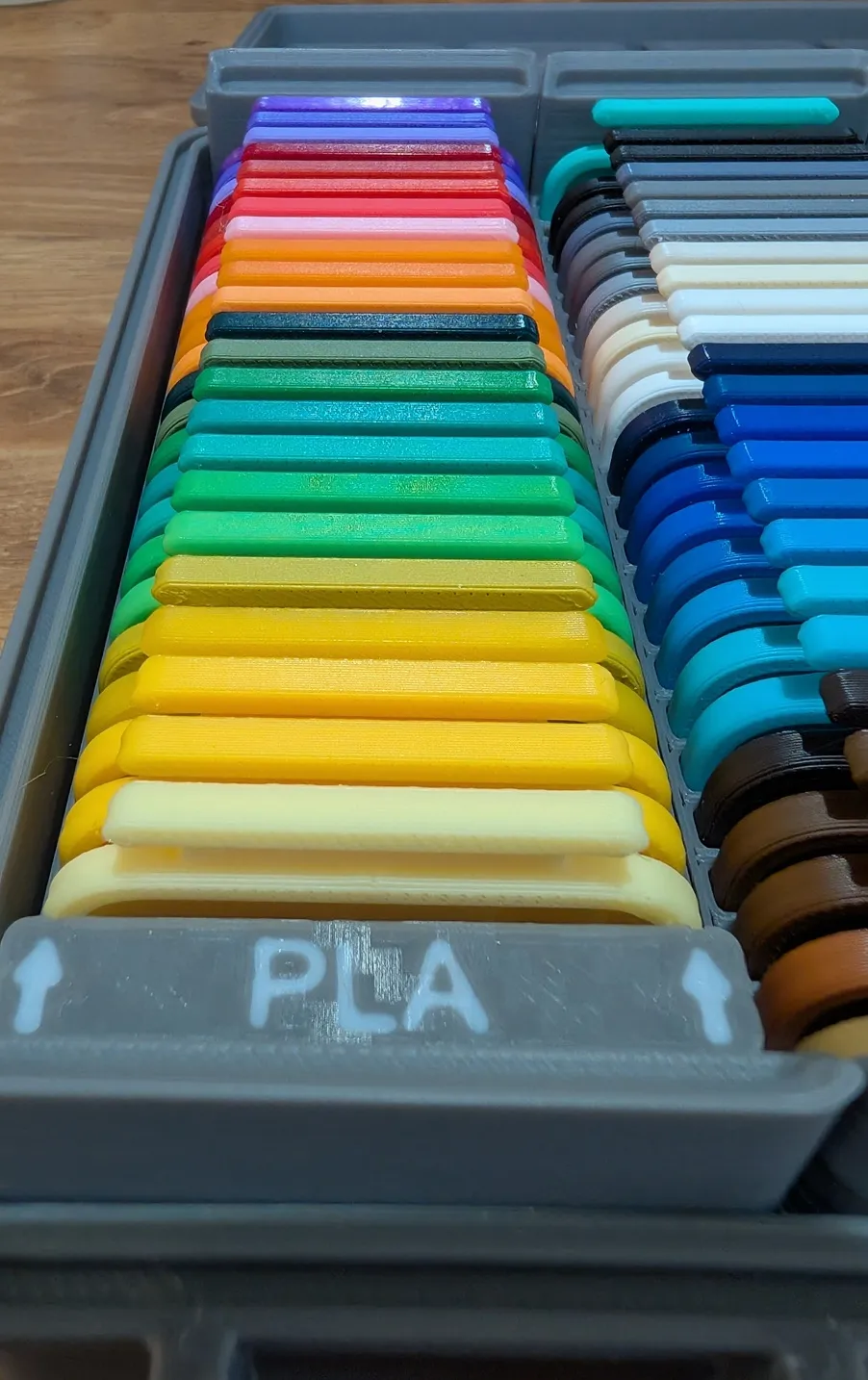
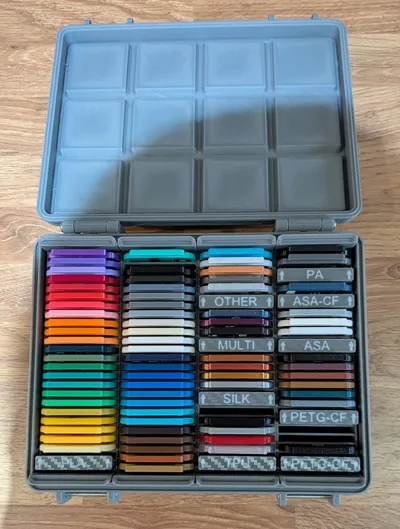
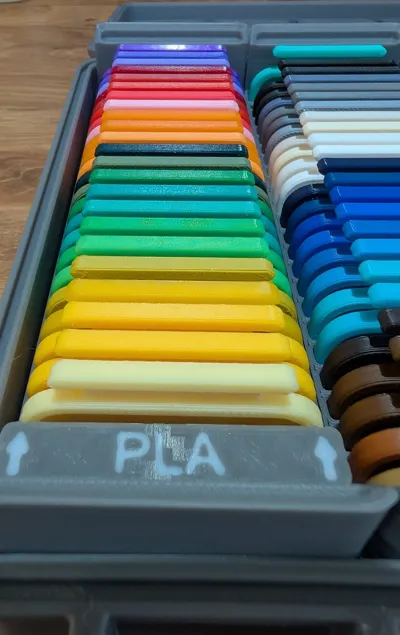
What makes this swatch sample different is that it uses Gridfinity storage bins, so it can grow as you buy more firmaments. You also get to choose what box you want to store them in (and how large the box is). I have also designed labels for the Gridfinity bins, so you can separate each filament type like PLA, PETG, TPU, and anything else, the design is editable, so you put whatever text you want!
Click here to see my storage bins (4-sizes available)
Click here to see my filament labels (editable, use add your own text)
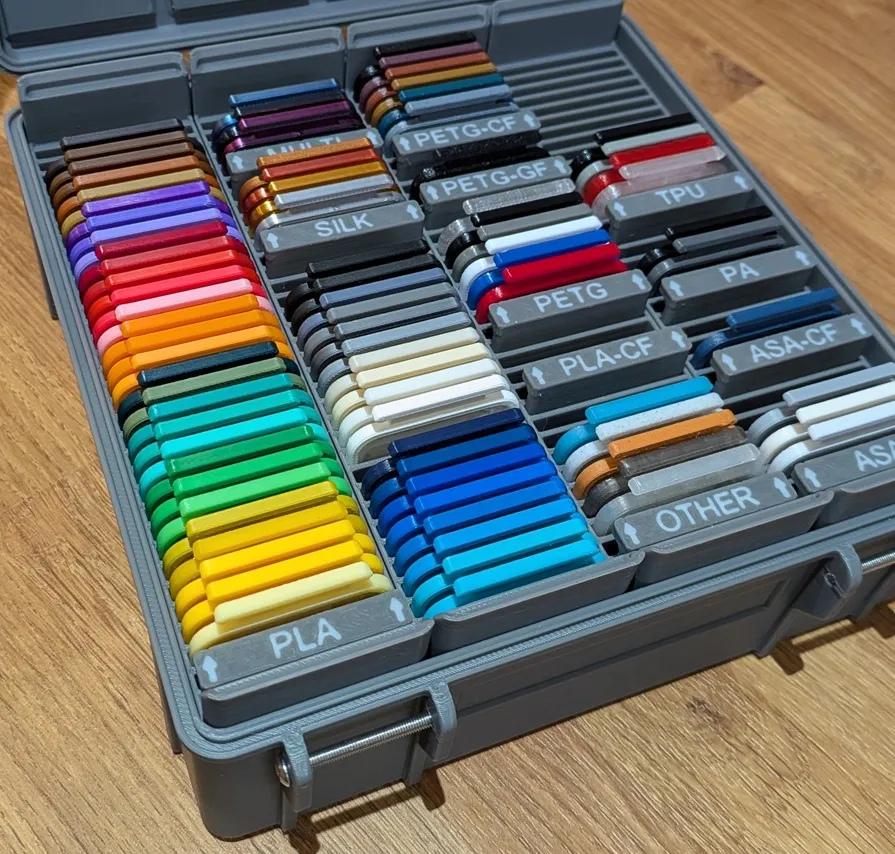 This is a 4x4 box, it has four of my 1x4 bins, it also has the devider labels in it. |
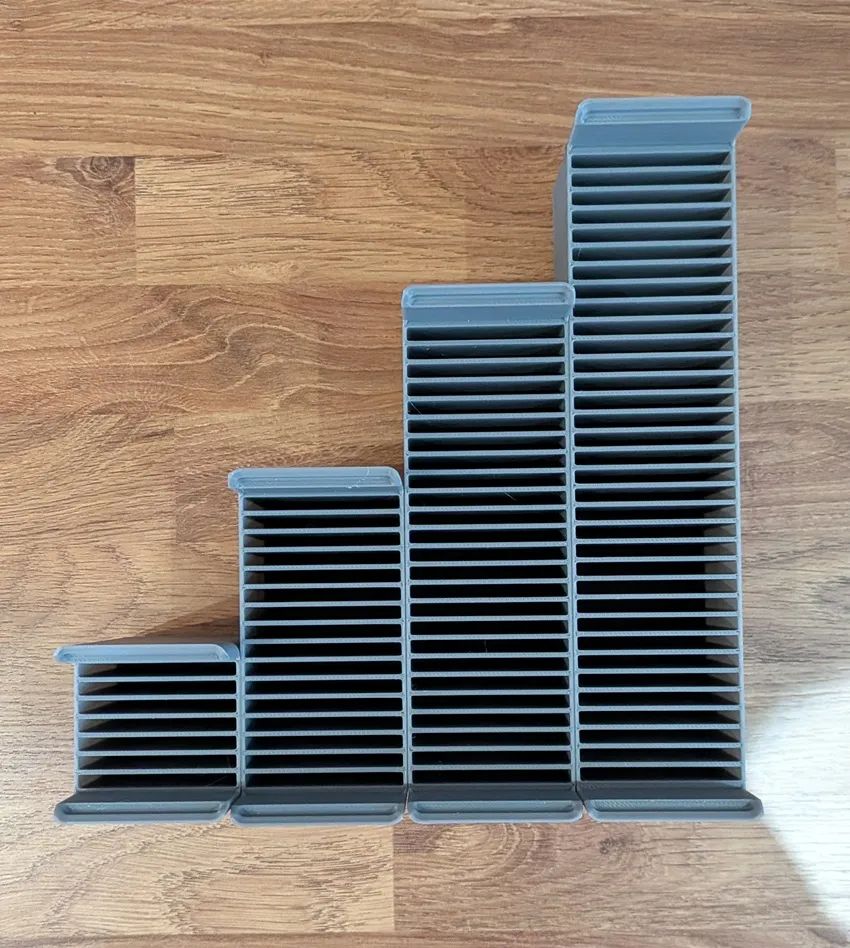 These are the 4 bins I made, a 1x1, 1x2, 1x3 1x4 |
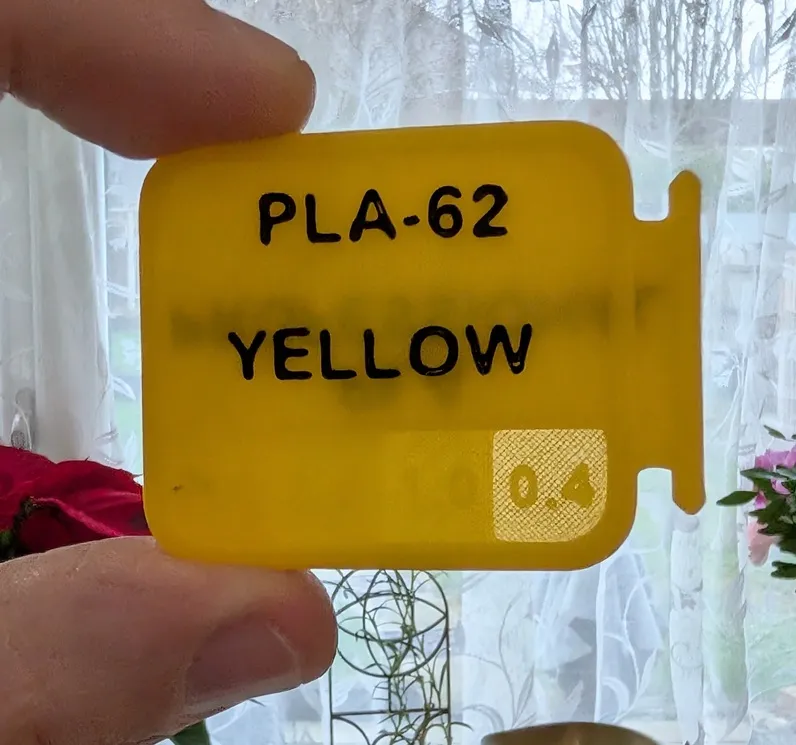
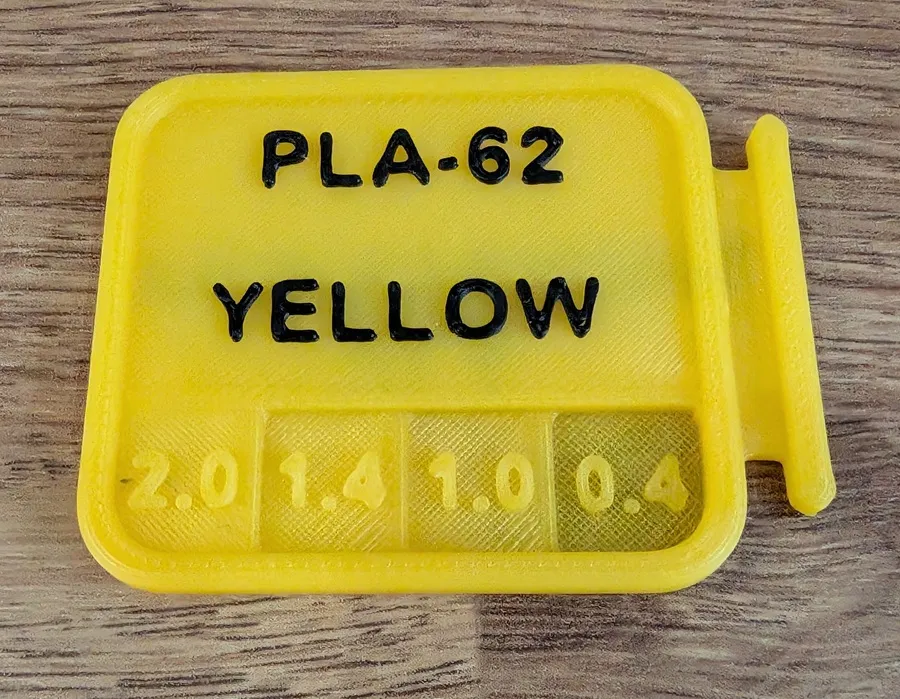
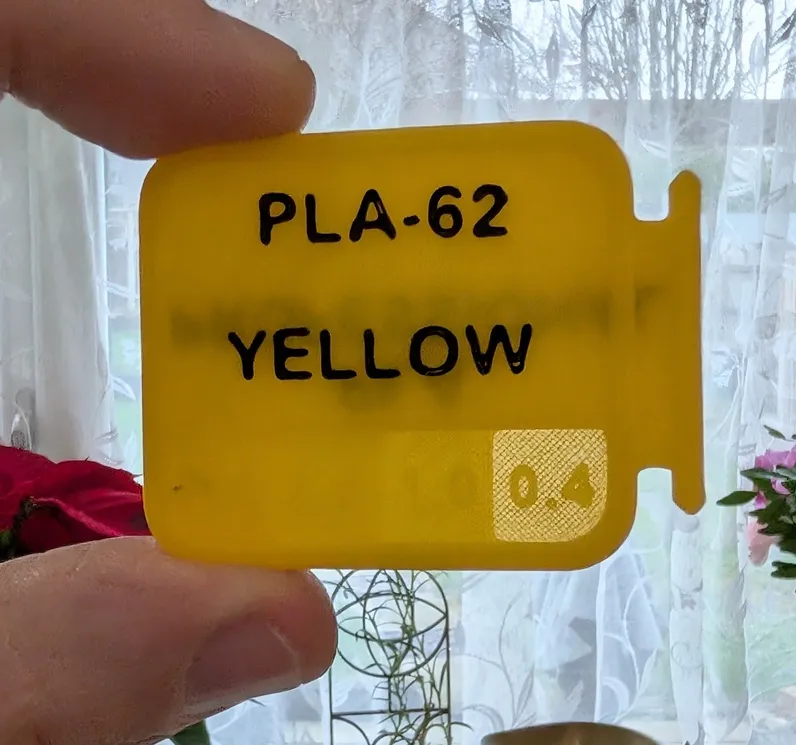
The samples also have layer thickness windows. These are in 0.4, 1.0, 1.4 & 2.0mm layer heights. I added these so it is easy to see how translucent the filament it.
 |
 |
The text area is very adaptable. While the standard model has two text items on the top, you can add as many as you want.
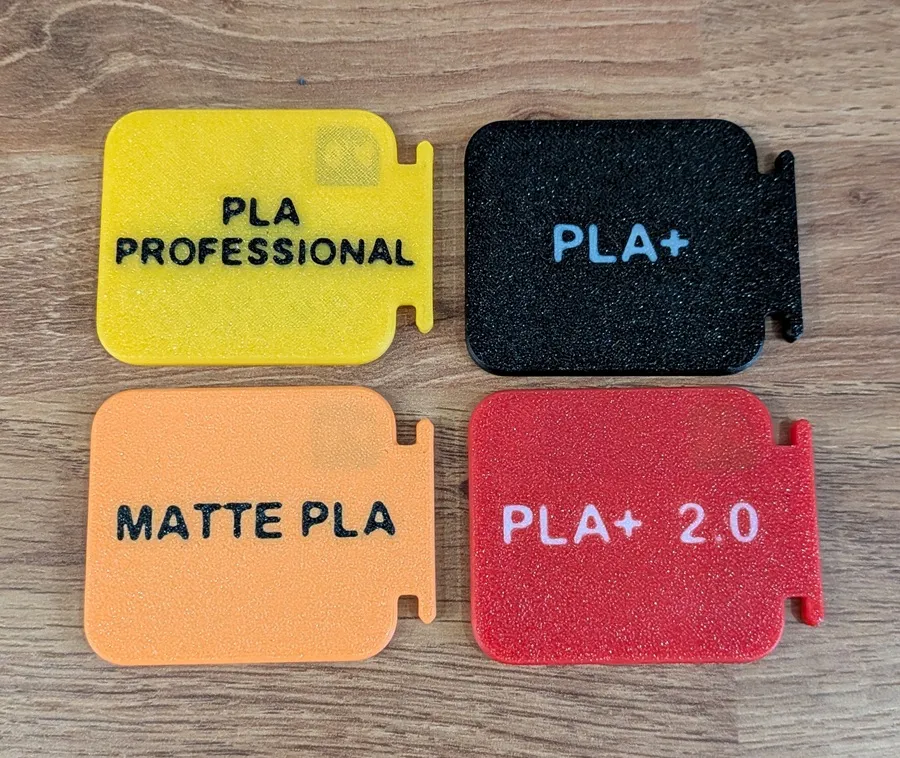
There is also embedded text on the bottom which I use to show the sub-type of filament like if it is ‘Silk’, ‘Matte’ and so on. This text can be removed if you don't want text on the bottom.
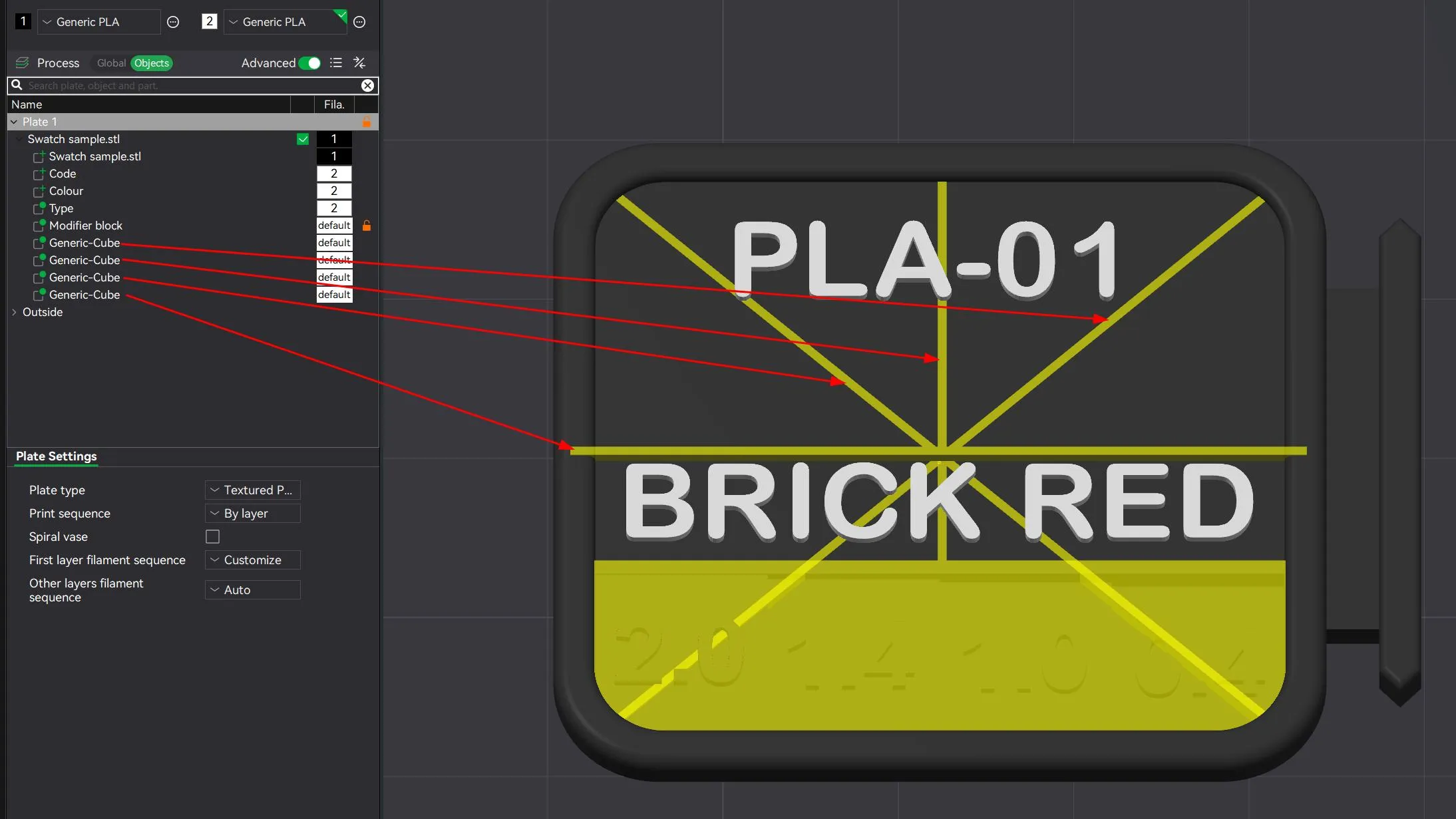
There are 4 ‘Generic-Cube’ objects in the print profile. These are alignment guidelines which can be helpful for the text alignment. They don't alter the print in any way, so you can delete them if don't like to see them.
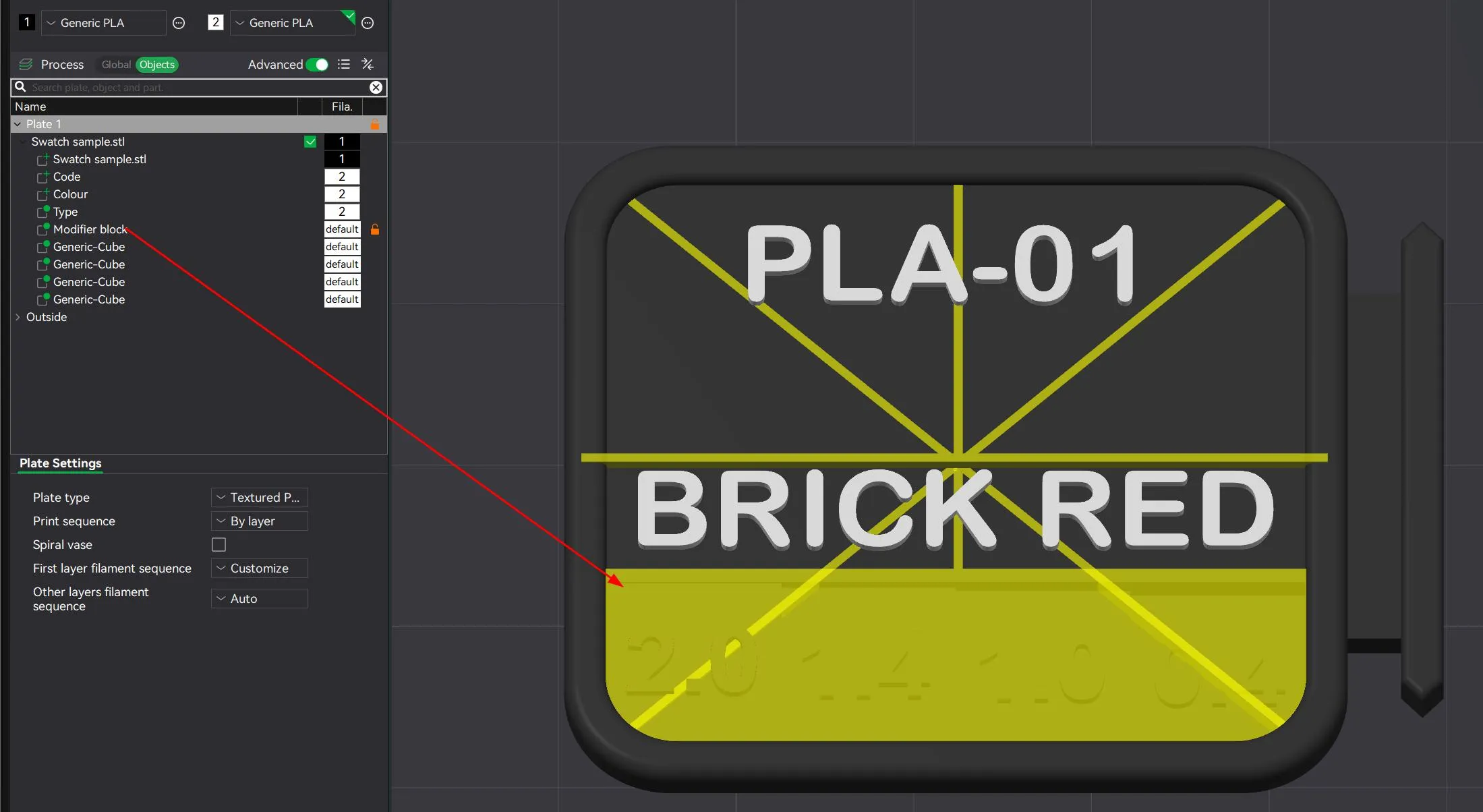
The part ‘Modifier block’ does change the layer height windows to 100% infill. This makes sure that they are all solid.
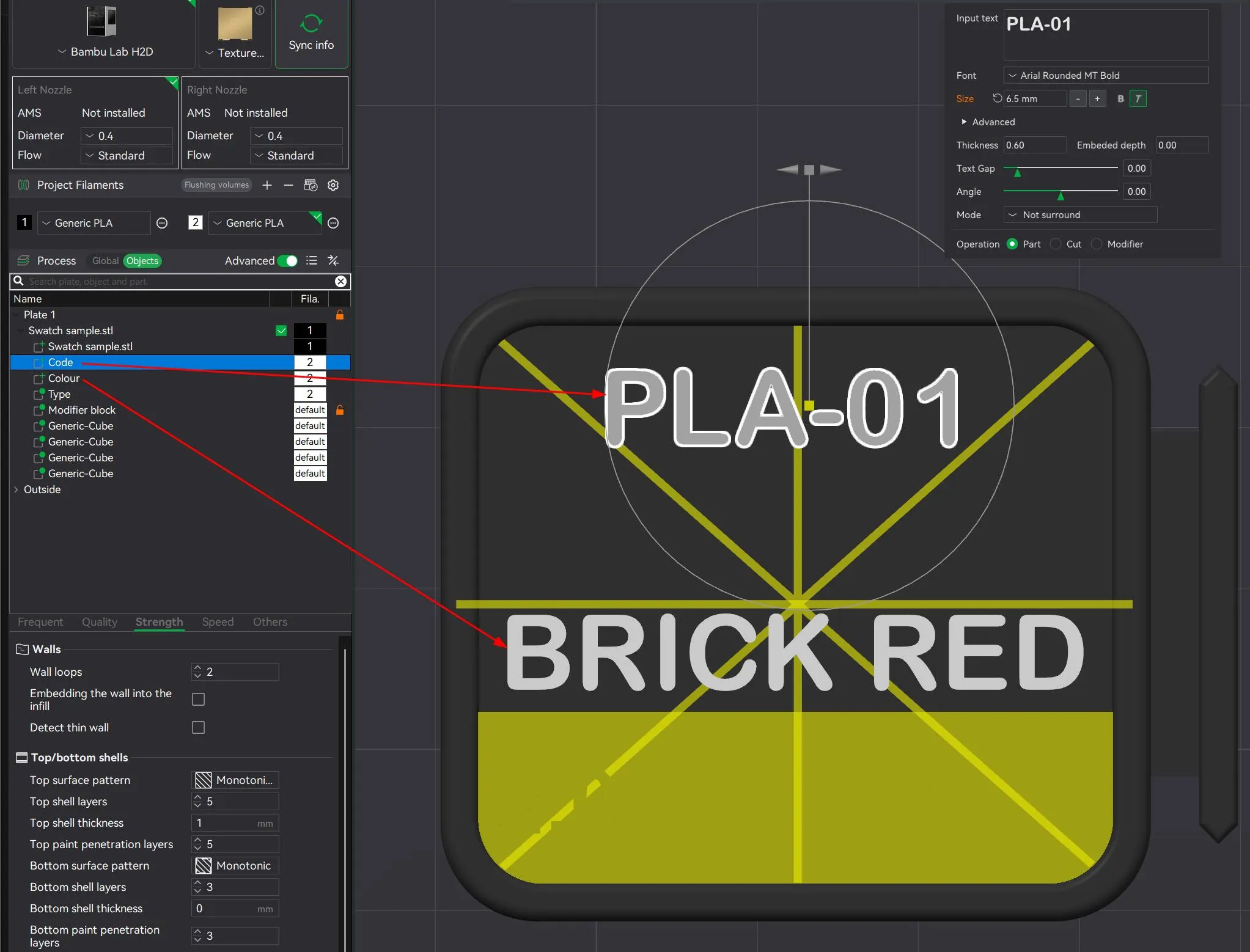
The parts ‘Code’ & ‘Colour’ are the top text. I found the font ‘Arial Rounded MT Bold’ works really well, but change it to whatever you want.
The text is 0.6mm heigh (means 3 layers). While you can reduce the layer height if you want, don't go any higher.
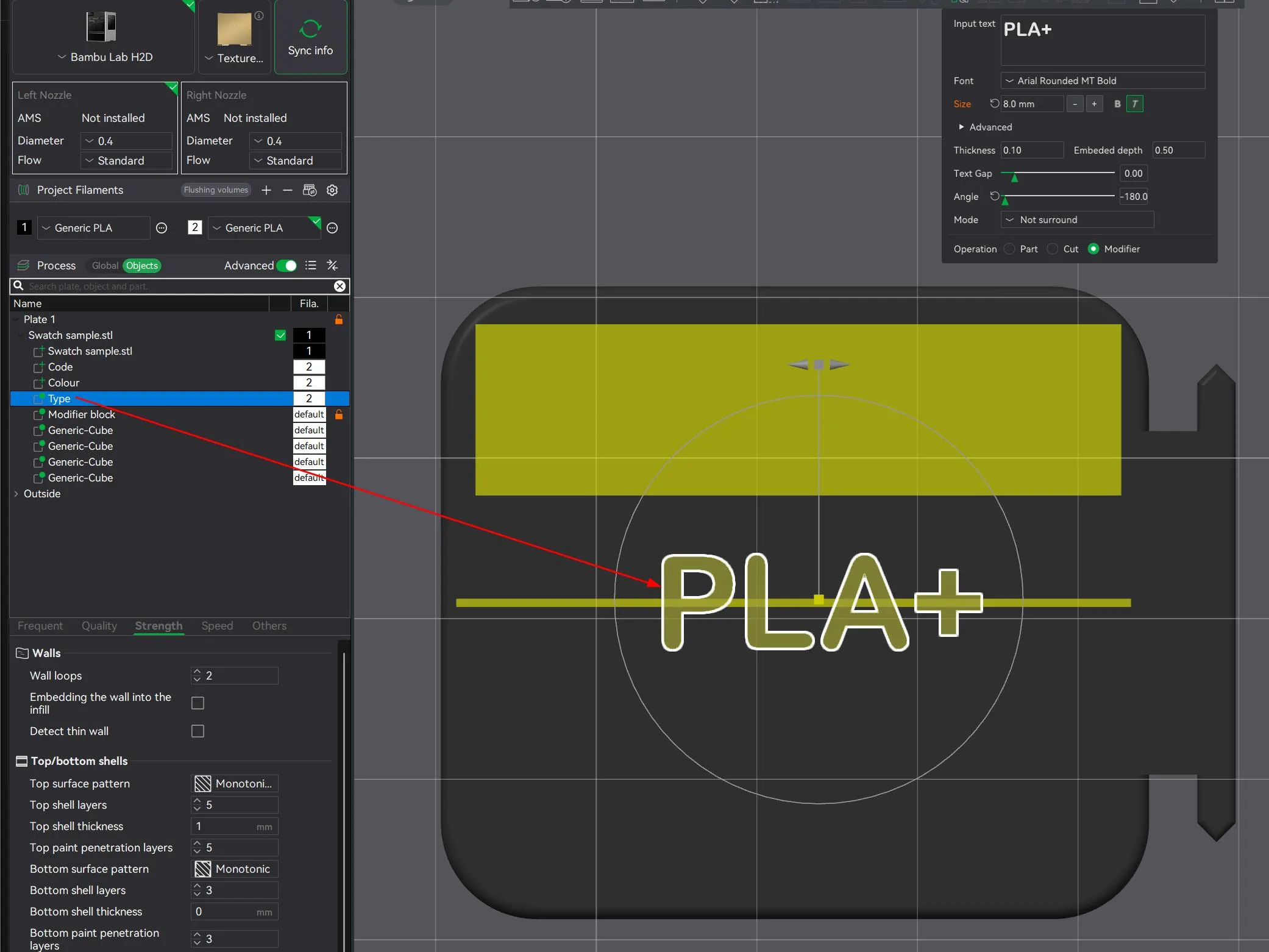
The part ‘Type’ is the text for the bottom.
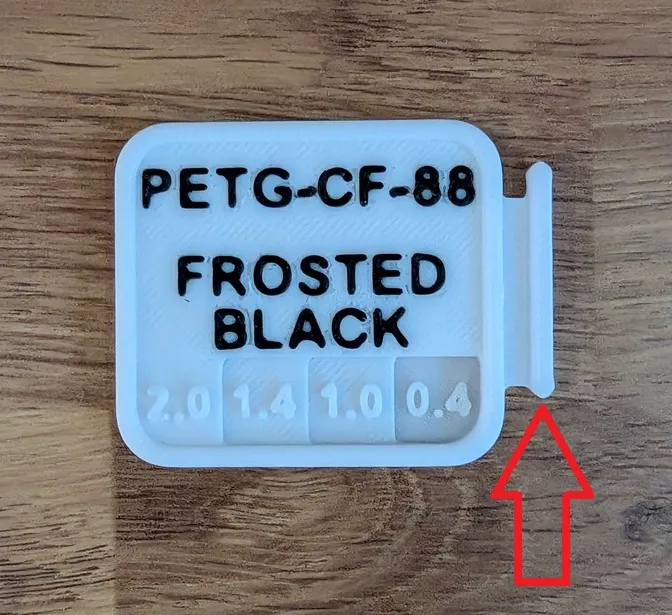
Alternate grip version
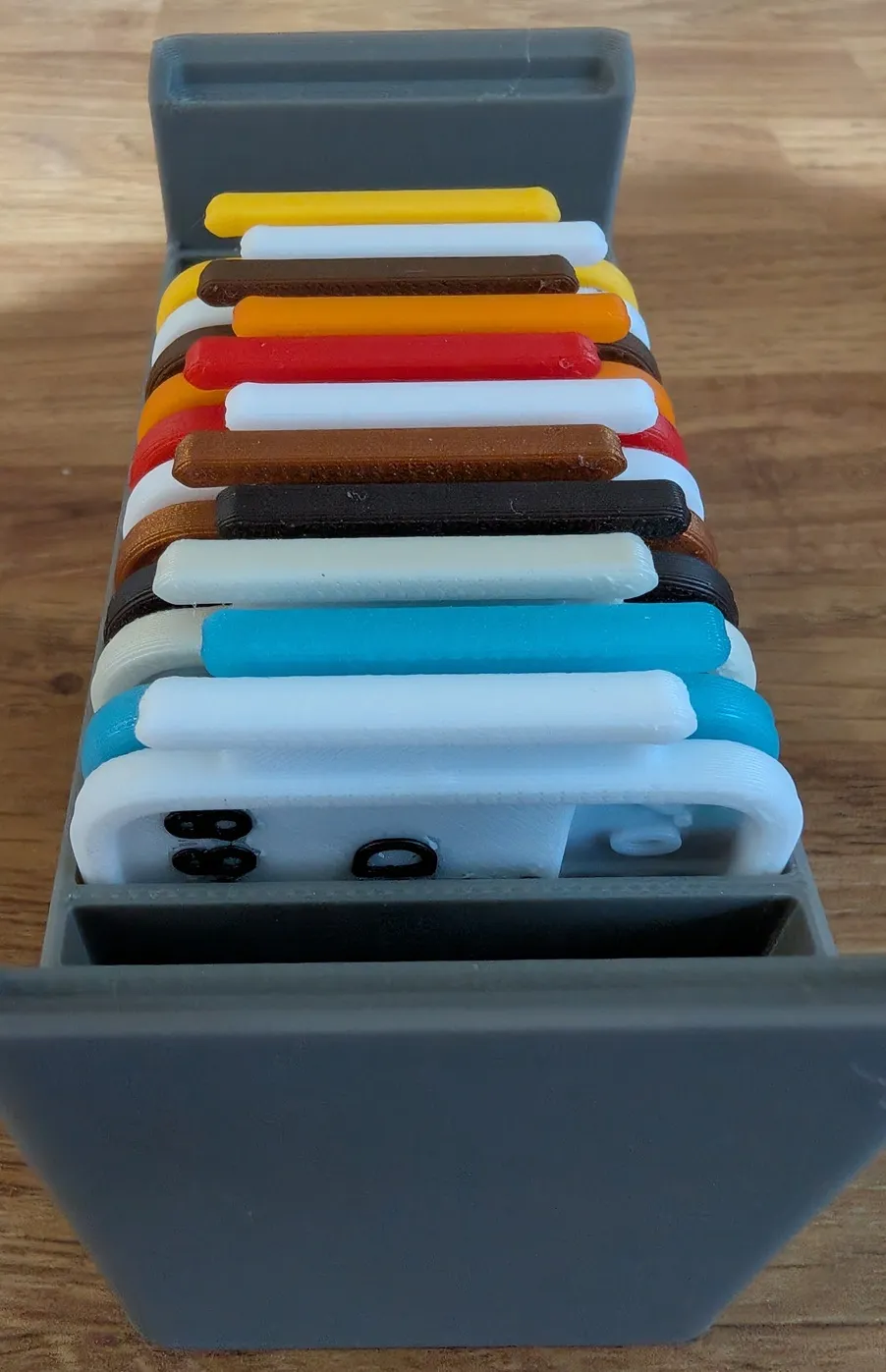
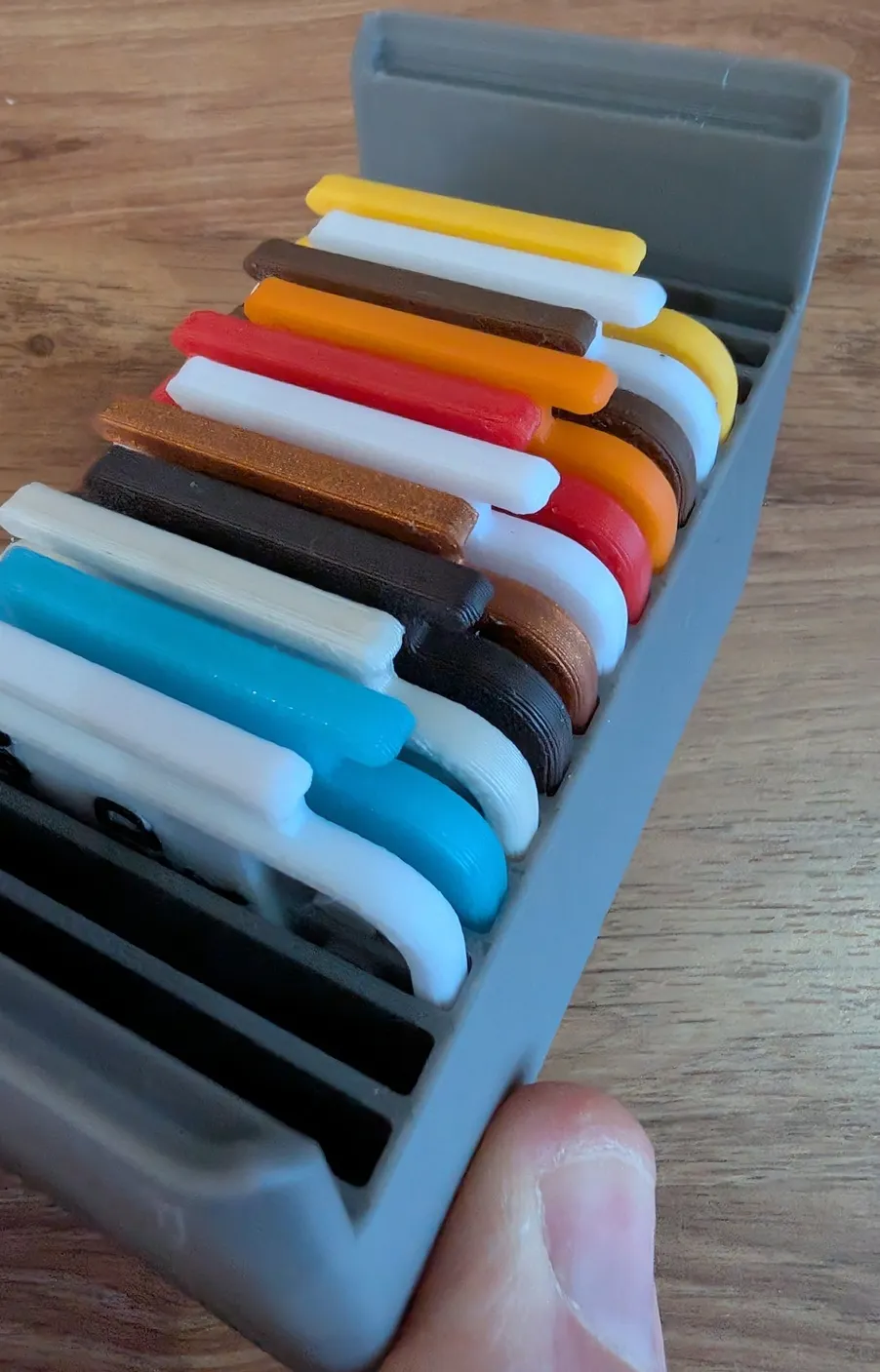
I did originally make the grab lip shorter on one side. The idea was that when they were placed in the storage bin, each swatch would be alternated so the front would face the front of the bin, then the next one would face to the back, then to the front again. This would result in the grab areas having more room. I'm probably not explaining it very well, but the below photos should show what I was trying to achieve. In the end, even with my fat fingers and having really short nails, I found that this version didn't really help me. I have though added it as an alternate version in case it does help somebody.
 | 
|
 |
I hope you like my design and find it useful. If you do, can you please help me by rating my profile, and if you can spare a Boost or two, could you please boost me. Having the boosts and ratings help to show me that people like my designs, and makes me want to make and share more.
If you think I can tweak my designs in any way to make them better, please do let me know.
I have tested this in the below filament types and it works well.
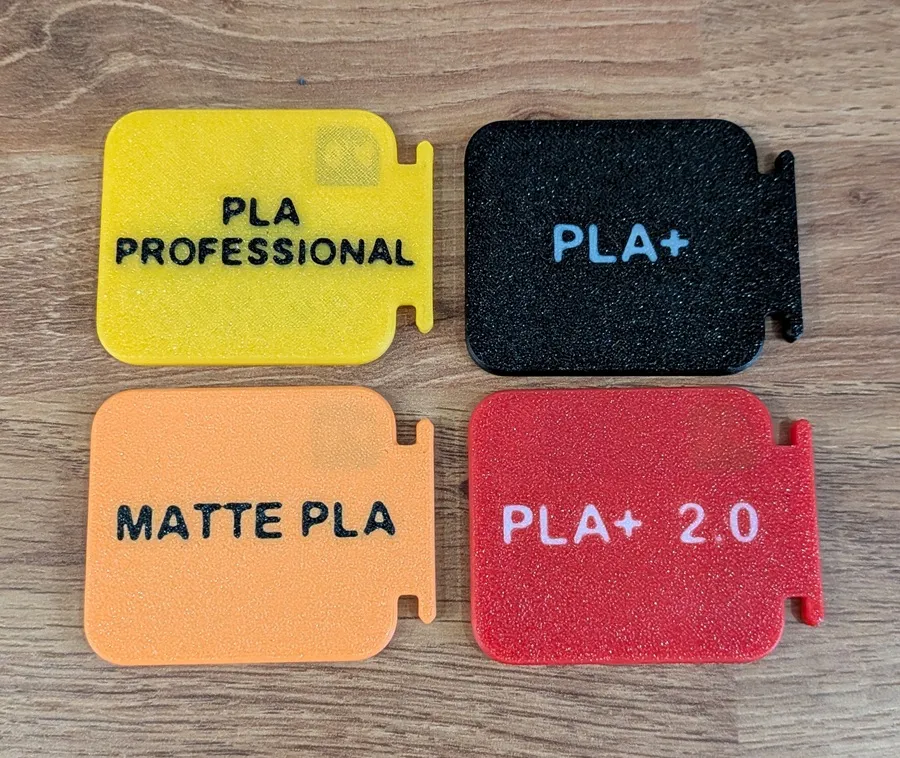
PLA, PLA+, PLA+ 2.0, PLA Professional, PLA Matte, PLA Metta, PLA Silk, PLA Wood, PLA Glow, PLA GF
PETG, ECO PETG, PETG CF, PETG GF
ASA, ASA CF
Easy PA
TPU 95a
License

You may create derivative works based on this object, provided that all such derivative works are published exclusively on the MakerWorld platform and include proper attribution to the original creator. You may not share, upload, host, distribute, or publish this object—or any derivative work of this object—on any other digital platform, marketplace, or distribution channel. Commercial use of this object and any derivative works is strictly prohibited. This includes, but is not limited to, selling, renting, sublicensing, or using the object in any context in which you receive monetary compensation or other financial benefits.


Comment & Rating (35)