
Sanding Block




Print Profile(0)
Description
Model by @zacharcurik_333033
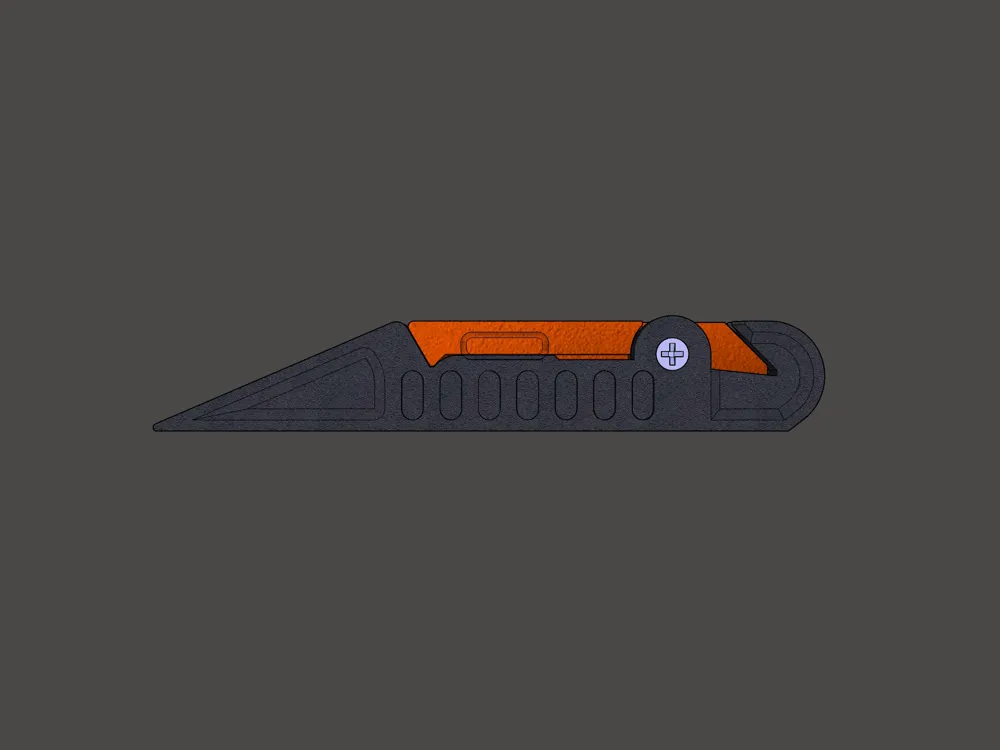
Sanding Block With Sliding Lock Button:
You will need:
- Spring from an old ballpoint pen (support for two spring sizes, 20 and 26 mm long)
- M3 countersunk head screw, length 40 mm
- M3 nut
- Strip of sandpaper 230 mm x 40 mm (It is suitable for standard BOSCH 230x280 (9x11) rectangular sandpaper or similar, which can be cut into 40 mm (1.6) strips)
Notes:
Measure the length of the spring from your ballpoint pen and choose the model according to the length, either Lock_Clip-Pen_spring_20mm or Lock_Clip-Pen_spring_26mm.
The pen spring has two functions: First, it holds the lid in the open position, so you have both hands free to insert and tighten the sandpaper into the correct position, and second, it helps to quickly engage the lock latch.

Print Settings:
Material: PETG*
Nozzle diameter: 0.6 mm (only recommended)
Layer height: 0.2 mm
Perimeters: 3 (with 0.4 nozzle use 4 perimeters)
Solid top/bottom layers: 4
Infill: Honeycomb at 25%
Print speed: ~ 30 mm/s
Print orientation: As in STL files (All_3D_view.stl file is not for printing)
Support: No
Additional notes:
(*) My advice for choosing a filament: PETG has proven to be better for the sanding block compared to PLA, which is too hard/not flexible for sanding. PETG also feels good in the hand in terms of weight ratio (it is heavier than PLA and ASA).
Preparation after printing: Clean any strings and printing balls Even so, the lock button will need some time of use for it to work smoothly, it must first be broken in.
License



Comment & Rating (0)