
Z-Offset Calibration
Print Profile(1)

Description
For me (and several other people), Bambu printers tend to drift in the Z-Offset after a while. On my side, this causes the nozzle to be much closer to the build plate than it should, leading to first layers that are quite bad in quality and really hard to remove from the plates. Luckily, you can set the Z-Offset after leveling in your g-code - simply go to the machine start g-code and look for this line:
G29.1 Z{-0.02} ;
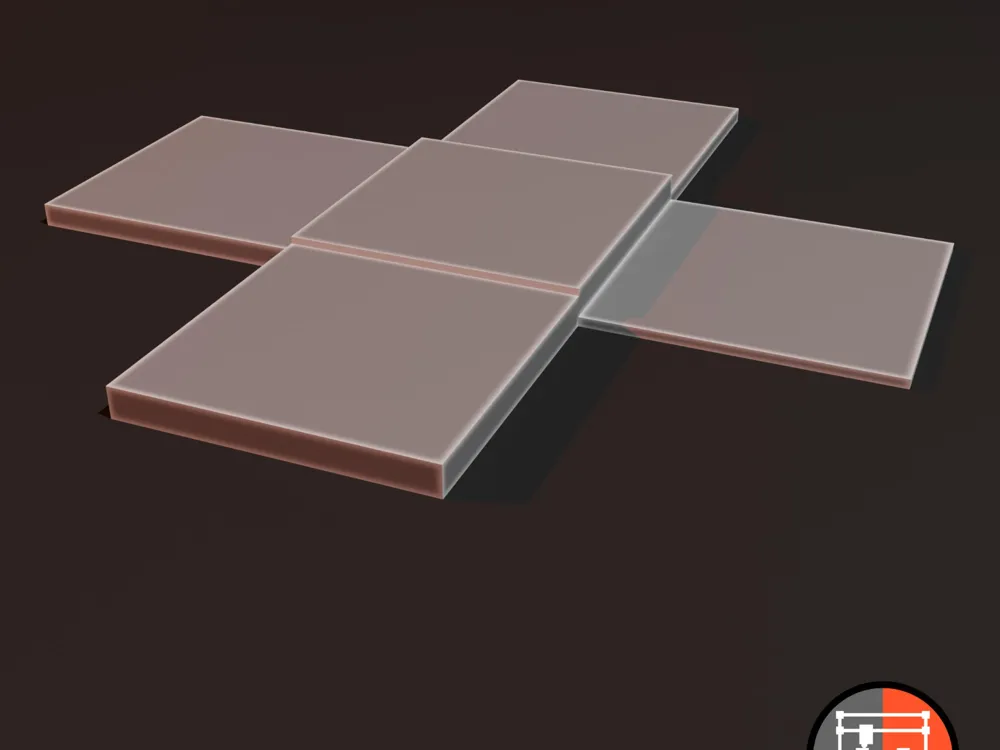
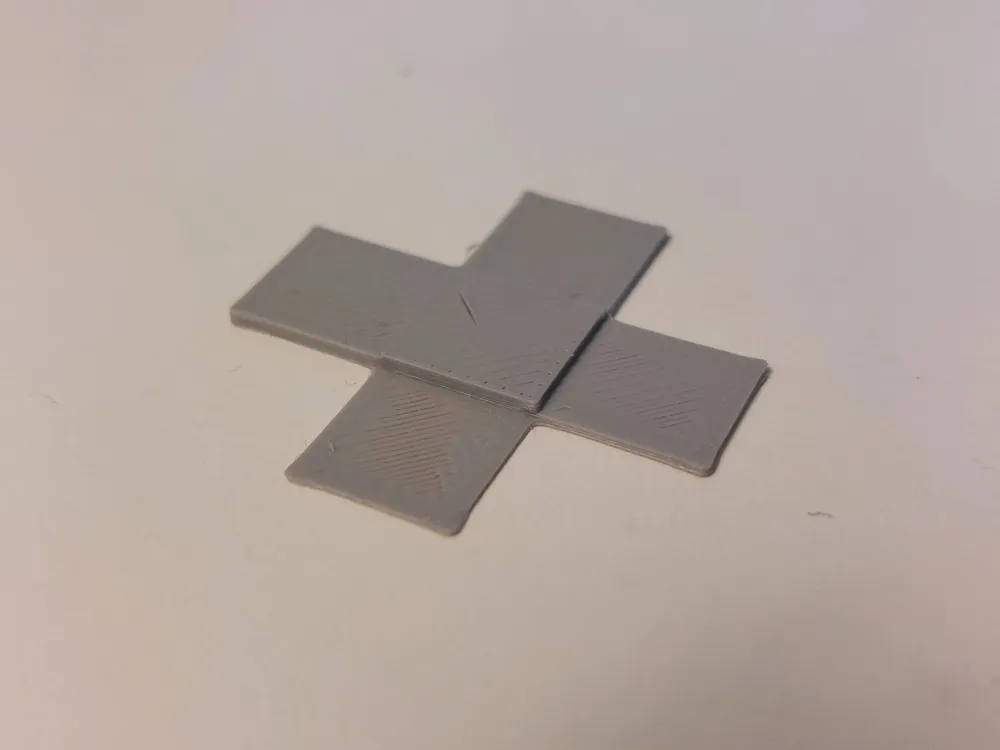
This line currently tells the printer to make the nozzle 0.02mm closer to the bed than it would be after automatic leveling. For me, this is way too close and I don't even have a first layer with this value. That's why I created this design - optimized for the 0.12mm profile (0.4mm Nozzle) or the 0.06mm profile (0.2mm Nozzle). Print it, and then measure all 4 sides plus the centre (preferably using a high precision tool), put all the values this online tool and use the result to change the value in your g-code. Be aware that there is an if statement around this line, so depending on what build plate you use, this line of code is executed or not. If you use the same type of plate anyway all the time, I'd suggest to just copy this line below the {endif}, so it's executed anyway. I'd also suggest to run multiple calibrations to average any errors.
License



Comment & Rating (3)