
Flexi Bugs Beetle
Print Profile(2)


Description
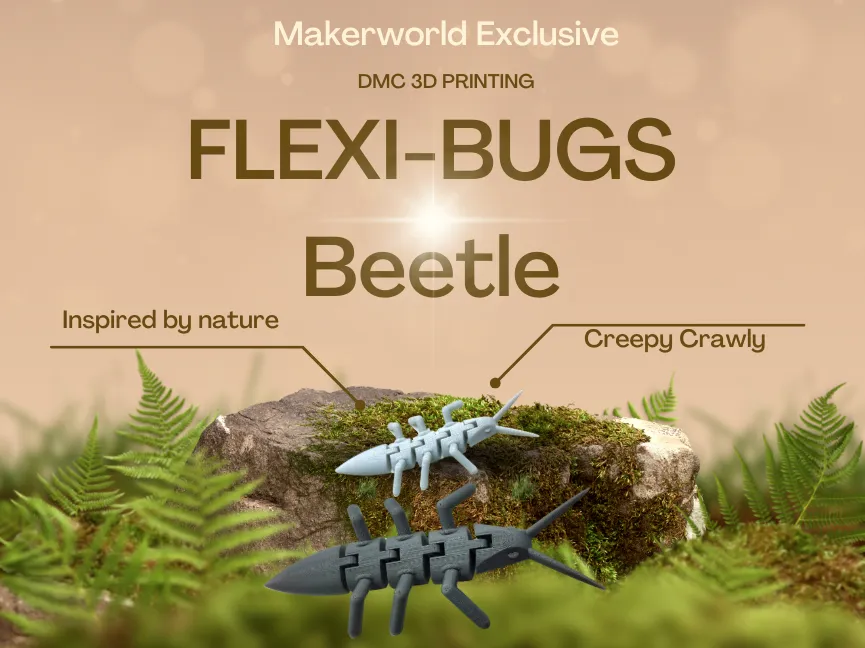
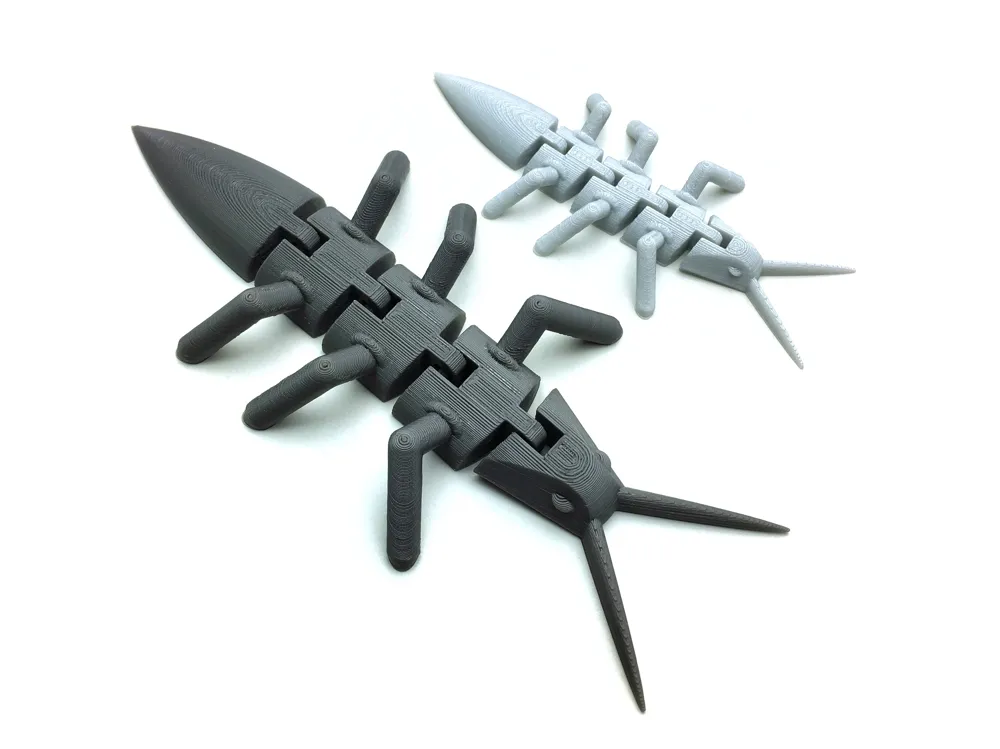
Flexi Bug - Wiggly Print-in-Place Critter! 🐞
Description:
Say hello to the charming Flexi Bug! Designed with articulated joints, this little critter wiggles, bends, and poses right off your 3D printer's build plate. Whether you need a fun fidget toy to keep your hands busy, a quirky companion for your desk, or just love printing articulated models, this Flexi Bug is sure to delight!
Thanks to its print-in-place (PIP) design, there's absolutely no assembly required. Just print it, carefully free the joints, and let the wiggling begin! It's an easy and satisfying print.
Key Features:
- Fully Articulated: Multiple joints allow for fun, flexible movement and posing.
- Print-in-Place (PIP): Print it as a single piece with no assembly needed – maximum convenience!
- Support-Free Design: Engineered to print easily without requiring any support structures.
Engaging Fidget Toy: Provides satisfying tactile feedback and movement for stress relief.
- Fun Bug Theme: A cool critter to add to your collection of prints or nature-themed models.
- Scalable: Easily resize in your slicer – just be sure to preview the joints if scaling down significantly, as they might fuse if too small.
Printing Recommendations:
Material: PLA is highly recommended for its stiffness and ease of printing articulated joints cleanly. PETG can work but may require careful tuning (temperature, retraction, cooling) to prevent stringing and ensure joints move freely.
- Layer Height: 0.15mm to 0.2mm is recommended. Finer layer heights generally result in smoother joint movement.
- Infill: 10-15% is typically sufficient.
- Supports: None needed! Designed for support-free printing.
Print Speed: Print the first layer slowly (e.g., 20-30 mm/s) for solid adhesion. Moderate speeds (e.g., 40-60 mm/s) usually work well for articulated models, but observe your printer's performance, especially on bridges and overhangs that form the joints.
Post-Printing:
- Allow the print to cool completely on the build plate before removal to minimize potential warping.
- Carefully detach the print and remove the brim. Use pliers or a deburring tool for clean removal, being careful around delicate parts like legs or antennae.
- Crucial Step: Gently and carefully work each articulated joint back and forth. They might be stiff right off the printer. Gradually increase the movement until they flex freely and smoothly.
Usage Ideas:
- Keep it on your desk for stress relief and focus breaks.
- A fun, interactive toy for kids (please supervise young children with small prints).
- A great test print to check your printer's ability to handle articulated models and tolerances.
- Print in various colors or paint it afterwards to create your own unique bug species!
Share Your Makes!
We can't wait to see your Flexi Bugs! Please share photos of your prints in the Makes section, mention the filament colors you used, and show us how your critter wiggles. Happy printing!
License

You shall not share, sub-license, sell, rent, host, transfer, or distribute in any way the digital or 3D printed versions of this object, nor any other derivative work of this object in its digital or physical format (including - but not limited to - remixes of this object, and hosting on other digital platforms). The objects may not be used without permission in any way whatsoever in which you charge money, or collect fees.


Comment & Rating (18)