


Print Profile(1)

Bill of Materials



Description
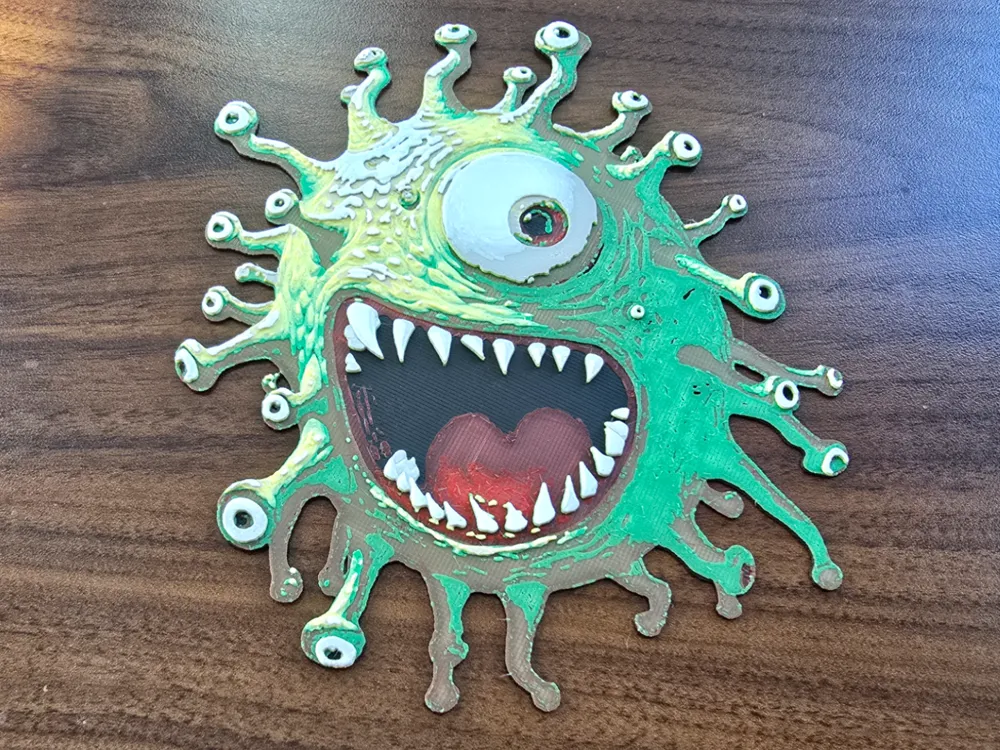
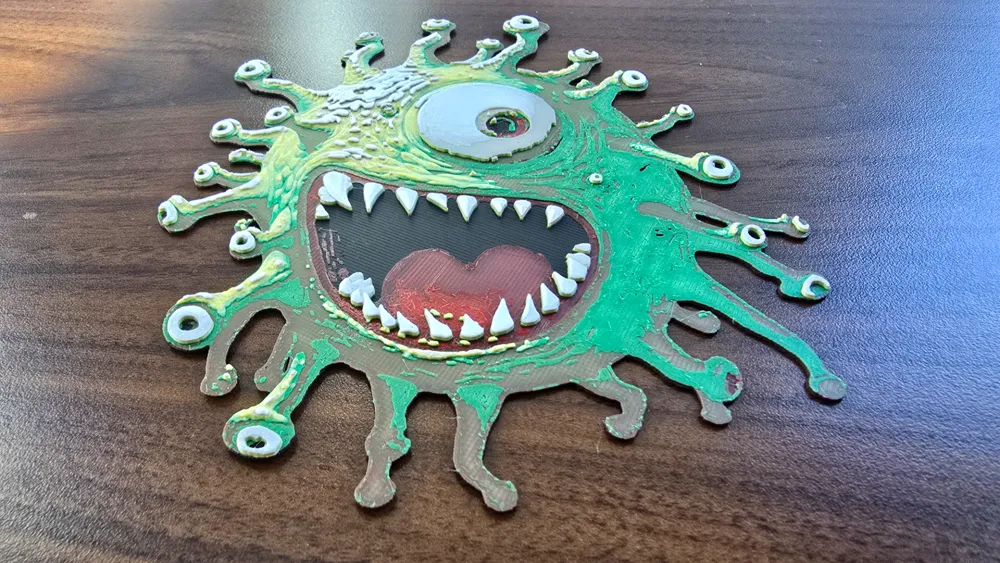
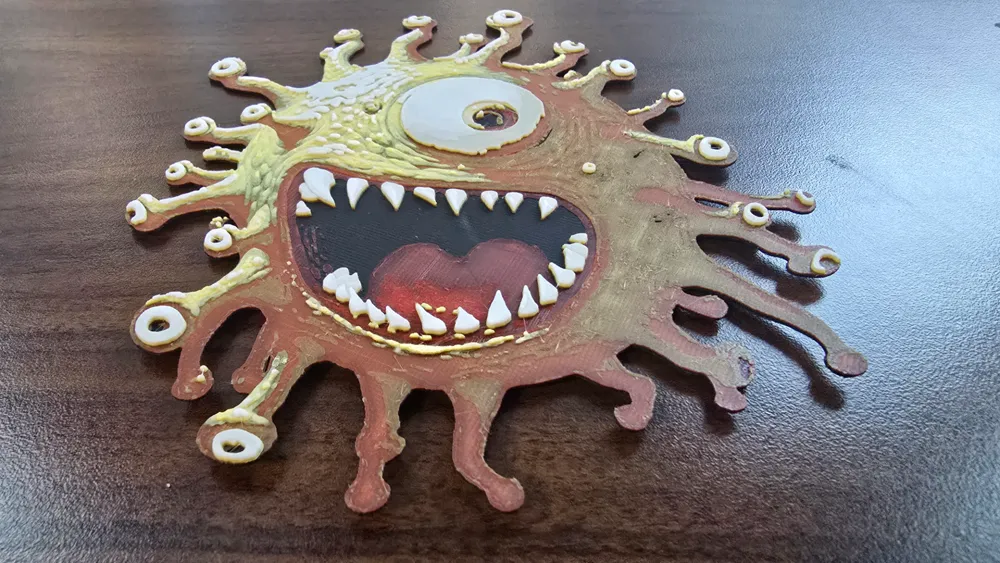
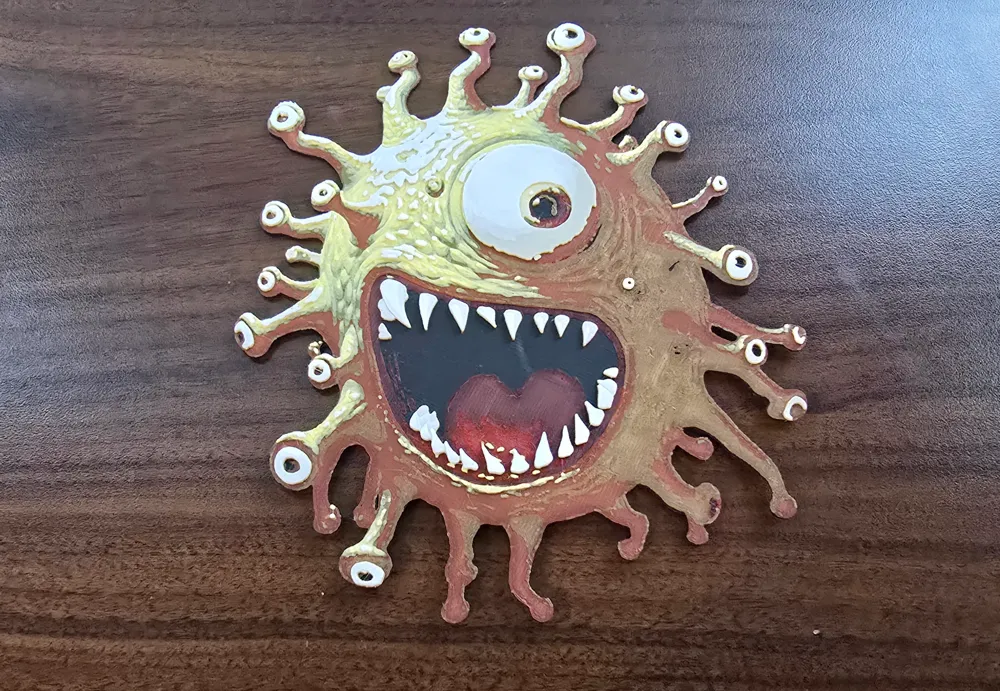
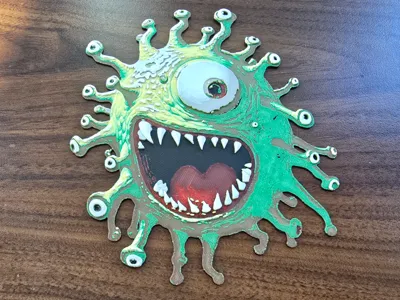
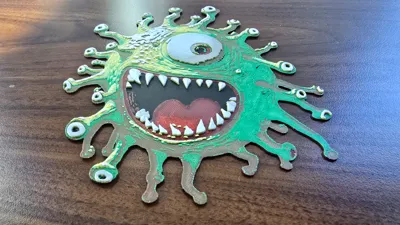
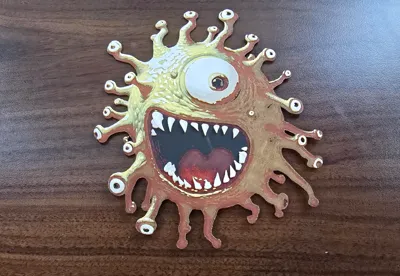
Happy Beholder! I started with an AI generated image - It was supposed to be an angry fierce beholder … but I couldn't get the AI to make it angry while also keeping eyes on the ends of the eye stalks. So you get a happy beholder. I used Hueforge to make the model, this is the first time I've actually gotten colours close to what I want in a Hueforge model - because I finally watched some tutorials and learned a trick or two. :)
This prints using very thin layers - 0.04mm (0.2 on the first layer), I've heard the A1 / A1 Mini wont go that thin, check this before you try it if you have an A1 or A1 Mini.
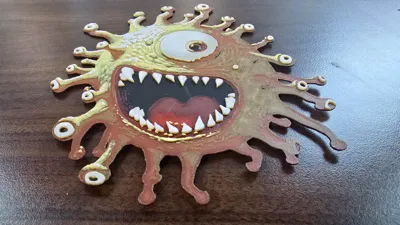
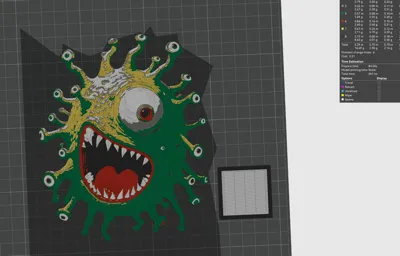
In the pictures - the reddish one printed better, however I used the wrong green filament, it wasn't supposed to be so red. I reprinted it using Bambu Green.
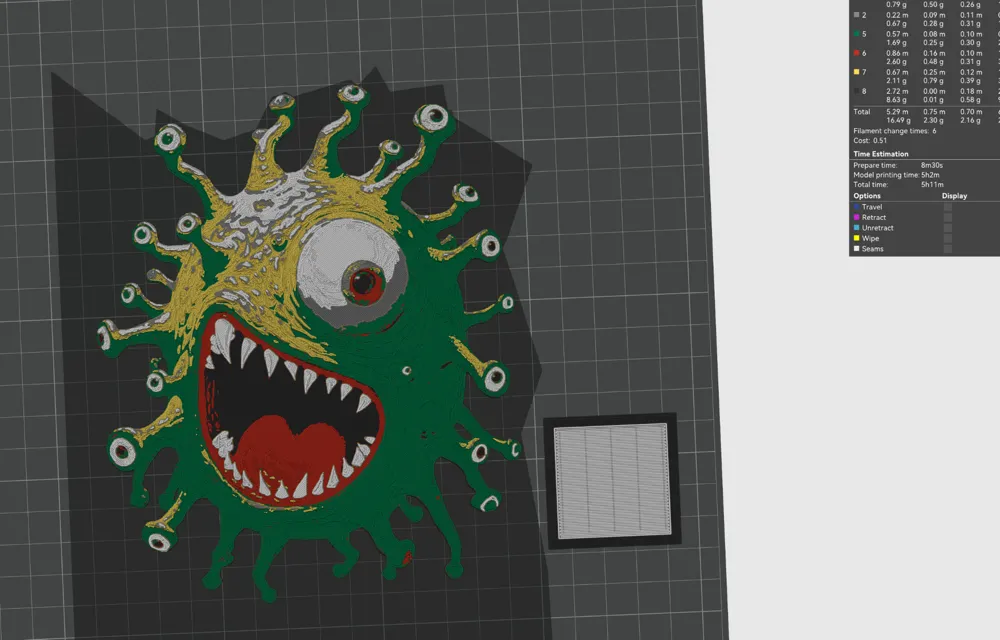
Print at 100% infill with a layer height of 0.04mm with a base layer of 0.2mm
You may print at higher layer heights below the Min Depth of 0.48mm
The final depth is 2.2mm
Filaments Used:
PLA BambuLab Black OR Matte Charcoal Transmission Distance: 0.6
PLA BambuLab Basic Red Transmission Distance: 3
PLA BambuLab Basic BambuLab Green Transmission Distance: 2
PLA BambuLab Basic Yellow Transmission Distance: 6
PLA BambuLab Basic Gray Transmission Distance: 2
PLA BambuLab Basic Jade White Transmission Distance: 5
This print uses 6 unique filaments
Swap Instructions:
Start with Charcoal
At layer #10 (0.56mm) swap to Red
At layer #15 (0.76mm) swap to BambuLab Green
At layer #20 (0.96mm) swap to Yellow
At layer #31 (1.4mm) swap to Gray
At layer #37 (1.64mm) swap to Jade White for the rest.
License

You shall not share, sub-license, sell, rent, host, transfer, or distribute in any way the digital or 3D printed versions of this object, nor any other derivative work of this object in its digital or physical format (including - but not limited to - remixes of this object, and hosting on other digital platforms). The objects may not be used without permission in any way whatsoever in which you charge money, or collect fees.


Comment & Rating (2)