Search models, users, collections, and posts

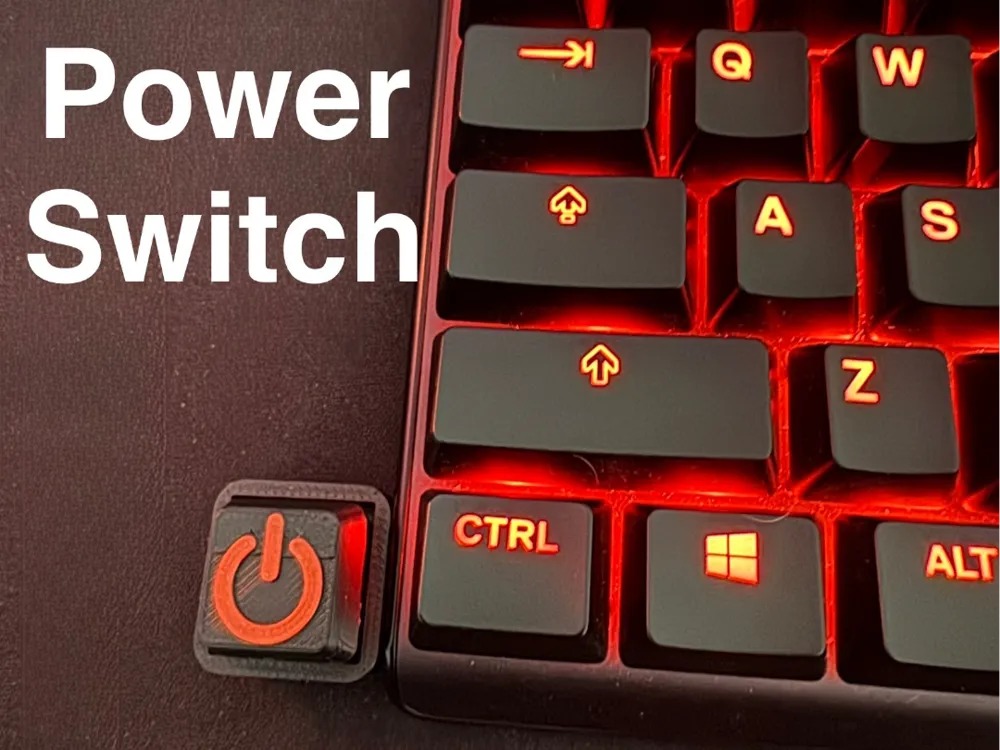
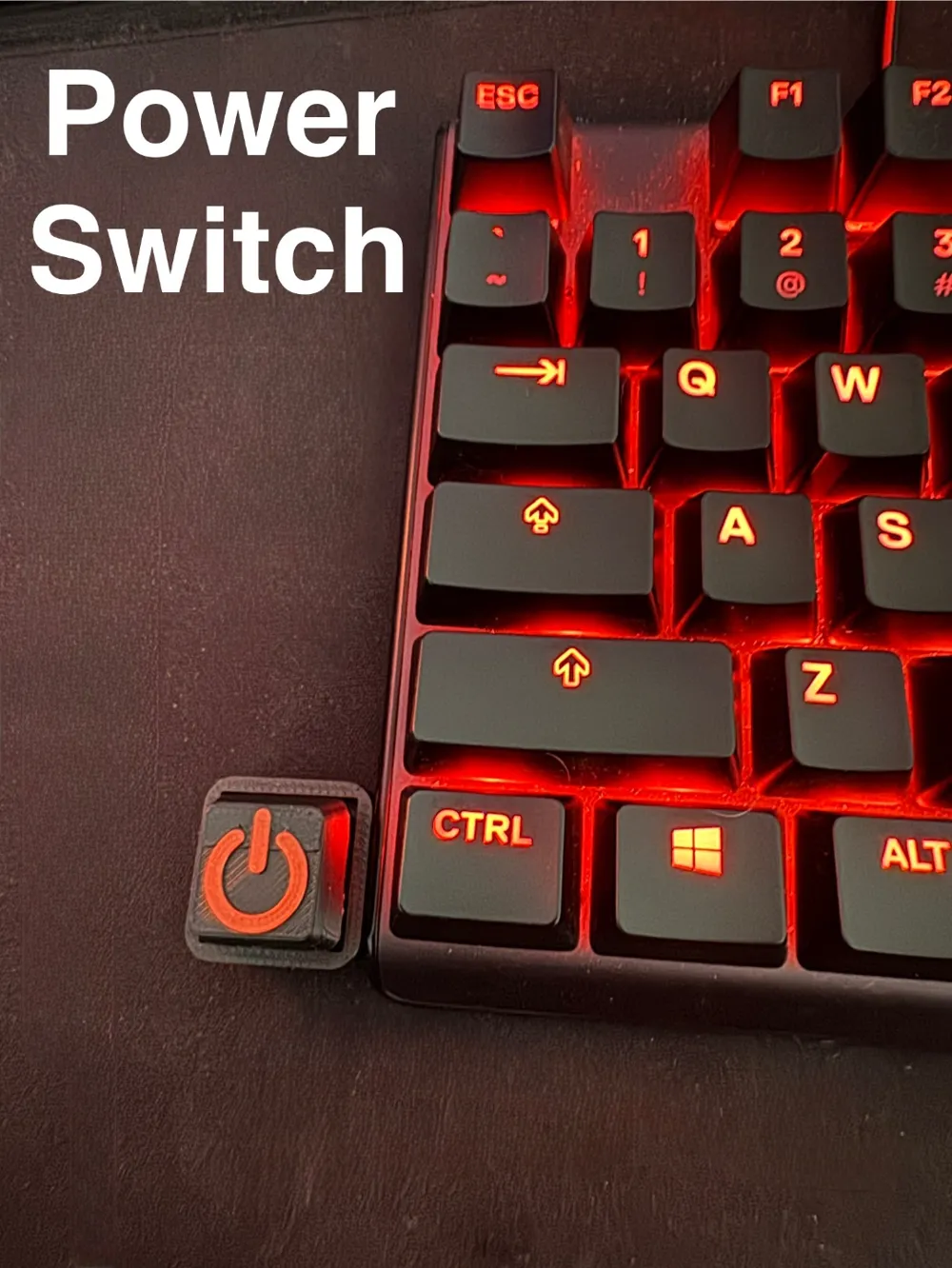
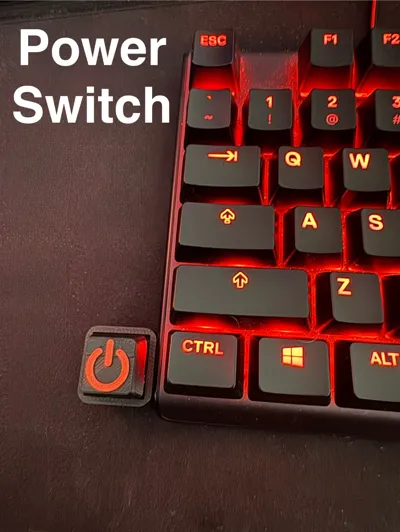
Keyboard Switch Computer Power Button
IP Report
Print Profile(1)
0.2mm layer, 2 walls, 15% infill
Designer
38 min
2 plates
Open in Bambu Studio
Boost
35
83
5
0
161
74
Released
Description
This is a simple switch to turn on your computer via a keyboard switch!
Instructions:
Materials Needed:
Hardware:
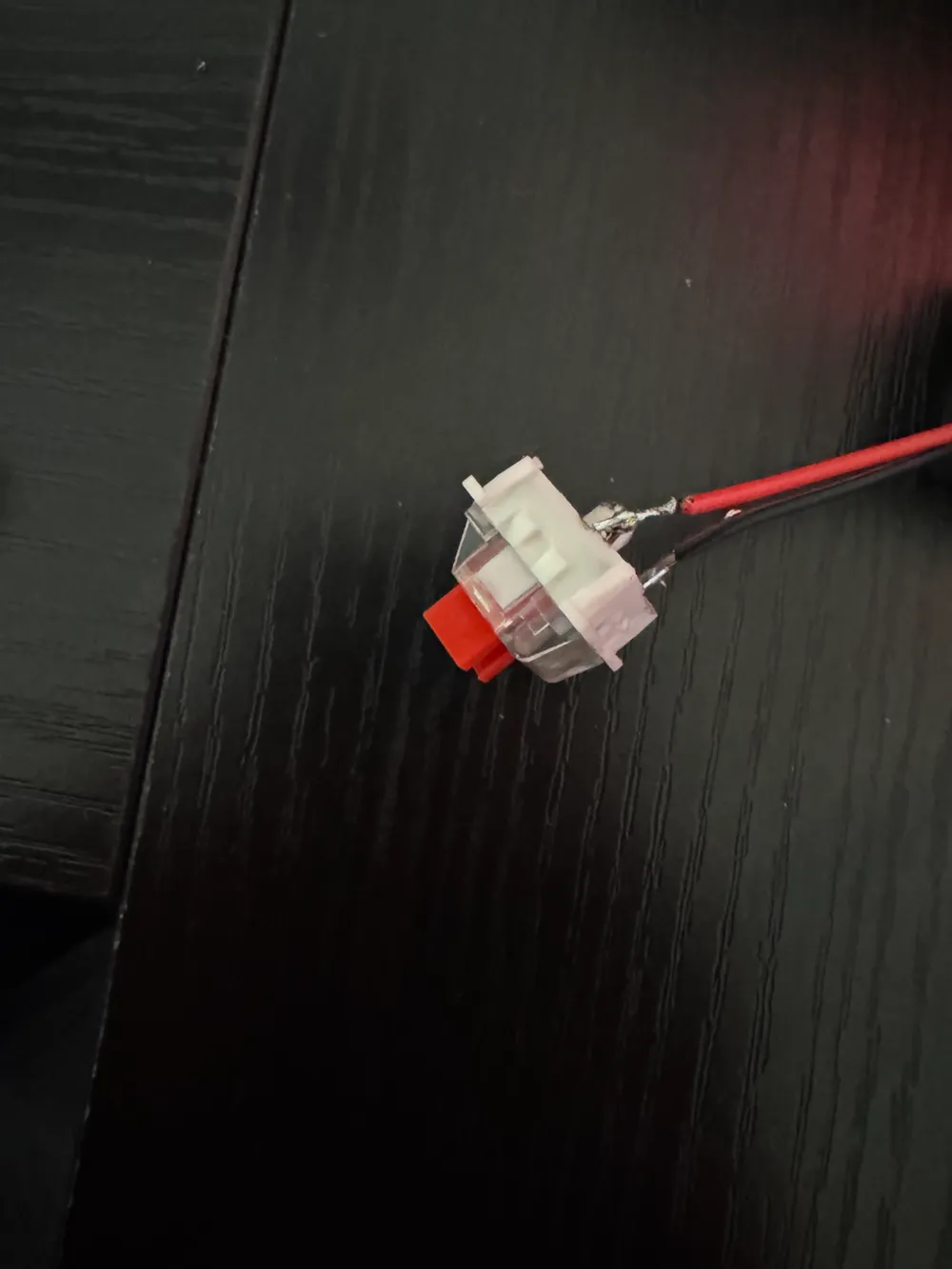
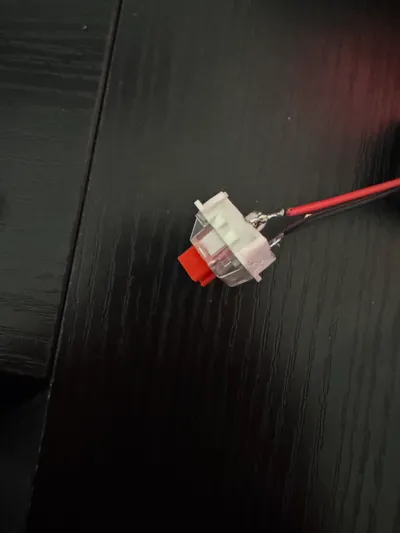
- Mechanical keyboard switch (2 pins)
- 22-24 AWG wires
- 2 pin Female Headers (like these, come with most arduino kits)
- Soldering iron and solder
- Heat shrink tubing or electrical tape (optional)
- Wire strippers/cutters
Step 1: Prepare the Keyboard Switch
- Strip the end of two pieces of wire
- Solder one wire to each terminal of the switch. Ensure the soldered connections are strong but not touching each other.
- (Optional) Cover the soldered joints with heat shrink or electrical tape. (this is a piece of mind thing)
Step 2: Install the Switch into the 3D-Printed Case
- Insert the switch into the case, by guiding the wires through the hole on the back of the case
Step 3: Prepare the Connector for the Motherboard
- Strip the opposite ends of the two wires coming from the switch.
- Solder the female header to the stripped ends. Make sure they are securely fastened.
- (Optional) Use heat shrink or electrical tape to cover the connections
Step 4: Locate the Power Switch Header on the Motherboard
- Open your PC case and locate the "Front Panel Header" section on the motherboard. This is usually labeled as PWR SW.
- Refer to your motherboard manual if you're unsure about the exact pin location.
Step 5: Connect the Wires to the Motherboard
- Unplug your cases power switch and plug in female connector onto the PWR SW pins on the motherboard.
- Polarity does not matter; you can insert them in either orientation.
- Ensure the connection is firm and the wires aren't loose.
And your done!
Boost Me (for free)
Please boost me if you liked the model, feel free to suggest future models via dms
License

This user content is licensed under a Standard Digital File License.
You shall not share, sub-license, sell, rent, host, transfer, or distribute in any way the digital or 3D printed versions of this object, nor any other derivative work of this object in its digital or physical format (including - but not limited to - remixes of this object, and hosting on other digital platforms). The objects may not be used without permission in any way whatsoever in which you charge money, or collect fees.


Comment & Rating (5)