Search models, users, collections, and posts

LED Cube 8x8 WS2812 WLED

Print Profile(1)

All
P1S
P1P
X1
X1 Carbon
H2D
H2D Pro
H2S
P2S
H2C
X2D
A2L

0.16mm layer, 2 walls, 15% infill
Designer
10.7 h
4 plates
5.0(6)

Open in Bambu Studio
Boost
58
150
18
8
148
48
Released 

Description

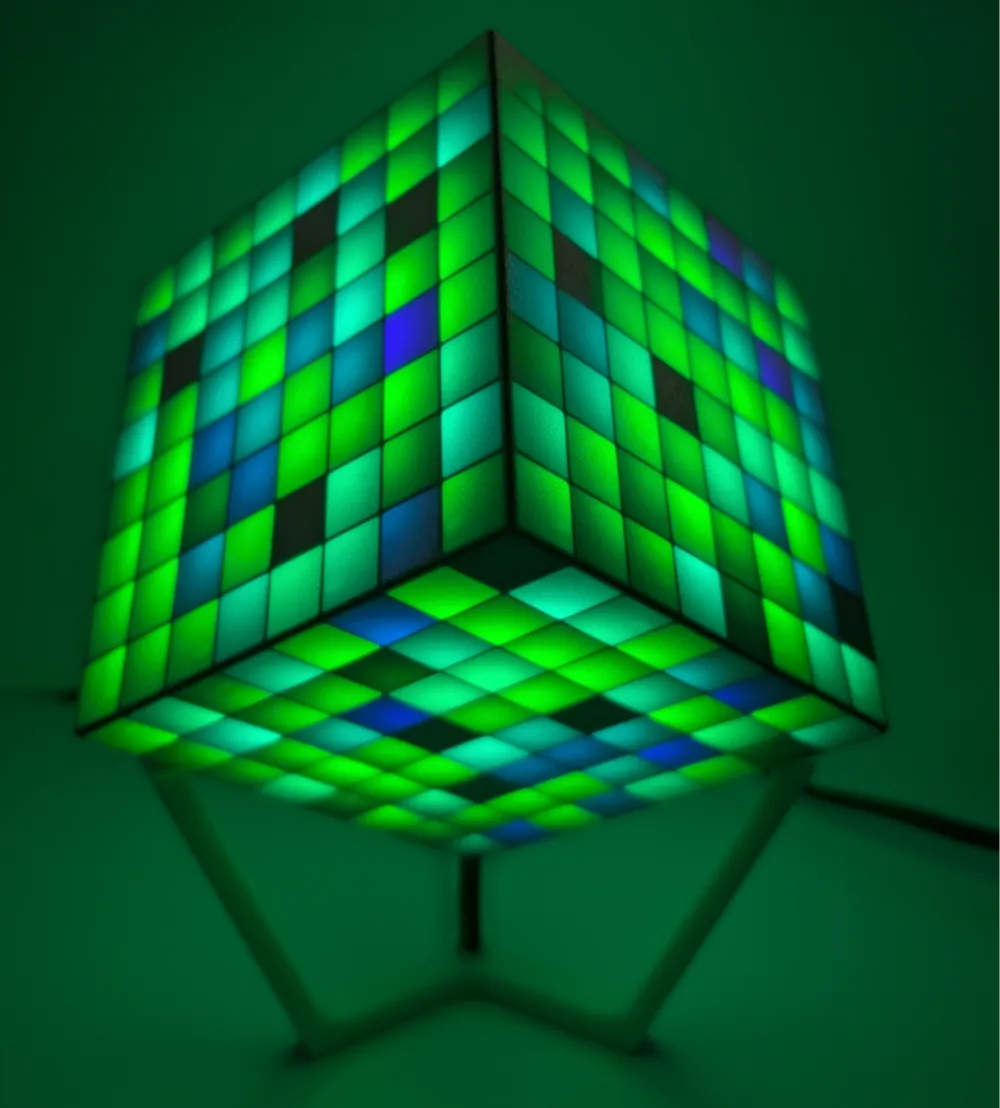
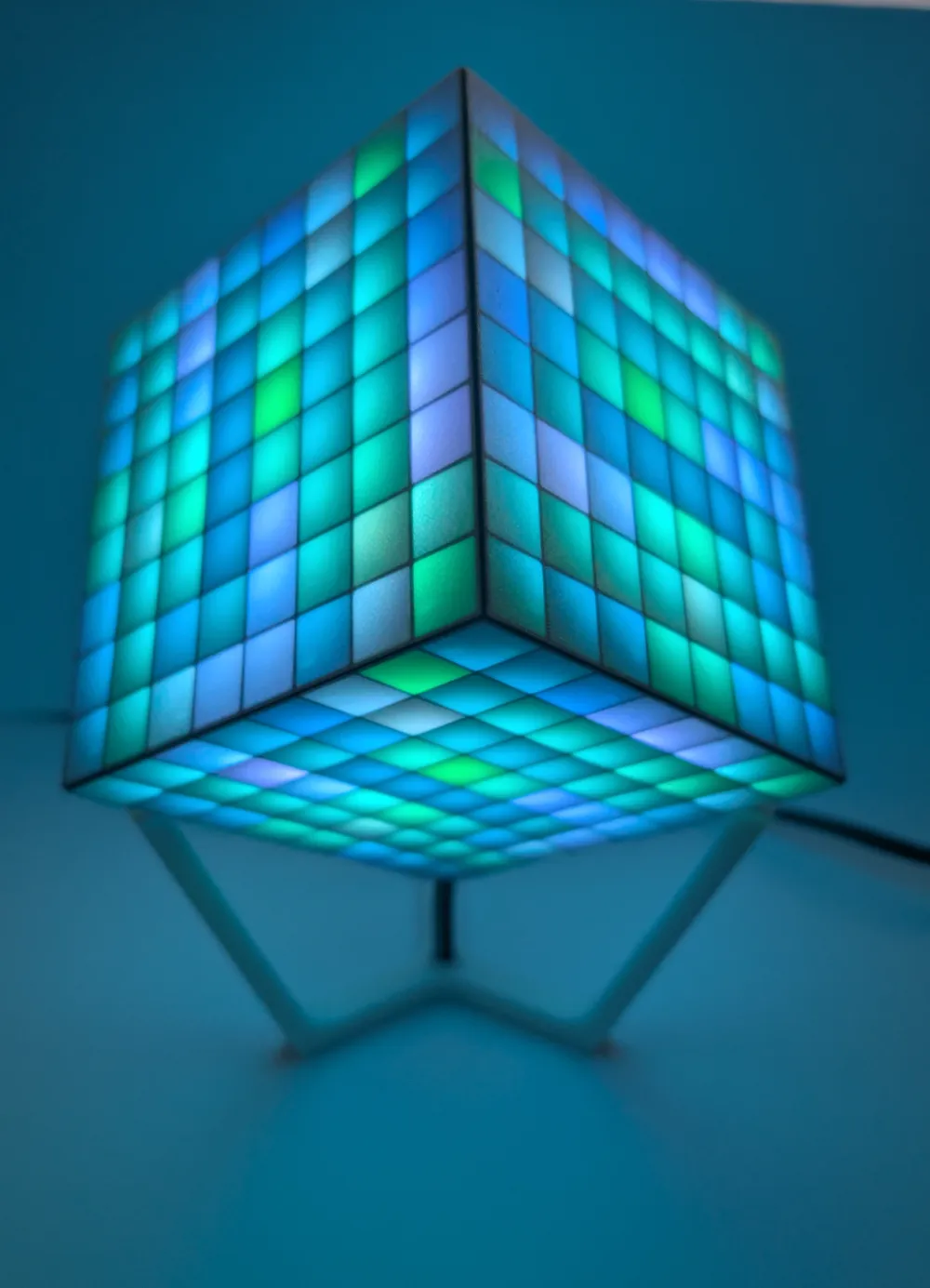
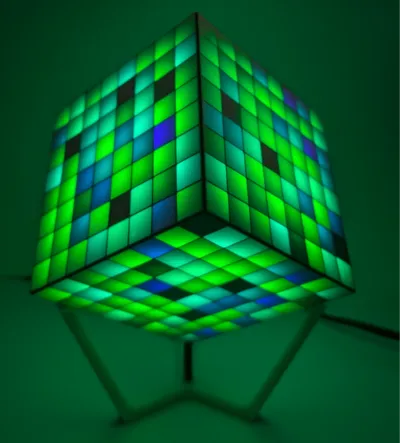
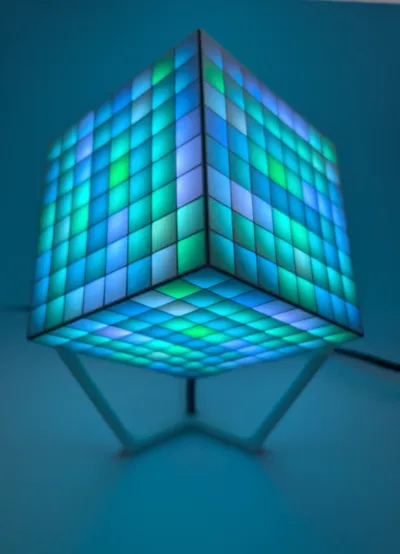
Here is my first complex Upload.


I designed it from scratch, with some inspiration from other 8x8 cubes. 

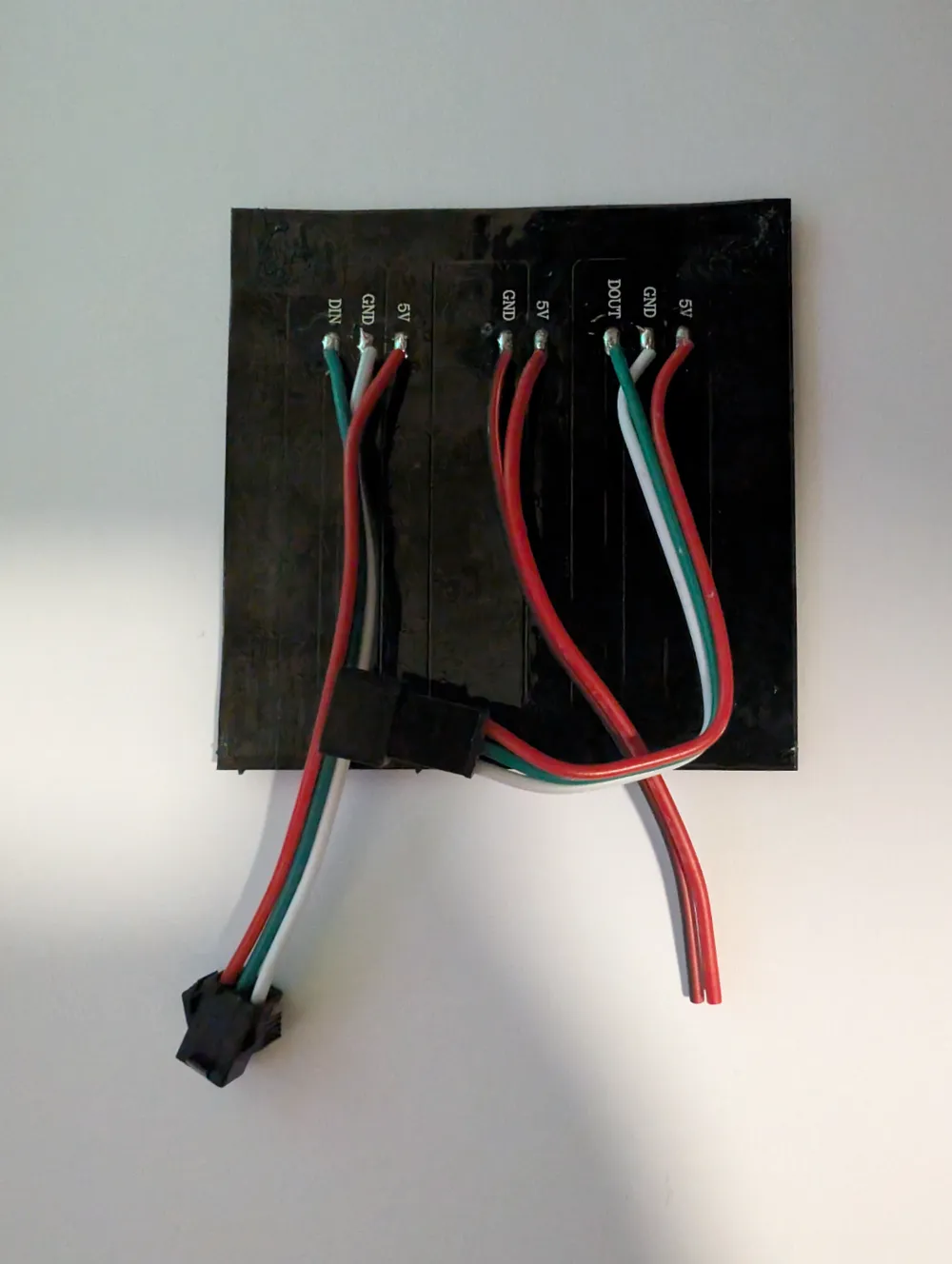
With six of the 8x8 WS2812 Matrix with flexible PCB, I needed to design it a little bit differently.


You Need:

  • 50x 3x1mm magnets (https://www.supermagnete.de/scheibenmagnete-neodym/scheibenmagnet-2.5mm-1mm_S-2.5-01-N52N)
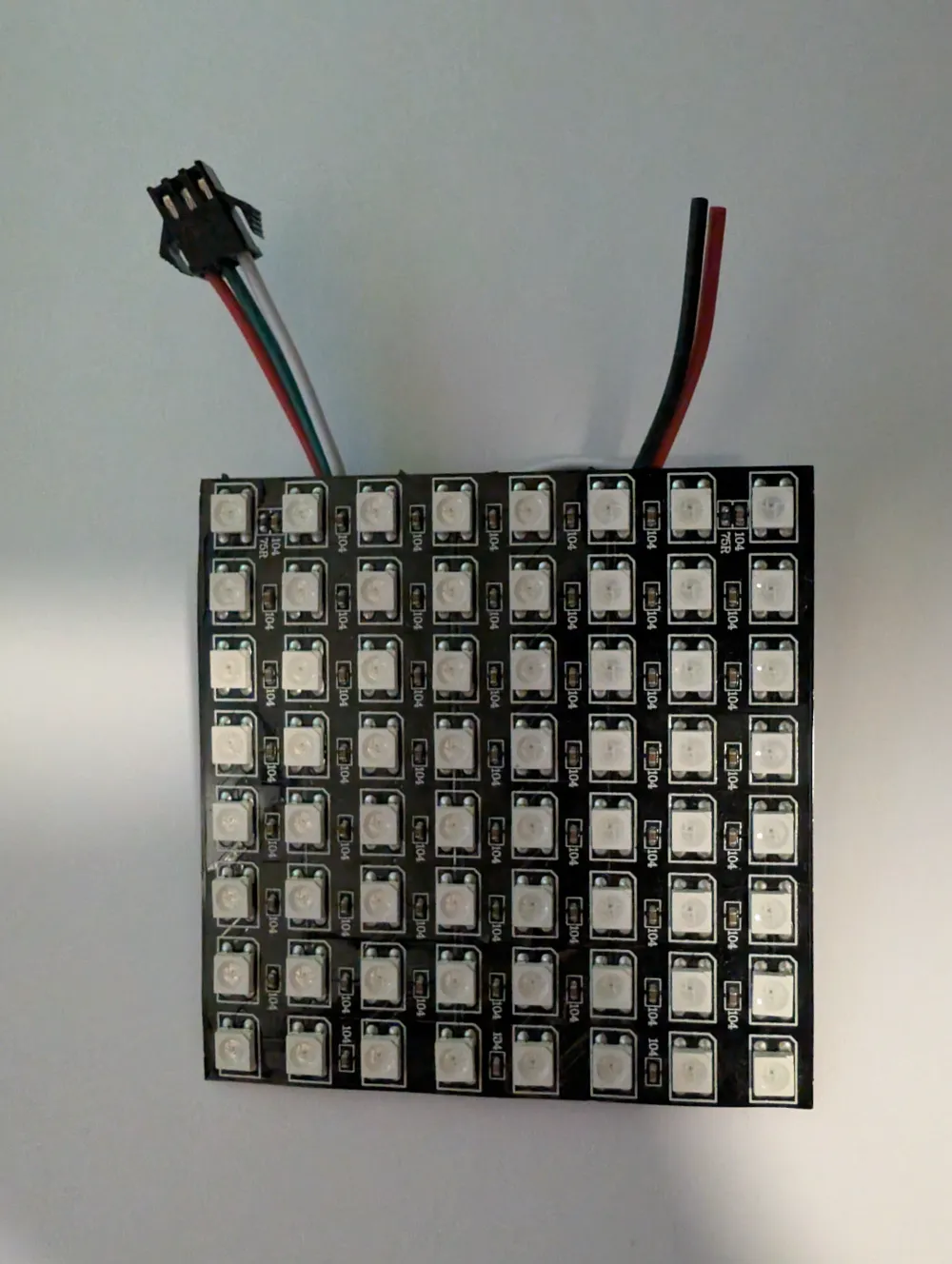
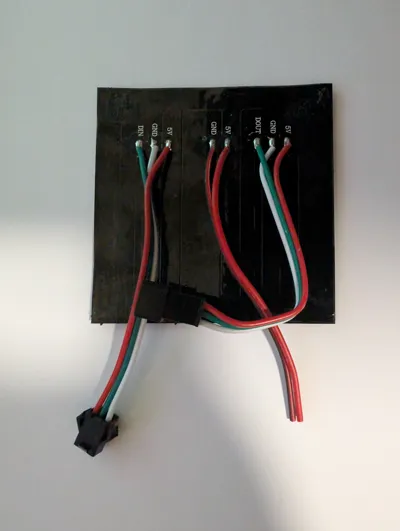
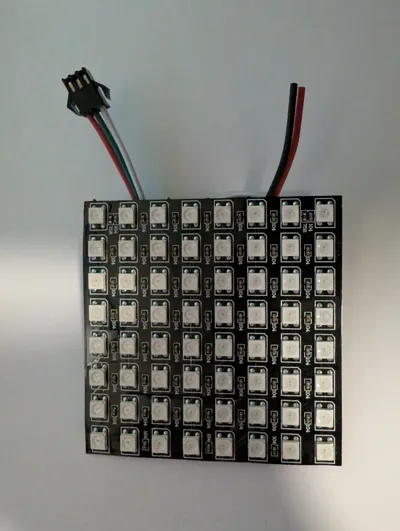
  • 6x WLED Matrix flexible 8x8 (available on different platforms)
  • 1x ESP32 with WLED installed (I use an Atom M5)
  • 1x Power Supply 5V (I use 2.5A)


Prepare:

2x Magnet press tool in 2 different colors and a glued on magnet with different polarity on top


Steps:

  1. print all Parts
  2. press the magnets in the Parts
  3. clip the three bottom Parts and the three top parts to half a cube together 

    (maybe you need some needle nose pliers)

  4. insert the led panel (on the bottom side, you need to cut an edge to fit)
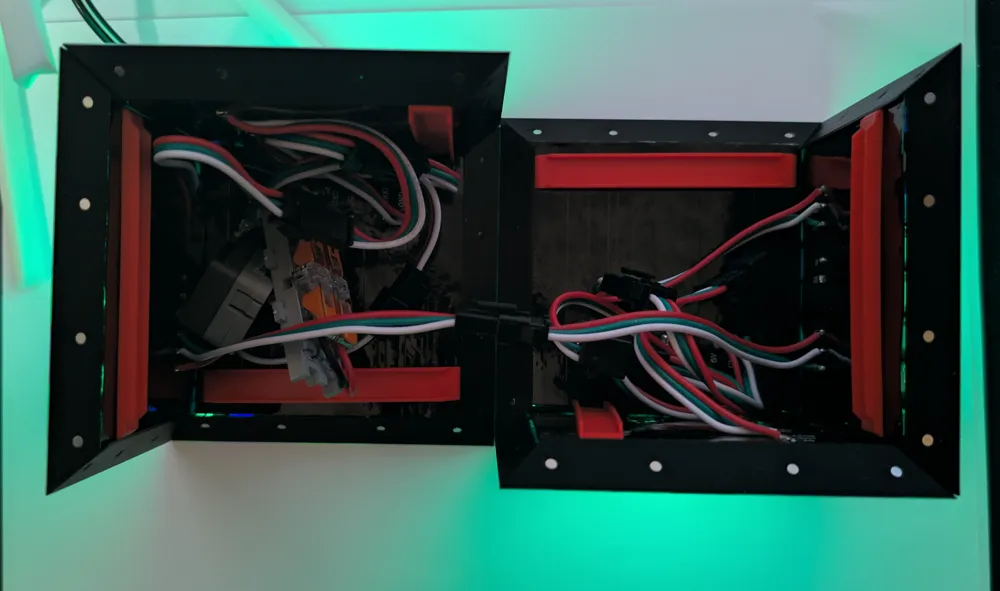
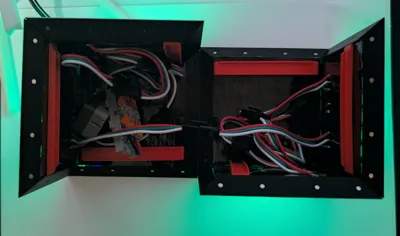
  5. insert the led clamps behind the panels (the red parts in the picture)
  6. insert the cable through the stand and into the cube
  7. put all cables together 
  8. Have fun with WLED :-)

Hope you enjoy it!


25.01.2025:

changed from 2.5x1mm to 3x1mm magnets

Comment & Rating (18)

(0/1000)

Print Profile
0.16mm layer, 2 walls, 15% infill
Amazing, Instructions could use some work and images for explanation but I got there without too many issues and I didn't need to trim anything which the instructions seemed to indicate would be needed? I think they refer to the bottom corner where the cable comes in, but the flexible boards tucked enough in there under it to hold it down without needing trimming. Snapping the pieces together is a bit of a learning curve, but once you understand they do join together nicely. I am curious what others are using for layout in WLED, right now I'm doing 2 segments each with 192 LEDs.
(Edited)
The profile uploader has replied
profile
1
Reply
Thanks for the nice comment! I forgot making some pictures during assembly, uploaded it after everything was ready. So maybe I have to build another one and add some pictures for assembly.
0
Reply
Print Profile
0.16mm layer, 2 walls, 15% infill
I love this Cube. ive had a splinter in my brain to make something like this but havent had the time, and then stumbled across this.
profile
1
Reply
Print Profile
0.16mm layer, 2 walls, 15% infill
Printed flawlessly, I had to slice it myself for my A1… Still, thanks for sharing! 😎👍
Show original
0
Reply
do they have to be flexible panels, the non flexible 8x8 ones go on sale for $1 on AliExpress sometimes
The designer has replied
0
Reply
Yes, they need to be the flexible ones.
1
Reply
Replying to @benmaxrei :
why though? would it be oot to remix the model to use solid ones? I will have to price the felible ones
0
Reply
Feel free to remix it with solid ones. I think you have to change the complete inner if the cube. The flexible ones can be clamped in by bend them.
2
Reply
Will change the magnets to 3x1mm, so they are very cheap.
2
Reply
Boosted
:)
1
Reply
Boosted
excellent I had created some cubes but needed to complete them this is the job thx
designer
1
Reply
The hole in the stand needs to have a horizontal outlet for the power cable. Right now the design just has a hole that goes straight through and no where for the cable to for out the bottom unless it is assumed you have three feet to put on the bottom of the stand to lift it up enough to let a cable out the bottom.
0
Reply
I am building one now and have really good code for the cube leds that runs on a small ESP32S3 and will share as soon as I get it built with video and photos. I also ended up printing one layer with glow in the dark filament then one layer of white PLA and it is perfect.
0
Reply
Please, can you share the wled configuration
Show original
0
Reply