Search models, users, collections, and posts

Bio
I'm a space alien trying to rebuild my space ship with an x1carbon, so I can go home.
Achievements

MakerWorld Guardian
Active more than 20 days out of last 30 days UTC time

#Power Usage
Hey there Community! I wanted to talk about power usage of our machines with respect to outlet draw and added filament drying.
Currently i am setting up my new AMS2 + AMS-HT to add to my AMS-OG on my X1C. Where my machine currently lives i have only one 15amp wall outlet giving me 2 plugs. As of right now I have my HT plugged in and the X1 plugged in but cannot plug in my AMS2. Ive been looking through the idea that i can dry on my HT while printing off the AMS2 but that got me thinking. Just how much power is this mess going to use? If i had 4 ams2's and an HT all running off a splitter box or a surge protector type thing, how much power will this stuff be able to draw? From there i wondered if i had 4 or 6 machines like i want to end up with, then how many outlets does a person need and at what Amp of a breaker on each circuit?
Can any of you print Gardeners or farmers shed some light on this?
Share
3
7
0
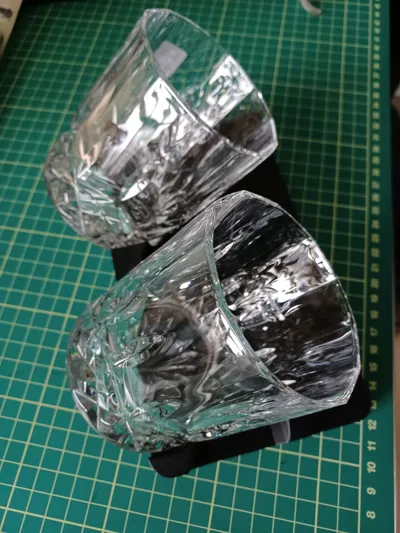
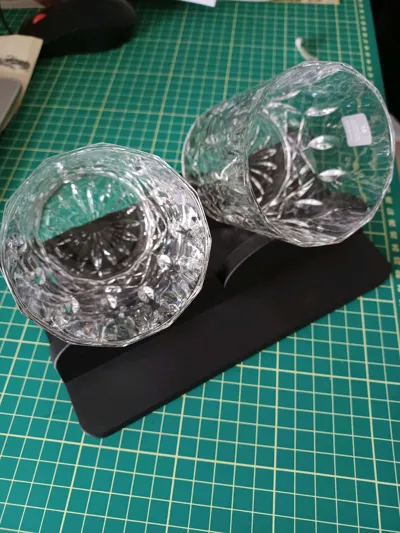
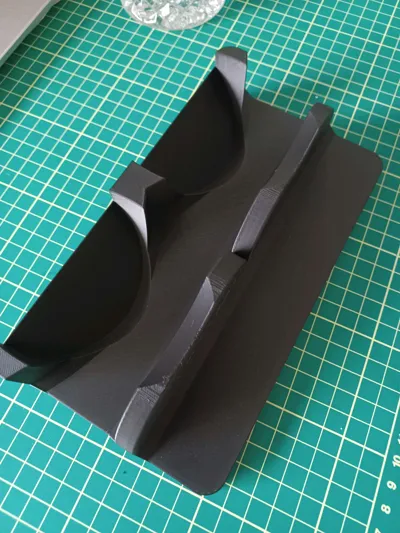
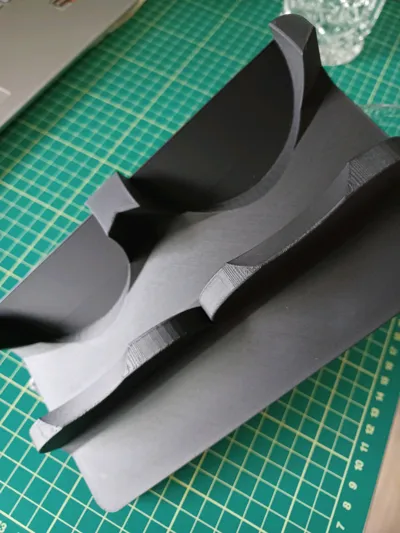
I printed this our for a friend for his birthday. it's a very nicely made model. fits the glasses I bought for him perfectly.
I changed the layer height to 0.16 as I do with any finished product print. if you have the time, a 0.12 would print out even better.
I'd like to see these in some pla wood.
Share
0
1
0
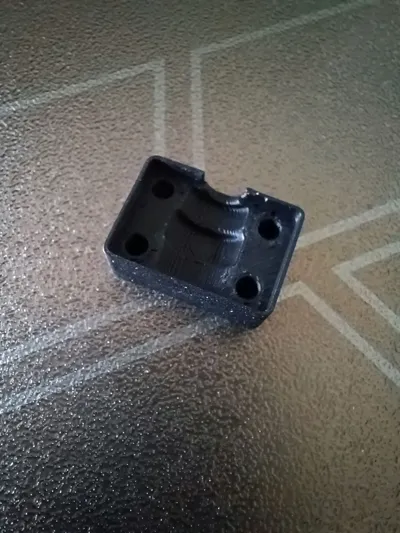
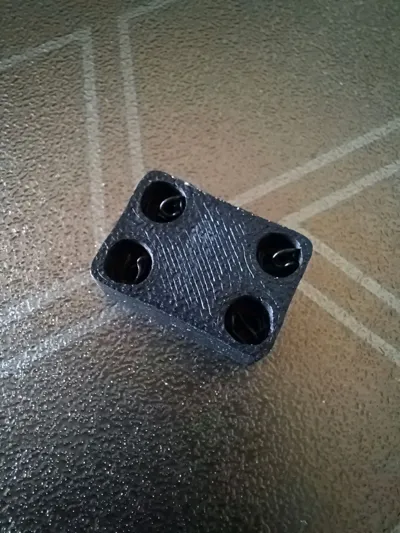
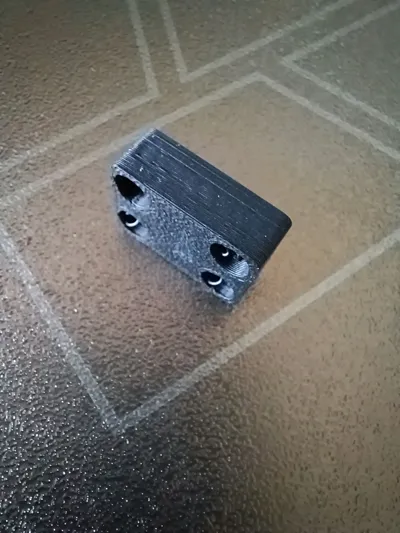
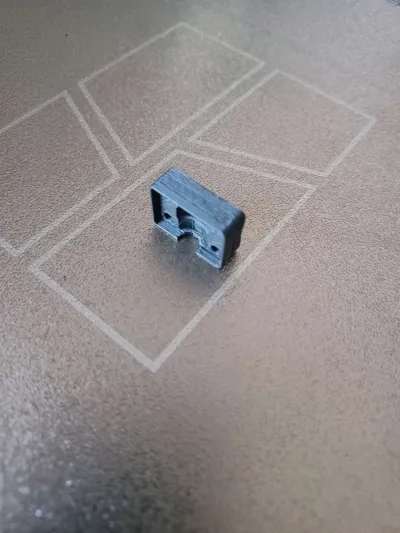
the model is a Godsend. I will boost it too to say thanks. as well I uploaded a new print profile for people with no 0.2 nozzle, or ppl like me too lazy to swap out the 0.4 for my 0.2.
I dialed in print settings to fix a thin wall flaw that ppl were getting. as well I'm recommending if you do not have an upgraded High Flow nozzle like the E3D then set printer on quiet mode as it might be a bit fast otherwise.
I also selected to give points to the original maker for points earned.
Share
0
0
0
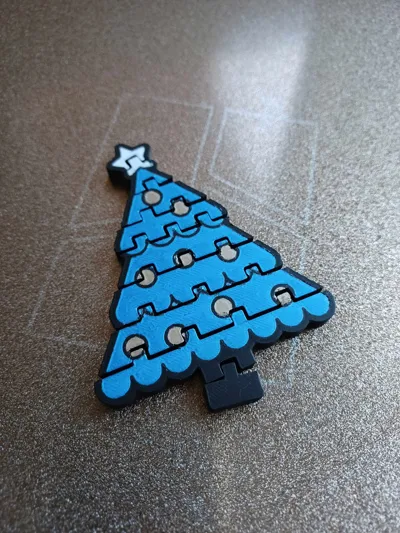
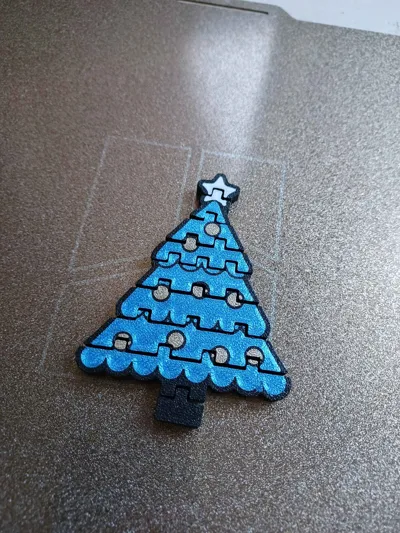
This turned out really well. I did not realize it printed color on both sides. I'm not sure that it didn't print color all the way through. I set print and left so I don't know, I'm sorry.
it articulates well and looks good close up. I printed using pla matte black, matte white, and pla silk blue, as well iridium gold metallic pla.
Share
0
3
0
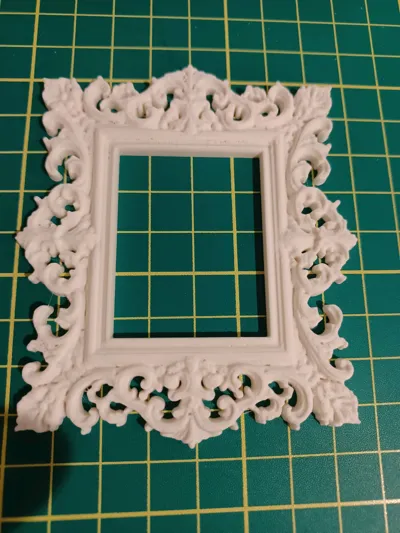
once again these models are complex in printing so you need to slow it down and use fine layer height. this one I just printed in pla matte at 60mm/s. this model is small as is, and I figure if scaled up to any size that would fit a photo, that it would print much cleaner still. if you're printing for a doll house or something, you might consider a 0.02 nozzle to get primo results.
Share
0
0
0
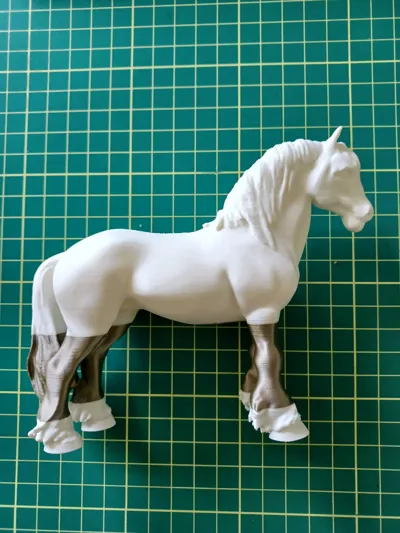
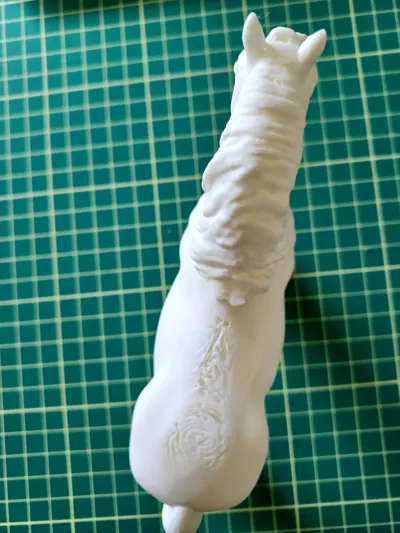
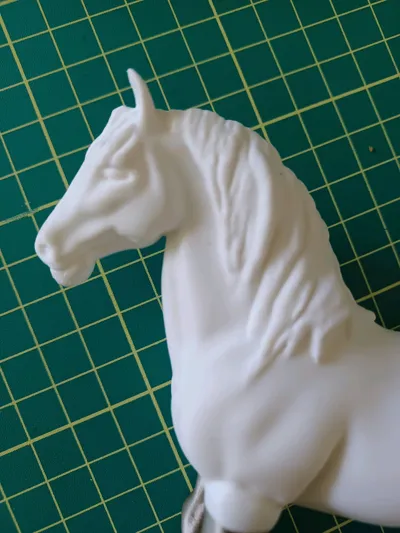
this file prints really well. I had issues as you'll see but they were my fault not the creators.
I was trying to save filament and time and messed with the infill, top layers and such and made it too thin and light. I also messed up on having the ams continue with the same color in another slot. I reloaded it too quickly with another color and it started using that one instead of the same material in the next slot.
I printed this on a 0.12 layer height.
great model!
Share
0
0
0
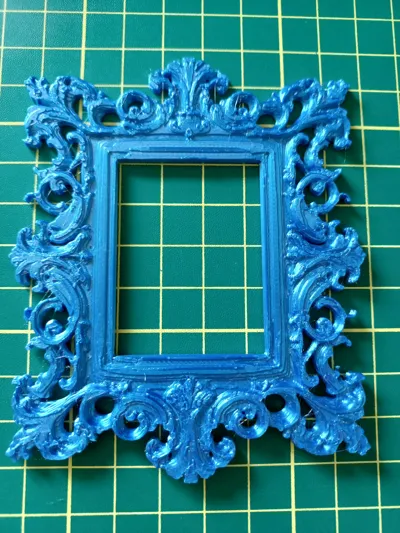
this one I tried on the makers settings.
it didn't turn out nearly as clean and sharp as the first but as a slightly scaled up model for a picture frame it would do nicely. I just recommend not being in a rush and going at least 0.16mm layer. I recommend 0.12 actually.
here's a side by side of 0.12 and 30mm/s vs the stock print profile. (you don't need 30mm unless printing silk, though I'd still keep it slower. there's a lot going on in these prints)
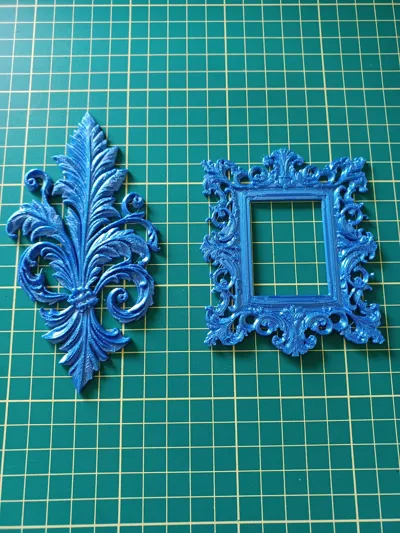
Share
0
0
0
I used 0.12 layer height and since it was priented in silk I slowed top and outer wall layers to 30mm/s. looks good. Not sure what I would use it for exactly at present but a great model for sure.
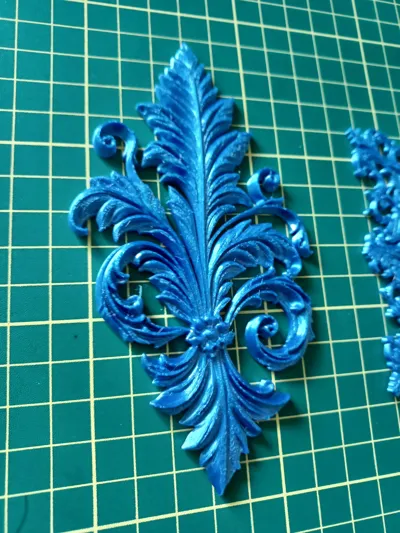
Share
0
0
0
not sure if it's a brand thing(Dewalt cordless) but the alignment nubbs are too long and won't bed the sand sheet onto the sander bed. but that's easy to fix in B studio. printed really nicely. nubs lined up with sander holes perfectly.
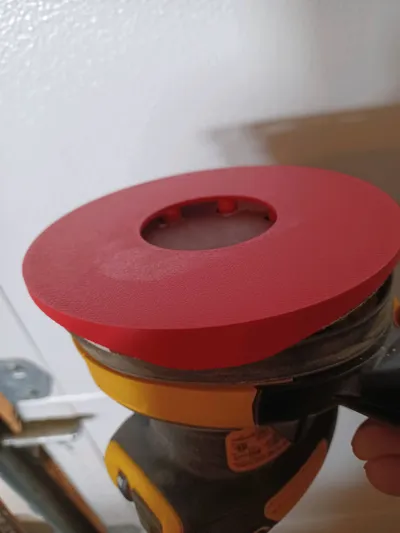
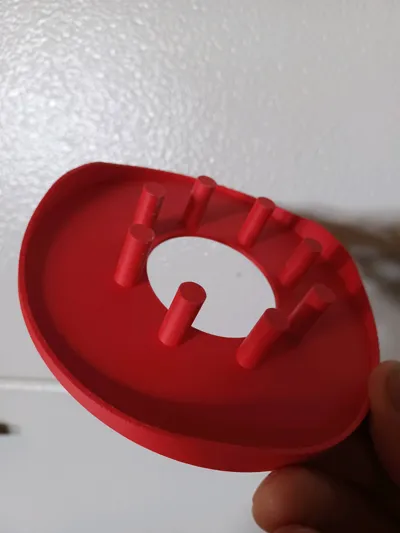
Share
0
0
0
@BambuLab
Back to the old tricks. It isnt favorable to have to disconnect your vpn to send a print file to the printer. I just updated bambu and it happened again like last time, but this time its not a one time thing. We are pretty much forced to use wifi connection and your protocol makes it even less safe and secure.
The bambu labs pc app is quite lacking. For no reason i can figure, you only get full functional use of the app from the web browser interface. How is it at all logical that your own developed app is not the base and ground floor for your whole platform? I cannot access a users profile from the app. I cannot see any of my maker profile settings like messaging and creator center. I also tend to have to search for models from a maker on the web browser (because i cannot access them otherwise) and open the model from browser which has to load the whole app program again even though its already open. Im sorry to sound sharp but its so frustrating. What are your Devs doing???(Edited)
Share
2
0
0
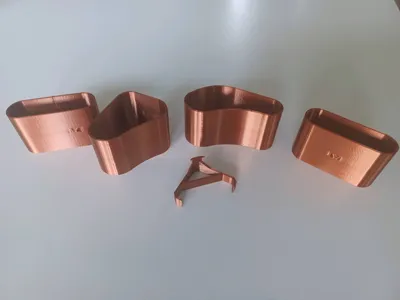
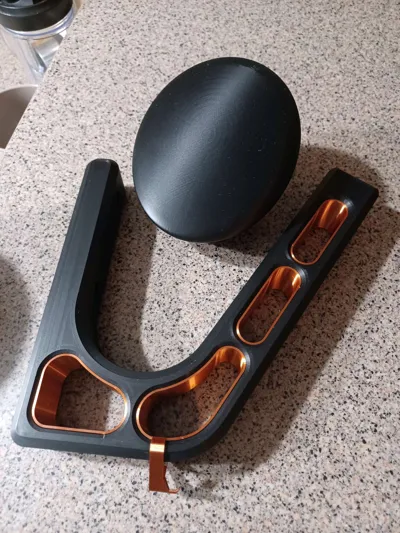
Printed in bambu pla silk copper(discontinued).
For the purpose of using the silk I slowed all exterior speeds to 30 and I print on 0.16mm layer. (smoothplate, liquid bambu glue)
They turn our really well. The key holder in silk is a no go. It's so weak a material it just won't cut it.
They fit in the main body really well with no slop or play.
Share
0
0
0
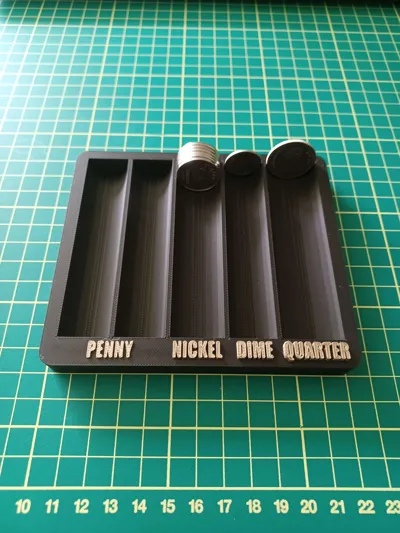
printed out nicely in PLA matte.
I colored the test in bambu studio and did that in iridium gold metallic pla.
I could have gone to finer print settings to try squeeze a higher quality print out of it but left everything as set by Toddy. thanks again!
Share
0
0
0
Our first model has attained a high quality print profile status. For those of you who are just starting out, it doesnt take all that long to get some small wins under your belt. Take your time and create models you like. They may not go viral in 5 minutes but little by little your stats grow. Keep going and keep designing and getting better.
I hope i can have encouraged someone out there feeling defeated. I know i was feeling that way when i simply couldnt cad a model and then again days later trying to work on a contest model idea that was above my ability. Im trying to learn these skills myself and teach my kids also as we do this together. Just remember, starting small is not "starting insignificantly" If you keep at it, you will get there.
how long did it take you to get your first high quality print profile
65%
1-3 months
8%
3-6 months
27%
how do you upload models??
26 votes
Final results
Share
2
14
0
So. I just took an inventory on filament. We are sitting at 71 spools here from PLA basic to PPA-CF. It occurred to me that i may not run through this material mountain before it gets too old. How long will it keep if unopened?
How much Filament do you have laying around?
44%
1-10 spools
31%
11-30 spools
15%
31-50 spools
10%
I cannot count that high!
117 votes
Final results
Share
2
46
0
#platform inconstistency @BambuLab
I have noticed that depending on if you are on Handy, or Studio or on the browser version there are different levels of access and options. I can understand some limitations on handy as phone apps are generally kept light, but why is the studio app so devoid of options. I cannot see my account etc options like you can from logging in on the browser. It seems a no brainer that the mac/pc version of the app would be fully featured. Anyone else find this silly?
Share
2
14
0
Just a happy moment in our progress. We received our first points bonus for 10 prints. Yeah i know its a small achievement, but it is one step closer to our goal here. I do not despise small beginnings. In any video game ive ever played, the beginning is the most fun. Enjoy the ride everyone. We want to thank everyone who has helped our lil account grow.
Share
2
1
0
For newer printers following behind our own journey. Try this 5 color print with helpful description of how to carry this out easily with an ams or depending on how you make your own other models later how you can do multi color designs with no ams also. Using print pause techniques.
Dont be afraid to try new things. Challenge yourself with us.
RAF Alternate Pattern Coaster Set
22
27
Share
0
0
0
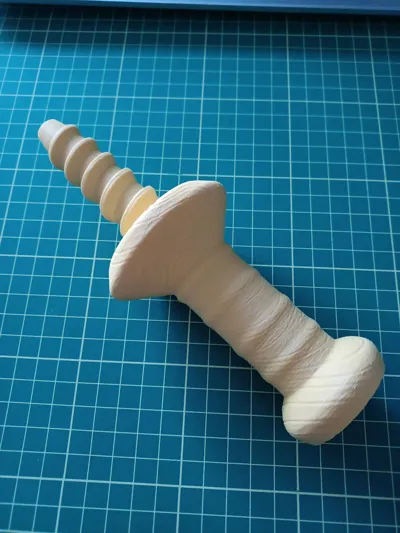
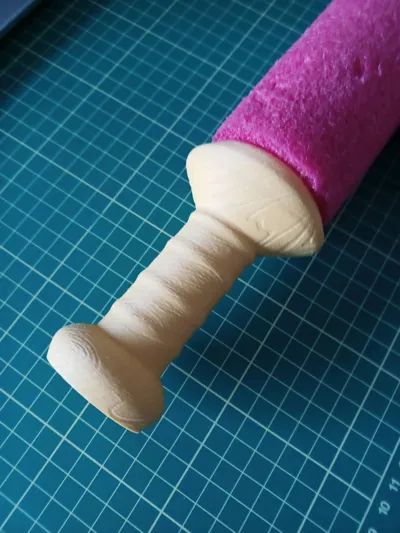
the print quality was really good. even used in a 15yr old decapitated noodle it works great! I can't find a flaw on it, at least outside of the horrible color I printed it in.
Share
0
0
0