Search models, users, collections, and posts
Recommendation
Creator’s Club
Creators & Fans
Show Your Make
Off Topic
Post Details

#PrintClinic
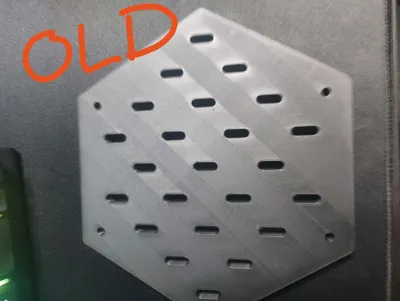
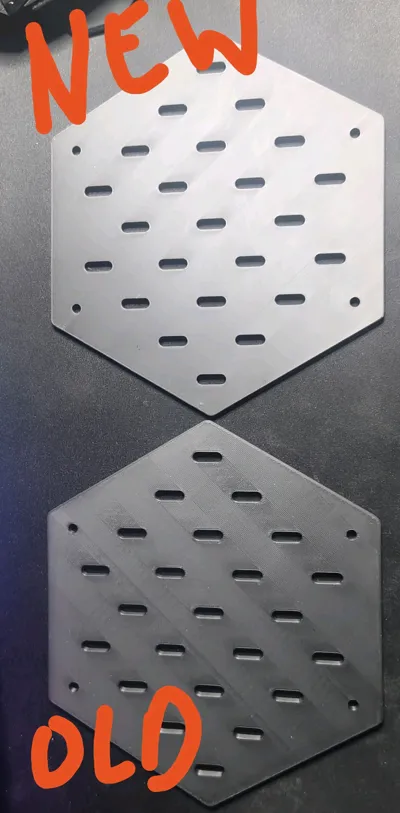
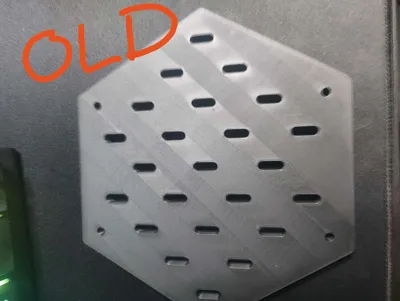
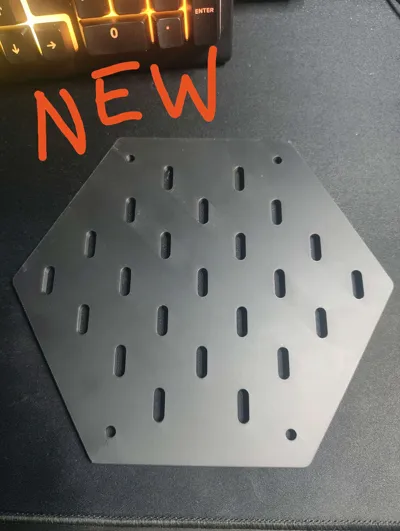
The inconsistencies with layer lines around/between holes has been a thorn in my sides since 2017, is this fixable with a slicer setting or two?
To be extra clear, this is default settings in Bambu Studio with 0.2mm layer height.(Edited)
Share
1
17
0
Comment (17)

@Aaron987B : this may help
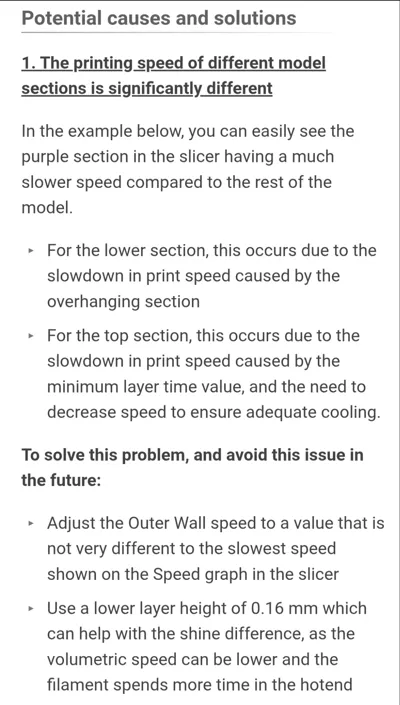
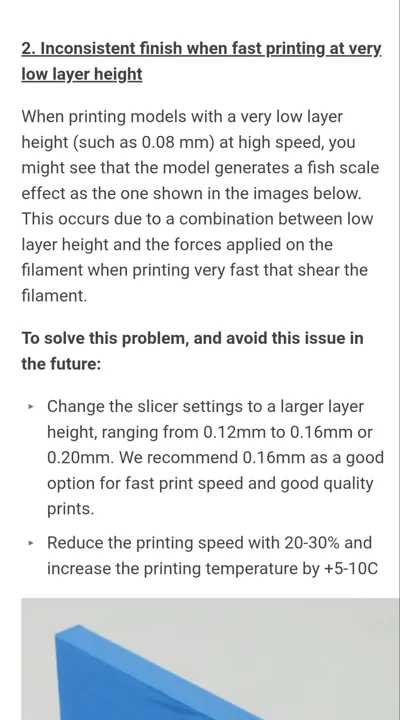
The poster has replied
2
Reply
@RLundo : I will try this in addition to drying and flow calibration as suggested earlier, thank you for replying!
1
Reply

@itzok : Turn on ironing
The poster has replied
1
Reply
@itzok : : :D np
0
Reply
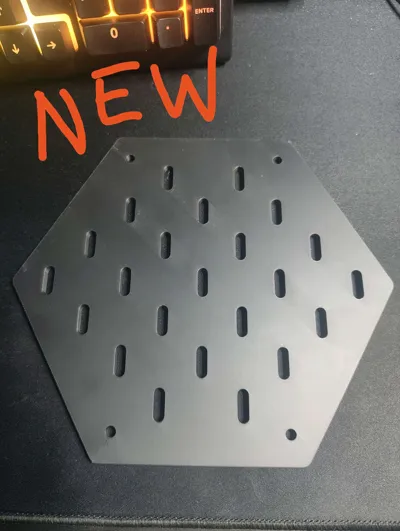
@RLundo : : Ironing improved results even more, thank you!
0
Reply

@CurlyFries1 : Like someone mentioned, definitely do the flow rate calibration in the slicer.
1
Reply

@BoneForgePrints : is the filament dry? and have you ran a flow calibration?
The poster has replied
1
Reply
@BoneForgePrints : : that looks so much better! I am happy to help anytime! 😁😁
1
Reply
@RLundo : : I think i've hit a satisfactory result, with this method, with hard lighting on the print it's still noticable, I might try some cooling tweaks. It being matte filament also doesnt help. Thank you very much for your help!
0
Reply
No more data
Trend
PrintClinic
Weekly Roundup
1
the Great Benchy Nations
3.5 k
2
HideAndSeekChallenge
2.9 k
3
Questions
1.1 k
4
Theprintertribes
659
5
Newmodel
547
6
Contests
330
7
Face Reveal
271
8
Bonbon
271