Search models, users, collections, and posts
Mudwonk
@mudwonk
Bio
HELLO, just a guy with too many hobbies and one that just so happens to be 3d printing I’m active alot
Achievements

MakerWorld Guardian
Active more than 20 days out of last 30 days UTC time

Stellar Reviewer
Rate or Comment 606 different models

Pioneer Maker
Print successful 421 different models and 2,189 hours
Pinned Models
Recent Article
3D Printing For Beginners!
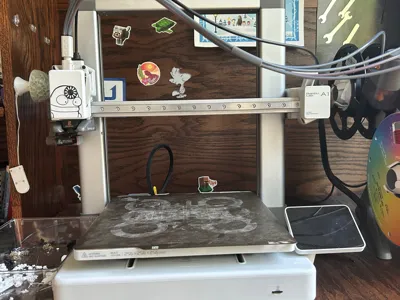
3D Printing For Beginners!Hello MakerWorld! I will be explaining 3d printing for beginners for Bambu Handy and Bambu Studio.                                               Bambu Handy                                                Finding your model- Well, this is probably the biggest part. If you have something in mind, just search it. That little search bar is your friend (Unless your like me and just scroll forever) so use it! Once you find what your looking for, you punch that little green prepare to print button, and pick which color to use from your A1, A2, A3, and A4 slots (more if you have more AMS units). Once you have done that, clean your build plate with soap and water (and if your me, pray that your print will have good bed adhesion) or add glue stick glue on it. Now (drumroll please) what you have all been waiting for put your finger on that green button and start your print!  Bambu Studio        Now you have a computer, good job! Now you have freedom of where you get your files from. You can find them at: Cults3d, Printables, MyMiniFactory, Thingiverse, etc. Go find a model you like, and download it. Then go into Bambu Studio, and hit the cube with a plus sign in the bottom right corner of it. Hit that button and find your file in there. Press the button that says open and look at your file. While looking at your file, look for weird things that don't look right. Sometimes they just don't look like the photo. Once you've looked at that you can change the settings. If it is for display purposes, I would recommend 5-10 percent gyroid infill, 3 walls, and that's about all. But for cosplay, on the other hand, you want maybe 20-30 percent Gyroid infill and 6 walls to make it stronger. Now you hit that slice button and wait a minute. Then, boom, you have the stats for the print: Such as filament cost, filament usage, print time, etc. Now all you have to do is press the print button in the top right corner, and select you color/colors from your AMS. Then hit send print. Wait a minute and your printer will be making weird noises, and the print has started!                                                                                                                              -Mudwonk