
Coin from PNG or SVG maker


Print Profile(0)
Description
Boost Me (for free)
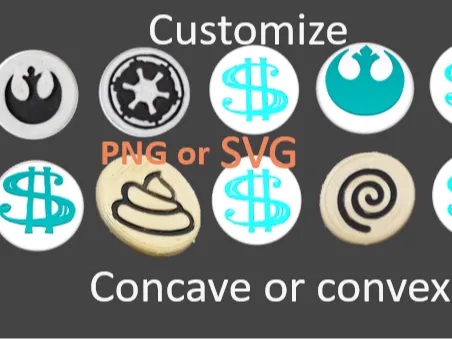
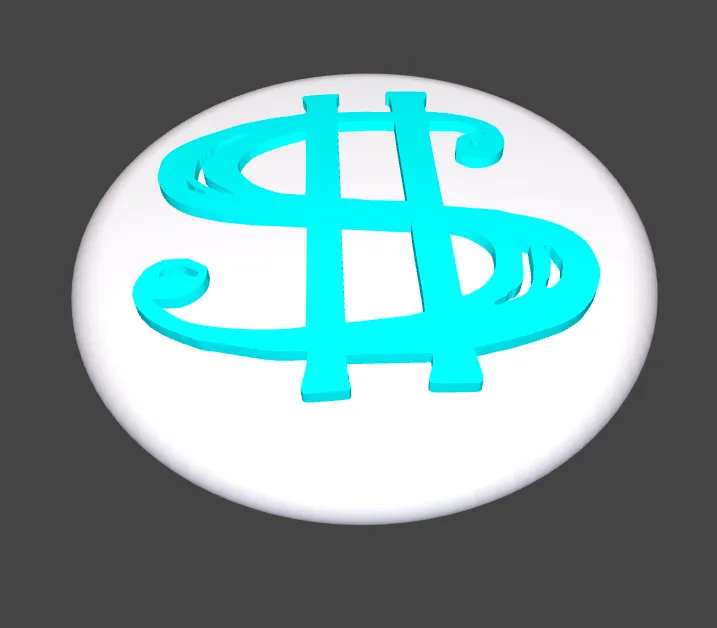
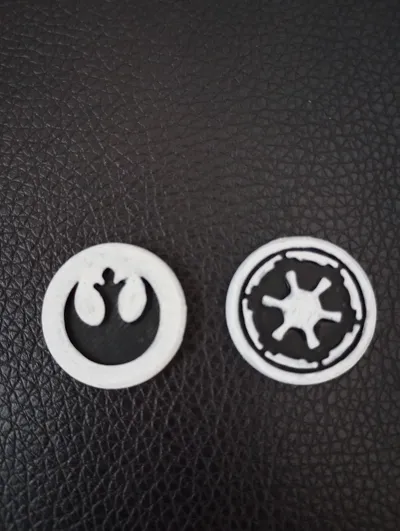
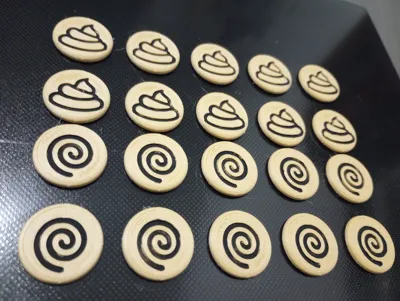
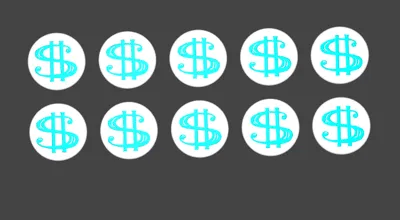
Make your own game tokens or makers/placeholders. A friend wanted me to make this for him to help identify his pawns at play in a game.
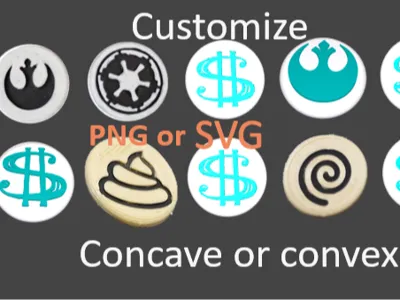
You can use a PNG or an SVG. For PNG photo files it is recommended to be Black and White or Grayscale! This site may help you find a good SVG to put on your coin: https://www.svgrepo.com/ or https://freesvg.org/
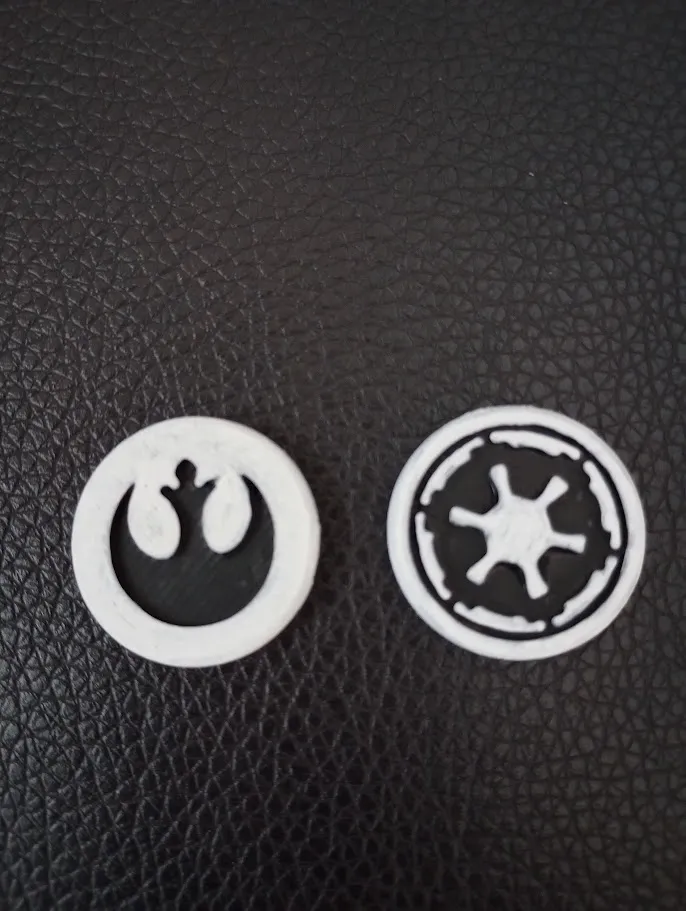
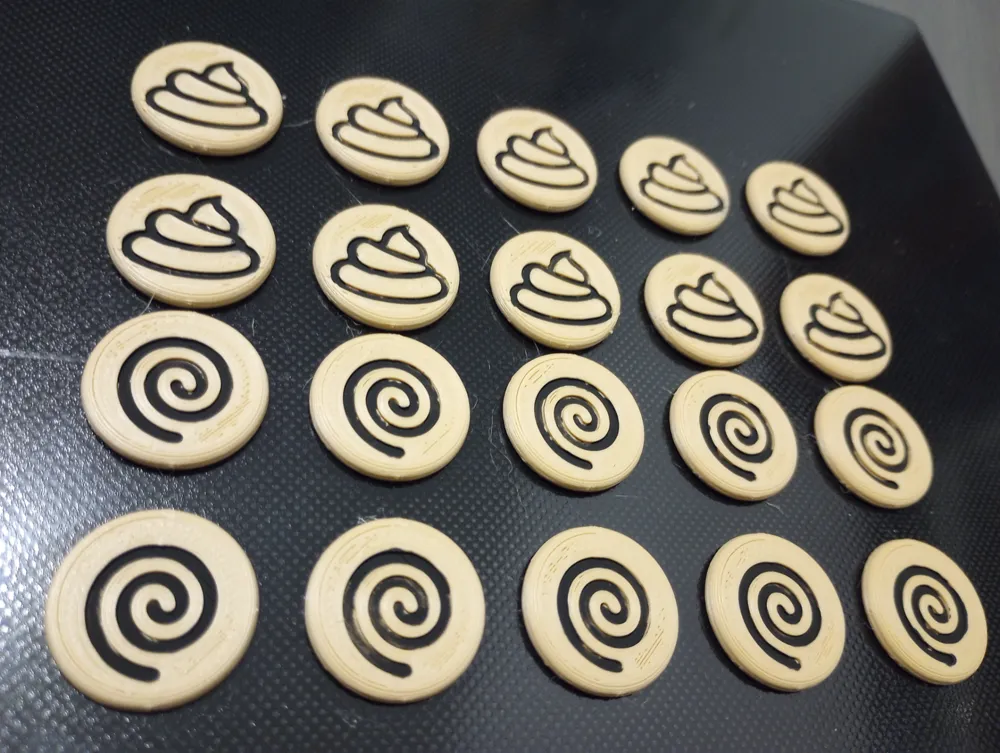
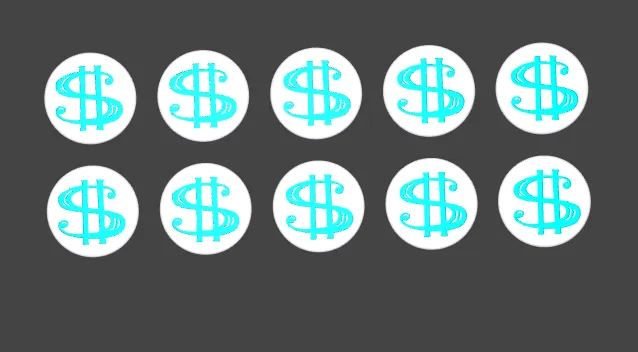
I've added a few pre-made coins in the concave form if you'd rather just grab something pre-made! I used a single filament and added some black acrylic paint to the coins in my photos.
Please read:
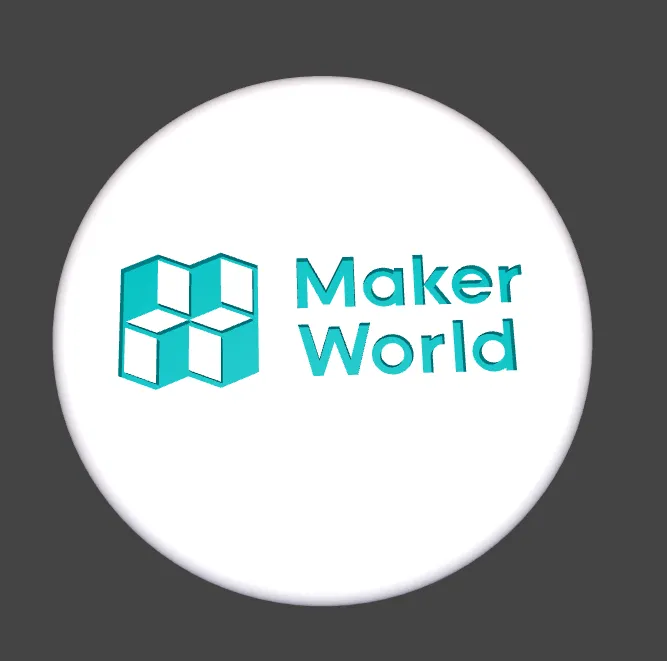
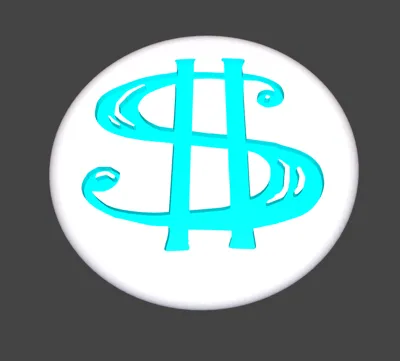
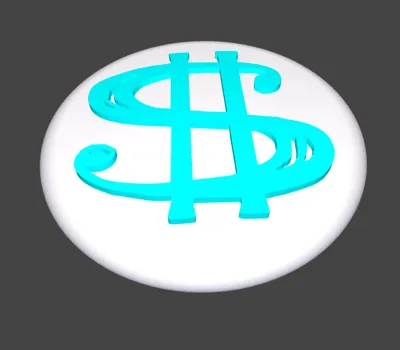
Select either PNG or SVG in the first dropdown. You must then click “Upload local file” from the proper one you selected (PNG or SVG). Your file should show in the space below that button if it uploads properly. If your file is not showing you must clear your browser cache. Alternatively try a different browser or computer! Again, if you have uploaded your file and you see the default Maker World logo, something went wrong and that is not what should happen, so if you see that after “Generate” then verify that you see your image under the “Upload local file” button. If that never appears the problem is with your computers' browser. If you don't see anything at all (blank coin) then try scaling and inverting the file with my given options.
License



Comment & Rating (0)