
Print Profile(2)


Bill of Materials


Description
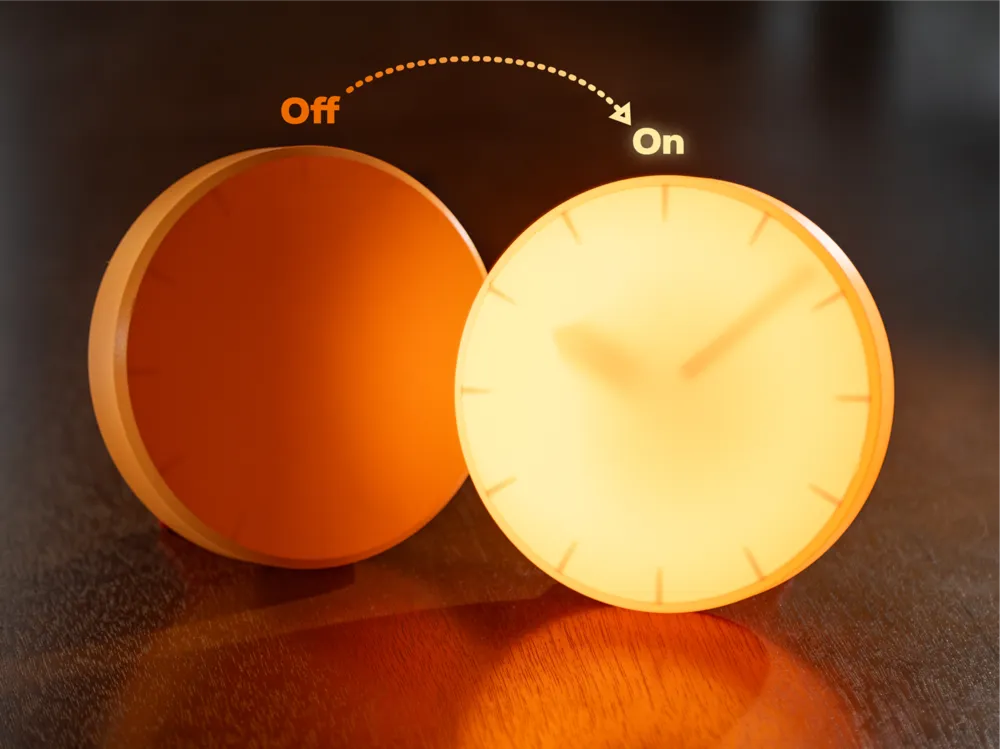
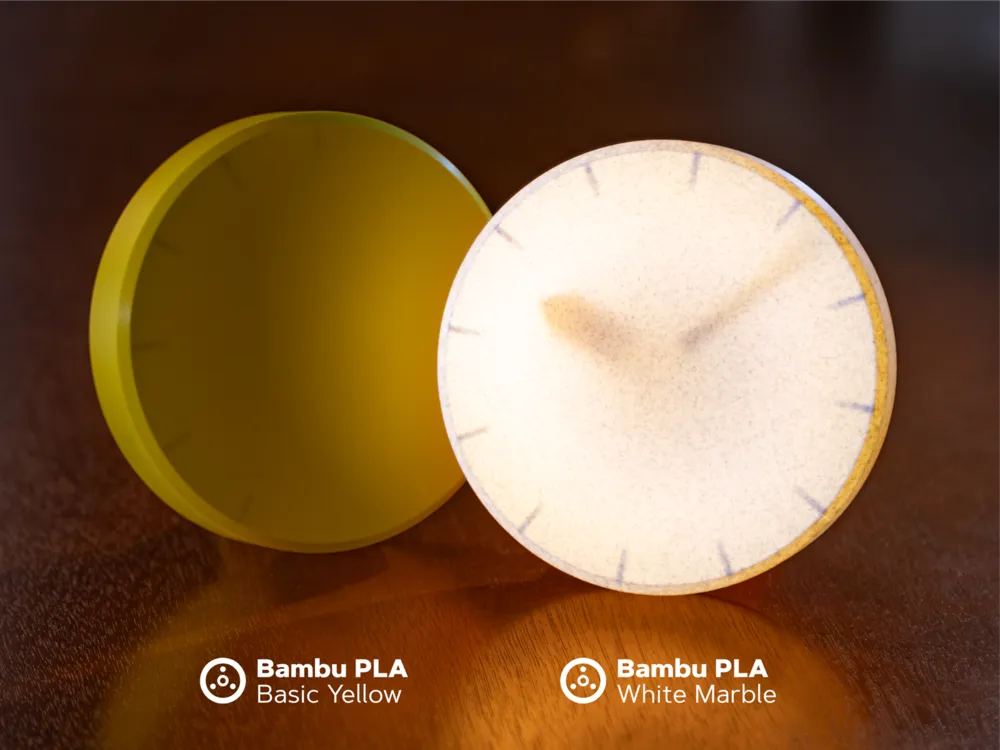
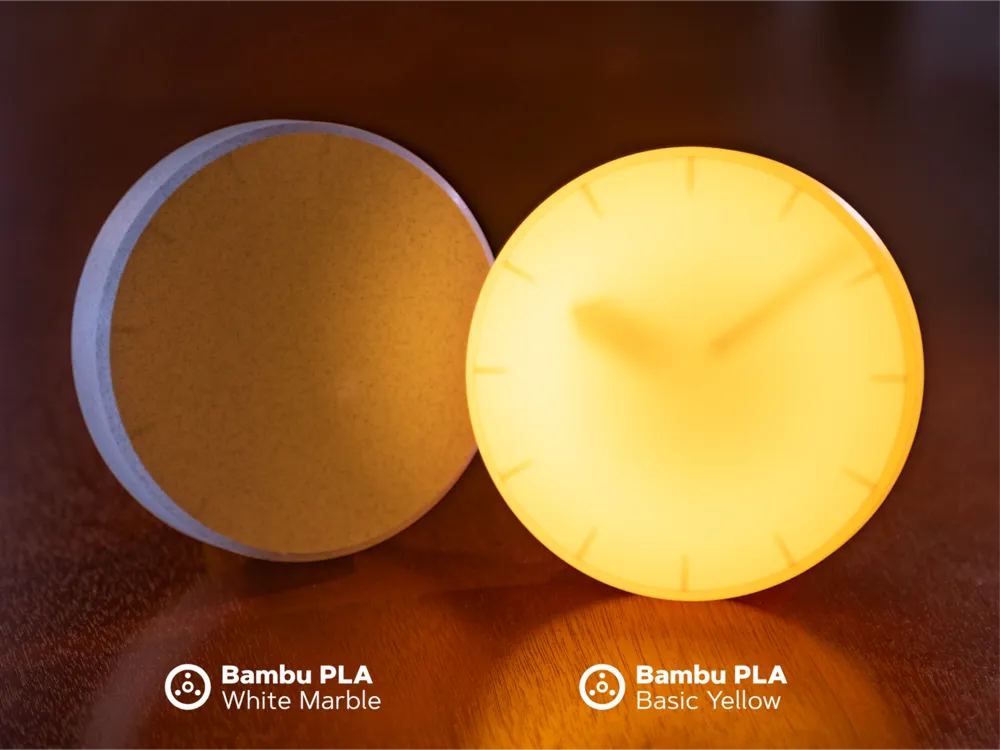
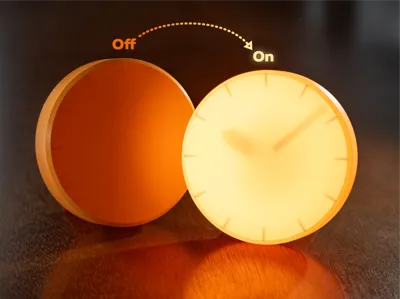
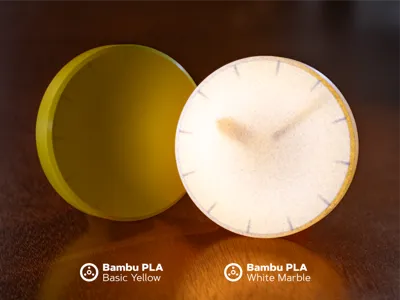
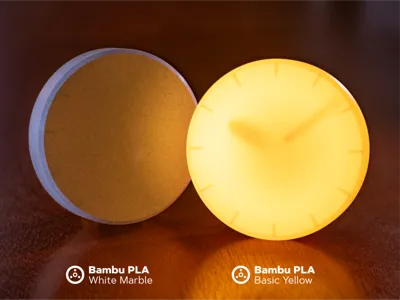
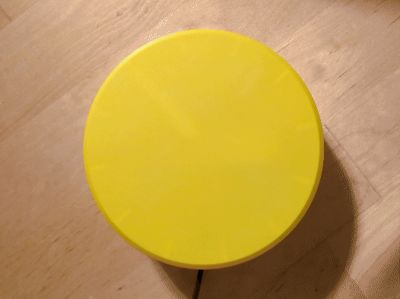

This clock was an experiment to see if I could show the time by casting a shadow. When the power's off, the clock appears as a monolithic circle but the detail is revealed when the light is activated. This is a single-color print that would work well with any light-color filament that transmits light well - check the gallery to see it in orange, yellow and white marble.
Printed Parts
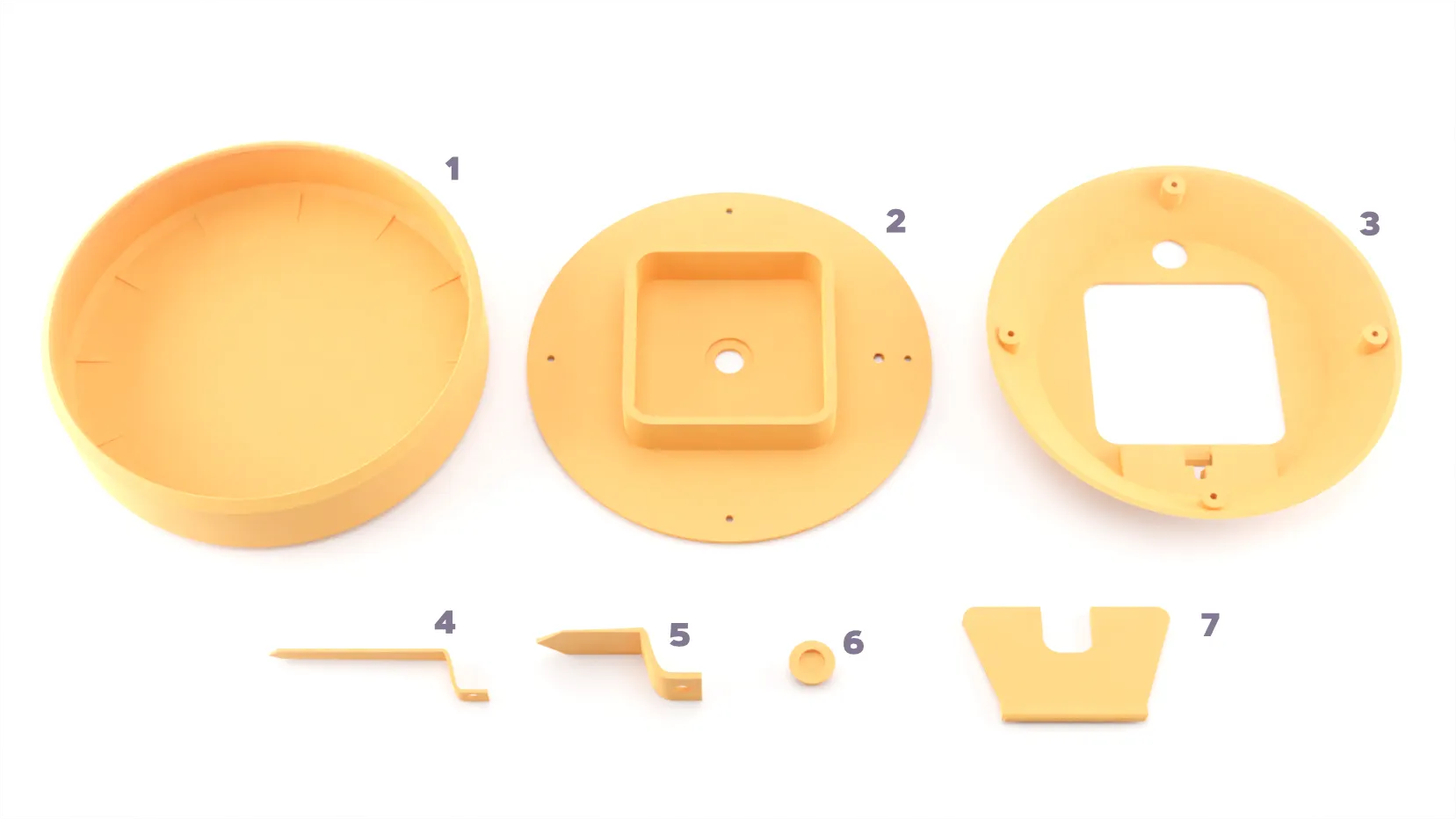
- Front Shell
- Base
- Back Shell
- Minute Hand
- Hour Hand
- Button Cover
- Stand
Assembly Instructions
| Attach the switch to the base with using (2) M2x6 screws - orient the port so that it's facing out with room to attach a wire. | 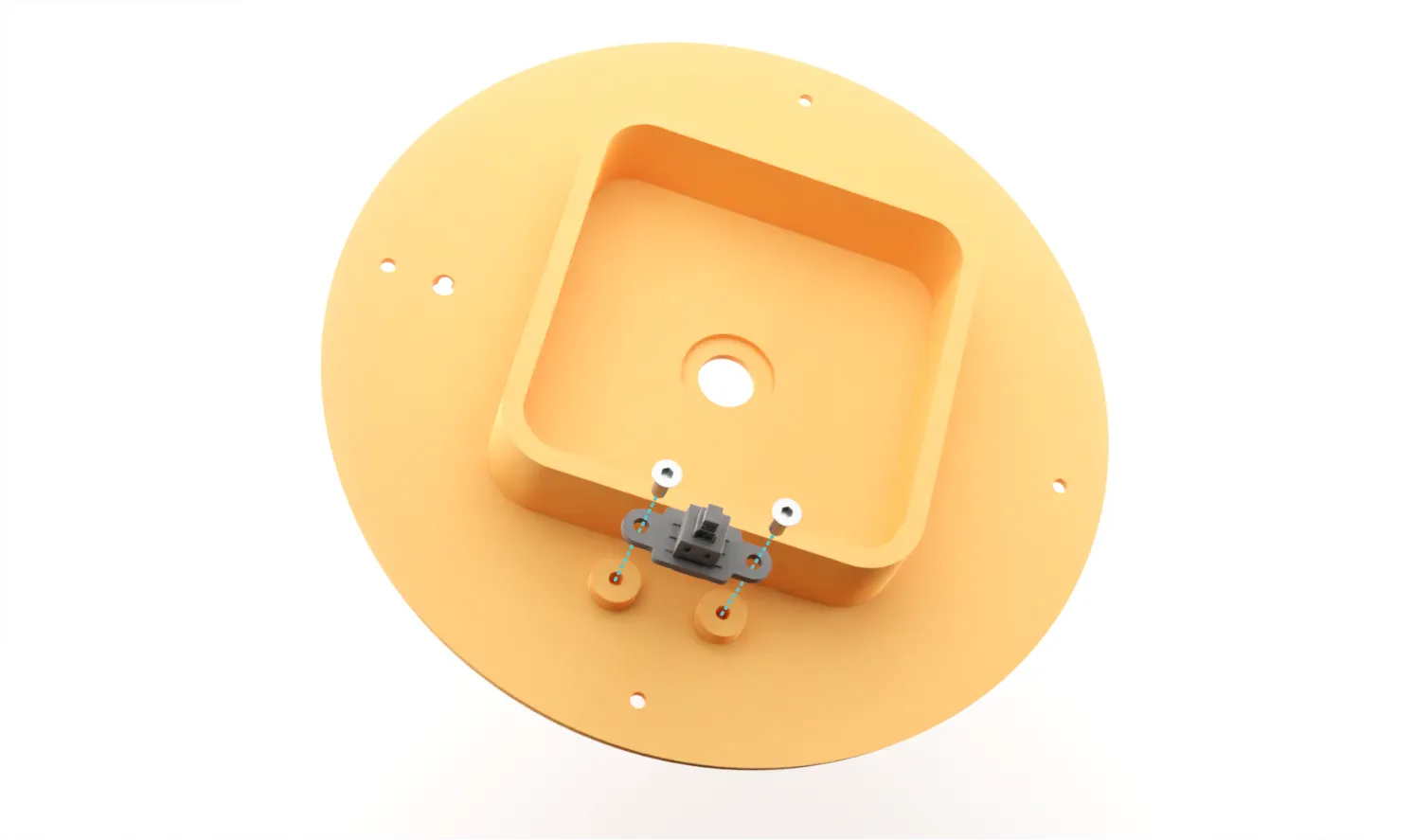 |
| 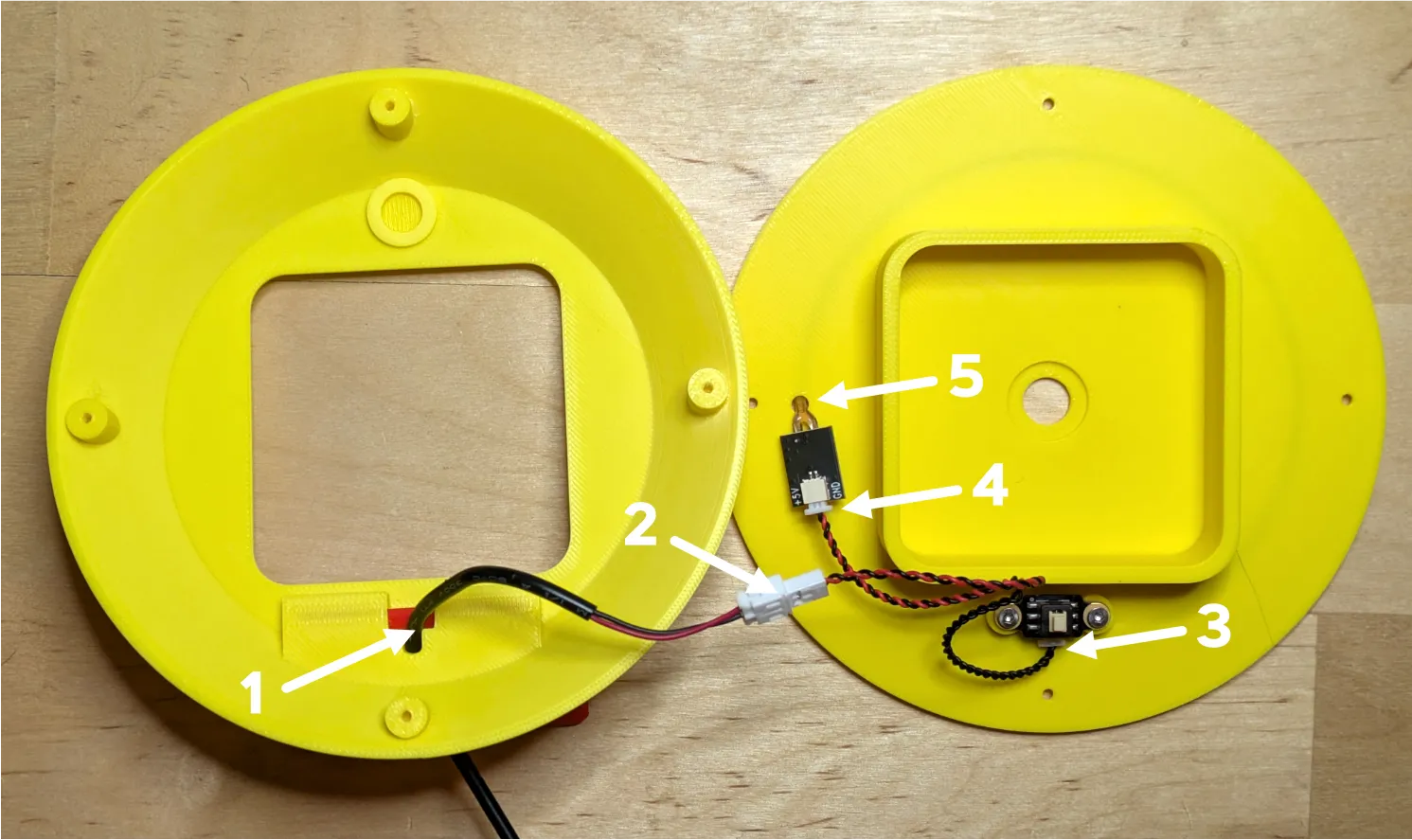 |
| Start at the end of the LED and press the strip into the channel - be sure that the front of the LEDs are facing out. | 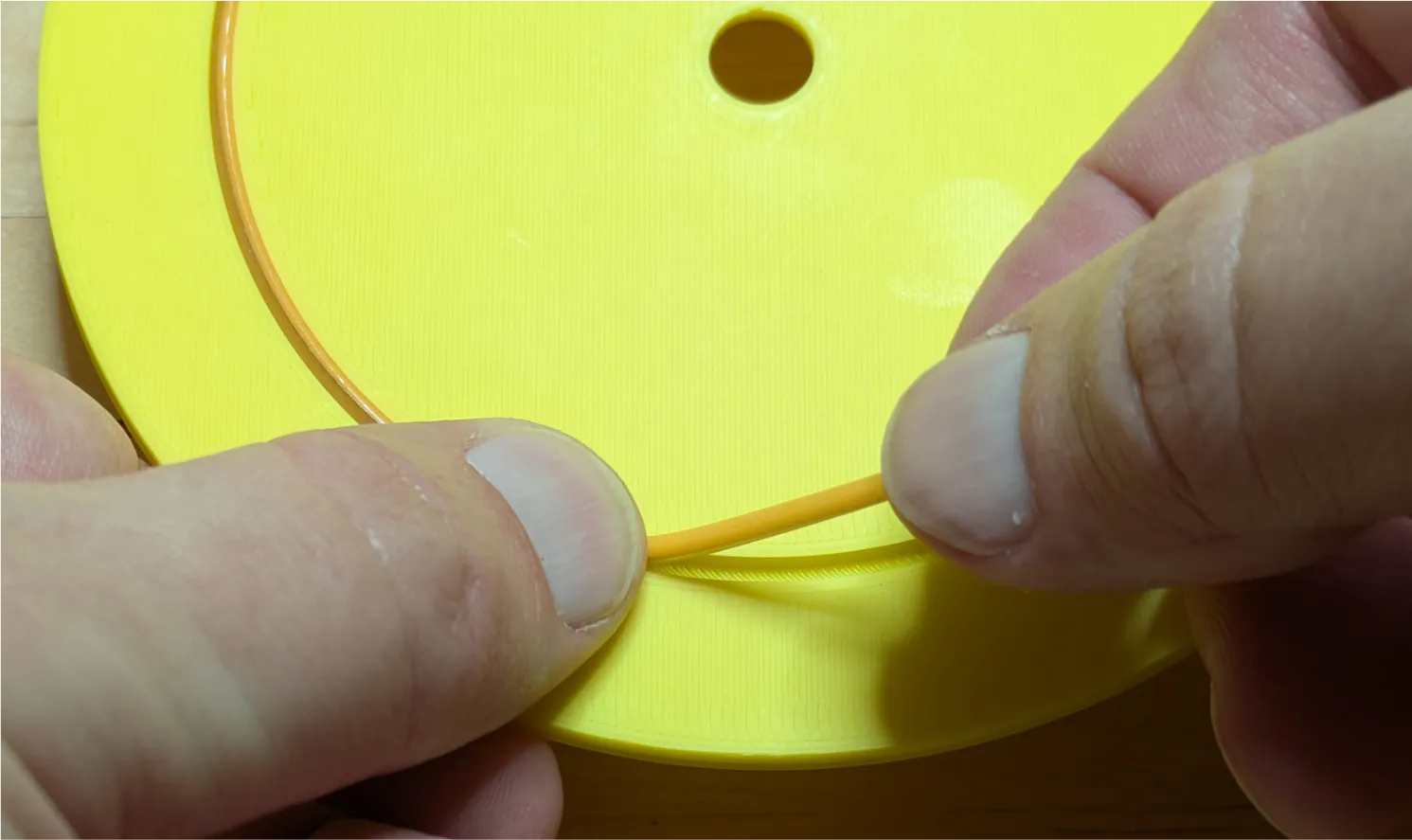 |
| Place the button cover into the slot in the back shell & attach the back shell to the base using (4) M2x6 screws. You may need to be cautious that none of the wires are pinched in the process. It can be helpful to lightly tape them in place so that they are not damaged when attaching the shell. | 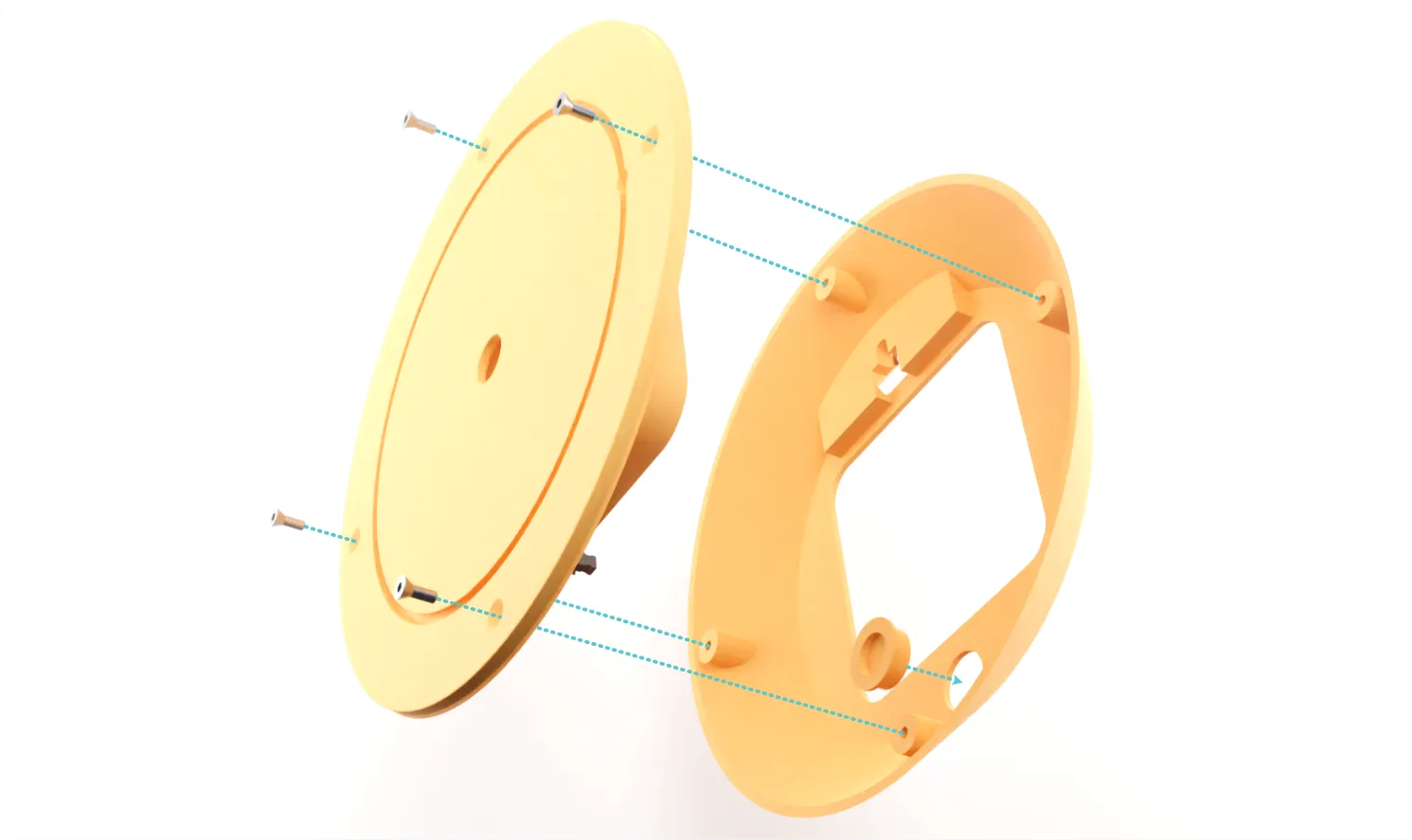 |
Insert the back of the clock kit through the base and attach with the brass nut.
Press the front shell onto the front of the base. It may help to use a rotate the shelll back and forth as this is a tight fit. Ensure that the hour markers are aligned so that they are oriented correctly. Check to be sure that the hour and minute hands aren't touching the front shell as this could damage the clock kit. | 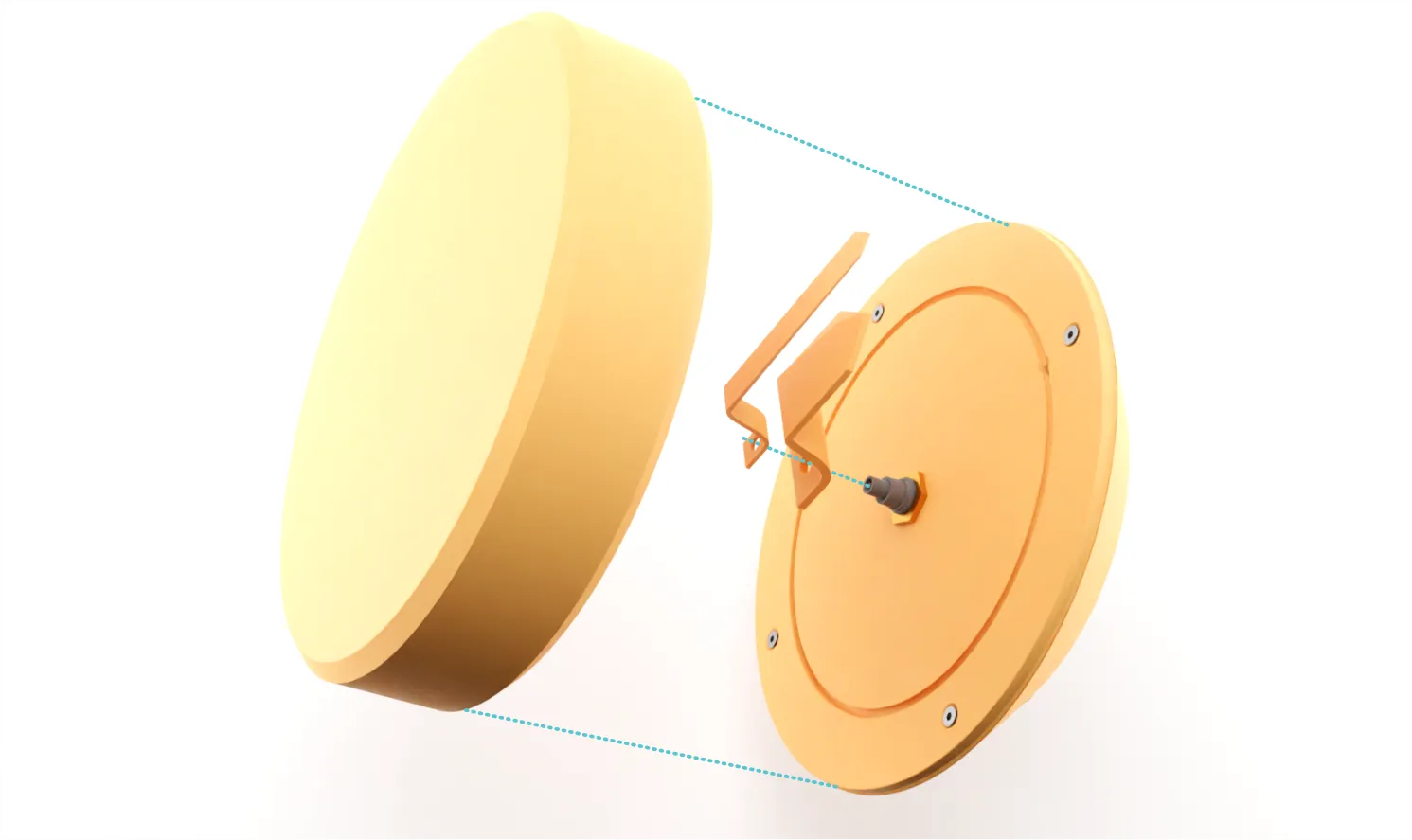 |
| Insert the stand into the back and attach with an M2x6 screw. | 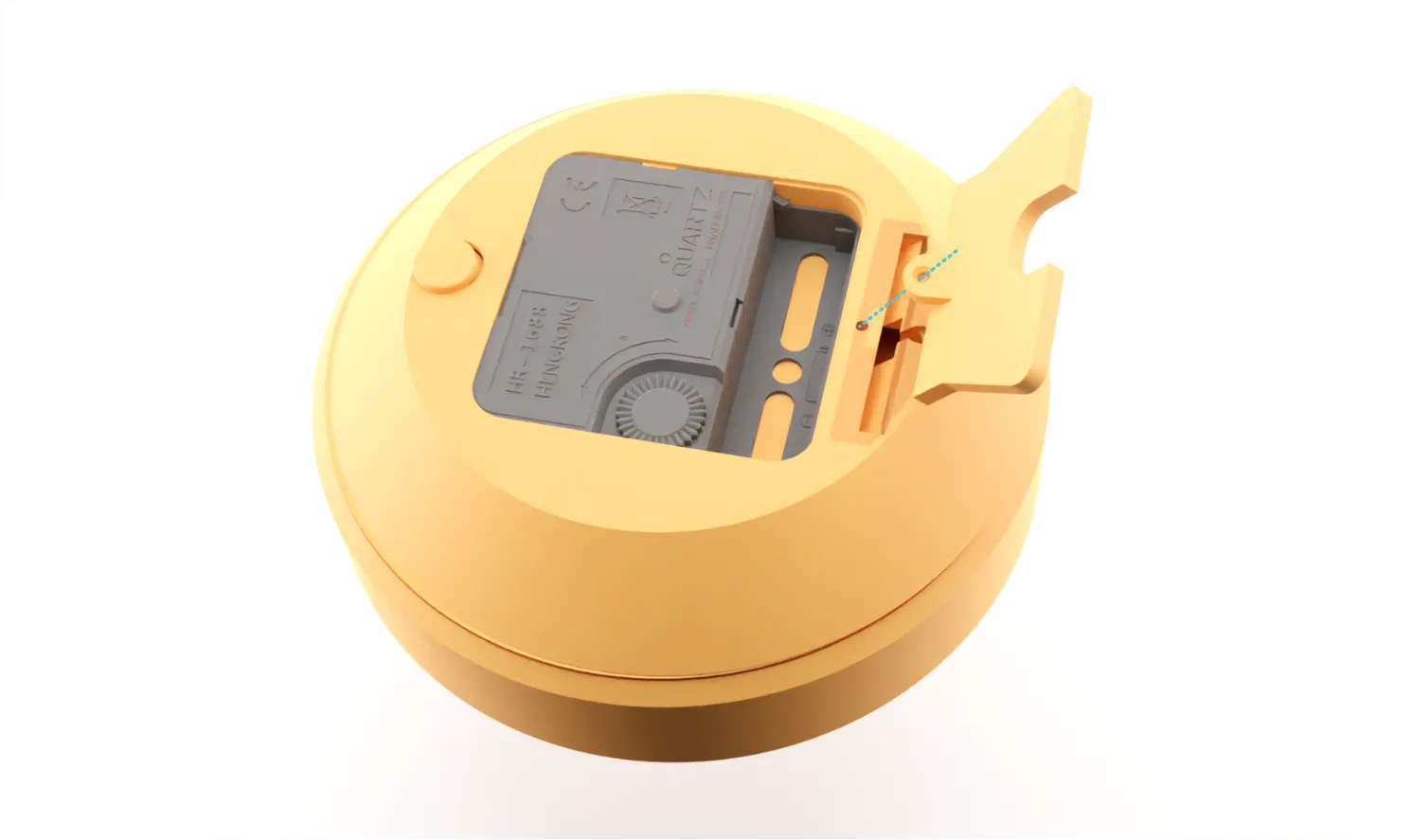 |
Printing Tips
- Use a smooth PEI plate so that the front surfaces (through which light passes) will not be marred.
- Be sure to use a light-colored, opaque filament for the front shell so that enough light can be transmitted. Transparent filaments are not recommended.
- The settings in the print profile are recommended to allow maximum light through the front shell.
Be cautious when removing the fron shell - since it's thin it can easily break or discolor.
Updates
- January 29th: Updated base to account for spacing of stand.
Clock Series
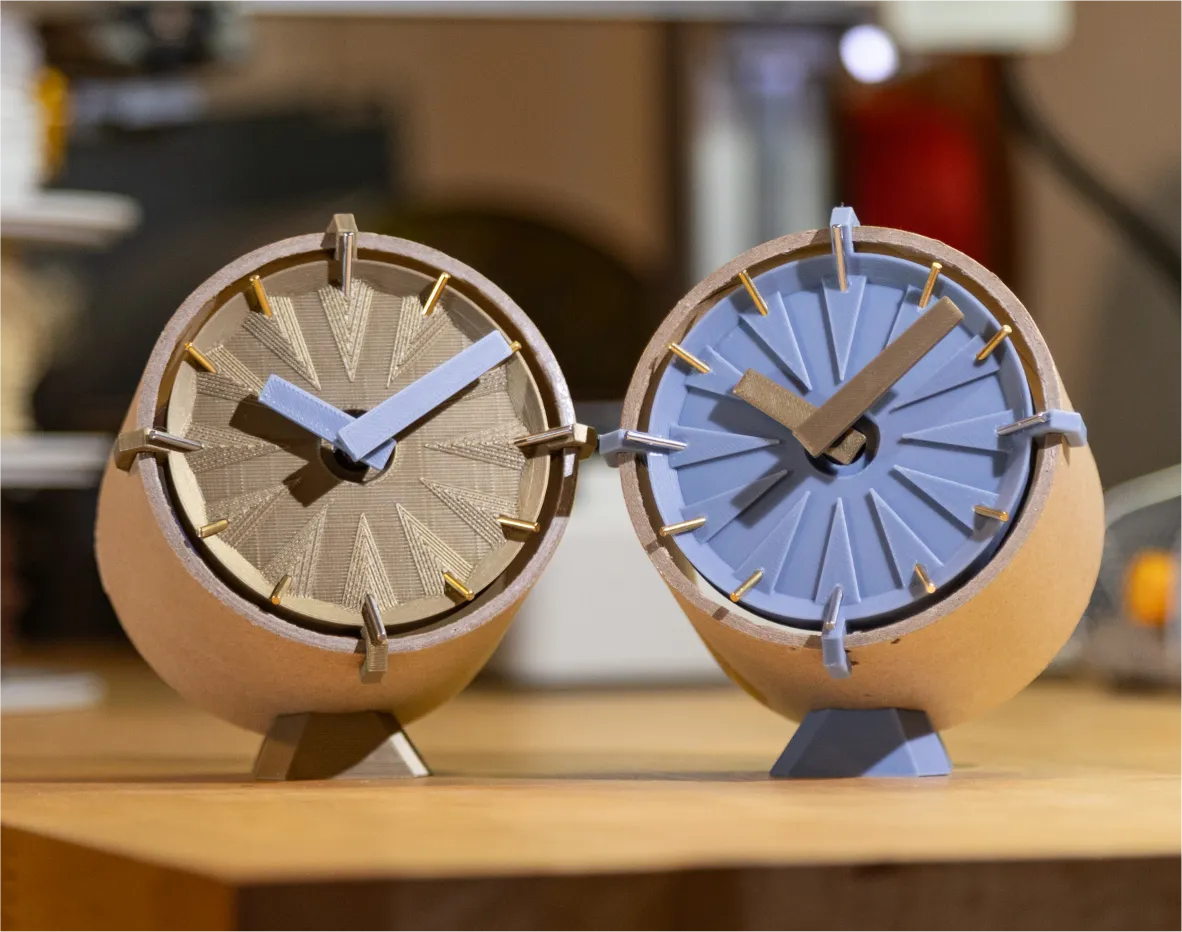
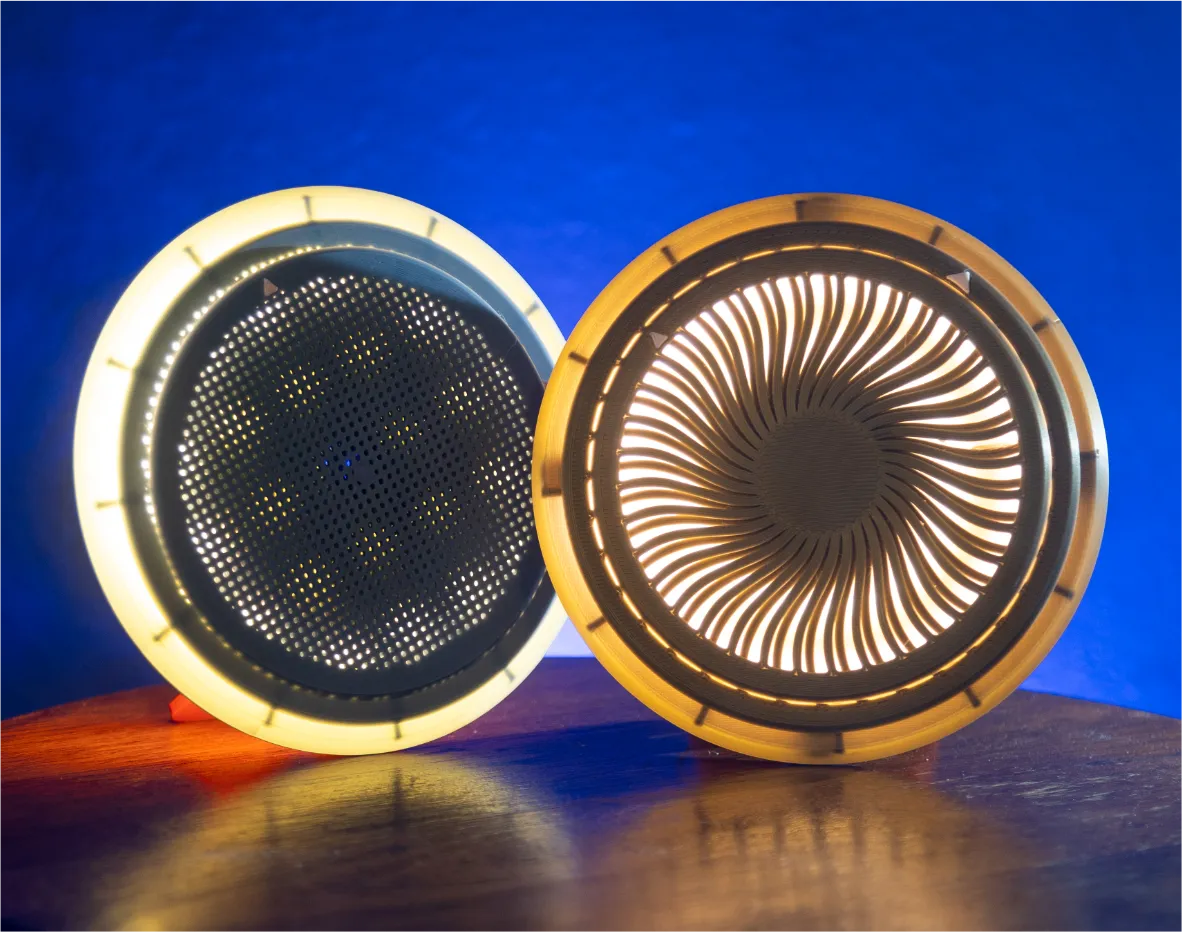
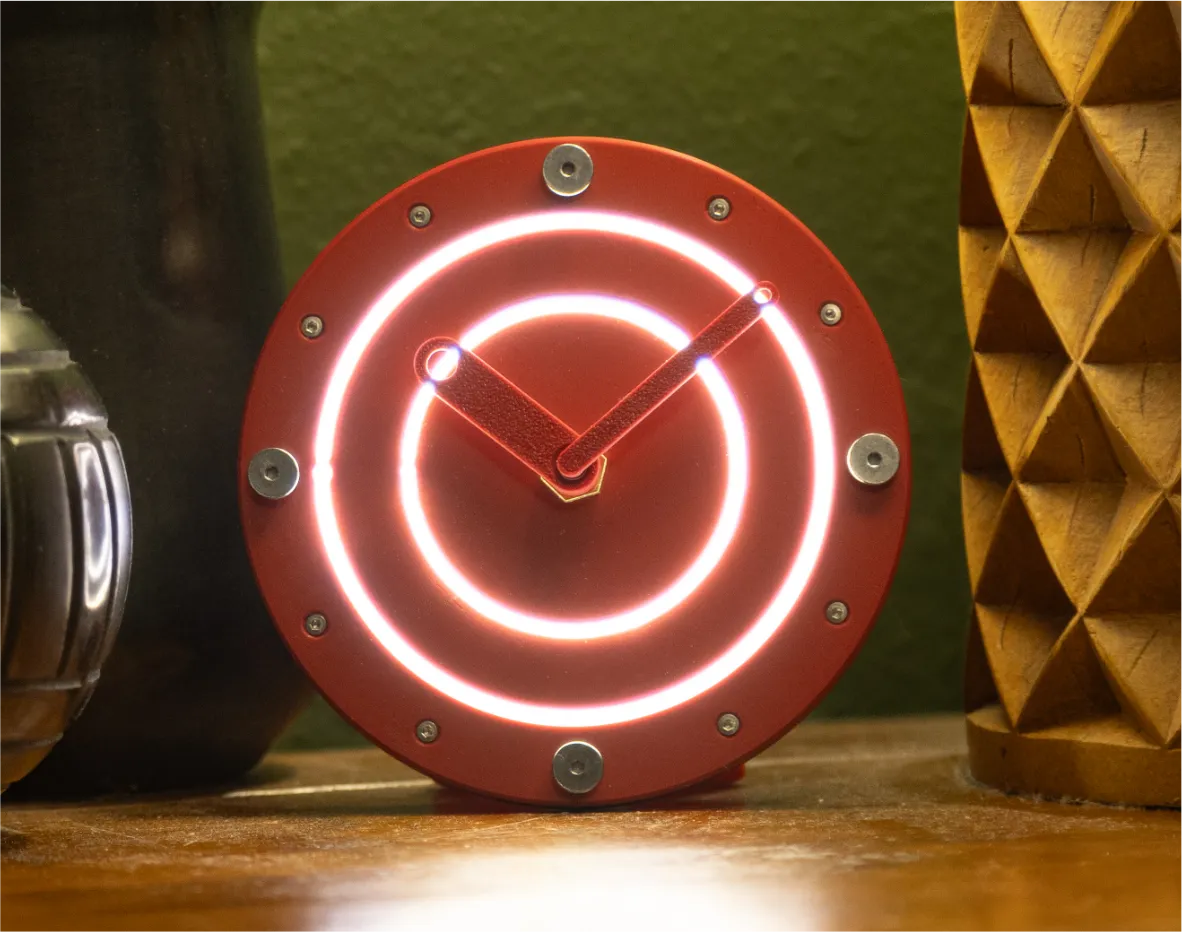
Over the past few weeks, I've been enjoying designing models around the Bambu clock kit - here are other if you'd like to check them out:
Boost Me (for free)
If you enjoy my models and would like to support me, please consider sharing a boost!
Membership
Want to sell prints of my models? This Commercial Membership grants you a license to all of my MakerWorld models!
I love creating models to share for free, personal use. If you enjoyed this model, please consider buying me a coffee or joining me on Patreon.
License

You shall not share, sub-license, sell, rent, host, transfer, or distribute in any way the digital or 3D printed versions of this object, nor any other derivative work of this object in its digital or physical format (including - but not limited to - remixes of this object, and hosting on other digital platforms). The objects may not be used without permission in any way whatsoever in which you charge money, or collect fees.


Comment & Rating (16)