Search models, users, collections, and posts

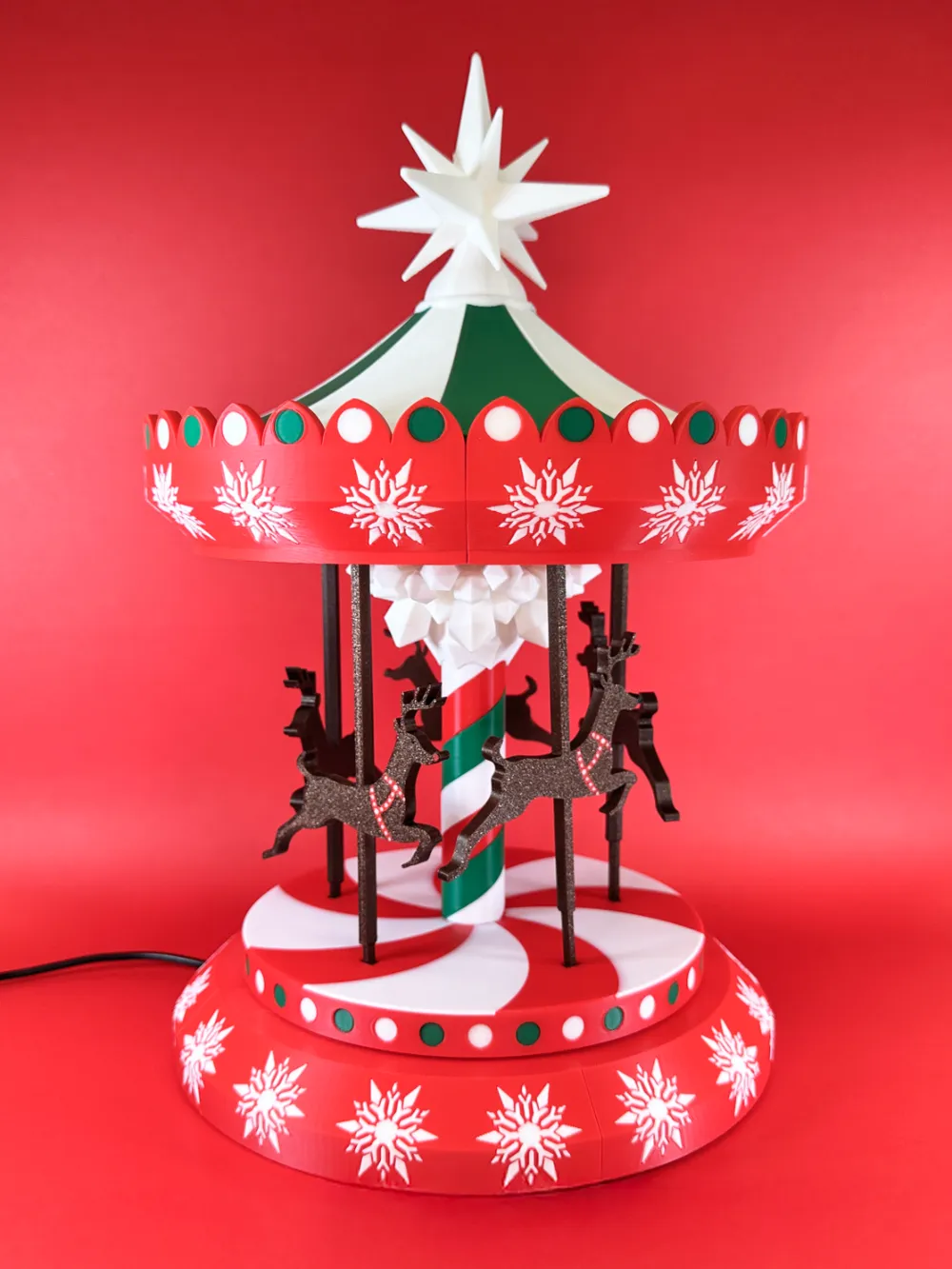
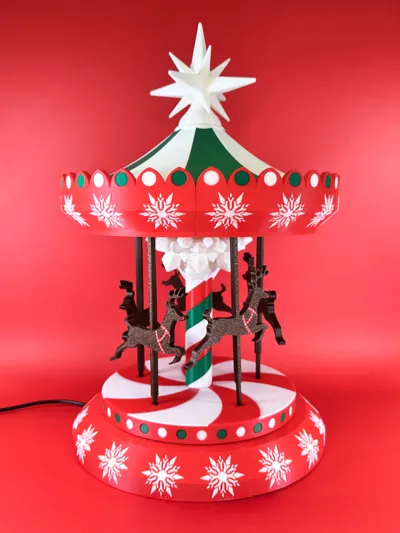
Kinetic Christmas Carousel 2.0 | Motorized version


GIF
Contest Winner
Cozy Christmas

Print Profile(2)

All
X1 Carbon
P1S
P1P
X1
X1E
A1 mini
A1

Multicolor Carousel X1/P1/A1
Designer
62.6 h
14 plates
4.9(37)

Multicolor Carousel A1 mini (Please read the profile info)
Designer
112.8 h
26 plates
5.0(3)

Open in Bambu Studio
Boost
1073
2581
150
129
876
193
Released 

Bill of Materials

Maker's Supply Kits and Parts
Select all
BT2x8 SHCS Self Tapping Screw (20PCS) - AA019
BT2.5x10 SHCS Self Tapping Screw (20PCS) - AA196
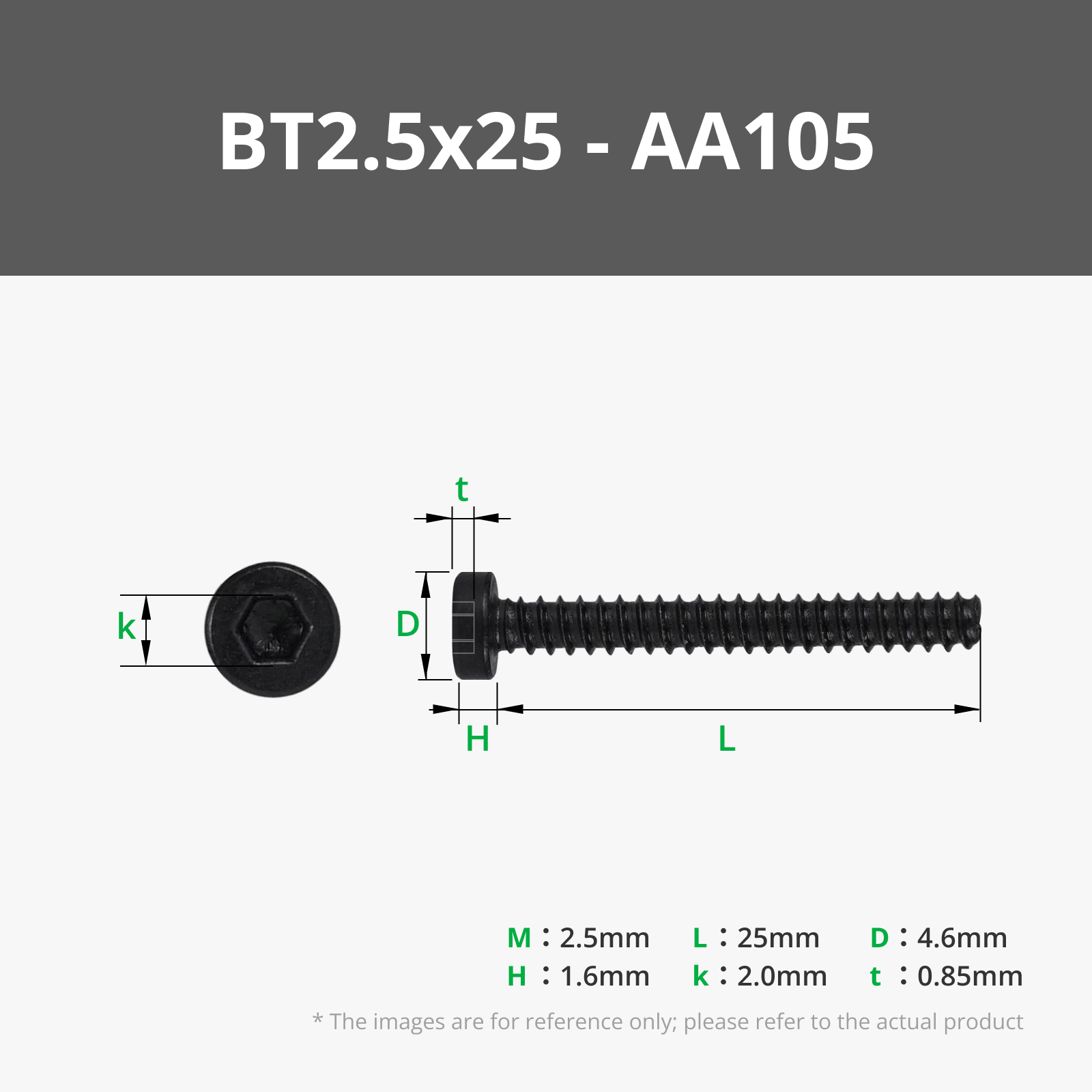
BT2.5x25 SHCS Self Tapping Screw (10PCS) - AA105
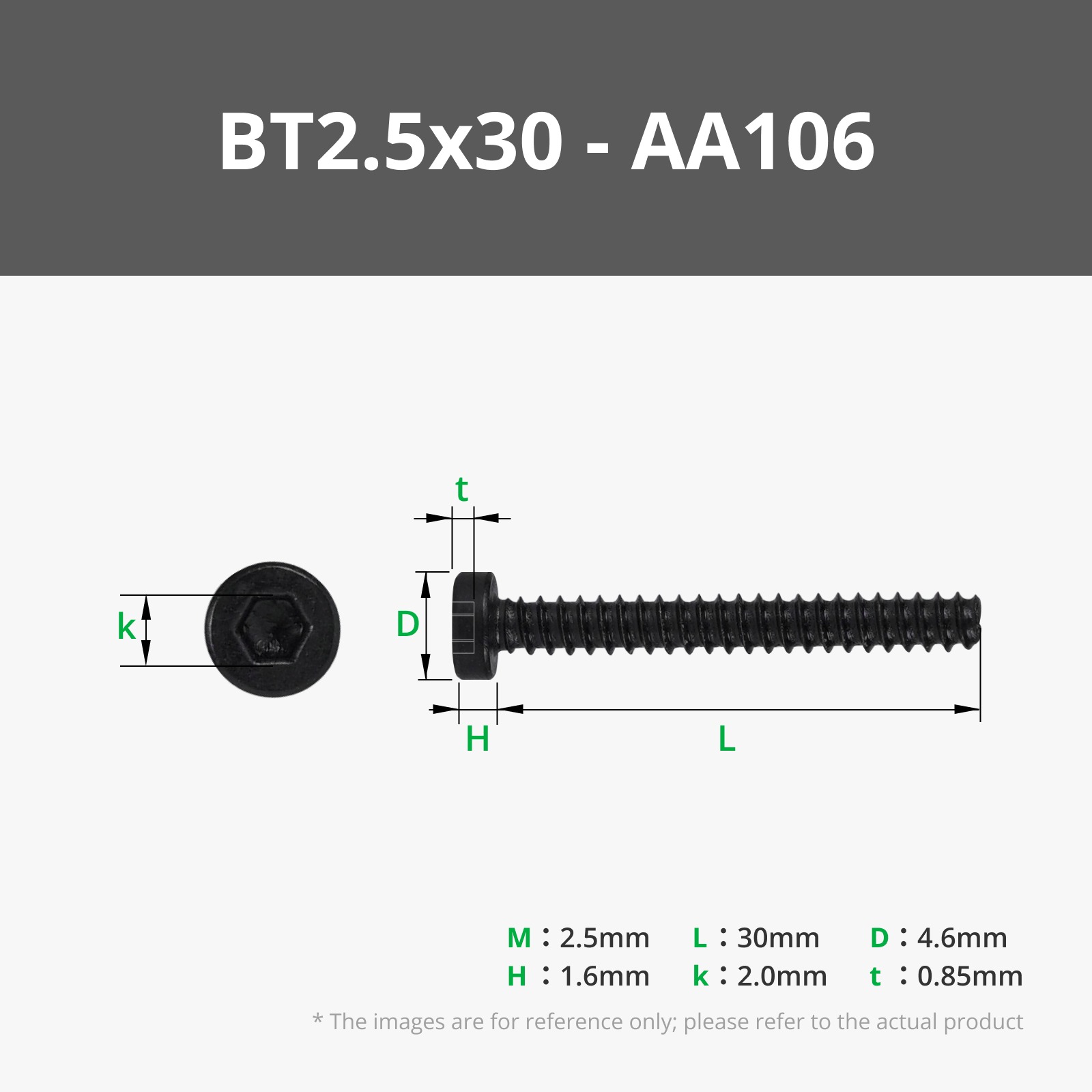
BT2.5x30 SHCS Self Tapping Screw (10PCS) - AA106
2x14 mm Stainless Steel Dowel Pins (20PCS) - DA003
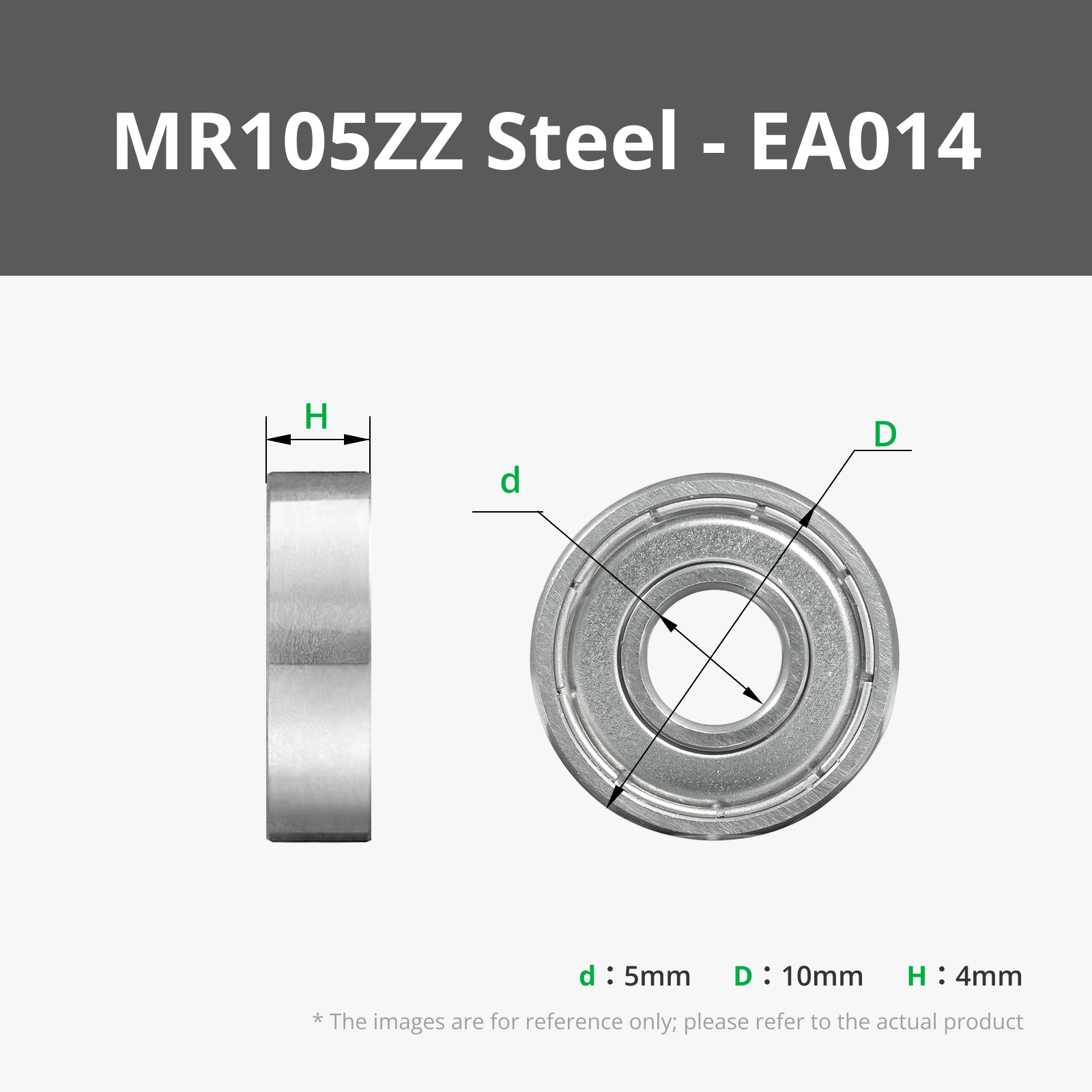
MR105ZZ (6PCS) - EA014
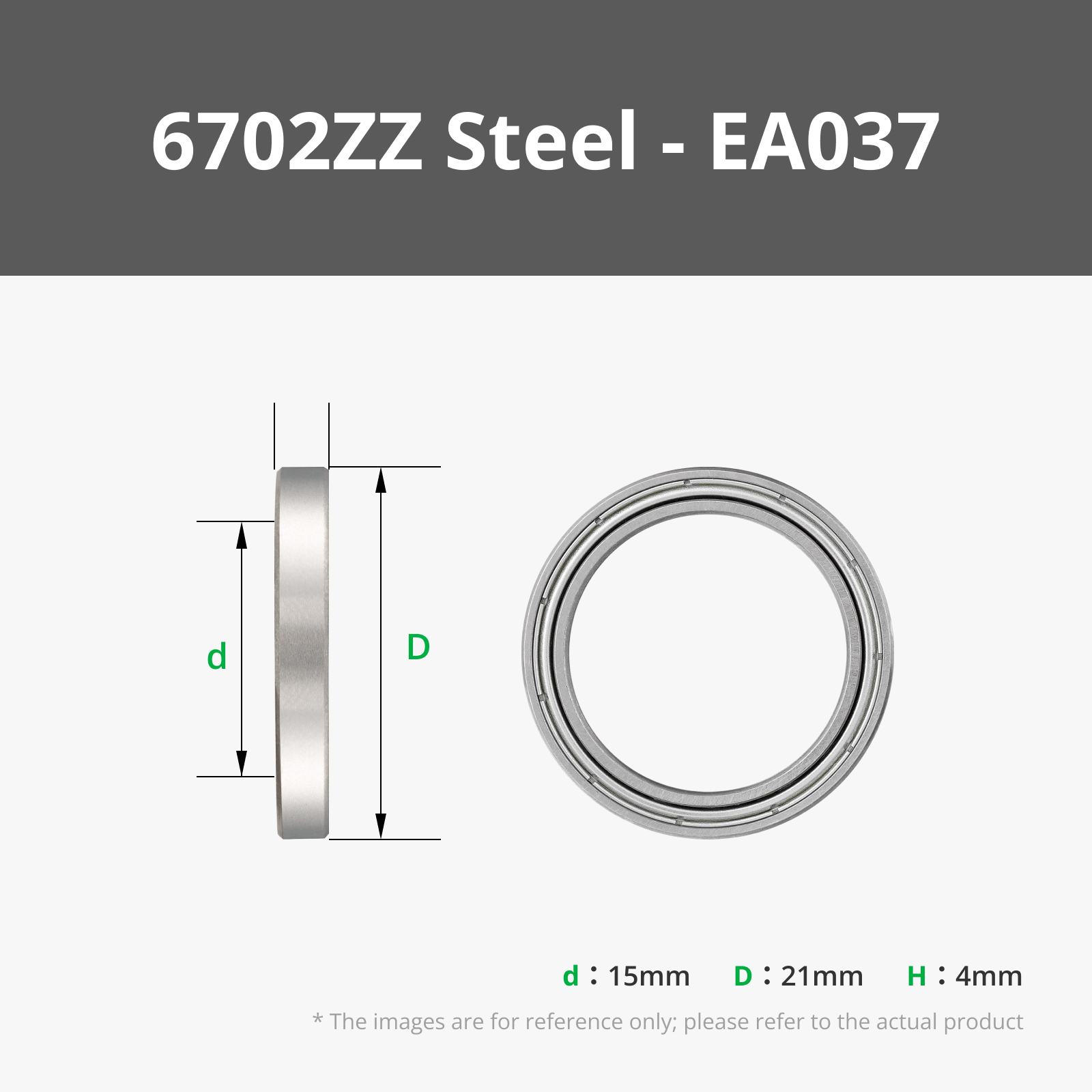
6702ZZ (2PCS) - EA037
TT Motor (DC5V 59RPM CCW Single Axis) -1PCS - LA001
Bambu Filaments
Select all
Red (10200) / Refill / 1kg
Jade White (10100) / Refill / 1kg
Mistletoe Green (10502) / Refill / 1kg
Black (10101) / Refill / 1kg
Brown (13203) / Filament with spool / 1 kg
Red (53200) / Filament with spool / 1 kg

Description

12/28/2024 Update: Letters are added to top plate parts for easier assembly


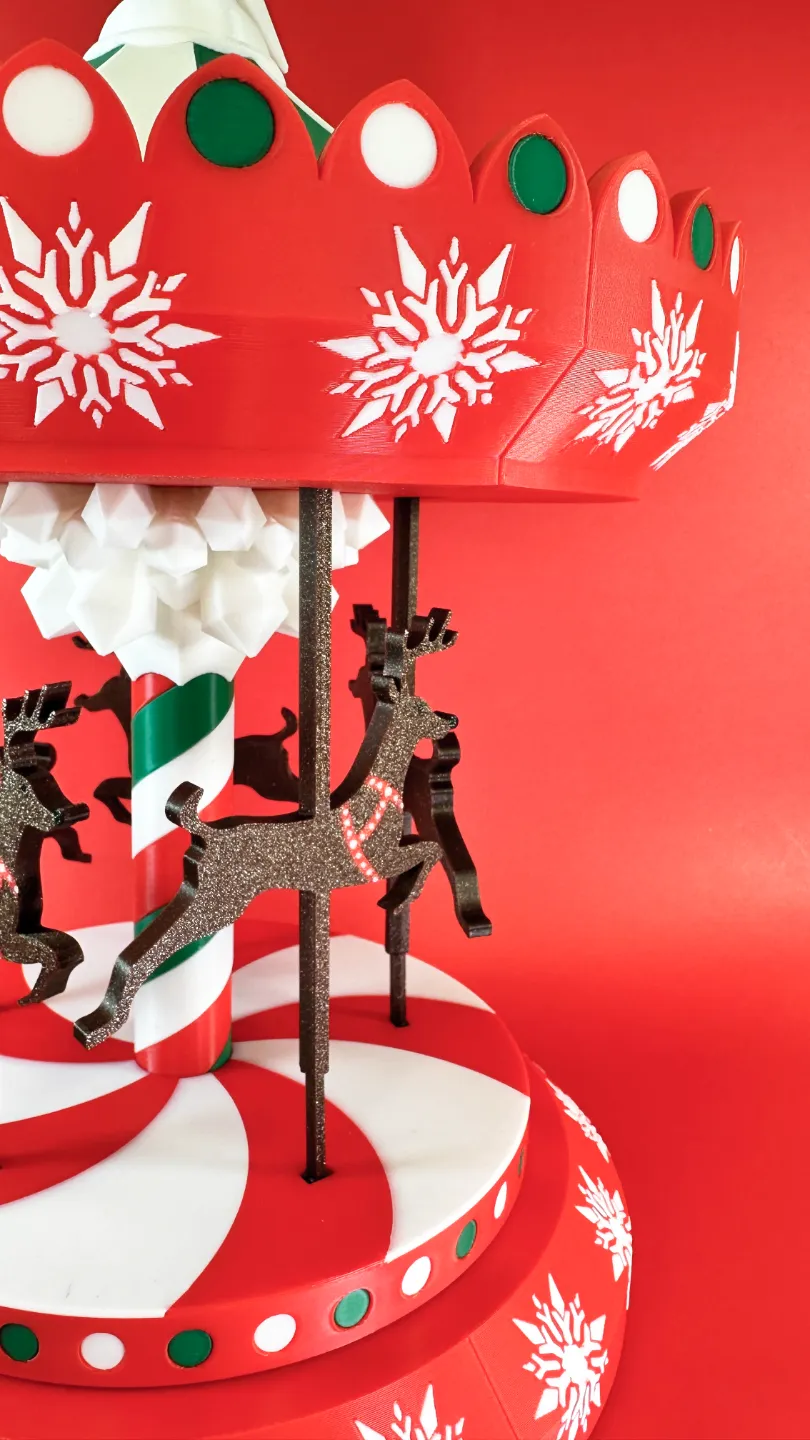
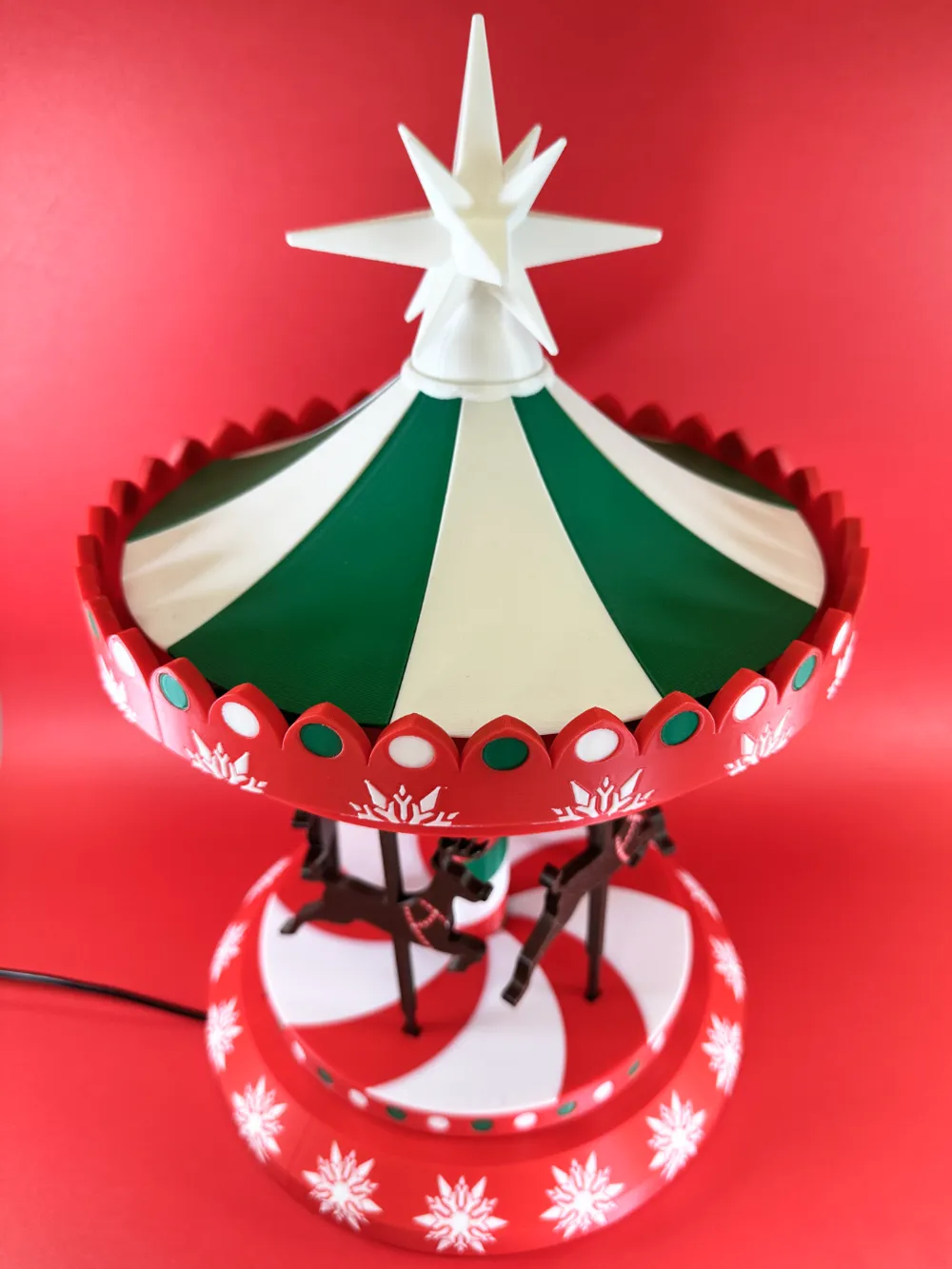
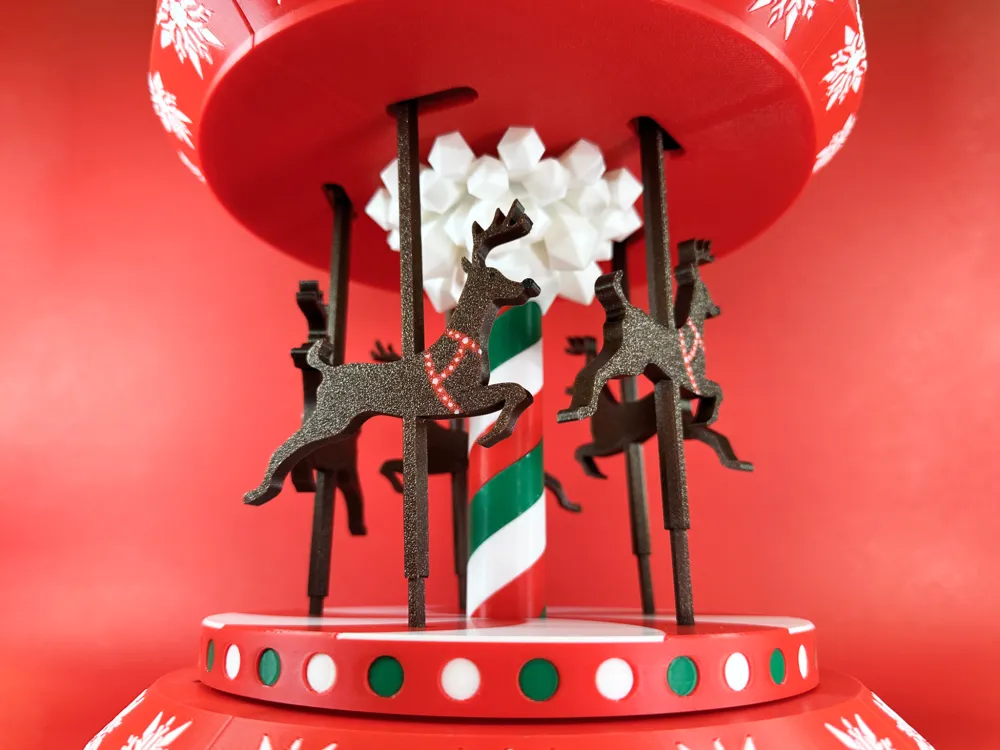
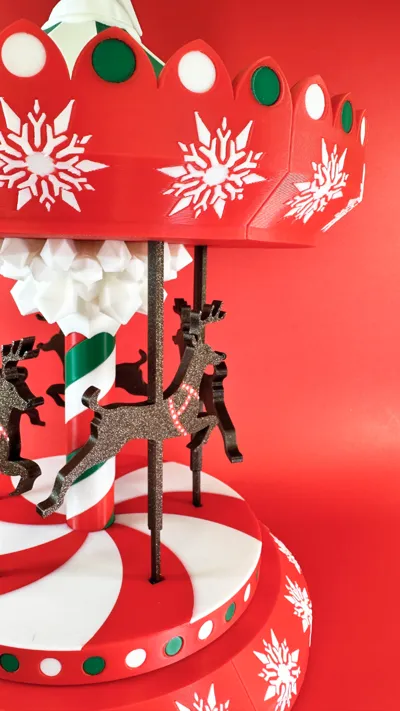
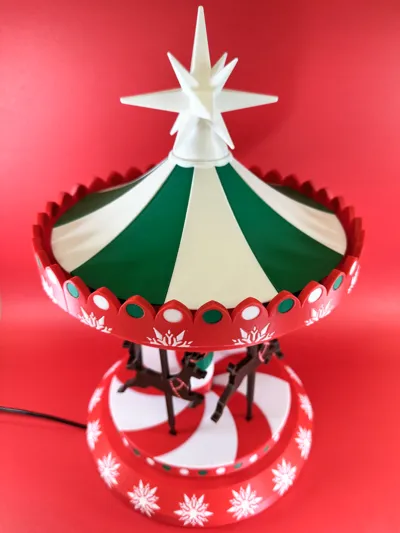
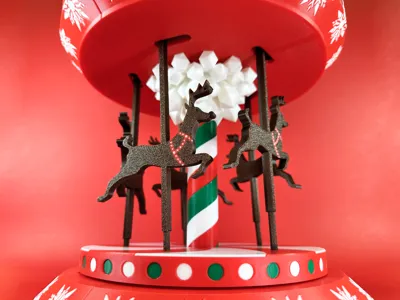
Step into the holiday spirit with🎄✨🦌 Motorized Kinetic Christmas Carousel 🦌✨🎄. Last year, I introduced a hand-spun version of this festive carousel, but this year, I gave it a magical upgrade. Powered by a motor, the carousel now rotates gracefully, bringing your favorite holiday scene to life.


This cozy display features intricate 3D-printed details, vibrant Christmas colors, and a mesmerizing kinetic movement that fills the room with festive cheer and holiday magic.


Designed with care, 3D printed with precision, and assembled with love, this project captures the essence of a cozy Christmas in every spin.


Let the charm of the season come alive with this unique motorized kinetic carousel!


Here's the detailed assembly video:


Feel free to comment and share your prints; it'll be nice to see them. I would appreciate any feedback!


To support my projects or gain access to a Commercial License, please consider joining my Patreon community. 


Thank you,

Happy Tinkering!


Boost Me (for free)

Your support helps bring more creative designs and exclusive content to life!

Comment & Rating (150)

(0/1000)

What ĂĽ wonderfull design and a delight to print.! I am having little trouble to get the white spiral nice and smooth. The green was no issue, but the white is getting rought on the top. The bottom is nice and smooth, but the top isn't. I ve tried it twice now. Can printing with a support be helpfull? It seems that the white is not so stabile as the green. I am printing on a A1 with bambu filaments.
The designer has replied
0
Reply
Thank you for your feedback! The springs must be printed with the supports, it should open with the supports by default when you slice the plate (please check the attached photo), please keep me posted, I am here to help
0
Reply
Printed them with supports, now are they great ! Thanks !
0
Reply
Replying to @user_4288486307 :
did you updat your print profile to add supports because I cant get the model to print with supports
1
Reply
is this printing correct? or did something happen?
The designer has replied
0
Reply
the corners of these 2 pieces seem like they are lifted off the plate?
0
Reply
Unfortunately not, it shouldn't be like that, its bad bed adhesion, which build plate did you use?
0
Reply
I'm using the textured pei plate.
0
Reply
Hi, I'd like to try printing the object, but on Bambu Studio V22.1.60, when I slice plate 1, it gives me a conflict problem (see image). Can I still print it, or does it have to be fixed somehow?
The designer has replied
0
Reply
Hi, did you move them?
0
Reply
Replying to @Pro3DTinkering :
yes thanks i resolved by moving two pieces in another plate
0
Reply
great, keep me posted
0
Reply
Boosted
An absolutely stunning design, meticulously conceived from start to finish! The print went flawlessly, and assembly was a delightful experience. Thank you for sharing this model with us
The designer has replied
Show original
3
Reply
Thank you for your feedback and kind words! That's exactly what I put up while designing the model - joy from the process, thank you for considering printing it!
0
Reply
Hi, I LOVE this design. It is very creative and right up my alley for Christmas decorating. (I am fairly new to 3D printing.) I have printed the parts. I have watched the assembly video a hundred times. I try to assemble the parts and some of my parts will not fit together as the video. I do not know all of the tricks of the trade I guess. Here are a few examples. Example 1: the bearing will fit in the bottom of the tube ok but the top one will not go in without using a hammer...then the barring cannot rotate so the top of the design will not turn. Example 2: All of the screw holes and the holes of the reindeer, top and bottom pieces are too small. Example 3: the gear for the motor will not fit on the peg. It seems to be a huge issue with being able to attach the parts together. I am sorry to complain, I do not know what I am doing wrong. I so badly want to be able to create this beautiful Christmas carousel!! Are you able to offer me suggestions of how to fix my issues? Thank you, S
The designer has replied
0
Reply
Hi, Thank you so much for your kind words and for taking the time to share such detailed feedback. I really appreciate it, and I’m sorry to hear you’ve been having trouble with the assembly. I’d be very happy to help you get it working. Since fit issues like the ones you described can sometimes be caused by printer settings, filament type, or slight print tolerances, could you please let me know which printer you used, as well as the filament type and brand?
0
Reply
Replying to @Pro3DTinkering :
Hi, thank you for replying. I am using the Any Cubic Kobra 3 Max 3D machine and Any Cubic PLA filament.
0
Reply
Replying to @user_3239719332 :
Just to check, are you using Bambu Studio with the recommended print settings?
0
Reply
Print Profile
Multicolor Carousel X1/P1/A1
Printed on Bambu Labs A1. Overall a great design and print. I had some difficulty getting the white and green spirals to fit on the center post. I had to trim one down along one edge to get them to fit next to each other. And I should have looked at what the Red TPU would be used for. I ordered a new spool of Ted TPU and later realized it won’t be visible so I could have used Black TPU that I already had. Great design and fun build!
The profile uploader has replied
0
Reply
Thank you for your feedback and for posting your print! About the spirals, could you please provide more details (filament, settings), I did many iterations (around 20) to fit everything together, and I also printed them on A1, thank you
0
Reply
Replying to @Pro3DTinkering :
I used the recommended settings. And Bambu Labs PLA Basic, Jade White and Mistletoe Green.
0
Reply
Thank you for your reply!
0
Reply
Finished assembly.. Amazing project!!! only suggestion I would recommend would be to identify which screws you are using as well as let us know where it should sit smooth or how hard to press components together. The video was great but needed some additional guidance on how far down each part should go.
The designer has replied
1
Reply
Thank you for sharing the final result! About your recommendation, that was my plan, the detailed video with voiceover, but due to limited time I decided to record a shorter
0
Reply
I started the project and it looks wonderful so far. I'm fairly new and recently purchased a bambu A1. when I use bamboo studio I get two warnings I'm not sure exactly what to use here. warning one, I think is just because the base pieces and the top pieces are all on one printing plate but not connected. so I'm not too worried about that. the other warning says that there could be a collision with the prime Tower. the second question I have is should I use the modified or preset value on the second picture? appreciate the help
(Edited)
The designer has replied
0
Reply
Thank you for your feedback and for considering printing the model. In the 1st picture, the warning about floating regions appears because the ornament has some floating areas, they are tiny and the printer handles them pretty well. Please check the prime tower position, it should be something like the 2nd picture. Also, I reuploaded the file, so you'll find that the top plate now has the numbers for easier assembly. Regarding the preset, please use the modified when you change the printer from x1 to a1 (please check 3rd picture). About your 2nd picture, it is asking you if you want to save the preset in your library which you can use to continue with this project or for future projects. Feel free to ask if you'll have more questions
0
Reply
Greatly appreciate the update information. Looking forward to finishing the project.
0
Reply
Print Profile
Multicolor Carousel X1/P1/A1
works great so far, I'm printing in PETG.
The profile uploader has replied
0
Reply
Thank you for your feedback! It would be nice to see your print
0
Reply
Replying to @Pro3DTinkering :
I will post a picture of it when it is completely finished. but this is the .most detailed part i have done so far.
(Edited)
0
Reply
Replying to @Qanelin :
It looks great, did you dry the filament before printing? Cause it looks pretty neat
0
Reply
Hello, if I want to keep it manual for now (I'm really not comfortable with motors, etc.), is it possible to print this V2
The designer has replied
Show original
0
Reply
Hello, thank you for considering to print my carousel model, if you want to keep it without the motor for now, you can just skip the motor installation, while you will turn the bottom plate, it’ll activate the Santa reindeers, please keep me posted, thank you
0
Reply
Replying to @Pro3DTinkering :
Great, it's true that version 2 seems more polished to me, it would have been a shame to have to stick with V1 :) However, it's a big project... 400 grams for the base... oh dear, 3 days at 0.16mm and a little less at 0.2mm layers
Show original
0
Reply
Replying to @cryoglobe :
yeah, while designing, I was thinking about making the base from combined parts top and bottom for each piece, but decided to stick with this idea for that version, btw which printer are you using? Because I remember that the printing time was much longer
0
Reply

License

This user content is licensed under a Standard Digital File License.

You shall not share, sub-license, sell, rent, host, transfer, or distribute in any way the digital or 3D printed versions of this object, nor any other derivative work of this object in its digital or physical format (including - but not limited to - remixes of this object, and hosting on other digital platforms). The objects may not be used without permission in any way whatsoever in which you charge money, or collect fees.