
Print Profile(3)


Description
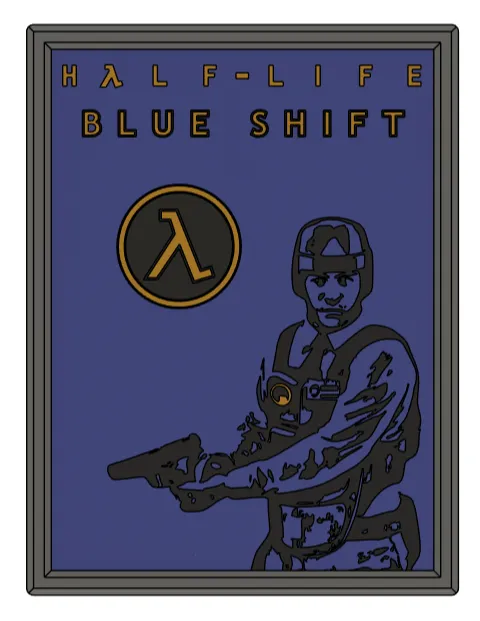
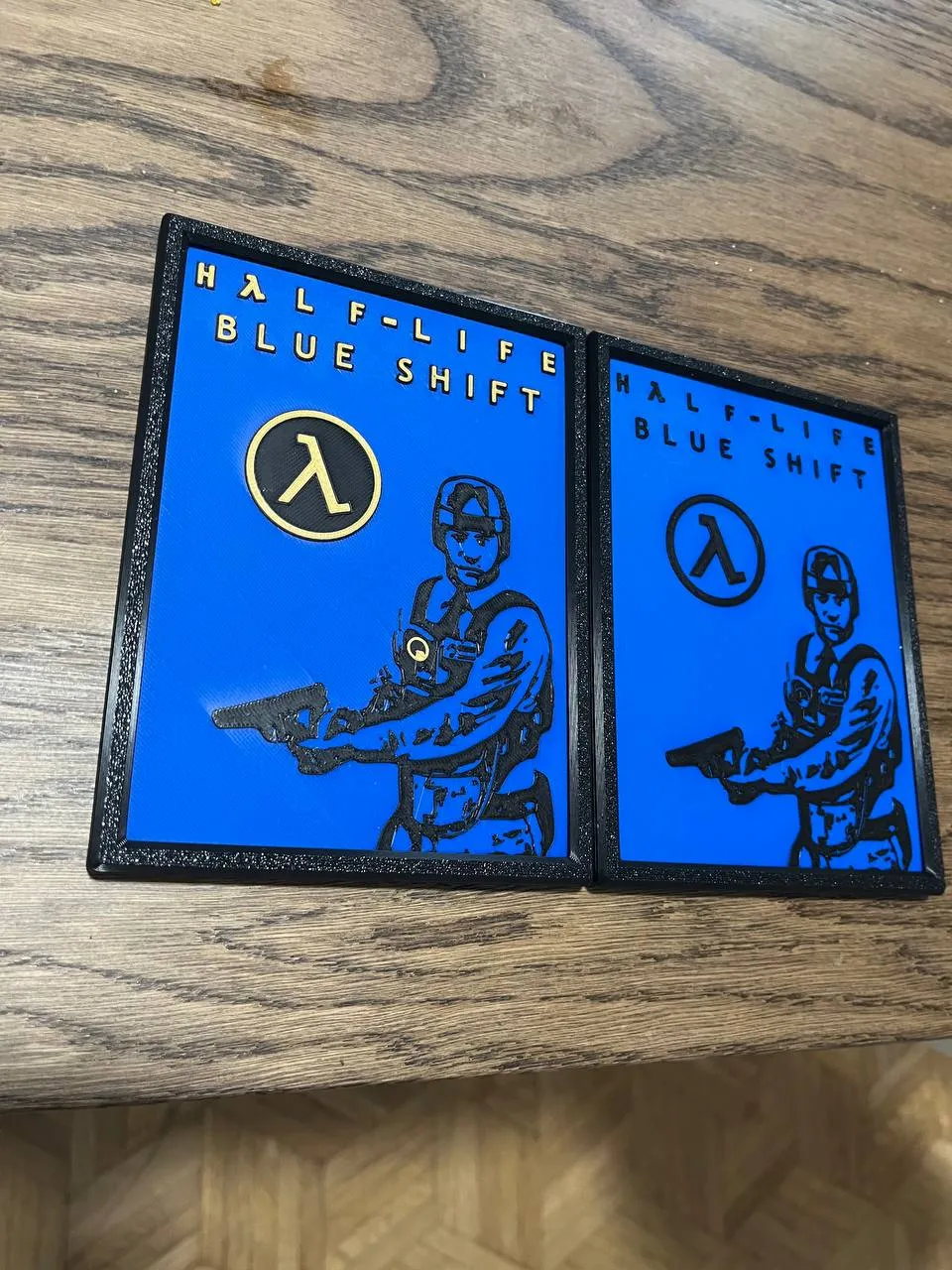
This is an unofficial Half-life: Blue Shift wall art, made in homage to the 20th anniversary of Half-life 2. Bring some Barney Calhoun action to your wall!
This game has been an important part of my life since my childhood, and I wanted to have something nice related to the game in my house, and now so can you!
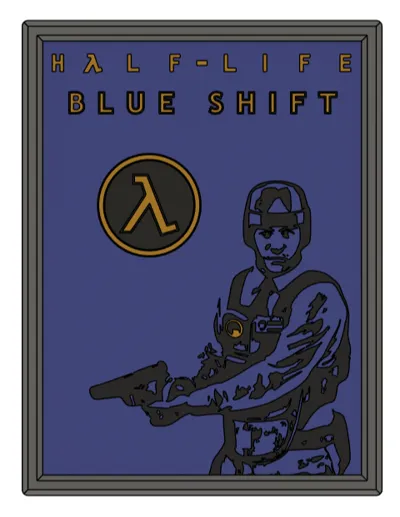
I have included 3 versions of this model, two in 3 colors, and another in 2 colors. It's also possible to print this without AMS, using print pauses at certain layer heights. All models are 120x160mm in size.
The frame holder is snap and fit, so no other parts are necessary for assembly.
This wall art is part of a series of Half-Life arts I'm making, you can check the others here.
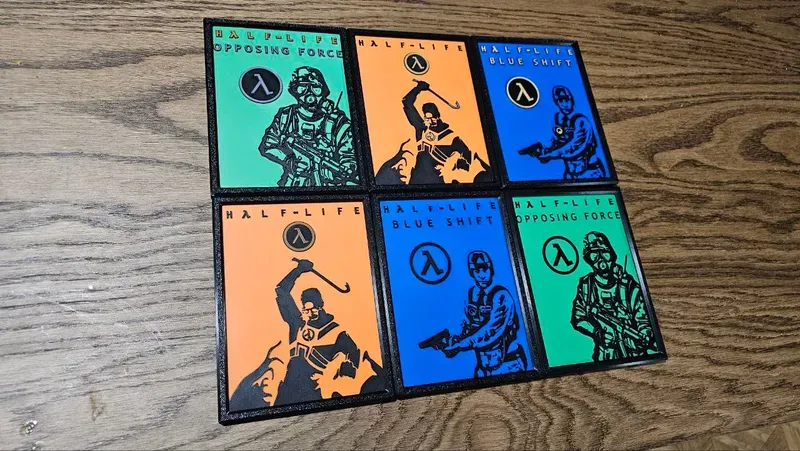
Disclaimer: I am not associated with Valve in any way. This is just the work of a fan from the franchise :)
Boost Me (for free)
I make these models for free, and it takes time and material to test them out. Your boost will help me keep releasing new models! Thank you!
Do you like my models? Consider buying me a coffee ;)

No-AMS Instructions
- 3-color version: Add one pause at layer height 0.8 (layer 9) and switch from blue to black. Add one last pause at layer height 1.28 (layer 15) and replace black with yellow or gold.
- 2-color version: Add one pause at layer height 0.8 (layer 9) and replace blue with black.
There's also an automated version of those steps in the print profile, just select the No-AMS print plates.
AMS instructions
Just load the desired colors in your AMS, and select the desired plates in the print profile. If you're slicing the STL directly, you'll need to paint based on the layer heights as described in the No-AMS instructions.
Print Settings
Printer Brand:
Rafts:
Doesn't Matter.
Supports:
No.
Resolution:
- Wall art: 0.08 layer height with an initial layer height of 0.16.
- Frame holder: 0.2 layer height. Same for the initial layer height.
Walls/Perimeters:
- Wall art: 2.
- Frame holder: 3.
Infill:
- Wall art: 100%
- Frame holder: 20%
Filament:
Any.
License



Comment & Rating (2)