
Customizable SVG NFC Digital Business Card 3D
Print Profile(1)

Bill of Materials
- NFC Tags x 1: https://www.amazon.com/dp/B087JQGXWF?ref=ppx_yo2ov_dt_b_fed_asin_title&th=1
Description
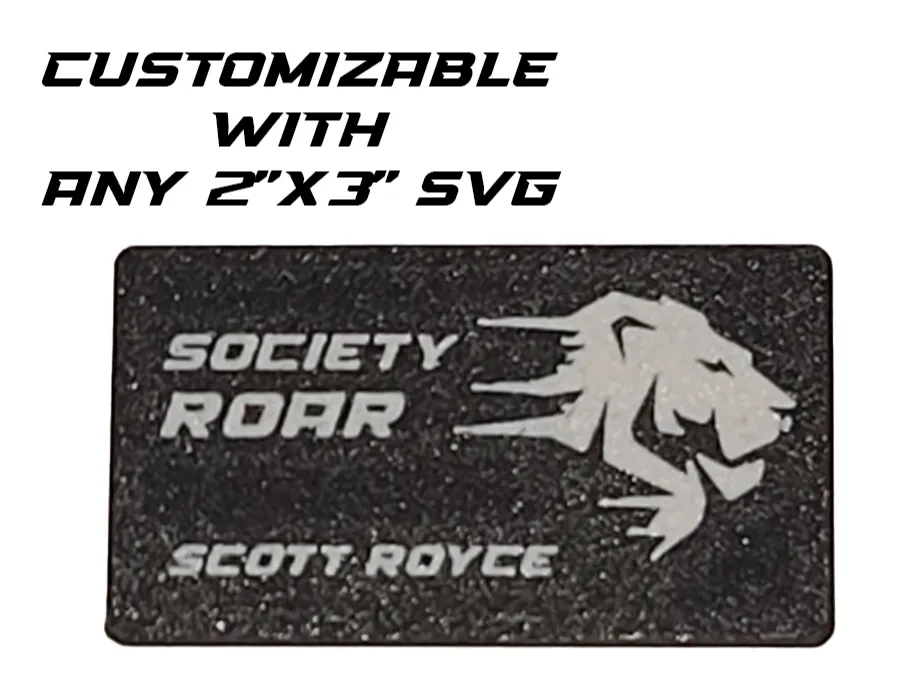
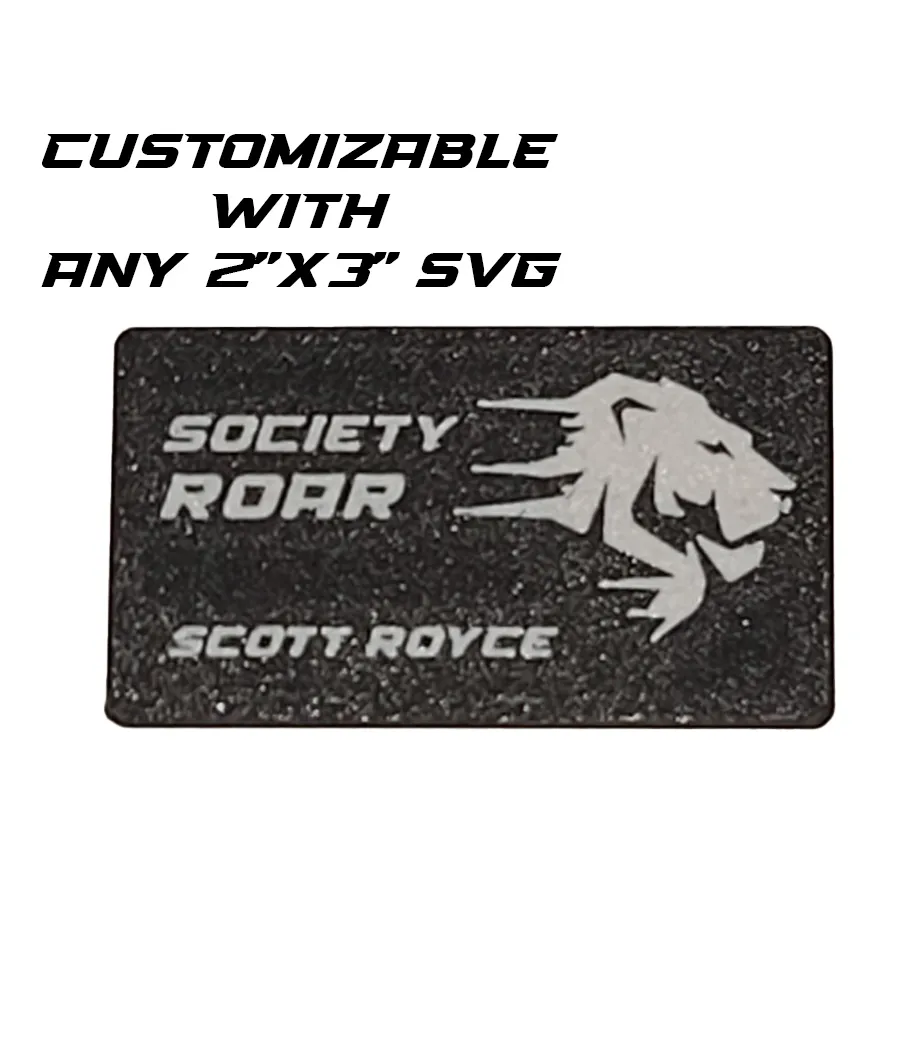
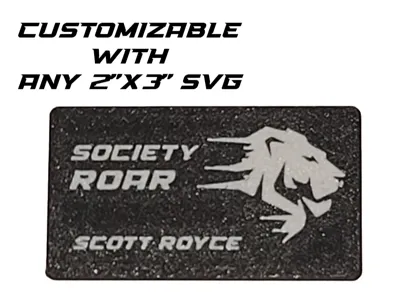
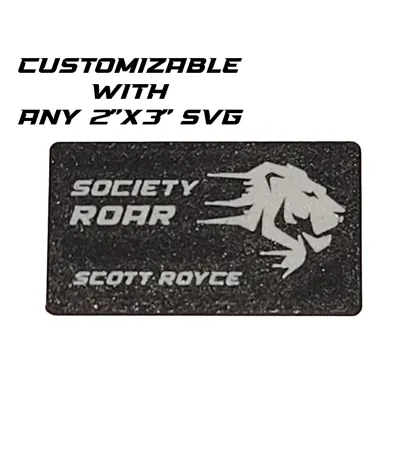
Take your networking to the next level with the Society ROAR Digital Business Card! This 3D-printable design features an integrated slot for a programmable NFC tag, allowing you to effortlessly share your contact details, social media profiles, videos, email, SMS, and more. This project is perfect for tech-savvy professionals who want to make a memorable first impression.
Boost Me (for free)
Shoot me a BOOST
What You Need:
- NFC tag (compatible with this Amazon listing).
- SVG logo or custom design for personalization. (Bambu Lab New Feature with last update)
- AMS (Automatic Material System) for multi-color prints (optional).
Features:
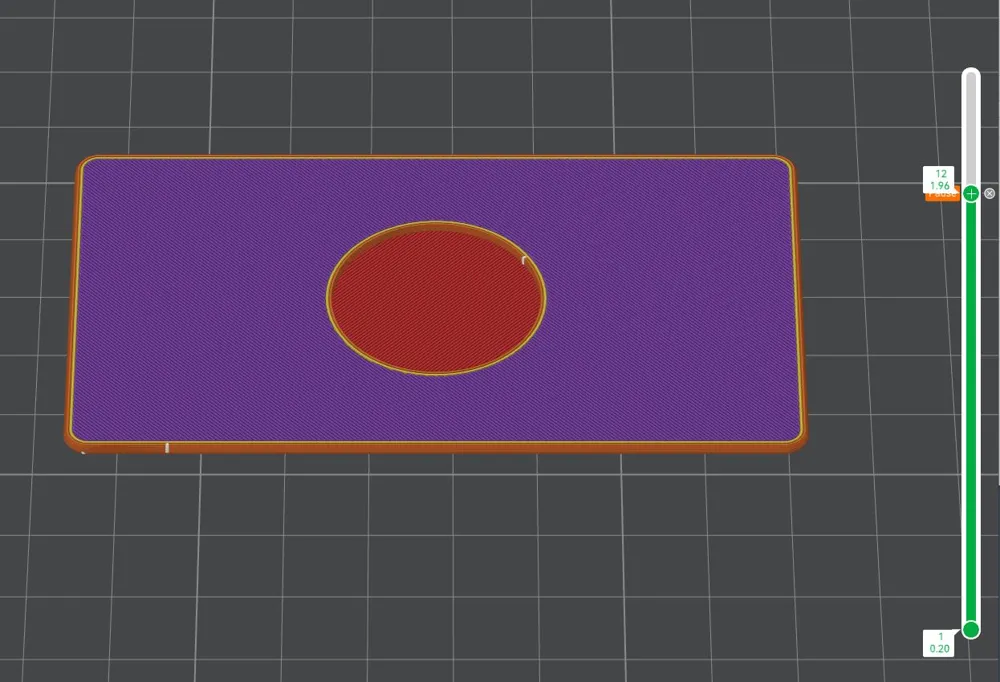
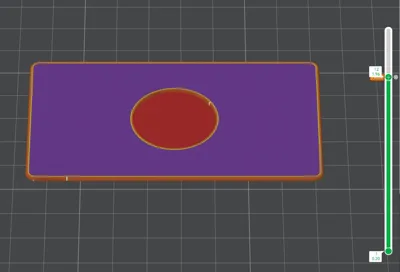
- NFC Integration: Includes a pause in the print file so you can insert the NFC tag securely during printing.
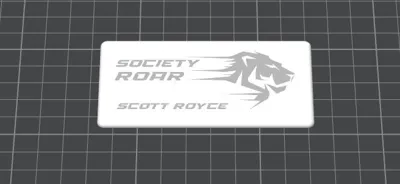
- Customizable Design: Replace the pre-set design in the object with your own SVG by cutting at a 0.01 layer.
- Easy Color Customization: Use paint tabs in your slicer (if you have AMS) to assign colors to specific areas of the design.
- Professional Look: Lay the custom face of the card down on the print bed for a polished surface finish.
Instructions:
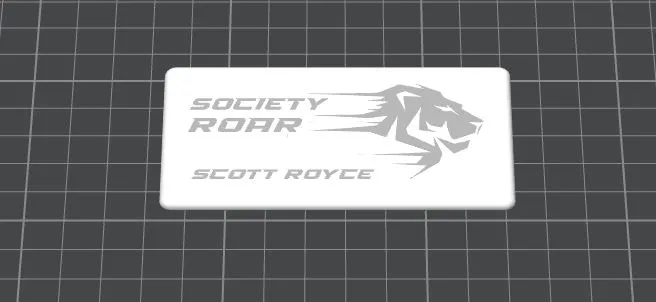
- Load the print file into your slicer and remove the preloaded logo object in the design.
- Add your own logo or custom design using an SVG file. Ensure the cut depth is set to 0.01mm. (Right Click Add Part, Add SVG)
- Select the body and the SVG layer, then use the Create Mesh Boolean operation to merge them seamlessly into the model.
- Use the paint tab feature (if you have AMS) to assign colors to your design for a professional multi-color finish.
- Set Pause at Layer 12 to be able to insert NFC Tag
- Start the print on your 3D printer.
- When prompted, pause the print and insert the NFC tag into the designated slot. I use a dab of super glue.
- Resume the print to securely embed the tag.
Why It Stands Out:
The combination of sleek design, modern technology, and customizable branding makes this NFC business card a game-changer for anyone looking to leave a lasting impression.
Ready to print your own? Let the Society ROAR Digital Business Card open the doors to smarter, tech-driven networking!
License

You shall not share, sub-license, sell, rent, host, transfer, or distribute in any way the digital or 3D printed versions of this object, nor any other derivative work of this object in its digital or physical format (including - but not limited to - remixes of this object, and hosting on other digital platforms). The objects may not be used without permission in any way whatsoever in which you charge money, or collect fees.


Comment & Rating (3)