
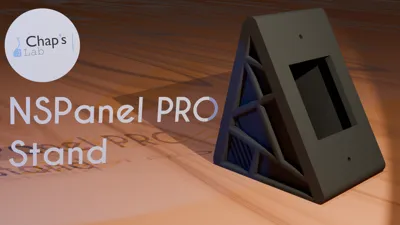
Sonoff NSPanel - Custom case/stand - 8 variant
Print Profile(1)

Bill of Materials

Description
Do you know the NSPanel & NSPanel Pro?
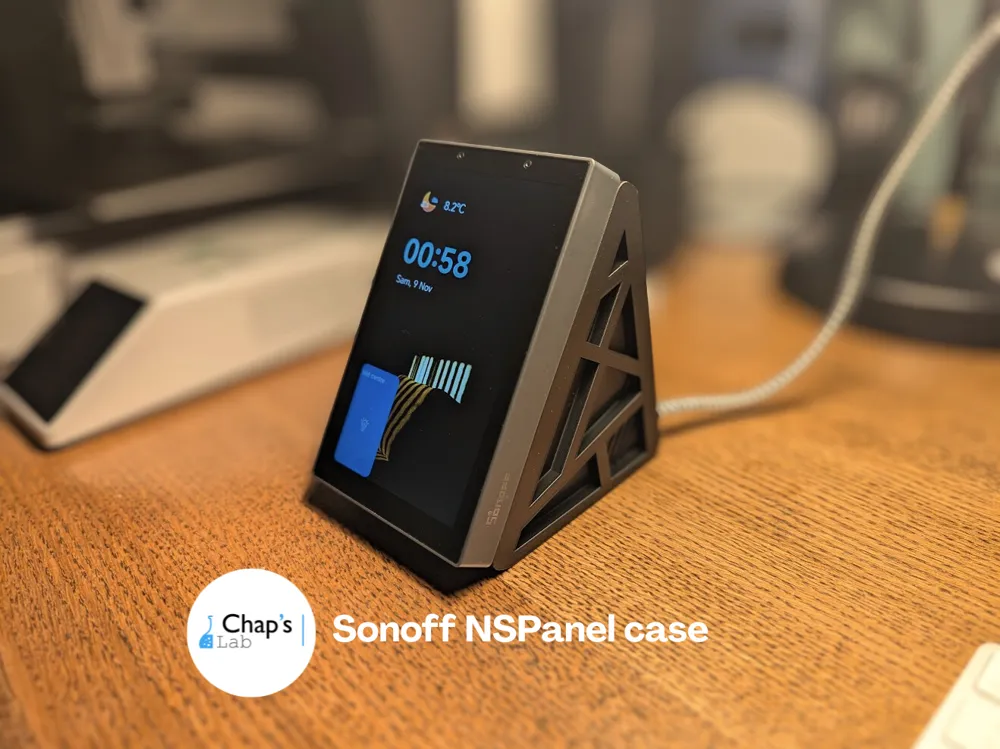
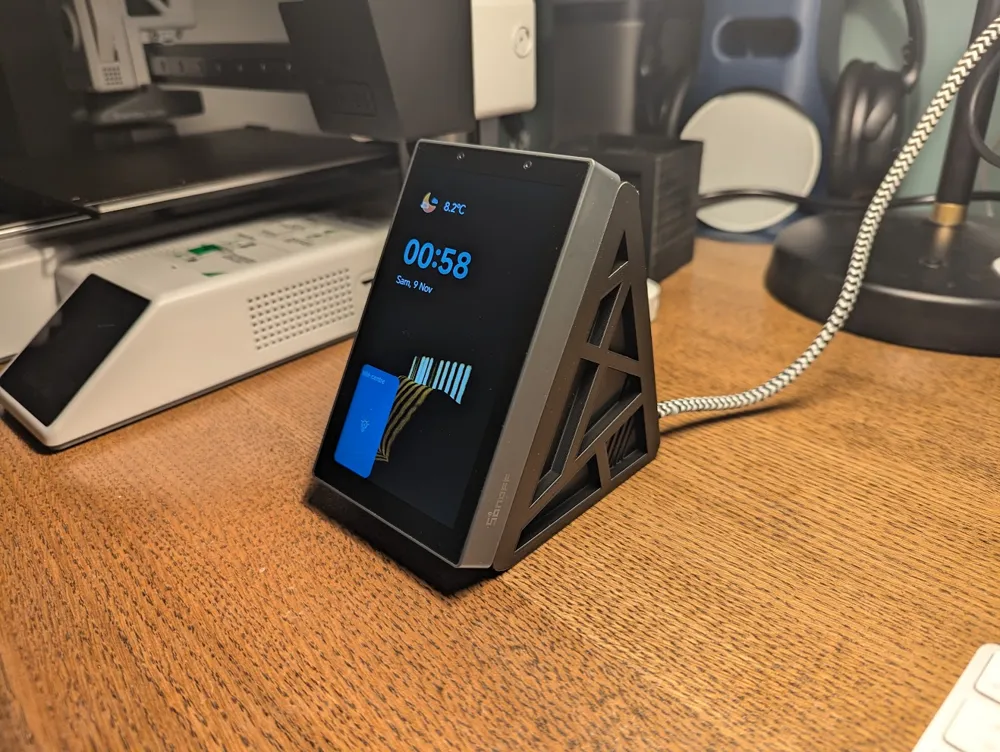
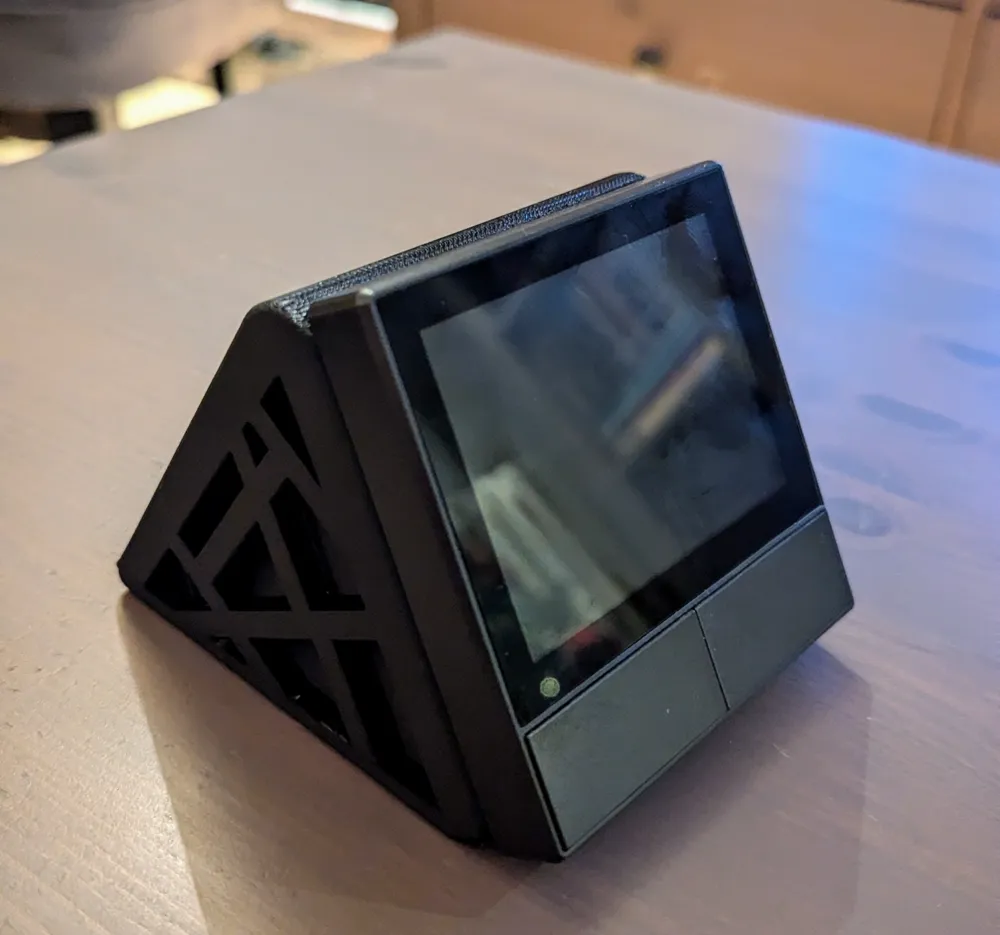
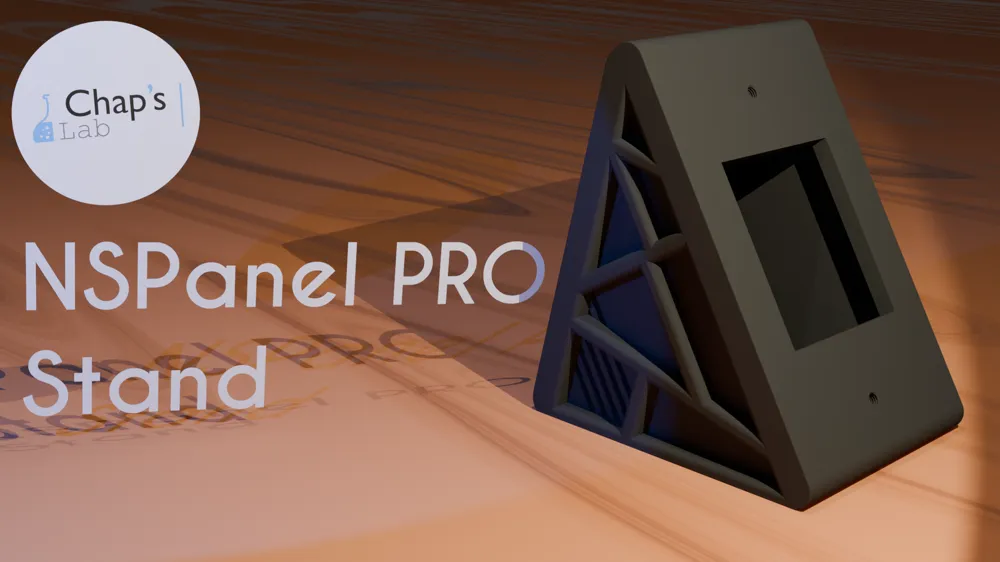
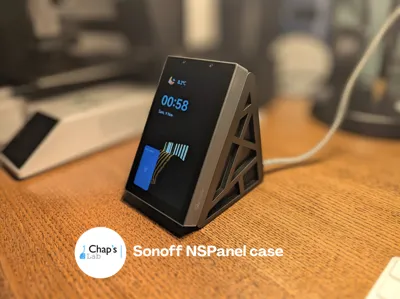
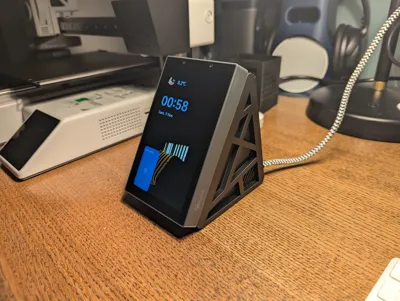
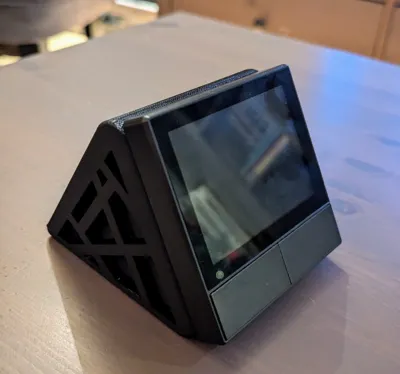
It’s a small tablet compatible with ZigBee, Bluetooth, and Matter, designed to be embedded in your walls, replacing traditional switches. This type of installation can be tedious, so I’ve designed this stand that allows you to place the tablet on a bedside table or a piece of furniture and connect it to a standard outlet.
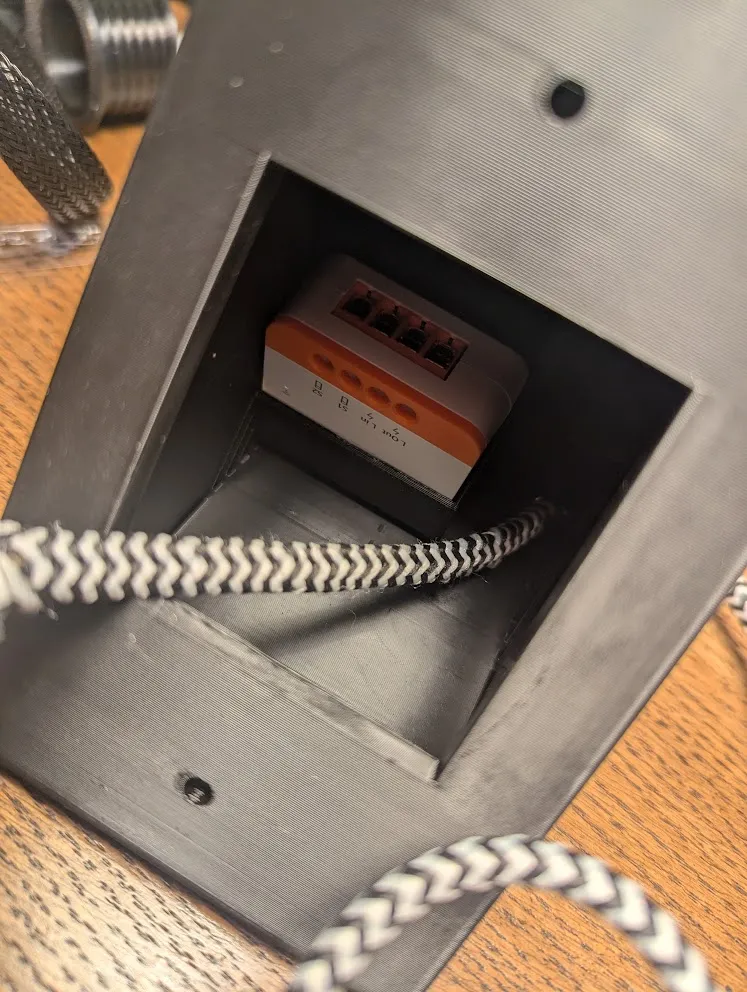
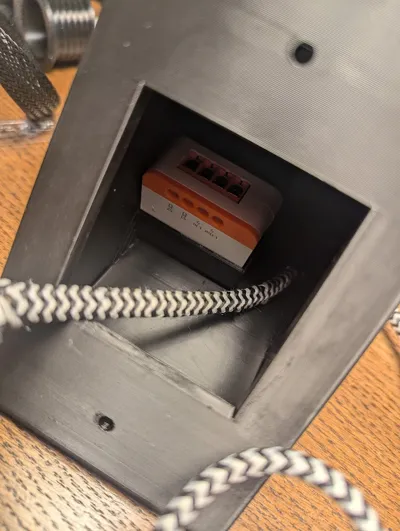
For the larger model designed for the NSPanel 120, there is also an internal compartment to hide a connected relay, allowing you to connect a device directly to the case.
Technical details:
- Compatible models: NSPanel 120 and NSPanel 86 Pro and standard.
- Compatible relay: Slot based on the dimensions of the ZBMINIL2 (39x32x49mm) (only for the NSPanel 120 stand).
Boost Me (for free)
Love my work? Help me create even more! Your support boosts my creativity and fuels new ideas. Let’s make amazing things together!
Various options are available.
| Plate # | Name | Description | compatible devices |
| 1 | NSPanel120 - 1 cable | Case for NSPanel 120 in portrait | NSPanel120 & NSPanel 120 pro |
| 2 | NSPanel120 - 2 cable | Case for NSPanel 120 in portrait with extra cable hole and space for a smart relay | NSPanel120 & NSPanel 120 pro & ZBMINIL2 (or equivalent with a max size of 39x32x49mm) |
| 3 | NSPanel86 - 1cable - 2 screws | Case for NSPanel 86 pro 1 cable hole only | NSPanel86 pro |
| 4 | NSPanel - 2cable - 2 screws | Case for NSPanel 86 pro 2 cable hole | NSPanel86 pro |
| 5 | NSPanel - 1cable - 4 screws | Case for NSPanel 86 1 cable hole only | NSPanel86 & NSPanel86 pro |
| 6 | NSPanel - 2cable - 4 screws | Case for NSPanel 86 2 cable hole to connect electric relay | NSPanel86 & NSPanel86 pro |
| 7 | NSPanel120 - 1 cable - Landscape | Case for NSPanel 120 in landscape | NSPanel120 & NSPanel 120 pro |
| 8 | NSPanel86 - cable bottom + bottom fixation | Case for NSPanel 86 with hole cable in bottom and some hole to fix it with screws (asked by DM for a usecase in a van) | NSPanel86 & NSPanel86 pro |
Guide d'installation
Prérequis
| Nom | Image | Lien |
| NSPanel pro 120 or NSPanel pro 86 or NSPanel 120 or NSPanel 86 |  | https://itead.cc/product/sonoff-nspanel-pro-smart-home-control-panel-120-type/ref/62/
|
| A cable & an electrical plug | https://amzn.to/3Aq4fAc (version EU, choose the right version depending of your country) | |
| ZBMINIL2 (optional) |  | https://itead.cc/product/sonoff-zbminil2-extreme-zigbee-smart-switch-no-neutral-required/ref/62/ |
Installation
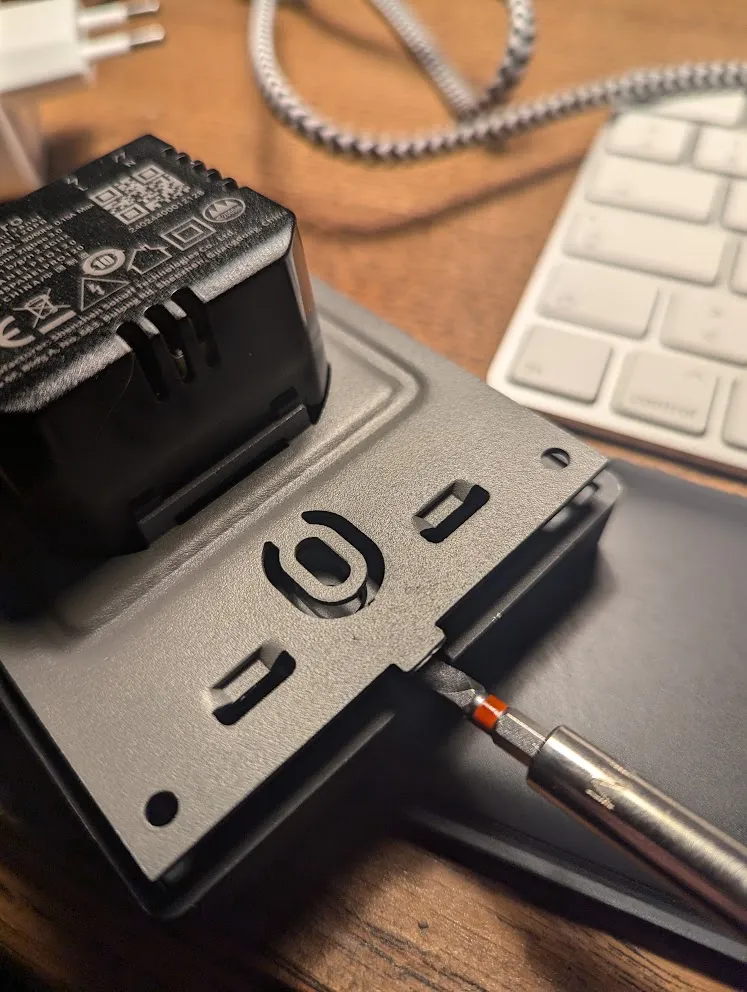
1 - Remove the back panel of the device.
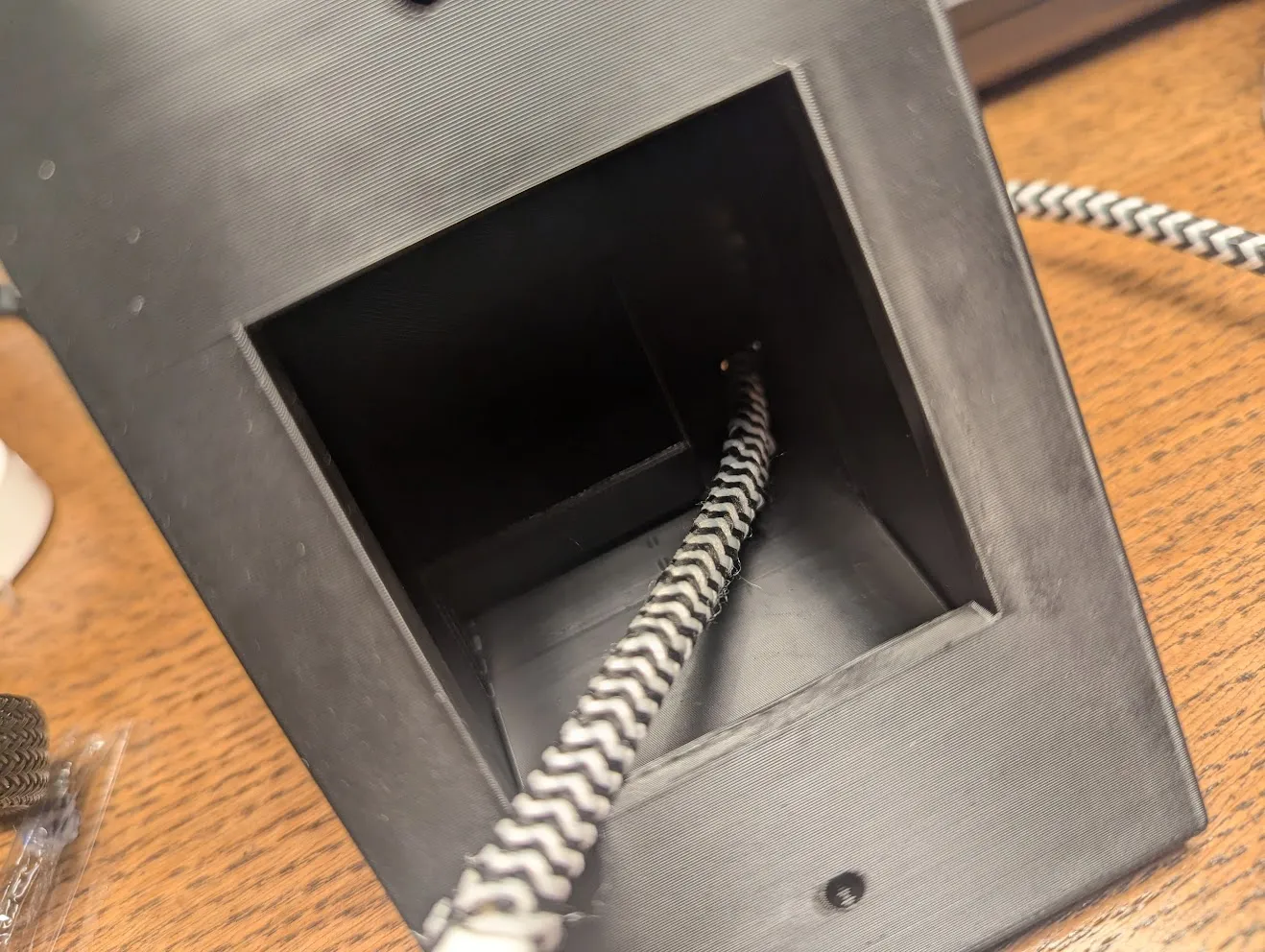
2- Pass your previously stripped cable through.
3- (Optional) If you want to use a relay, place it in the designated slot.
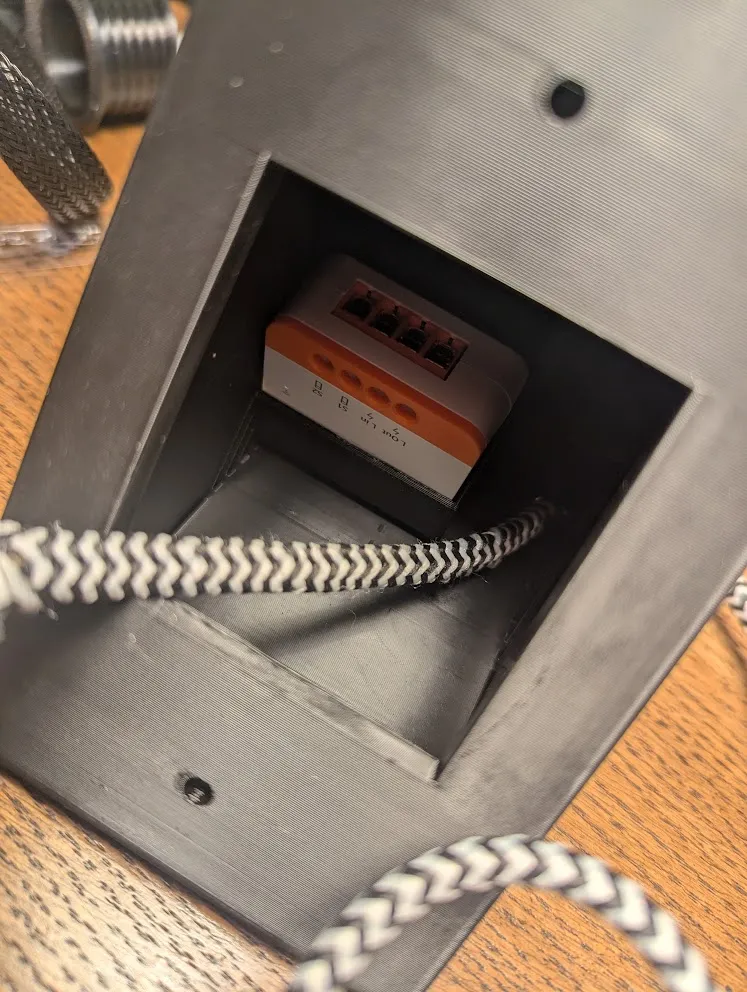
4- Make your connections.
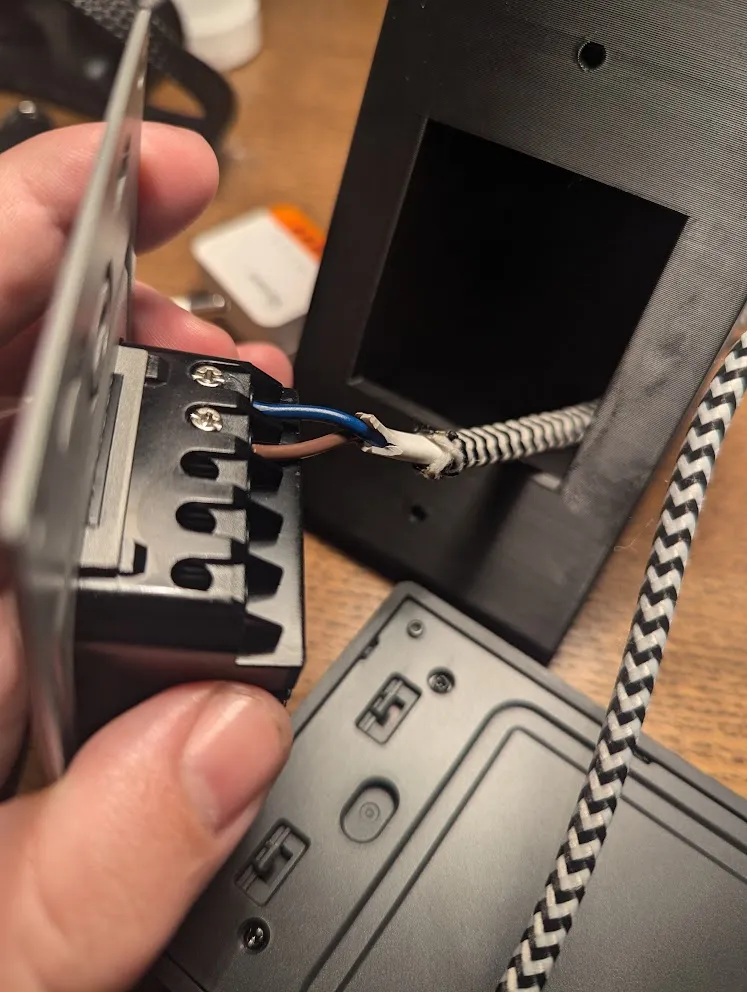
5- Attach the board using the screws provided by SonOff (the top screw is too long and will need to be cut. Personally, I didn’t use it—the bottom screw is sufficient).
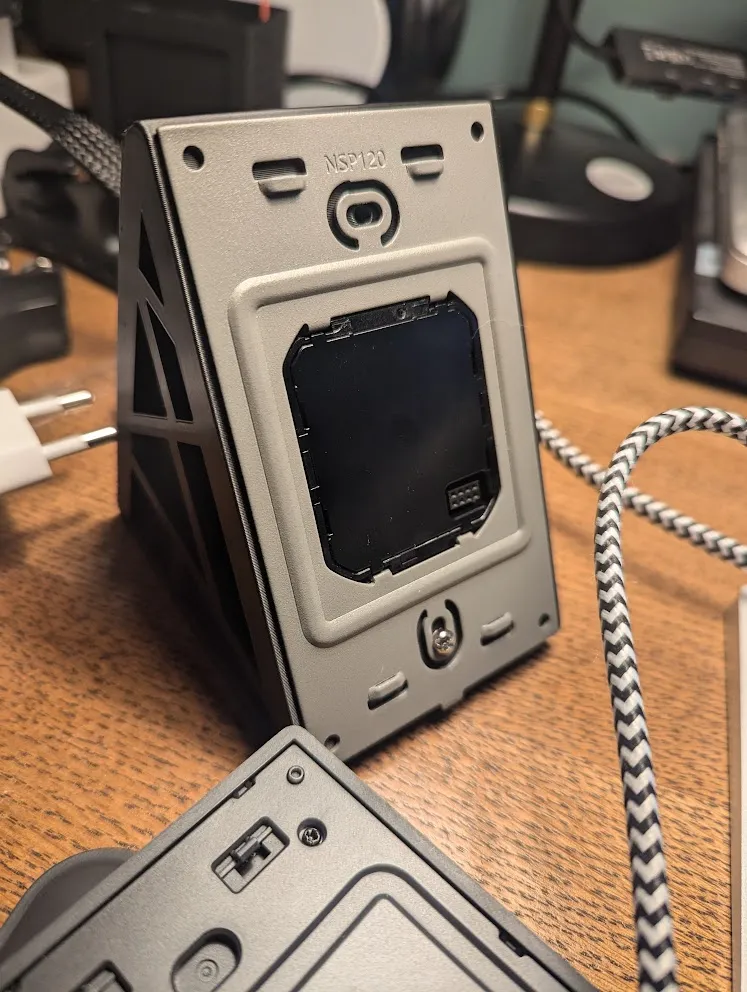
6- Reposition the front panel and plug in your device.
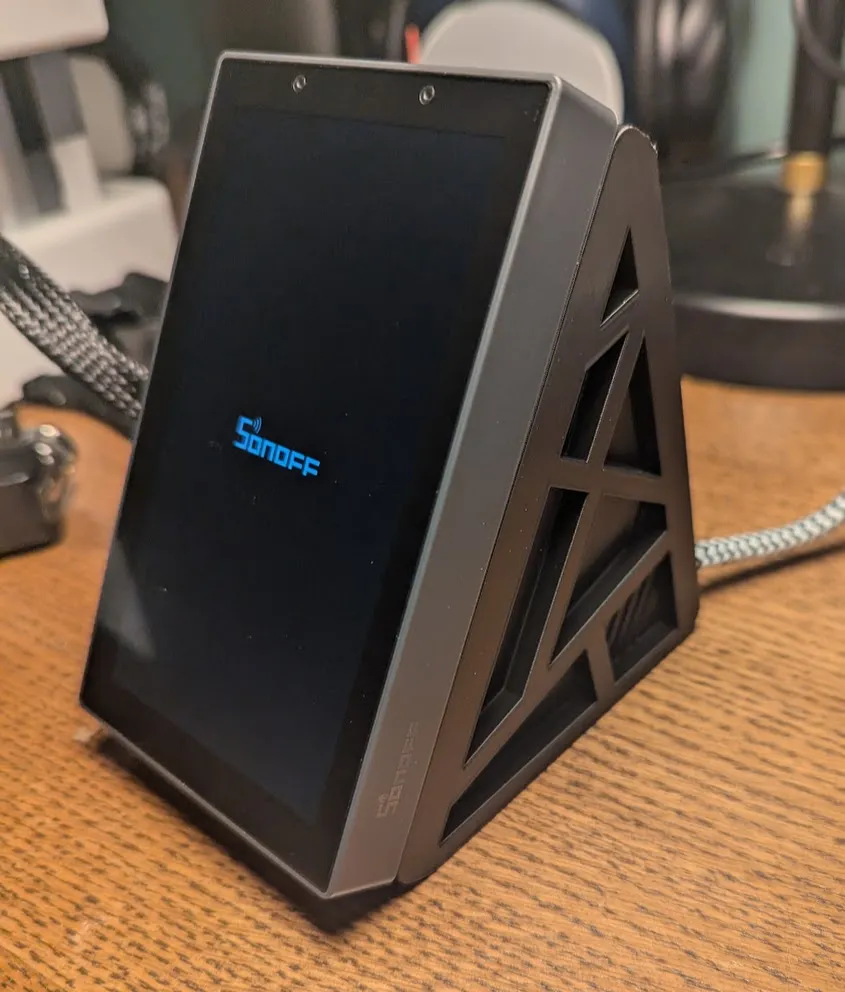
it's done ! Enjoy!
Boost Me (for free)
Your support means the world to me! Every little boost helps bring my ideas to life—thank you for being part of the journey!
License

You shall not share, sub-license, sell, rent, host, transfer, or distribute in any way the digital or 3D printed versions of this object, nor any other derivative work of this object in its digital or physical format (including - but not limited to - remixes of this object, and hosting on other digital platforms). The objects may not be used without permission in any way whatsoever in which you charge money, or collect fees.


Comment & Rating (49)