
Print Profile(1)
Description
Boost Me (for free)
Time flies. Wishing you a new year filled with laughter, smooth sailing in all endeavors, and a bright future
Boost Me (for free)
If you find this helpful, give me a free boost!
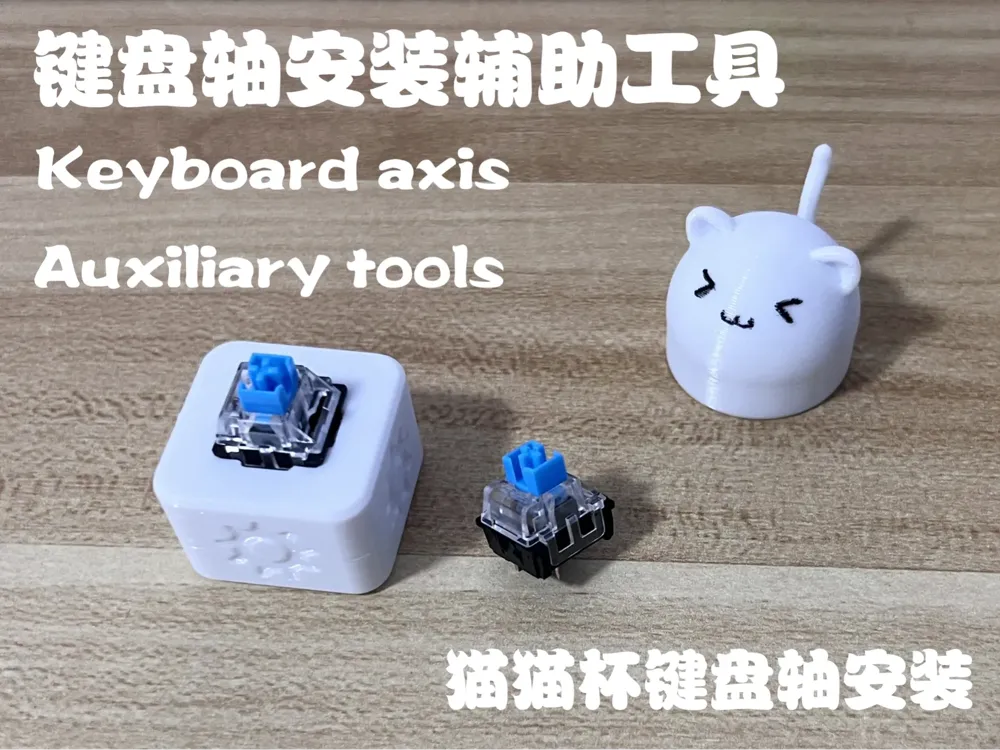
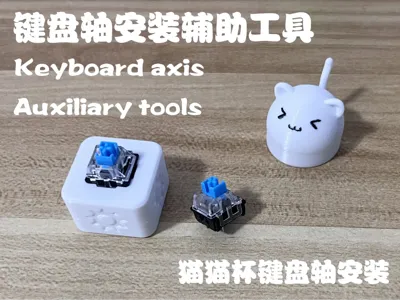
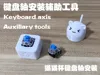
Some users have reported difficulty installing keyboard switches in the Cat Cup, so I designed this installation aid and recorded a detailed tutorial:
Installation Tutorial:

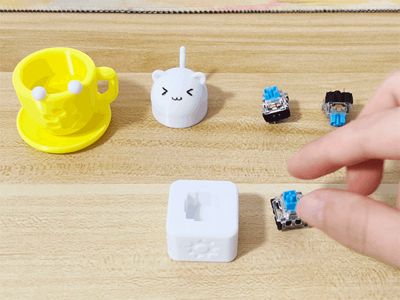
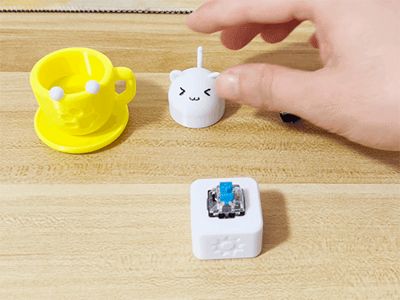
Place the keyboard switch in the installation aid (the switch can be placed freely, there is no installation direction)


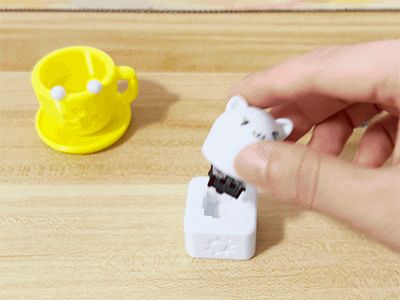

Install the cat head on the keyboard switch in the direction shown below (if it is tight, you may need to press down firmly until it stops moving)


Remove the cat head with the installed keyboard switch from the installation aid and press it down towards the cup with the cat paws facing down to install (the keyboard switch has a latch, when you hear a “click” sound, it means it is installed in place)
Membership

License

You shall not share, sub-license, sell, rent, host, transfer, or distribute in any way the digital or 3D printed versions of this object, nor any other derivative work of this object in its digital or physical format (including - but not limited to - remixes of this object, and hosting on other digital platforms). The objects may not be used without permission in any way whatsoever in which you charge money, or collect fees.


Comment & Rating (4)