Search models, users, collections, and posts

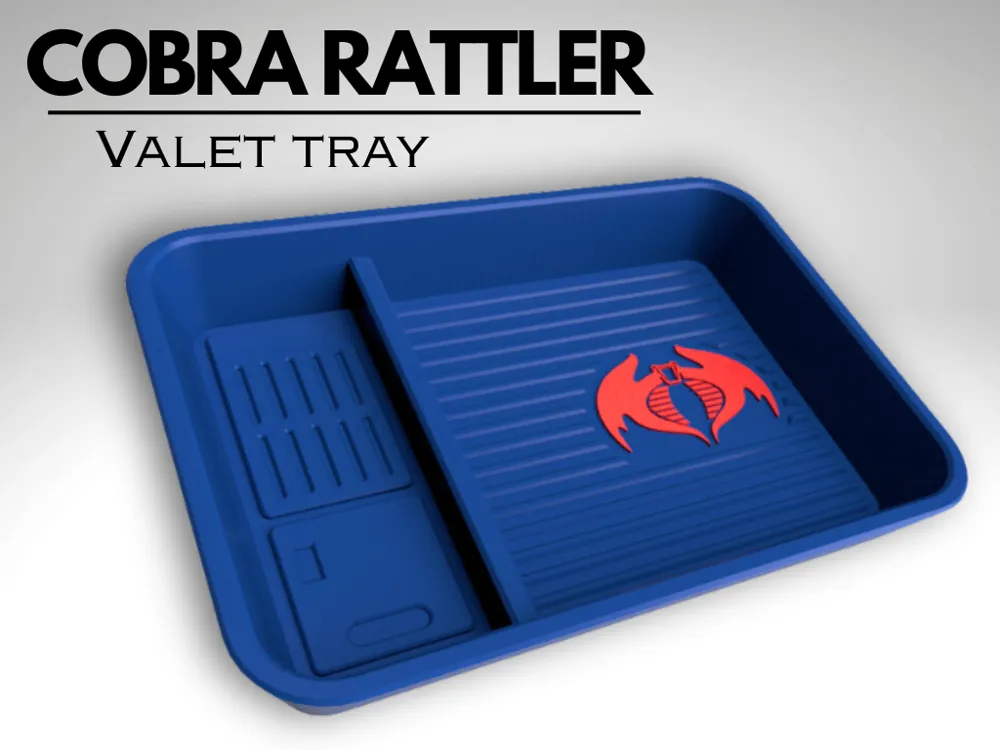
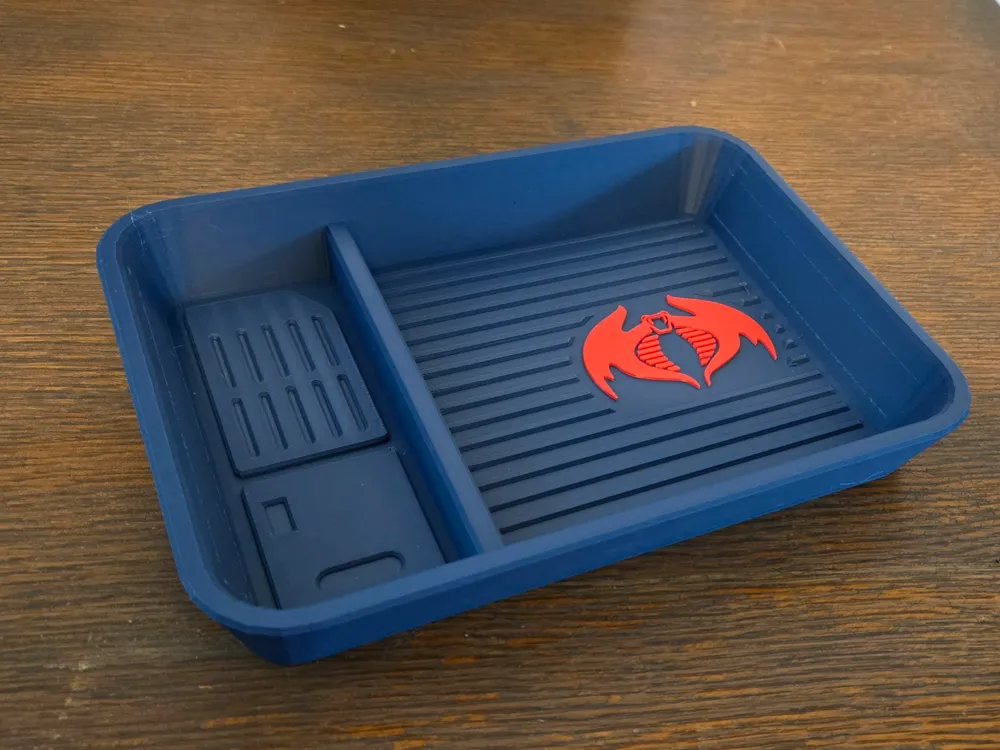
Valet Tray - Cobra Rattler
Print Profile(1)

All
P1S
P1P
X1
X1 Carbon
X1E
A1
H2D
H2D Pro
H2S
P2S
H2C
X2D
A2L

P1S - 0.2mm layer, 2 walls, 15% infill
Designer
4.5 h
1 plate
4.9(14)

Open in Bambu Studio
Boost
75
156
31
27
140
93
Released 

Description

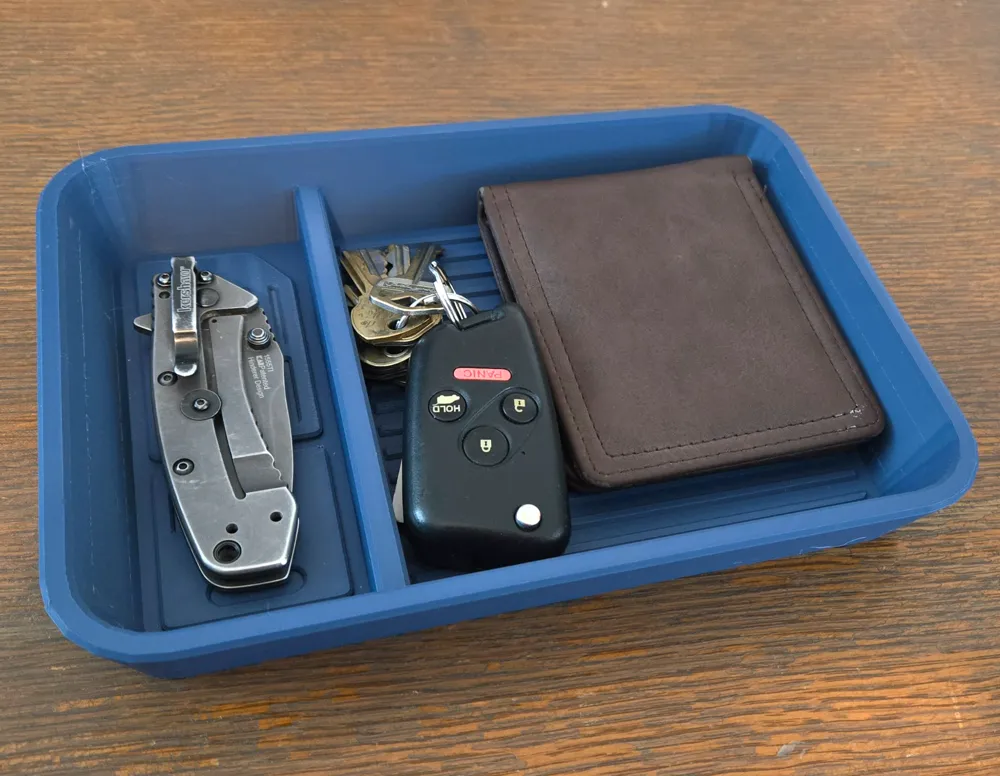
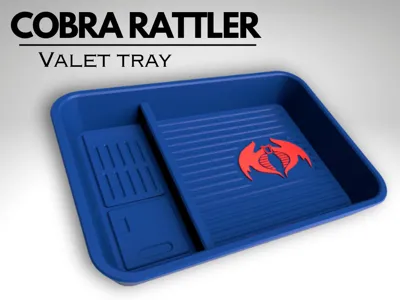
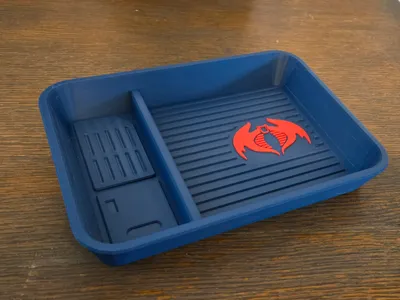
Organize your every day carry items with a reminder of a favorite childhood memory. Inspired by the GI Joe Cobra Rattler, the valet features a knife tray on the left side with panel accents like the left fuselage. On the right, the wallet and key tray features the Cobra Rattler logo. Print yourself the perfect organizer!

Boost Me (for free)

Please BOOST me so I can keep making awesome products!

Comment & Rating (31)

(0/1000)

Boosted
Print Profile
P1S - 0.2mm layer, 2 walls, 15% infill
Ironing turned out great
The profile uploader has replied
0
Reply
Thank you SO much!
0
Reply
Print Profile
P1S - 0.2mm layer, 2 walls, 15% infill
Beautiful design! I really love this!
0
Reply
Print Profile
P1S - 0.2mm layer, 2 walls, 15% infill
1
Reply
Boosted
Printed perfectly and works well to hold all my stuff out of my pockets when I get to my office. Very well done.
The designer has replied
designer
1
Reply
Glad you enjoyed it! Thank you!
(Edited)
0
Reply
Thank you so much! Glad to share something that brings back some great memories!
0
Reply
Thank you!
0
Reply
Just out of curiosity... Do you think you could add a separate file that has just the logo for people without an AMS? That would be amazing!!! Something we can just glue on.
The designer has replied
0
Reply
Add a build plate and move the logo over to the build plate you added. Re-center everything and re-slice. It will help you a lot for models like this when you don't haven AMS. Enjoy!
1
Reply
Glad to help! It can be done with this model and this can also be applied to other models you like to split out and print. Open the model with Bambu Studio and then "left" click on the model to highlight it. Then "right" click on it and then hover over "split". You will see the option "to objects". Left click on "to objects". The model will then be split into all of its parts. You may have to highlight the tray part and move the model over to the side but then you'll see the Rattler logo.
2
Reply
Boosted
Print Profile
P1S - 0.2mm layer, 2 walls, 15% infill
This came out great, perfect for my pocket dump
The profile uploader has replied
0
Reply
Thank you! Glad you enjoy it!
0
Reply
Boosted
This came out great, I grew up playing with G.I. Joe.....love it
The designer has replied
0
Reply
Thank you! Glad you enjoy it!
0
Reply
love this. printing ASAP. would be cool to see a Dreadnok one. I'll post my prints when they're done.
0
Reply
Boosted
Great print
0
Reply
could I ask what filament you would use to Compliment the Rattler?
(Edited)
0
Reply

License

This user content is licensed under a Standard Digital File License.

You shall not share, sub-license, sell, rent, host, transfer, or distribute in any way the digital or 3D printed versions of this object, nor any other derivative work of this object in its digital or physical format (including - but not limited to - remixes of this object, and hosting on other digital platforms). The objects may not be used without permission in any way whatsoever in which you charge money, or collect fees.