Search models, users, collections, and posts
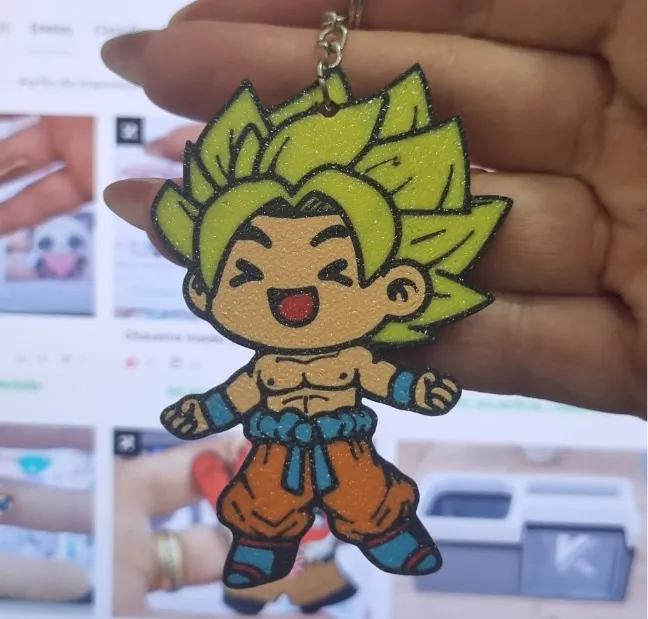
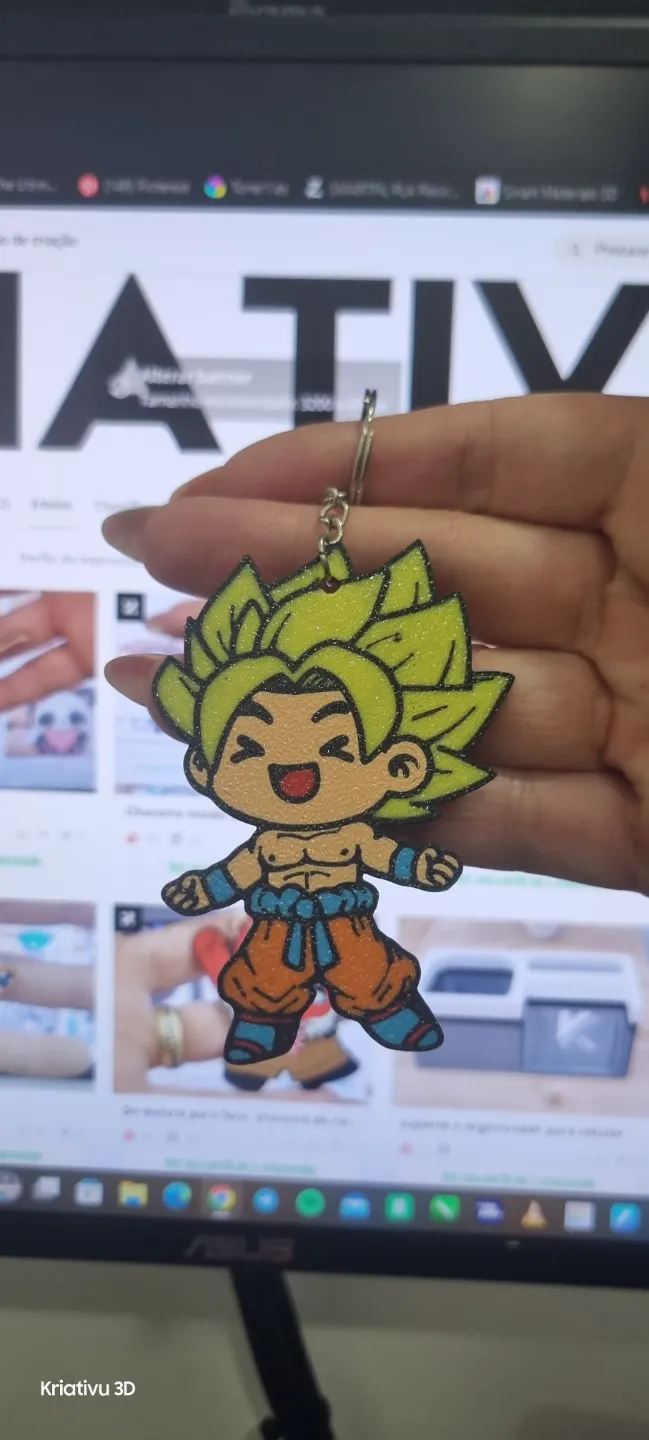
This model is created by Image to Keychain
Make Your Model

Print Profile(1)

All
P1S
P1P
X1
X1 Carbon
X1E
A1
H2D
H2D Pro
H2S
P2S
H2C
X2D
A2L

0.2mm layer, 2 walls, 15% infill
Designer
4.6 h
1 plate
4.8(5)

Open in Bambu Studio
Boost
521
982
16
7
289
56
Released 

Description


Membership

🛠️✨ Craft, and sell—freely and legally! ✨🛠️ . With the Commercial Licenses available in my models on MakerWorld, now you can! Choose from 3 flexible license options and start selling physical pieces made from my designs.

Join

:)

Boost Me (for free)

Hi everyone! 😊 I'm on an amazing journey on Makerworld and all help is super welcome! ✨ If you can, give me an incentive so I can earn more points and keep creating cool things around here. Your contribution makes all the difference and will be greatly appreciated! Thank you for your support! ❤️🚀

Comment & Rating (16)

(0/1000)

Boosted
Print Profile
0.2mm layer, 2 walls, 15% infill
0
Reply
How can it be printed with just one AMS? Can someone explain it to me? Many thanks in advance
The designer has replied
Show original
0
Reply
Option 1: Manual filament change during printing Ideal for projects where the 5th color appears only in a part of the model Steps: In Bambu Studio, assign 5 different colors to the model Load 4 colors into the AMS When the printer reaches the 5th color, it automatically pauses and prompts for a change Manually change the filament in the corresponding slot Resume printing 💡 Tip: Choose the least used color as the 5th — this way the change happens later and with less impact 🔁 Option 2: Reuse slots with intelligent mapping If a color runs out early, you can reuse the slot for another color How to do it: In Bambu Studio, define when each color is used Assign the same slot to two different colors, with manual transition The printer pauses and prompts for a change when it reaches the second color 🧠 Requires attention to mapping and the order of color usage
(Edited)
Show original
0
Reply
Thank you very much for the help! What color would you advise for the fifth one
Show original
0
Reply
do use 2 AMS's to print 5 deferent colours?
The designer has replied
0
Reply
Yes
1
Reply
Replying to @kriativu :
How would it be made
Show original
0
Reply
How do you print this if you only have one 4-slot AMS? Impossible, right
The designer has replied
Show original
0
Reply
Hello good afternoon I sent a brief explanation via private message
Show original
1
Reply
how to do with 1 ams?
Show original
0
Reply
What are the instructions for making color changes with an AMS ????
Show original
0
Reply
Print Profile
0.2mm layer, 2 walls, 15% infill
The profile uploader has replied
0
Reply
thank you very much for the feedback
0
Reply
Print Profile
0.2mm layer, 2 walls, 15% infill
0
Reply
Print Profile
0.2mm layer, 2 walls, 15% infill
0
Reply
Boosted
Print Profile
0.2mm layer, 2 walls, 15% infill
0
Reply

License

If you want to use this model commercially, please join my membership.
Join Now
This user content is licensed under a Standard Digital File License.

You shall not share, sub-license, sell, rent, host, transfer, or distribute in any way the digital or 3D printed versions of this object, nor any other derivative work of this object in its digital or physical format (including - but not limited to - remixes of this object, and hosting on other digital platforms). The objects may not be used without permission in any way whatsoever in which you charge money, or collect fees.
