
Snap-Fit Modular Wrench Organizer Holder




Print Profile(7)


Description
Double Ended Wrench Organizer - https://makerworld.com/en/models/2555574-snap-fit-wrench-organizer-holder-double-ended#profileId-2815098
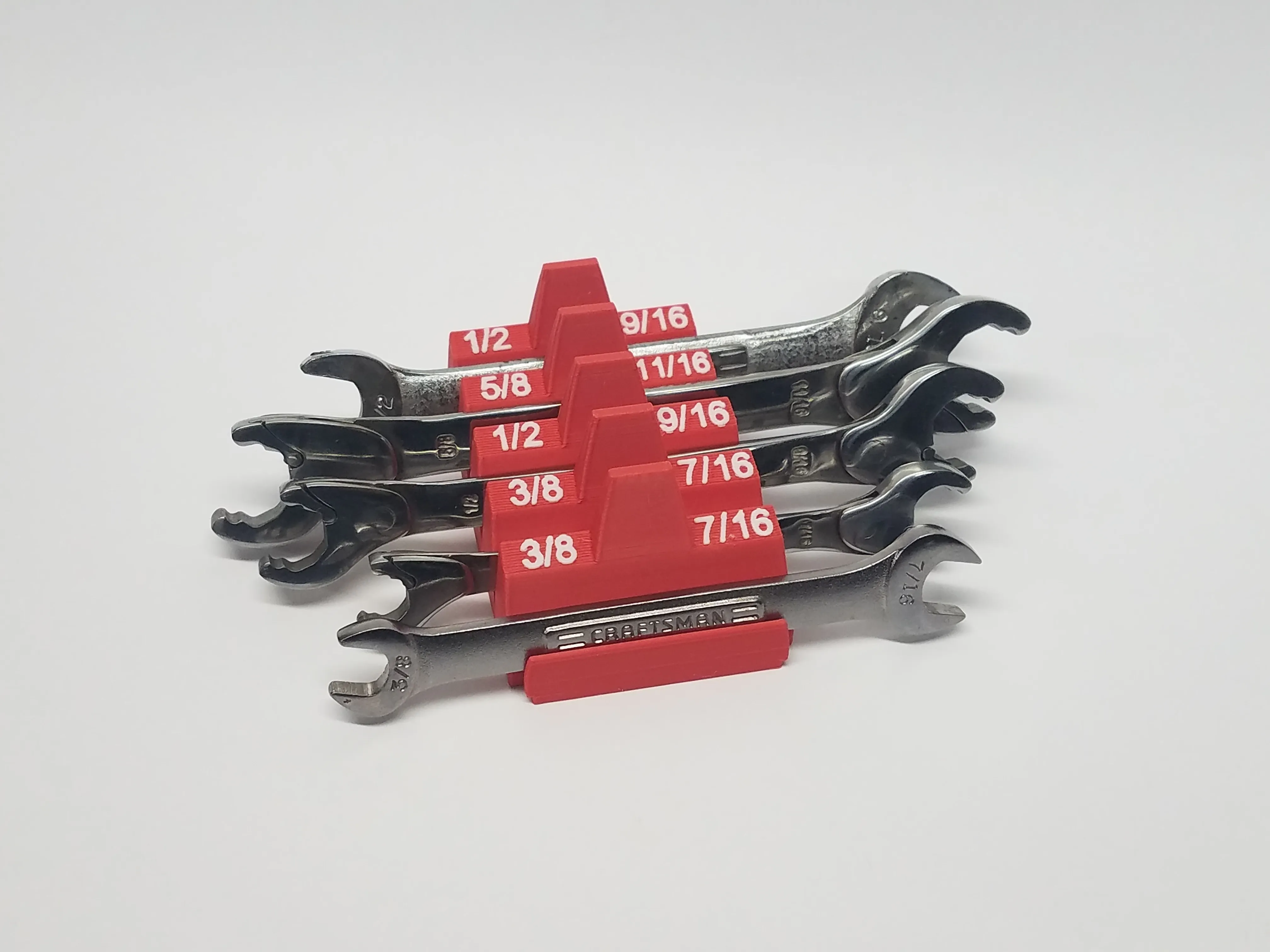
SUMMARY
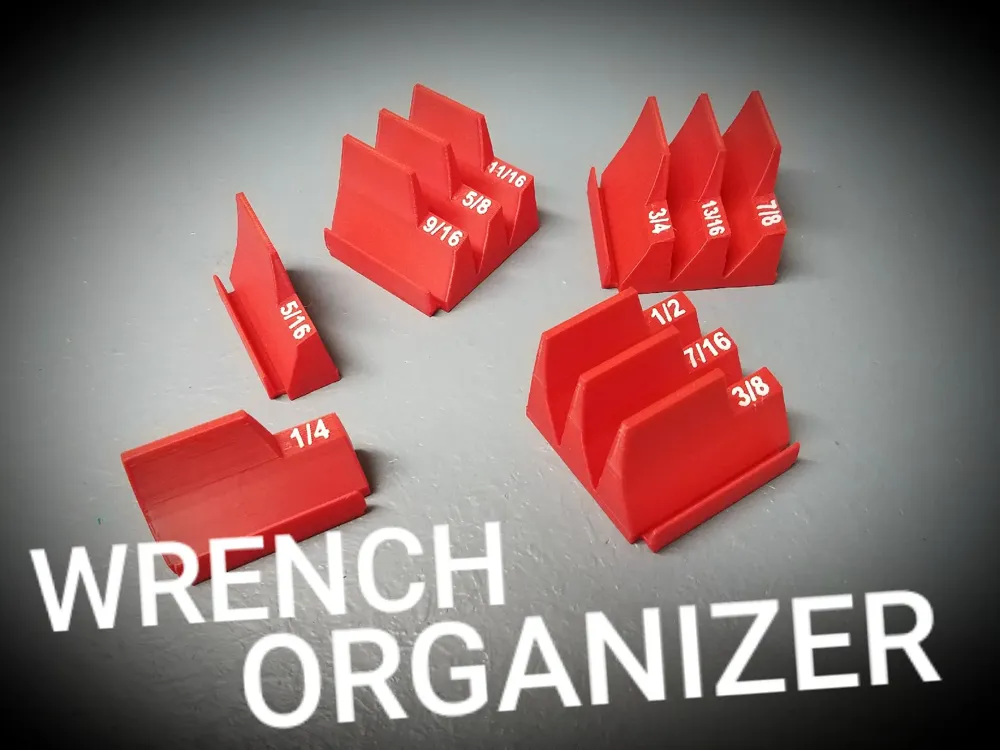
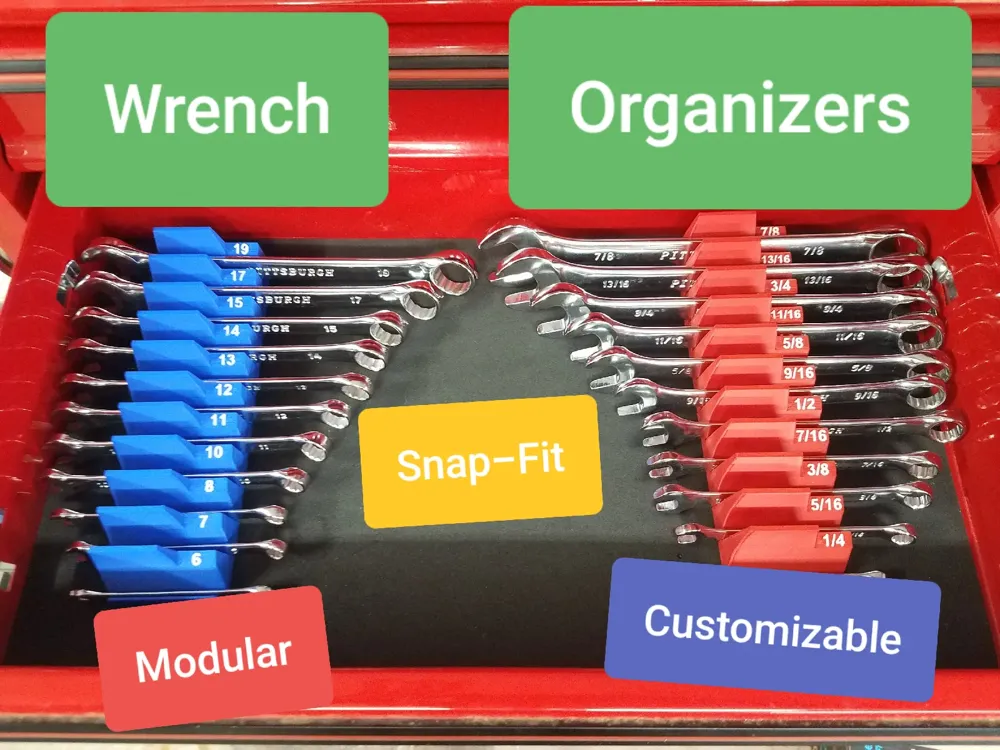
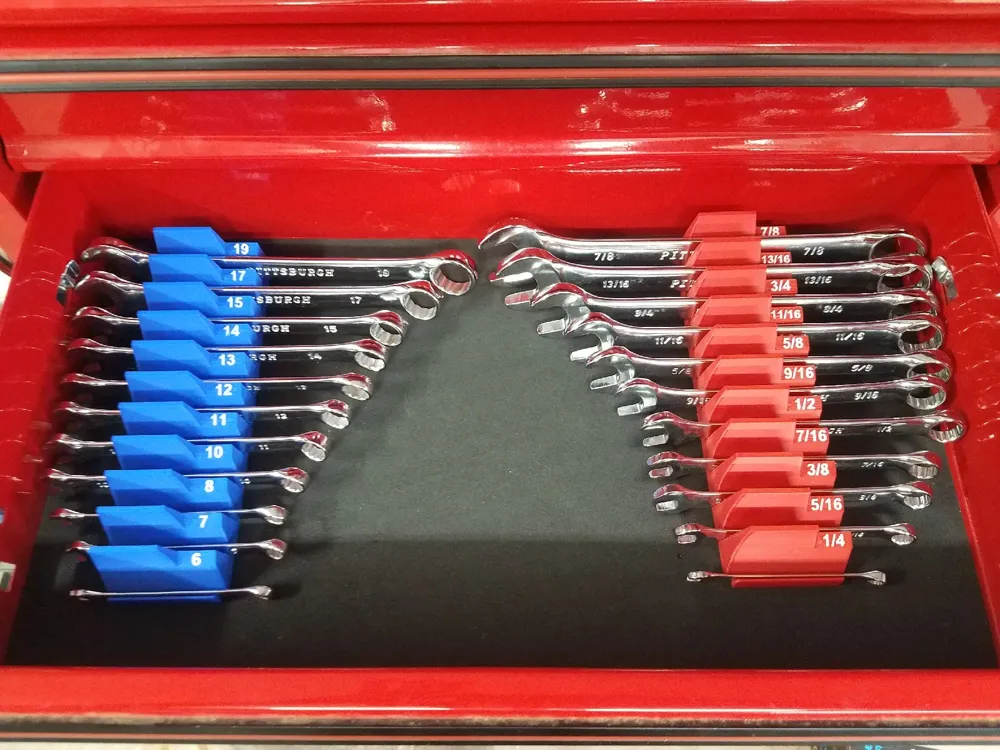
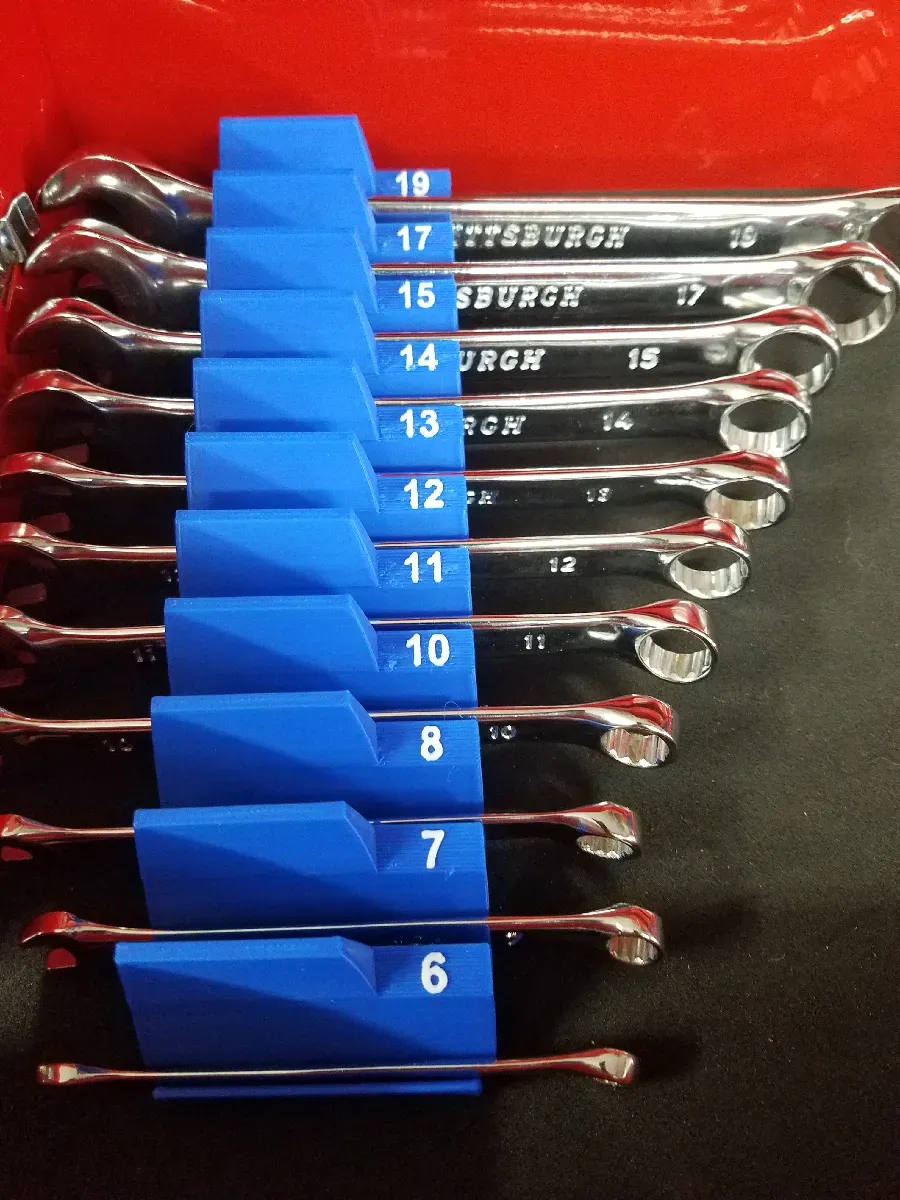
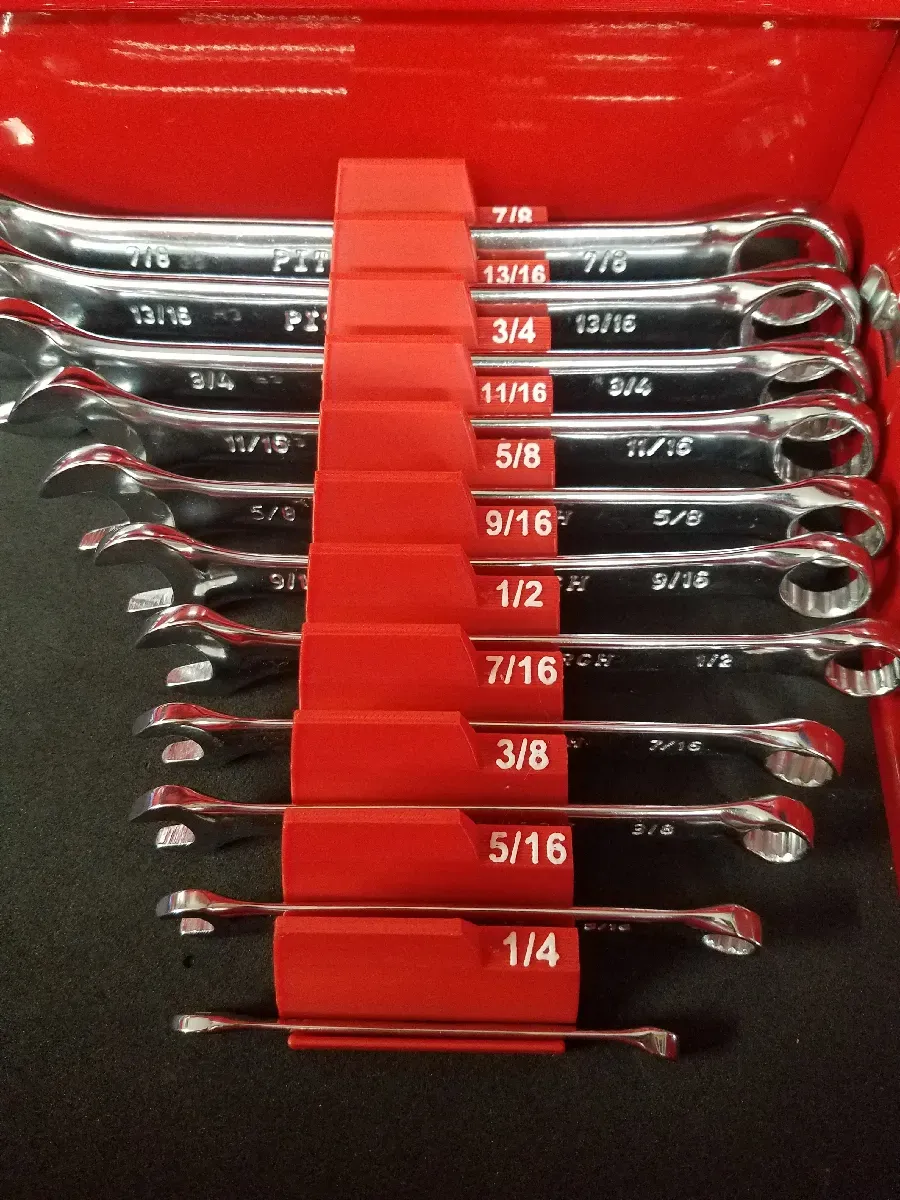
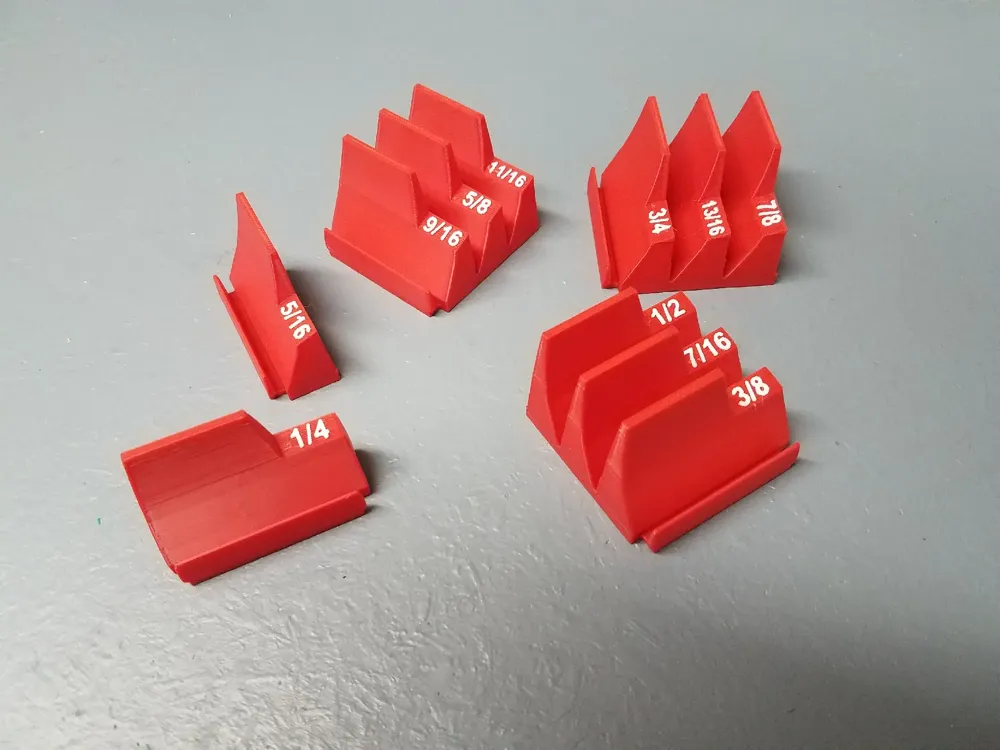
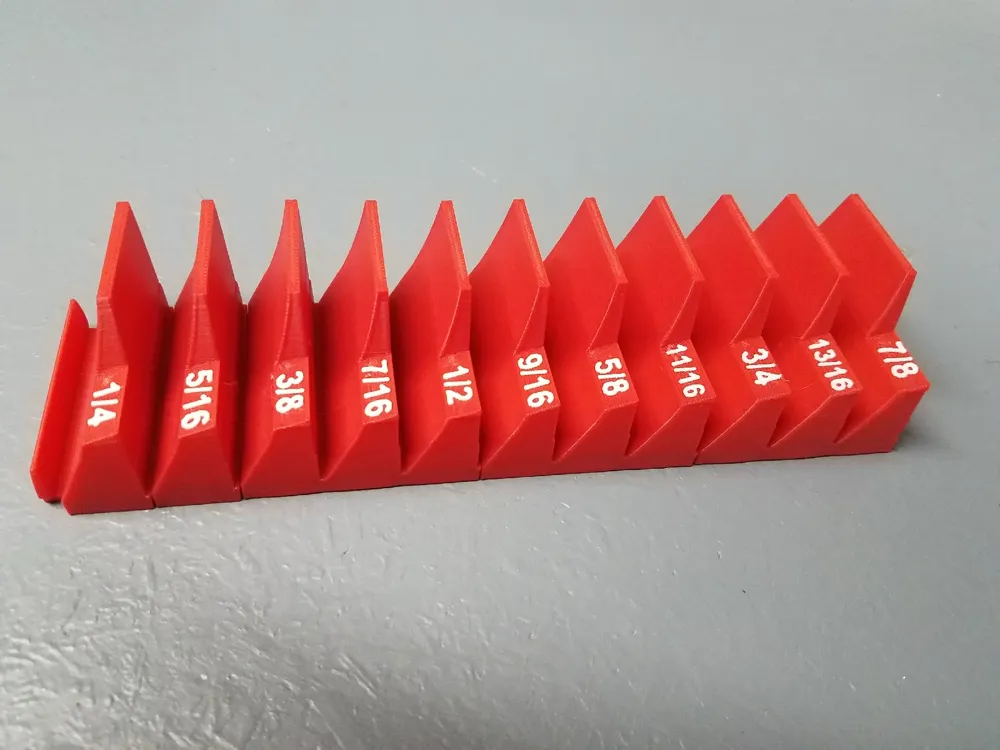
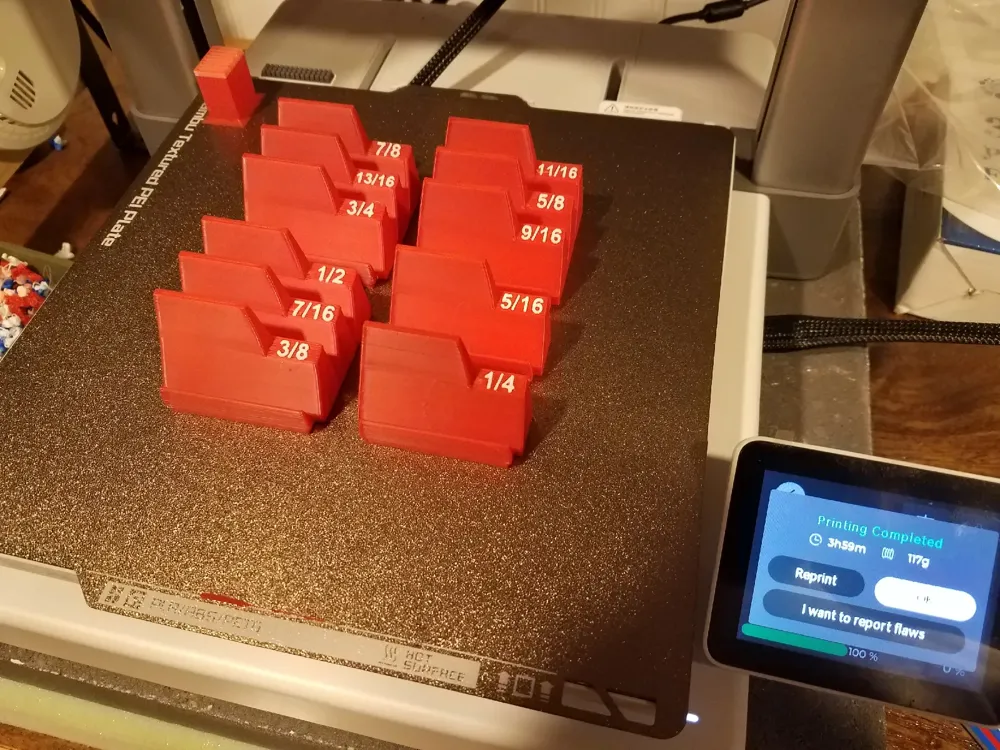
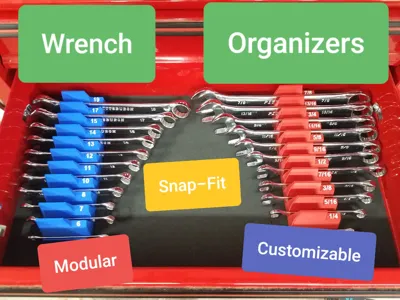
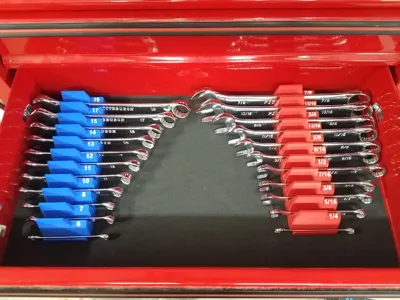
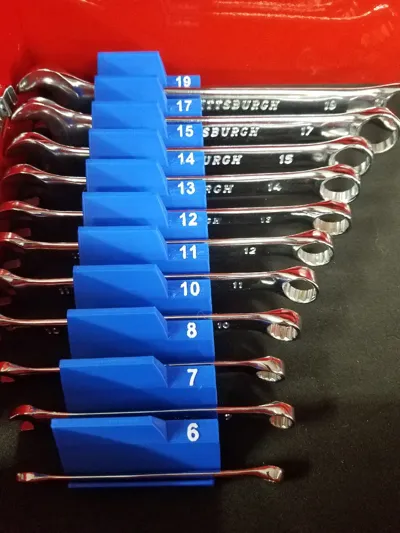
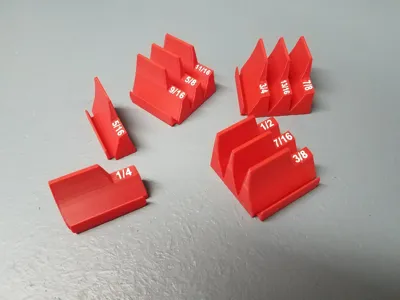
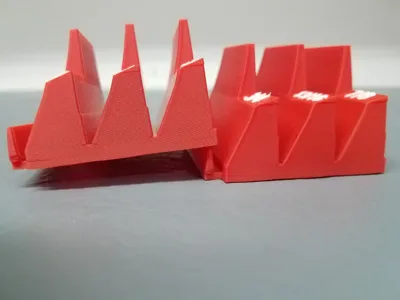
Organize your wrenches with these customizable toolbox drawer holders. These organizers/holders are available in triples and singles. Add new or modify existing text for your wrenches. Add 6mm diameter magnets to the bottom if your toolbox drawers do not have a liner.
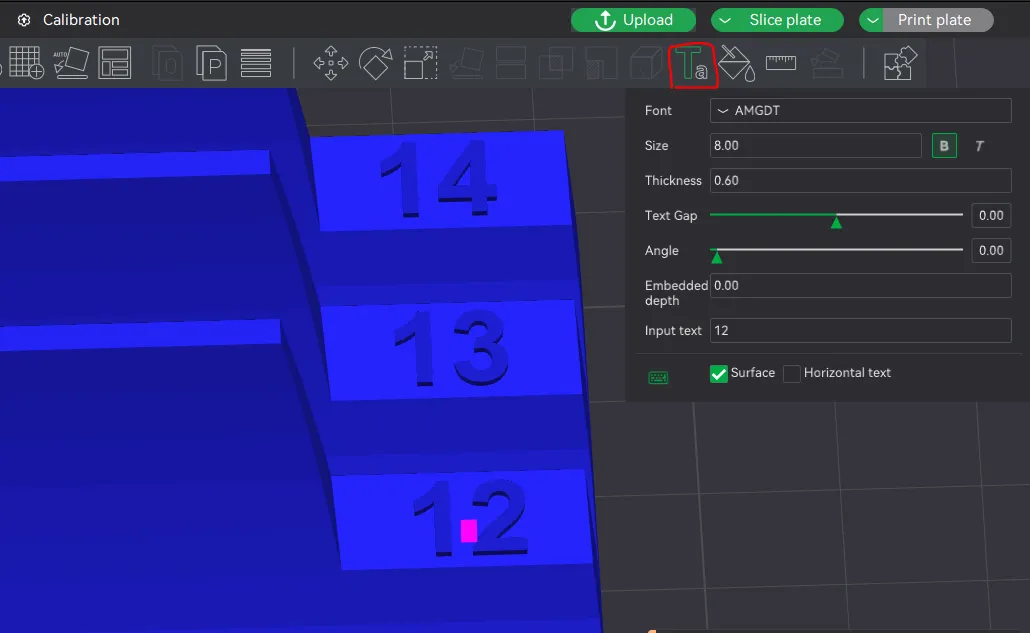
ADDING TEXT
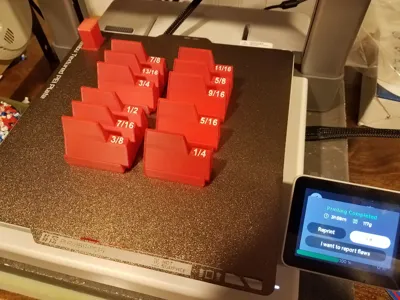
To add text, select the part you want to add the text to, then choose “Text Shape” in the top toolbar. The font you choose will impact the size but with the default AMGDT font size 8 worked will for most text (some of the fractions in SAE neede to be size 6.5). A thickness of 0.6 seemed to work well.
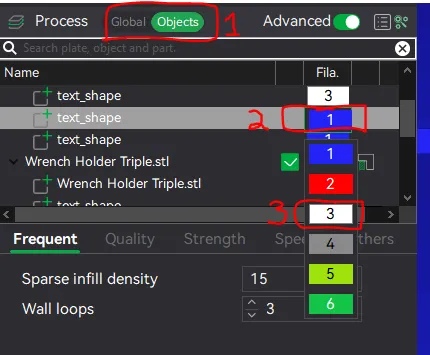
MODIFYING EXISTING TEXT
To modify existing text, change the process from global to objects, click on the object that you want to modify, select “text_shape”, this will allow you to reposition the text and change the color of the text if using an AMS/MMU. If you select "text_shape" in the process objects bar, then the Text button in the top bar you can change the text itself.
PRINT SETTINGS
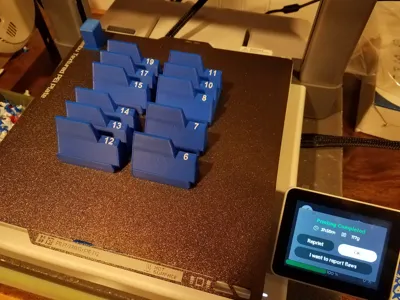
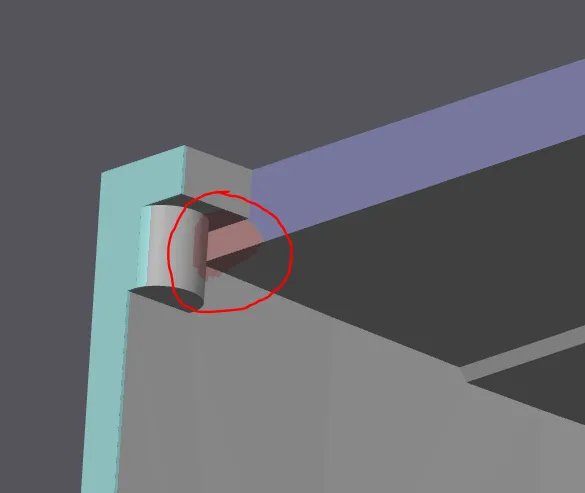
PLA, 0.4 Nozzle, Textured Plate, 0.2 Layers, 3 Walls, Manual Support (for the back of the part only - see images below), Reduced Prime tower to 15 and 10.
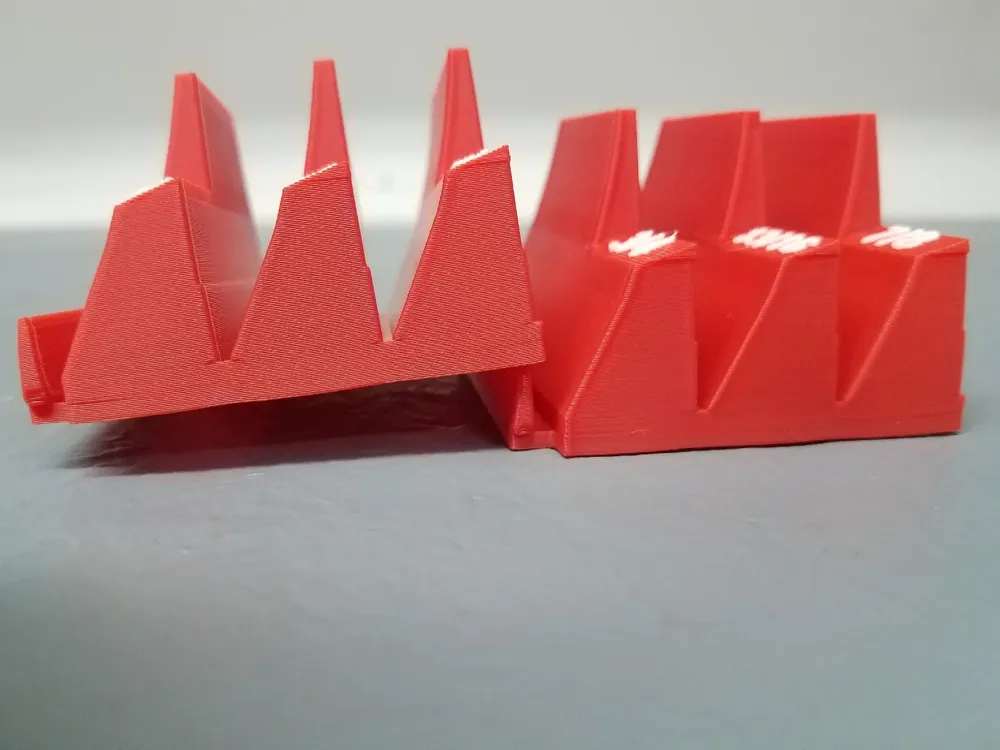
Support:
Turn on manual support for this area:
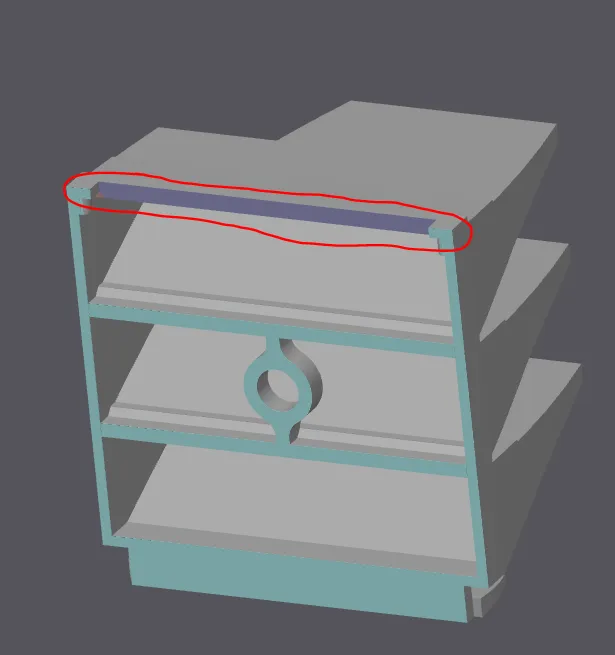
Block supports in the corners:
Filament/Time for blank version:
- Singles - about 13g and 41min
- Triples - about 28g and 56min
*time and filament will increase if you us AMS/MMU to emboss wrench sizes
Please post your makes and rate this model.
Thank you and enjoy!
License

You shall not share, sub-license, sell, rent, host, transfer, or distribute in any way the digital or 3D printed versions of this object, nor any other derivative work of this object in its digital or physical format (including - but not limited to - remixes of this object, and hosting on other digital platforms). The objects may not be used without permission in any way whatsoever in which you charge money, or collect fees.


Comment & Rating (214)