
v.4.1.Arrows AMS Feeding Protector Saver Guide
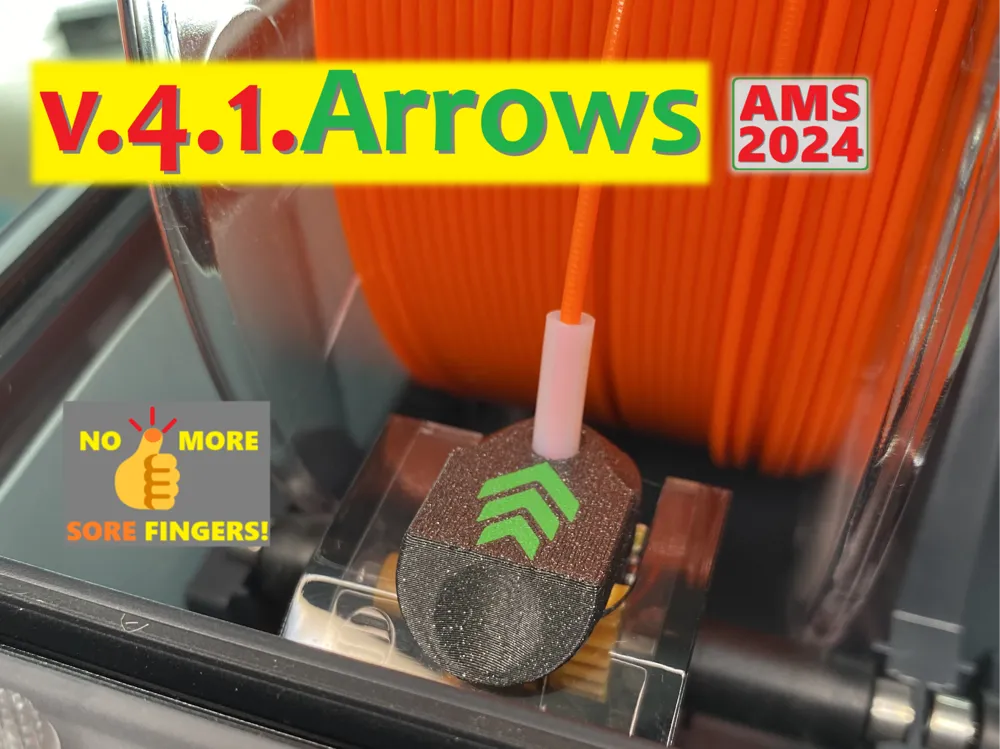
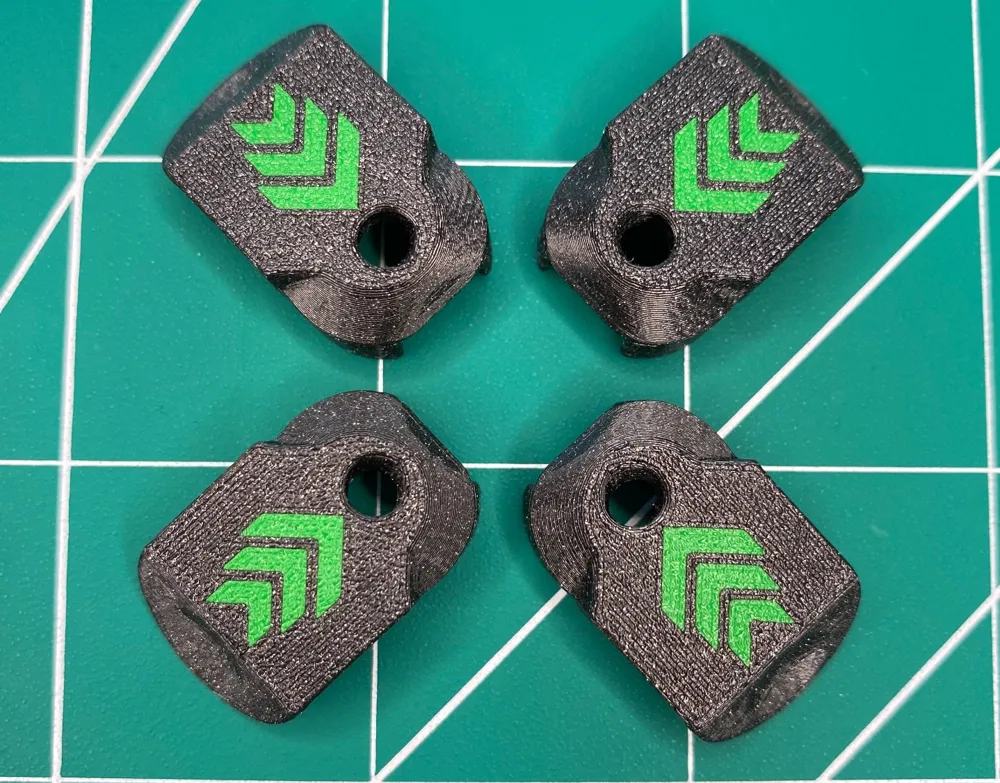
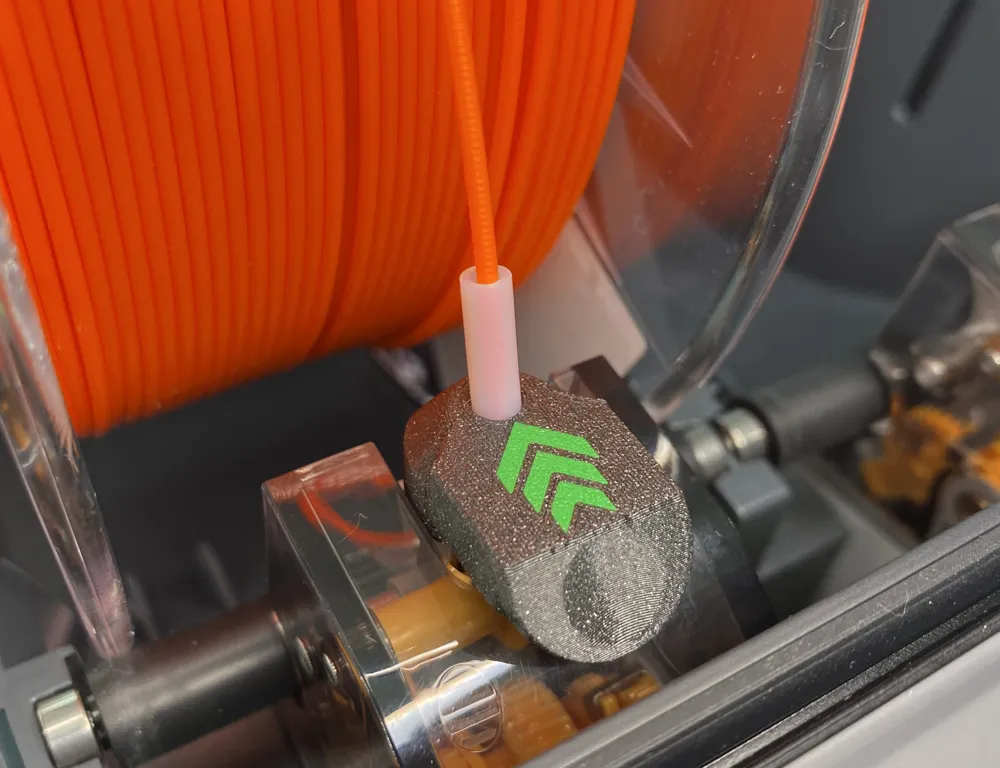
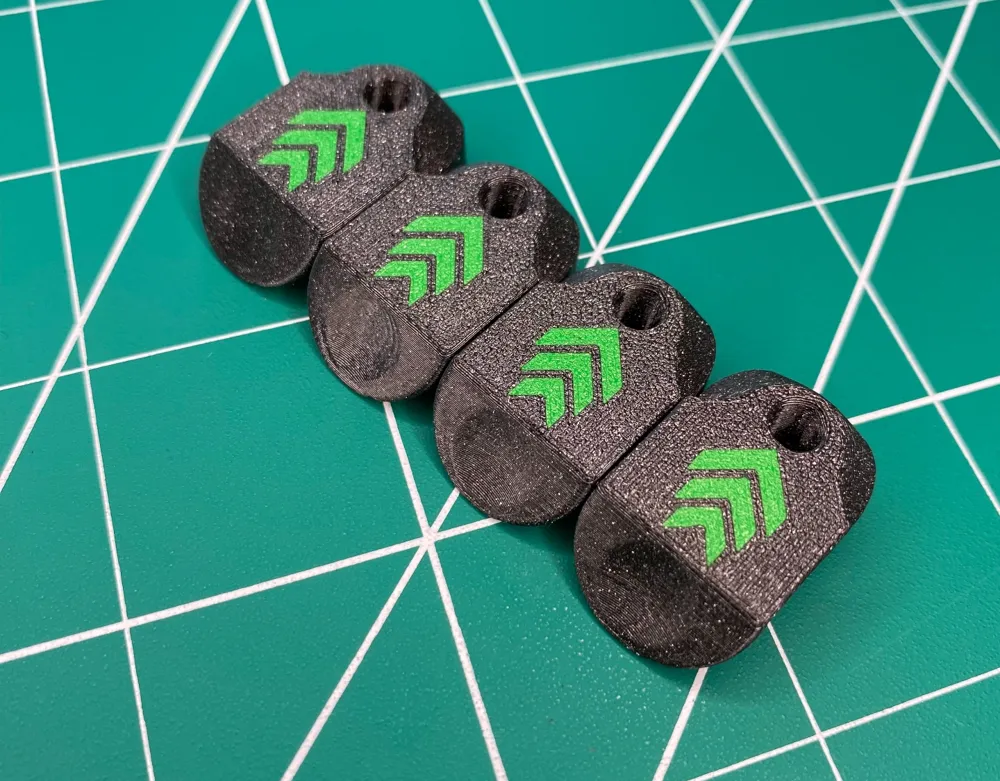
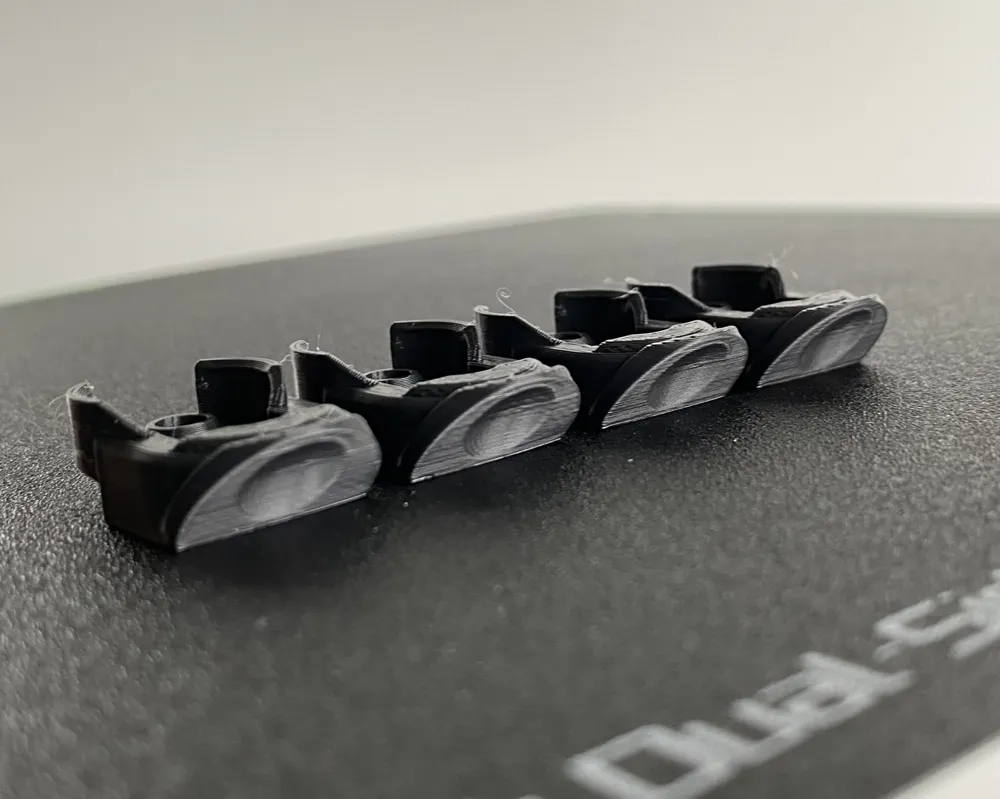
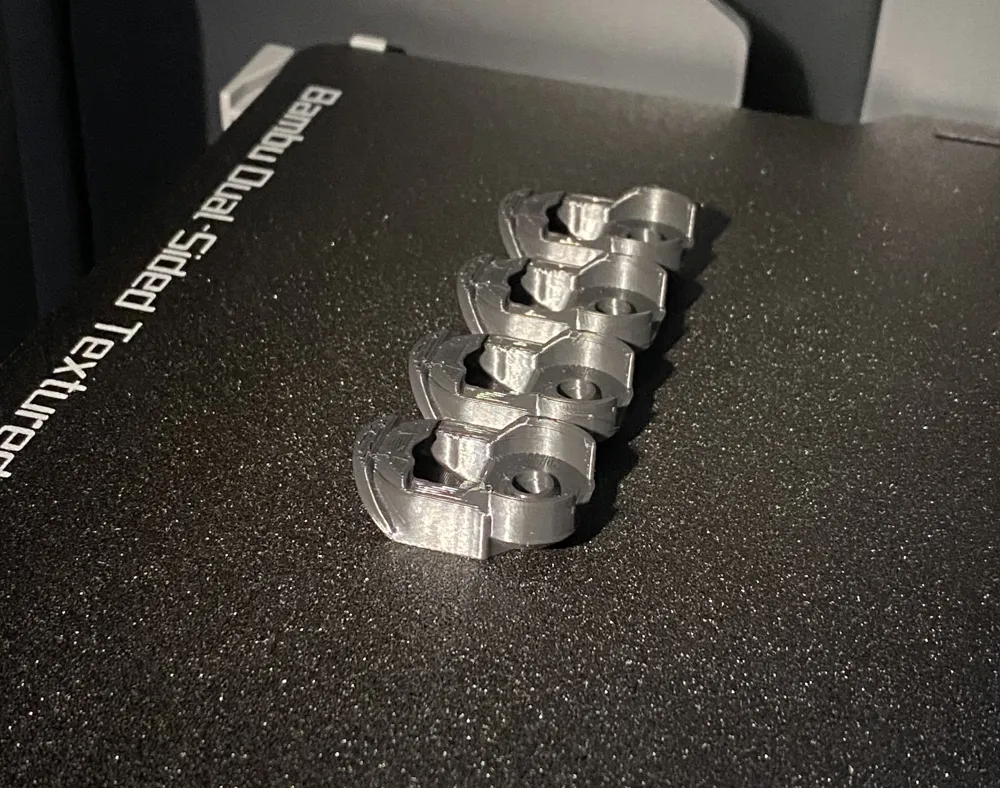

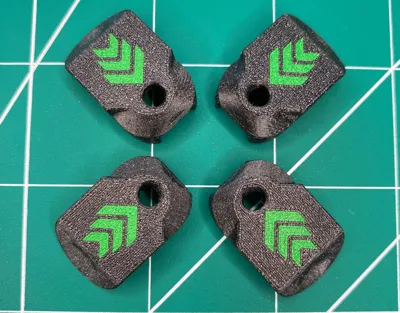
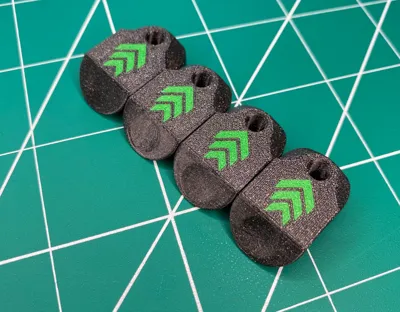
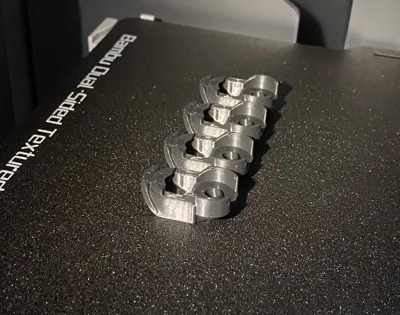
Print Profile(3)







Description
🔎Are you looking for Protector/Saver for AMS 2 Pro? Then click here! 👌

⚠️Since I can't offer profiles that are perfectly tuned to every filament (MakerWorld treats them as a duplicate upload), I have a universal profile here, and I recommend printing this profile/design with PETG (just ignore filament in profile and choose PETG in BambuStudio or APP). According to numerous user feedback, PETG has always produced the best results with this design!
🙏😊💬Quote from user feedback: “… perfect AMS wear protection …”
🙏😊💬Quote from user feedback: “I was having issues for filament detection, this solved it easily!"
🙏😊💬Quote from user feedback: "…finally a design that is minimally invasive and works well all the time, does not fall down during operation, without danger of destroying LED and without having to stick some constructions on the first-stage-motors with double-sided adhesive tape!"
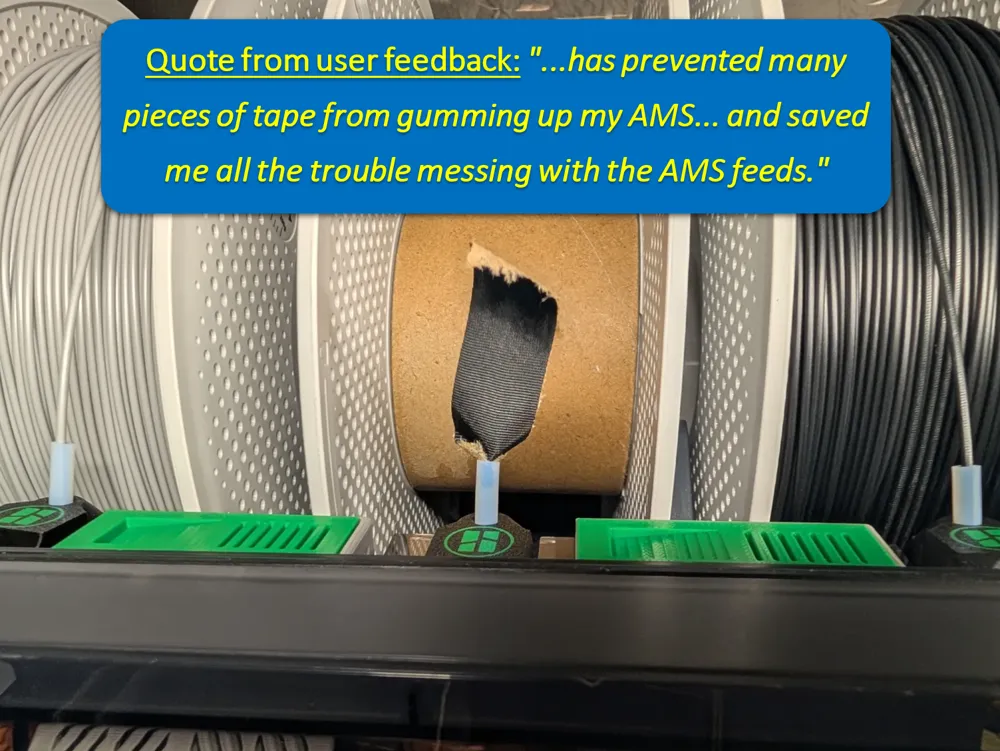
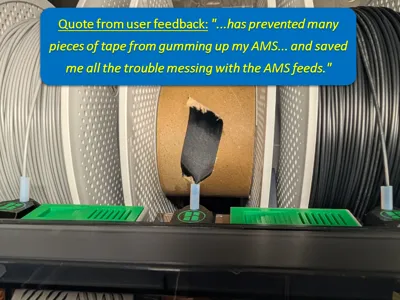
🙏😊💬Quote from user feedback: "...has prevented many pieces of tape from gumming up my AMS...and saved me all the trouble messing with the AMS feeds."
⚠️Working on this complicated model takes a lot of time and if you like my work and want to support me and this design - please BOOST this design (click on the small Rocket 🚀 or „BOOST“ button) 🙏👍 Thank you in advance!🙏
⚠️Before you print this - does my AMS need version 4.1.Arrows or 4.0.Arrows?
If your AMS was delivered to you by Bambu Lab before October 2023, then just print version 4.0.Arrows.
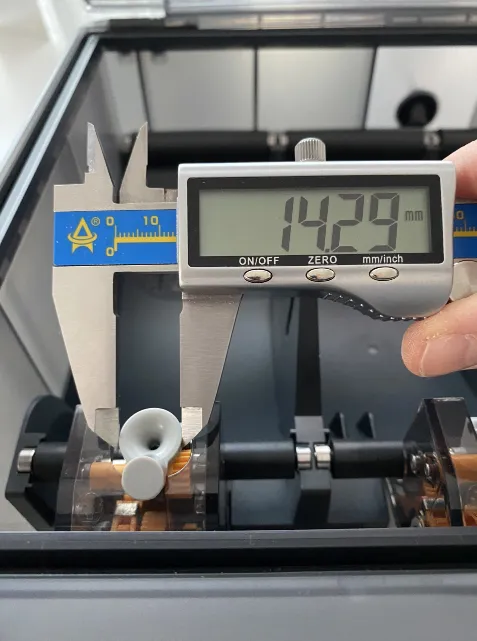
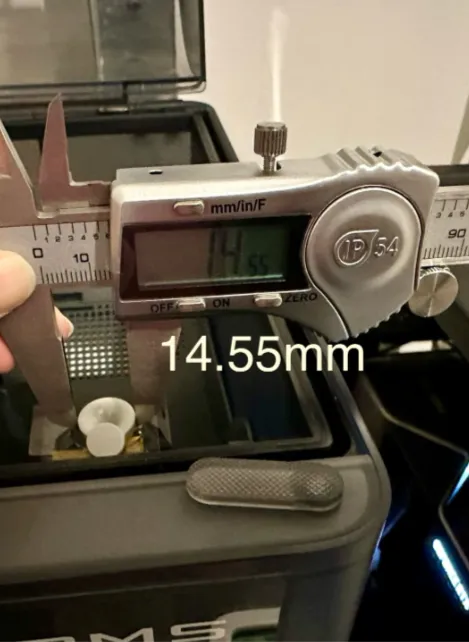
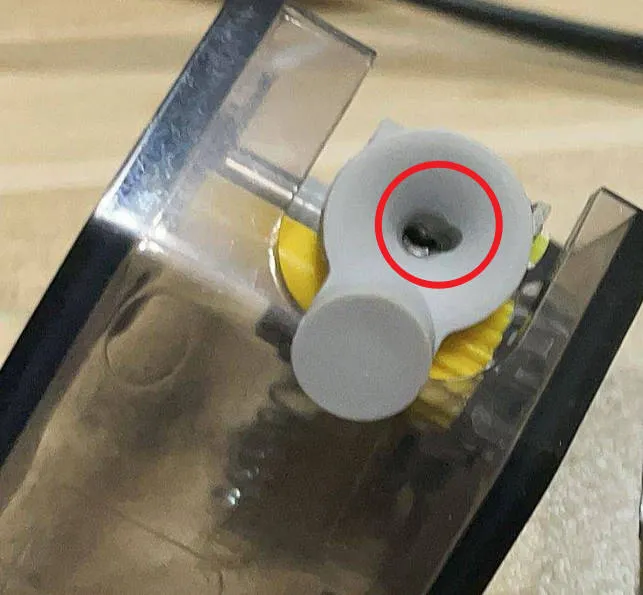
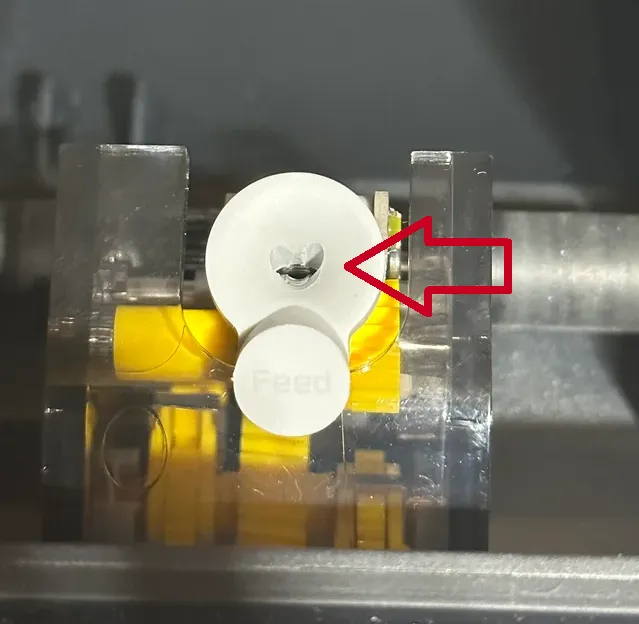
If your AMS was delivered to you by Bambu Lab after October 2023, then I would simply measure the AMS Feeder Funel - see the pictures below.
⚠️If the funnel diameter is about 14.3mm, then you should print version 4.0.Arrows, if it is about 14.5mm, then print version 4.1.Arrows👌
 |  |
Why this Version 4.1.Arrows?
I get a lot of feedback for my AMS Protectors, which I am very grateful for! 🙏😍
I received many requests for improvement, which I have now implemented in this version:
- Many users didn't want to have a smiling face on their protector (I have no idea why? 😉)
- completely redesigned to circumvent some of the limitations of the basic version 🦾😊
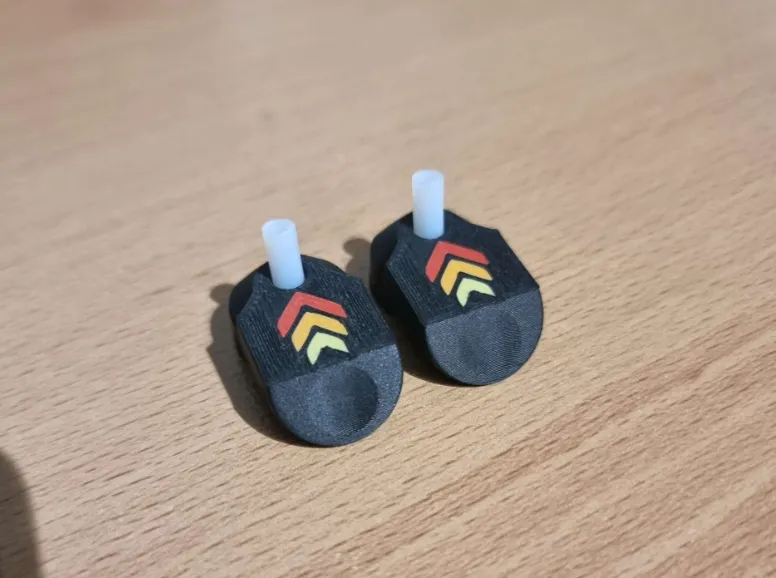
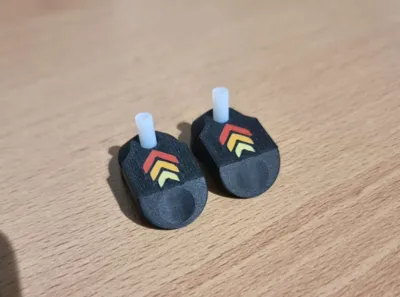
- no hole necessary and space for a beautiful logo on the top!
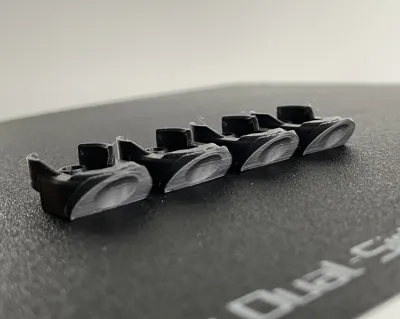
- They are designed to print them on the back - no more bed adhesion problems! 😃
- They are shorter as v.3.0, have a convinient push-button with ergonomic inclination of the push button and "push"-point - really no more sore fingers! 😍
- Much easier installation during better tolerances and better strong clamping on the feeder-funnel! 👌
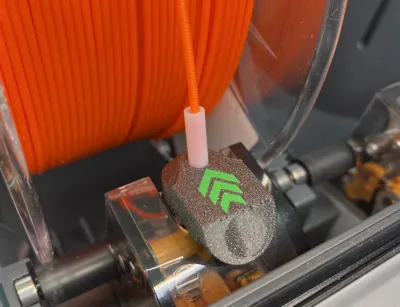
Bambu Lab X1 AMS Feeder Button Cover/Protector - what is that good for?
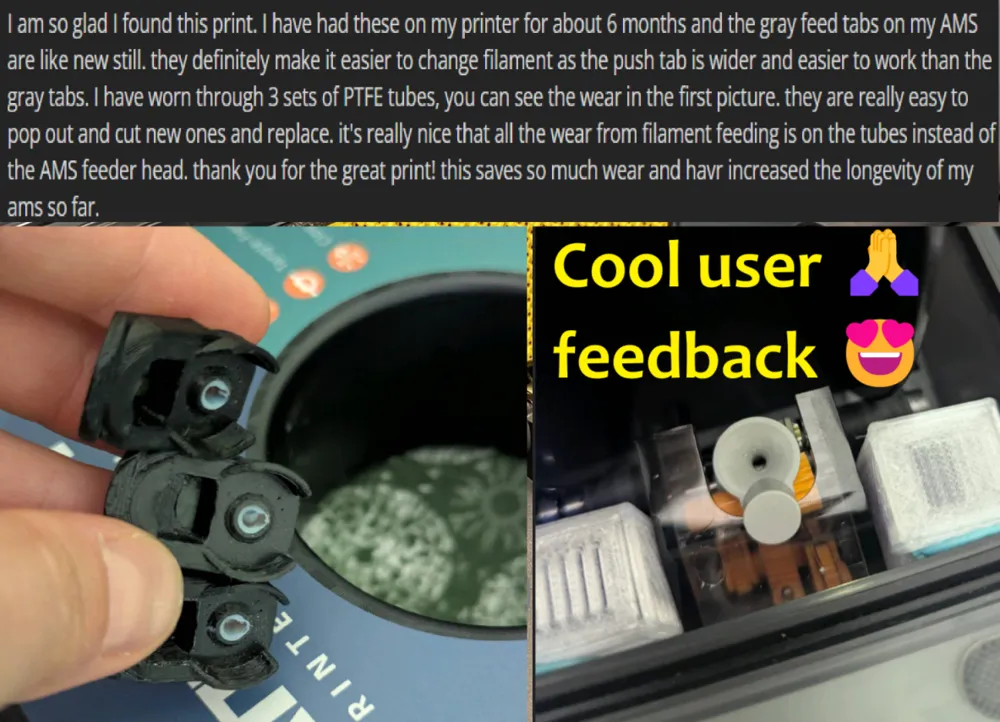
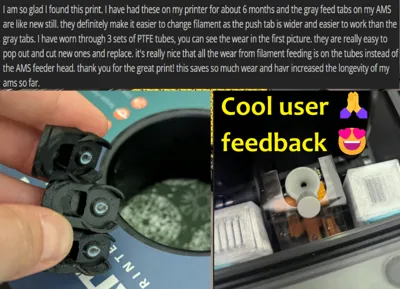
I have read some reports that the abrasive filaments "grind" the feeders from AMS (which are from soft plastic too) very quickly! And this problem may affect the loading and unloading filaments !
 |  |
I found an interesting feeder cap at Printables (thank you, Maverick Ng, for sharing your model!) and reconstructed it so that the cap sits very stable on the feeder and can still be easily pulled on and removed. Look at Installation-Video on my Instagram Channel - its very easy! :-)
For version 4.1. I achieved the best results with the PTFE length of 18mm. I used a replacement PTFE tube that came with my Bambu Lab X1 Carbon.
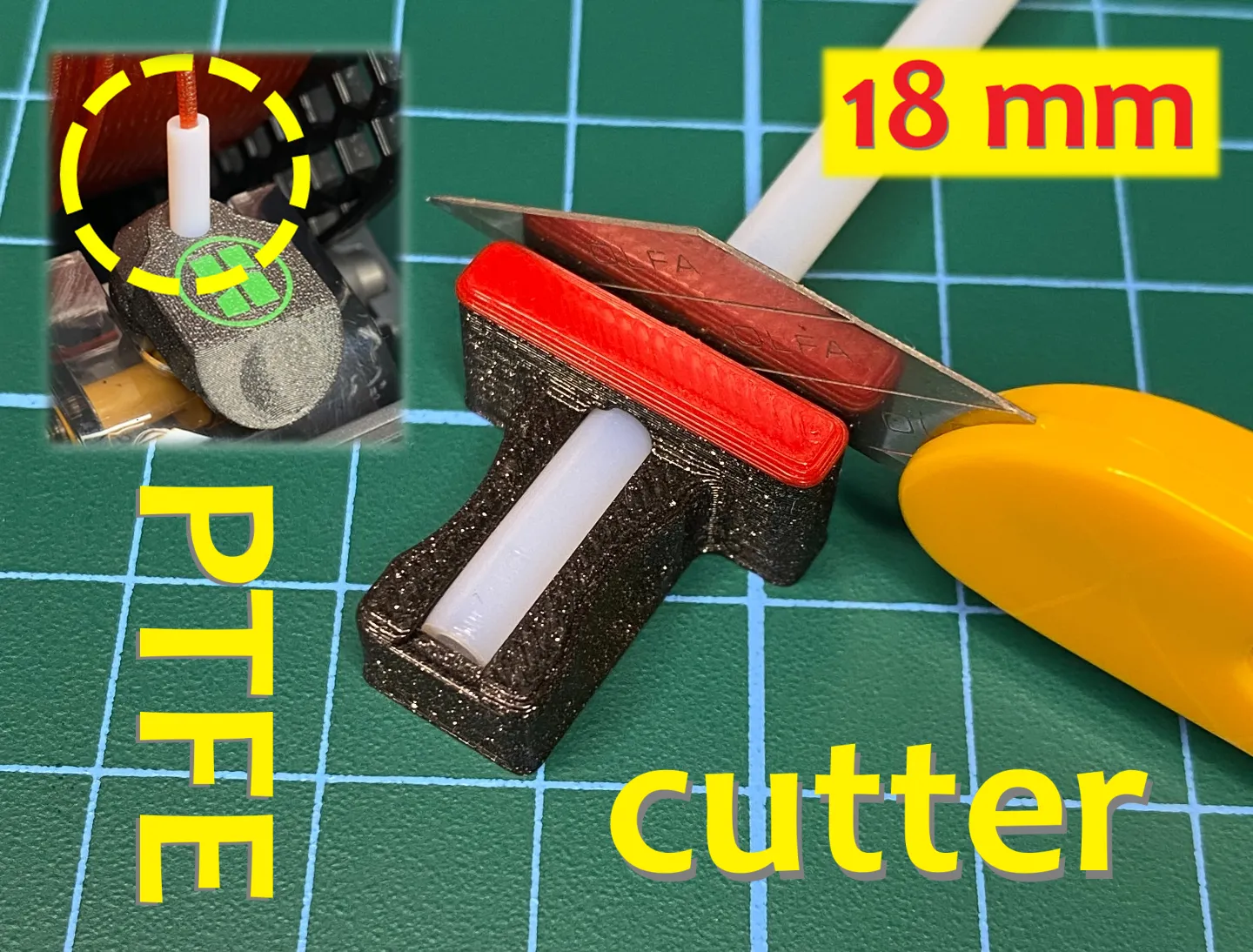
Please read the print instructions carefully! They are important so that the small parts can be printed correctly and then sit and hold well on the feeder!
Print / Install Instructions:
- place them with the logo on the build plate
- first layer line width: 0,37 (0.4 mm Nozzle)
- first layer speed: 10ms per second (for perfect look of the button-surface)
- 2 perimeter, 4 top/bottom layer, 20% infill
- PLA/PETG - are top for that
- print layer height: 0.12mm
- It is helpful to swith your Bambulab Printer from “Standard” Speed to “Quiet” - better quality and fit!
Take a look at the Video/Post about this model on my instagram channel: https://www.instagram.com/eds_3d_shop/
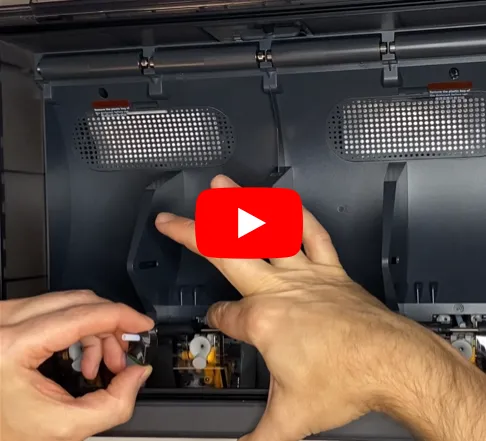
!!! Please take a look at this video, here you can see how you can easily get these protectors on the feeder properly!
⚠️IMPORTANT!⚠️ You don't need to disassemble your AMS or remove any parts!
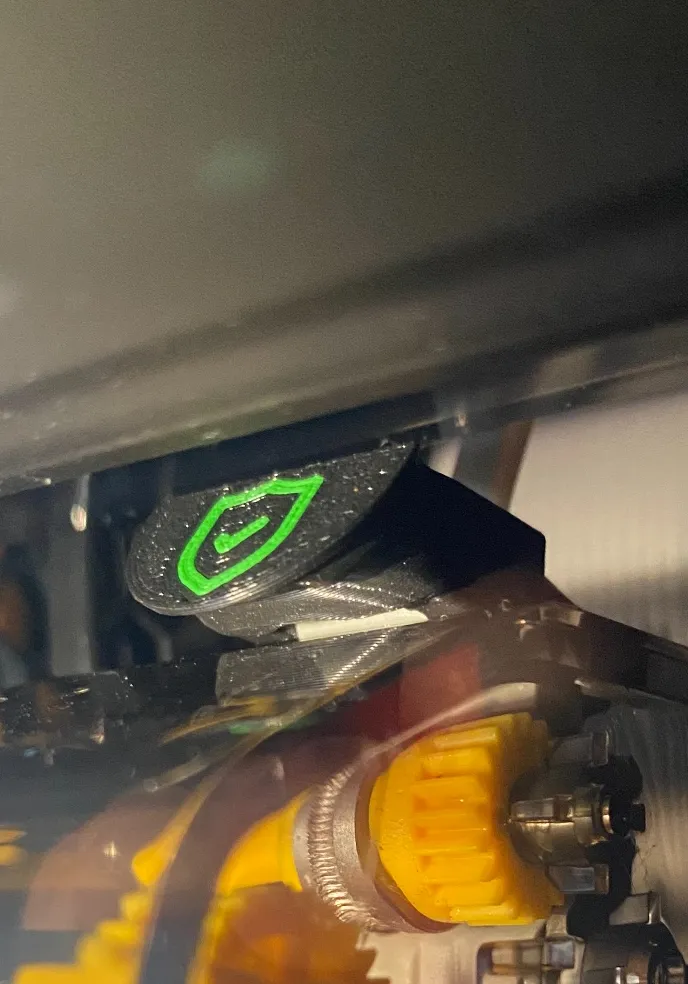
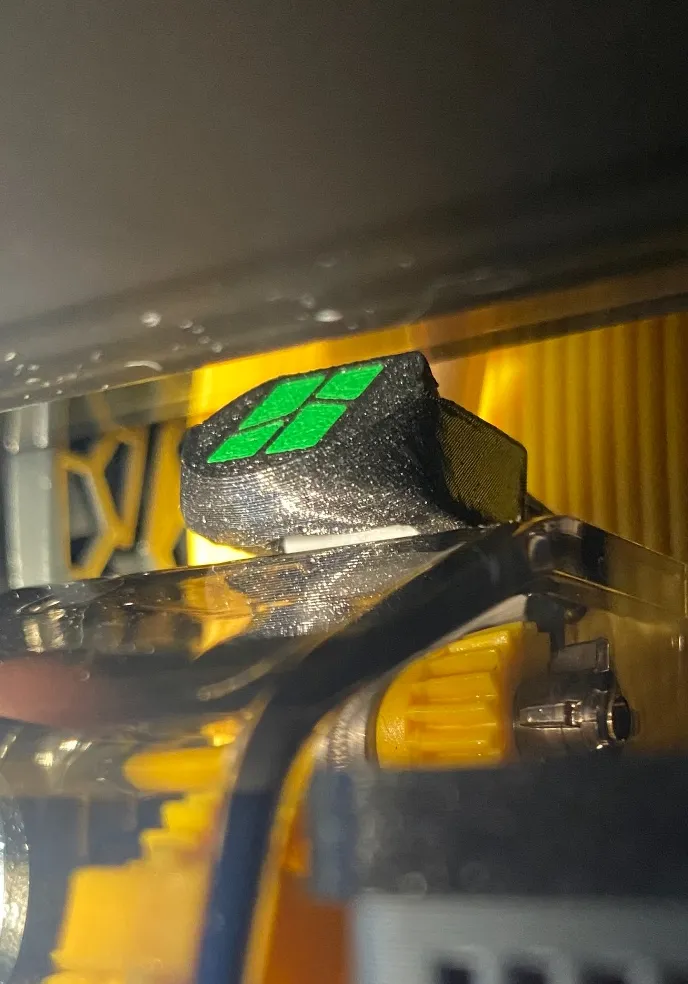
Short and cool description from User SpectreGadget : “Push forward with the back of the cap against the lever to snap it in place. Then line up an press firmly down to get over the existing inlet, until it snaps in place.”
Please look at these pictures - good example of correct installation 👌😊👍
 |  |
— ! —
Thanks for downloading and rating in advance - please don't forget to like 👍 and boost 🚀 this design! 🙏😍
⚠️If you have an A1/A1mini with AMSlite - take a look at this design 🦾😊

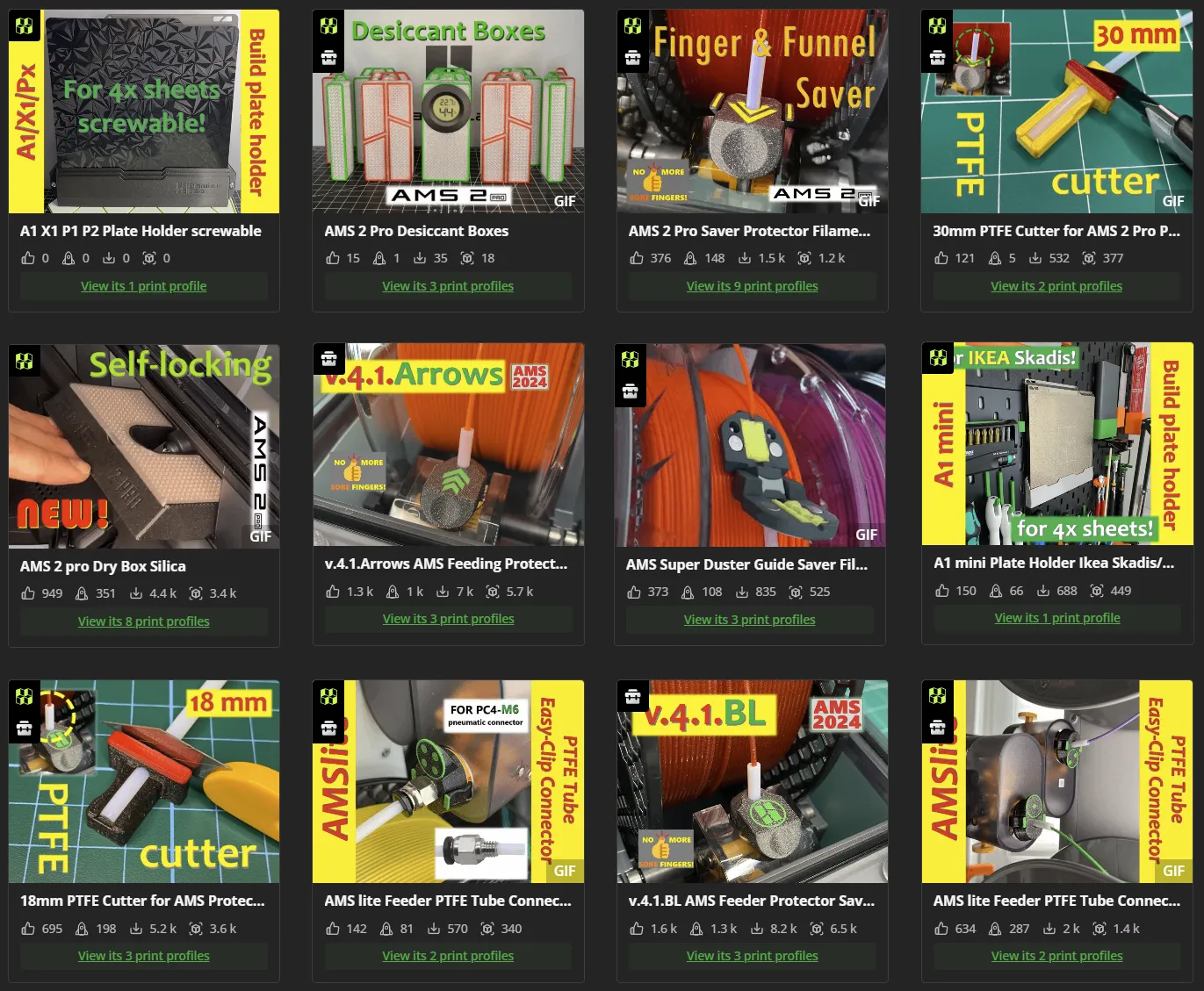
Take a look at my other very helpful designs for Bambu Lab printer and AMS / AMS 2 pro:
If you like my work and want to support me - please follow me and if you want - you can buy me a coffee! https://linktr.ee/eds_3d_shop
Thank you for your support and.. happy printing!
Ed ;-)
License

You shall not share, sub-license, sell, rent, host, transfer, or distribute in any way the digital or 3D printed versions of this object, nor any other derivative work of this object in its digital or physical format (including - but not limited to - remixes of this object, and hosting on other digital platforms). The objects may not be used without permission in any way whatsoever in which you charge money, or collect fees.


Comment & Rating (3266)