
TPU Print Profile for Bambu Lab
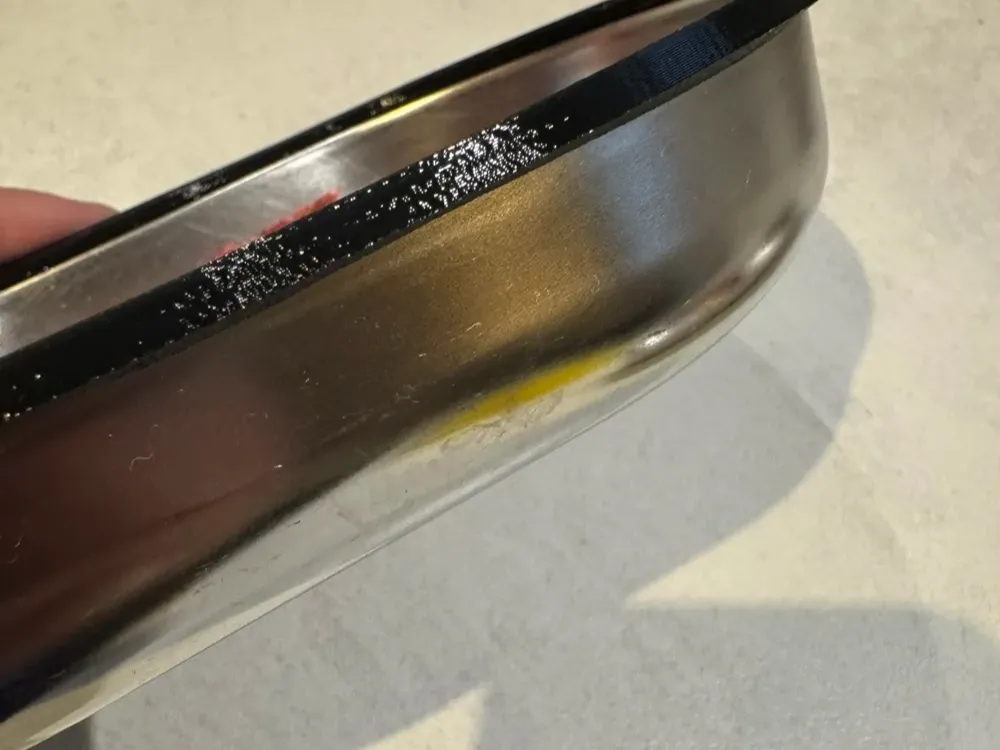
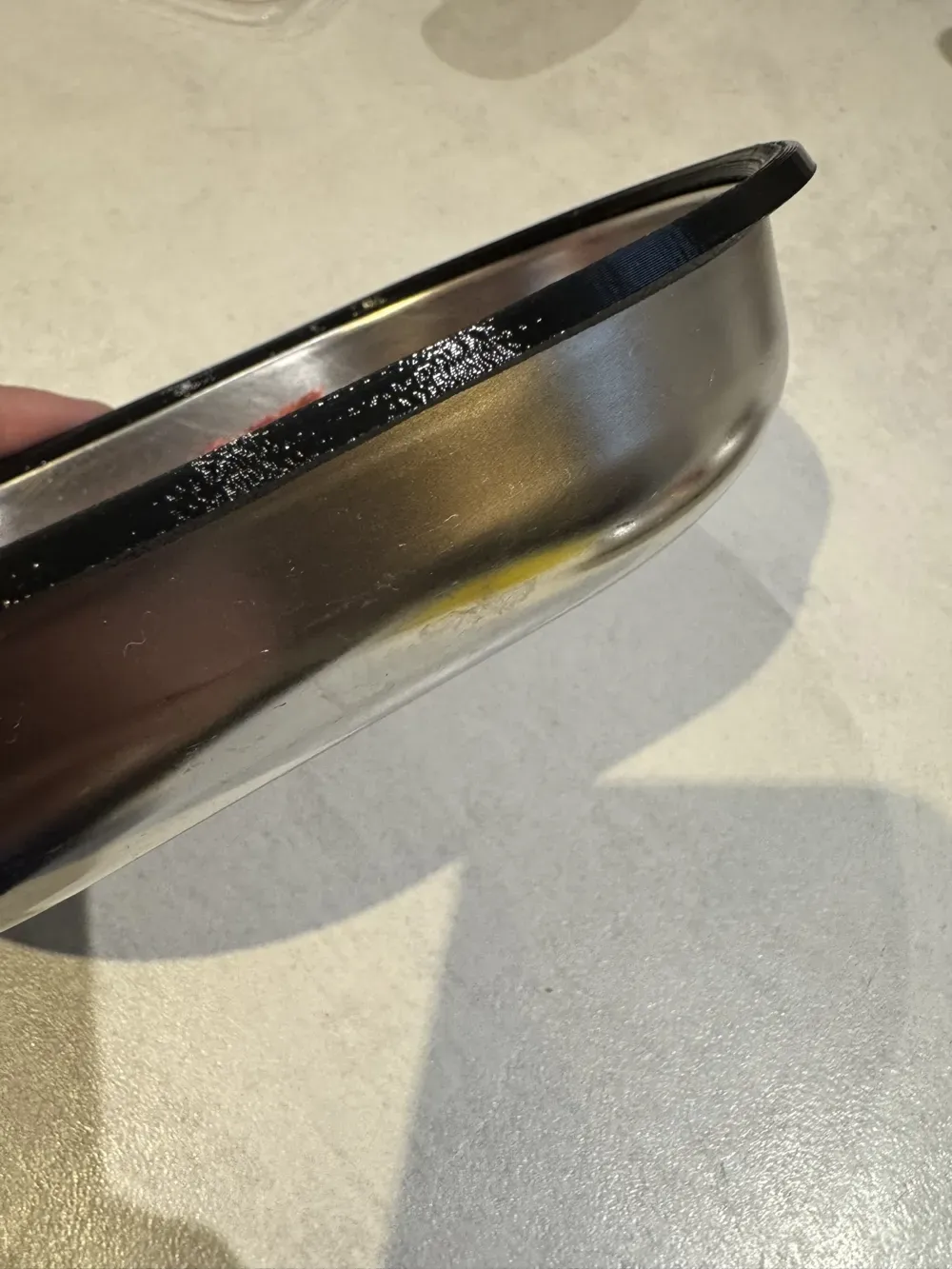
Print Profile(1)
Description
Many beginners consider TPU a difficult material.
Most problems arise not from the material itself, but from unsuitable print settings.
Typical symptoms include:
• Stringing
• unclean surfaces
• underextrusion
• poor layer adhesion
• uneven print results
For my TPU reel, I adopted the recommended settings from the Bambu Wiki, tested them, and saved them as a print profile.
This means that each setting does not have to be searched for or typed in individually.
The profile can be imported directly and used as a starting point for your own TPU prints.
Included
• pre-configured TPU profile
• settings based on Bambu recommendations
• suitable as a starting point for your own adjustments
Suitable for
• TPU beginners
• functional TPU prints
• flexible components
• Bambu Lab A1
• Bambu Lab A1 mini
Note
Further adjustments may be useful depending on the TPU filament used.
Filament hardness, moisture, and component geometry also influence the print result.
For optimal results, TPU should be dried before printing.
Why I uploaded this
The settings are publicly available and come from the official recommendations of Bambu Lab.
This profile is only intended to make it easier to get started and save time if you don't want to find or transfer the values yourself.
License

You shall not share, sub-license, sell, rent, host, transfer, or distribute in any way the digital or 3D printed versions of this object, nor any other derivative work of this object in its digital or physical format (including - but not limited to - remixes of this object, and hosting on other digital platforms). The objects may not be used without permission in any way whatsoever in which you charge money, or collect fees.


Comment & Rating (0)