Search models, users, collections, and posts

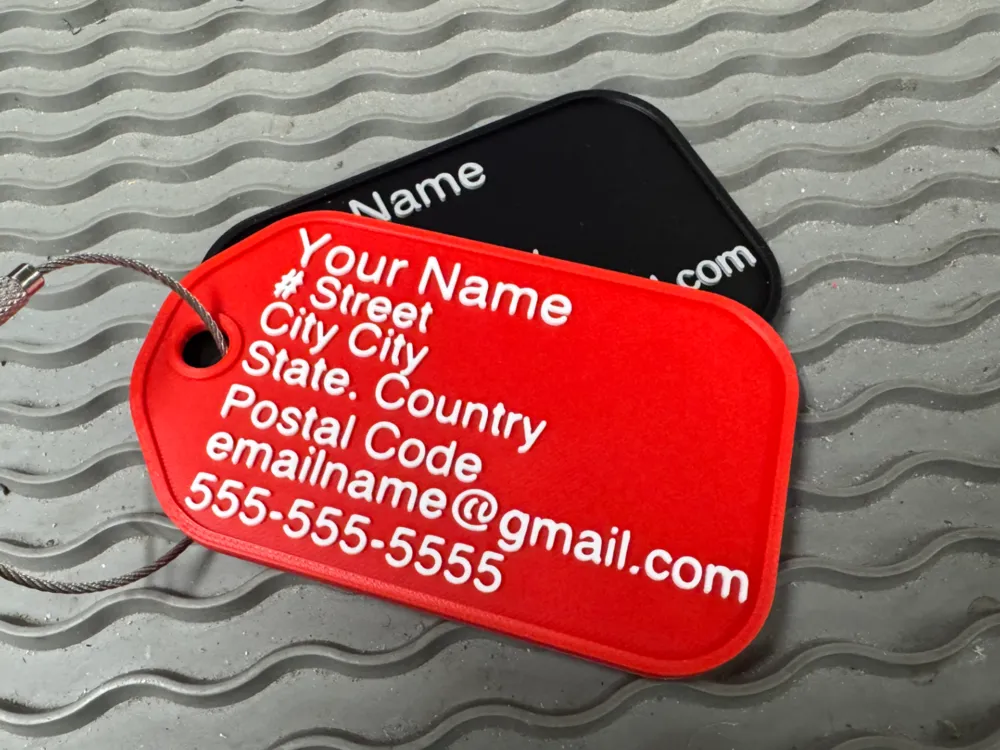
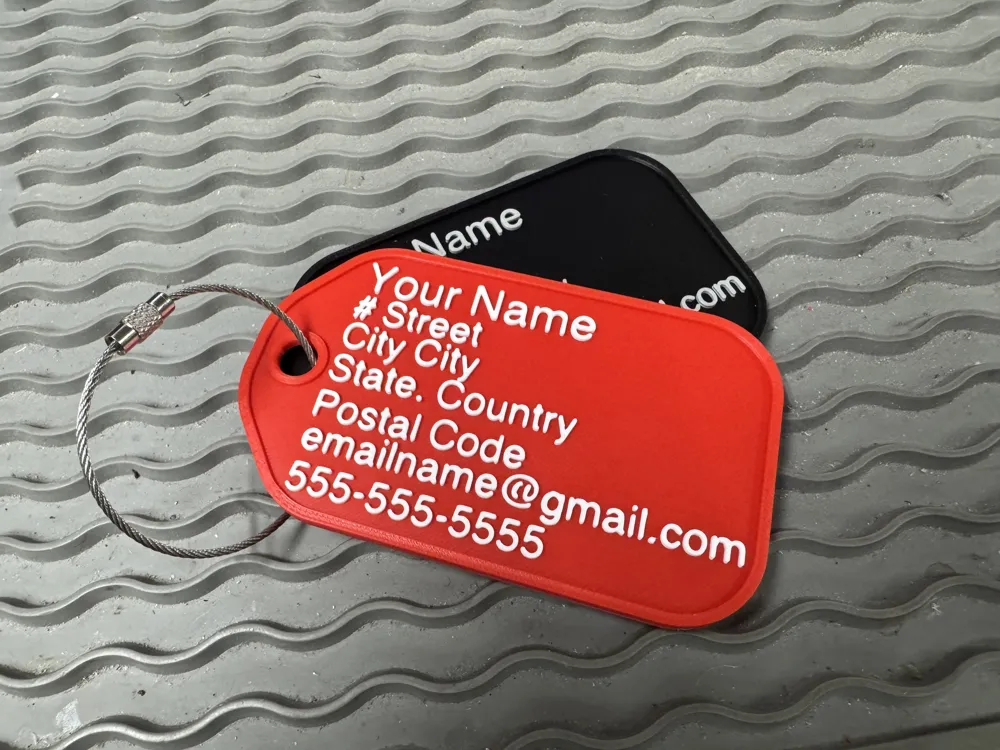
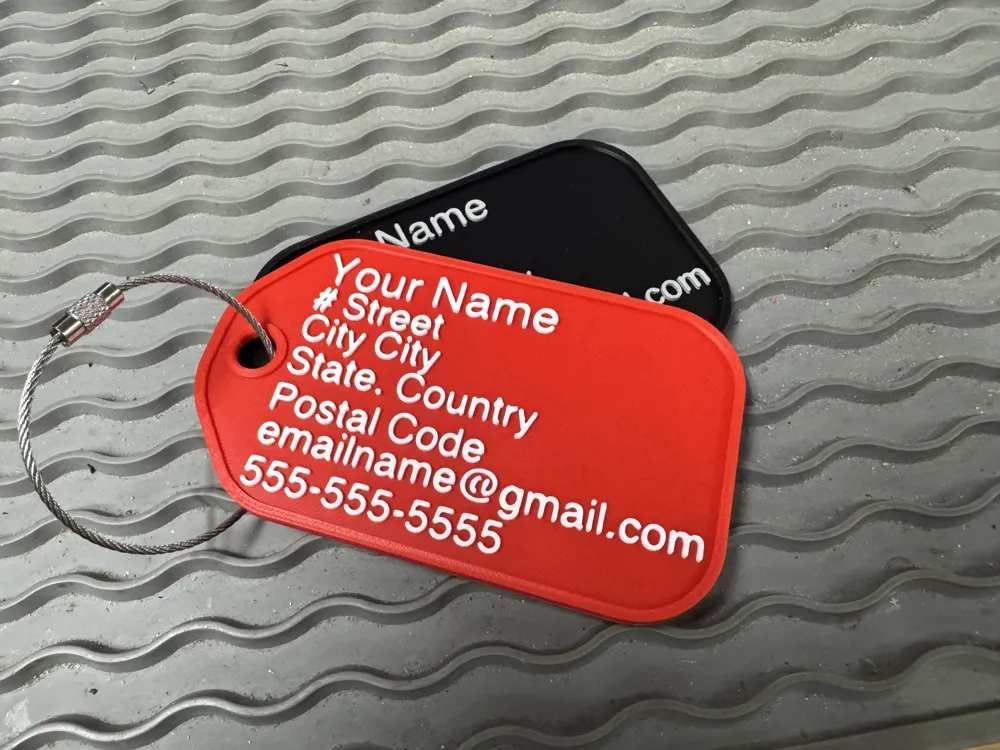
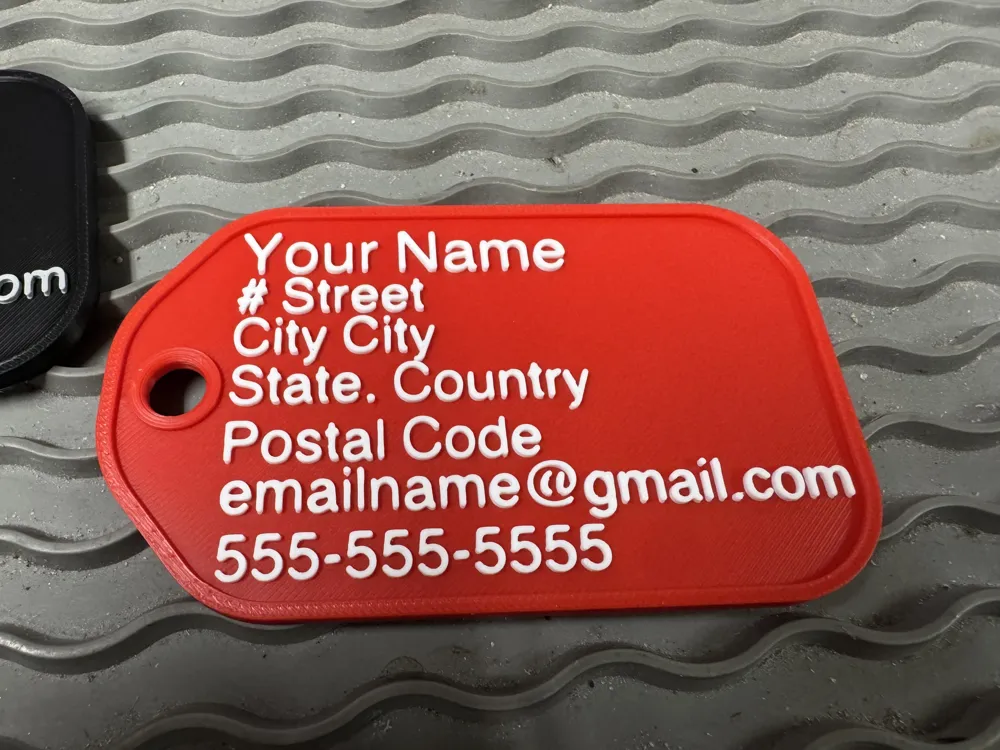
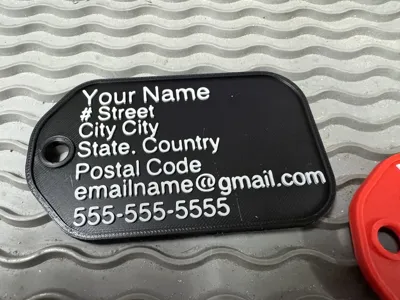
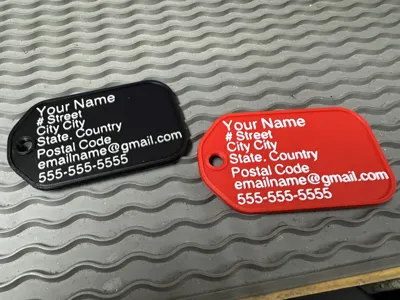
Luggae Tag
IP Report
Print Profile(1)
0.2mm layer, 6 walls, 25% infill
Designer
44 min
1 plate
Open in Bambu Studio
Boost
3
3
0
0
4
2
Released
Description
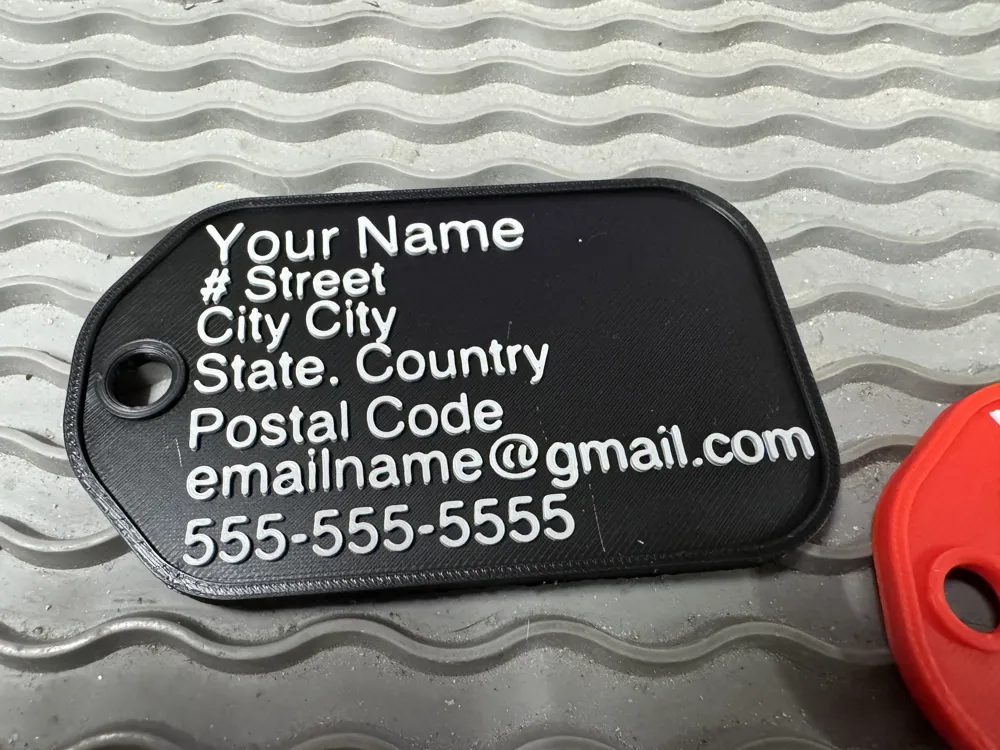
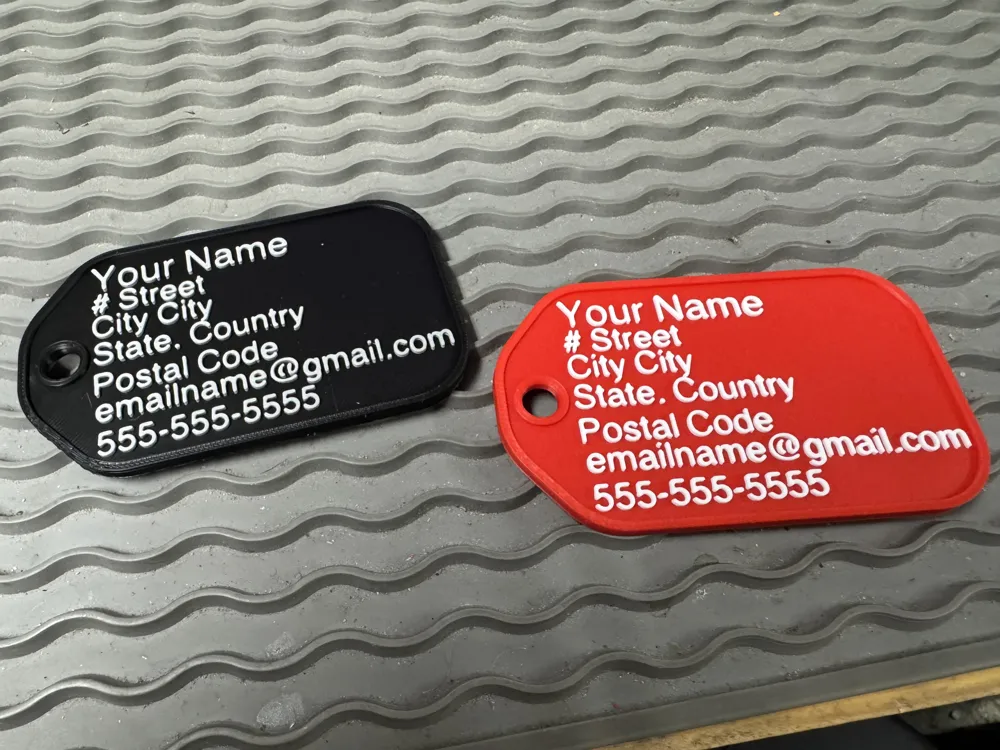
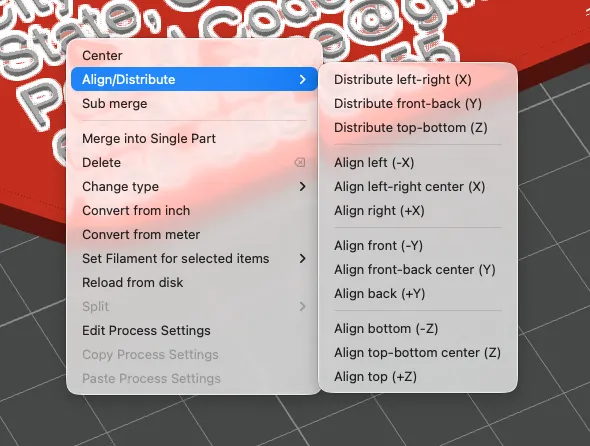
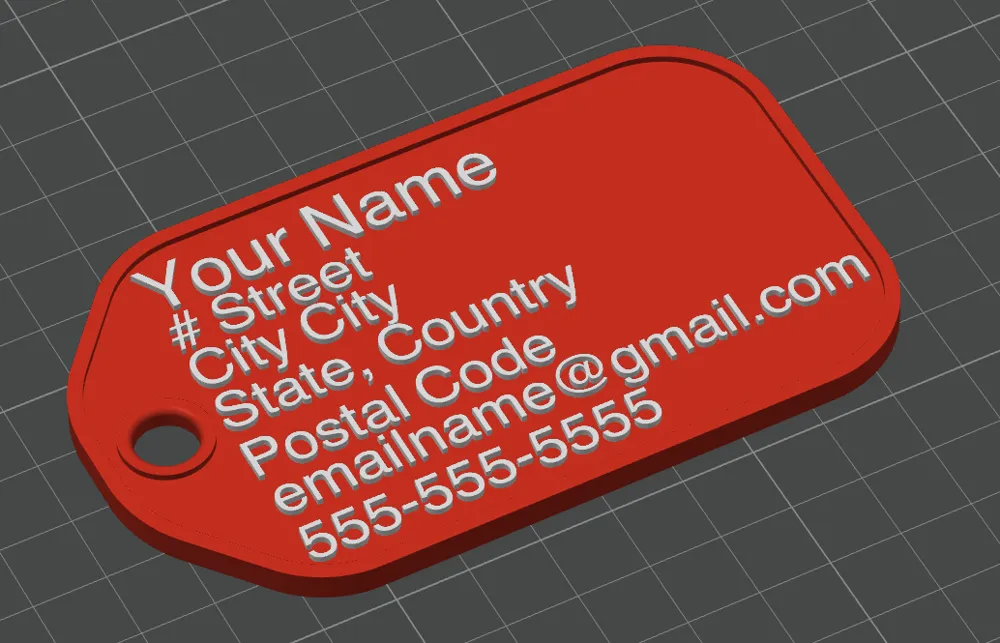
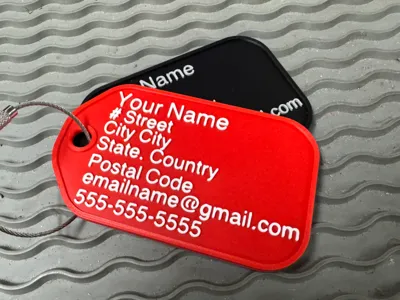
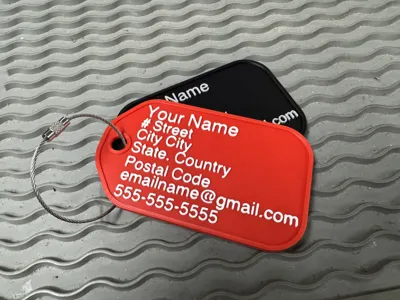
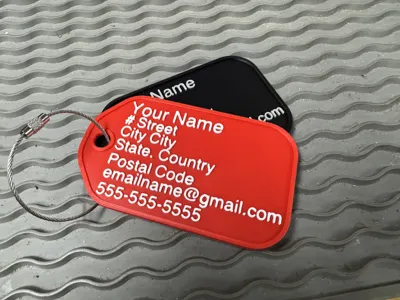
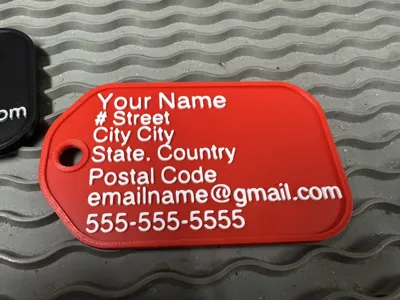
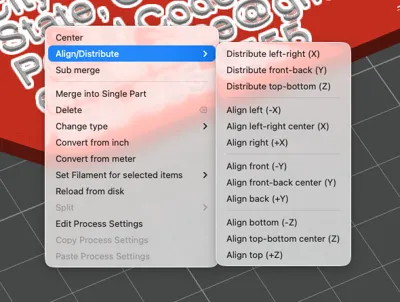
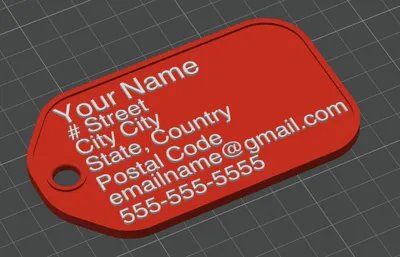
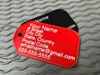
This is a simple design for a luggage tag. All the customization of the text is done inside Bambu Studio. In process, select objects. Then open up tag with hole. You will see seven layers called text shape. Click on each one and customize your text. You will notice the alignment will be off. Select the seven text shape layers using the shift key. Then right click and use the align tool to align them all to the left. Once you've done that, you can select the seven liar layers again and move them together to centre them on the t.
License

This user content is licensed under a
Creative Commons Attribution-Noncommercial-Share Alike


Comment & Rating (0)