
Charging Stand for Pebble Watches
Print Profile(1)
Description
Boost Me (for free)
Did you know? MakerWorld gives out free Boost tokens to active users! These tokens can be used to support any model you love -- at no cost to you. You may not even know that you have Boost tokens. But they are a big help to creators. Please show your appreciation by boosting the models that you like.
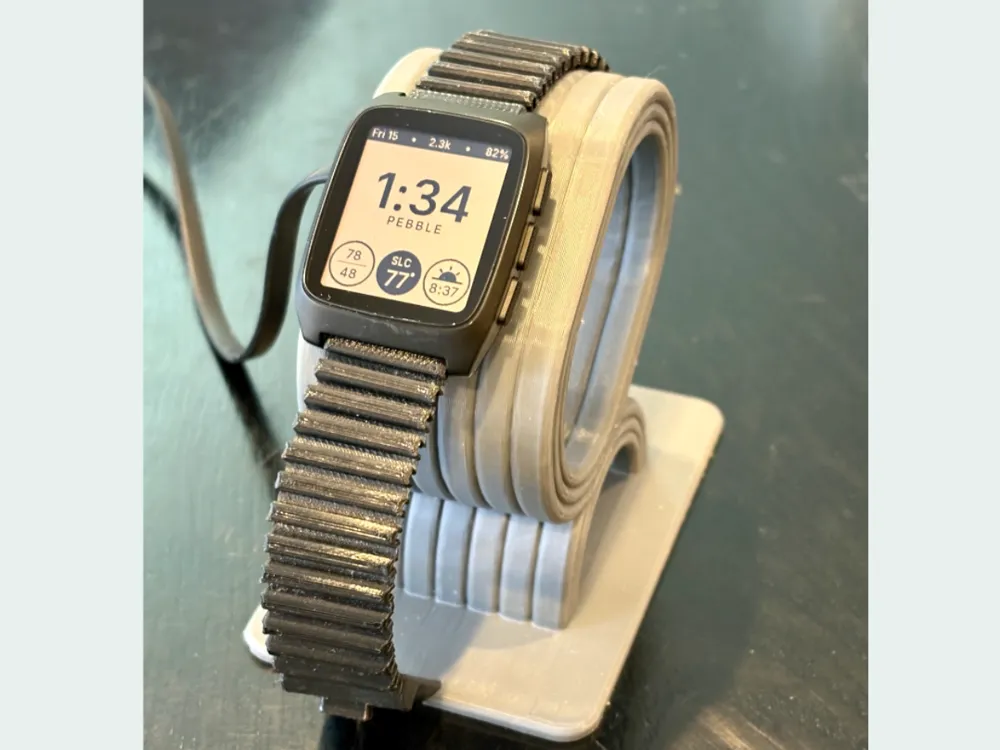
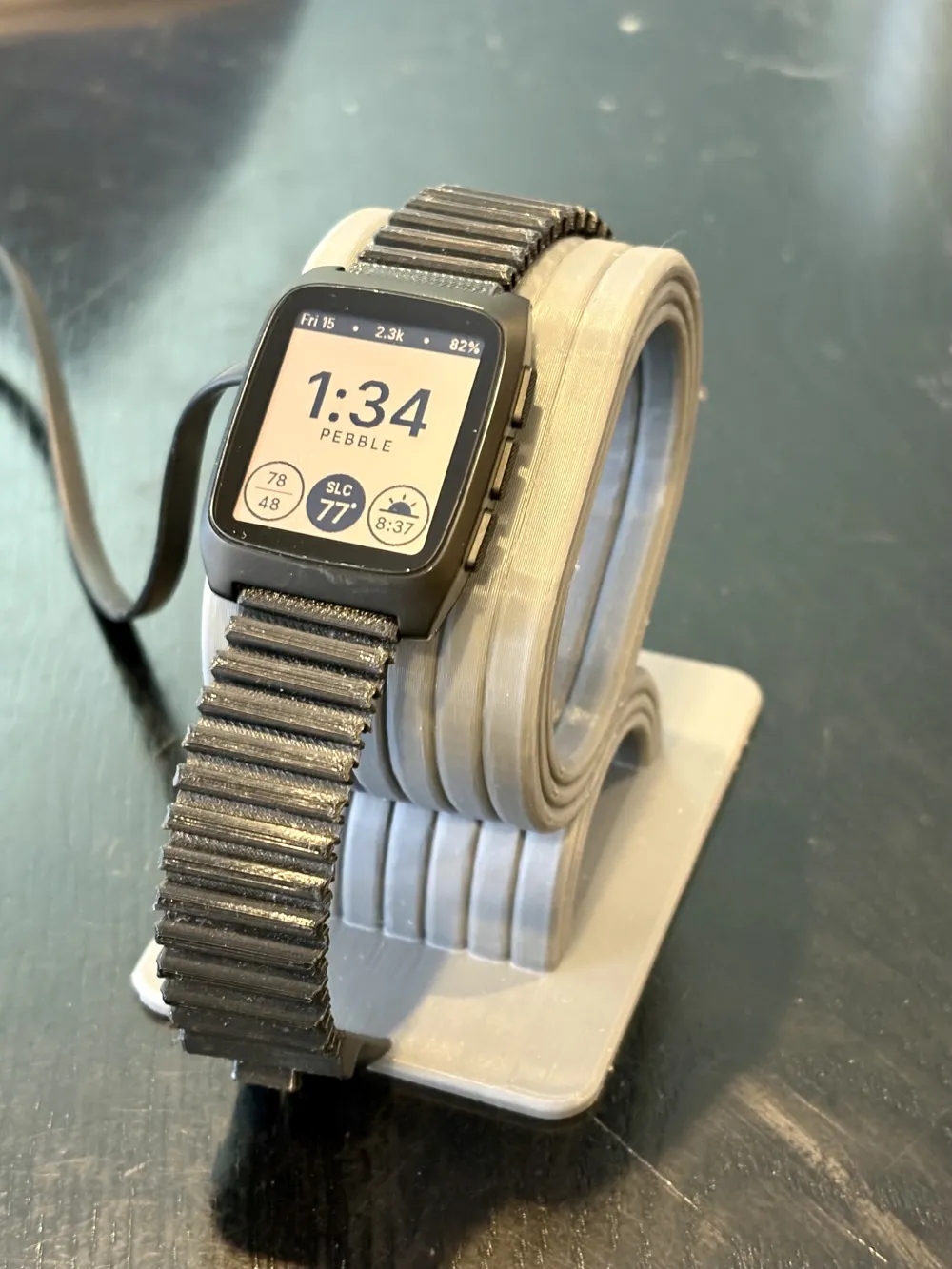
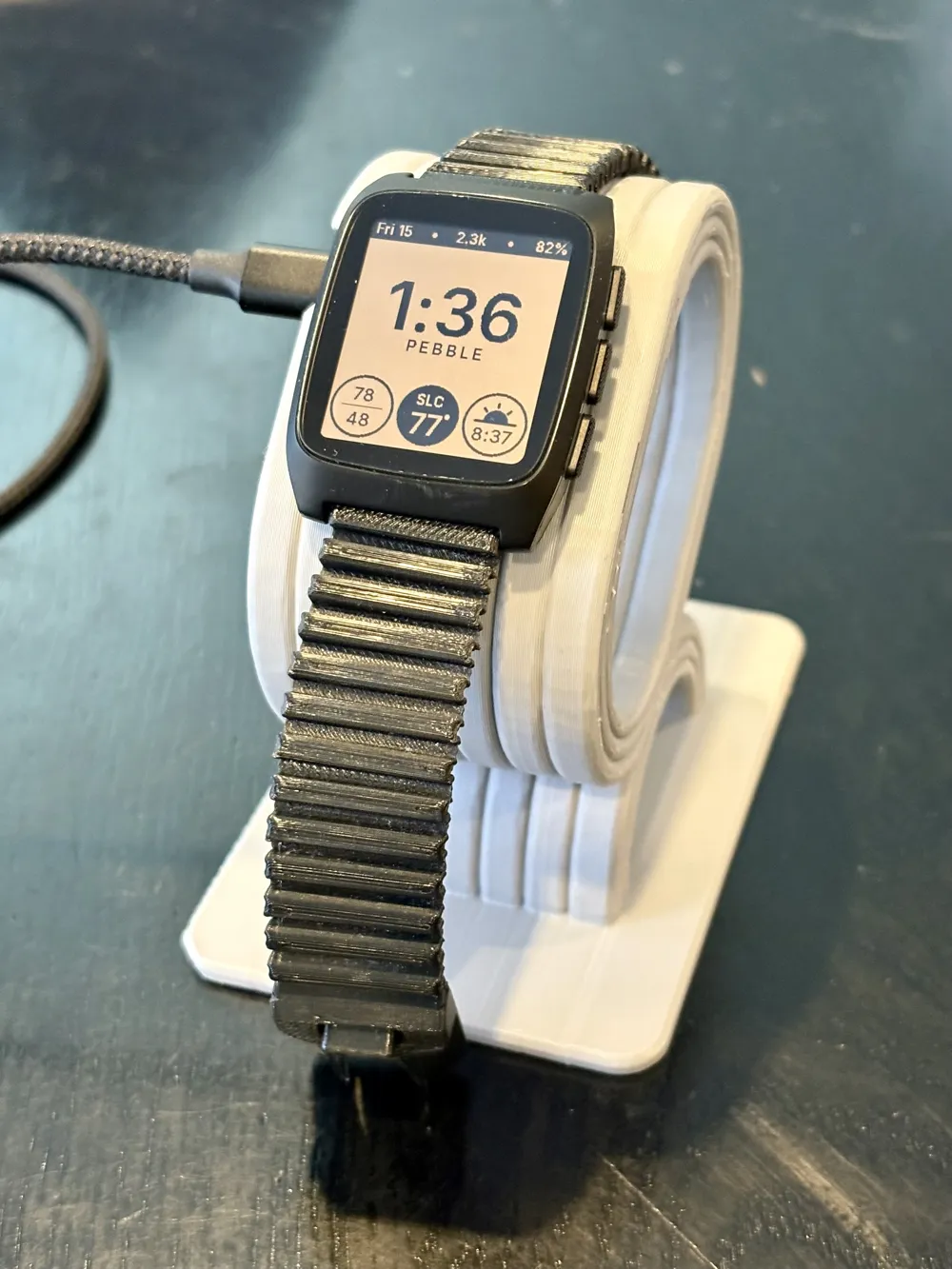
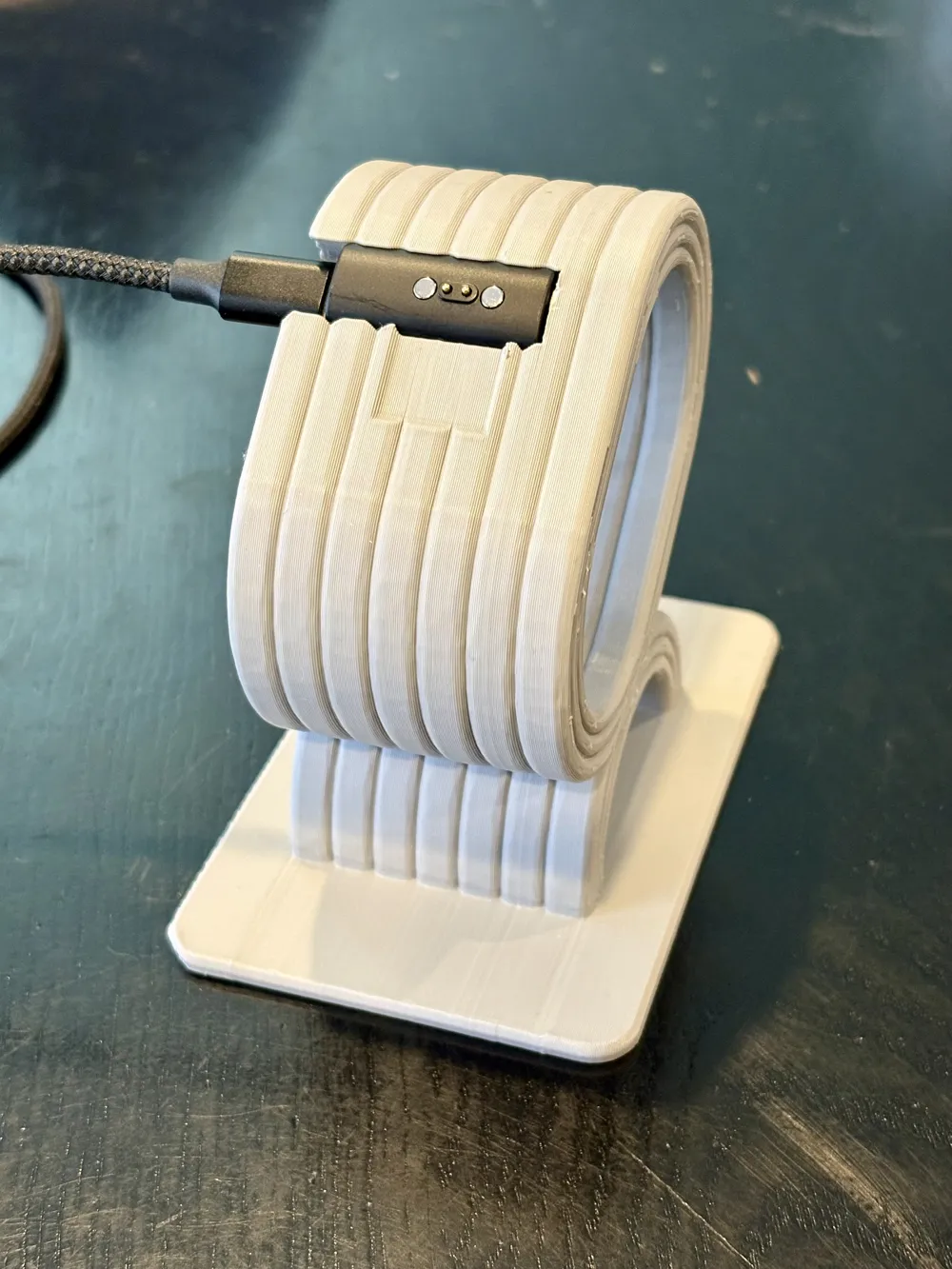
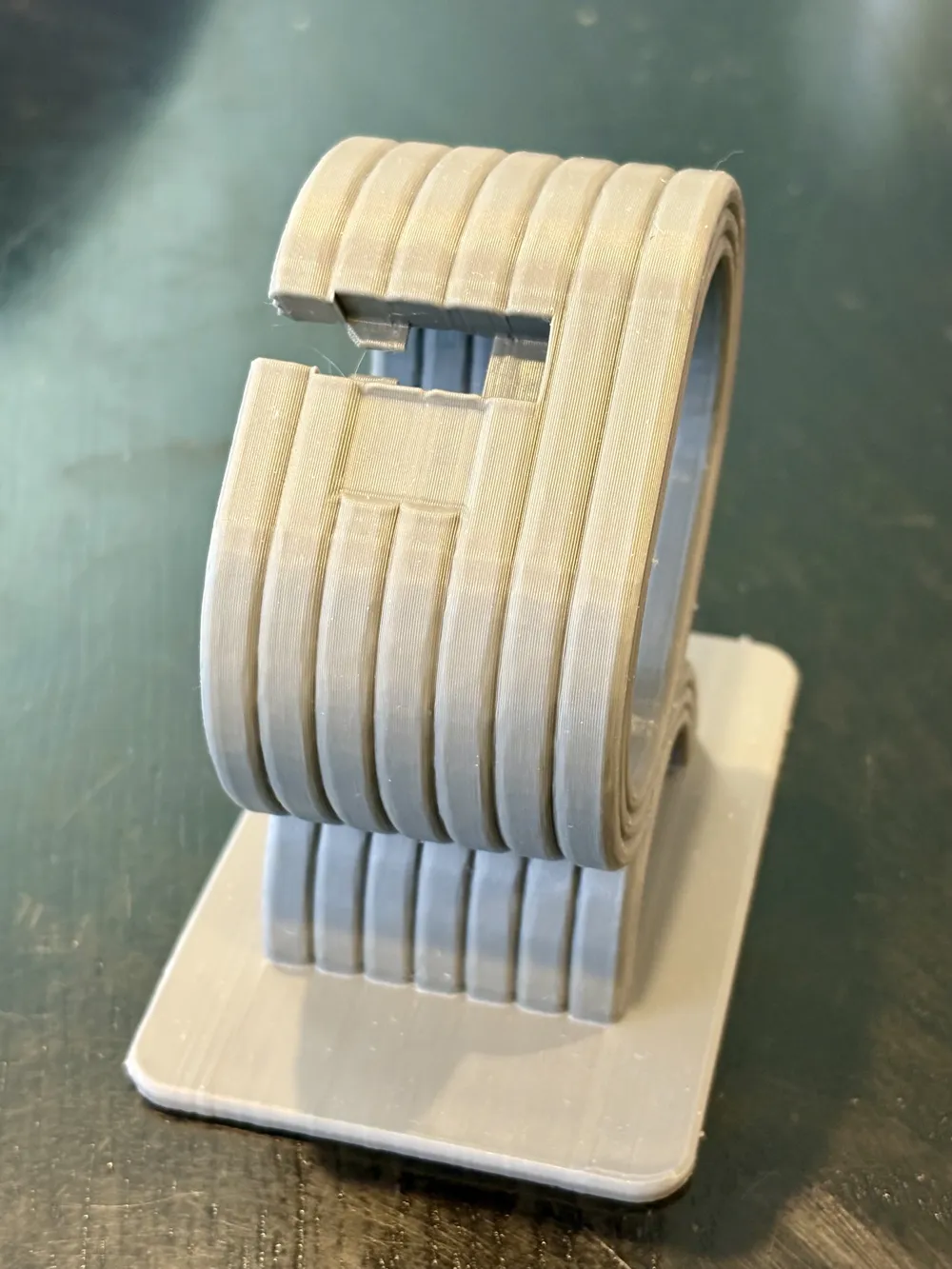
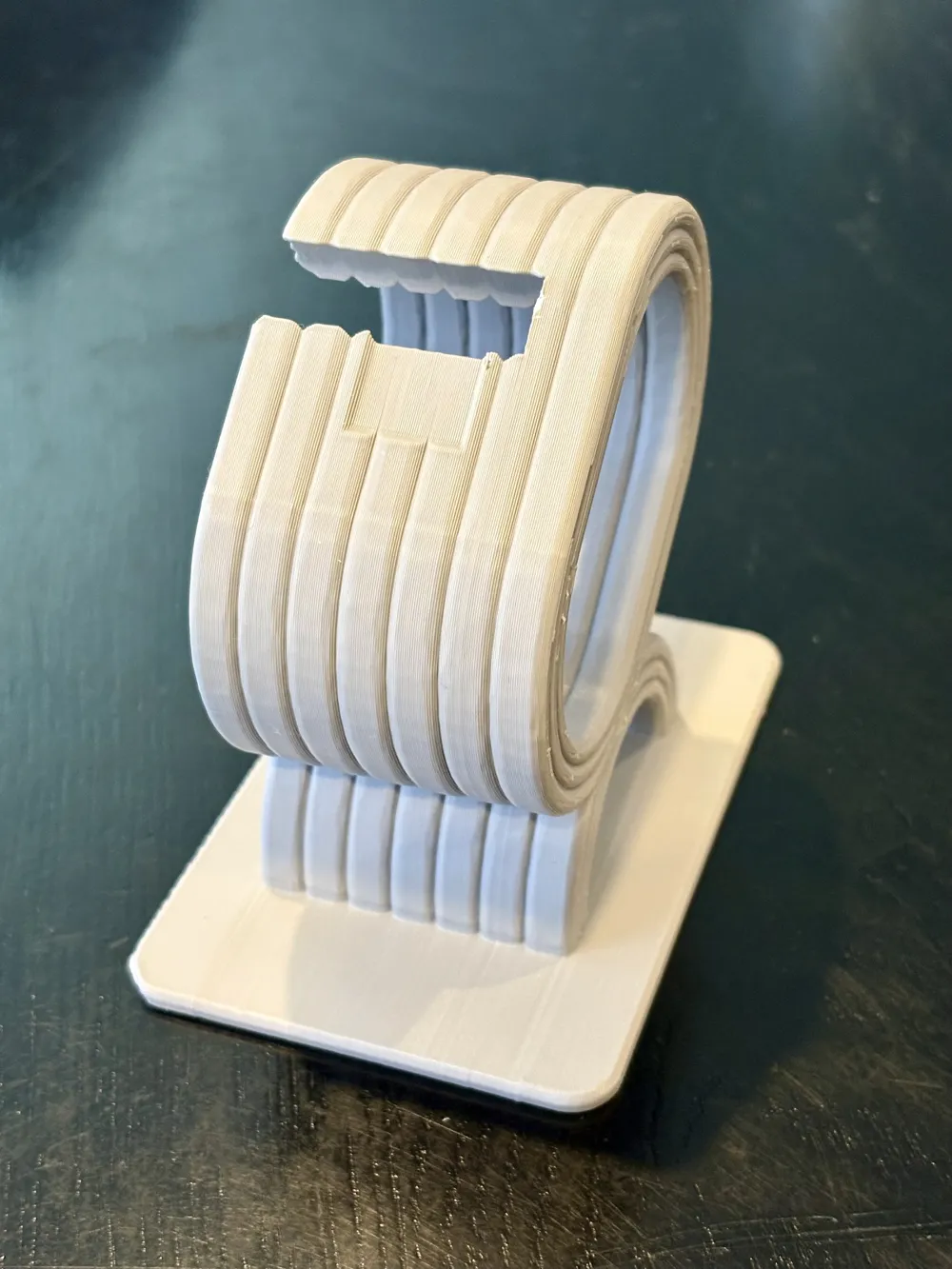
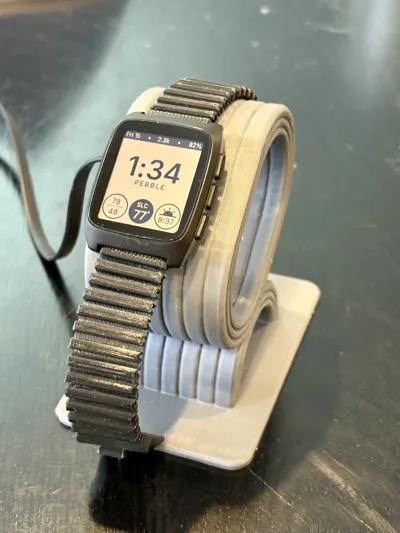
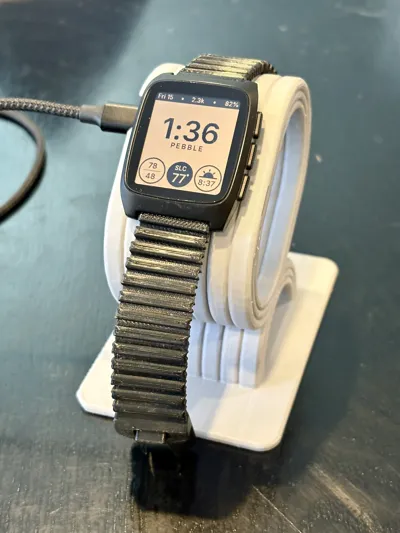
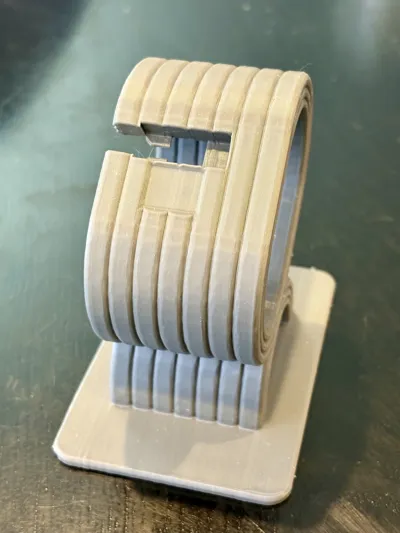
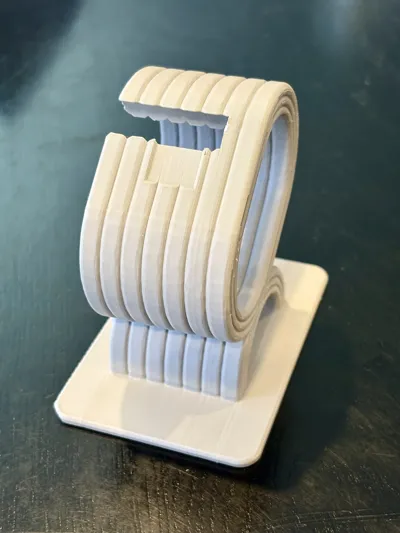
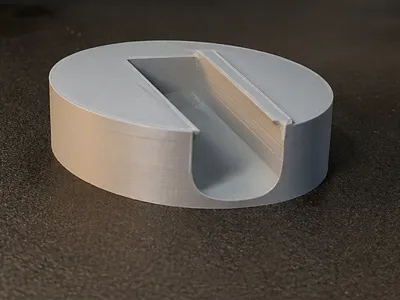
Elevate your daily routine with a charging dock that balances mid-century modern aesthetics with rock-solid functionality. Designed to turn your Pebble into a bedside or desk centerpiece, this stand utilizes the watch’s own magnetic latch to provide a satisfying, secure "snap" every time you dock. No more fumbling with loose cables; just slide, snap, and charge.
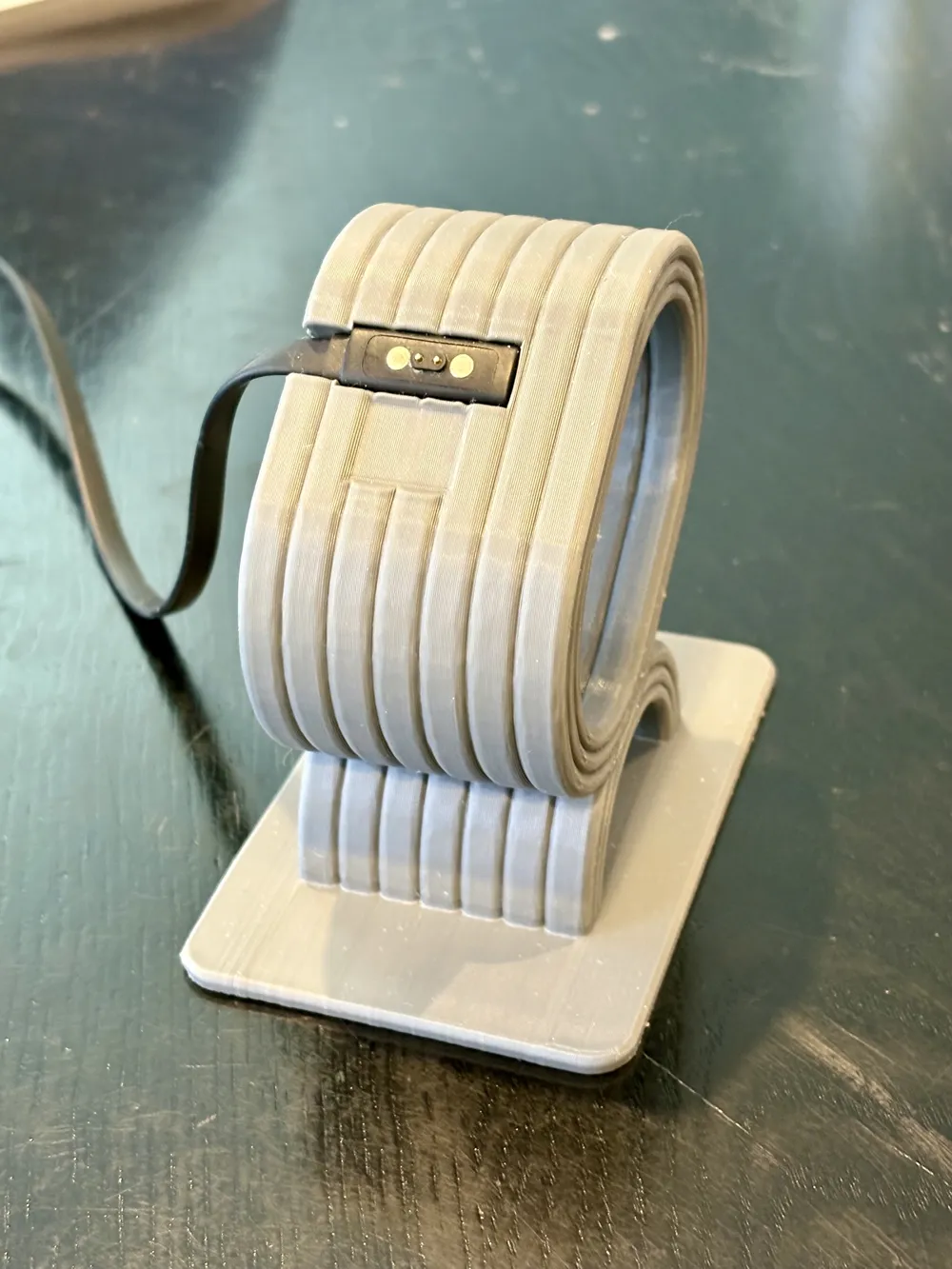
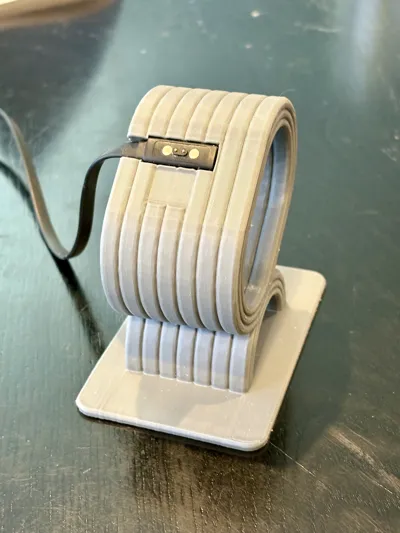
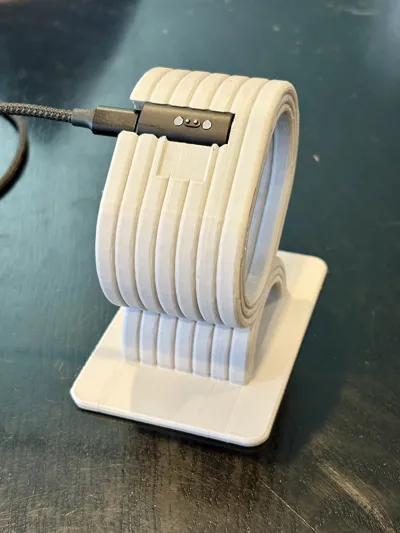
The print profile includes two choices, depending upon whether you charge your Pebble with the classic USB A cable or with the new USB C dongle. Choose the right one before you print.
Recommended Print Settings
- Wall Loops: 4
- Top/Bottom Layers: 8
- Infill: 15% Cubic
- Orientation: Lying down (as positioned in the .3mf)
- Supports: Required (Enabled)
- Support Interface: Disparate material (e.g., PLA interface for PETG body)
This model is engineered for durability and a premium feel. The use of 4 wall loops and 8 top/bottom layers ensures a dense, rigid structure that won't flex when docking the watch. Because the model prints on its side to maximize the "ribbed" aesthetic, the support interface is critical; using a disparate material (like a PLA interface on a PETG print) ensures a "zero-gap" finish and effortless support removal without scarring the visible surfaces.
Recommended Filament & Materials
- Body Material: PETG (Recommended for heat resistance and durability)
- Support Interface: PLA (if printing body in PETG) or
- Hardware: Original Pebble USB-A Charging Cable OR Pebble USB-C Charging Dongle
While PLA can be used, PETG is the preferred choice for this functional part to ensure the friction-fit slots for the chargers maintain their integrity over hundreds of uses. The most important factor for success is the disparate support interface; do not print the entire model and supports in a single material, as the supports will be difficult to remove and may damage the final finish.
Assembly & Usage Instructions
- Remove Supports: Carefully peel away the support structure. If using the recommended disparate interface, these should pop off cleanly.
- Cable Version: Thread the magnetic head through the internal channel. Press the head into the slot until it is flush. This is a tight friction fit and may require firm pressure.
- Dongle Version: Insert the USB-C dongle from the side of the slot rather than pressing it in from the front to avoid stress on the connector.
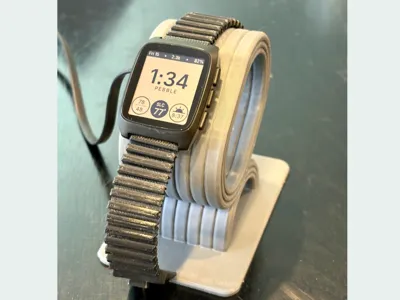
- Docking: Simply slide your Pebble watch onto the loop; the magnets will naturally align it with the charging pins.
The engineering tolerances for the connector slots are designed for a high-precision friction fit. This ensures that the charging pins remain perfectly stationary even after repeated docking cycles, preventing the "connector creep" often found in lower-quality stands.
Membership
My models are always available for personal use here, for free. But if you would like to sell physical prints of my models, you can do that if you subscribe to my commercial licensing membership. Thanks for your support!
This remix is based on



License

You shall not share, sub-license, sell, rent, host, transfer, or distribute in any way the digital or 3D printed versions of this object, nor any other derivative work of this object in its digital or physical format (including - but not limited to - remixes of this object, and hosting on other digital platforms). The objects may not be used without permission in any way whatsoever in which you charge money, or collect fees.


Comment & Rating (1)