
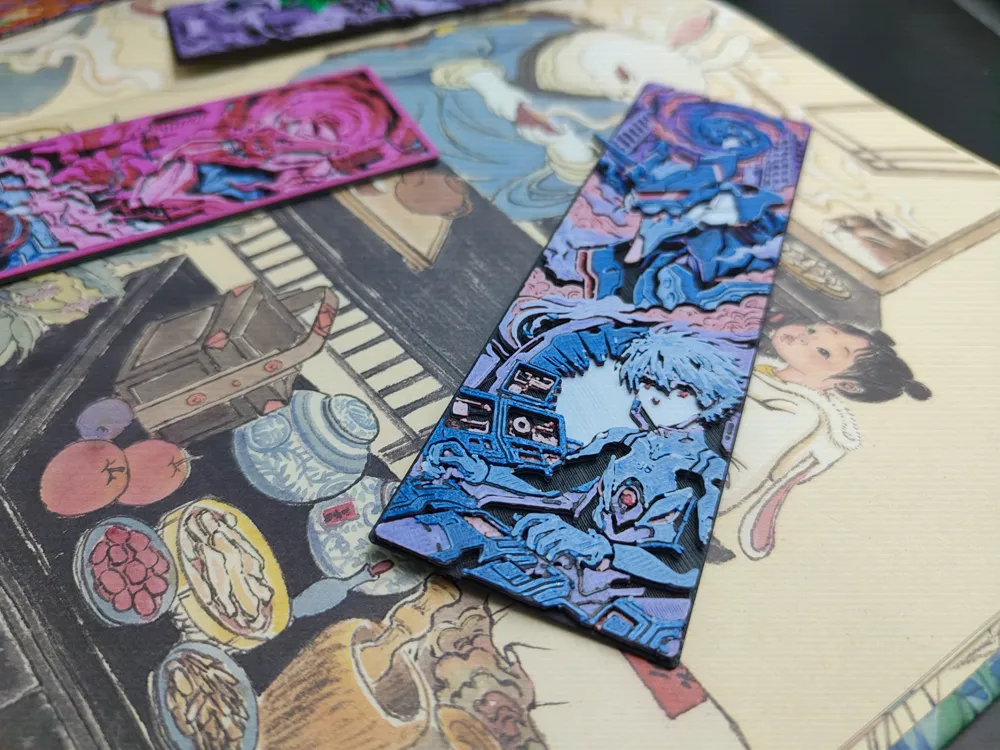
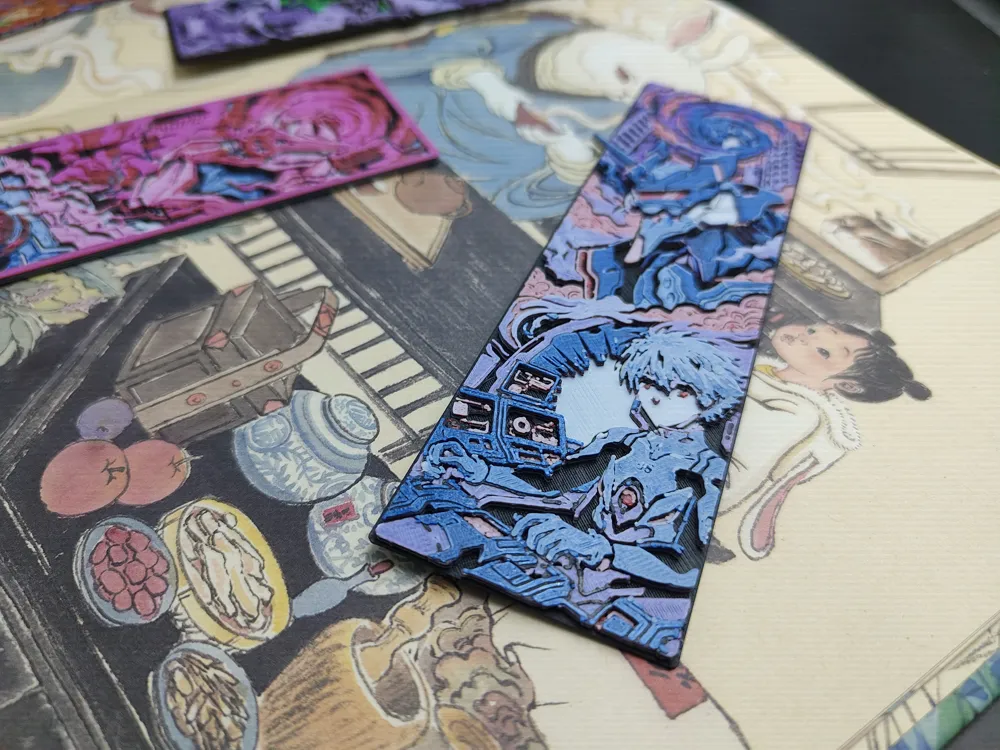
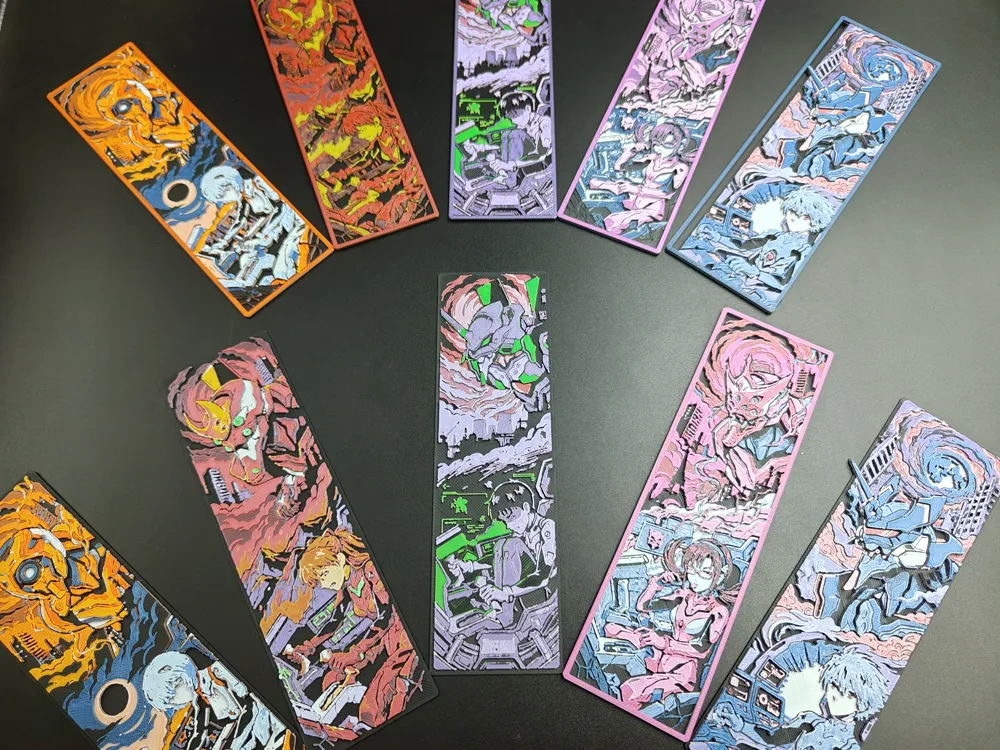
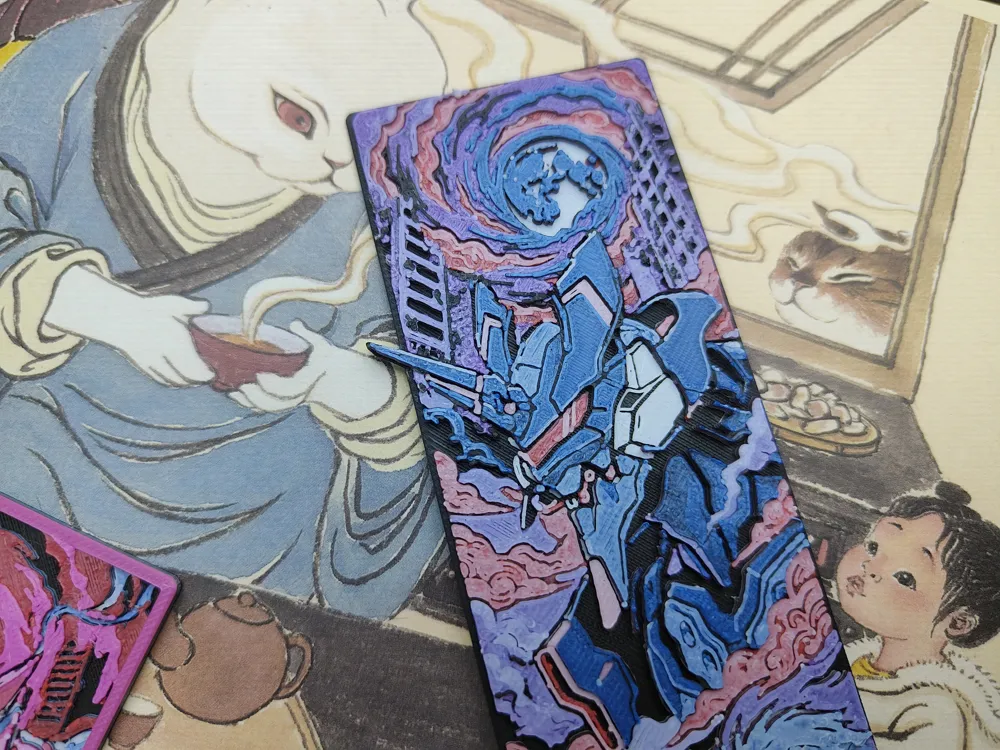
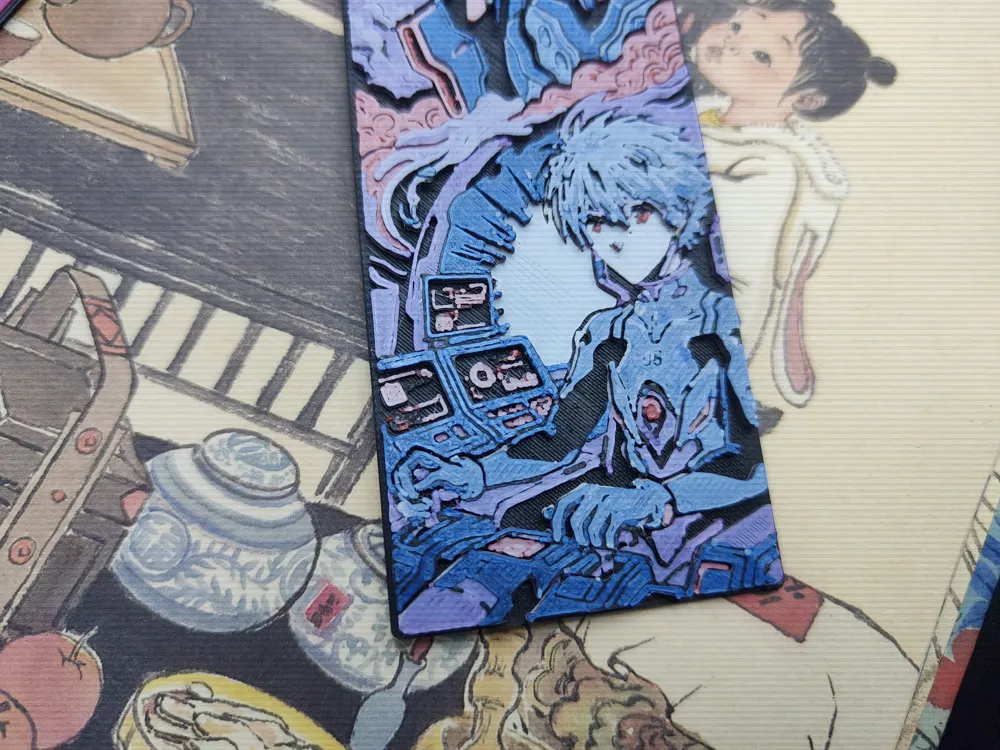
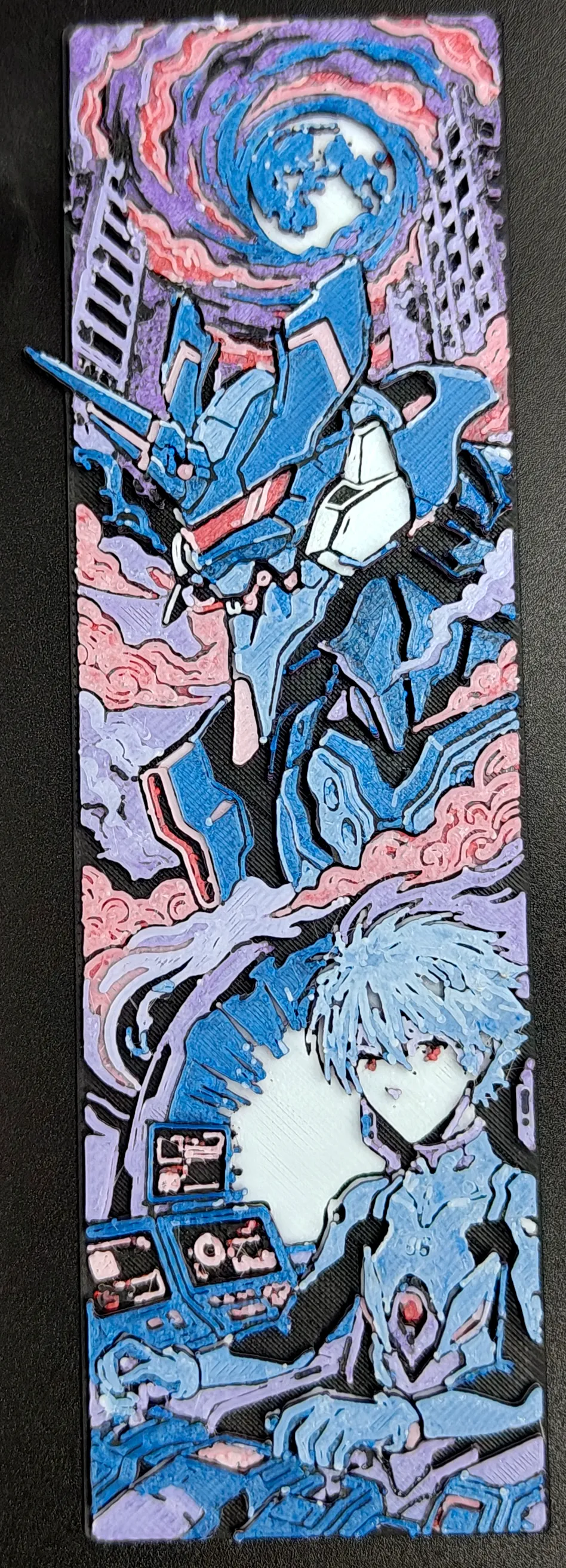
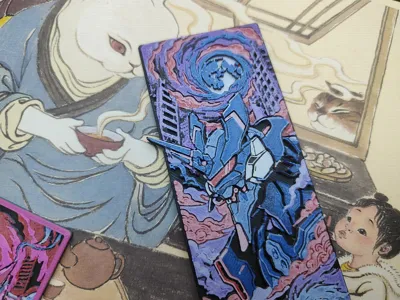
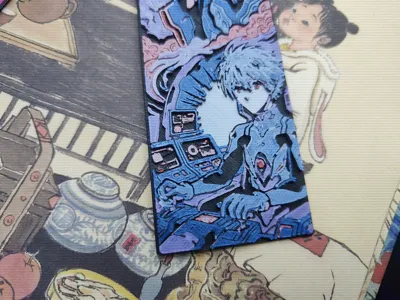
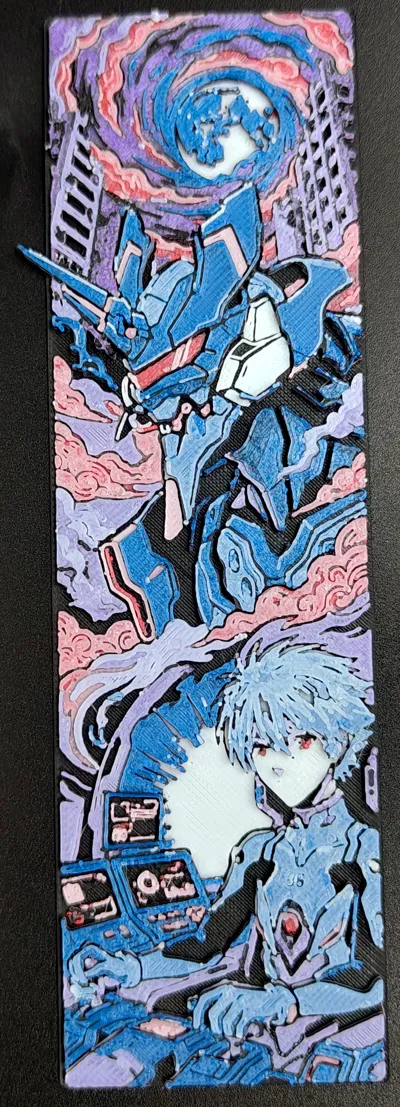
EVA Kaworu Nagisa - Unit 06 Embossed Bookmark | Anime Embossed Bookmark | [EVA Creative Bookmark]

Print Profile(1)
Description
🌟 [EVA Kaworu Nagisa—Unit-06 Embossed Bookmark]
🎨 Description | Description
Kaworu Nagisa (Japanese name: 渚カヲル) is a fictional character from the Japanese anime Neon Genesis Evangelion and its derivative works. His Chinese voice actor is Tong Chunguang, and his Japanese voice actor is Akira Ishida. As one of the few beings in the entire work who understands the core of the world, he is an Angel with the power of the Fruit of Life. In the TV series and old theatrical versions, his identity is the 17th Angel. In the new theatrical versions, he claims to have fallen from the First Angel to the 13th Angel. Beneath the image of a beautiful young man with light silver hair and red eyes lies a gentle and resolute personality, often displaying his humanistic temperament through his love of music. His surname "Nagisa" (渚) implies a waterside scene and has a double meaning of "the deceased" and "messenger"
🚀 Technical Core: hicolors-3d
This model is generated using the hicolors-3d workflow, which has the following advantages compared to traditional processes:
No AMS color changing system needed: Adopting a layered color change design approach, the model can be printed even without a color changing system. Just manually change the filament at the corresponding layer, which is extremely material-saving
Precise layer height: By physically simulating all possible color overlays, effective height is allocated to limited layer heights, saving layer height usage
Intuitive matching: Based on color and region matching logic (eliminating situations where a region cannot be matched to the desired color), this is more intuitive than traditional grayscale matching
Physical-level simulation: The preview effect is the print effect, accurately simulating color overlay at different layer heights
Light and shadow aesthetics: Designed specifically for FDM printing, fully utilizing the translucent and overlay color properties of PLA and other materials
🔄 Color Change Instructions | Color Change Instructions
No multi-color printer (AMS) is needed, a regular single nozzle machine can change colors manually:
Color change information is included in the 3mf file, just download and view it
Here is the filament information used for printing, for your reference:
**Base color**
- Color name: Black
- Brand: RK-17 Wucailu
- HEX: #181812
- RGB: rgb(24, 24, 18)
- TD: 0.1
- Number of layers: 6
| Color Change Height | Cumulative Layers | Change to | Brand | HEX | RGB | TD |
|----------|----------|--------|------|-----|-----|-----|
| 0.64mm | 7 | White | RK-17 Wucailu | #ffffff | rgb(255, 255, 255) | 4.5 |
| 1.12mm | 13 | Black | RK-17 Wucailu | #181812 | rgb(24, 24, 18) | 0.1 |
| 1.20mm | 14 | Dark Red | RK-1 Caiduo House | #a3282b | rgb(163, 40, 43) | 3.2 |
| 1.52mm | 18 | White | RK-17 Wucailu | #ffffff | rgb(255, 255, 255) | 4.5 |
| 1.68mm | 20 | Black | RK-17 Wucailu | #181812 | rgb(24, 24, 18) | 0.1 |
| 1.76mm | 21 | Violet | RK-1 Caiduo House | #3f3080 | rgb(63, 48, 128) | 2.4 |
| 2.00mm | 24 | White | RK-17 Wucailu | #ffffff | rgb(255, 255, 255) | 4.5 |
| 2.16mm | 26 | Black | RK-17 Wucailu | #181812 | rgb(24, 24, 18) | 0.1 |
| 2.24mm | 27 | Dark Blue | RK-1 | #2941ae | rgb(41, 65, 174) | 1.6 |
| 2.40mm | 29 | White | RK-17 Wucailu | #ffffff | rgb(255, 255, 255) | 4.5 |
🛠️ Print Settings | Print Settings
For best results, please strictly adhere to the following settings:
Infill: 100% (Required)
Layer Height: 0.08mm
First Layer Height: 0.16mm
Nozzle recommendation: 0.2mm recommended (for strongest detail), 0.4mm is also acceptable (actual photos use 0.4mm)
Model scaling: Do not adjust the model's Z-axis scale to ensure correct layered color change information. You can freely adjust the X and Y axis scaling to achieve your desired size
Post-processing tip: Quickly sweep a lighter over the model surface to perfectly remove common FDM fine stringing 🔥

✨Click on the homepage to view more of our high-quality works
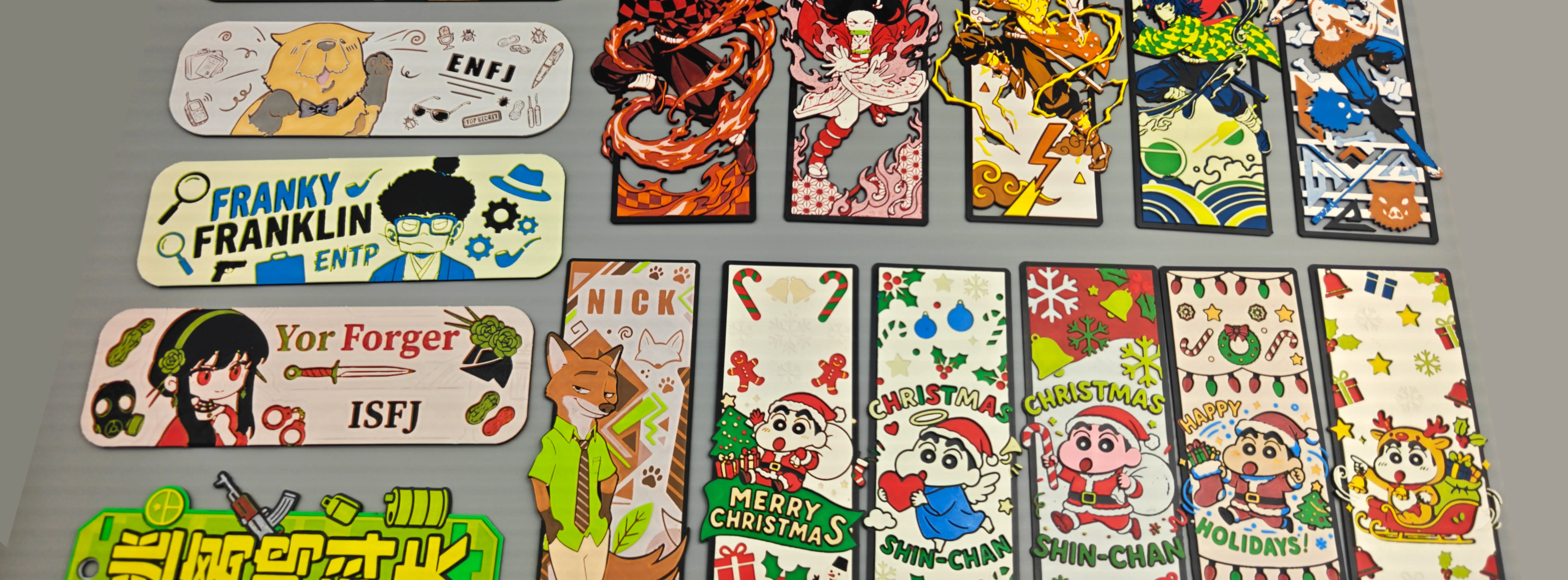
💰 Commercial License and Support | Commercial License
Software communication: Want to experience the hicolors-3d software? Please follow our social media accounts. Our Bilibili account shares the same name
License

You may create derivative works based on this object, provided that all such derivative works are published exclusively on the MakerWorld platform and include proper attribution to the original creator. You may not share, upload, host, distribute, or publish this object—or any derivative work of this object—on any other digital platform, marketplace, or distribution channel. Commercial use of this object and any derivative works is strictly prohibited. This includes, but is not limited to, selling, renting, sublicensing, or using the object in any context in which you receive monetary compensation or other financial benefits.


Comment & Rating (0)