
Putterific - A putting training aid
Print Profile(3)
Description
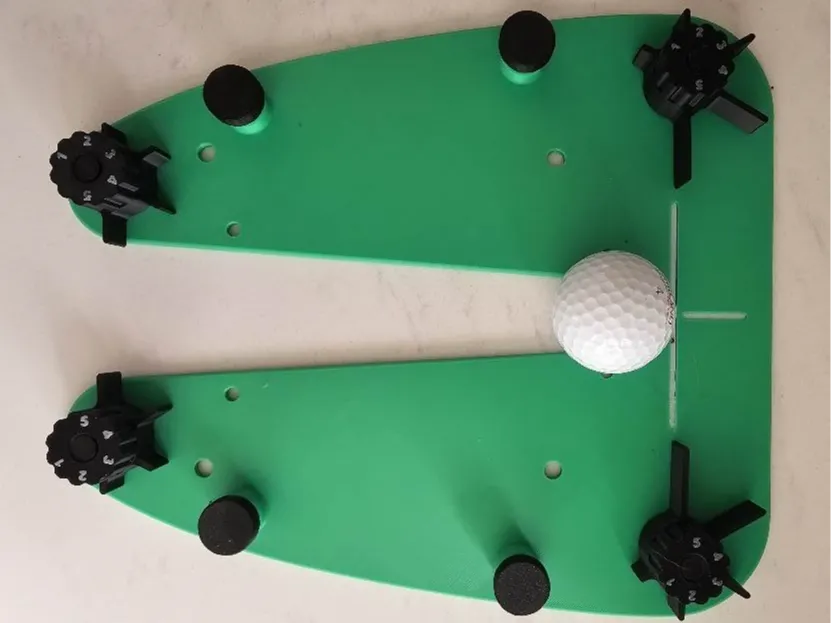
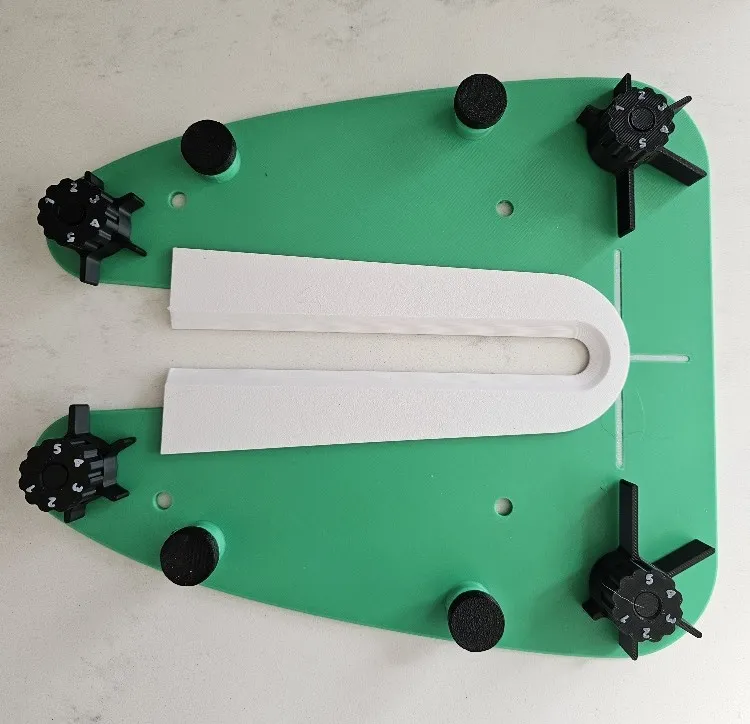
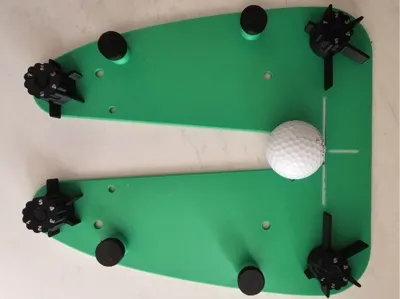
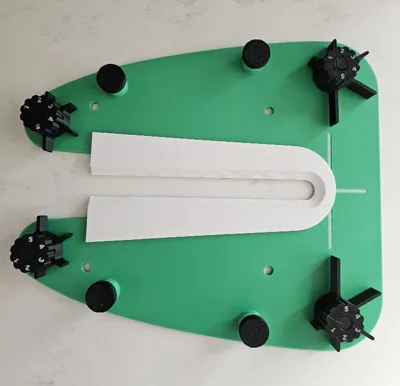
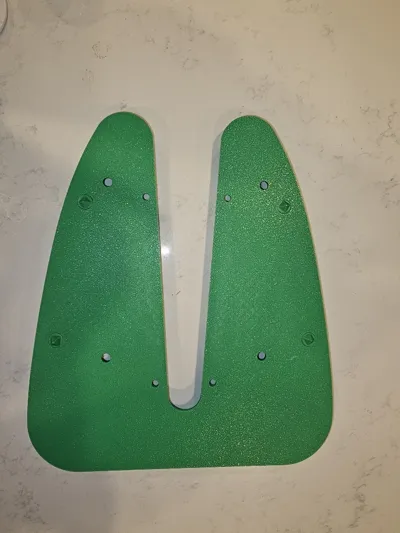
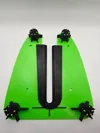
Putterific - A putting training device! The purpose is to improve putting accuracy by having knobs with multiple different lengths fins which will create gates of different widths. These will narrow or widen the path for the putter and/or the ball. You can make the gates wide as you start out and then narrower especially as you get better.
The 3D model has the following features:
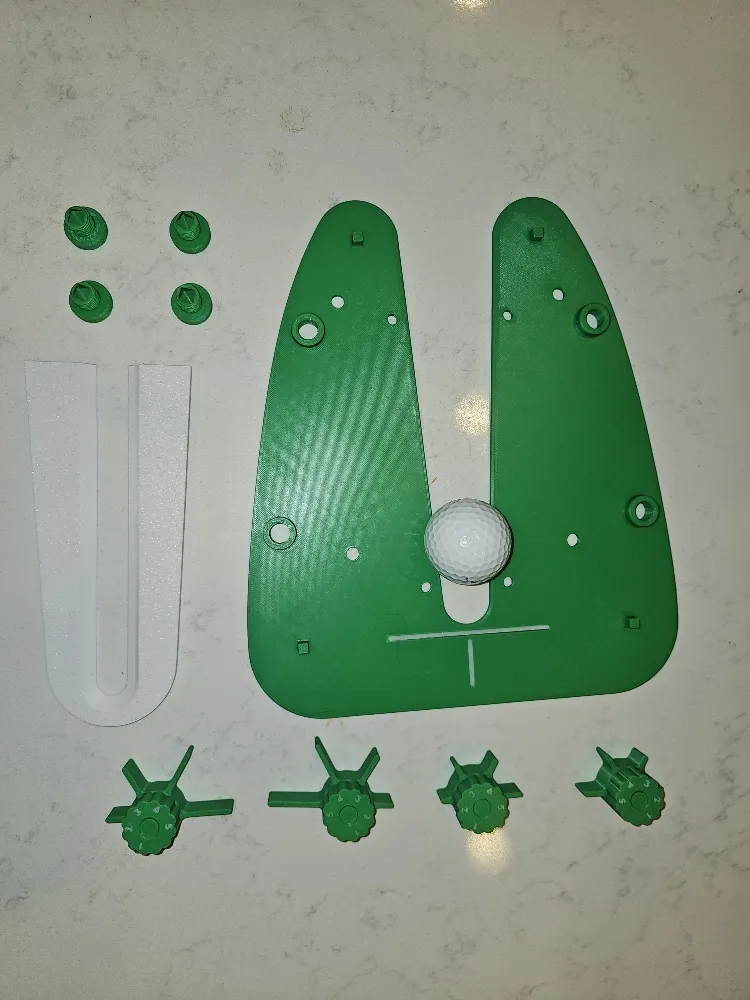
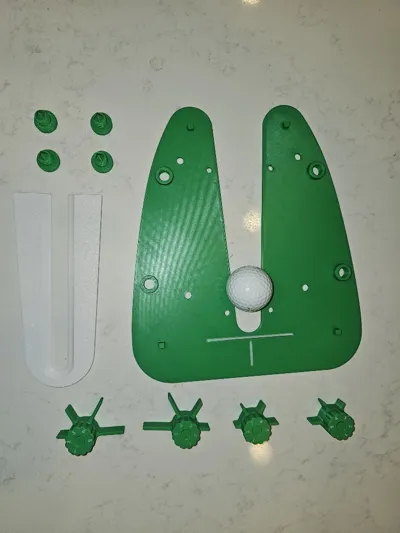
- No extra hardware is needed to assemble the Putterific.
- No supports are needed to print the Putterific, and it can be printed with PLA or PETG, although I printed it with PETG.
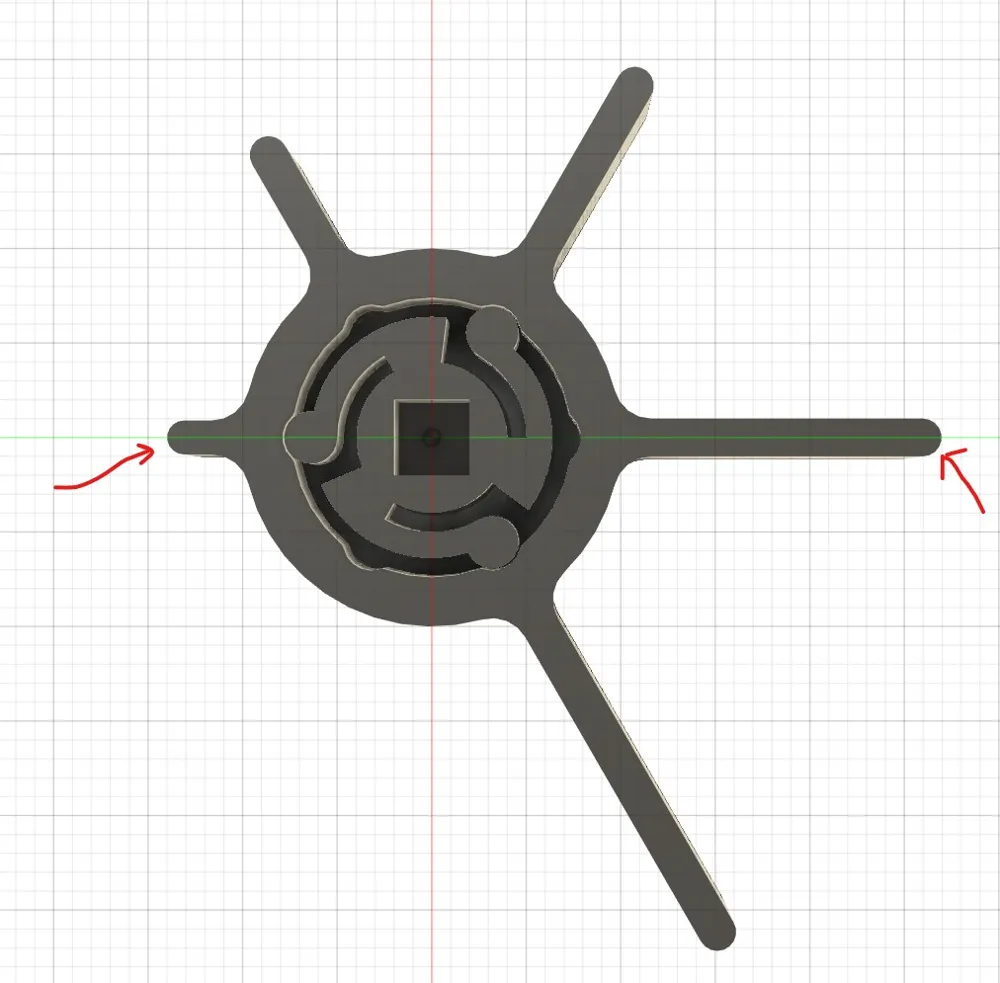
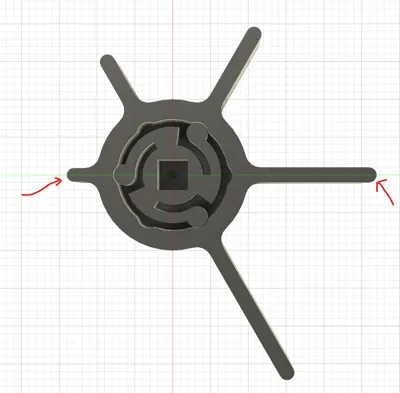
- Each the 4 knobs have 5 labeled detent positions. The knobs are bidirectional and are easily placed in one of five position with no adjustment needed.
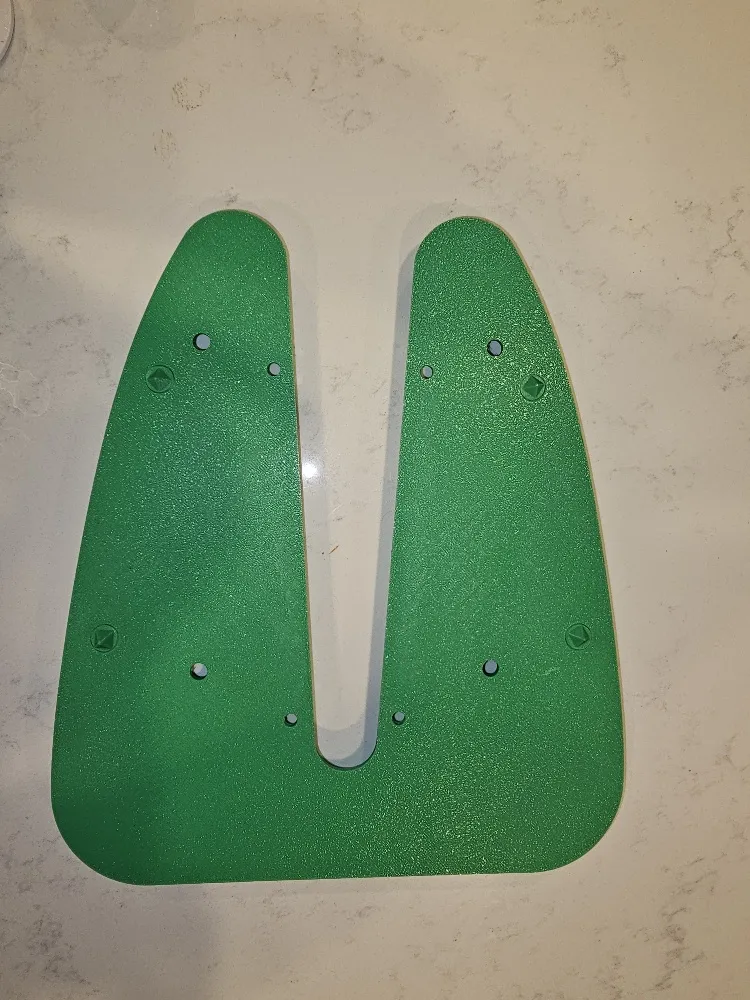
- Knobs are initially put in place paying attention to the mounting square underneath the knob. Take a square edge that is perpendicular to a fin, and mount the knob on the mounting post. Knobs are easily taken off if the fins don't line up horizontally.
- 4 adjustable knobs will grab the putting surface like carpet.
- 4 holes allow you to anchor it with golf tees on the putting surface if needed.
Alignment section can be used to use to set the required path that you desire.
Each part can be printed different colors. Just use the build plates for best efficiency, adding additional ones if you desire.
Three print profiles are provide. One profile is for H2 Series size print areas. Another profile is for 256mm or larger print bed sizes like P1S, P2S and X1C. A third is like the 256mm print beds but without levelers. I think the third is the best version.
Caution!
This can be printed with PLA or PETG however with two changes if you use non Bambu PETG or any brand PLA. If you don't do these changes the knobs will only turn one direction or maybe not at all. Without any access to all brands of filaments, I have just done limited testing.
You need to do 2 things.
- Under the Quality tab in Bambu Studio, you need to set X-Y hole compensation to .03 mm
- If you want colored numbers, you need to use the change the filament feature by layer. You can't use the paint tool if you use hole compensation as it is disabled.
Read the Bambu Wiki section on Bambu Studio if you don't know how to do either of these two things. Bambu PETG has been tested and works without any hole compensation. I suggest you test printing one knob with the filament you want to use for the knobs.
License

You shall not share, sub-license, sell, rent, host, transfer, or distribute in any way the digital or 3D printed versions of this object, nor any other derivative work of this object in its digital or physical format (including - but not limited to - remixes of this object, and hosting on other digital platforms). The objects may not be used without permission in any way whatsoever in which you charge money, or collect fees.


Comment & Rating (6)