Search models, users, collections, and posts

Room Occupied – Sliding Door Indicator
IP Report
Print Profile(1)

0.2mm layer, 2 walls, 15% infill
Designer
1.3 h
1 plate
Open in Bambu Studio
Boost
5
16
0
0
34
14
Released
Description
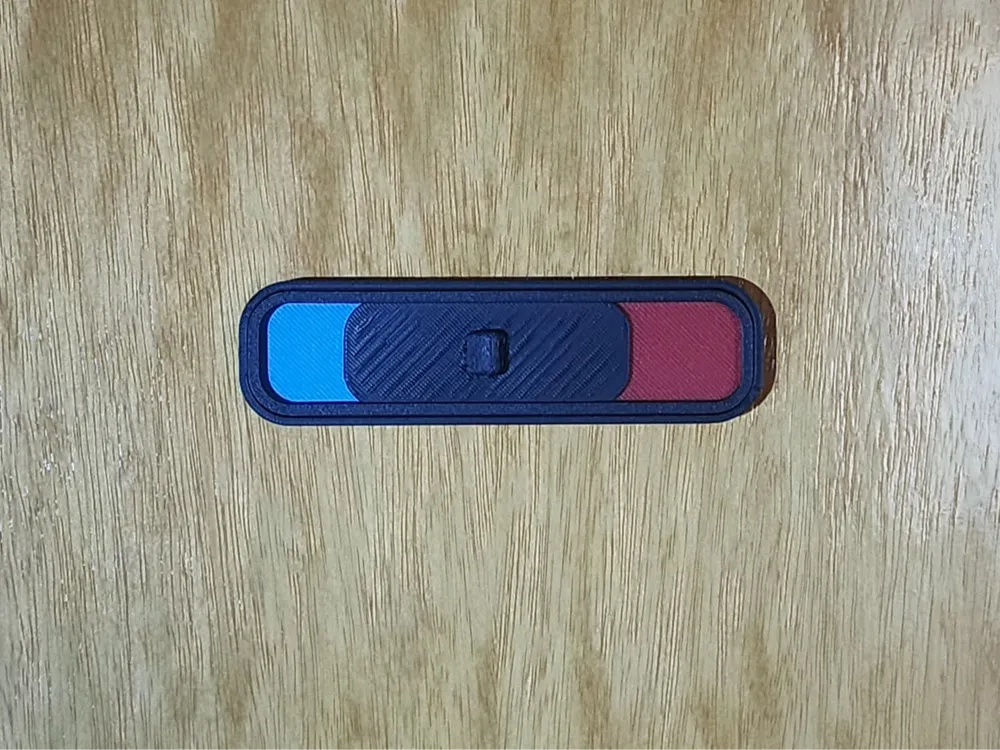
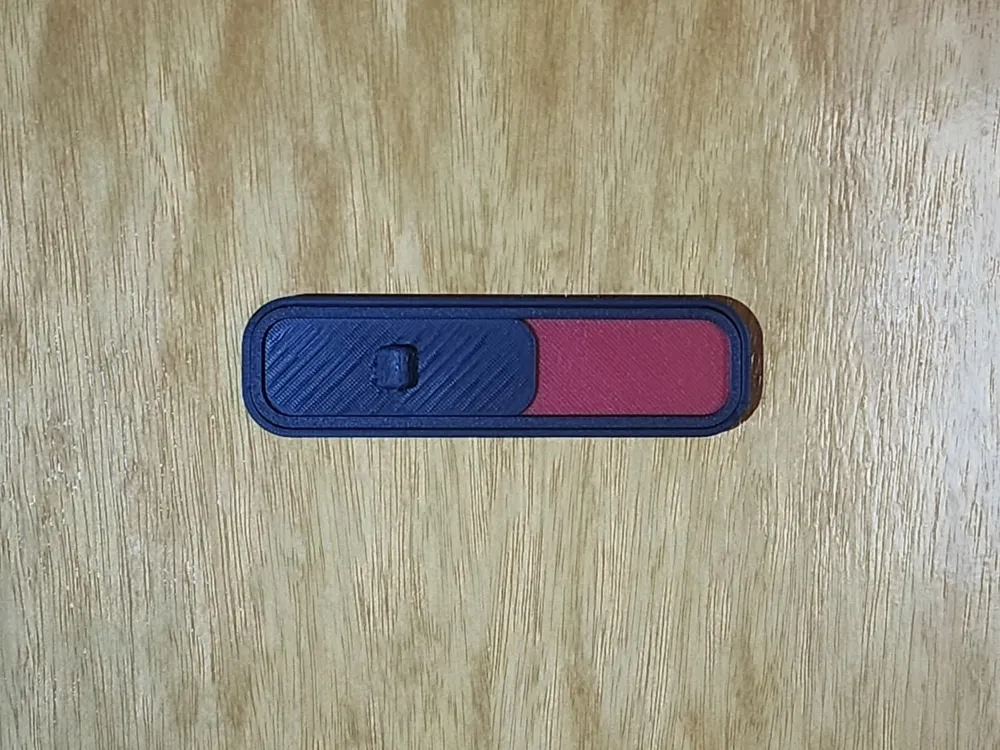
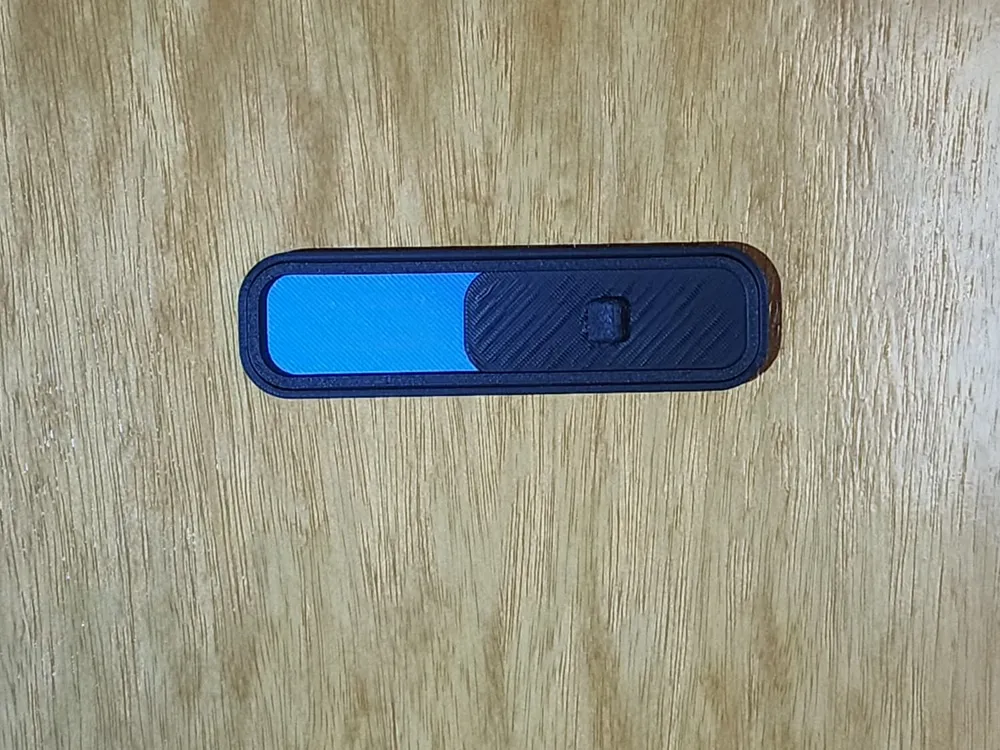
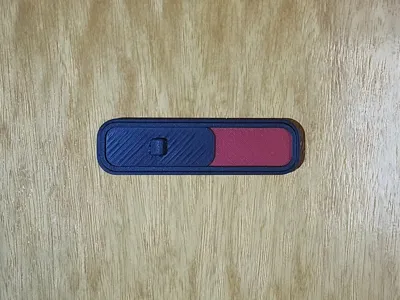
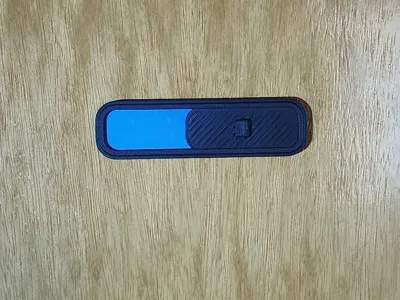
This is a simple sliding door indicator that shows whether a bathroom or room is occupied or free.
Slide it left or right to change the status instantly.
The model is designed for easy printing and assembly.
No supports, no glue, no screws. You just print the parts and snap them together.
Features
- Slide left / right to show room status
- No supports required
- No glue or hardware needed
- Tool-free snap-fit assembly
- Compact and clean design
- Ideal for bathrooms, toilets, offices, or private rooms
Assembly (Important – Read Before Assembling)
- Take one colored indicator piece and insert the rounded side into the case first.
- Press the opposite side firmly until it snaps into place. Firm pressure is normal.
- Repeat the same process for the other colored piece.
- Insert the slider into the track.
- Attach the top border, which locks everything in place and prevents the slider from coming out.
No glue, screws, or tools are required. All parts are held together by the printed geometry.
Boost Me (for free)
If you find this model useful and it prints well for you, consider giving it a boost — it helps a lot and keeps more free designs coming.
License

This user content is licensed under a
Creative Commons Attribution-Noncommercial


Comment & Rating (0)