
Bamboo Slips Generator-Writing media Ancient China
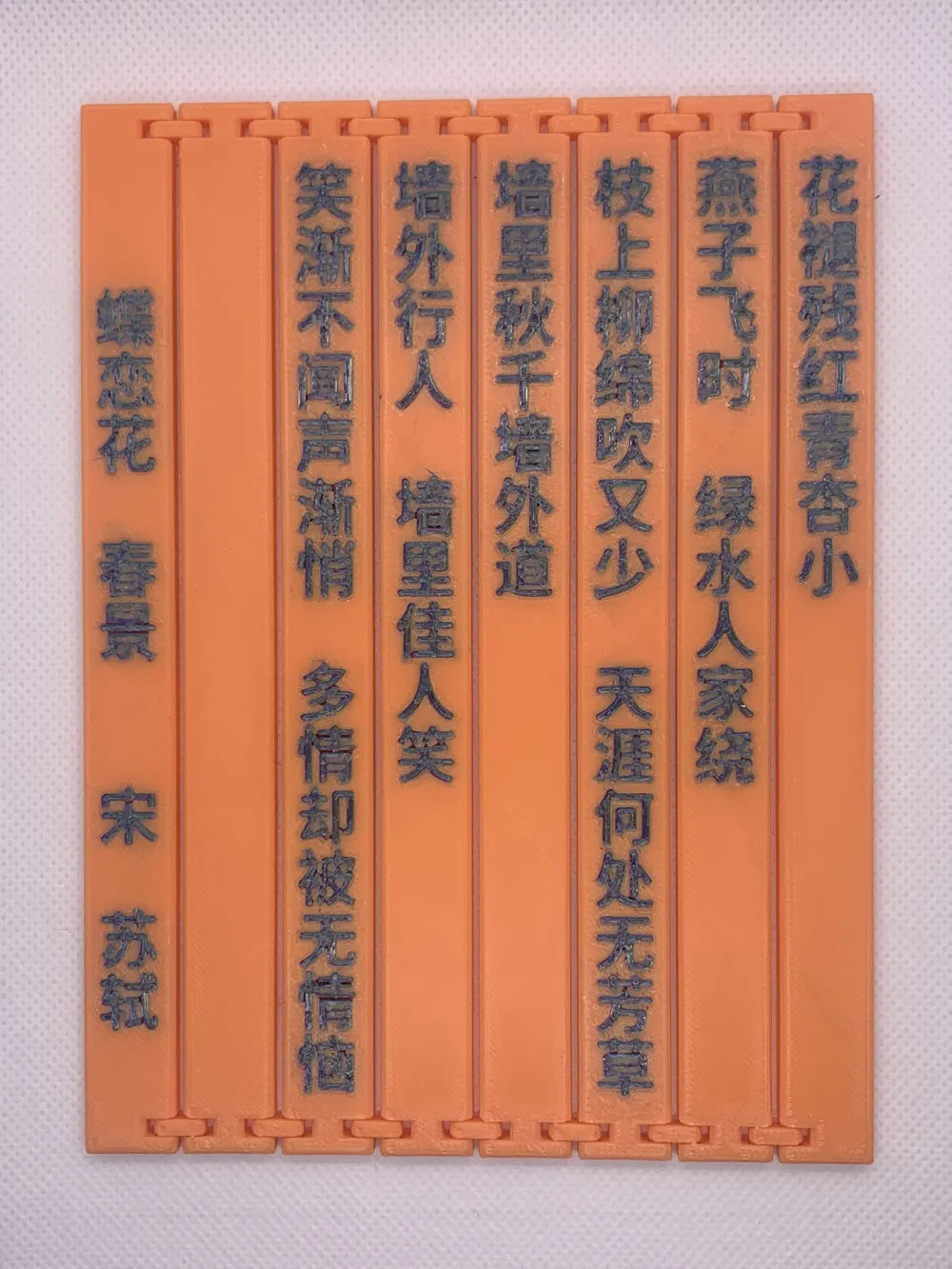
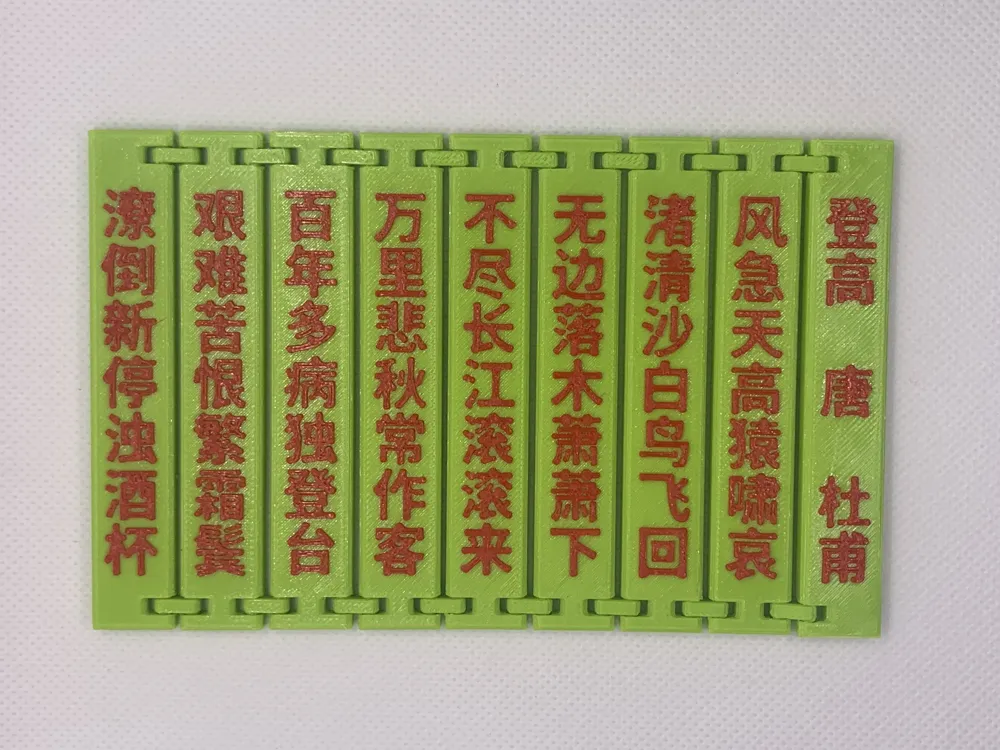
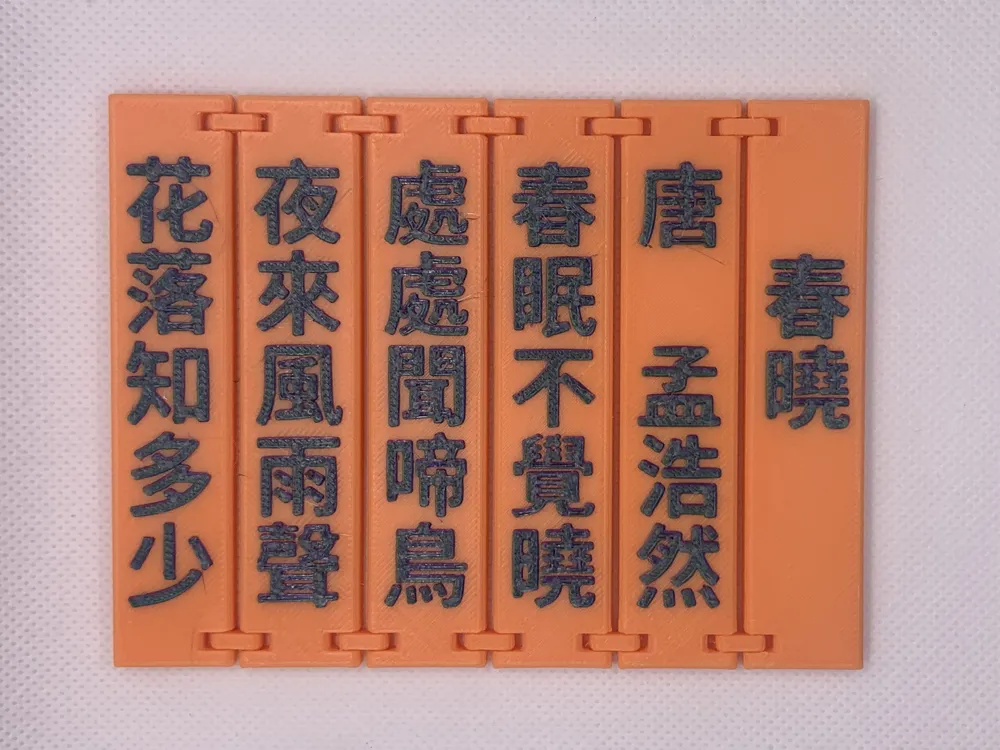
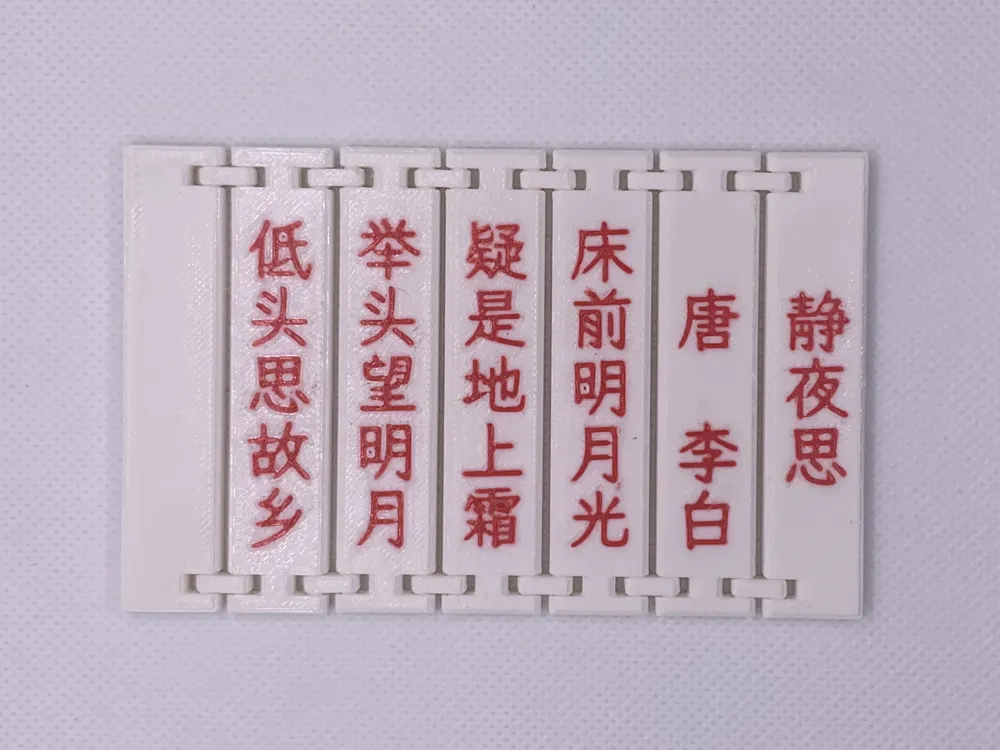
Print Profile(4)
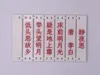


Description
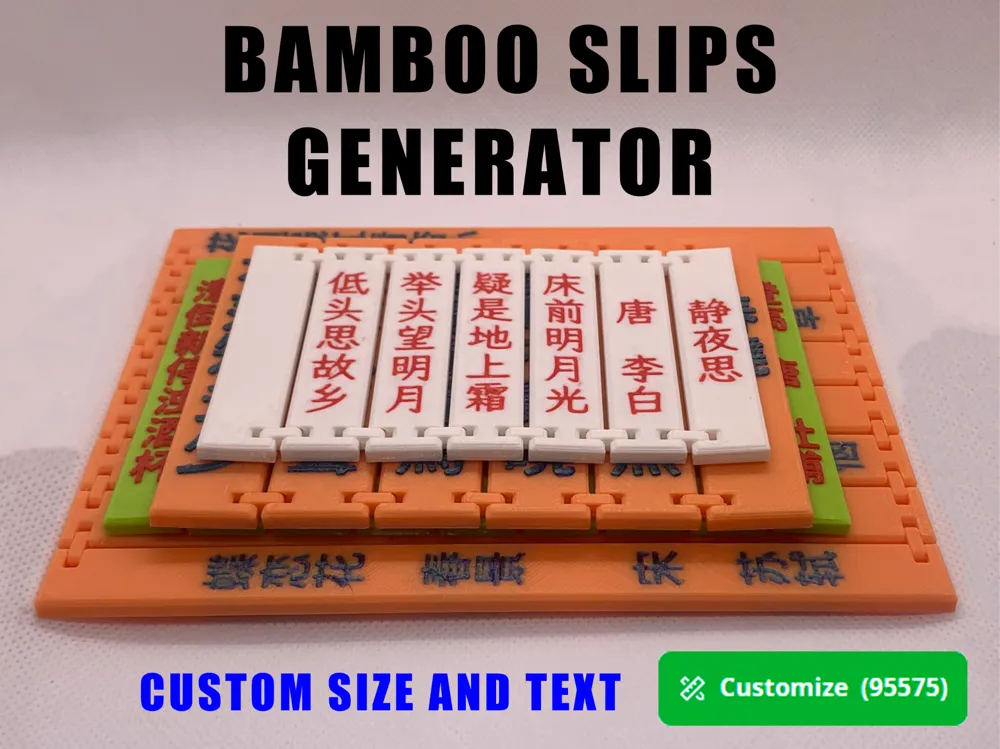
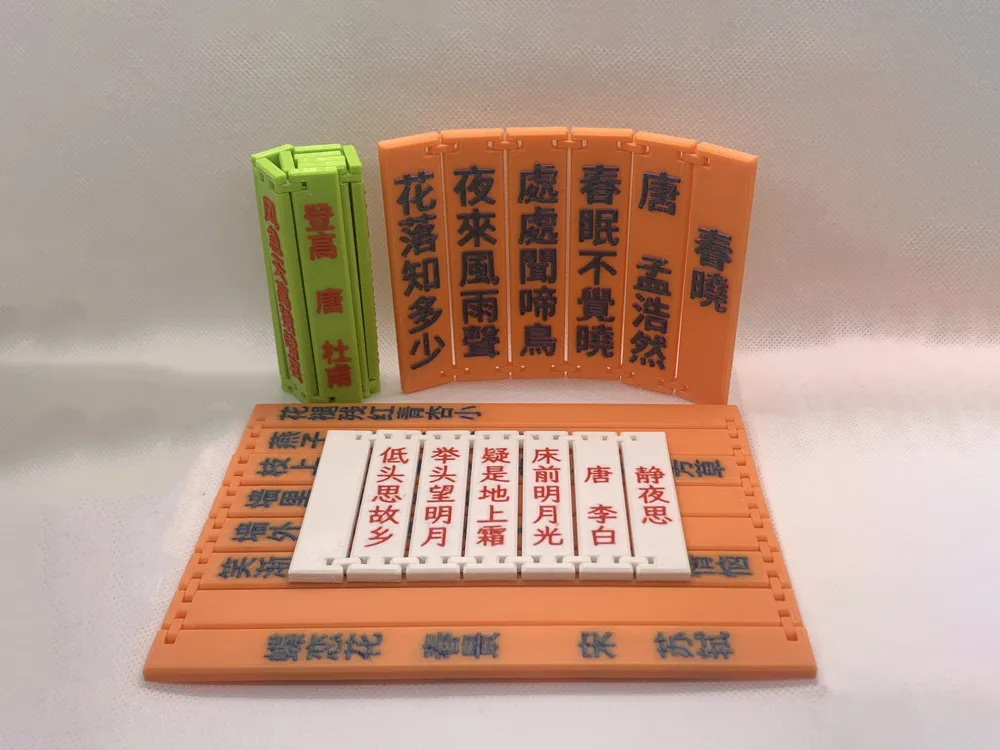
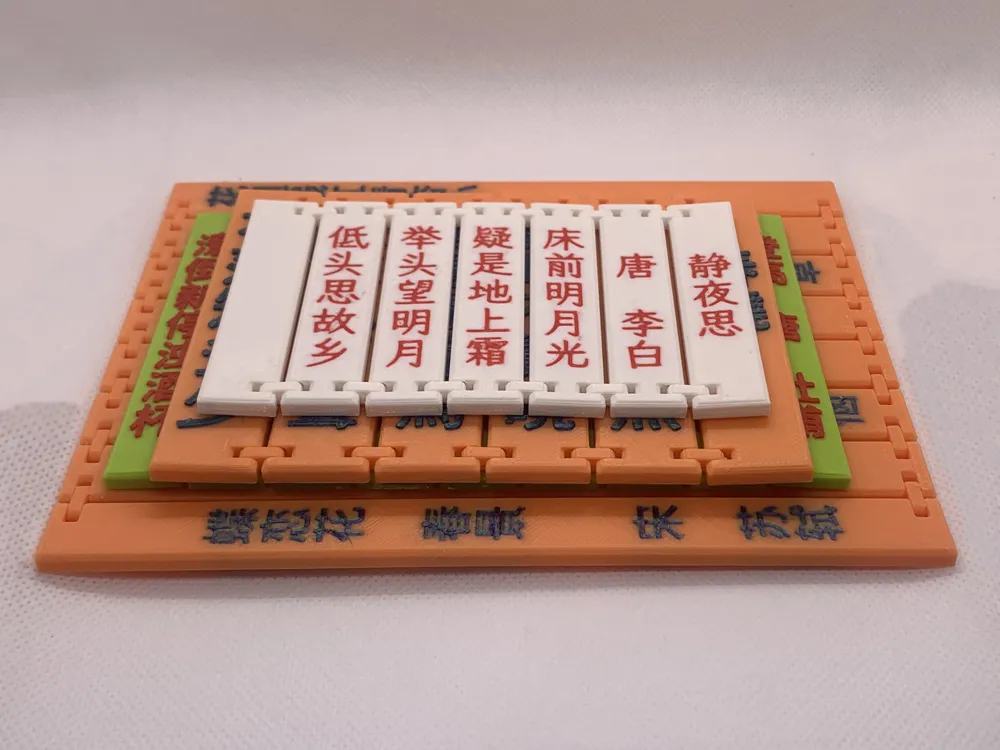
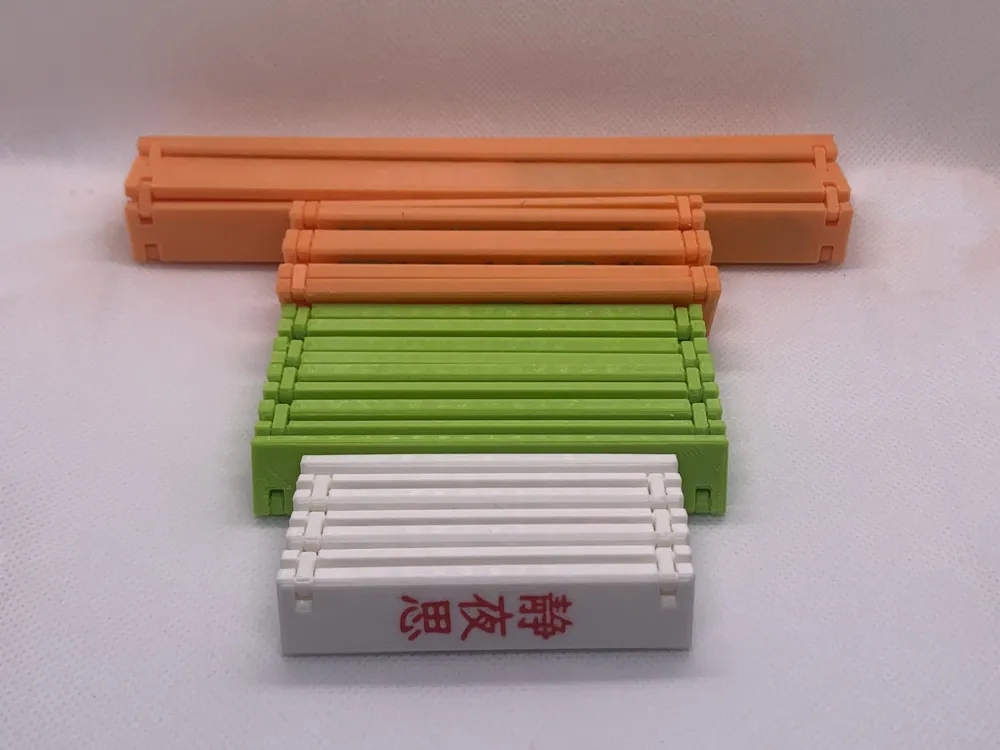
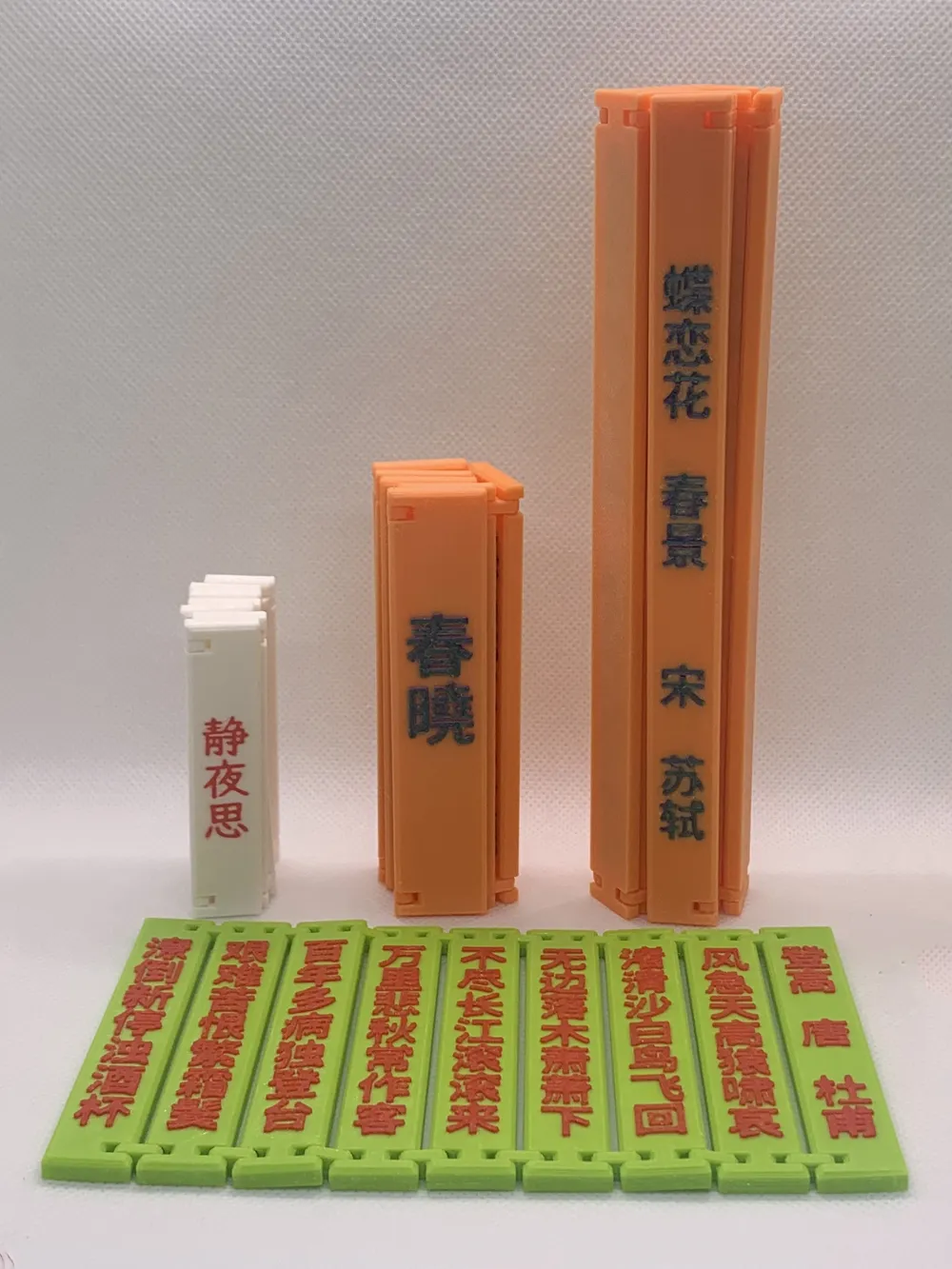
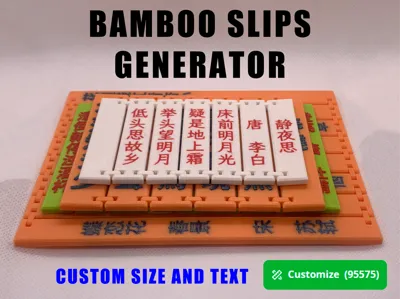
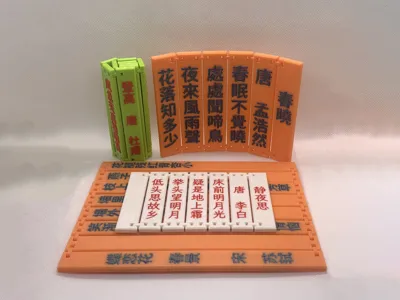
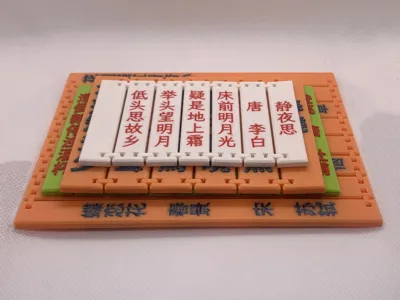
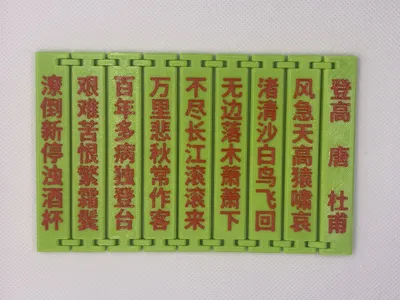
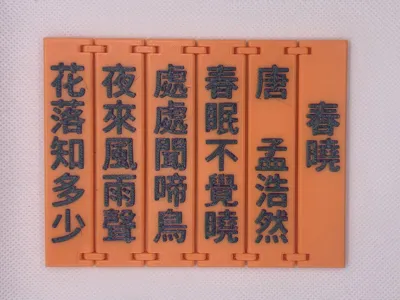
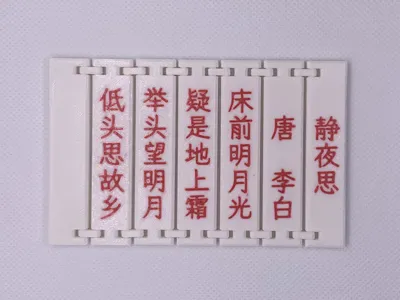
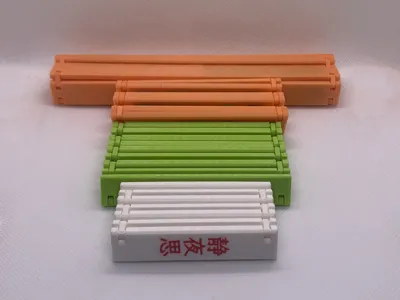
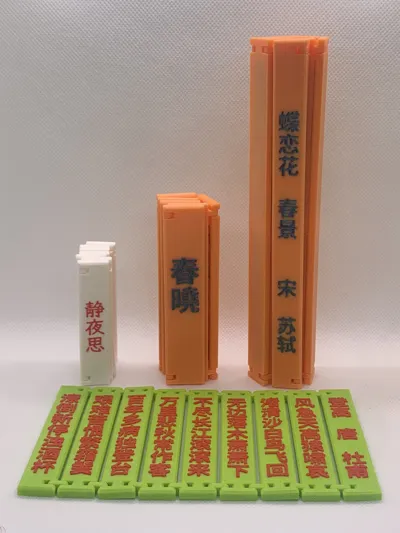
Can help you quickly generate corresponding bamboo slips based on text content.
Operation Steps
1. Design Your Model
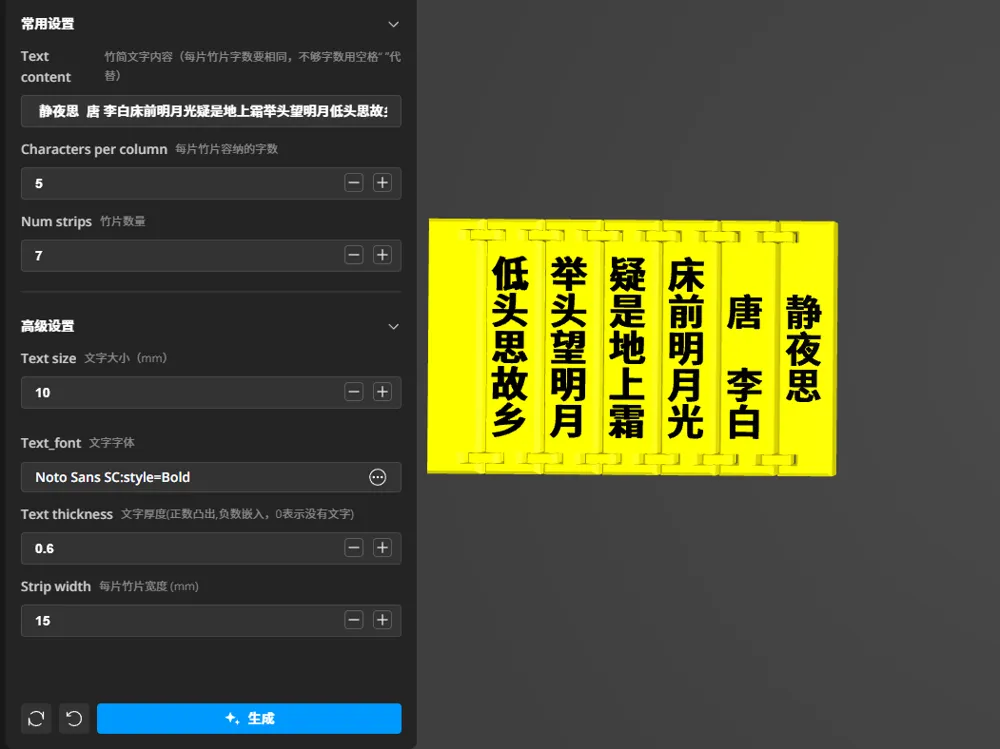
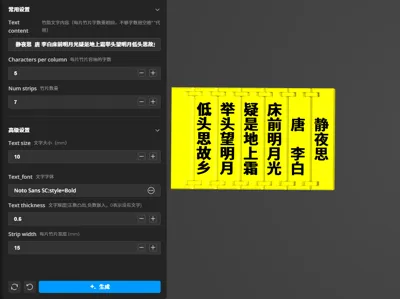
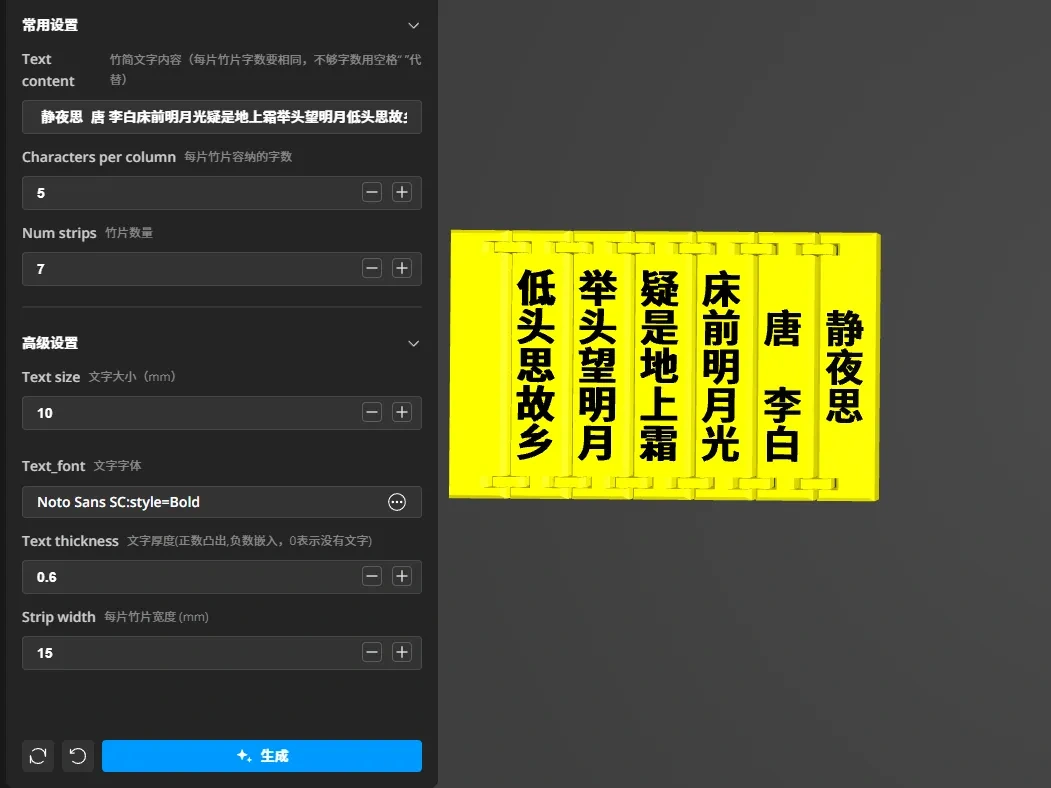
- Click the Customize icon to open the "Bamboo Slip Generator" customization tool. Set according to the text instructions and click Generate to create a custom model.
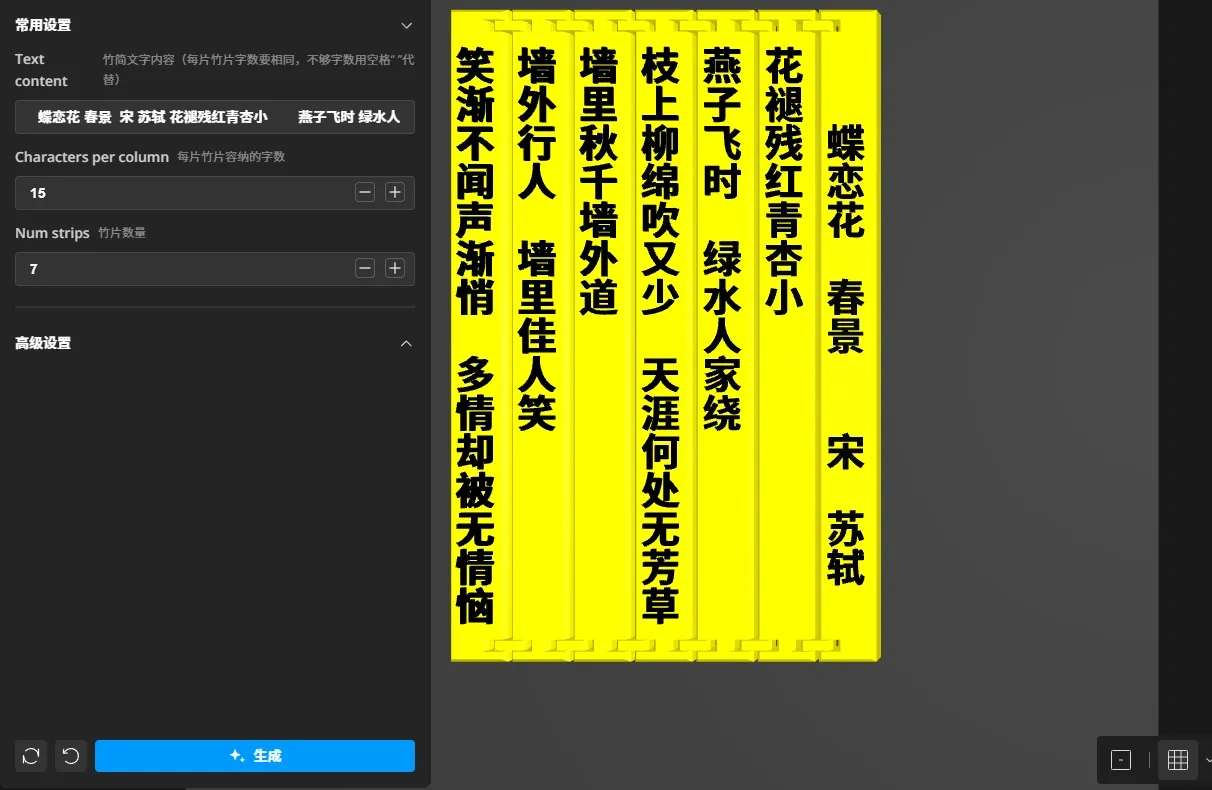
Commonly used settings are placed in the "Common Settings" section, while less common settings are in the "Advanced Settings" section. See the image below for detailed parameters.
2. Export Your Model
After designing, click "Download" to export it as a 3MF file (3MF files retain color information, while STL files do not), then open it with Bambu Studio slicing software.
3. Printing and Post-processing
Print your model. You can refer to the print profile I uploaded for settings.
Text Editing Experience Sharing
The "Bamboo Slip Text Content" requires that the number of characters in each column must be the same. The generator will automatically wrap text based on the "number of characters per bamboo piece." If a column has insufficient characters, you can use spaces " " to fill.
Below is a specific example demonstrating how to operate.
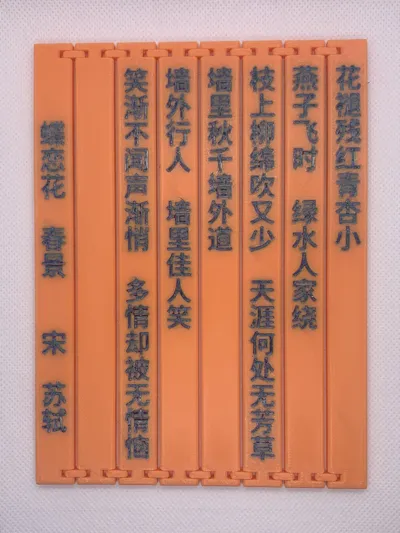
1. Search online for Su Shi's poem "Die Lian Hua · Spring Scenery," copy it to Notepad, and arrange it into lines as needed.
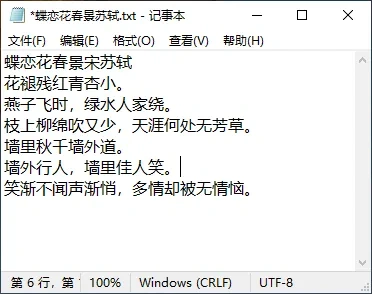
2. Use a uniform character (here, the Chinese period "。") to fill each line, making sure each line has the same number of characters. Note down the number of characters per line and the number of lines. In the example, there are 15 characters per line and 7 lines. (Spaces are not used directly because in Notepad, a space occupies less width than a Chinese character, making it difficult to align lines.)
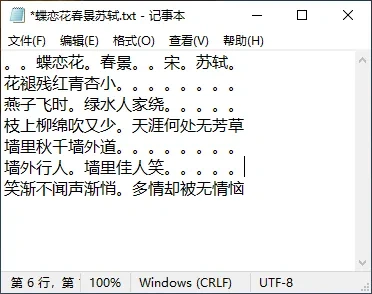
3. Use the "backspace" key to delete the line breaks on each line.
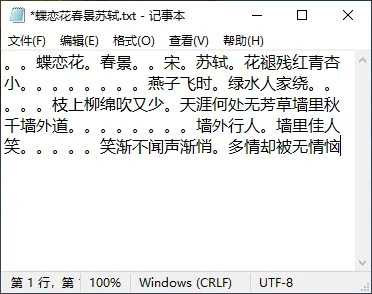
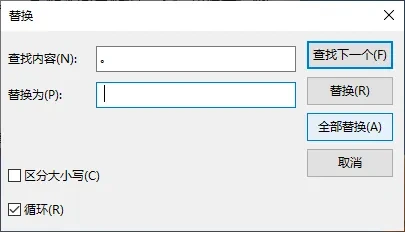
4. Use the "Edit" -> "Replace" function in Notepad to replace all Chinese periods "。" with spaces " ".
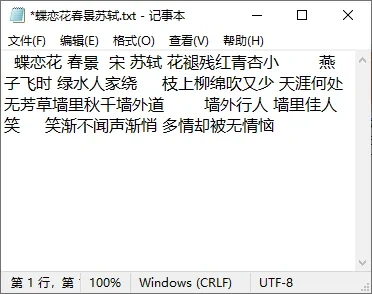
5. Copy all content from Notepad and paste it into the "Bamboo Slip Text Content" field of the "Bamboo Slip Generator." Fill in the number of characters per line (15) and the number of lines (7) noted in step 2 into the "Number of characters per bamboo piece" and "Number of bamboo pieces" input fields, respectively. Click the "Generate" button, and after a moment, the corresponding bamboo slip model will be generated.
Model recommendation

License

You may create derivative works based on this object, provided that all such derivative works are published exclusively on the MakerWorld platform and include proper attribution to the original creator. You may not share, upload, host, distribute, or publish this object—or any derivative work of this object—on any other digital platform, marketplace, or distribution channel. Commercial use of this object and any derivative works is strictly prohibited. This includes, but is not limited to, selling, renting, sublicensing, or using the object in any context in which you receive monetary compensation or other financial benefits.


Comment & Rating (0)