
Missionary Badge | Customizable
Print Profile(2)


Description
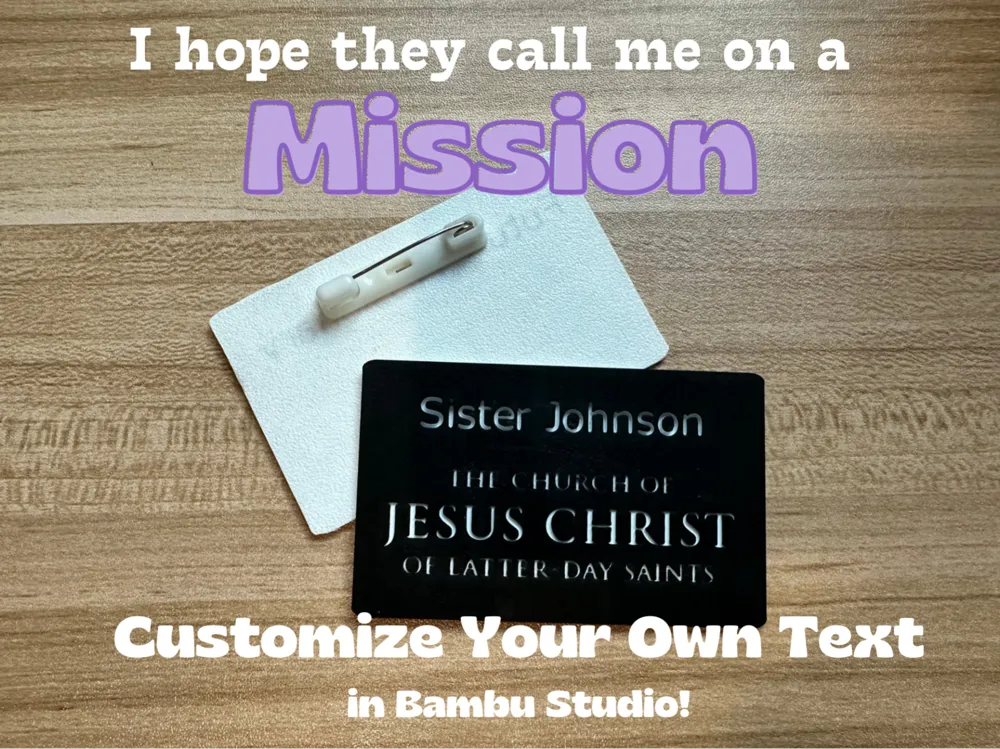
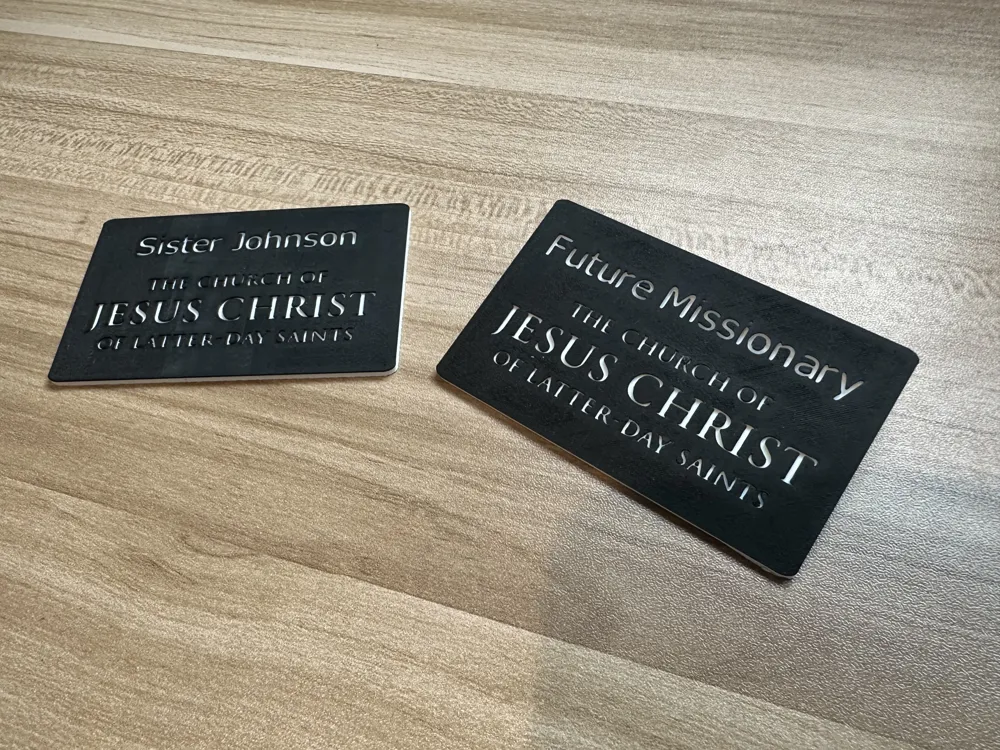
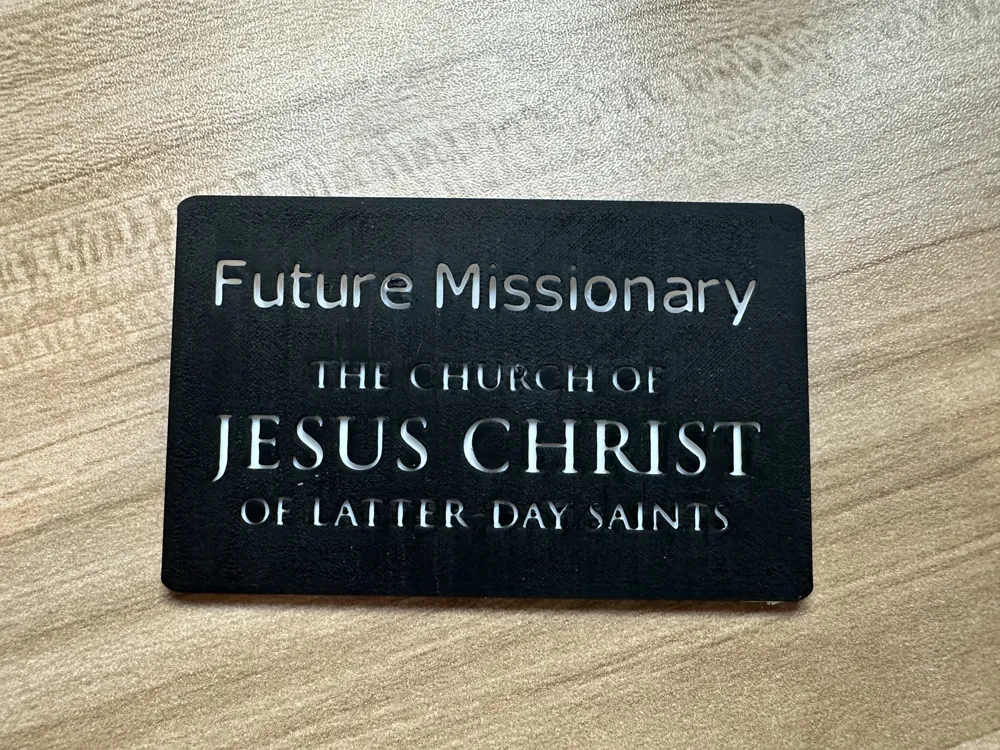
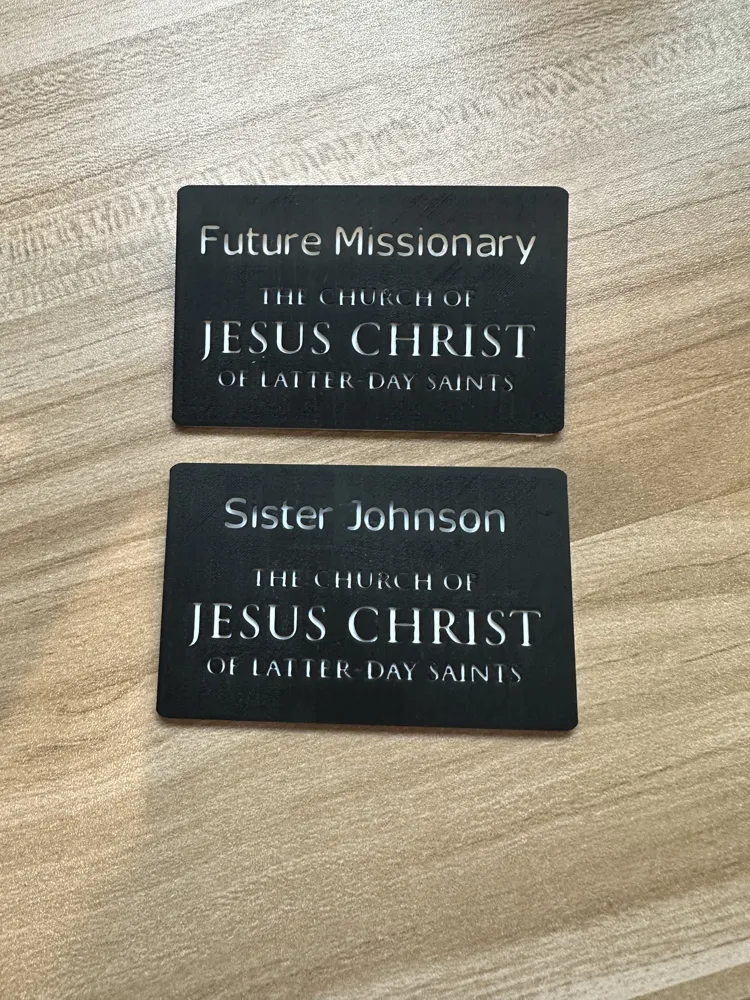
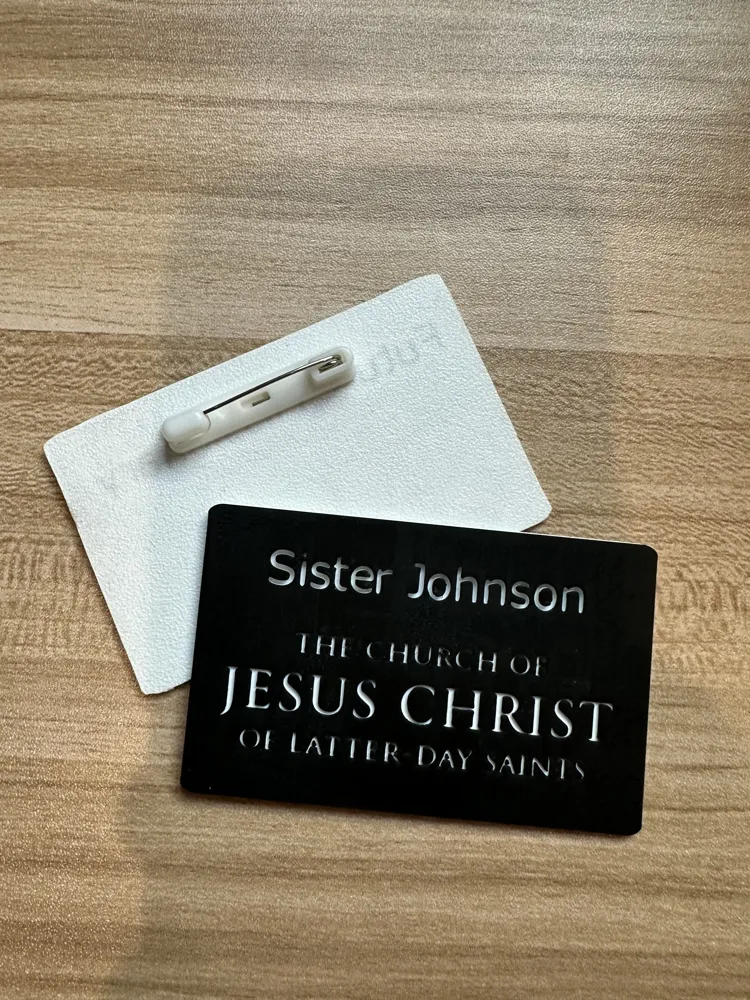
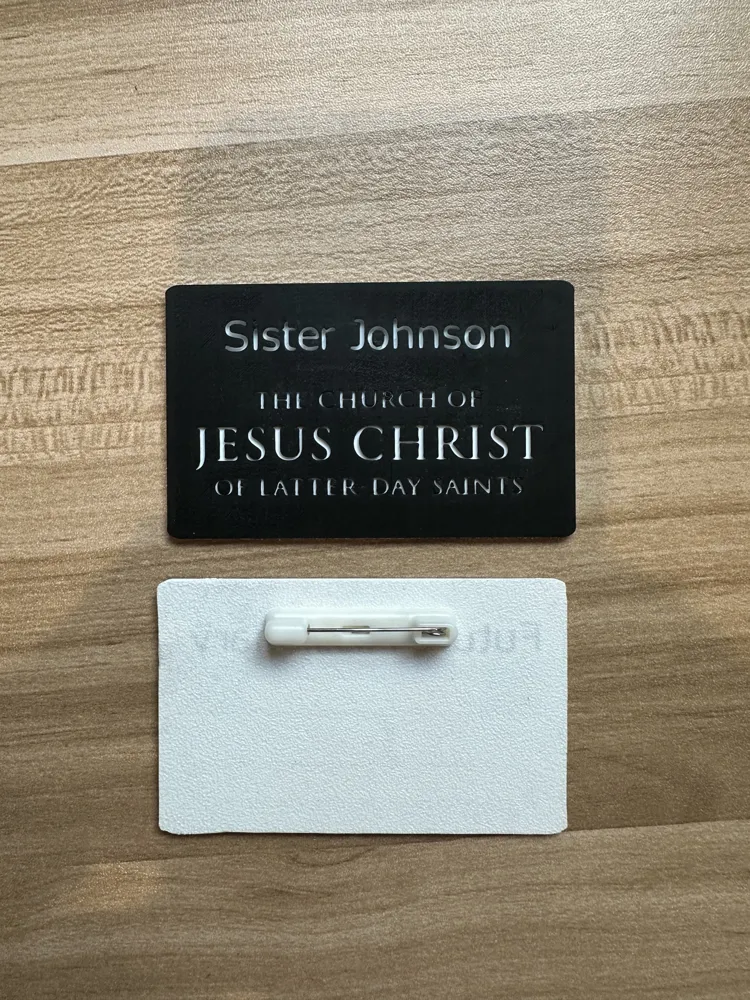
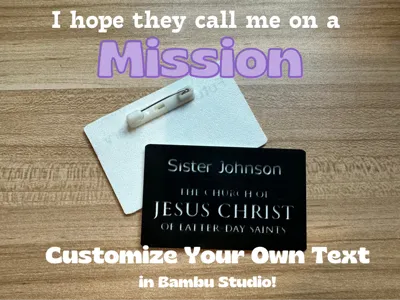
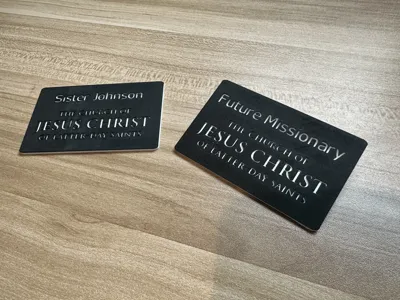
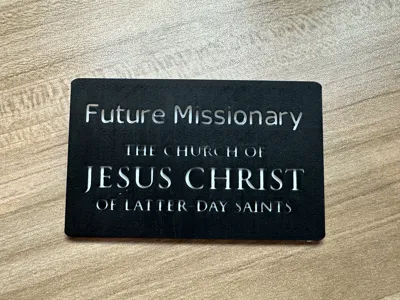
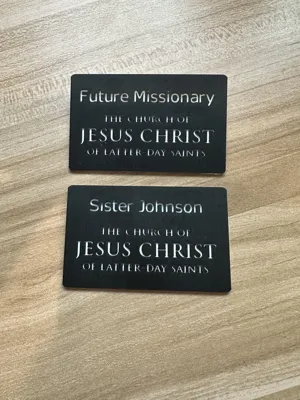
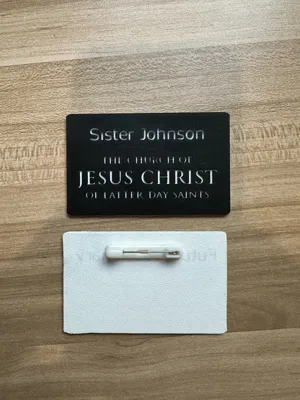
Customize your own missionary badge for kids or adults! While results are better with a 0.2mm nozzle, you can also use a 0.4mm nozzle. There is a filament change at one of the top layers where the model will switch from white (as the base) to the black layer on top.
Badge Pins
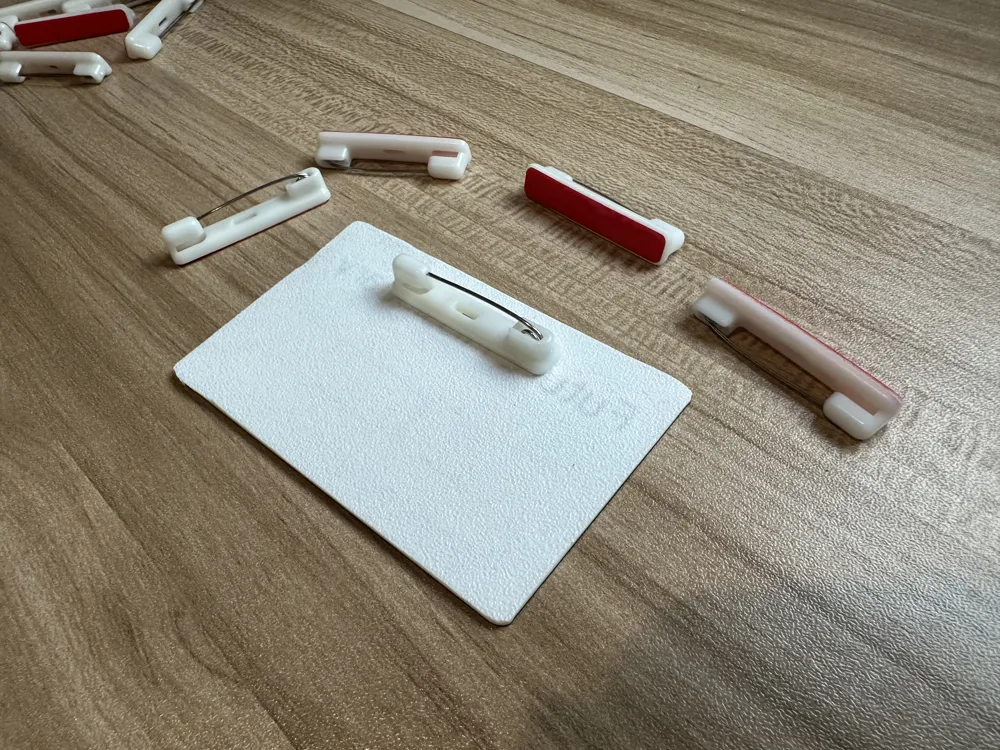
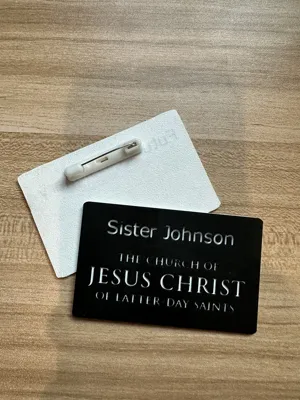
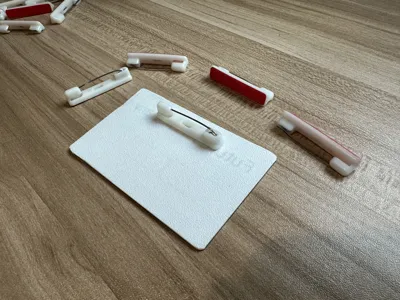
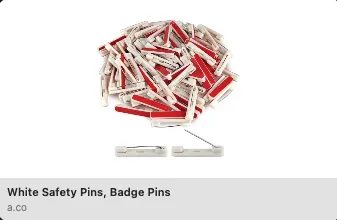
To attach the badges to clothing, I suggest purchasing this $5 bag of adhesive pins from Amazon. You just remove the adhesive wrapper and it attaches nicely to the badge and assures it won't detach but can still be easily removed when you choose.
Customizing the Text
The text can be easily customized in Bambu Studio. Instructions for customization:
- Download the 3MF file to your computer
- Open the 3MF file in Bambu Studio (which can be downloaded here)
- From the Objects panel, select “Name Label”
- Right click on “Name Label” and select “Edit Text”
- In the input box, change the text to whatever label you would like
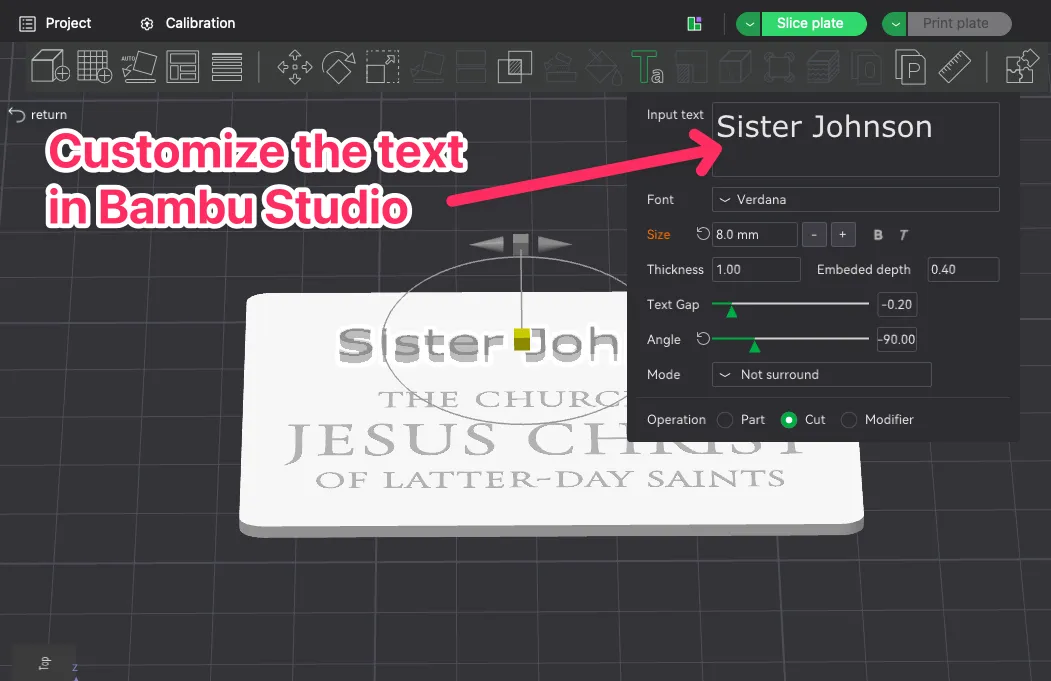
Here is a short 1-minute video explaining how it is done:
License

You shall not share, sub-license, sell, rent, host, transfer, or distribute in any way the digital or 3D printed versions of this object, nor any other derivative work of this object in its digital or physical format (including - but not limited to - remixes of this object, and hosting on other digital platforms). The objects may not be used without permission in any way whatsoever in which you charge money, or collect fees.


Comment & Rating (5)