
Philips Headphone X1, X1s, X2, X2HR Earpad Clip
Print Profile(1)

Description
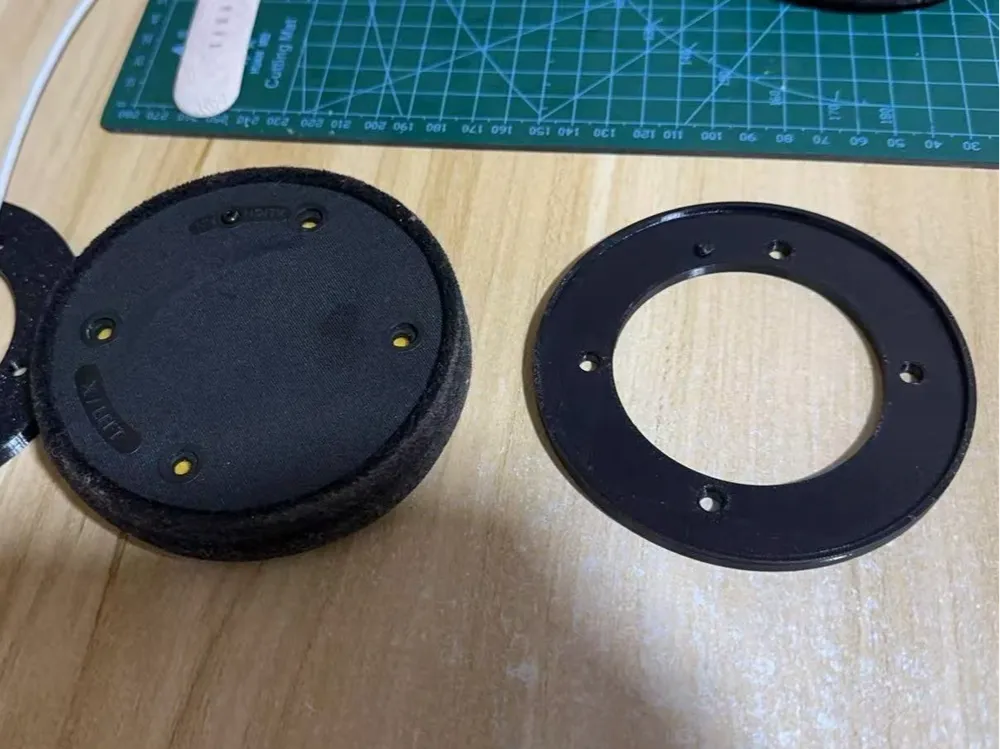
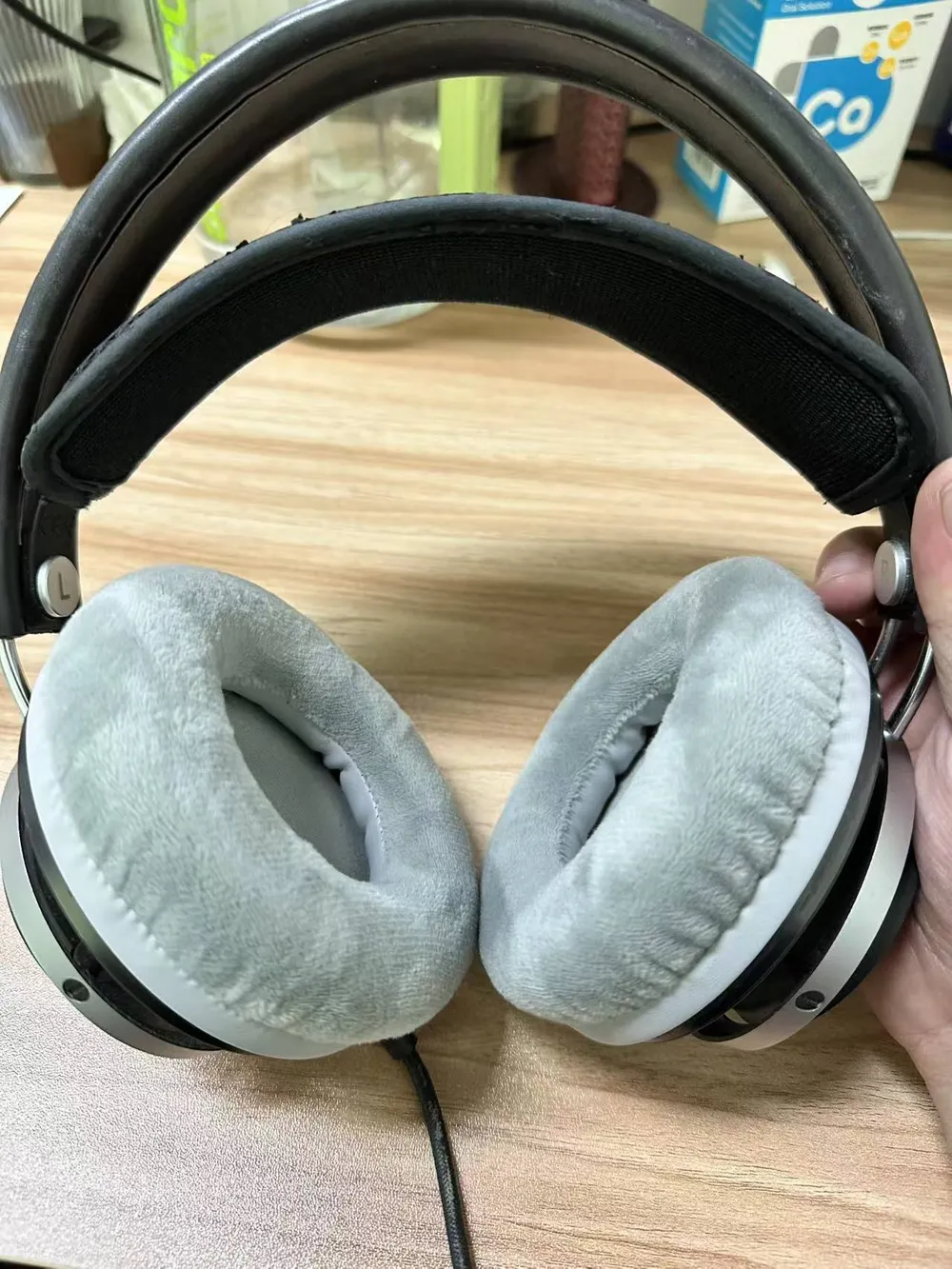
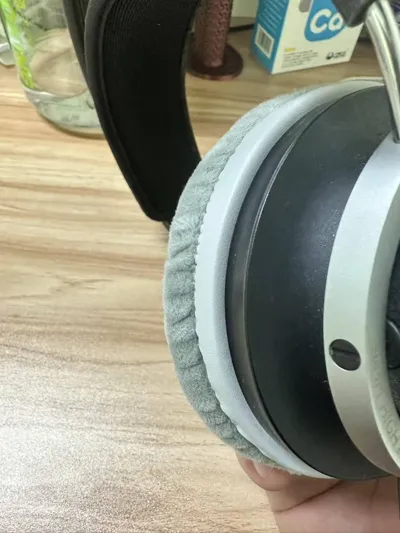
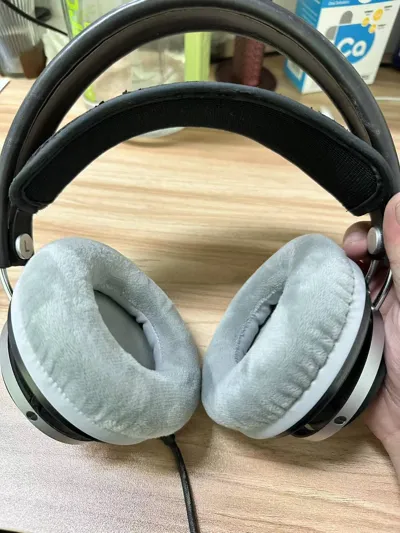
Hello everyone! Recently, when replacing the earpads on my Philips over-ear headphones, I ran into a small issue — generic earpads costing around 20 yuan are very cost-effective, but they don't come with the matching headphone clips, making them impossible to install; while original or third-party compatible earpads with clips cost around 50 yuan, which is too expensive for long-term replacement.
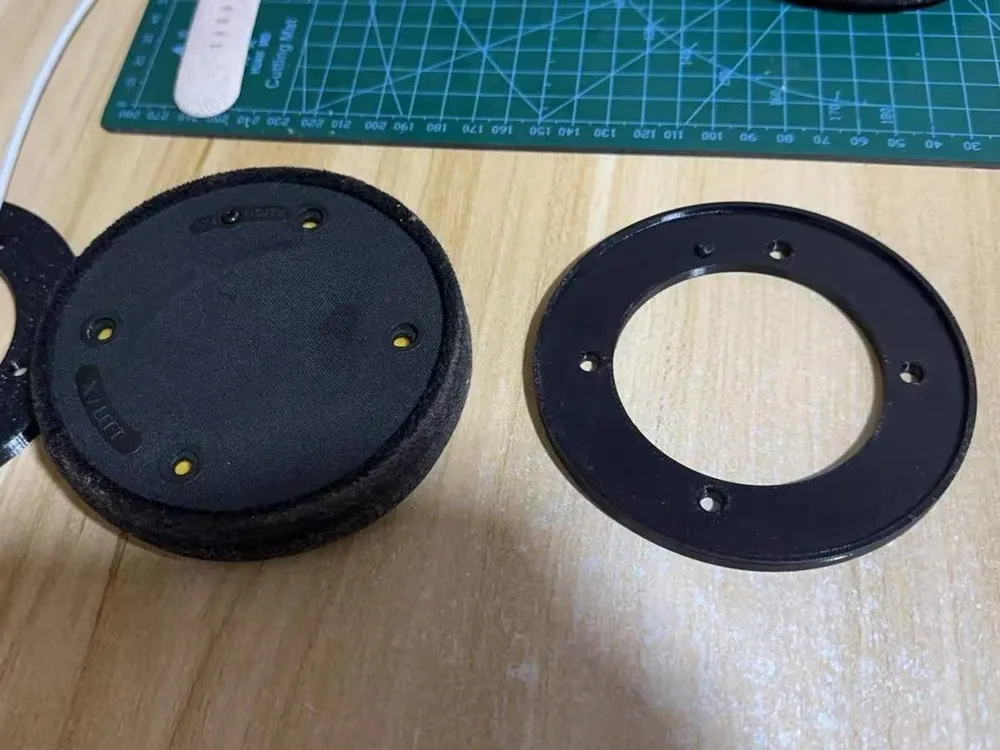
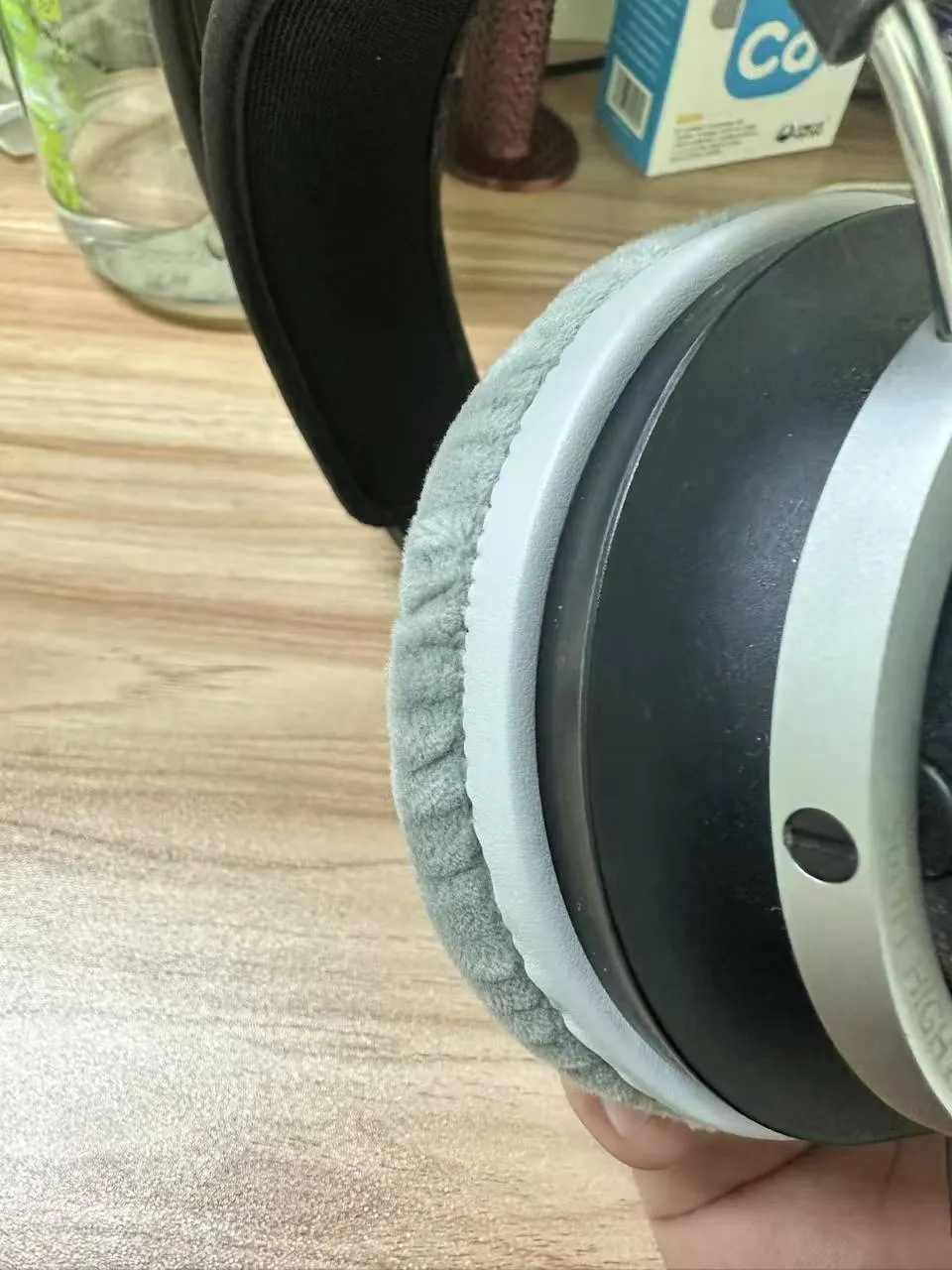
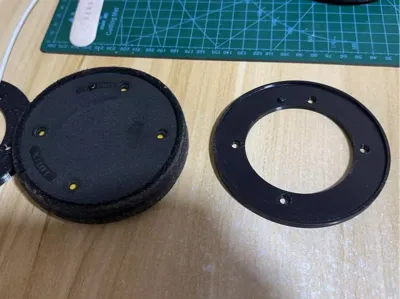
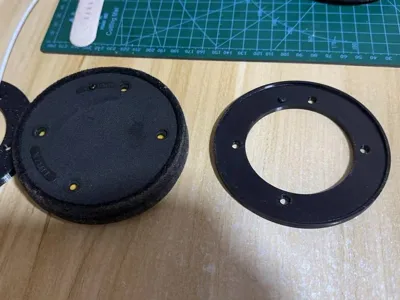
I figured out how to design a clip model myself, and after printing and trial-fitting, it adapted perfectly. Now I'm sharing the model file with friends who have the same need, to collectively reduce headphone maintenance costs~
I. Compatible Models
Precisely compatible with the following Philips over-ear headphone models:
- X1
- X1S
- X2
- X2HR
II. Core Advantages of the Model
- Low-Cost Adaptation: combined with generic earpads costing around 20 yuan (velvet/memory foam material is recommended for comfortable wear), the overall cost is more than 60% lower than earpads with clips;
- Easy Installation: The clip design fits the original earphone slot structure perfectly, no extra drilling or adhesive is needed, even beginners can easily install it;
- Sufficient Durability: PETG material is recommended for printing (low cost, easy to form), it is not prone to breakage during daily use, and the clips can be repeatedly removed when replacing earpads.
III. Recommended Printing Parameters (for reference)
- Material: PETG (prioritize high-rigidity types to avoid being too soft and easily deformable);
- Layer height: 0.2mm (balances printing speed and accuracy, smooth surface prevents scratching hands);
- Infill rate: 15% (sufficient for daily use, higher rates increase cost and printing time);
- Supports: No additional supports needed (simple structure, no overhangs);
- Printing temperature: Standard PETG temperature (230℃, depending on filament brand).
IV. Installation Steps
- First, remove the old earpads from the headphones (if the old clips are still usable, you can compare them with the model to adjust the installation angle);
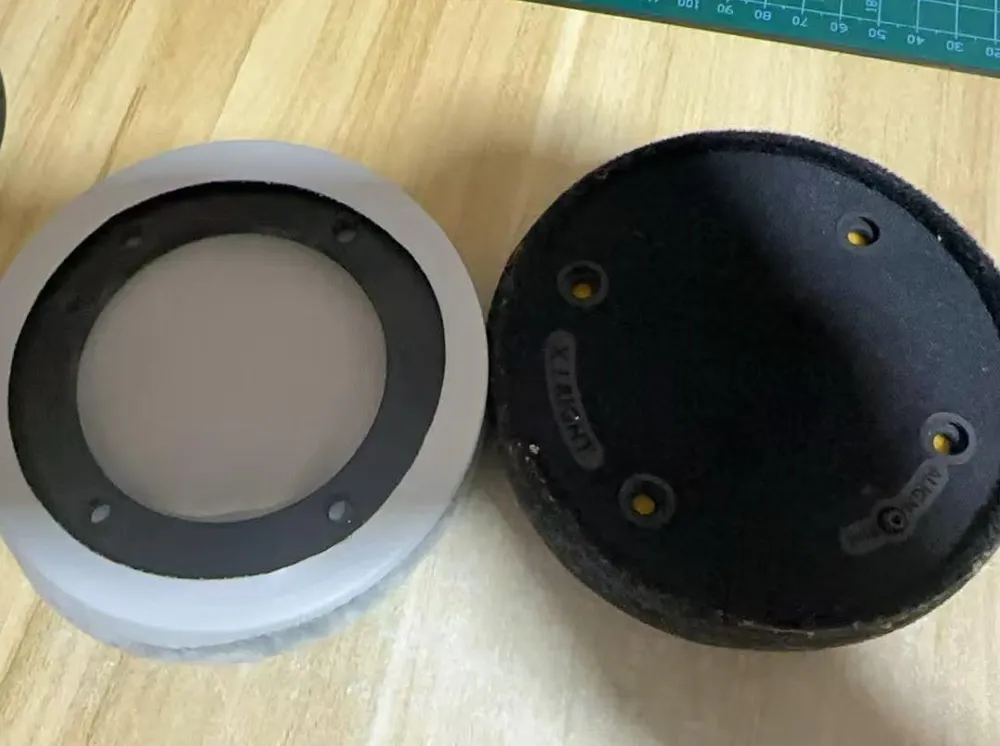
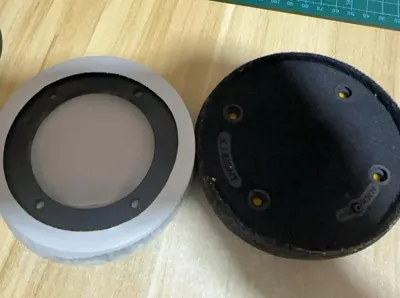
- Gently snap the printed clips into the four slots on the headphones (pay attention to direction, there are positioning bumps);
- Align the positioning bumps on the generic earpads with the holes, gently press around the circumference, and confirm that the earpads are fully secured and not loose.
V. Gentle Reminders
- Before printing, it is recommended to check if the model file is complete; you can preview the structure with slicing software to avoid missing parts;
- If the clips feel too tight during installation, you can slightly sand the edges that contact the slots with sandpaper; do not force them to avoid damage;
- If you encounter any compatibility issues after printing (e.g., slight deviations in a certain model), please leave a comment, and I will try my best to help adjust the model;
- The model is for personal repair use only, commercial use is prohibited~
The model file is attached in the comments / link, friends who need it can take it~ If you find it useful, please give a like to support me, thank you!
License



Comment & Rating (0)