Search models, users, collections, and posts

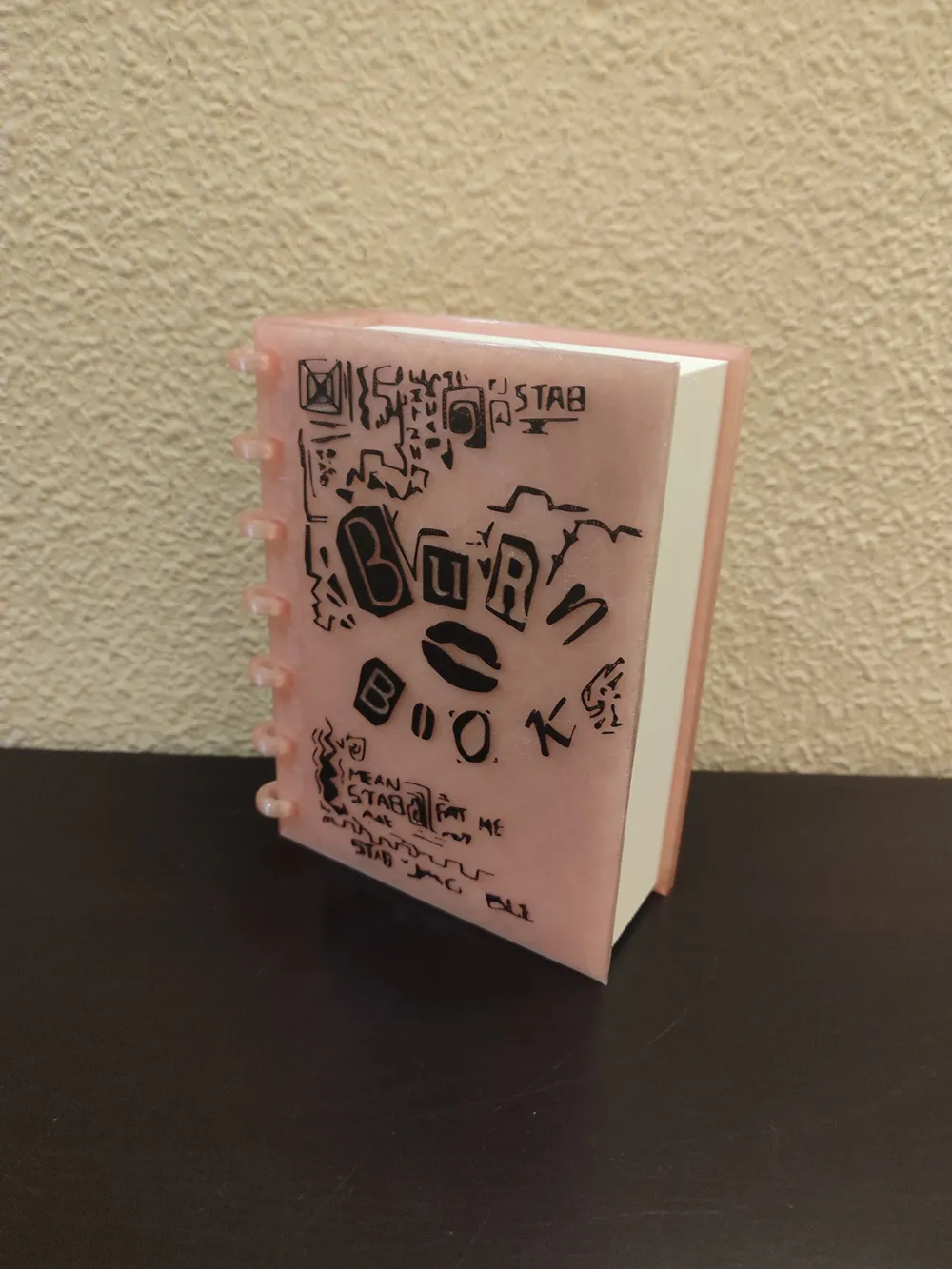
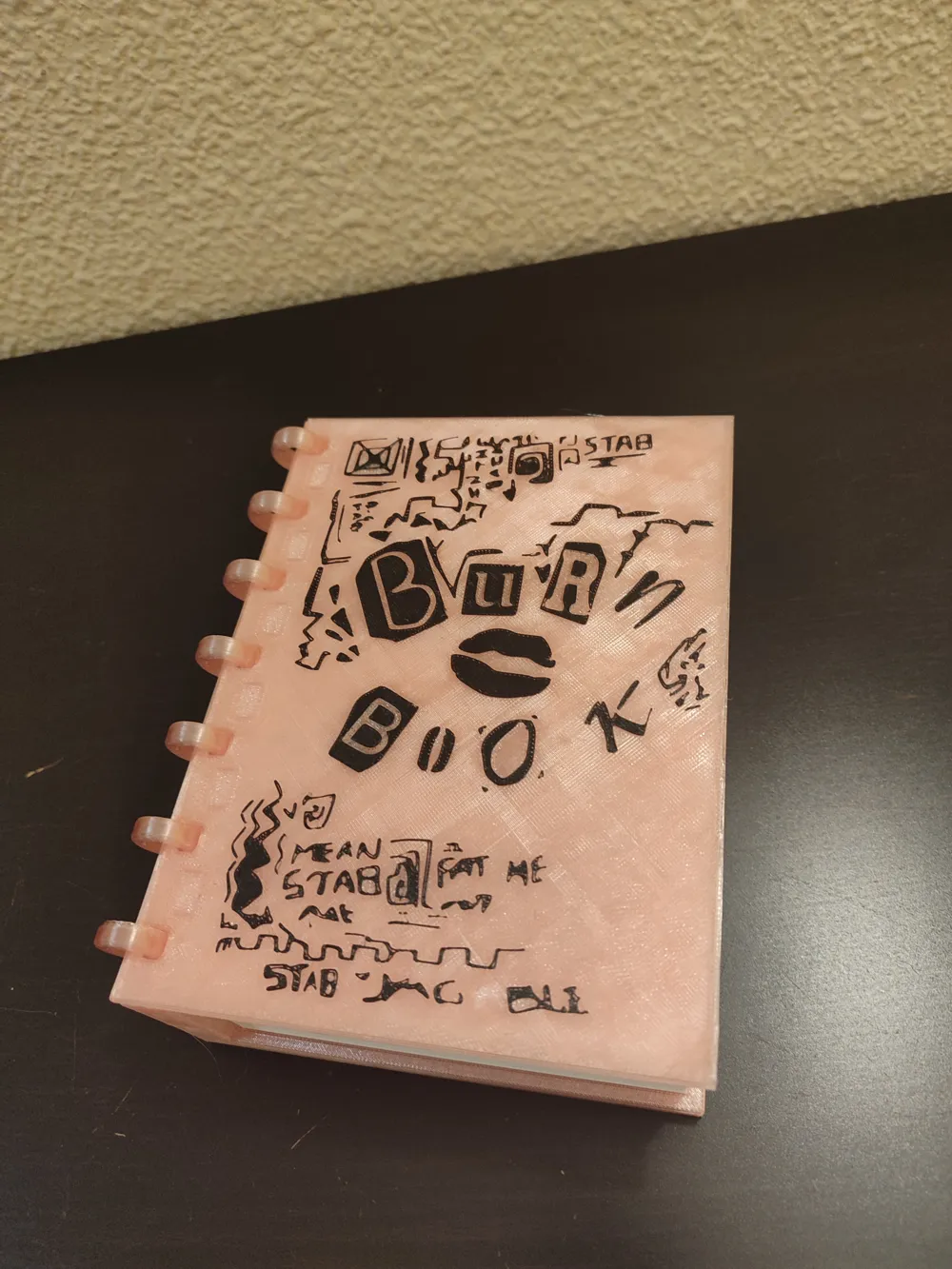
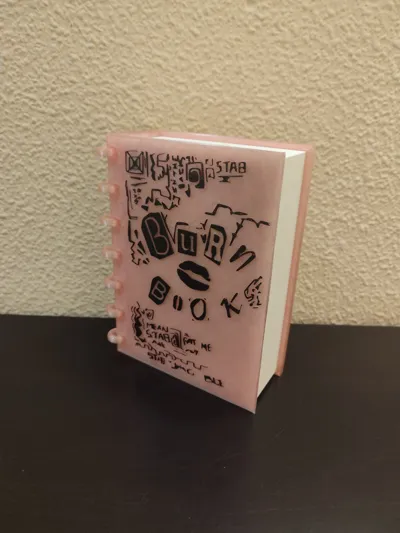
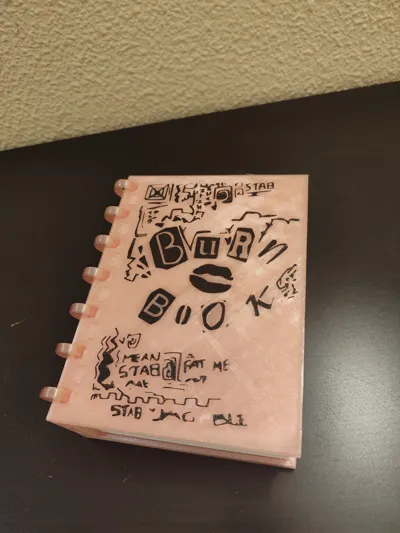
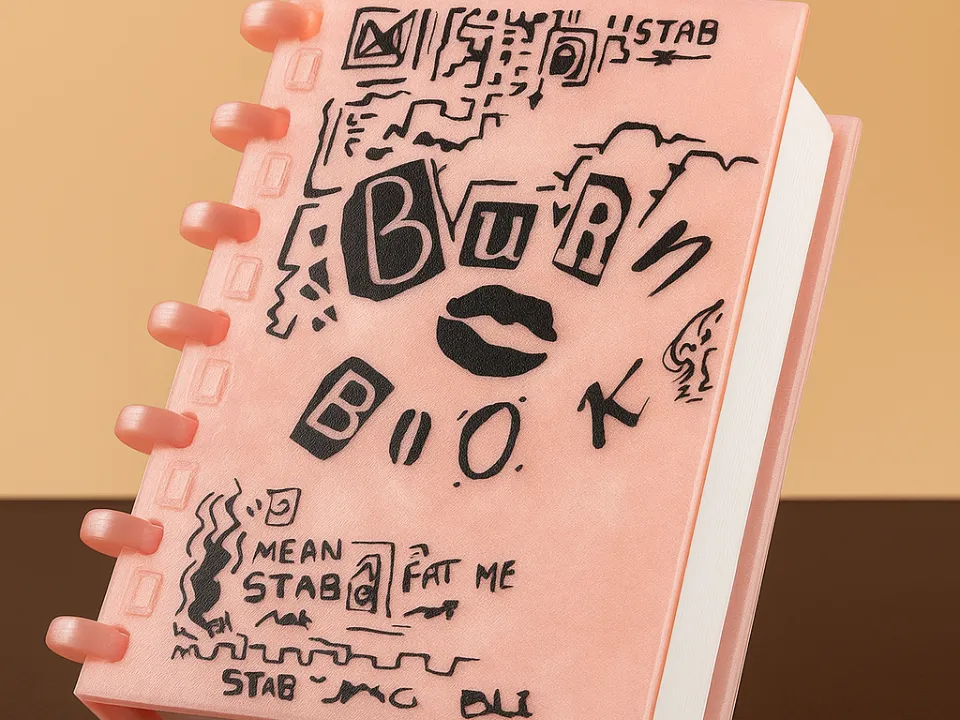
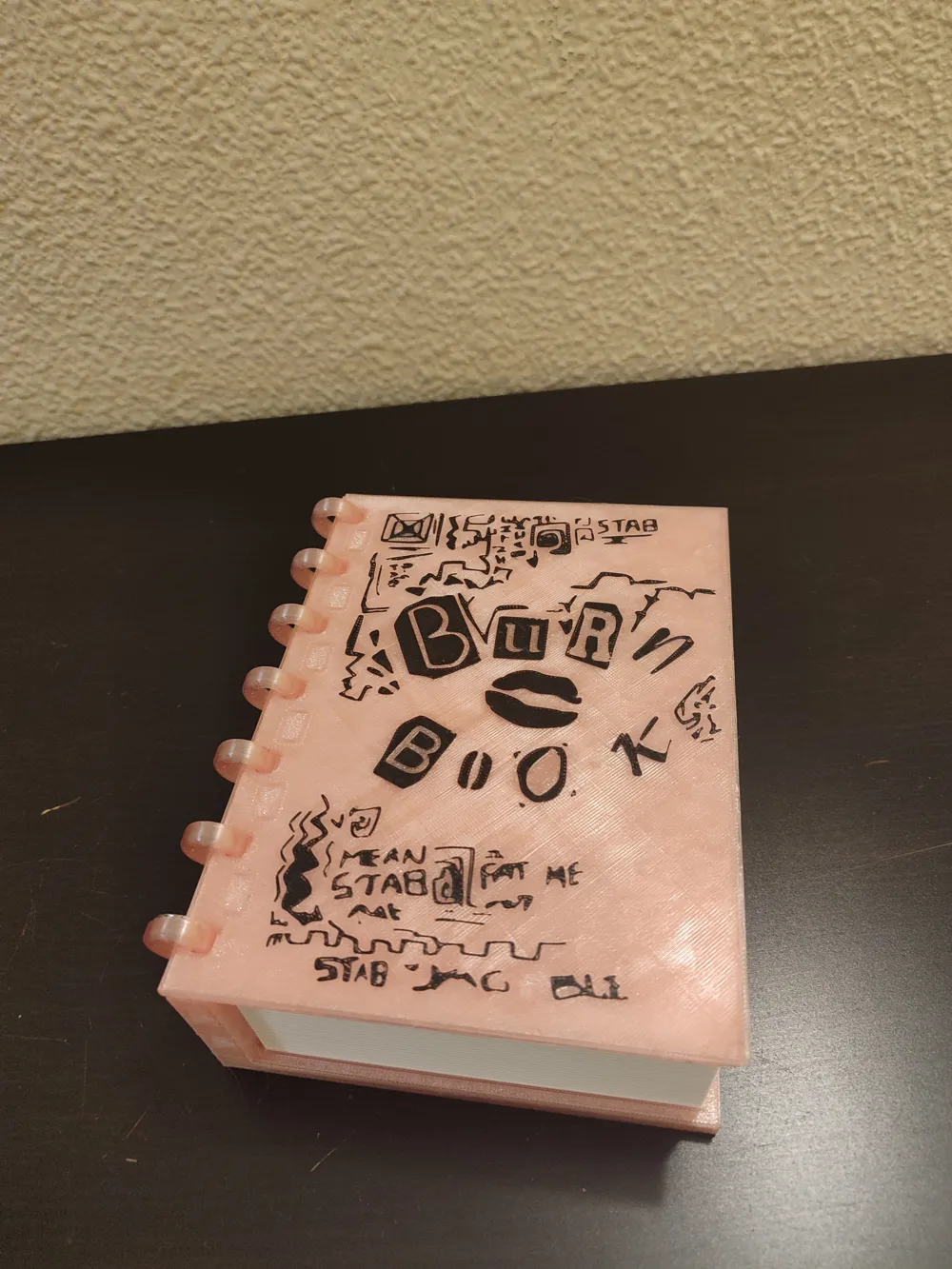
Burn book mean girls box for makeup storage
IP Report

Print Profile(1)

All
A1 mini
H2D
X1
H2C
X1 Carbon
A1
H2D Pro
P1S
H2S
X1E
P2S
P1P
X2D
A2L

0.2mm layer, 2 walls, 10% infill
Designer
9.5 h
3 plates
3.0(2)

Open in Bambu Studio
Boost
449
1176
12
0
139
81
Released 

Description

Content has been automatically translated.
Show original

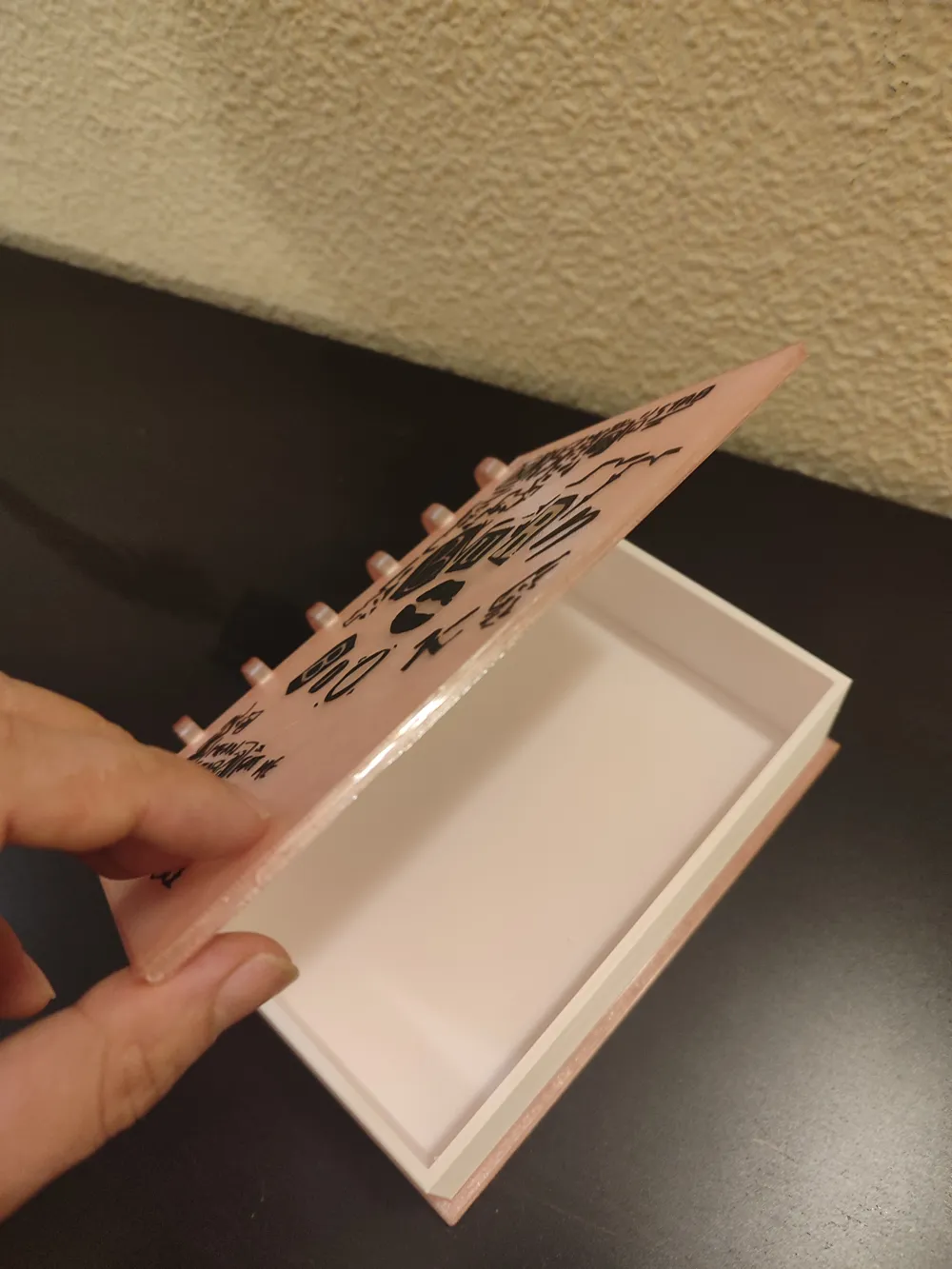
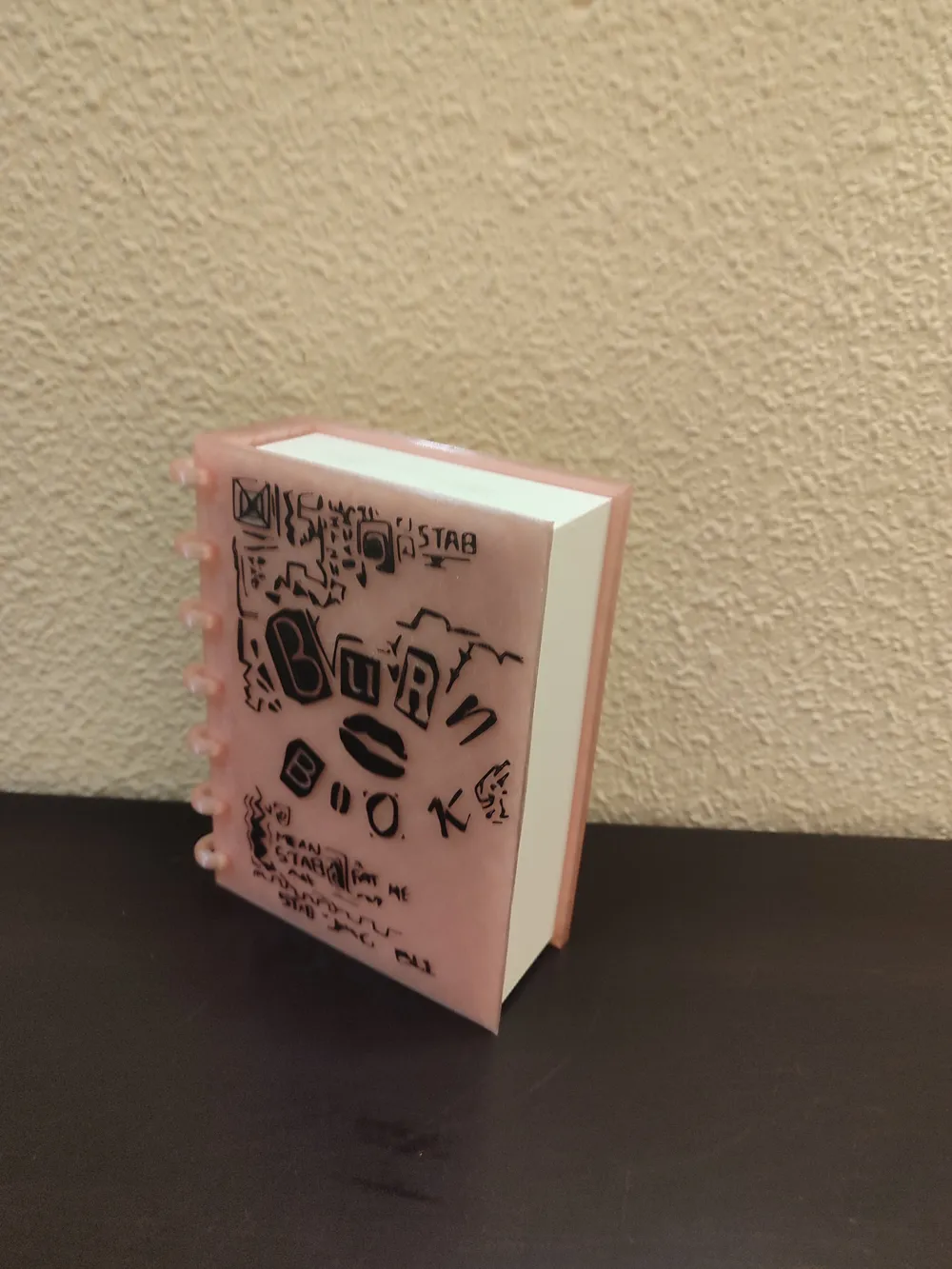
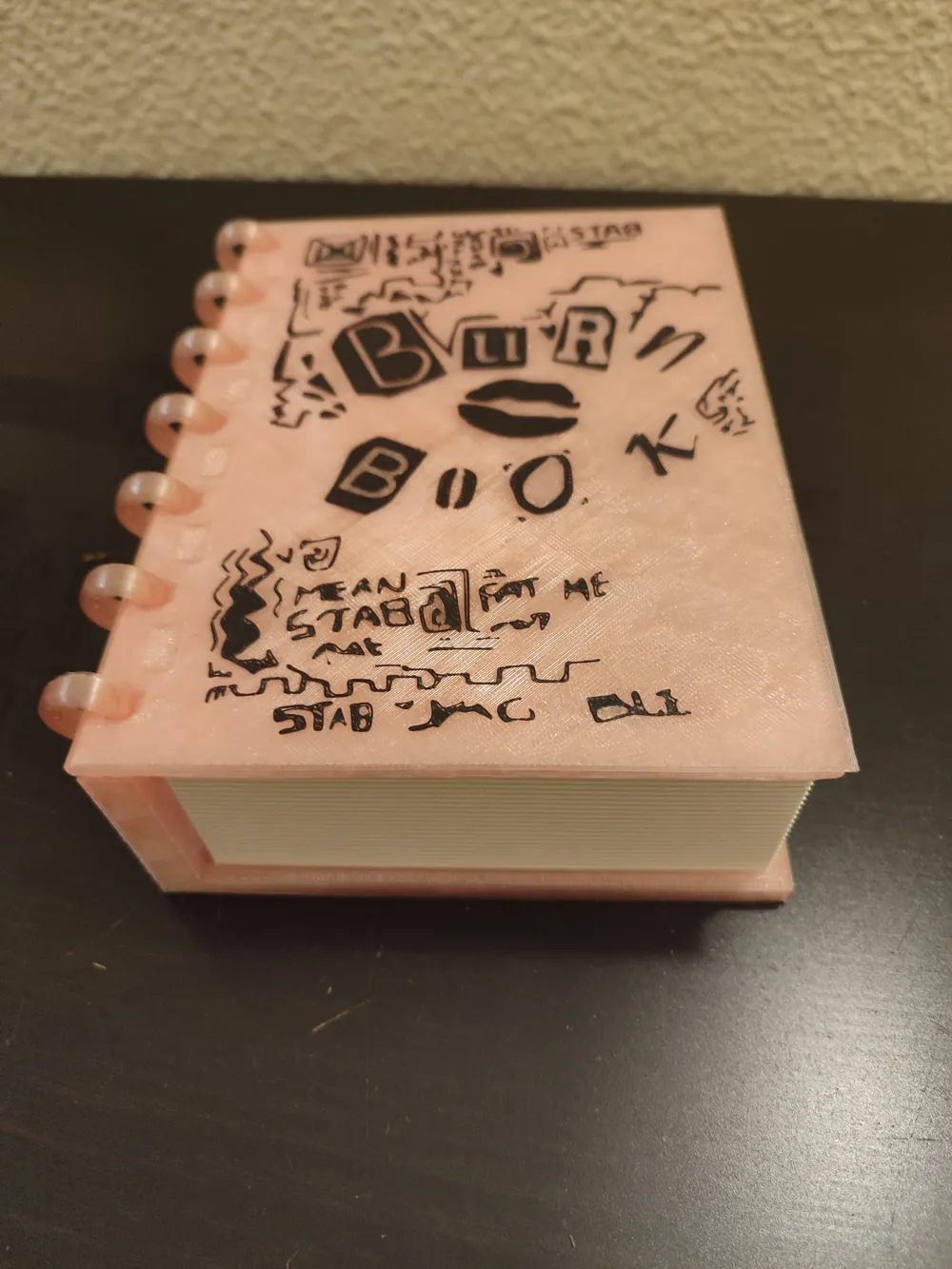
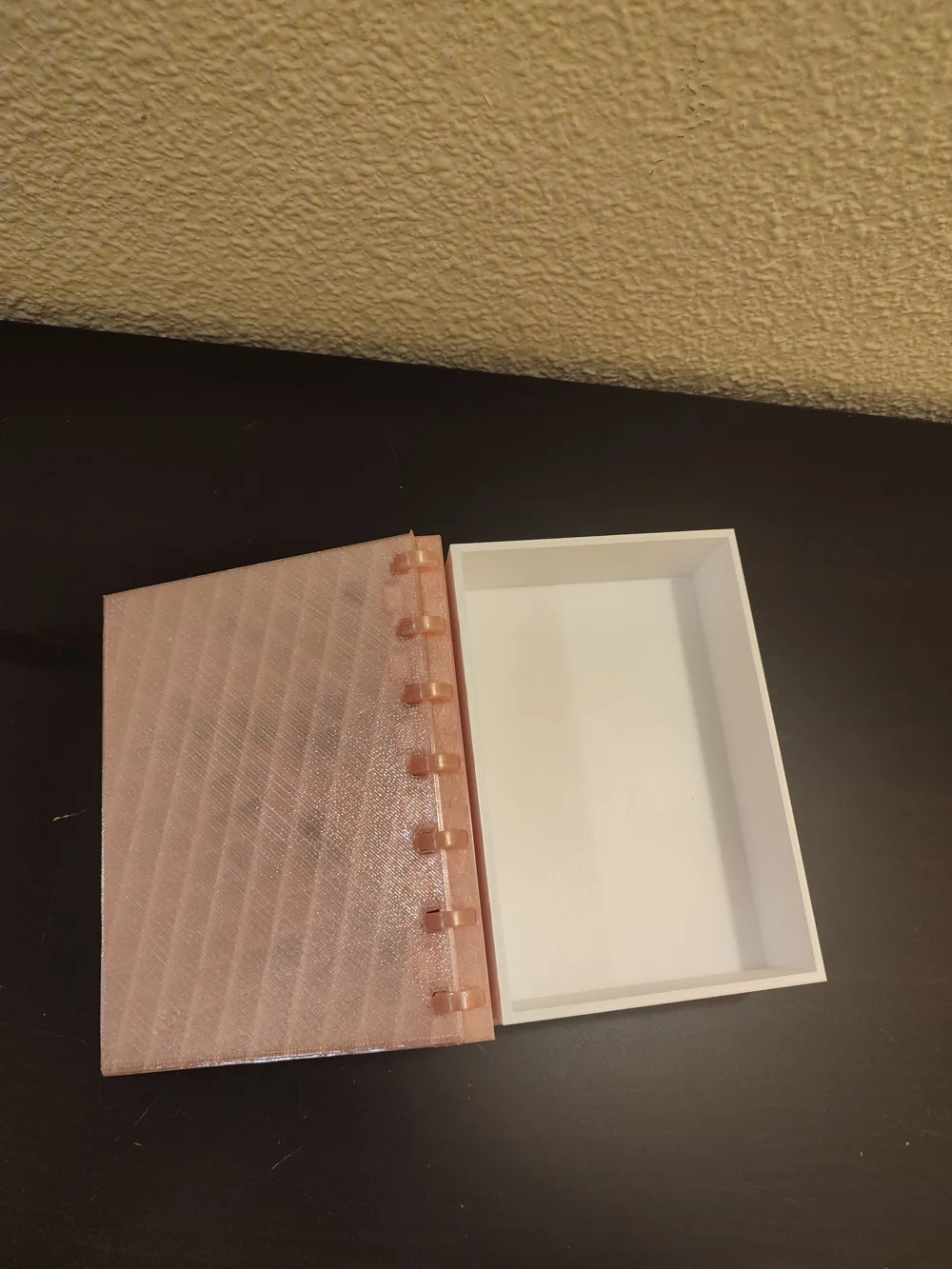
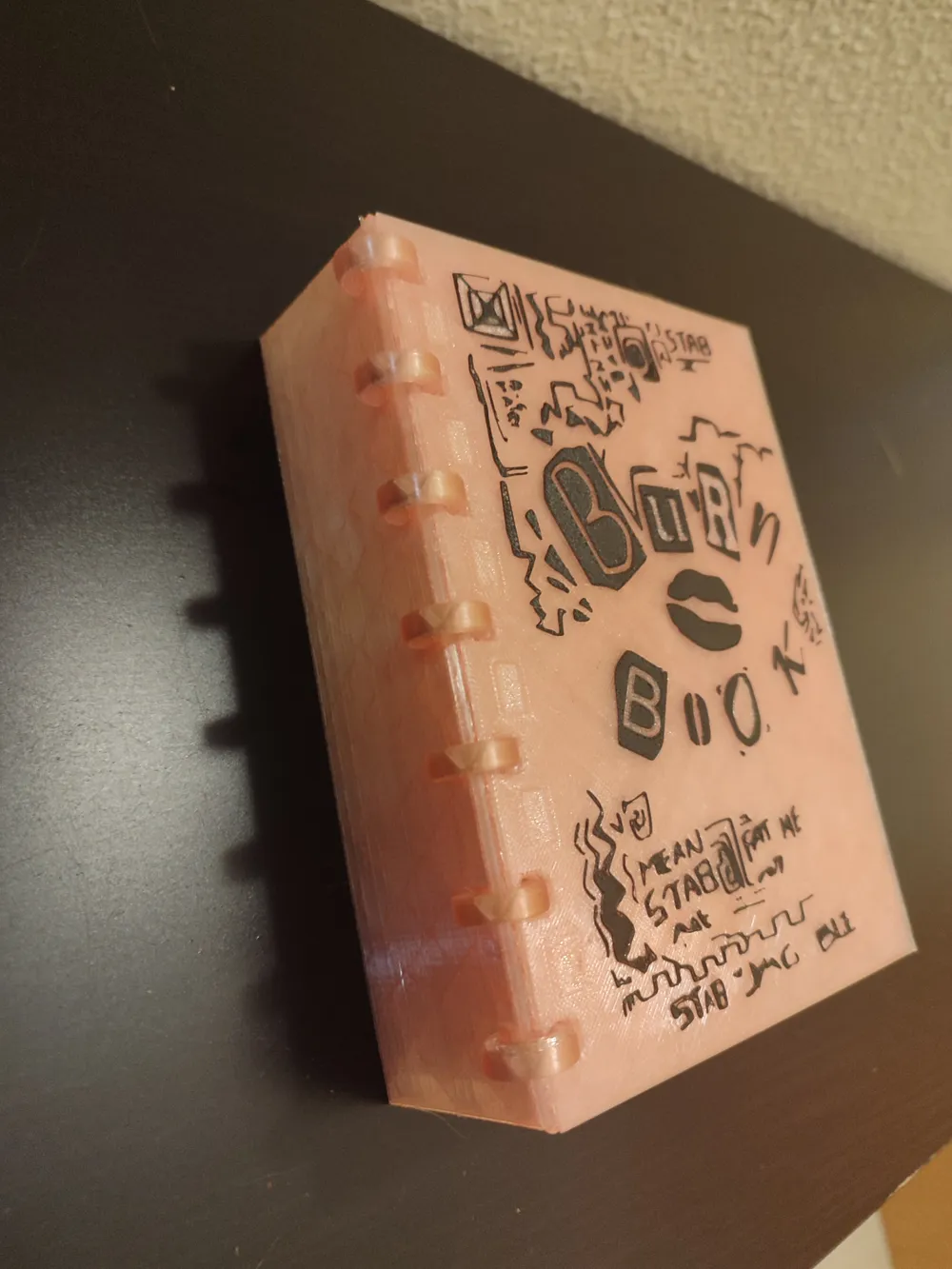
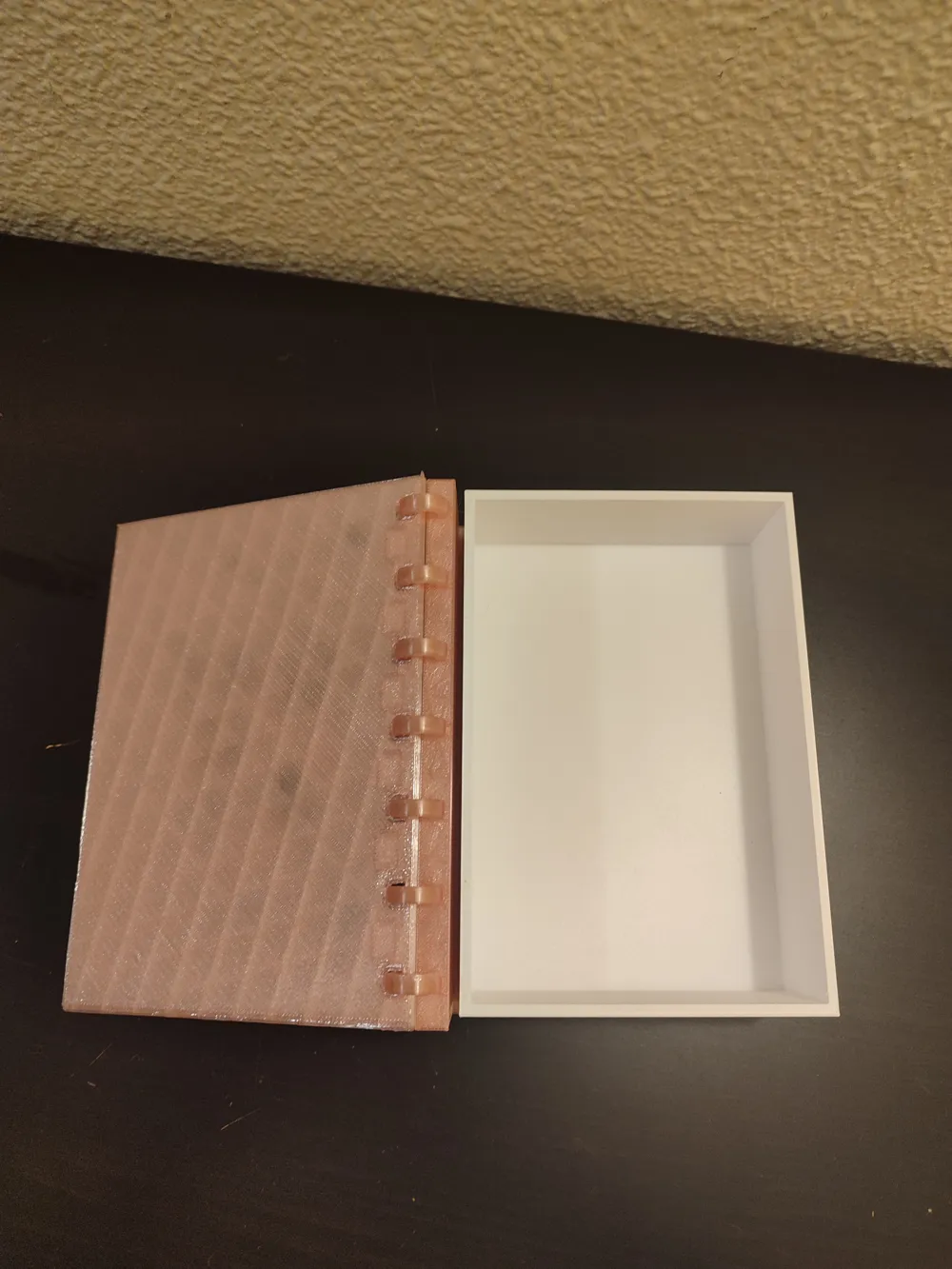
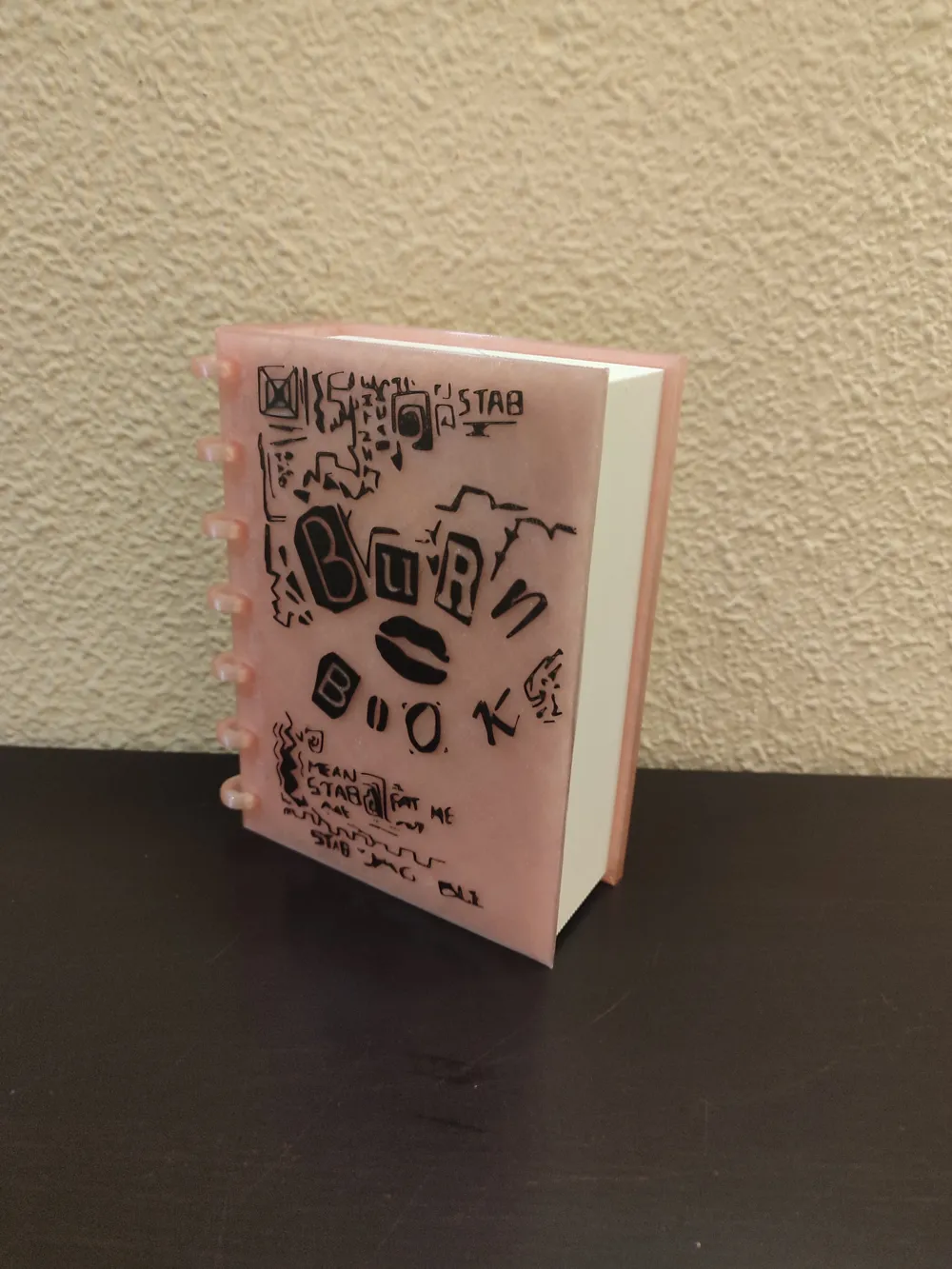
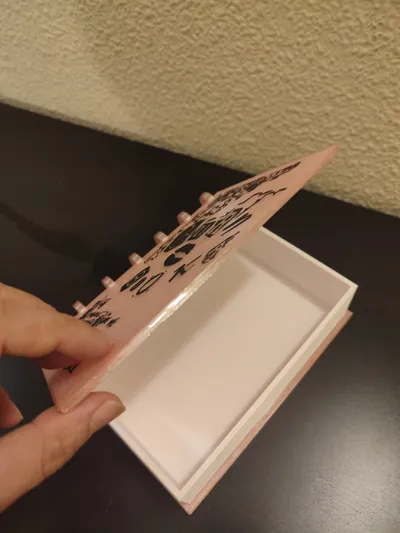
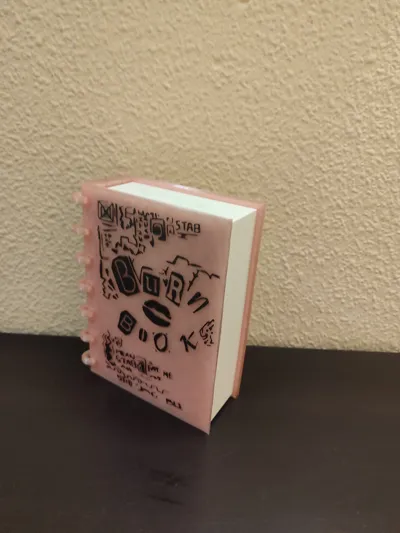
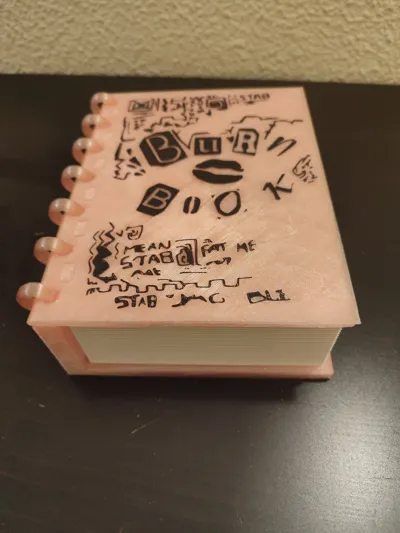
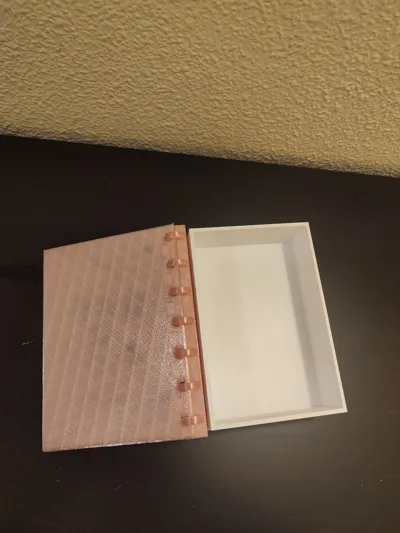
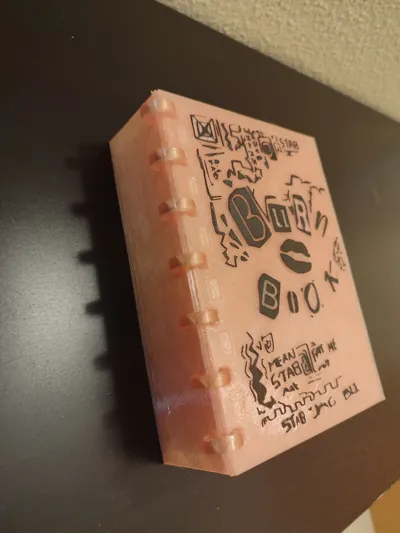
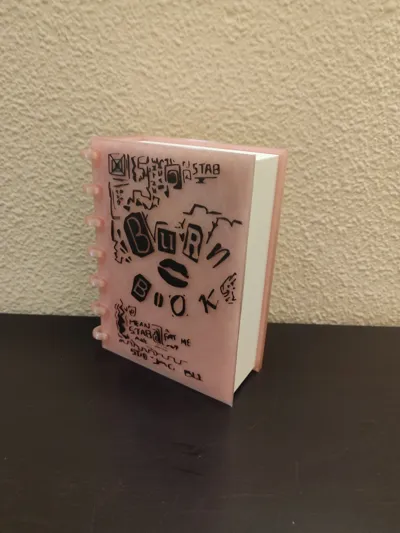
The other day was my friend's birthday, so I decided to make her a small box to store her makeup, inspired by her favorite movie. I hope you like it as much as she did!

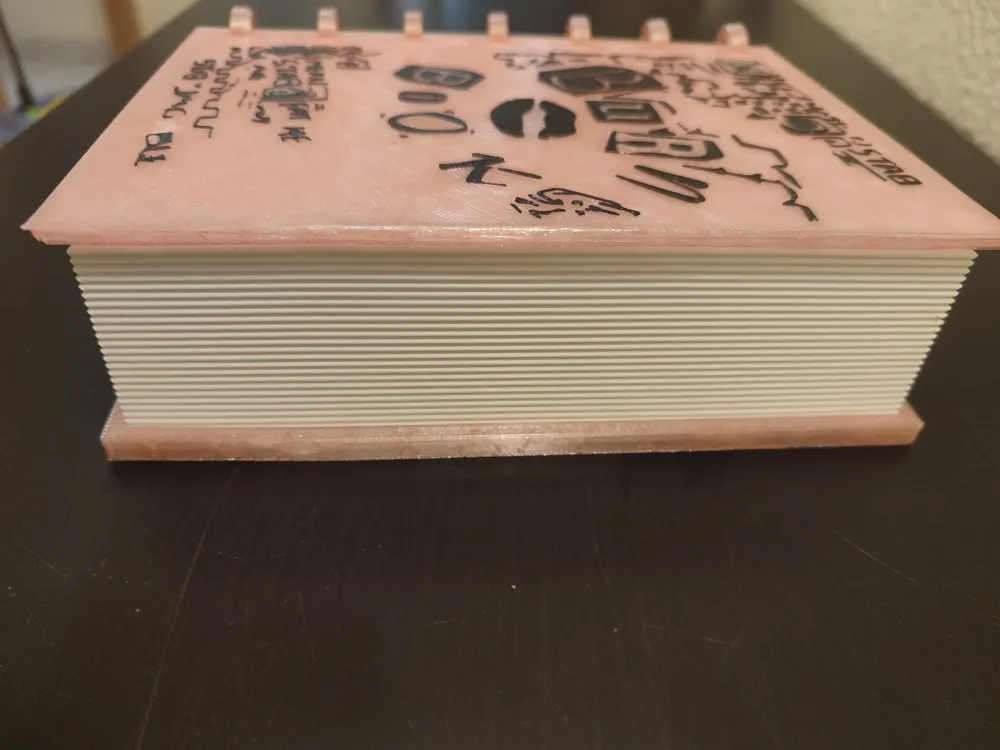
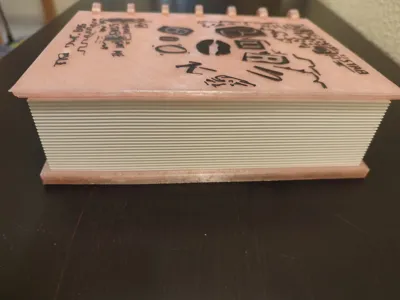
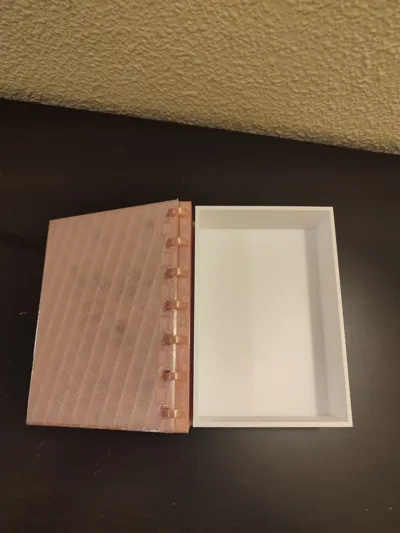
Everything can be printed with a 0.4 nozzle without a problem. The rings fit with a bit of pressure, and for me, they don't move or come loose at all. If yours do move, you can try putting a little glue to secure them.

I printed it in Bambulab PETG Translucent, but I imagine it would also look beautiful in normal pink PLA. Post your results! :D

EDIT

I have fixed the lid, which was causing errors on the first layer. Now it should print and attach correctly, sorry for the inconvenience :D

Comment & Rating (12)

(0/1000)

Hello there, I also had the problem that only junk came out of the cover. I then rotated it and tried it. The black writing protrudes slightly, I think that's also the problem, theoretically a layer of pink is missing. that's why the print didn't work before because you're printing into thin air. @redox44 thank you very much for the work my wife loves it
Show original
0
Reply
same issue we are having, seems as though its starting the cover(pink) on layer 2 not 1
The designer has replied
1
Reply
Okay I see the problem now. For now, you cant print it with the letters on top like this image and it should be fine, and I will fix the stl asap (probaby this week if i have time)
1
Reply
Replying to @redox44 :
Hi, how are you? Did the STL correction work? ♥ I'm in love!!
Show original
0
Reply
I cant get the cover to work 😫 ive printed the bottom and middle with no problems but the cover keeps going spaghetti. any suggestions besides drying the filament and cleaning the plate?
The designer has replied
0
Reply
Can you post a photo? So I can try to figure what the error is please
0
Reply
Replying to @redox44 :
sorry thats the best screenshot I could get. its a little bit blurry so maybe not very helpful the black went fine, the first maybe 5 or 6 layers of pink seem to be too spread out and it makes it stringy, so they don't stick together properly. does that make sense?
(Edited)
0
Reply
Replying to @Linnie :
Can you rotate the piece 180 degrees so the letters are on top? This will create a more stable base, and I think it will be less likely to fail. I know it's upside down on the 3MF, but I'm not getting that error, and I think this is how you'll fix it. Can you rotate the piece 180 degrees so the letters are on top? This will create a more stable base, and I think it will be less likely to fail. I know it's upside down on the 3MF, but I'm not getting that error, and I think this is how you'll fix it.
(Edited)
0
Reply
cute
0
Reply
Print Profile
0.2mm layer, 2 walls, 10% infill
2 layer prints into the void
Show original
0
Reply
I tried printing the Top of the book a few times Even on a cool tack plate, I couldn’t get the first layer to stick correctly so I flipped it around in bamboo studio to print face up. That seems to have worked.
0
Reply
Print Profile
0.2mm layer, 2 walls, 10% infill
0
Reply
No more

License

This user content is licensed under a Standard Digital File License.

You shall not share, sub-license, sell, rent, host, transfer, or distribute in any way the digital or 3D printed versions of this object, nor any other derivative work of this object in its digital or physical format (including - but not limited to - remixes of this object, and hosting on other digital platforms). The objects may not be used without permission in any way whatsoever in which you charge money, or collect fees.