
Portapie Zero: Retro
Print Profile(1)

Description
Boost Me (for free)
Keep the creativity flowing!
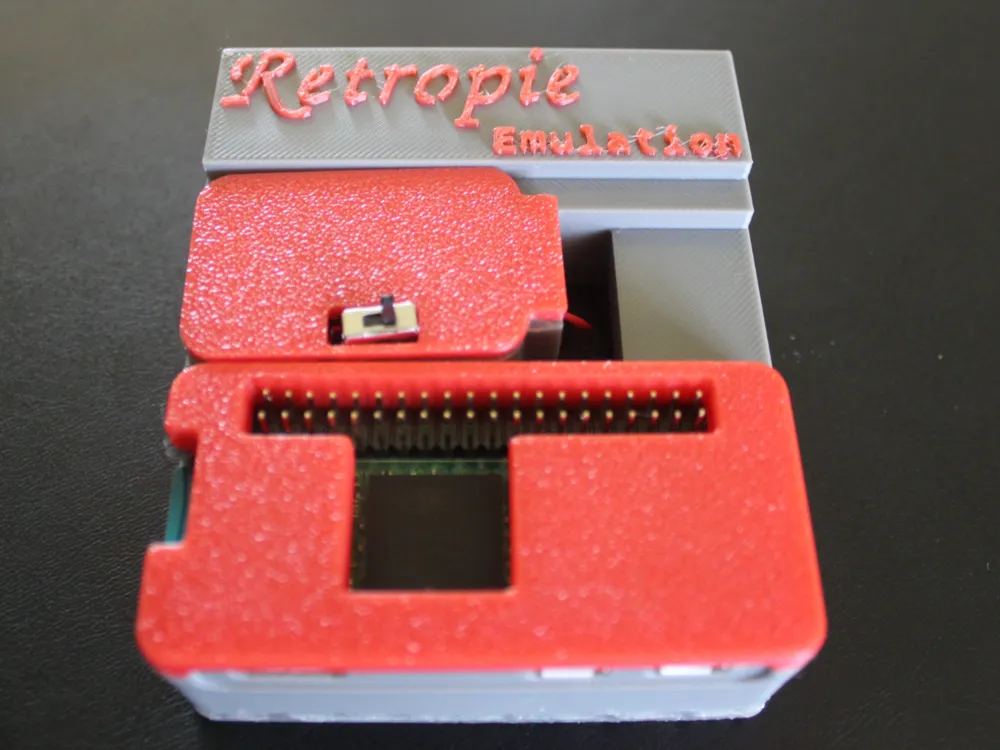
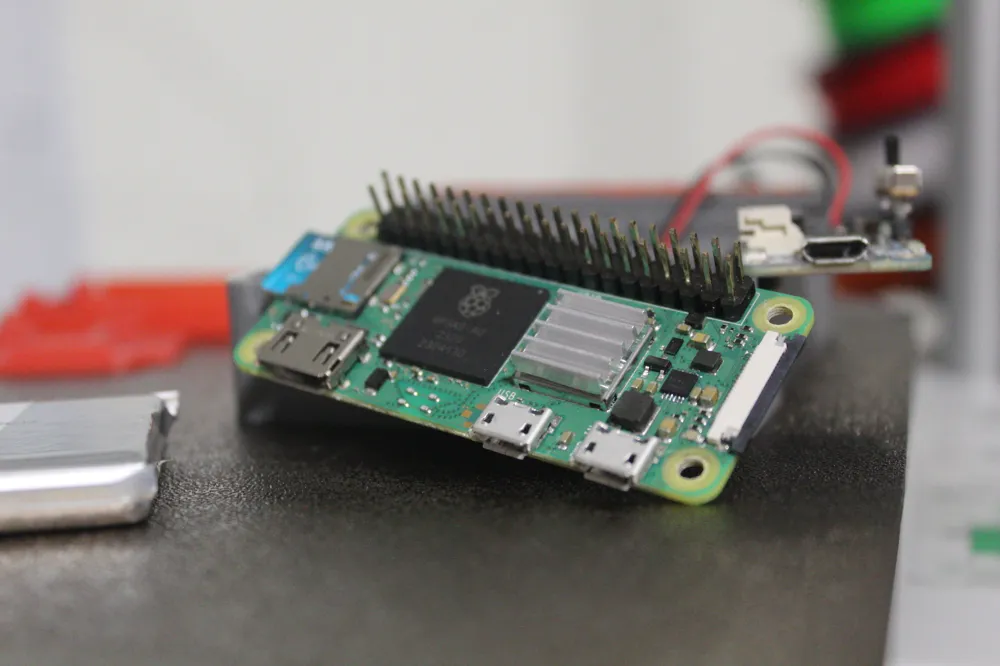
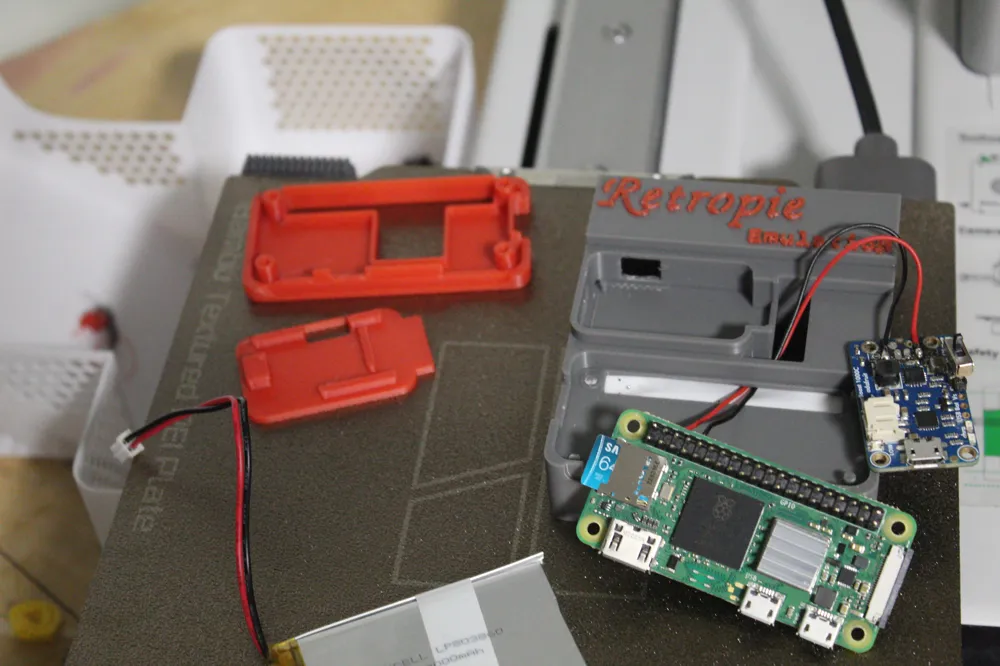
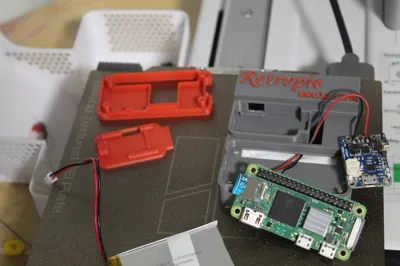
This is a basic model designed for convenient, portable, retro gaming with Retropie or other emulation softwares for Raspberry Pi. To make this, you will need:
A soldering iron and solder
Wires
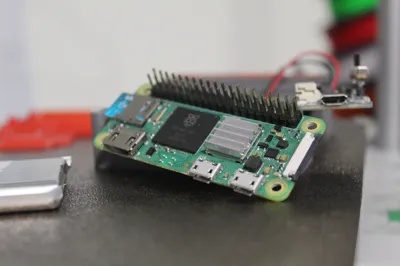
1x Raspberry Pi Zero(or Zero W, Zero 2, Zero 2W)
1x Small slide switch
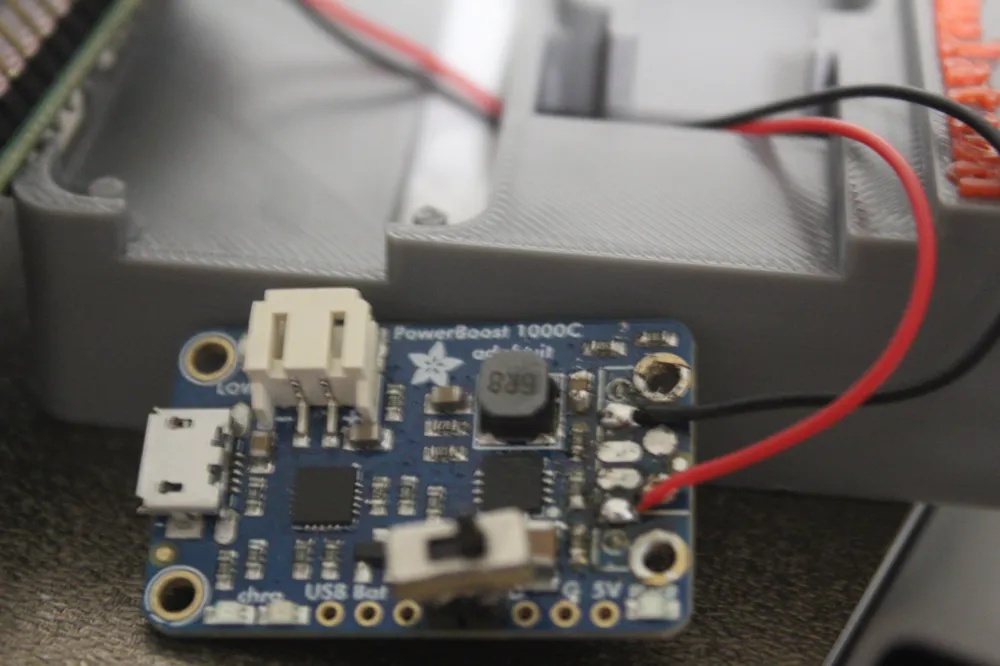
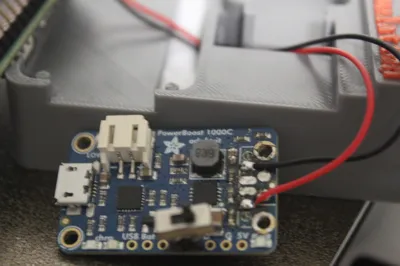
1x Adafruit Powerboost 1000c: https://www.adafruit.com/product/2465
1x Micro SD Card with preferred emulation software written onto it (I personally prefer Retropie)
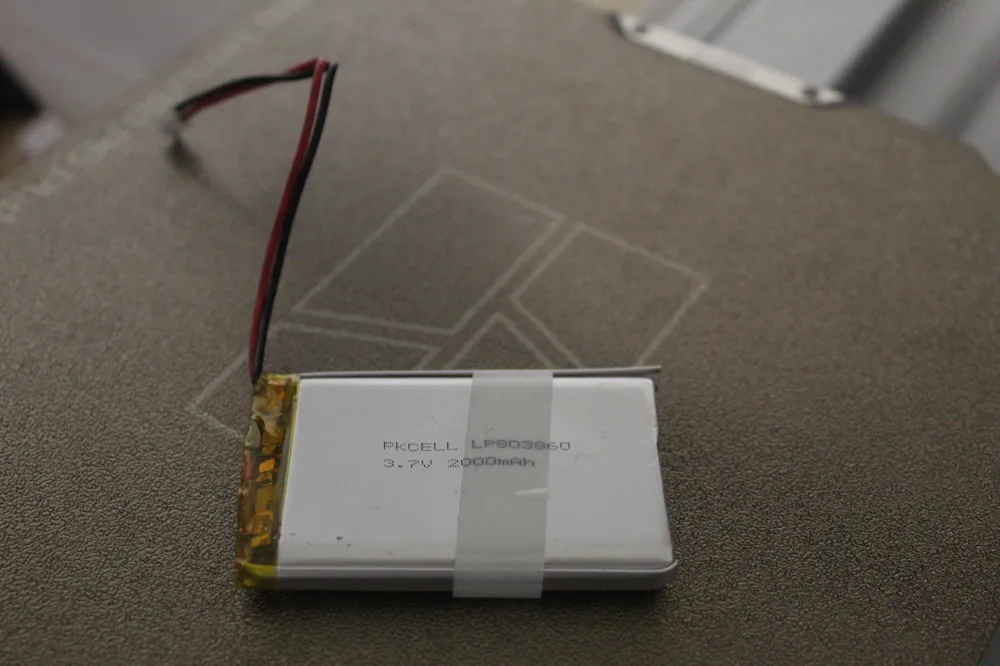
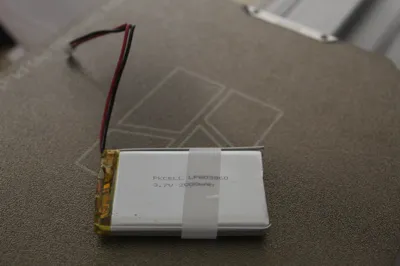
1x 2000 mAh LiPo Battery: https://www.adafruit.com/product/2011
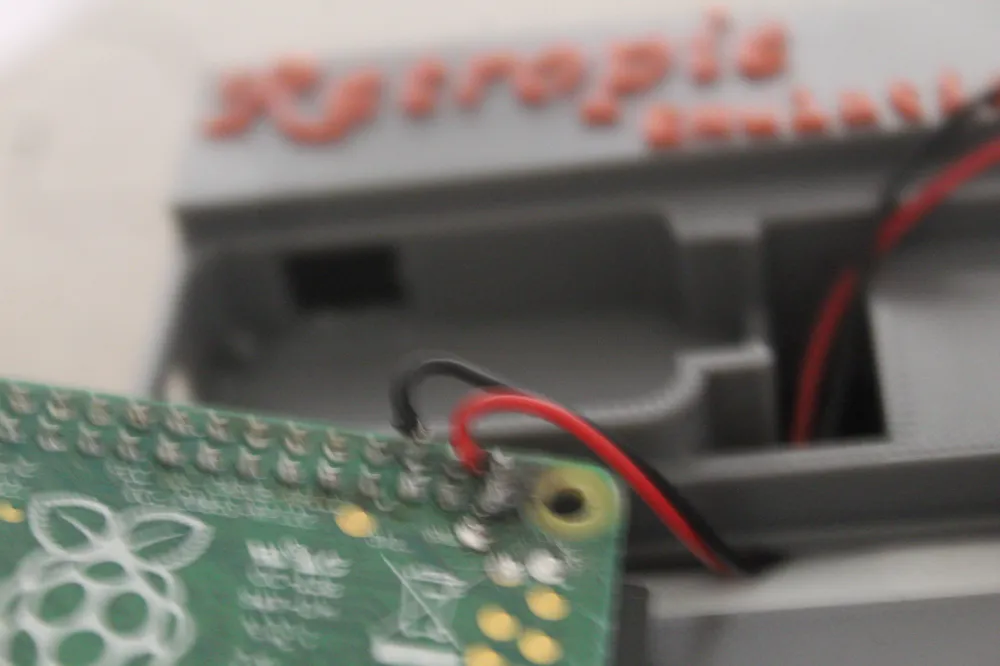
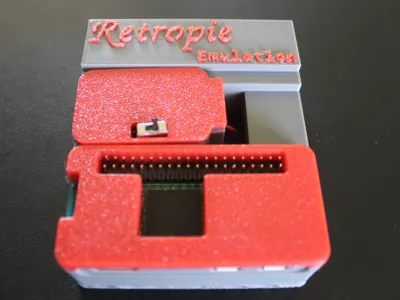
Solder two wires to the + and - pads on the Powerboost (on the left and right of where you would solder the USB port). Then solder the other side of the two wires as shown in the picture above. Solder the slide switch to the En and GND pins on the side of the Powerboost. This will enable you to turn the Portapie on and off. Plug the battery into the port on the side of the Powerboost. MAKE SURE that the polarity is correct, otherwise it could destroy your Powerboost and possibly even your Raspberry Pi. I recommend getting the battery that is linked in the parts list, as it is directly from Adafruit and will work perfectly. Take your chances with cheaper batteries purchased elsewhere if you care to risk your project, but consider yourself warned. After I plugged in the battery, I stuffed it into the bottom, and attached the bottom plate using my soldering iron. Just melt it a little along the meeting edges, and it should stay together just fine. If you want to do the same to the case tops, feel free to do so. After you assemble the case and all of its components, use an imager of some sort(I recommend the official Raspberry Pi Imager) to write an emulation operating system to your Micro SD card. Then, plug in a USB drive with some ROMs on it, boot up your Portapie, and start gaming! ALWAYS DOWNLOAD ROMS FROM A LEGAL SITE. Illegal ROMs are not okay. I use Retrostic ( https://www.retrostic.com/ ), but if you have a different preferred ROMs software, you can use that, just make sure it's legal. If you need help downloading ROMs onto your Portapie, just search ‘<your emulation software here> roms download tutorial’ and you should find some decent tutorials!
If there are any questions concerning assembly, contact me and I will be happy to help :D Also send me pictures of your finished Portapies, I really enjoy seeing people recreate my ideas!
License

You shall not share, sub-license, sell, rent, host, transfer, or distribute in any way the digital or 3D printed versions of this object, nor any other derivative work of this object in its digital or physical format (including - but not limited to - remixes of this object, and hosting on other digital platforms). The objects may not be used without permission in any way whatsoever in which you charge money, or collect fees.


Comment & Rating (1)